
My Cart



Wireless presentation systems
Wireless screen sharing solutions for seamless presentations
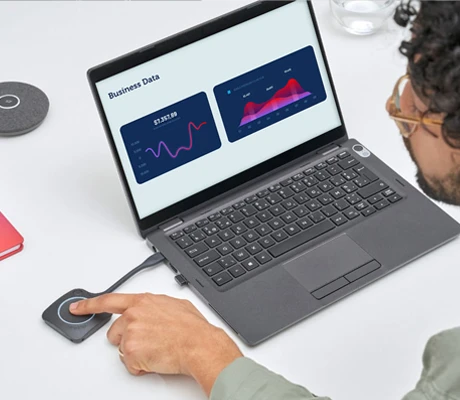
A wireless presentation system allows content to be displayed instantly without cables. In meeting rooms, universities and seminars, it enables screen mirroring from a computer, smartphone or tablet onto the room display. Whether complete systems, hubs or buttons, these solutions transform meetings into smooth, interactive sessions without connectivity issues or technical interruptions.
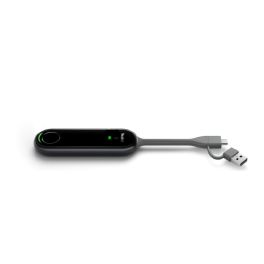
Yealink PA20
BYOD IP Ultra HD 4K presentation assistant with 4K/30FPS encoding, compatible with USB Type-A and C, and quick setup with no software or drivers required.IN STOCK5 of 1 Reviews£343.99£187.99 £225.59 Incl. VATRef: YEAPA20Compare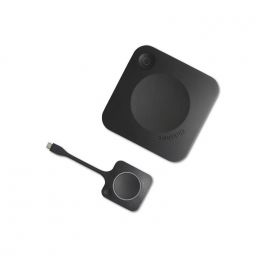
Barco ClickShare CX-20 GEN2
New generation wireless conference and presentation system for PC/MAC or mobile devices, ideal for small meeting roomsIN STOCK5 of 2 Reviews£2,305.00£1,364.99 £1,637.99 Incl. VATRef: BARCOCX20G2Compare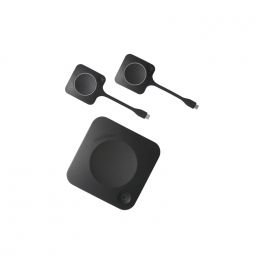
Barco ClickShare CX-30 GEN2
BYOD wireless video conferencing system for small to medium-sized roomsIN STOCK5 of 1 Reviews£2,459.59£1,999.99 £2,399.99 Incl. VATRef: BARCOCX30G2Compare
Yealink RoomCast E2
IN STOCKEnterprise wireless presentation system with 4K/60fps HDMI out, Wi-Fi 6, PoE, and multi-protocol casting for modern meeting rooms.£378.99 £454.79 Incl. VATRef: YEAROOMCASTE2Compare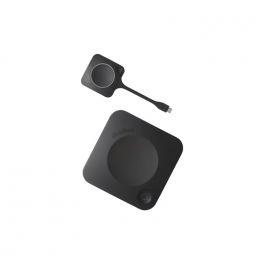
Barco ClickShare C-10 GEN2
IN STOCKNew generation powerful wireless presentation system for medium and large meeting rooms.£1,458.59£1,115.99 £1,339.19 Incl. VATRef: BARCOC10G2Compare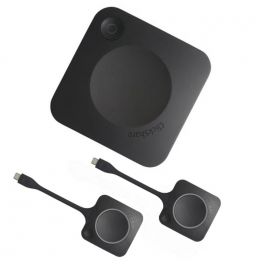
Barco ClickShare C-10 GEN2 + 2 buttons
IN STOCKPowerful 2-button wireless presentation system for medium to large meeting rooms.£1,399.99£1,279.95 £1,535.94 Incl. VATRef: BARCOC10G2B2Compare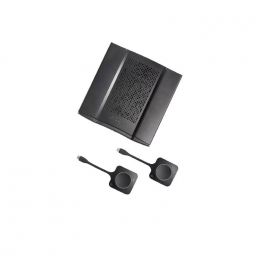
Barco ClickShare CX-50 GEN2
IN STOCKNew generation premium wireless conferencing and remote collaboration with multiple devices, ideal for large-impact meeting rooms£3,767.00£2,591.99 £3,110.39 Incl. VATRef: BARCOCX50G2Compare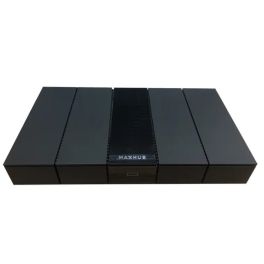
MAXHUB WB05
IN STOCKPractical case for wireless screen sharing in 4K£648.99£433.99 £520.79 Incl. VATRef: MAXHWB05Compare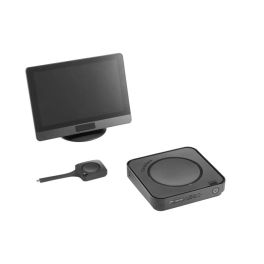
Barco ClickShare Hub Core
IN STOCKThe solution for effortless interactive meetings: wireless 4K connectivity, complete security, and maximum simplicity.£2,829.99 £3,395.99 Incl. VATRef: BARCOHUBCORECompare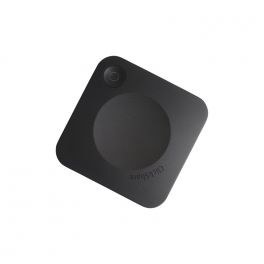
Barco ClickShare C-5 GEN2
New generation wireless presentation system with USB-C DisplayPortIN STOCK5 of 1 Reviews£907.49£759.99 £911.99 Incl. VATRef: BARCOC5G2Compare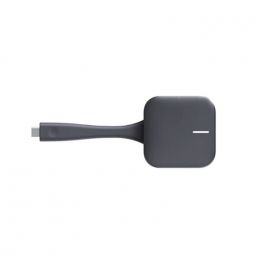
Huawei IdeaShare Key 2
IN STOCKA USB-C screen sharing solution to complement your IdeaHub systems.£249.99£229.99 £275.99 Incl. VATRef: HUAIDSHARE2Compare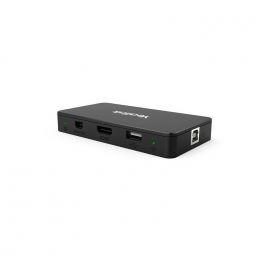
Yealink MShare
IN STOCKScreen sharing unit designed to allow users to present content from their PC£310.99£184.99 £221.99 Incl. VATRef: YEALINKMSHARECompare
iiyama WP D002C
IN STOCKEasily share your 4K content from your PC with this USB-C / USB-A adapter!£188.00£160.99 £193.19 Incl. VATRef: IIYWPD002CCompare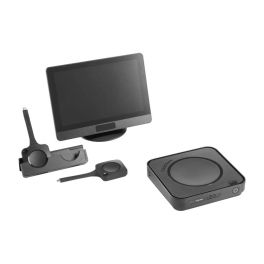
Barco ClickShare Hub Pro
IN STOCKLa solution modulaire dédiée au partage de contenu sans-fil pendant les réunions : diffusion 4K, sécurité maximale et double affichage.£3,759.99 £4,511.99 Incl. VATRef: BARCOHUBPROCompare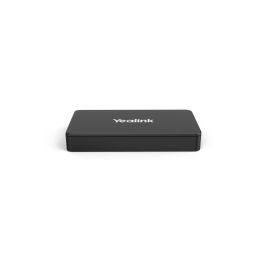
Yealink MShare E2
IN STOCKWireless presentation device for meeting rooms with stable connectivity and ease of use.£249.99£198.99 £238.79 Incl. VATRef: YEAMSHAREE2Compare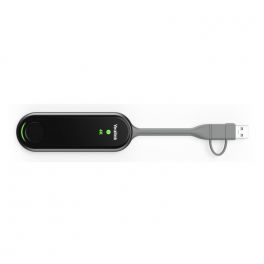
Yealink WPP30 - 4K Wireless Presentation Pod
4K Pod for wireless presentation and videoconferencingCall us for availability5 of 1 Reviews£437.79£273.99 £328.79 Incl. VATRef: YEALINKWPP30Compare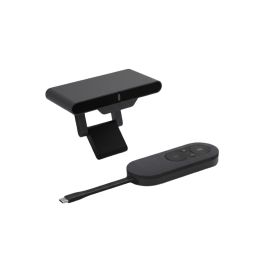
Cleyver Share System Wireless Screen Sharing
Call us for availabilityWireless screen sharing system that allows you to instantly broadcast content from a computer to a meeting room screen.£218.99£217.99 £261.59 Incl. VATRef: ODSHARECompare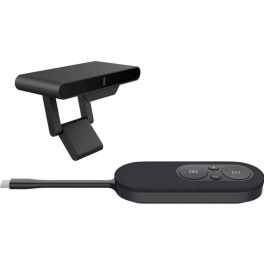
Fanvil CA200 Wireless Conference Kit
Call us for availabilityWireless conference kit for professional meetings with 4K screen sharing, BYOD support, and simple plug-and-play operation.£218.99£217.99 £261.59 Incl. VATRef: FACA200Compare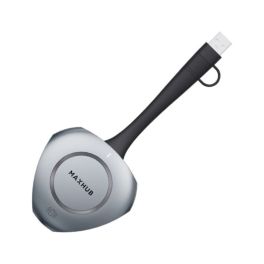
MAXHUB WT13M
Call us for availabilityUSB-C button to share the screen wirelessly with one click£148.99 £178.79 Incl. VATRef: MAXHWT13MCompare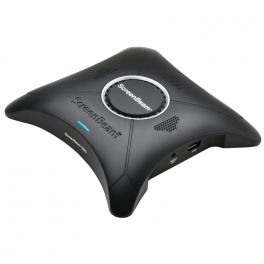
Screenbeam 960A CMS AV Receiver Black
Call us for availabilityWireless display receiver for small businesses£406.99£253.99 £304.79 Incl. VATRef: SBEAM9CMSCompare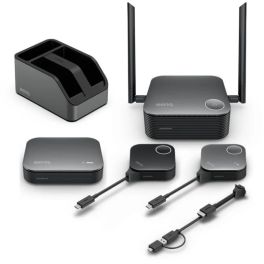
Benq Instashow VS25 Kit
Call us for availabilityWireless 4K presentation system for meeting rooms with secure data transmission, plug-and-play setup and support for multiple participants.£12,598.99£1,596.99 £1,916.39 Incl. VATRef: BENQVS25INSTASHOWKCompare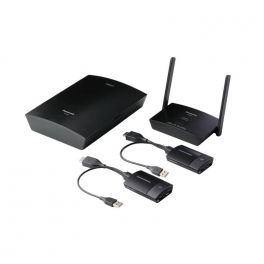
Panasonic PressIT Wireless Presentation System
Call us for availabilityWireless content sharing system for any size room£1,360.69£976.99 £1,172.39 Incl. VATRef: PANAWPSUKCompare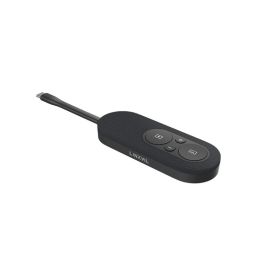
Fanvil CP20 4K Wireless USB-C dongle LINKVIL
Out of stockA wireless USB-C device for sharing 4K presentations without installing any software, featuring a Freeze mode and compatibility with the Fanvil CA200 and CA400 systems.£84.99 £101.99 Incl. VATRef: FACP220Compare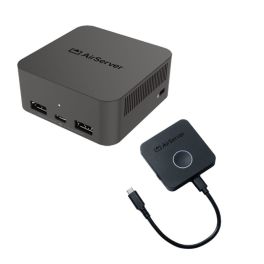
Pack AirServer Connect 3 + BYOM Button – 4K wireless sharing
Call us for availabilityA 4K wireless screen-sharing solution with a BYOM USB-C button for easy presentations and collaboration in meeting rooms.£1,349.98£1,309.48 £1,571.38 Incl. VATRef: AIRSERVERKITCompare
Newline CLICK2CAST Transmitter Module
Call us for availabilityCast your screen with a single click!£198.99 £238.79 Incl. VATRef: NEWCLICK2UKCompare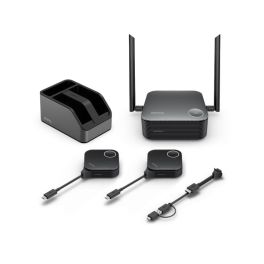
BenQ InstaShow WDC25 4K UHD Wireless System
Out of stock4K wireless presentation system for meeting rooms accommodating up to 30 people, featuring 2 USB-C/HDMI ports, screen sharing from 4 sources and touchback control.£1,094.99 £1,313.99 Incl. VATRef: BENQWDC25Compare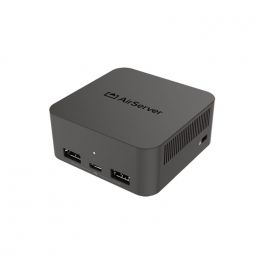
Airserver Connect 3
Call us for availabilityThird-generation screen mirroring and content-sharing system capable of simultaneously managing 12 streams.£929.99 £1,115.99 Incl. VATRef: AIRSERCON3Compare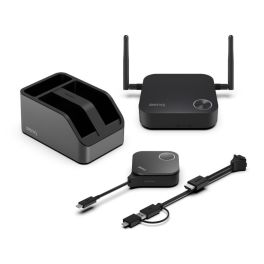
BenQ InstaShow® WDC15 4K UHD Wireless Presentation System
Call us for availabilityPlug & Play wireless 4K UHD presentation system with no drivers and no app required – perfect for small and medium-sized meeting rooms£658.99 £790.79 Incl. VATRef: BENQWDC15Compare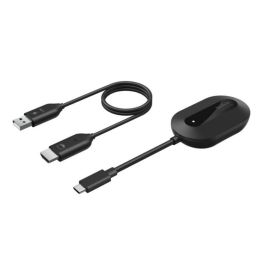
Belkin ConnectAir Wireless HDMI Adapter for Displays
Out of stockWireless HDMI display adapter for mirroring or extending screen content in meeting rooms, classrooms and workspaces – plug-and-play without Wi-Fi or Bluetooth.£95.99£82.99 £99.59 Incl. VATRef: BELCOAIRHDMICompare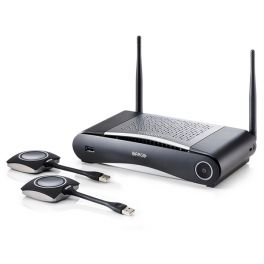
Barco Clickshare CSE-200 - Refurbished
Call us for availabilityBringing multiple users together for seamless content sharing in every conference£1,199.99£825.99 £991.19 Incl. VATRef: BARCOCSE200RCompare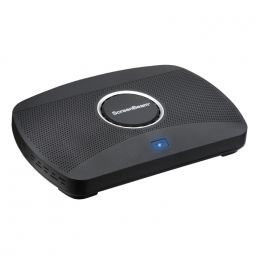
ScreenBeam 1100Plus with CMSE
Call us for availabilitySmart video conferencing device for meeting spaces£1,248.99£1,199.99 £1,439.99 Incl. VATRef: SBEAM11PUKCompare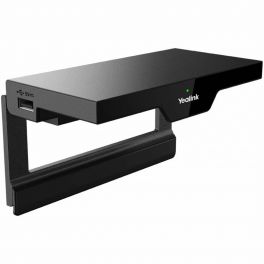
Yealink RoomCast
DiscontinuedWireless presentation system for easy productivityCheck the alternative productRef: YEALINKROCASTUKCompare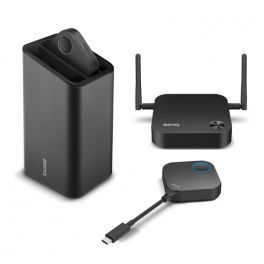
BenQ InstaShow WDC10C
DiscontinuedA next-generation wireless presentation system that boosts content sharingCheck similar productsRef: BENQWDC10CCompare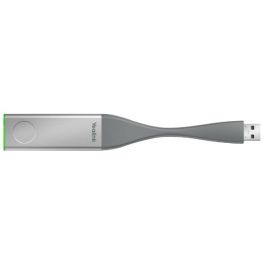
Yealink WPP20 - Wireless presentation USB
DiscontinuedYealink WPP20 Plug and Play USB, the easiest way of content sharing
Check the alternative productRef: YEALINKWPP20Compare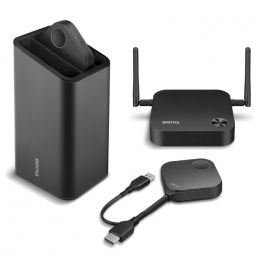
BenQ Instashow WDC10
DiscontinuedWireless Presentation & Screen Sharing For EnterprisesCheck the alternative productRef: BENQWDC10UKCompare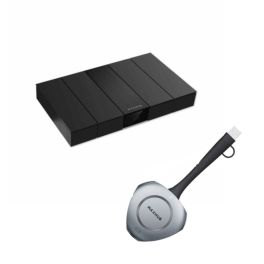
Pack MAXHUB WT13M + MAXHUB WB05
DiscontinuedMAXHUB WT13M + MAXHUB WB05 Pack, ideal for sharing content, achieving performance and flexibility in your online meetings. On sale at Onedirect!Check similar productsRef: MAXB05DONGCompare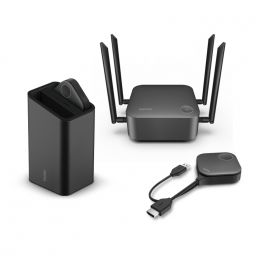
BenQ InstaShow WDC30
DiscontinuedWireless presentation system with 2 buttons, germ protection and enhanced security.Check the alternative productRef: BENQWDC30Compare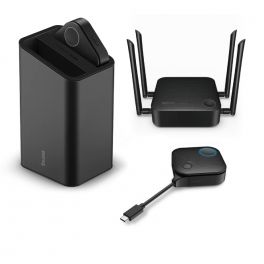
BenQ InstaShow VS20
DiscontinuedWireless presentation system with 2 buttons - ideal for hybrid meetings.Check the alternative productRef: BENQVS20Compare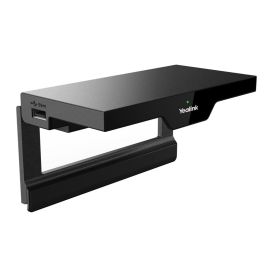
Yealink RoomCast Wireless Presentation System
DiscontinuedExperience seamless presentations without cables.Check similar productsRef: YEALROOMCASTKITV2Compare
Characteristics and Core Functions
Wireless presentation systems enable content to be shared from a PC, tablet or smartphone without any wired connection. They ensure smooth meetings, spontaneous collaboration and reduced technical constraints.
| Instant connection | Screen sharing from any device via an application or a button. |
| Multi-protocol compatibility | Supports AirPlay, Miracast, Google Cast and dedicated applications depending on the system. |
| Multi-user connection | Multiple participants can connect and share their screen. |
| Built-in enterprise security | Authentication, encryption and integration with IT security policies. |
| Professional resolutions | Full HD or 4K support for clear content display. |
| Simple installation | Single connection to the network and display for permanent use, without reconfiguration. |
How to choose the right solution?
- OKMain devices used: Windows, macOS, iOS, Android.
- OKRequired security level: open BYOD or environments requiring strict authentication.
- OKResolution quality: Full HD or 4K for detailed high-definition presentations.
- OKNumber of presenters: single presenter or multi-user configuration.
- OKSharing method: via a dedicated application or a simple USB / USB-C button.

Applications across professional environments
Wireless screen sharing solutions are used in meeting rooms to enable content sharing from any device without technical constraints, and in coworking spaces to encourage collaboration without specific setup. They enhance interactivity in universities and educational institutions, while sales teams use them for real-time client demonstrations and product presentations.
Why partner with Onedirect?
Onedirect offers wireless screen sharing solutions developed by recognised brands such as Barco, BenQ, Yealink, ScreenBeam and AirServer. As an official reseller, we guarantee fast and secure delivery and maintain permanent stock to support evolving needs. Our team advises you on device compatibility, network integration and security policies, ensuring successful deployment across your collaborative spaces.
FAQ – Frequently asked questions
What is the difference between wireless screen sharing and a traditional HDMI cable?
Wireless sharing removes the need for cables, offers greater freedom of movement and enables instant connection from any device. HDMI remains useful for demanding video content, as it provides higher transmission stability and minimal latency.
Are wireless presentation systems secure for businesses?
Professional systems include authentication, encryption and access control. It is recommended to ensure that the available security features match your organisation’s requirements.
Can content be shared from smartphones and tablets?
Yes. Modern systems support iOS and Android via AirPlay, Miracast or dedicated applications, offering full flexibility with personal and professional mobile devices.
Can multiple devices share content simultaneously?
Yes. Some models support multi-user sharing, making it possible to display several screens at the same time.
Is there any latency with wireless screen sharing?
When sharing presentations and documents, latency is generally imperceptible. For video or animations, latency depends on the selected system and network infrastructure.