
My Cart



USB cables
Connect and charge your audio equipment with ease
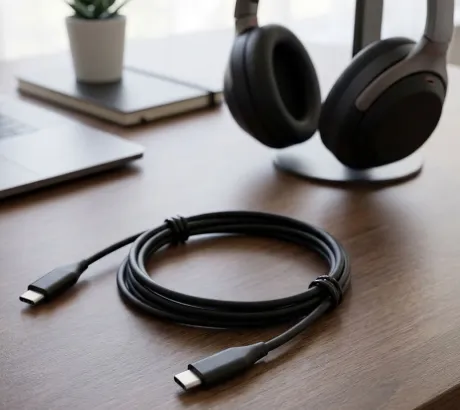
Are you looking for a USB cable to connect your professional headset to a computer or replace a damaged cable? USB cables meet different connection and charging needs for audio equipment. Depending on the model, a cable can transmit audio and data or charge a compatible wireless headset. USB-A and USB-C connectors are commonly used on computer equipment, but their presence does not guarantee the same functions across all devices. To choose the right USB cable, check the connectors, compatibility with your headset and intended use.

Jabra Evolve 40 Link USB Cable UC
IN STOCKJabra Control unit with Jack 3.5mm/USB cable which connects to a PC£55.00£44.99 £53.99 Incl. VATRef: GNEVOLCABLECompare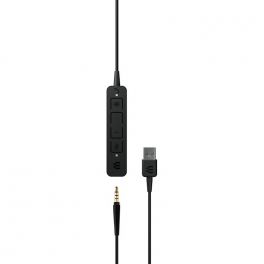
EPOS USB call control for ADAPT 100
IN STOCKUSB call control cable for the ADAPT 100 series from EPOS|EPOS.£35.00£29.99 £35.99 Incl. VATRef: SEADPJACKUSBTCompare
Jabra Evolve 40 Link USB Cable MS
IN STOCKJabra Control unit with Jack 3.5mm/USB cable for connecting your Jabra Evolve 40 to your PC. Lync optimised.£55.00£43.99 £52.79 Incl. VATRef: GNEVOLCABLEMCompare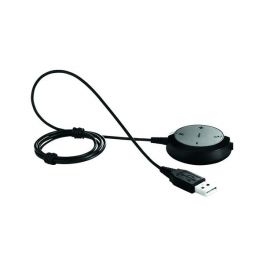
Control system for Jabra Evolve 30 II Link MS
IN STOCKJack / USB controller cable for Evolve 30 for PC connection, optimized for MS Lync£49.00£14.99 £17.99 Incl. VATRef: GNEVOLVE30CABLEMCompare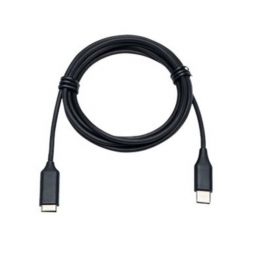
Jabra Link Extension Cord USB-C to USB-C
IN STOCK1.20m extension cable for Jabra Engage 50 headphones. USB-C - USB-C£38.49£33.99 £40.79 Incl. VATRef: GNLEXTCCCompare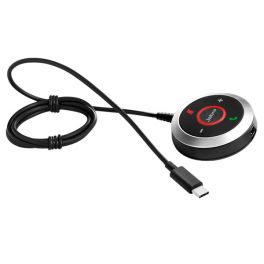
Jabra Link USB-C for Evolve 40 UC
IN STOCKUC Headphone USB-C adapter - ideal for better audio quality£59.00£47.99 £57.59 Incl. VATRef: GNLUSBCEVO40UCCompare
Jabra Evolve 80 Link USB Cable MS
IN STOCKJabra Control unit with Jack 3.5mm/USB cable which connects your Jabra Evolve 80 headset to a PC. This version is optimized by Microsoft Lync£67.09£43.99 £52.79 Incl. VATRef: GNEVOL80CABLEMCompare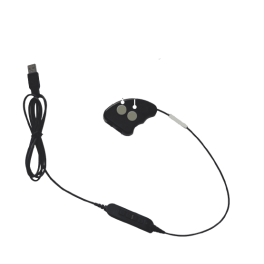
Cleyver - USB adapter for RJ9 DECT headset
IN STOCKA USB connection adapter for RJ9 DECT headsets.£24.99 £29.99 Incl. VATRef: ODUSBRJ9Compare
Shokz CC102 OpenComm2 UC USB-A Charging Cable
IN STOCK1-metre USB-A charging cable with a magnetic connector for the Shokz OpenComm2 UC, ideal as a spare or for providing an additional charging point.£14.99£10.99 £13.19 Incl. VATRef: SHOCC102Compare
Jabra GN - USB-C Link for Evolve 80 MS
IN STOCKMicrosoft Teams certified USB-C controller with integrated inline connectivity£59.00£43.99 £52.79 Incl. VATRef: GNLUSBCEVOL80MSCompare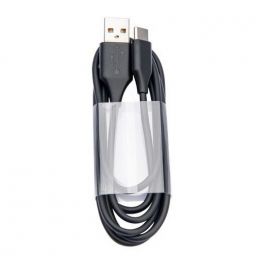
Jabra Evolve2 USB cable 1.2 m
IN STOCKUSB-A to USB-C cable, compatible with Jabra Evolve2 headsets - ideal for charging and information transfer£38.49£33.99 £40.79 Incl. VATRef: GNEVOL2CAUSBACBCompare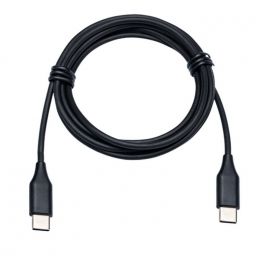
Jabra Evolve2 Cable USB-C to USB-C 1.2 m
IN STOCKJabra USB-C - USB-C 1.2m Cable compatible with Jabra Evolve 2 - ideal for uploading and transferring information£50.59£34.99 £41.99 Incl. VATRef: GNEVOL2CAUSBCCBCompare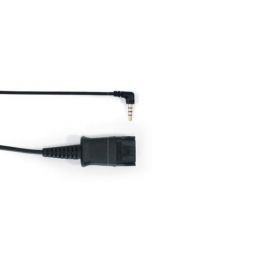
Snom 2.5mm adaptor for A100M and A100D Headsets
IN STOCKAC adapter cable PJ25 with 2.5 mm jack connector£18.99 £22.79 Incl. VATRef: SMACPJ25Compare- Ref: SEMINIUSBDWCompare
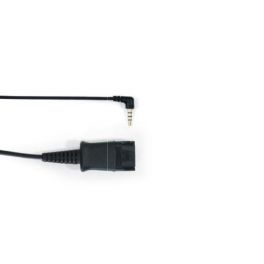
Snom 3.5mm adaptor for A100M and A100D Headsets
Call us for availabilityACPJ adapter cable with 3.5 mm jack plug£23.09£13.99 £16.79 Incl. VATRef: SMACPJCompare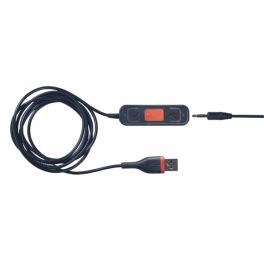
Cleyver cable - 3.5mm female jack to USB-A male
Jack female to USB male adapter cableCall us for availability4 of 2 Reviews£30.99 £37.19 Incl. VATRef: ODJUSBCompare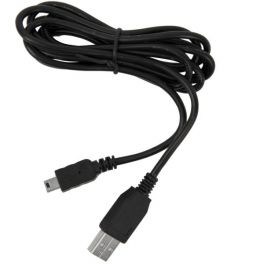
Mini-USB Cable for Jabra PRO 900
Call us for availabilityMini-USB Cable for use with Jabra PRO 900 headsets£27.00£24.99 £29.99 Incl. VATRef: GNMINUSBCompare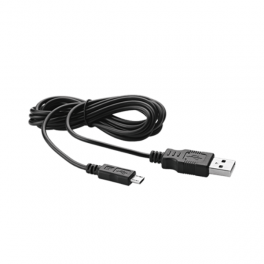
Jabra Micro-USB Cord for PRO, GO, SUPREME & MOTION
Call us for availabilityMicro-USB connecting cord for use with Jabra PRO 9400, GO 6400, SUPREME UC and MOTION headsets£23.00£18.99 £22.79 Incl. VATRef: GNMUSBCompare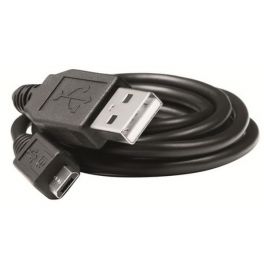
USB cable for Jabra helmets
Call us for availabilityMicro USB connection cable for Jabra headphones£27.49£23.99 £28.79 Incl. VATRef: GNMICROUSBCompare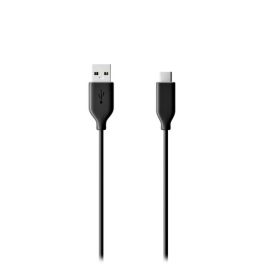
EPOS USB-C cable
Call us for availabilityUSB-C connector cable for efficient charging of all your USB-C compatible EPOS Bluetooth headsets.£10.99 £13.19 Incl. VATRef: SEUSBCCABLECompare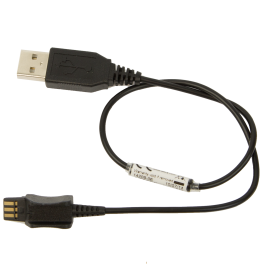
Accessory Cable for Remote Charging Jabra PRO 900
Call us for availabilityAccessory cable allowing remote charging of Jabra PRO 900 headsets£21.00 £25.20 Incl. VATRef: GNREMCHCompare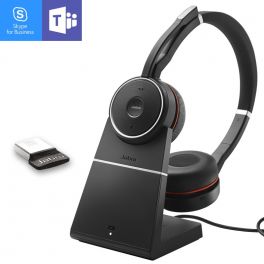
Jabra Evolve 75 MS Stereo with Charging Stand
Wireless headset with active noise reduction and charging stand - optimised for Microsoft TeamsDiscontinued4.8 of 4 ReviewsCheck the alternative productRef: GNEVOL75DPMCompare
Jabra Evolve 65 MS Mono with Charging Stand
Wireless Bluetooth monoaural headset with adapter for VoIP softphone, mobile phone and tabletDiscontinued5 of 4 ReviewsCheck the alternative productRef: GNEVOL65PMCompare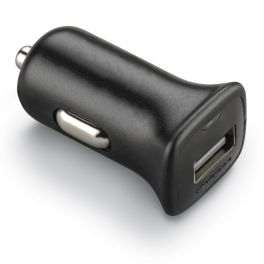
Car Charger for Poly Voyager Legend
DiscontinuedCar charger for Poly Voyager Legend headsetsCheck similar productsRef: PLVOYLEGCARCCompare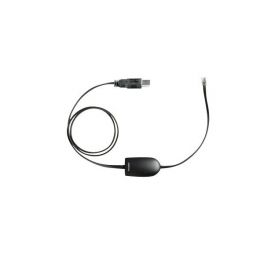
Service Cable for Jabra PRO 920
DiscontinuedService Cable for use with Jabra PRO 920 headsetsCheck similar productsRef: GNRJ9USBCompare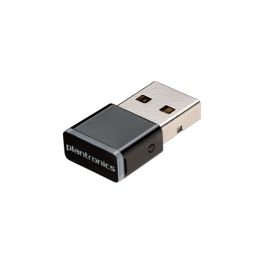
Poly BT600 USB Adapter for Voyager Focus UC
Wireless USB adapter to connect with PC or Mac computers via BluetoothDiscontinued5 of 1 ReviewsCheck similar productsRef: PLVOYFOCUSBTCompare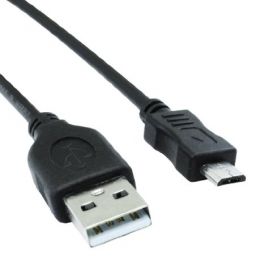
USB cable for Savi W730, W740, W745
DiscontinuedPlantronics USB cable, suitable for Savi W730, W740, W745Check similar productsRef: PLSAVUSBCompareJabra Evolve 80 Link USB Cable UC
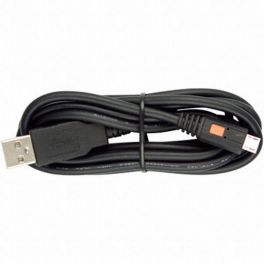
DiscontinuedJabra Link Control unit with Jack 3.5mm/USB cable which connects your Jabra Evolve 80 headset to a PCCheck similar productsRef: GNEVOLVE80CABLECompare
Key features and functions
USB cables are used to connect, power or charge various types of professional audio equipment. Depending on their specifications and those of the connected devices, they can transmit data and digital audio or provide electrical power. USB cables are available with USB-A or USB-C connectors. Cable length, connector type and supported functions are therefore important considerations. Not all USB cables necessarily offer the same data transfer or charging capabilities. It is important to check the specifications of both the cable and the headset before using them together.
| USB-A cables | Cables equipped with a USB-A connector for computers and other devices with a compatible port. |
| USB-C cables | Cables designed for equipment with a USB-C interface, depending on the charging and data transfer functions supported. |
| Audio and data transmission | Digital connection that transmits the data required for audio operation when both the cable and devices are compatible. |
| Wireless headset charging | Powering and charging certain Bluetooth or DECT headsets using a compatible power source. |
| Cable length | Different lengths to suit the positioning of your computer, headset and workstation. |
| Equipment compatibility | Operation depends on the connector type, USB specifications and functions supported by each device. |
How to choose the right product
- OK Identify the connectors: check whether your headset and computer use USB-A, USB-C or another compatible connector.
- OK Define the intended use: choose a cable suitable for charging, data transfer or a USB audio connection.
- OK Check your headset model: some devices require a specific cable or particular specifications to function correctly.
- OK Check data transfer capabilities: a cable designed for charging only is not suitable for a connection that requires data transmission.
- OK Choose a suitable length: consider the distance between your headset, computer and charging points.
- OK Review charging specifications: make sure the cable and power source meet your device's requirements.
Uses across professional sectors
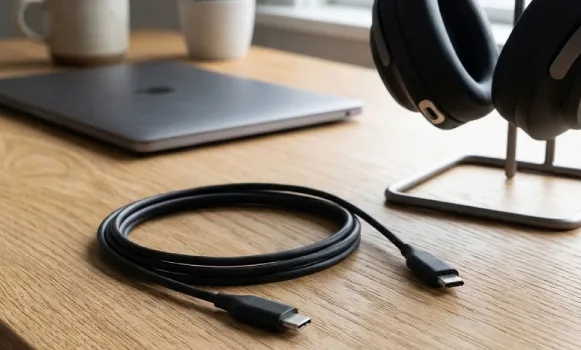
USB cables support the everyday use of audio equipment in businesses. In offices and administrative departments, they allow compatible USB headsets to connect to computers used for calls and video meetings. In contact centres, a replacement USB cable can help keep communication workstations operational when a cable becomes damaged. Employees working from home also use USB cables to connect or charge their audio equipment. For mobile teams, charging cables allow certain wireless headsets to be powered between trips.
Why choose Onedirect?
Onedirect offers a selection of USB cables to complement your professional communication equipment. You can search for a cable based on its connector type, length and the functions required for your setup. Whether you need to replace a headset cable, connect audio equipment to your computer or charge a compatible wireless device, our specialists can help you choose a suitable product.
FAQ – Frequently asked questions
What is the difference between a USB-A cable and a USB-C cable?
The main difference is the shape of the connector. USB-A uses a traditional rectangular connector, while USB-C has a more compact, reversible connector. However, the available functions depend on the specifications of the cable and devices. A USB-C connector alone does not guarantee a particular data transfer speed or charging power.
Can all USB cables transmit audio from a headset?
No. Some USB cables are designed only for power or charging and do not support data transmission. To use a USB headset with a computer, the cable must support the necessary functions and be compatible with the headset. Check the manufacturer's specifications before choosing your cable.
Can you charge a Bluetooth headset with a USB cable?
Yes, many professional Bluetooth headsets can be charged using a compatible USB cable. The connector type and power requirements depend on the model. Check the manufacturer's recommendations to choose a suitable cable and charging power source for your headset.
How do you choose a replacement USB cable for your headset?
Start by identifying the brand and model of your headset. Then check the connectors used, the required length and the purpose of the original cable: charging, data transfer or audio connection. To avoid compatibility issues, choose a cable that meets your equipment's specifications.
Related resources
USB headsets Icon Headset accessories Icon Wireless headsets Icon