
My Cart



Camera and Videobar
How to choose a
video conferencing bar?
The guide to making the right choice
Choosing a video conferencing bar is not simply a matter of comparing camera resolution or the number of microphones. The right solution depends above all on your meeting room: its dimensions, the number of participants, the distance from the screen, how you want to start your meetings and the platforms you use.
Should you choose a BYOD or standalone video bar? Android or Windows? What additional equipment will you need? And how can you tell whether a video bar is really suitable for your room?
In this guide, we answer the key questions to consider before choosing a video conferencing bar, helping you identify the features that are genuinely useful for your working environment.
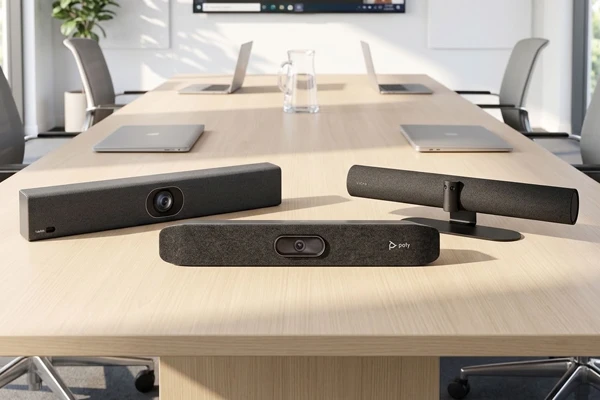
Is a video conferencing bar right for your meeting room?
Before comparing models, you first need to determine whether a video bar really meets your needs. This all-in-one solution generally combines a camera, microphones and speakers in a single device positioned close to the room's screen.
However, not all video bars work in the same way. Some rely on a participant's computer: this is known as BYOD. Others have their own operating system and allow meetings to be started directly from the room, without the need for a personal computer.
This difference is a key factor when making your choice, and we will explore it in more detail later in this guide.
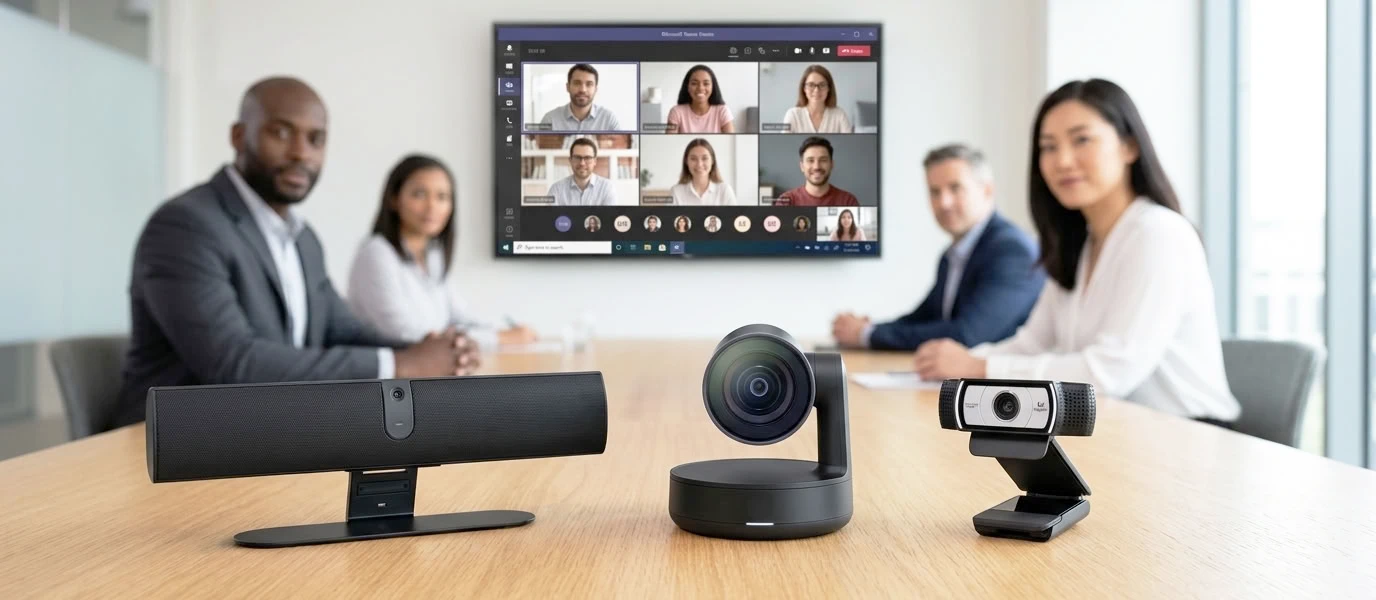
Video bar, webcam or video conferencing camera: what's the difference?
| Icon | Webcam | Video conferencing camera | Video conferencing bar |
| Use | Individual workstation | Meeting room | Meeting room |
| Video coverage | Participants close to the camera | Suitable for groups and meeting rooms | Suitable for groups and meeting rooms |
| Installation | Very simple | Often requires additional audio equipment | All-in-one: minimal equipment required |
| Choose this if… | You work from an individual workstation | You want to build your own setup | You are looking for a simple, integrated solution |
Which video conferencing bar should you choose for your room size?
Room size is an essential factor when choosing a suitable video conferencing bar. In addition to the number of participants, consider the width and depth of the room, as well as the distance between the video bar and the people furthest away. These factors help determine the required field of view, zoom capability and microphone range.
Key point: do not choose your video bar based solely on the number of participants specified by the manufacturer. Above all, check the distance between the camera and the participants, the width of the group to be captured and the actual microphone range.
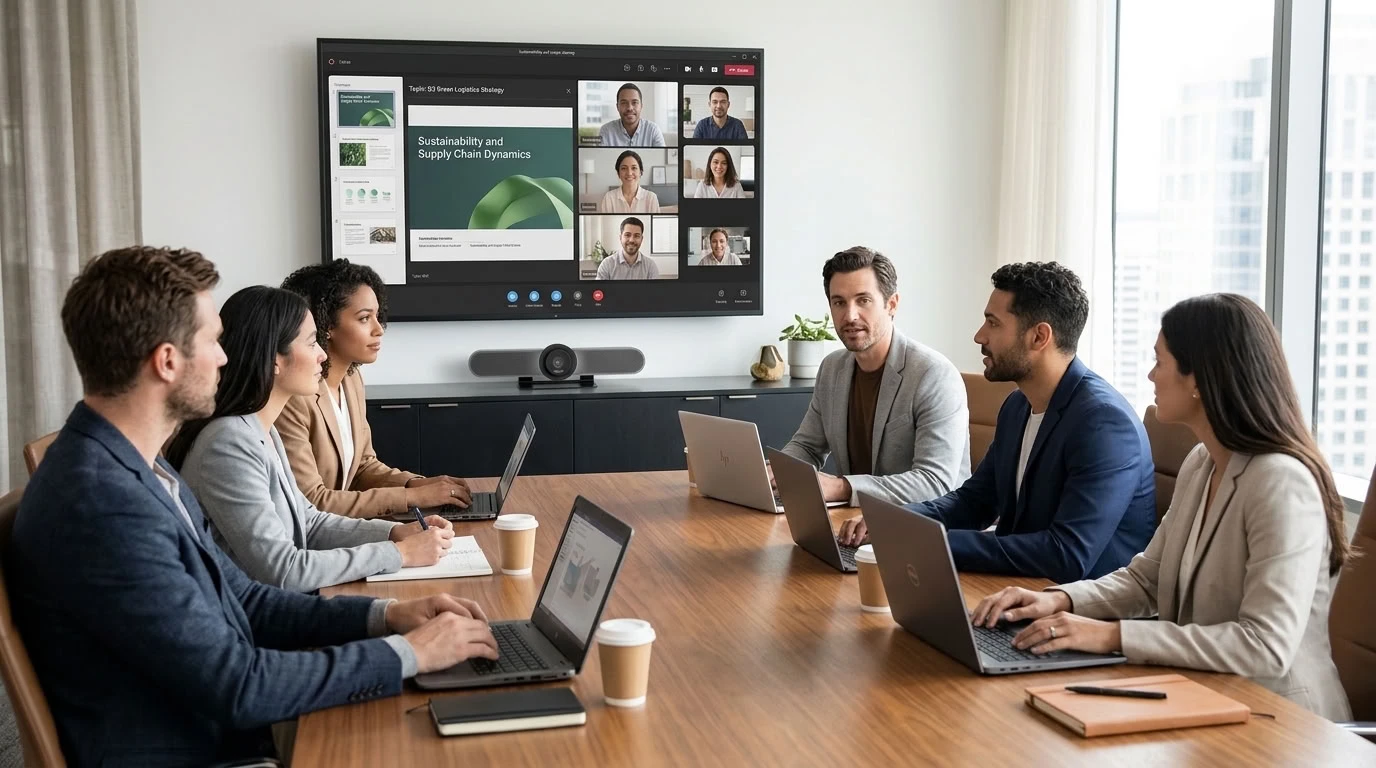
How do you want to start your video conferences?
Before choosing your video conferencing bar, consider how users will start their meetings. Do you want them to connect their computer to the video bar, or would you prefer a standalone room that is ready to join a meeting without the need for a personal computer?
BYOD or standalone system: what's the difference?
The choice depends on the experience you want to provide:

BYOD
- IconThe meeting is started from the user's computer
- IconGreater freedom when choosing platforms
- IconThe user connects their computer to the video bar
- IconIdeal for flexible, multi-platform use
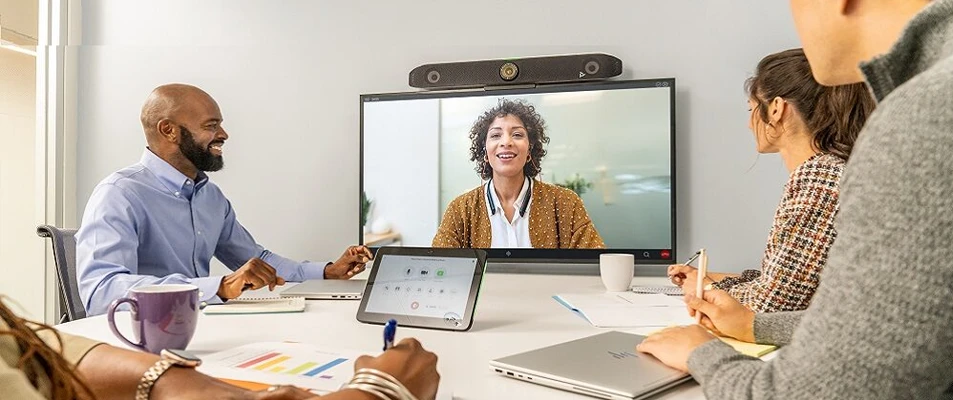
Standalone system
- IconThe meeting is started directly from the room
- IconStandardised meeting experience
- IconNo personal computer required for everyday use
- IconIdeal for creating a permanent, ready-to-use meeting room
Is your video conferencing bar compatible with your tools?

- Microsoft Teams, Zoom, Google Meet… The platform used by your company directly influences your choice of video conferencing bar, particularly if you opt for a standalone system.
Discover our selection of video conferencing bars
Put theory into practice: discover our selection of professional video bars for your meeting rooms.
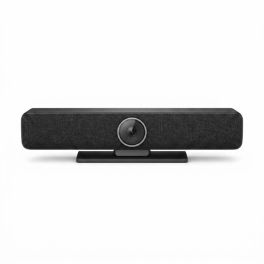
3-in-1 video conferencing bar with 4K camera, integrated audio and AI features, designed to effectively equip small and medium-sized meeting rooms.
- 4K E-PTZ camera with 4x digital zoom and 90° field of view
- AI auto framing: speaker tracking, auto framing and mosaic mode
- 4 built-in microphones with noise and echo reduction (DSP)
- Powerful 20 W speaker for clear voice reproduction
- Ideal for small and medium-sized rooms with up to 6 participants
- Compatible wired extension microphone to extend audio capture
Ref: ODMCAMBAR4K
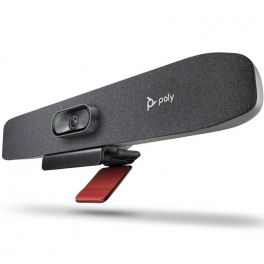
USB Video bar for Small Conference Spaces
- New generation all-in-one video bar
- Ideal for small meeting rooms
- PTZ camera with 4K UHD sensor
- 120° field of view with automatic framing of participants
- Integrated array of 3 beamforming microphones
- AI noise and echo suppression technologies
- Remote management and adjustment via Poly Lens
- Connection: USB Plug & Play
- Certified for Zoom Rooms and Microsoft Teams
5 of 1 Reviews
Ref: POSTUR30UK
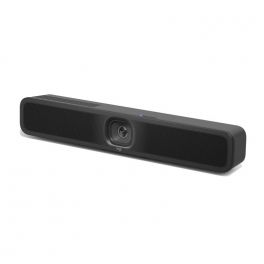
Discover the new AI-enhanced USB conference camera, ideal for small meeting rooms!
- All-in-one bar with camera, microphones and speakers
- For small meeting rooms
- 4K UHD resolution lens
- 120° panoramic view
- Automatic framing and thumbnail display
- 6 microphones with AI noise suppression
- USB connection to PC/Mac
- Compatible with all videoconferencing software
5 of 1 Reviews
Ref: LOMEETUPV2
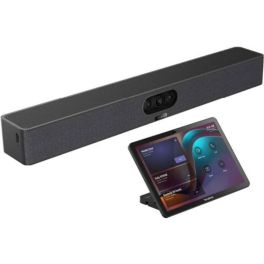
Compact all-in-one video bar with 151° ultra-wide-angle camera and AI audio for small focus rooms, plus touchscreen pad for intuitive control of your meetings
- 151° ultra-wide-angle camera
- Three 4K lenses for razor-sharp images
- Electronic lens cover (privacy shutter)
- 8-MEMS microphone array with 5 m range
- Full-duplex audio with AI noise cancellation
- One-cable solution: power + network via Cat5e
- Android 13 operating system, MDEP security
- Management via Yealink Cloud, Teams Admin Center, or Zoom Device Platform
- 10.1'' touchpad for controlling meetings
- Support for Android 13 (with continuous upgrades)
- Content sharing/BYOD/power sharing via USB-C cable
Ref: YEALINKA25CTP25
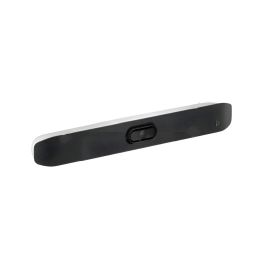
A 4K USB video bar with premium sound, smart AI features, and eco-friendly design for seamless small-room meetings.
- USB video bar for small rooms
- 20 MP 4K UltraHD camera with 5x zoom
- 120° horizontal and 132° diagonal field of view
- Dynamic video experience with Poly DirectorAI
- Poly NoiseBlockAI and Acoustic Fence: noise cancellation
- Eco-friendly design with 65% recycled plastic
- Quality audio with stereo speakers and beamforming mics
- For use with room PC or BYOD use
Ref: POSTV12UK
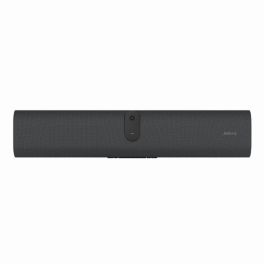
AI-powered videobar for small meeting rooms with 120° wide-angle video, single-cable BYOD connectivity and Android 13 platform.
- AI-powered videobar designed for BYOD installations in small meeting rooms
- 120° wide-angle lens for comprehensive room visibility in compact spaces
- Single-cable USB-C connectivity with included USB-C 3.2 Gen 1 cable
- Integrated microphones and speakers for precise voice pickup and clear audio
- Android 13 platform with MDEP for enhanced security and future integrations
- Display wake sensor and onboard wallpapers for improved room usability
- Remote management with Jabra Plus for simplified updates and device handling
Ref: GNPANACASTU30
IconWhat equipment should you consider for a meeting room?
A video bar already combines a camera, microphones and speakers, but on its own it does not make a complete video conferencing room. Depending on your chosen setup, a screen, touch controller or additional accessories may be required.
Do you need a screen with a video conferencing bar?
Yes. The screen displays remote participants as well as content shared during the meeting. The screen size should be suitable for the room and the viewing distance.
Do you need a touch controller?
Not necessarily. With BYOD, users generally control their meetings from their own computer.
In a standalone meeting room, however, a touch controller can become the main interface: it allows users to join a meeting, manage participants or access certain functions without using a computer.
Video bar only or video conferencing kit?
A video bar on its own may be sufficient if your meeting room is already partly equipped, for example with a screen.
A video conferencing kit combines several components: for example, a video bar or camera, a screen, a touch controller, a content-sharing system or a dedicated PC. It is particularly useful when starting with an unequipped room and you want a complete setup.
When should you add extra microphones?
Extension microphones are useful when some participants are too far away from the video bar to be picked up consistently.
Important: when purchasing your video bar, check that it supports additional microphones. Not all solutions offer the same expansion options.
What should you consider for installation?
Let us take care of the technical side: our teams can support you with the installation and commissioning of your video conferencing solution. Discover our audiovisual installation services.
Need help setting up your meeting room? Our teams can help you choose the right video conferencing solution.
Form