
My Cart



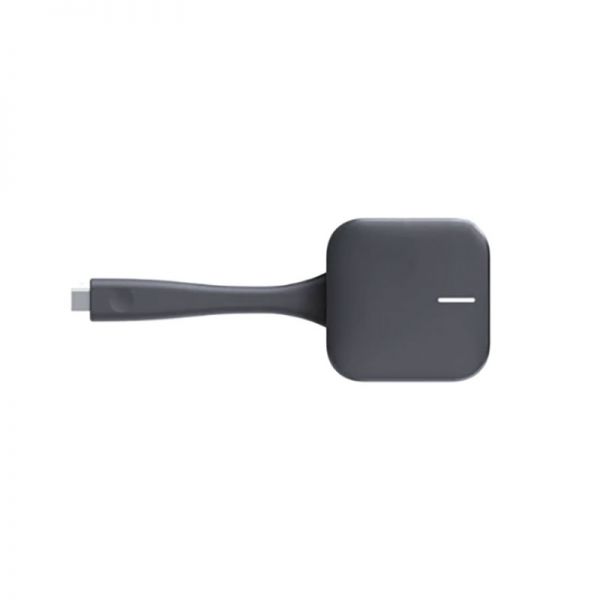
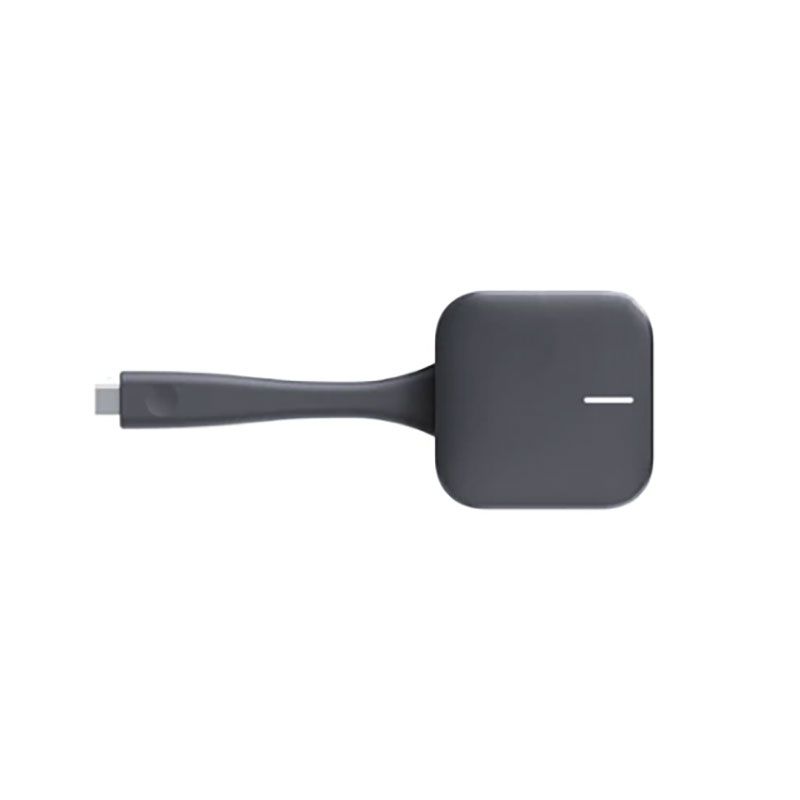
Huawei IdeaShare Key 2
Internal ref: HUAIDSHARE2 // Manufacturer part #: IDEAHUB-SHAREKEY2
A USB-C screen sharing solution to complement your IdeaHub systems.
SAVING £20.00
£229.99 - £275.99 Incl. VAT
1 year of manufacturer warranty Subject to manufacturer conditions
Pay in 3 interest-free payments of Show more

Key features
- Professional screen sharing solution
- Enables sharing a PC screen via an interactive display
- Wireless one-touch button
- Allows for smooth content transmission
- Connectivity: USB-C
- Quick and easy setup: Plug & Play
- Compatible with Huawei IdeaHub 2 displays
In the box
- 1 x Huawei IdeaShare Key 2 Button
- 1 x Quick Start Guide
Product description
Huawei IdeaShare Key 2
Easily share your PC content on your collaborative display
Compatible with Huawei IdeaHub Series 2 displays, the wireless IdeaShare Key 2 button allows you to share your PC screen directly to a presentation display. Providing high-quality audio and video transmission for content projection, it is a Plug & Play device. For first-time use, simply connect the IdeaShare Key 2 to the collaborative display to pair the two devices. Then, insert the button into your PC’s USB-C port for instant sharing. To end the broadcast, disconnect the device from your PC, and it will automatically power off.
Technical specifications:
- Wireless screen sharing solution
- USB-C connection button
- PC screen sharing via a collaborative display
- Only compatible with Huawei IdeaHub Series 2 displays
- Seamless audio and video transmission during broadcasting
- Built-in LED status indicator
- Power supply: 5V DC
- Power consumption: 1.5W
- Supports Windows 7/8/8.1 and 10; macOS 10.13.6 / 10.14 and 10.15
- Quick and easy setup: Plug & Play
- Dimensions and weight: 177.3 x 65 x 19.8mm / 80g
Product Specs.
| Manufacturer part # | IDEAHUB-SHAREKEY2 |
|---|---|
| EAN | 4064575558904 |
| Warranty | 1 year |
| Presentation system type | Wireless presentation |
| Screen sharing from | PC/Mac |
| Sharing options | Button |
| Resolution | 4K |
| Touch screen compatible | Yes |
| Number of buttons included | 1 |
| Features | Screen sharing |
| Connectivity | USB-C |
| Size | 177.3 x 65 x 19.8mm |
Frequently Asked Questions
Currently there are no questions for this product.