
My Cart



USB headsets
USB-A and USB-C headsets: greater flexibility for your communications
A USB headset allows you to communicate easily from your computer or mobile device, whether for business calls or remote meetings. Available with a USB-A or USB-C connection, USB headphones provide a stable wired connection and convenient everyday use. Whether you are looking for a USB headset with mic for your computer or a USB-C headset for your PC or mobile device, explore solutions tailored to business needs. Professional USB headsets combine sound quality, comfort and communication features to support your daily work.

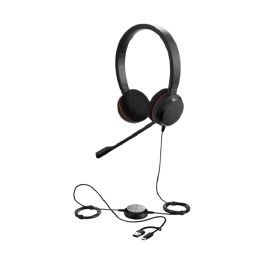
Jabra Evolve 20 MS stereo USB-C/A
Headset with quality sound and in-line controls, perfect for calls or listening to music.IN STOCK5 of 1 Reviews£49.99£32.99 £39.59 Incl. VATRef: GNEVOL20STEREOMSCompare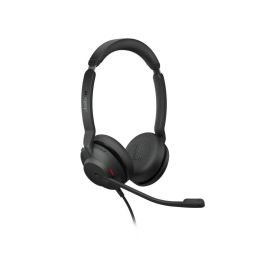
Jabra Evolve2 30 SE Stereo MS USB C/A
IN STOCKStereo headset for professional communication with USB-A/C connection and Microsoft Teams certification.£84.99£64.99 £77.99 Incl. VATRef: GNEVOLVE230SECompare
Poly Blackwire 3320 Stereo Teams USB-C + USB-C/A Adapter
Professional stereo headset with dual USB-C connection and USB-A adapter compatible with PC/MAC optimised for Microsoft Teams ideal for offices and intensive use.IN STOCK5 of 2 Reviews£48.99£27.99 £33.59 Incl. VATRef: PLB3320USBCAMCompare- Ref: GNEVOL10DACompare
- BEST ONLINE PRICEDon’t miss our special offer! Use the code:
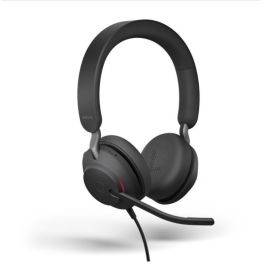
Jabra Evolve2 40 SE USB C/A MS Stereo
Wired UC headset with dual USB-C/A connection and Microsoft Teams certification, designed for intensive use in professional environments.IN STOCK5 of 1 Reviews£174.99£79.99 £95.99 Incl. VATRef: GNEVOL240DMCASECompare - IconBest Seller
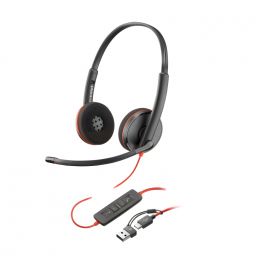
Poly Blackwire 3220 Stereo USB-C + USB-C/A Adapter
Stereo headphones with dual USB-C connection and USB-A adapter ideal for professionalsIN STOCK5 of 1 Reviews£44.52£22.99 £27.59 Incl. VATRef: PLB3220USBCACompare 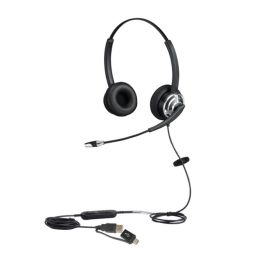
Cleyver HC65 Flex USB-A / USB-C
Duo PC Headset with USB-A / USB-C connection - Ideal for noisy officesIN STOCK4.5 of 21 Reviews£29.99£24.99 £29.99 Incl. VATRef: ODHC65USBFCompare- IconBest Seller
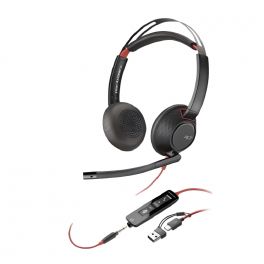
Poly Blackwire 5220 Stereo USB-C + 3.5mm Plug + USB-C/A Adapter
Professional stereo headphones with triple 3.5 jack connection, USB-C and USB-A adapter to work with a variety of devicesIN STOCK4.5 of 2 Reviews£109.95£52.99 £63.59 Incl. VATRef: PLB5220USBCACompare - BEST ONLINE PRICEDon’t miss our special offer! Use the code:
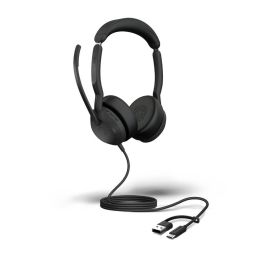
Jabra Evolve2 50 MS Duo USB C/A
Certified Teams stereo headset for professional calls: ANC, precise microphone, and dual USB-C/A connectivity.IN STOCK5 of 1 Reviews£154.99£90.99 £109.19 Incl. VATRef: GNEVOL250STUSBCACompare 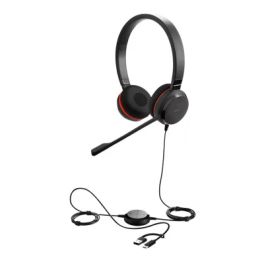
Jabra Evolve 30 II - USB-C/A, UC Stereo
IN STOCKProfessional stereo headset for UC communication with dual USB-C/A and 3.5 mm connection£60.49£50.99 £61.19 Incl. VATRef: GNEVOLVE30IIUCCompare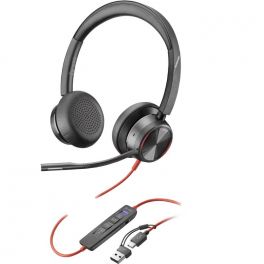
Poly Blackwire 8225M USB-C + Adapter USB-A
IN STOCKProfessional stereo headset with USB-C connection + USB-A adapter for PC and IP phone - optimised for teams£181.95£101.99 £122.39 Incl. VATRef: PLB8225USBCAMCompare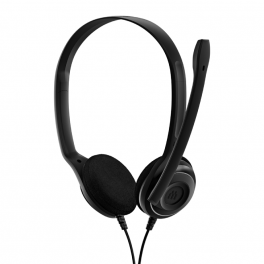
EPOS PC 8 USB
Noise cancelling USB headset with dynamic stereo soundIN STOCK3.7 of 194 Reviews£29.99£20.99 £25.19 Incl. VATRef: SEPC8USBCompare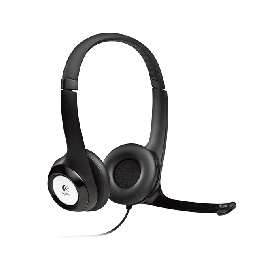
Logitech H390 USB headset
PC headset with USB connection and microphoneIN STOCK4.8 of 6 Reviews£37.39£33.99 £40.79 Incl. VATRef: LOH390Compare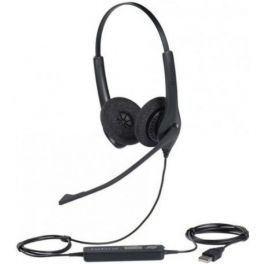
Jabra BIZ 1500 Duo USB PC Headset
With flexible microphone boom, noise-cancelling microphone and HD soundIN STOCK4 of 2 Reviews£89.99£66.99 £80.39 Incl. VATRef: GNB1500DUSBCompare- BEST ONLINE PRICEDon’t miss our special offer! Use the code:
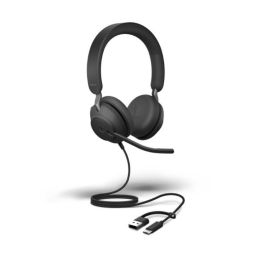
Jabra Evolve2 40 USB C/A UC Stereo SE
IN STOCKWired UC headset with dual USB-C/A connection for intensive use in professional environments.£126.99£79.99 £95.99 Incl. VATRef: GNEVOL240DCASECompare 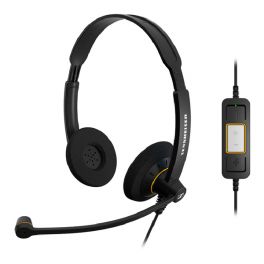
EPOS IMPACT SC 60 USB ML
Binaural USB PC office headset with in-line call controls- optimised for Microsoft TeamsIN STOCK4.3 of 37 Reviews£45.00£31.99 £38.39 Incl. VATRef: SESC60MCompare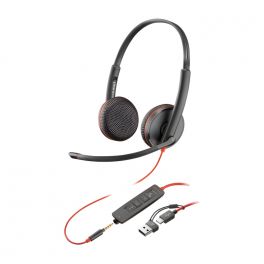
Poly Blackwire 3225 Stereo USB-C + 3.5mm Plug + USB-C/A Adapter
Headset with triple USB - C/adapter to USB-A+ 3.5 mm Jack for PC and mobile phoneIN STOCK5 of 4 Reviews£75.20£35.99 £43.19 Incl. VATRef: PLB3225USBCACompare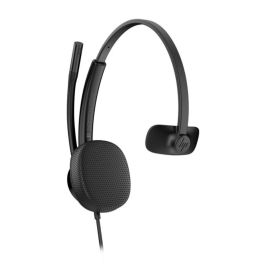
HP Poly Mission 415 USBCA Mono
IN STOCKMono USB headset with a USB-C connection and a USB-A adapter, featuring a noise-cancelling microphone and super-wideband audio for crystal-clear calls.£38.99£34.99 £41.99 Incl. VATRef: PLMIS415USBCAMLCompare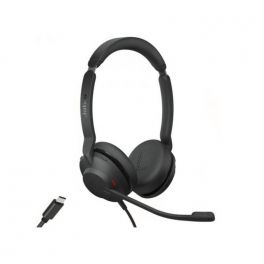
Jabra Evolve2 30 SE USB-C
Wired headset with USB-C connection and Microsoft Teams certification.IN STOCK4.7 of 3 Reviews£92.00£61.99 £74.39 Incl. VATRef: GNEVOL230DCMSECompare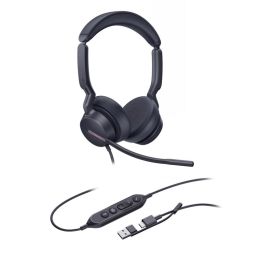
Yealink UH46 Dual Teams Headset
IN STOCKExperience superior audio quality and all-day comfort.£59.99£39.99 £47.99 Incl. VATRef: YEAUH46DTCACompare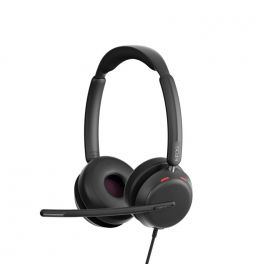
EPOS IMPACT 860T USB-A / USB-C
Corded USB-C stereo headset with EPOS BrainAdapt™ technology and integrated BusylightIN STOCK5 of 1 Reviews£149.00£78.99 £94.79 Incl. VATRef: SEIMP860TCompare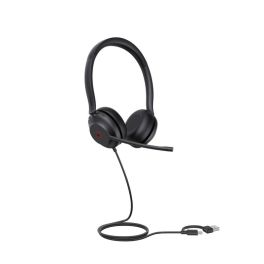
Yealink UH35 Dual USB-C/A
IN STOCKProfessional dual USB-A/C headset with immersive stereo sound for all-day productivity.£59.99£32.99 £39.59 Incl. VATRef: YEAUH35DUALCACompare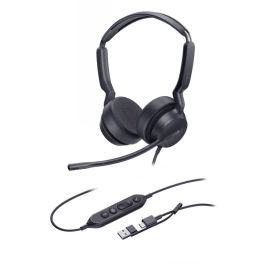
Yealink UH42 MS Duo USB-C/A
Wired Teams-certified headset with dual earcups, AI microphone, HD stereo audio, integrated Teams controls, and all-day comfort.IN STOCK5 of 1 Reviews£39.59£34.99 £41.99 Incl. VATRef: YEAUH42DTCACompare- Onedirect Recommends
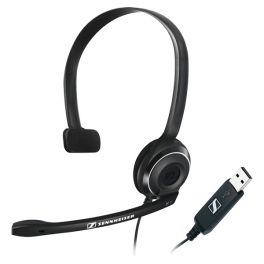
EPOS PC 7 USB
Mono PC USB model headset- ideal for VoIP communicationsIN STOCK4.6 of 48 Reviews£27.49£25.99 £31.19 Incl. VATRef: SEPC7USBCompare 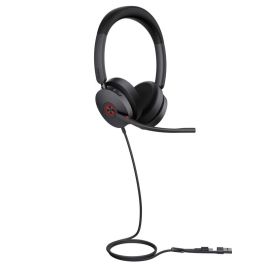
Yealink UH48 Dual Teams USB-C/A Headset
IN STOCKExperience crystal-clear communication with hybrid active noise cancellation and all-day comfort, perfect for your professional Teams calls.£87.99£63.99 £76.79 Incl. VATRef: YEAUH48Compare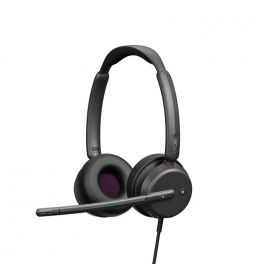
EPOS Impact 460T
IN STOCKProfessional wired headset with noise filtering, Teams certification, and dual USB-A/C connectivity for clear calls throughout the day.£88.99£49.99 £59.99 Incl. VATRef: SEIMP460TCompare- BEST ONLINE PRICEDon’t miss our special offer! Use the code:
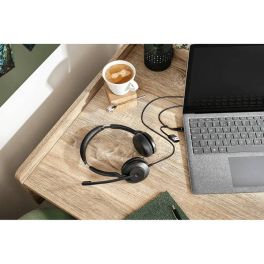
Jabra Evolve2 30 SE Stereo UC USB C/A
Stereo headset for professional communication with USB-A/C connection and UC compatibility.IN STOCK5 of 1 Reviews£84.99£54.99 £65.99 Incl. VATRef: GNEVOL230STEREOCompare 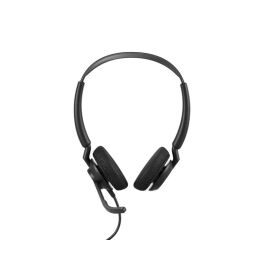
Jabra Engage 50 II UC Stereo USB-A/C
IN STOCKStereo headset for professional communication with dual USB connection, 3-microphone system, and real-time analytics.£234.99£162.99 £195.59 Incl. VATRef: GNENGAGE50DIICompare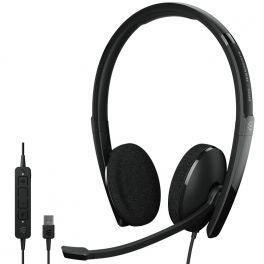
EPOS ADAPT 160 USB II
IN STOCKLightweight and convenient binaural USB-A stereo headset - Ideal for all professionals!£60.00£44.99 £53.99 Incl. VATRef: SEAD160AIICompare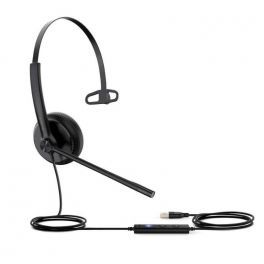
Yealink UH34 Mono Teams - USB-A
IN STOCKMono headset with USB connection for PC and IP phones - Ideal for intensive use£33.99£21.99 £26.39 Incl. VATRef: YEALINKUH34TCompare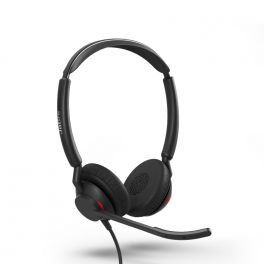
Jabra Engage 50 II USB-C UC Stereo
IN STOCKWith Engage 50 II, calls have more clarity, and customers enjoy an all-around better experience.£170.00£116.99 £140.39 Incl. VATRef: GNENG50IIUCCDCompare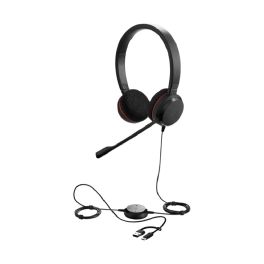
Jabra Evolve 20 UC Stereo USB C/A
IN STOCKHeadset with exceptional sound and in-line controls, ideal for calls and music.£49.99£31.99 £38.39 Incl. VATRef: GNEVOL20UCSTEREOCompare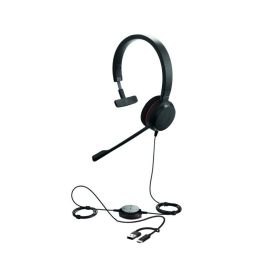
Jabra Evolve 20 MS Mono USB C/A
IN STOCKHeadset with clear sound and easy controls, ideal for calls and music.£39.99£29.99 £35.99 Incl. VATRef: GNEVOL20MONOCACompare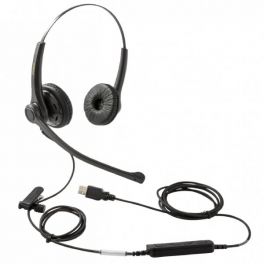
FreeMate DH037B USB
Duo headset with USB-A connection for communication professionals - Microsoft certifiedIN STOCK5 of 1 Reviews£42.99£21.99 £26.39 Incl. VATRef: FRDH037BUSBCompare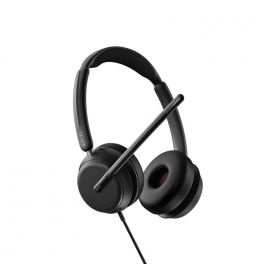
EPOS IMPACT 860 USB-C / USB-A Teams
IN STOCKCorded USB-C stereo headset with EPOS BrainAdapt™ technology and integrated Busylight£149.00£82.99 £99.59 Incl. VATRef: SEIMP860Compare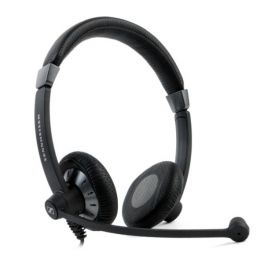
EPOS IMPACT SC 75 USB MS
Functional office headset with cable controls- optimised for Skype for BusinessIN STOCK4.8 of 9 Reviews£70.00£46.99 £56.39 Incl. VATRef: SESC75USBMCompare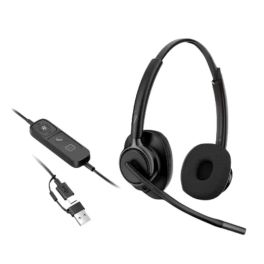
HP Poly Mission 425 USB-C Duo Classic
IN STOCKUSB-C stereo headset with AI noise reduction, super wideband audio, faux leather ear cushions and memory foam padding for comfortable all-day working.£39.99£32.99 £39.59 Incl. VATRef: PLMIS425USBCADCompare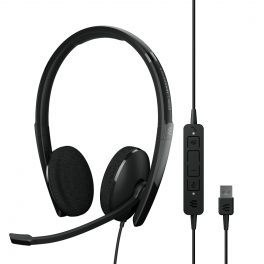
EPOS ADAPT 160T USB II
IN STOCKLightweight and convenient USB-A stereo headset - Microsoft Teams certified - Ideal for all professionals!£60.00£38.99 £46.79 Incl. VATRef: SEAD160TAIICompare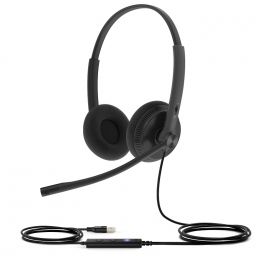
Yealink UH34 Lite Dual - USB-A
IN STOCKDuo Headset with USB connection for PC and IP phones - foam ear cushions for everyday comfort£35.99£20.99 £25.19 Incl. VATRef: YEALINKUH34LDTCompare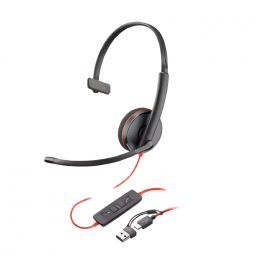
Poly Blackwire 3210 Mono USB-C + USB-C/A Adapter
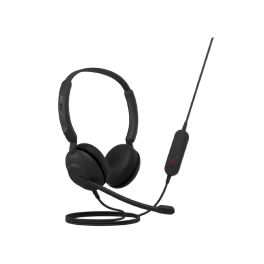
IN STOCKWired headset with dual USB-C connection and USB-A adapter ideal for staying in touch with your environment£39.99£23.99 £28.79 Incl. VATRef: PLB3210USBCACompare
Key features and functions
Professional USB headsets are designed to simplify communication from a computer and provide an audio experience suited to working environments. Thanks to their wired USB-A or USB-C connection, they transmit audio and voice without requiring pairing or battery charging. A USB headset with mic includes a microphone for calls and video meetings, while some models feature noise reduction technology to improve communication clarity. USB headphones also offer convenient controls for managing volume and microphone settings. They are suitable for offices, contact centres and employees working from home.
| USB-A or USB-C connection | Direct connection to a compatible computer for stable digital audio transmission. |
| Noise-reducing microphone | Reduces background noise transmitted to the person you are speaking to, depending on the model. |
| Mono or binaural design | One earpiece to stay aware of your surroundings or two earpieces to help you concentrate. |
| Communication software compatibility | Compatible with Microsoft Teams, Zoom and other video conferencing platforms, depending on the model and its certifications. |
| Integrated audio controls | Volume adjustment, microphone muting and call management using controls on the headset or cable. |
| Comfort for professional use | Adjustable headbands, comfortable ear cushions and a lightweight design for long working sessions. |
How to choose the right product
- OK Identify your connection type: choose a USB-A headset or a USB-C headset according to the ports available on your computer.
- OK Define your main use: business calls, video meetings, customer service or everyday computer work.
- OK Choose a mono or binaural headset: depending on your need for concentration and interaction with those around you.
- OK Check microphone performance: prioritise noise reduction in open-plan offices.
- OK Check software compatibility: particularly with Microsoft Teams, Zoom or your computer-based telephony solution.
- OK Assess comfort: weight, ear cushions and headband adjustment for extended use in the office or when working from home.
- OK Review the controls and cable: access to volume adjustment, mute function and a cable length suited to your workstation.

Uses across professional sectors
USB headsets are particularly well suited to businesses that use computers for their daily communications. In offices, USB headphones make computer-based telephone calls and video meetings easier. In contact centres, a USB headset with mic supports agents handling large numbers of calls through their telephony software. For home working, USB-C headphones provide a practical solution for employees using compatible laptops. In shared workspaces, binaural models and noise-reducing microphones help improve concentration and communication quality.
Why choose Onedirect?
Onedirect offers a selection of professional USB headsets designed to meet business communication needs. Whether you are looking for a USB headset for a desktop computer or a USB-C headset for a laptop, our range allows you to compare solutions based on their connection type, comfort and audio performance. Our team of specialists can help you choose a headset suited to your equipment and professional environment, making everyday communication easier.
FAQ – Frequently asked questions
What is the difference between a USB-A headset and a USB-C headset?
The main difference is the type of connector used. A USB-A headset connects to a standard USB-A port, while a USB-C headset uses a more compact, reversible connector found on many modern laptops. Both can transmit digital audio. Your choice depends on the ports available on your device and the headset's compatibility.
Is a USB headset with mic compatible with Microsoft Teams and Zoom?
Yes, many USB headsets with microphones work with Microsoft Teams, Zoom and other video conferencing applications. Some models offer specific certifications and dedicated controls for these platforms. To make full use of all available features, check the headset's compatibility with your computer and communication software.
Do I need to install software to use USB headphones?
Most USB headphones are automatically recognised by compatible operating systems and can be used once connected. However, some models offer additional software to customise audio settings, manage updates or access advanced features. Check the manufacturer's specifications for any installation requirements.
Which USB headset should I choose for an open-plan office?
In an open-plan office, choose a USB headset with mic featuring noise reduction to limit background sounds transmitted during calls. A binaural headset can also improve concentration by reducing audio distractions. For extended use, consider the headset's weight, ear cushion comfort and ease of access to audio controls.
Related resources
Wired headsets Icon Headset accessories Icon Guide: Everything you need to know about the different wired connections Icon