
My Cart



Logitech headsets
Work and communicate with clear sound, wherever you are
Are you looking for audio equipment suited to your business calls, online meetings and working day? Explore our selection of Logitech headsets, designed to make communication easier in the office and when working from home. Depending on your needs, choose a wired USB Logitech headset or a Logitech wireless headset for greater freedom of movement. With microphones suited to professional conversations, convenient controls and designs focused on comfort, the range meets different requirements. Compare Logitech headsets to find the right solution for your working environment.
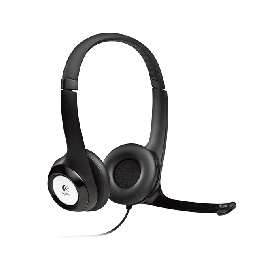
Logitech H390 USB headset
PC headset with USB connection and microphoneIN STOCK4.8 of 6 Reviews£37.39£33.99 £40.79 Incl. VATRef: LOH390Compare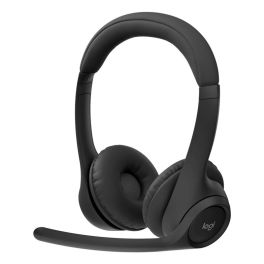
Logitech ZONE 305 MS
IN STOCKExperience freedom with sleek wireless functionality.£59.99£57.99 £69.59 Incl. VATRef: LO305ZONECompare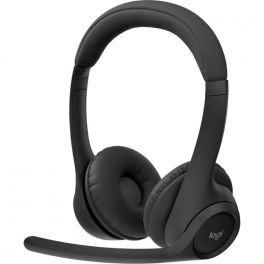
Logitech Zone 305 Teams
IN STOCKWireless headset with a 30-meter Bluetooth range, dual-microphone noise cancellation, and 20 hours of battery life.£109.99£66.99 £80.39 Incl. VATRef: LOZONE305TCompare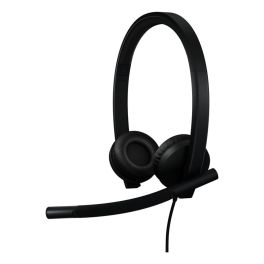
Logitech H570E MS Duo USB-C Headset
IN STOCKExperience crystal-clear audio for your business calls.£44.99£36.99 £44.39 Incl. VATRef: LOH570ECompare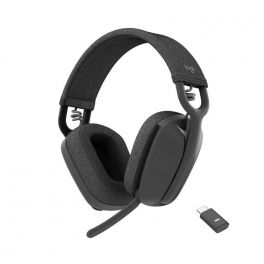
Logitech Zone Vibe Wireless
Professional Bluetooth headset ideal for hybrid workIN STOCK4 of 3 Reviews£121.99£72.99 £87.59 Incl. VATRef: LOZONEVIBEMSCompare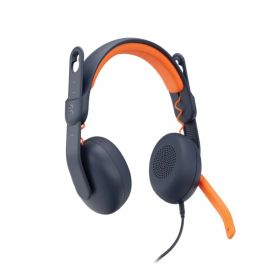
Logitech Zone Learn ON EAR - USB-C
IN STOCKThe ideal headset for your children, the Logitech Zone Learn headset for guaranteed comfort!£45.09£29.99 £35.99 Incl. VATRef: LOZOLEONCCompare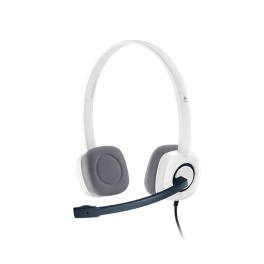
Logitech H150 – Stereo Headset, white
IN STOCKWhite stereo headset with a noise-cancelling microphone, two 3.5 mm jack sockets and in-line controls for phone calls and everyday use on a PC.£43.99£24.99 £29.99 Incl. VATRef: LOH150Compare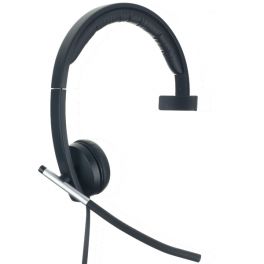
Logitech H650e Mono PC Headset
IN STOCKLightweight professional USB mono PC headset with in-use LED£59.39£45.99 £55.19 Incl. VATRef: LOH650MCompare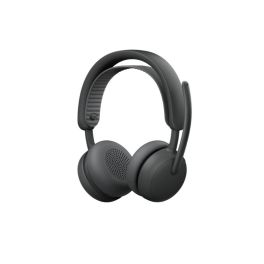
Logitech Zone Wireless 2 ES for Business BT TEAMS
IN STOCKWireless business headset with adaptive hybrid ANC and AI-optimised microphones for focused work.£158.99£141.99 £170.39 Incl. VATRef: LO981001512Compare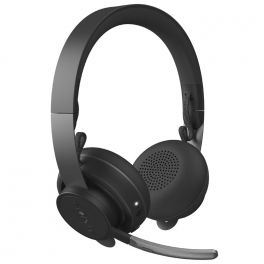
Logitech Zone Wireless - UC
IN STOCKA discreet, comfortable and powerful stereo headset for quality exchanges in all circumstances£219.99£187.99 £225.59 Incl. VATRef: LOZONEWIUCCompare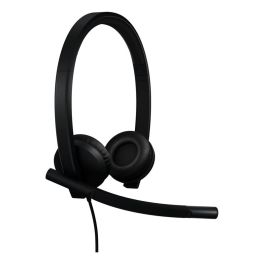
Logitech H570e Stereo Teams version Headset USB -A
IN STOCKExperience exceptional audio clarity for your calls.£44.99£36.99 £44.39 Incl. VATRef: LOH570ETCompare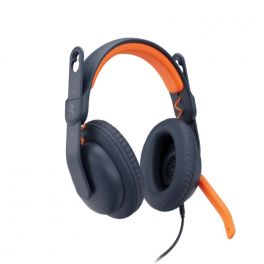
Logitech Zone Learn -OVER EAR- USB-C
IN STOCKThe ideal headset for your children, the Logitech Zone Learn headset for guaranteed comfort!£46.19£29.99 £35.99 Incl. VATRef: LOZOLEOVCCompare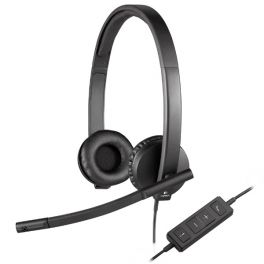
Logitech H570e Duo
Logitech USB PC Headset optimized for Microsoft Lync, Skype and Cisco programmesIN STOCK3.5 of 2 Reviews£43.99£42.99 £51.59 Incl. VATRef: LOH570DCompare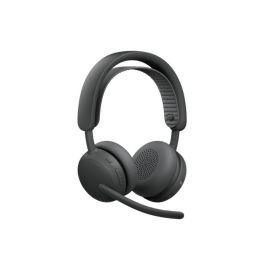
Logitech Zone Wireless 2 ES TEAMS with receiver
IN STOCKCordless business headset with adaptive hybrid ANC and AI-optimised microphones for focused work.£220.99£176.99 £212.39 Incl. VATRef: LO981001493Compare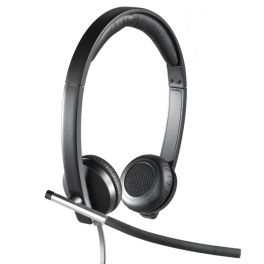
Logitech H650e Stereo PC Headset
Lightweight corded professional USB PC headset with in-use LEDIN STOCK5 of 2 Reviews£66.99£50.99 £61.19 Incl. VATRef: LOH650DCompare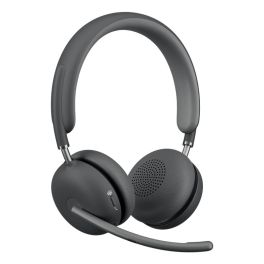
Logitech Zone Wireless 2 Headset
IN STOCKUninterrupted calls with advanced noise cancellation.£249.99£221.99 £266.39 Incl. VATRef: LOZONEWIMSCompare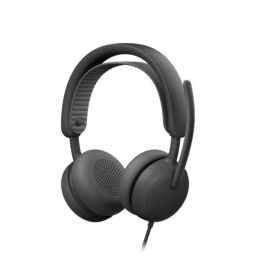
Logitech Zone Wired 2 Graphite Teams
IN STOCKWired USB-C headset for Microsoft Teams with adaptive hybrid ANC, dual AI microphones and premium certification for open offices.£139.99£117.99 £141.59 Incl. VATRef: LOZONEW2Compare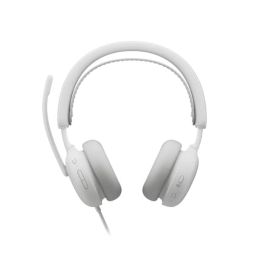
Logitech Zone Wired 2 White Teams
IN STOCKMicrosoft Teams-certified USB-C wired headset with adaptive hybrid ANC, dual AI microphones and comfortable design for professional open spaces.£139.99£110.99 £133.19 Incl. VATRef: LOZONEW2WCompare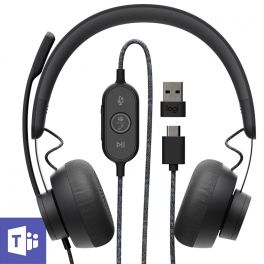
Logitech Zone Wired - Teams
IN STOCKA powerful and pleasant wired headset for clear conversations in all circumstances£129.99£84.99 £101.99 Incl. VATRef: LOZONEWDTCompare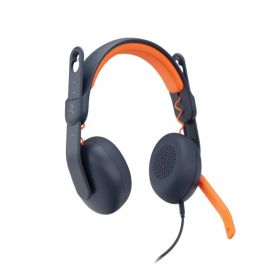
Logitech Zone Learn ON EAR - Jack 3.5 mm
IN STOCKThe ideal headset for your children, the Logitech Zone Learn headset for guaranteed comfort!£37.99£29.99 £35.99 Incl. VATRef: LOZOLEONCompare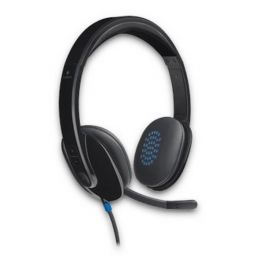
Logitech H540 USB PC Headset
Corded stereo headset with USB connection for PC-based communicationsIN STOCK5 of 1 Reviews£49.99£40.99 £49.19 Incl. VATRef: LOH540Compare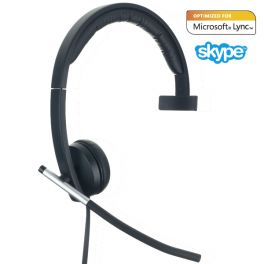
Logitech H570e Mono USB
Logitech USB PC Headset optimized for Microsoft Lync, Skype and Cisco programmesIN STOCK5 of 4 Reviews£48.39£37.99 £45.59 Incl. VATRef: LOH570MCompare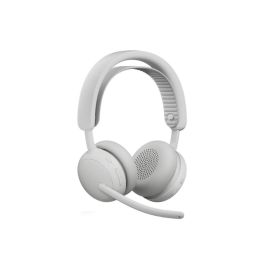
Logitech Zone Wireless 2 White Teams with receiver
Call us for availabilityWireless business headset with adaptive hybrid ANC and AI-optimised microphones for focused work.£220.99£176.99 £212.39 Incl. VATRef: LO981001520Compare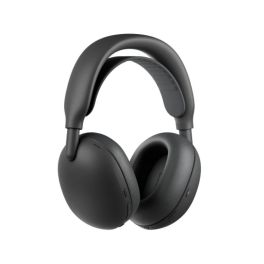
Logitech Zone Vibe Pro USB-C Bluetooth ANC headset
Out of stockOver-ear Bluetooth headphones with adaptive ANC, 6 AI-powered microphones and up to 36 hours of playback, so you can work and communicate clearly.£349.99 £419.99 Incl. VATRef: LOVIBEPROCompare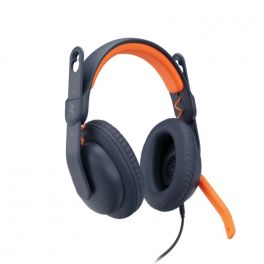
Logitech Zone Learn OVER EAR - Jack 3.5 mm
Call us for availabilityThe ideal headset for your children, the Logitech Zone Learn headset for guaranteed comfort!£45.09£29.99 £35.99 Incl. VATRef: LOZOLEOVCompare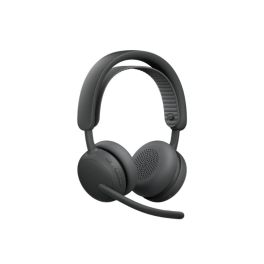
Logitech Zone Wireless 2 ES UC Grey with receiver
Call us for availabilityWireless business headset with adaptive hybrid ANC and AI-optimised microphones for focused work£220.99£176.99 £212.39 Incl. VATRef: LO981001498Compare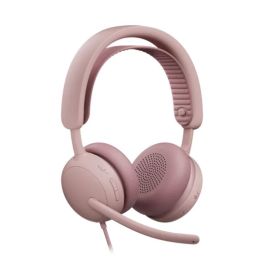
Logitech Zone Wired 2 Pink Teams
Call us for availabilityMicrosoft Teams-certified USB-C wired headset with adaptive hybrid ANC, dual AI microphones and comfortable design for open spaces.£139.99£118.99 £142.79 Incl. VATRef: LOZONEW2PCompare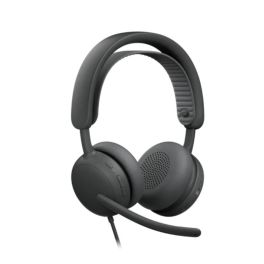
Logitech Zone Wired 2 Graphite UC
Call us for availabilityWired USB-C headset for UC platforms with adaptive hybrid ANC, dual AI microphones and compatibility with Zoom, Google Meet and Voice.£139.99£114.99 £137.99 Incl. VATRef: LOZONEW2GCompare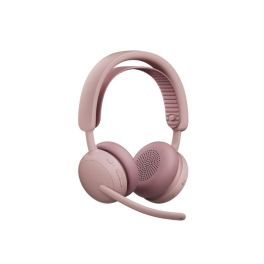
Logitech Zone Wireless 2 ES Teams Pink with receiver
Call us for availabilityWireless business headset with adaptive hybrid ANC and AI-optimised microphones for focused work.£220.99£176.99 £212.39 Incl. VATRef: LO981001521Compare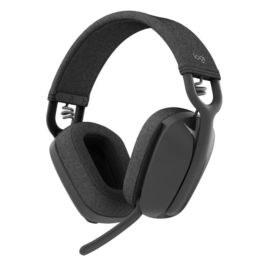
Logitech Zone Vibe 100 Bluetooth Headphones – Graphite
Call us for availabilityGraphite-coloured stereo Bluetooth headset with a dual-beam microphone, lightweight design and up to 18 hours’ talk time, ideal for the office and remote working.£104.99£85.99 £103.19 Incl. VATRef: LOVIBE100Compare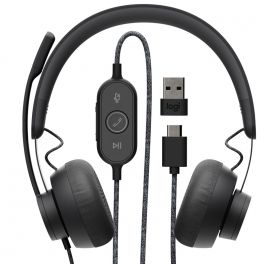
Logitech Zone Wired - UC Version
DiscontinuedA powerful and pleasant wired headset for clear conversations in all circumstancesCheck similar productsRef: LOZONEWDCompare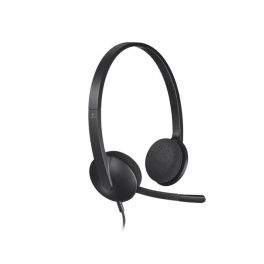
Logitech H340 USB
PC headset with USB connectionDiscontinued5 of 2 ReviewsCheck the alternative productRef: LOH340Compare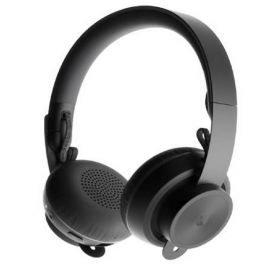
Logitech Zone Wireless - Teams
A discreet, comfortable and powerful stereo headset for quality exchanges in all circumstancesDiscontinued5 of 1 ReviewsCheck similar productsRef: LOZONEWITCompare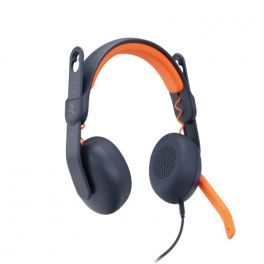
Logitech Zone Learn ON EAR - USB-A
DiscontinuedThe ideal headset for your children, the Logitech Zone Learn headset for guaranteed comfort!Check similar productsRef: LOZOLEONACompare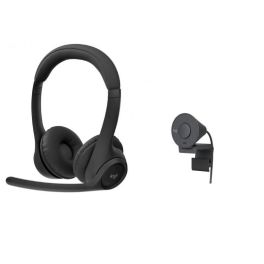
Pack Logitech Zone 305 Headset + Brio Webcam
DiscontinuedLogitech wireless Bluetooth headset with 1080p webcam for an unforgettable conferencing experience.Check similar productsRef: LO305PACKCompare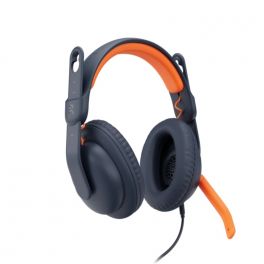
Logitech Zone Learn OVER EAR - USB-A
DiscontinuedThe ideal headset for your children, the Logitech Zone Learn headset for guaranteed comfort!Check similar productsRef: LOZOLEOVACompare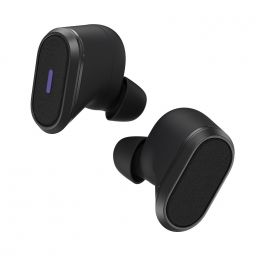
Logitech Zone True Wireless
DiscontinuedSmart wireless headset for exceptional business communicationsCheck similar productsRef: LOZONETWCompare- Ref: LOH111Compare
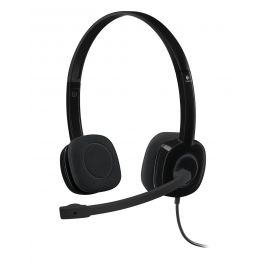
Logitech H151
DiscontinuedHeadset for PC with volume control functionCheck the alternative productRef: LOH151Compare
Key features and functions
Logitech headsets for professionals include a range of audio solutions for calls, video meetings and everyday communication. The range includes wired USB models and Logitech wireless headsets using technologies such as Bluetooth. Depending on the model, these devices can connect to a computer or other compatible equipment, either directly or through a USB receiver. Noise-reducing microphones on selected models help limit background sounds picked up during conversations. Some Logitech headphones also feature active noise cancellation (ANC) to reduce distractions. To choose your Logitech headset, compare the specifications of each model with the requirements of your working environment.
| Wired Logitech headsets | Models with USB connectivity, suitable for fixed workstations and communication through a compatible computer. |
| Logitech wireless headsets | Solutions offering greater mobility during calls, with connectivity features and battery life varying between models. |
| Noise-reducing microphones | Systems designed to improve the clarity of the user's voice during calls. |
| Active noise cancellation | ANC technology available on certain Logitech headsets to reduce background noise heard by the user. |
| Comfort and compatibility | Different designs, controls and connectivity options to meet the needs of users of professional communication platforms. |
How to choose the right product
- OK Identify your main use: choose a Logitech headset suited to your calls, video meetings and other professional communication needs.
- OK Choose between wired and wireless: opt for a USB model at a fixed workstation or a Logitech wireless headset if you need greater mobility.
- OK Check Bluetooth connectivity: make sure the headset and any accompanying adaptor are compatible with your business devices.
- OK Assess microphone performance: look for a Logitech headset with noise reduction if you work in a busy environment.
- OK Evaluate active noise cancellation: select a model with ANC if you want to reduce distracting background sounds.
- OK Consider comfort and battery life: compare the weight, ear cushions, adjustment options and operating time of wireless models.
- OK Check software compatibility: review certifications and available features for Microsoft Teams, Zoom or your other communication tools.
Uses across professional sectors
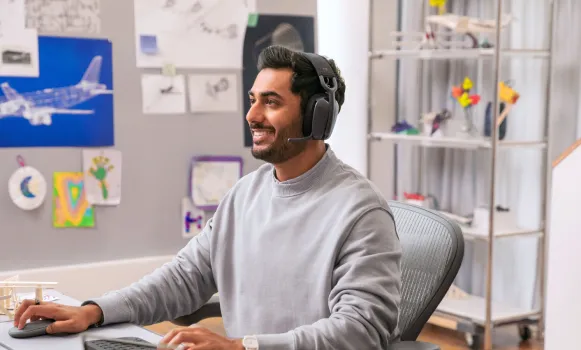
Logitech headsets meet the communication needs of a wide range of professional environments. In offices and administrative departments, wired USB models support computer-based calls and meetings. In shared workspaces, a Logitech headset with active noise cancellation can help reduce distractions, while a noise-reducing microphone improves voice clarity during conversations. Employees working from home can choose a Logitech Bluetooth headset to communicate through compatible devices. Sales teams and mobile professionals may prefer wireless models offering greater freedom of movement.
Why choose Onedirect?
Onedirect offers a selection of Logitech headsets designed for professional communication, with different connectivity and comfort options. You can compare wired USB models, Logitech Bluetooth headsets and noise-cancelling versions according to your working environment. Whether you are looking for a Logitech headset for video meetings or a wireless model for greater mobility, our specialists can help you choose a suitable solution.
FAQ – Frequently asked questions
Which Logitech headset should you choose for home working and video meetings?
For home working, choose a Logitech headset compatible with your computer and communication platforms. A wired USB model is suitable for a fixed workstation, while a Logitech wireless headset offers greater freedom of movement. Also check microphone quality, comfort and noise reduction features according to your working environment.
What is the difference between a wired Logitech headset and a Bluetooth model?
A wired Logitech headset uses a direct connection, usually USB, to a compatible device. A Logitech Bluetooth headset communicates wirelessly with supported equipment and allows you to move around during calls. Wireless models require a battery and offer varying battery life. The right choice depends on your devices and mobility requirements at work.
Does a noise-cancelling Logitech headset reduce the noise around me?
It depends on the technologies included. A noise-reducing microphone aims to limit background sounds transmitted to the people you are speaking to. Active noise cancellation, or ANC, reduces the surrounding noise you hear through the headset. Some models offer both features, but they are not available on every Logitech headset. Check the specifications of each model.
Are Logitech headsets compatible with Microsoft Teams and Zoom?
Some professional Logitech headsets have certifications or features designed for Microsoft Teams, Zoom and other collaboration platforms. Compatibility and available controls may vary depending on the model and connection type. Check the certifications of your chosen model to make sure it is suitable for your business software.
Related resources
Headset accessories Icon Wired headsets Icon Wireless headsets Icon Discover the full Logitech ecosystem Icon