
My Cart



Building Your Video Conferencing Project
Are you planning to equip one or more meeting rooms for video conferencing? Do you need expert advice before choosing the right solution?
At Onedirect, we help businesses design and deploy video conferencing systems for meeting rooms, collaborative spaces and executive boardrooms. We take the time to understand how your teams work and what your rooms need.
Our experts help you choose the right equipment for your space, your users and your budget. We guide you through every stage of the project, from planning and product selection to ongoing support.
Form





Over 25 years of experience
Thousands of businesses supported
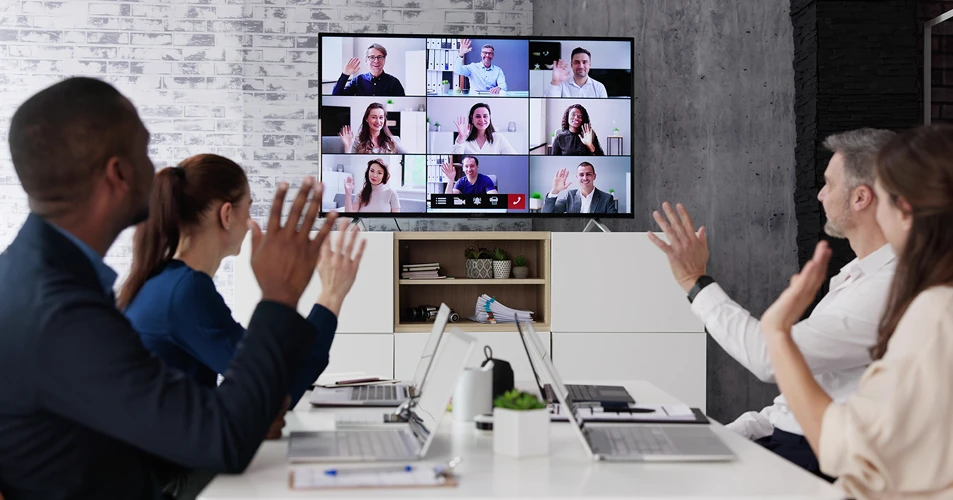
The challenges of video conferencing by job role
 Meetings / CollaborationYour teams work together across different locations. Some employees are in the office, while others join remotely. Teams often need a solution that works across different meeting rooms and locations.
The right video conferencing setup helps people share ideas, review documents and make decisions without delays. It also creates a consistent experience for everyone, regardless of where they are working. Your key challenges: IconEnsure clear communication between team membersIconFacilitate real-time content sharingIconEnsure quick and easy equipment setupIconProvide a consistent experience both on-site and for remote work
 Management / Strategic CommunicationBoard meetings, project reviews and strategic discussions often involve participants from different locations. Modern video conferencing software helps leaders stay connected and make informed decisions. A large number now use AI-powered features in their video conferencing software. These tools help improve video calls and make meetings easier to manage. Your key challenges: IconGuarantee high-quality audio and videoIconProtect sensitive communications and business dataIconSupport faster decision-makingIconManage users, permissions and access with confidence
 Customer Relations / External CommunicationYou regularly meet with customers, partners and prospects. Video conferencing helps facilitate communication, present information effectively and maintain a professional image.
Businesses rely on reliable tools to deliver presentations, demonstrate products and build trust with external contacts. Clear audio, sharp video and dependable performance help create a positive experience for all participants. Your key challenges: IconStrengthen your professional image with stakeholdersIconMake meetings and presentations run more smoothlyIconShare documents and presentations with easeIconSupport customer engagement and business growth
 Human Resources / Internal CommunicationFrom onboarding new employees to delivering company-wide updates, video conferencing helps HR teams reach people wherever they work. HR departments often face technical complexity when managing large groups of participants. Simple access and reliable performance help reduce technical issues and encourage greater participation during meetings, training sessions and internal events. Your key challenges: IconCreate interactive and engaging experiencesIconTrack participation and measure engagementIconSimplify access for employees and external usersIconDeliver high levels audio and video transmission
Do any of these situations sound familiar to you?
What Video Conferencing Brings to Your Business

Clear communication
Good audio and video quality helps participants understand each other more easily. Meetings run more smoothly and teams spend less time repeating information.
Efficient meetings
Reliable equipment helps meetings start on time. Teams can focus on discussions and decisions instead of dealing with technical problems.
Better participation
The right tools make content sharing simple and effective. Everyone can take part in the meeting, whether they are in the room or working remotely.
Professional image
High-quality equipment helps create a positive experience for employees, customers and partners. It also supports a more professional image during online meetings and presentations.
Expert support at every stage of your project

1Understanding your requirements
We take the time to understand your meeting spaces, working practices and business objectives. This helps us identify the video conferencing solutions that best fit your organisation.
2Personalised recommendations
Our specialists help you compare products, features and room solutions. We recommend equipment that matches your needs, budget and preferred collaboration platforms.
3Support during the purchasing process
Choosing the right video conferencing equipment can be complex. Our team is available to answer questions and help you make informed decisions before placing your order.
4Ongoing support after purchase
We remain available in the long term. Our team can answer your questions and help you choose the right products as your needs change.

What our customers say about Onedirect
Trustpilot Reviews
Do you have a similar project?
Are you planning to equip one or more meeting rooms for video conferencing?
Would you like expert advice before choosing your solution?
Our team is here to help you to:
OK
Identify your requirements, room setup and meeting objectives
OK
Find the best solution according to your business needs
OK
Structure your project from product selection to ongoing support