My Cart



Headsets
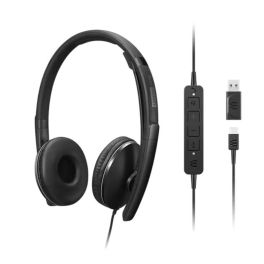
Lenovo Gen 2 USB-C Wired ANC Headset
Call us for availabilitySecond-generation Lenovo headset with ANC and USB-C connection, designed for unified communications and hybrid working.£157.99£99.99 £119.99 Incl. VATRef: LENGEN2USBCCompare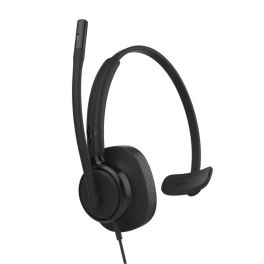
HP Poly Mission 415 USB-C Mono
Call us for availabilityUSB-C mono headset with AI noise-cancelling microphone, super wideband audio and faux leather ear cushions with memory foam, ideal for clear calls and extended use.£34.99 £41.99 Incl. VATRef: PLMIS415USBCAMCompare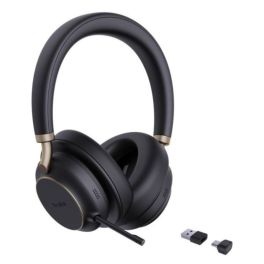
Yealink BH76 Plus UC Bluetooth Headset with ANC
Call us for availabilityWireless Bluetooth headset with ANC, 5 microphones and up to 40 hours of battery life for professional communication and focused work.£279.99£174.99 £209.99 Incl. VATRef: YEABH76PLUSUCCompare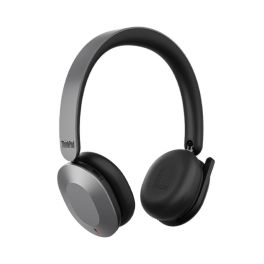
Lenovo ThinkPad 8550 Wireless ANC Headset
Call us for availabilityProfessional foldable wireless headset with adaptive active noise cancellation, ‘Sound by Bose’ audio technology and Microsoft Teams certification for hybrid working.£529.99£148.99 £178.79 Incl. VATRef: LEN8550USBCTCompare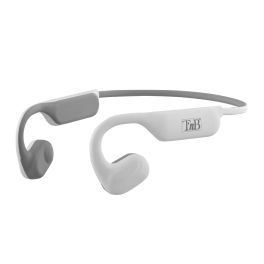
T'nB ENERGY Air Open-Ear Sports Earphones
Call us for availabilityWireless open-ear sports earphones with Bluetooth 5.1, up to 30 hours’ battery life with the charging case, and an IPX5 water-resistant, ergonomic design.£78.99£33.99 £40.79 Incl. VATRef: TNBEBENERGYRCompare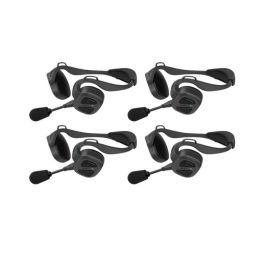
Pack of 4 Sena Nautitalk Bosun MESH headsets
Call us for availabilityPack of 4 Sena NautiTalk Bosun Mesh professional headsets featuring Mesh Intercom™ technology, advanced noise cancellation and IPX7 water resistance for reliable communication between crew members.£1,199.96£1,047.56 £1,257.07 Incl. VATRef: SENANAUTIBOS1X4Compare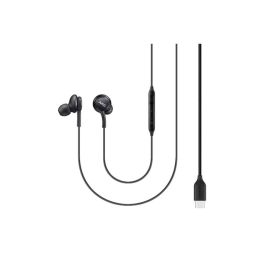
Samsung EO-IC100BBEGEU Earphones
Call us for availabilityWired in-ear headset with USB-C, 2-way drivers and clear voice playback.£16.49£14.99 £17.99 Incl. VATRef: SAEOIC100BBEGEUCompare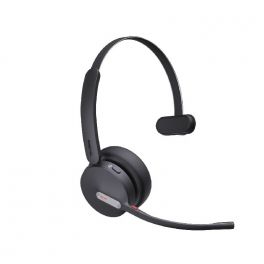
Yealink BH70 Mono UC USB-C
Call us for availabilityCordless mono Bluetooth headset with AI-controlled microphones for noise cancellation. USB-C dongle£88.00£74.99 £89.99 Incl. VATRef: YEABH70MCUCCompare
Poly Voyager Legend 30 Headset
Call us for availabilityUltra‑lightweight Bluetooth headset with 4‑mic array, WindSmart boom, smart sensors, USB‑C charging!£99.99£86.99 £104.39 Incl. VATRef: PLVOYLEG30UKCompare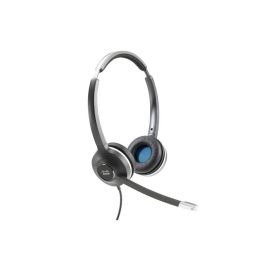
CIsco 532 RJ9 Binaural Headset
Call us for availabilityThe Cisco Headset 500 Series is a professional range of wired and wireless headsets optimized for Cisco IP phones, soft clients, and desktop video devices.£210.99£99.99 £119.99 Incl. VATRef: CI532RJUKCompare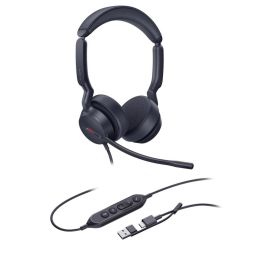
Yealink UH44 Dual UC USB-C/A Headset
Call us for availabilityExperience comfort and clear sound all day long.£53.89£36.99 £44.39 Incl. VATRef: YEAUH44DCACompare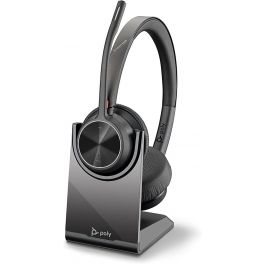
Poly Voyager 4320 Wireless UC USB-C with Charge Stand
Call us for availabilityFlexible, wireless stereo headset for total sound immersion during your remote meetings.£192.95£102.99 £123.59 Incl. VATRef: PLVOY4320CUCCSCompare
Jabra Engage 65 Stereo - Refurb
Call us for availabilityProfessional and powerful DECT refurbished wireless headset to develop your businessQuoteRef: GNENGAGE65DRUKCompare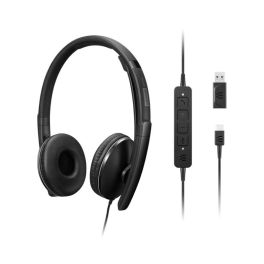
Lenovo Gen 2 USB-C Headset Zoom
Call us for availabilityWired headset with active noise cancellation, voice-optimised microphone and Zoom certification for clear communications in the office and when working remotely.£157.99£100.99 £121.19 Incl. VATRef: LENGEN2USBCZCompare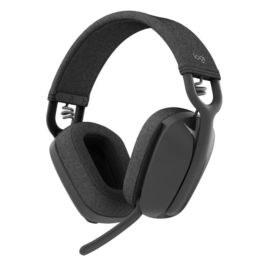
Logitech Zone Vibe 100 Bluetooth Headphones – Graphite
Call us for availabilityGraphite-coloured stereo Bluetooth headset with a dual-beam microphone, lightweight design and up to 18 hours’ talk time, ideal for the office and remote working.£104.99£85.99 £103.19 Incl. VATRef: LOVIBE100Compare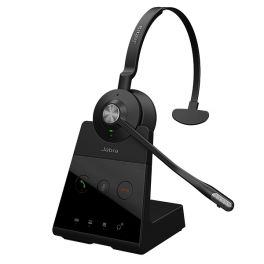
Jabra Engage 65 Mono
Call us for availabilityDECT wireless mono headset. Connects with up to 2 devices (USB and desktop phone)£340.00£212.99 £255.59 Incl. VATRef: GNENGAGE65MUKCompare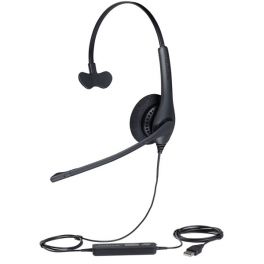
Jabra BIZ 1500 Mono USB PC Headset
With flexible microphone boom, noise-cancelling microphone and HD soundCall us for availability4 of 1 Reviews£71.00£46.99 £56.39 Incl. VATRef: GNB1500USBCompare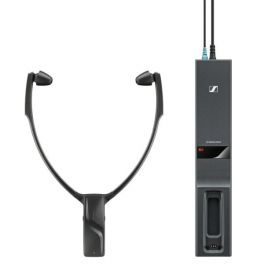
EPOS RS 2000
Call us for availabilityWireless headset for the television£153.99£129.99 £155.99 Incl. VATRef: SERS2000Compare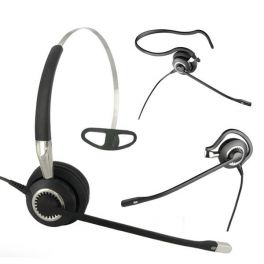
Jabra BIZ 2400 II Mono 3-in-1 UNC Corded Headset
Monaural corded headset with ultra noise cancellation and unbreakable 360° swivel boom microphoneCall us for availability4 of 4 Reviews£216.00£144.99 £173.99 Incl. VATRef: GN2400NC-2Compare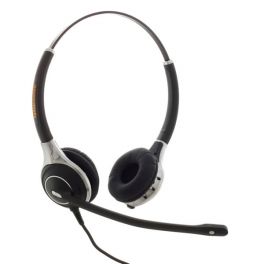
Agent AG2 Binaural NC Headset PLX QD
Call us for availabilityBinaural lightweight with noise-cancelling technology and Plantronics style£109.99£86.99 £104.39 Incl. VATRef: AGAG2PLXCompare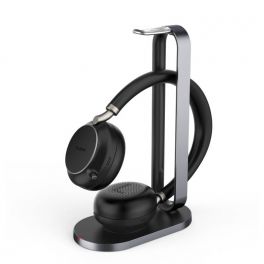
Yealink BH76 Teams Black USB-A + Charging Stand
Call us for availabilityMicrosoft Teams certified ANC wireless headphones compatible with Qi induction charging.£262.00£186.99 £224.39 Incl. VATRef: YEABH76ABSUTUKCompare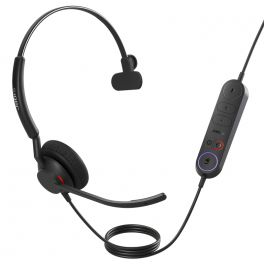
Jabra Engage 40 + LINK USB-C UC Mono
Call us for availabilityUSB-C headset for all UC platforms with inline call control unit£170.00£95.99 £115.19 Incl. VATRef: GNENG40LUCCCompare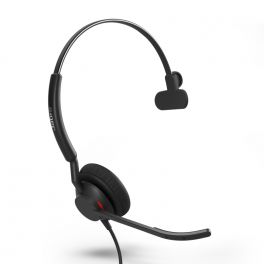
Jabra Engage 50 II USB-C UC Mono
Call us for availabilityWith Engage 50 II, calls have more clarity, and customers enjoy an all-around better experience.£153.00£100.99 £121.19 Incl. VATRef: GNENG50IIUCCMCompare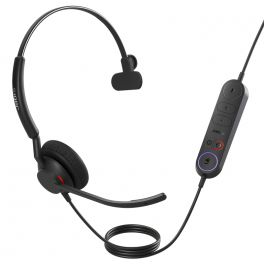
Jabra Engage 40 + LINK USB-A MS Mono
Call us for availabilityUSB-A headset with Microsoft Teams support and inline call control unit£170.00£78.99 £94.79 Incl. VATRef: GNENG40LMSACompare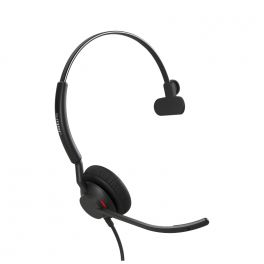
Jabra Engage 40 - USB-C UC Mono
Call us for availabilityUSB-C headset compatible with all UC Platforms£136.00£78.99 £94.79 Incl. VATRef: GNENG40UCCCompare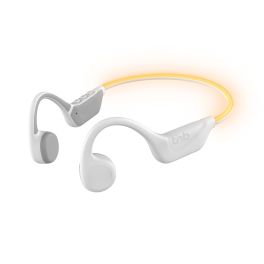
T'nB ENERGY Light Bone Conduction Headset
Call us for availabilityBone-conduction sports headset with Bluetooth 6.0, an LED strip and up to 15 hours’ battery life, for safer training.£130.99£58.99 £70.79 Incl. VATRef: TNBEBNRGBNLICompare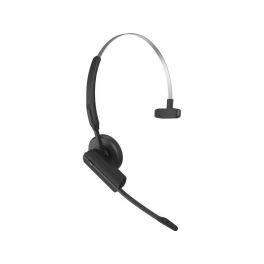
Gigaset CH21D PRO Compact DECT Headset
Call us for availabilityCompact DECT headset for mono and multi-cell systems with HD audio, three wearing options and optional CrewPTT support.£139.99£100.99 £121.19 Incl. VATRef: SICH21DPROCompare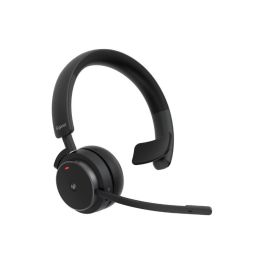
Gigaset CH41D PRO DECT headset with CrewPTT
Call us for availabilityA comfortable DECT headset for mono and multi-cell systems, featuring HD audio, a 25-metre range, USB-C charging and optional CrewPTT functionality.£192.99£133.99 £160.79 Incl. VATRef: SICH41DPROCompare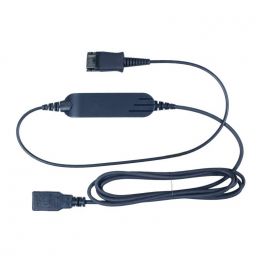
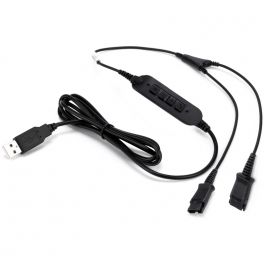
Cleyver USB70 Cable
QD - USB adapter to connect your headset to a PCIN STOCK4.5 of 5 Reviews£19.99 £23.99 Incl. VATRef: ODUSB70Compare- Ref: ODYQDUSBPCompare
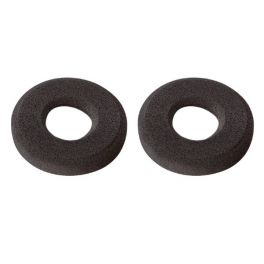
Foam Ear Cushions for Plantronics HW510/520 (Pack of 2)
Pack of 2 foam ear cushionsIN STOCK4.3 of 3 Reviews£3.20£2.99 £3.59 Incl. VATRef: PLOHWCM2Compare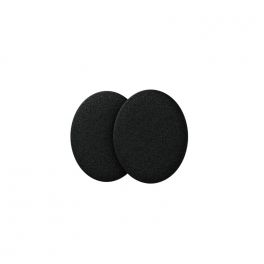
EPOS ADAPT 100 Foam Earpads
IN STOCKFoam ear pads for EPOS ADAPT 100 series / C10 headsets.£5.00£3.99 £4.79 Incl. VATRef: SEADP100COFCompare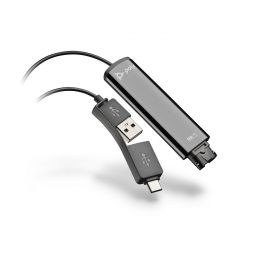
Poly DA75 Cable
IN STOCKQD to USB-A/USB-C audio adapter- connect headsets to PC£51.95£33.99 £40.79 Incl. VATRef: PLDA75Compare- Ref: ODHANGERCompare
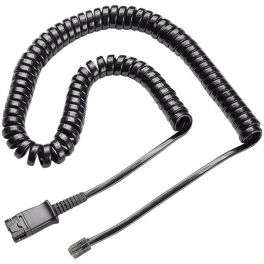
Plantronics U10P Bottom Cable
Coiled cord with QuickDisconnectIN STOCK4.6 of 50 Reviews£15.20£9.99 £11.99 Incl. VATRef: PLU10PCompare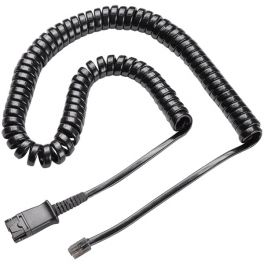
Plantronics U10P-S Bottom Cable for Panasonic
Plantronics quick disconnect cable for Panasonic analogue phonesIN STOCK4.1 of 9 Reviews£15.20£9.99 £11.99 Incl. VATRef: PLU10PSCompare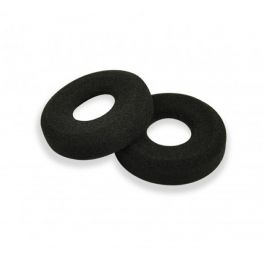
Foam Ear Cushions for Blackwire C300 Series
Spare ear cushions for Plantronics Blackwire 300 Series headsetsIN STOCK4.3 of 9 Reviews£5.49£4.99 £5.99 Incl. VATRef: PLBLACK3COCompare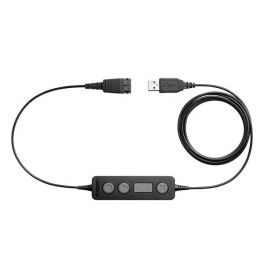
Jabra Link 260 USB Adapter
IN STOCKQuickDisconnect/USB connection cable with in-line controls£101.19£68.99 £82.79 Incl. VATRef: GNL260Compare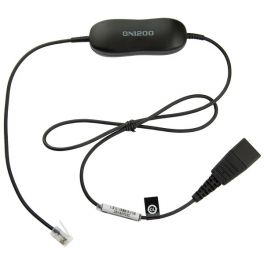
Jabra GN1200 Smart Cord
Universal Quick Disconnect cord for Jabra corded headsetsIN STOCK4.5 of 35 Reviews£29.69£26.99 £32.39 Incl. VATRef: GNSMARTCompare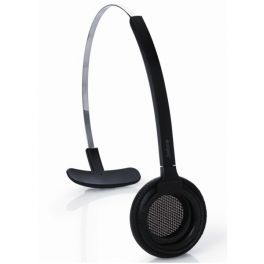
Headband for Jabra PRO 900 headsets
Replacement headband by GN Jabra for use with the Jabra PRO 900 series of headsetsIN STOCK4.8 of 5 Reviews£26.39£23.99 £28.79 Incl. VATRef: GN900STCompare
Key features and functions
Professional headsets are designed to make communication easier and improve listening comfort in the workplace. Depending on the model, professional headphones offer different connectivity options, noise-reduction technologies and features that allow you to manage calls easily. At Onedirect, discover a wide selection of professional headsets designed to meet the needs of employees working in the office, remotely or in particularly busy environments.
| Comfort and ergonomics | Adjustable headbands, comfortable ear cushions and lightweight designs for extended use at work. |
| Professional audio quality | Clear, balanced sound for calls and video meetings. |
| Wired or wireless connectivity | USB, 3.5 mm jack, Bluetooth or DECT headsets, depending on the model and the equipment used. |
| Monaural or binaural design | One earpiece to stay aware of your surroundings or two earpieces to help you concentrate. |
| Noise-cancelling microphone | Improves voice clarity by reducing background noise during conversations. |
| Compatibility with business equipment | Connectivity with PCs, desk phones, smartphones and communication platforms, depending on the model. |
| Controls and call management | Volume adjustment, microphone muting and call answering directly from the headset or its built-in controls. |
How to choose the right headset
- OK Define your main use: telephone calls, video meetings, call centre work or working from home.
- OK Choose the connection type: USB-A, USB-C or jack for wired use, or Bluetooth or DECT for greater mobility.
- OK Assess the level of sound isolation required: one earpiece for interaction with colleagues or two for greater concentration.
- OK Evaluate microphone quality: prioritise a headset with a noise-cancelling microphone in noisy environments.
- OK Check compatibility: consider your computer, business telephone, smartphone or communication software.
- OK Consider comfort: weight, headband adjustment and ear cushion quality for long working days.
- OK Review battery life and range: for wireless headsets, according to your working routine and mobility needs.

Uses across professional sectors
Professional headsets are used across industries where clear communication is essential. In offices, a headset with microphone makes everyday calls and remote meetings easier while allowing employees to work comfortably. In call centres, a professional headset supports staff who spend much of their working day on the telephone. For working from home, a headset with mic allows you to join video meetings and communicate effectively. In open-plan offices and shared workspaces, models with noise-reduction technology help minimise distractions. Professional headphones and headsets are also suitable for sales teams, administrative departments and mobile employees looking for a communication solution suited to their work.
Why choose Onedirect?
Onedirect offers a selection of professional headsets designed to meet the communication needs of businesses. Choose from different headphones, wired headsets with microphones and wireless headsets, depending on your equipment and working environment. Our range includes solutions with different connectivity options, comfort levels, audio features and compatibility. Our team of specialists can help you choose the right professional headset with mic for your everyday needs, whether you work in an office, from home or in a contact centre.
FAQ – Frequently asked questions
What is the difference between headphones and a professional headset with mic?
Headphones are primarily designed for listening to audio, while a professional headset with microphone includes a mic designed for voice communication. A headset with mic is particularly suitable for telephone calls, video meetings and business conversations. Depending on the model, it may also offer noise-reduction features and call management controls.
Should I choose a wired or wireless professional headset?
A wired headset is particularly suitable for fixed workstations and provides a direct connection to compatible equipment. A wireless Bluetooth or DECT headset allows you to move more freely during conversations. Your choice depends on your working environment, mobility requirements and the devices you use every day.
Which headset with microphone should I choose for a noisy workplace?
For working in an open-plan office or noisy environment, choose a professional headset with a noise-cancelling microphone. This feature helps reduce the background noise transmitted to your callers. A binaural headset with good sound isolation can also help you stay focused during calls and meetings.
Are professional headsets compatible with Microsoft Teams and Zoom?
Many professional headsets can be used with communication platforms such as Microsoft Teams and Zoom. Some models also offer specific certifications or controls optimised for these applications. Before choosing your work headset, check its compatibility with your computer, communication software and the features you need.
Related resources
Wireless headsets Icon Wired headsets Icon Practical guide: How to choose the right professional headset? Icon
Show more filters