
My Cart



Conference room solutions
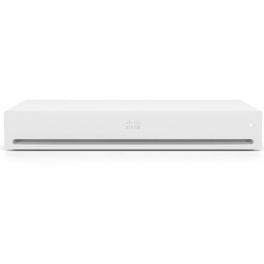
Cisco Webex Codec Pro - Video conferencing device
Call us for availabilityThis adaptable gadget offers the best audio and video quality and is an all-in-one solution for any video conference room.£18,575.02£14,962.99 £17,955.59 Incl. VATRef: CIWCPROCompare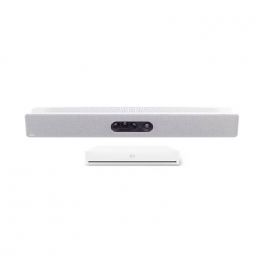
Cisco Webex Room Kit EQ - Video conferencing kit (Cisco Webex Quad Camera, Cisco Webex Codec EQ)
Call us for availabilityA comprehensive video conferencing kit, that contains a 4K capture resolution capable Cisco Webex Quad Camera and the powerful Cisco Webex Codec EQ.£20,056.21£9,943.99 £11,932.79 Incl. VATRef: CIWRKEQQUAD2Compare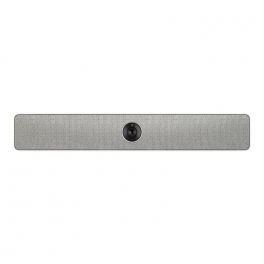
Cisco Webex Room USB
Call us for availabilityUSB conference bar for BYOD huddle rooms meetings£2,529.83£1,017.99 £1,221.59 Incl. VATRef: CIWRUSB2Compare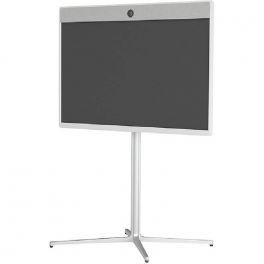
Cisco Webex Room 55 Main Unit Non Radio
Call us for availabilityMain unit for the Cisco Webex Room 55.£22,308.70£15,856.99 £19,028.39 Incl. VATRef: CIWR55NRCompare
IPEVO VC-B4K UHD 4K All-in-One Video Bar
Call us for availabilityAll-in-one 4K UHD video bar with AI framing, beamforming microphones, and powerful speakers for seamless hybrid meetings£699.99£698.99 £838.79 Incl. VATRef: IP593120800Compare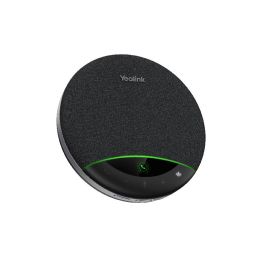
Yealink SP96 + USB-C/A cable
Call us for availabilityYealink SP96 speakerphone with touch controls and USB/Bluetooth connectivity via cable. Compact, plug & play – ideal for small to medium meetings.£109.99 £131.99 Incl. VATRef: YEASP96CACompare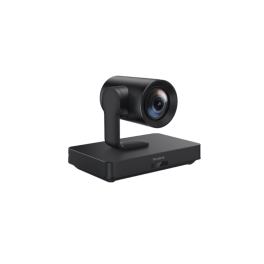
Yealink UVC85 Camera
Call us for availability4K PTZ conference camera with 12x optical zoom, 90° wide angle and auto-framing, built for medium to large meeting rooms.£923.99£839.99 £1,007.99 Incl. VATRef: YEAUVC85Compare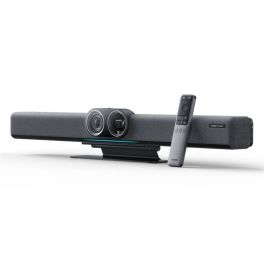
Insta360 Connect
Call us for availabilityDual-camera 4K video bar with 14 microphones and built-in AI features, designed to transform your meeting rooms into premium collaborative spaces.£1,718.99 £2,062.79 Incl. VATRef: INSTA360MRCompare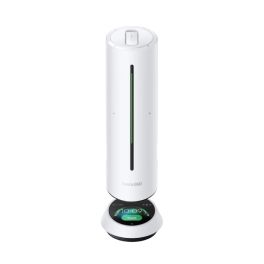
Insta360 Wave white
Call us for availabilityA Bluetooth conference speaker that combines 360° audio, AI-powered transcription and Link 2 camera mounting, ideal for smarter meetings.£239.99£230.99 £277.19 Incl. VATRef: INSTA360WAVEWCompare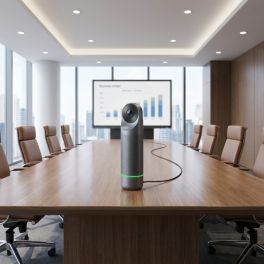
Kandao Meeting Pro 2 4K 360° Camera
Call us for availability4K 360° video conferencing camera with artificial intelligence, built-in audio and a standalone system for professional hybrid meetings.£1,369.99£998.99 £1,198.79 Incl. VATRef: KANMEEPRO2Compare
Apple Studio Display XDR 27-inch 5K with adjustable height
Call us for availabilityA 27-inch professional display featuring Retina XDR 5K technology, mini-LED and an adjustable stand, ideal for video editing, graphic design and advanced video conferencing.£4,377.99£2,771.99 £3,326.39 Incl. VATRef: APMFEL4FDACompare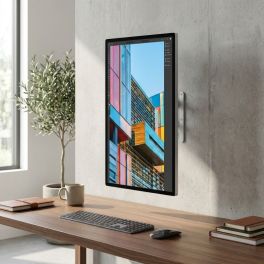
Apple Studio Display 27-inch 5K standard glass, VESA mount
Call us for availability27-inch 5K display with standard glass and VESA mounting, designed for Mac workstations, fixed installations and professional video conferencing.£1,750.99£1,343.99 £1,612.79 Incl. VATRef: APMFEY4FDACompare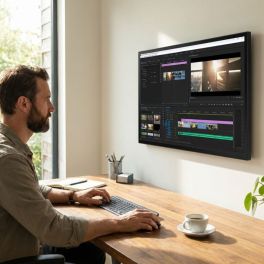
Apple Studio Display 27-inch 5K nano-textured glass, VESA mount
Call us for availability27-inch 5K display with nano-textured glass and VESA mounting, designed for Mac workstations, fixed installations and high-brightness environments.£2,013.99£1,595.99 £1,915.19 Incl. VATRef: APMFF24FDACompare
Yealink 2-Year Extended Warranty for the MeetingBar A25 with CTP25
Call us for availabilityYealink 2-year extended warranty for the MeetingBar A25 with CTP25, which extends the coverage of the video system and ensures greater operational continuity.£402.99£343.99 £412.79 Incl. VATRef: YEAAMSA250312YCompare
Yealink 2-Year Extended Warranty for the MeetingBar A40
Call us for availabilityYealink’s 2-year extended warranty for the MeetingBar A40 offers extended protection, reduces unexpected costs and ensures business continuity.£349.99£285.99 £343.19 Incl. VATRef: YEAAMSA400102YCompare
Yealink 3-Year Extended Warranty for the MeetingBar A40
Call us for availabilityYealink’s 3-year extended warranty for the MeetingBar A40, offering long-term protection, predictable costs and maximum business continuity.£454.99£394.99 £473.99 Incl. VATRef: YEAAMSA400103YCompare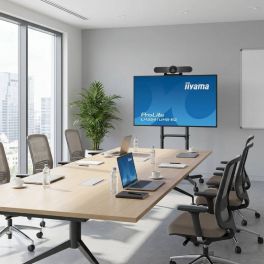
Logitech Iiyama Mobile Meeting Room Bundle
Complete mobile video conferencing bundle with 55-inch 4K display, Logitech MeetUp, TV trolley and dedicated camera mount.Call us for availability4.6 of 14 Reviews£2,068.97£1,248.02 £1,497.63 Incl. VATRef: LOMEETUP55SPCompare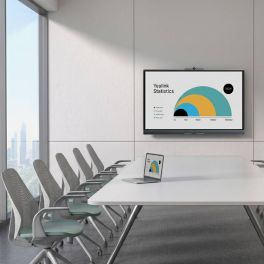
Yealink MeetingBoard C EDLA 75-inch BYOM interactive display
Out of stock75-inch all-in-one interactive display with Android 15, Google EDLA, a 50 MP 4K camera, 8 microphones, a collaborative whiteboard and BYOM.£3,501.99£2,809.99 £3,371.99 Incl. VATRef: YEAMB75CEDLACompare
Cleyver Bar Large Room BYOD Video Conferencing Kit M1950E
A complete video conferencing kit featuring a 4K dual-sensor bar with AI capabilities, a 75-inch 4K screen, a wheeled stand and accessories, designed for large meeting rooms (10 people or more).Call us for availability4.5 of 2 Reviews£3,012.94£2,524.88 £3,029.86 Incl. VATRef: CLEYBAR75RUKCompare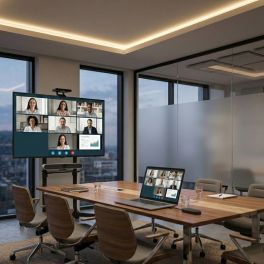
Cleyver BAR BYOD Medium Room Kit + Screen Sharing | Onedirect
Call us for availabilityComplete video conferencing solution for medium meeting rooms, combining a Cleyver 4K video bar with 10x optical zoom, a 55-inch Samsung Business TV, wireless screen sharing and a mobile TV trolley for flexible collaboration.£2,077.96£1,583.97 £1,900.77 Incl. VATRef: ODBARML55RUKCompare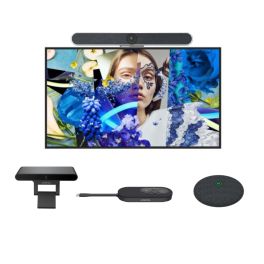
BYOD Video Conferencing Kit - Hikvision 65'' + Cleyver 4K Bar + Fanvil CA200
Call us for availabilityComplete BYOD video conferencing kit for medium to large meeting rooms with 65" 4K display, 4K AI video bar with 10x zoom, wireless screen sharing, extension microphone and wall mount.£2,237.51£1,746.92 £2,096.31 Incl. VATRef: HKDS6065ODMLPWCompare
MAXHUB XBar V50 4K Video Bar
Call us for availabilityA 4K video bar for small and medium-sized meeting rooms, featuring dual 100 MP cameras, 12 microphones, stereo audio and AI-powered video features.£1,838.99£1,595.99 £1,915.19 Incl. VATRef: MAXV50Compare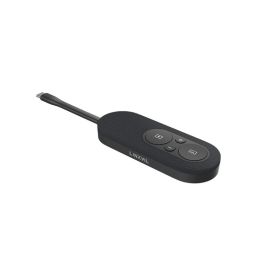
Fanvil CP20 4K Wireless USB-C dongle LINKVIL
Out of stockA wireless USB-C device for sharing 4K presentations without installing any software, featuring a Freeze mode and compatibility with the Fanvil CA200 and CA400 systems.£84.99 £101.99 Incl. VATRef: FACP220Compare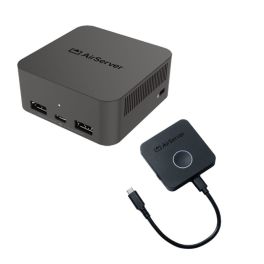
Pack AirServer Connect 3 + BYOM Button – 4K wireless sharing
Call us for availabilityA 4K wireless screen-sharing solution with a BYOM USB-C button for easy presentations and collaboration in meeting rooms.£1,349.98£1,309.48 £1,571.38 Incl. VATRef: AIRSERVERKITCompare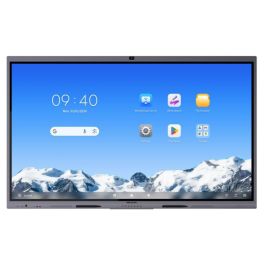
Hikvision DS-D5C86RB/B2L 86 Inch 4K Touchscreen
Call us for availability86-inch 4K interactive display with 50-point multi-touch, built-in 4K camera, eight microphones and wireless screen sharing for meeting rooms and classrooms.£2,723.99 £3,268.79 Incl. VATRef: HKDSD5C86RBCompare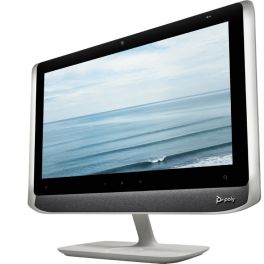
Poly Studio P21 Personal Meeting Display
Call us for availabilityAll-in-one 21.5" personal video conferencing display with integrated 1080p camera, stereo speakers, microphone and adjustable lighting, connecting to PC or Mac via USB.£461.95£459.99 £551.99 Incl. VATRef: POSTUDIOP21UKCompare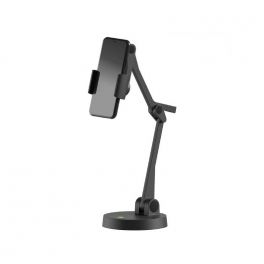
Ipevo Uplift
Call us for availabilityFlexible and practical smartphone holder for easy content sharing£60.49£50.99 £61.19 Incl. VATRef: IPEVUPLIFTCompare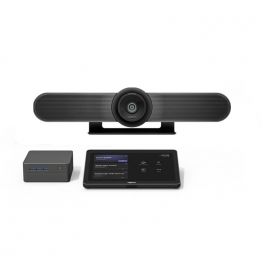
Logitech Tap Room Solution for Microsoft Teams - Small
Call us for availabilityLogitech Tap Room Solution for Teams, ideal for small rooms.£3,435.00£2,999.99 £3,599.99 Incl. VATRef: LOTAPMUPMSTINT2UKCompare
Poly Partner Plus for Focus Rooms (1 year)
Call us for availabilityComprehensive support service for Poly devices£149.99£90.99 £109.19 Incl. VATRef: POSTUDFOC1YCompare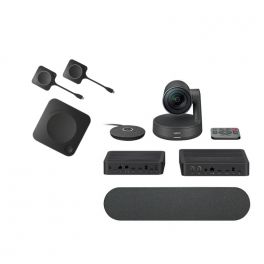
Barco CX30 Gen 2 with Logitech Rally Pack
Complete pack for wireless content sharing and collaboration for medium-sized rooms.
Call us for availability5.0 of 1 Reviews£4,758.59£3,584.13 £4,300.96 Incl. VATRef: BARCX30RALLYG2UKCompare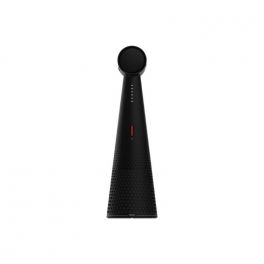
Ipevo Vocal
Call us for availability360° AI beamforming Bluetooth Speakerphone with 360° omnidirectional and 120° directional voice pick-up and two-way AI noise reduction. Be Heard!£209.00£174.99 £209.99 Incl. VATRef: IPEVOVOCALCompare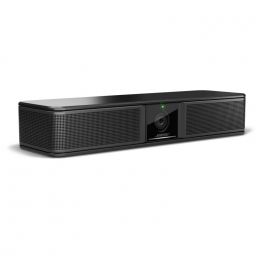
Bose Videobar VB-S
Call us for availabilityBring Bose Professional performance to every meeting!£801.89£599.99 £719.99 Incl. VATRef: BOSVBSUKCompare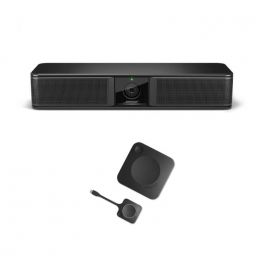
Bose Professional Videobar VBS and Barco ClickShare CX20
Bundle with Bose Professional Videobar VB-S and BARCO ClickShare CX-20 GEN2 designed to fulfil a convenient and complete video conferencing solution.Call us for availability5.0 of 2 Reviews£3,106.89£1,906.03 £2,287.24 Incl. VATRef: BOSVBSBARCX20UKCompare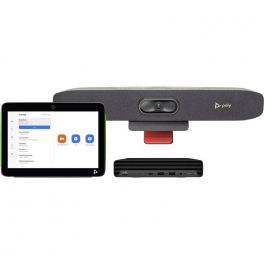
Poly Studio Small Room Bundle for Zoom Rooms
Call us for availabilityA complete videoconferencing solution dedicated to Zoom Rooms, ideal for small rooms.£2,945.99 £3,535.19 Incl. VATRef: POZOOMSMALLUKCompare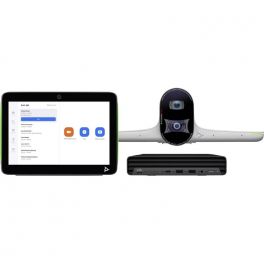
Poly Studio Large Room Bundle for Zoom Rooms
Call us for availabilityA complete videoconferencing solution dedicated to Zoom Rooms, ideal for large rooms.£4,914.99 £5,897.99 Incl. VATRef: POZOOMLARUKCompare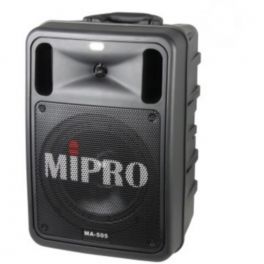
Mipro MA 505
Call us for availabilityProfessional and portable megaphone system£509.99£418.99 £502.79 Incl. VATRef: MIPMA505Compare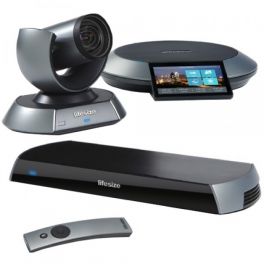
Lifesize Icon 600 - Phone HD Single Display
Call us for availabilityProfessional video conferencing system for large meeting rooms£5,699.99 £6,839.99 Incl. VATRef: LSICON600PHSDUKCompare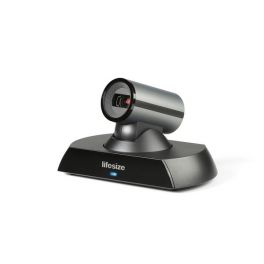
Lifesize Icon 400 with Phone HD Huddle System
Call us for availabilityHigh definition video conferencing system for small rooms of up to 4 participants, with a Lifesize Phone HD£3,149.99£2,754.99 £3,305.99 Incl. VATRef: LSICON400PHHDUKCompare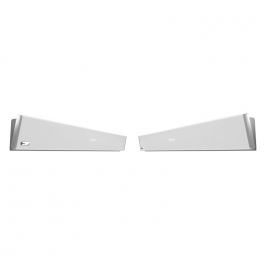
Nureva HDL300 Dual - White
Call us for availabilityFlexible audio conferencing system for medium and large-sized rooms£7,000.00£6,399.99 £7,679.99 Incl. VATRef: NURHDL300DWCompare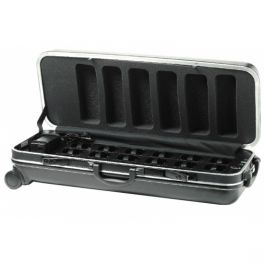
Rondson HDC-736 Charging Case
Call us for availabilityTransportable charging case with 36 compartments, simultaneous charging, battery status display and wheels for Rondson WT-808 transmitters and receivers.£799.99 £959.99 Incl. VATRef: ROHDC736Compare
Characteristics and Core Functions
Video conferencing solutions for meeting rooms combine advanced technologies to create modern collaborative environments where on-site and remote teams interact naturally. They ensure high-quality audio and video, multi-platform compatibility and seamless integration with collaboration tools. These solutions bring dispersed teams together and enable real-time content sharing, regardless of the professional environment.
| Full HD / 4K video | Optimal image quality for presentations, training sessions and hybrid meetings. |
| Multi-platform compatibility | Works with Teams, Zoom and other UC solutions for maximum flexibility. |
| Custom room sizing | Configurations adapted to room capacity and primary use cases. |
| Wireless connectivity | Simplified content sharing and reduced cable clutter in meeting rooms. |
| Equipment integration | Compatible with displays, video bars, cameras and official accessories. |
How to choose the right solution?
- OK Room capacity: number of regular participants for optimal sizing of audio-visual equipment.
- OK Video conferencing frequency: occasional use or daily hybrid meetings requiring higher performance.
- OK Main communication platform: Microsoft Teams Rooms, Zoom Rooms or universal compatibility.
- OK IT support: self-installation or the need for external assistance.
- OK Required accessories: depending on the room (microphones, mounts, speakers).

Applications across professional environments
Video conferencing solutions are used across many B2B environments. In corporate meeting rooms, they facilitate day-to-day collaboration with remote teams and support decision-making. In education, they enable hybrid learning. HR departments use these systems to optimise recruitment and training processes. In retail and logistics, they help coordinate operations across dispersed sites. Finally, they are essential for multi-site seminars, workshops and conferences, where audio and video quality ensures an immersive experience.
Why partner with Onedirect?
Onedirect offers video conferencing solutions from leading brands such as Poly, Logitech, Yealink, Jabra and Cleyver. As an official reseller, we guarantee fast and secure delivery, permanent stock availability and dedicated after-sales support. Our expert guidance helps you design spaces aligned with your IT infrastructure, ensuring successful deployment and maximum user satisfaction.
FAQ – Frequently asked questions
What is the difference between a standard meeting room and a video conferencing room?
A video conferencing room integrates cameras, microphones and speakers to allow remote participants to actively take part in meetings, whereas a standard meeting room is limited to on-site collaboration.
Which types of rooms can be equipped?
From small meeting rooms to large auditoriums, our professional solutions adapt to all types of spaces.
Can an existing meeting room be equipped progressively?
Yes. A modular approach is possible. You can start with the display and the video system (camera or video bar), then gradually add components as your needs evolve and budget allows.
How can communication security be ensured?
Systems include encryption protocols and regular software updates to protect your communications.
Which accessories are available?
Mounts, extension microphones, interactive displays and video bars can be added to complete the installation.
Related resources
Touchscreen Displays Icon Content sharing Icon Room reservation systems Icon