
My Cart



Conference room solutions
Conference room solutions for modern meeting spaces
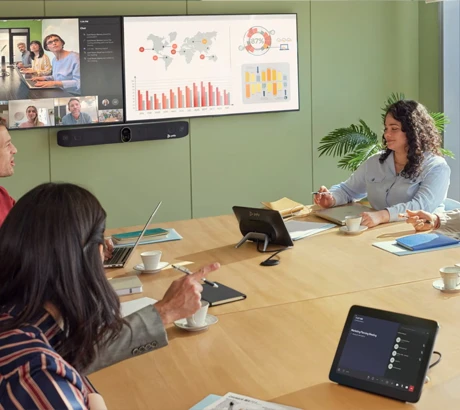
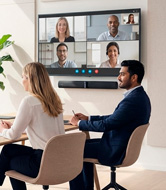
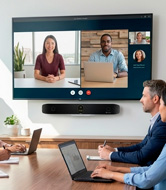
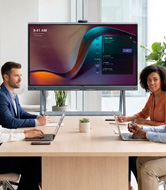
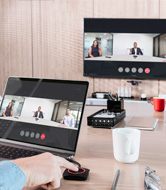
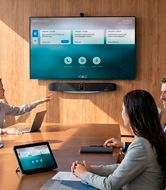
A video conferencing meeting room is an environment that combines displays and audio-visual systems to enable smooth on-site and remote collaboration. Suitable for businesses of all sizes, our conference solutions support hybrid meetings, content sharing and stronger remote communication. Modern and compatible with the latest software versions, they ensure a smooth and productive experience.

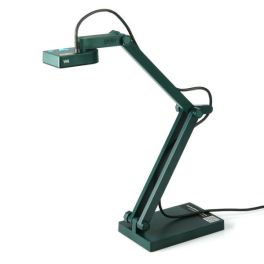
IPEVO V4K Ultra HD USB Document Camera
Improve your teaching and presentations with the IPEVO V4K visualizerIN STOCK4.9 of 16 Reviews£152.89£105.99 £127.19 Incl. VATRef: IPEVOVAKCompare- IconBest Seller
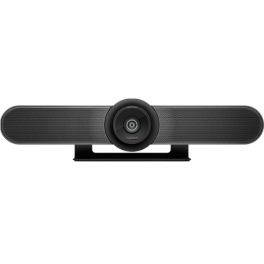
Logitech MeetUp
An advanced conference camera- optimised for small and huddle conference roomsIN STOCK4.7 of 13 Reviews£999.99£340.99 £409.19 Incl. VATRef: LOMEETUPCompare - IconBest Seller
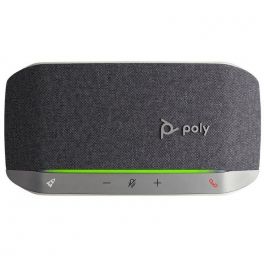
Poly Sync 20 UC USB-A
Speakerphone with USB-A connection (PC) and Bluetooth (mobile devices) ideal for your meetings and free timeIN STOCK4.8 of 3 Reviews£115.95£72.99 £87.59 Incl. VATRef: PLSYNC20USBACompare 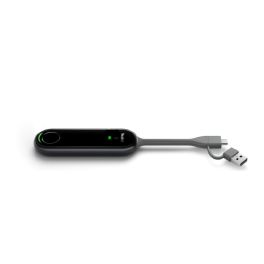
Yealink PA20
BYOD IP Ultra HD 4K presentation assistant with 4K/30FPS encoding, compatible with USB Type-A and C, and quick setup with no software or drivers required.IN STOCK5 of 1 Reviews£343.99£187.99 £225.59 Incl. VATRef: YEAPA20Compare- IconBest Seller
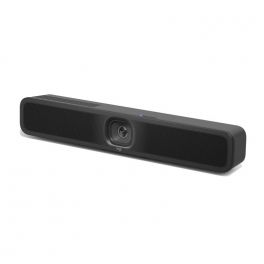
Logitech MeetUp 2
Discover the new AI-enhanced USB conference camera, ideal for small meeting rooms!IN STOCK5 of 1 Reviews£849.99£653.99 £784.79 Incl. VATRef: LOMEETUPV2Compare - IconBest Seller
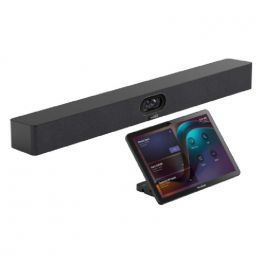
Yealink MeetingBar A40 with CTP25 Touch Panel
Intelligent 4K UHD video bar with dual cameras and touch controller, perfect for small to medium-sized conference rooms.IN STOCK5 of 2 Reviews£1,958.99£1,847.99 £2,217.59 Incl. VATRef: YEAA40CTP25UKCompare - IconBest Seller
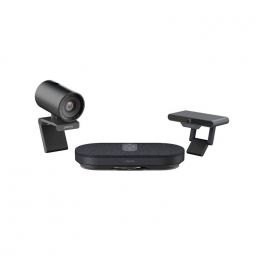
Fanvil A400 Room Cast CA400
Unique hands-free system with wireless screen sharing and USB cameraIN STOCK5 of 6 Reviews£428.99£304.99 £365.99 Incl. VATRef: FACA400Compare 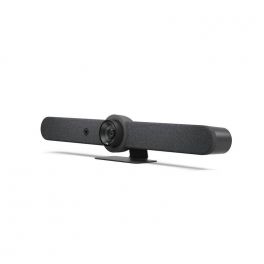
Logitech Rally Bar - Graphite
IN STOCKAll-in-one video conferencing bar without additional software - ideal for medium-sized rooms£3,599.00£2,642.99 £3,171.59 Incl. VATRef: LORALLYBARGUKCompare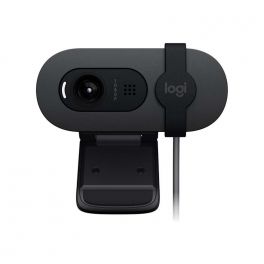
Logitech Brio 105
IN STOCKThe affordable and eco-friendly Logitech Brio 105 webcam with high-quality 1080p video£40.69£36.99 £44.39 Incl. VATRef: LOBRIO105Compare- IconBest Seller
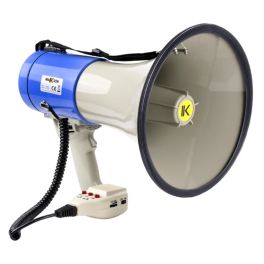
Makson MKS60B Megaphone 60W
IN STOCK60W handheld megaphone with 1200m range, USB/SD/BT playback, 3.5mm AUX, 60-sec recording and emergency siren for clear announcements.£33.99 £40.79 Incl. VATRef: SONOMKS60BCompare 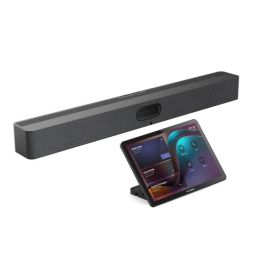
Yealink MeetingBar A50 + CTP25 Touch Controller
IN STOCKProfessional Yealink A50 video bar with CTP25 touch controller, designed for medium to large meeting rooms with premium audio and video performance.£2,694.99£2,285.99 £2,743.19 Incl. VATRef: YEAA50031Compare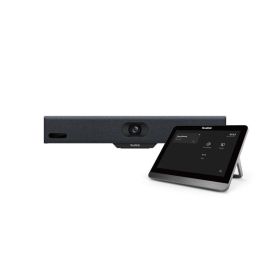
Yealink MeetingBar A10 with Control Panel
IN STOCKRevolutionise your virtual meetings with unmatched clarity.£1,656.99£1,086.99 £1,304.39 Incl. VATRef: YEALA10020UKCompare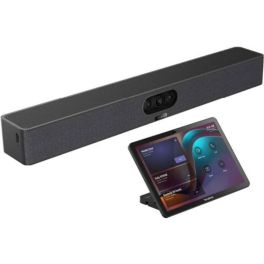
Yealink Meetingbar A25 with CTP25
IN STOCKCompact all-in-one video bar with 151° ultra-wide-angle camera and AI audio for small focus rooms, plus touchscreen pad for intuitive control of your meetings£1,921.99£1,479.99 £1,775.99 Incl. VATRef: YEALINKA25CTP25Compare- IconBest Seller
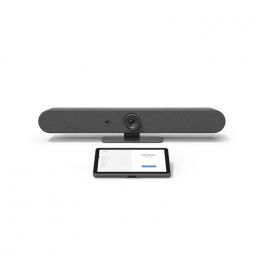
Logitech Small & Medium Room Bundle (Rally Bar Mini + Tap IP)
IN STOCKAll-in-one Android system for small to medium rooms compatible with all meeting platforms£3,299.00£2,650.99 £3,181.19 Incl. VATRef: LOTAPANDSMUKCompare 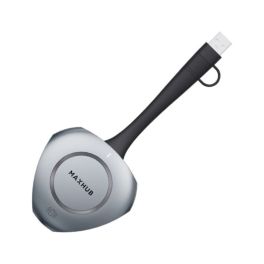
MAXHUB WT13M
IN STOCKUSB-C button to share the screen wirelessly with one click£148.99 £178.79 Incl. VATRef: MAXHWT13MCompare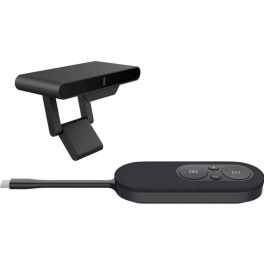
Fanvil CA200 Wireless Conference Kit
IN STOCKWireless conference kit for professional meetings with 4K screen sharing, BYOD support, and simple plug-and-play operation.£218.99£217.99 £261.59 Incl. VATRef: FACA200Compare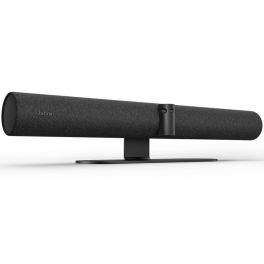
Jabra PanaCast 50 Black
IN STOCKAll-in-one smart 4K video bar with wide-angle for video conferencing up to 10 people£1,101.00£901.99 £1,082.39 Incl. VATRef: GNPANACAST50UKCompare- IconBest Seller
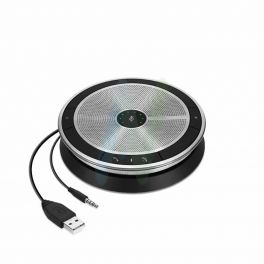
EPOS Expand 20 ML
MS Lync optimized portable USB model with HD EPOS soundIN STOCK4.5 of 12 Reviews£89.00£86.99 £104.39 Incl. VATRef: SESP20MLCompare 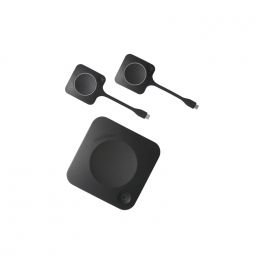
Barco ClickShare CX-30 GEN2
BYOD wireless video conferencing system for small to medium-sized roomsIN STOCK5 of 1 Reviews£2,459.59£1,999.99 £2,399.99 Incl. VATRef: BARCOCX30G2Compare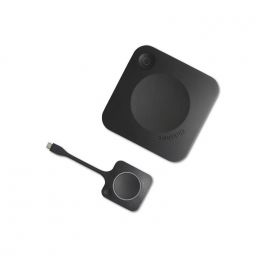
Barco ClickShare CX-20 GEN2
New generation wireless conference and presentation system for PC/MAC or mobile devices, ideal for small meeting roomsIN STOCK5 of 2 Reviews£2,305.00£1,364.99 £1,637.99 Incl. VATRef: BARCOCX20G2Compare- IconBest Seller
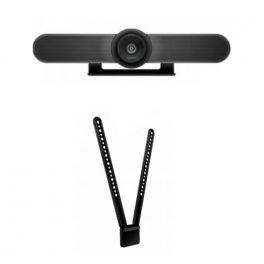
Logitech Meetup with TV Mount
Ideal solution for small conference rooms and huddle rooms, delivering an exceptional sound experience.IN STOCK4.6 of 13 Reviews£1,099.98£385.07 £462.08 Incl. VATRef: LOMEETUPPACKTVCompare 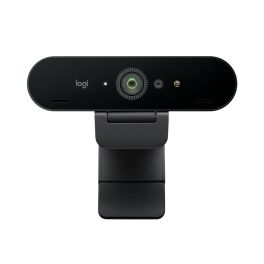
Logitech BRIO 4K Webcam
IN STOCKExperience ultra-high-definition video calling like never before.£129.99£114.99 £137.99 Incl. VATRef: LOBRIO2Compare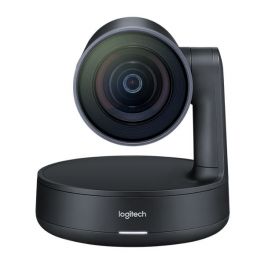
Logitech Rally Camera
IN STOCKPremium PTZ camera with Ultra-HD imaging system and automatic camera control£1,249.99£742.99 £891.59 Incl. VATRef: LORALLYCompare- IconBest Seller
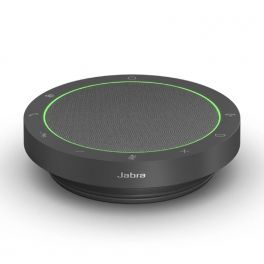
Jabra Speak2 55 MS Teams
Portable MS speakerphone with 4 beamforming microphones and triple USB-A + USB-C and Bluetooth connection.IN STOCK5 of 5 Reviews£144.00£95.99 £115.19 Incl. VATRef: GNSPEAK255TCompare 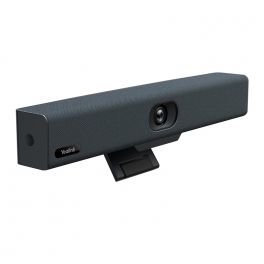
Yealink UVC34
IN STOCKAll-in-one USB video bar for small meeting rooms£560.99£253.99 £304.79 Incl. VATRef: YEALINKUVC34Compare- IconBest Seller
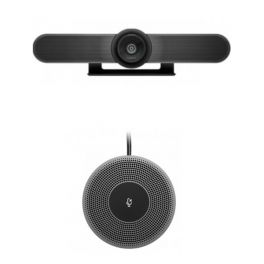
Logitech Meetup + Expansion Microphone
4K webcam for video conferencing with complementary micro expansion.IN STOCK4.7 of 15 Reviews£1,254.98£515.05 £618.06 Incl. VATRef: LOMEETUPPACKMMCompare 
Poly Studio X32 Video Conferencing Bar
IN STOCKAll-in-one video bar with 4K camera, Wi-Fi 6, Zoom & Teams certified!£1,967.99£1,749.99 £2,099.99 Incl. VATRef: POSTUDIO32UKCompare
Makson MKS65BAT Megaphone 65W
IN STOCK65W handheld megaphone, 1200m reach, Bluetooth/USB/SD/AUX, 60-sec recorder, siren, and Li-ion battery option.£54.99 £65.99 Incl. VATRef: SONOMKS65BATCompare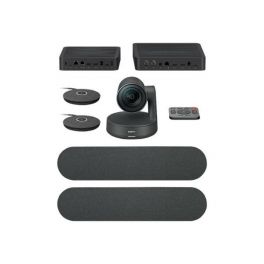
Logitech Rally Plus
IN STOCKAll-in-one professional video conferencing kit- designed for large rooms£2,699.00£1,990.99 £2,389.19 Incl. VATRef: LORALLYPLUSUKCompare- IconBest Seller
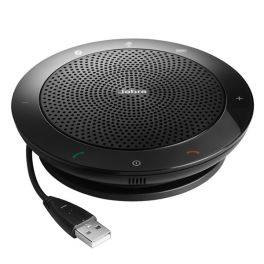
Jabra SPEAK 510 MS
Portable USB and Bluetooth speakerphone optimised for TeamsIN STOCK4.8 of 48 Reviews£127.00£76.99 £92.39 Incl. VATRef: GN510MCompare 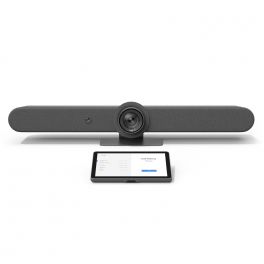
Logitech Rally Bar With Tap IP
IN STOCKFull Android solution for medium to large rooms compatible with all meeting platforms£4,199.00£3,471.99 £4,166.39 Incl. VATRef: LOTAPANDMLUKCompare
Yealink RoomCast E2
IN STOCKEnterprise wireless presentation system with 4K/60fps HDMI out, Wi-Fi 6, PoE, and multi-protocol casting for modern meeting rooms.£378.99 £454.79 Incl. VATRef: YEAROOMCASTE2Compare- IconBest Seller
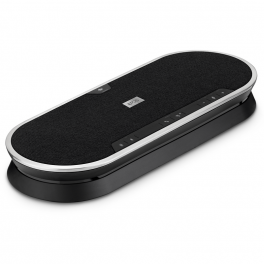
EPOS EXPAND 80
Adaptable and portable conference system for meeting roomsIN STOCK5 of 4 Reviews£384.99£279.99 £335.99 Incl. VATRef: SESEXPAND80Compare 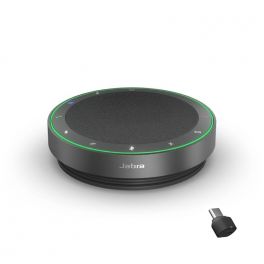
Jabra Speak2 75 MS Teams Link 380c
IN STOCKTake your audio quality to the next level with the new generation Hybrid Working Speakerphone - the perfect tool for professionals.£315.00£204.99 £245.99 Incl. VATRef: GNSPEAK275TDCCompare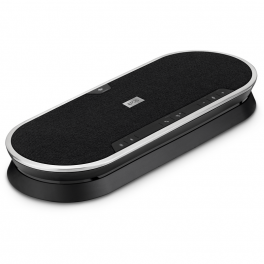
EPOS EXPAND 80T
IN STOCKWireless multi-connection audio conferencing system optimized for Microsoft Teams - ideal for meeting rooms£549.95£298.99 £358.79 Incl. VATRef: SESEXPAND80TCompare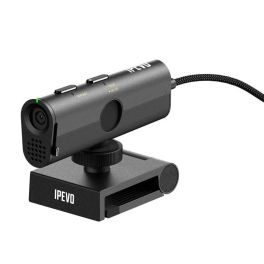
IPEVO P2V ULTRA
IN STOCKCompact 4K camera suitable for all scenarios: document viewing, videoconferencing and object capture.£114.39£104.99 £125.99 Incl. VATRef: IPEVOP2VULTRACompare- IconBest Seller

Logitech MeetUp 2 with Active USB Cable
USB conference camera with AI and 5m USB-C cable, ideal for small meeting roomsIN STOCK5.0 of 1 Reviews£1,049.98£779.86 £935.83 Incl. VATRef: LOSRSMEETV2PCompare 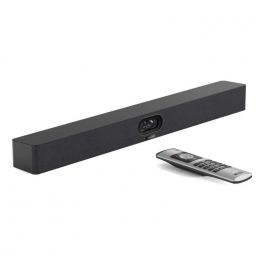
Yealink MeetingBar A40
IN STOCKHigh-quality all-in-one video bar with 4K dual cameras and AI-powered audio, perfect for small to medium-sized meeting rooms.£1,898.99£1,122.99 £1,347.59 Incl. VATRef: YEAA40UKCompare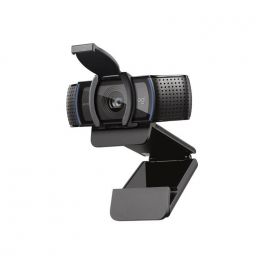
Logitech C920e
IN STOCKProfessional webcam with 78º angle, automatic lighting and two built-in microphones - Ideal for videoconferencing£99.99£75.99 £91.19 Incl. VATRef: LOC920ECompare- IconBest Seller
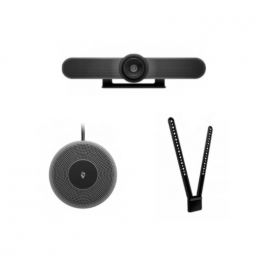
Logitech Meetup and Expansion Microphone with TV mount
Complete Pack with 4K Conference Webcam and Expansion Microphone with TV Mounting Part bundleIN STOCK4.7 of 15 Reviews£1,354.97£569.36 £683.23 Incl. VATRef: LOMEETUPPACKMTVVCompare
Characteristics and Core Functions
Video conferencing solutions for meeting rooms combine advanced technologies to create modern collaborative environments where on-site and remote teams interact naturally. They ensure high-quality audio and video, multi-platform compatibility and seamless integration with collaboration tools. These solutions bring dispersed teams together and enable real-time content sharing, regardless of the professional environment.
| Full HD / 4K video | Optimal image quality for presentations, training sessions and hybrid meetings. |
| Multi-platform compatibility | Works with Teams, Zoom and other UC solutions for maximum flexibility. |
| Custom room sizing | Configurations adapted to room capacity and primary use cases. |
| Wireless connectivity | Simplified content sharing and reduced cable clutter in meeting rooms. |
| Equipment integration | Compatible with displays, video bars, cameras and official accessories. |
How to choose the right solution?
- OK Room capacity: number of regular participants for optimal sizing of audio-visual equipment.
- OK Video conferencing frequency: occasional use or daily hybrid meetings requiring higher performance.
- OK Main communication platform: Microsoft Teams Rooms, Zoom Rooms or universal compatibility.
- OK IT support: self-installation or the need for external assistance.
- OK Required accessories: depending on the room (microphones, mounts, speakers).

Applications across professional environments
Video conferencing solutions are used across many B2B environments. In corporate meeting rooms, they facilitate day-to-day collaboration with remote teams and support decision-making. In education, they enable hybrid learning. HR departments use these systems to optimise recruitment and training processes. In retail and logistics, they help coordinate operations across dispersed sites. Finally, they are essential for multi-site seminars, workshops and conferences, where audio and video quality ensures an immersive experience.
Why partner with Onedirect?
Onedirect offers video conferencing solutions from leading brands such as Poly, Logitech, Yealink, Jabra and Cleyver. As an official reseller, we guarantee fast and secure delivery, permanent stock availability and dedicated after-sales support. Our expert guidance helps you design spaces aligned with your IT infrastructure, ensuring successful deployment and maximum user satisfaction.
FAQ – Frequently asked questions
What is the difference between a standard meeting room and a video conferencing room?
A video conferencing room integrates cameras, microphones and speakers to allow remote participants to actively take part in meetings, whereas a standard meeting room is limited to on-site collaboration.
Which types of rooms can be equipped?
From small meeting rooms to large auditoriums, our professional solutions adapt to all types of spaces.
Can an existing meeting room be equipped progressively?
Yes. A modular approach is possible. You can start with the display and the video system (camera or video bar), then gradually add components as your needs evolve and budget allows.
How can communication security be ensured?
Systems include encryption protocols and regular software updates to protect your communications.
Which accessories are available?
Mounts, extension microphones, interactive displays and video bars can be added to complete the installation.
Related resources
Touchscreen Displays Icon Content sharing Icon Room reservation systems Icon