My Cart



Video conferencing
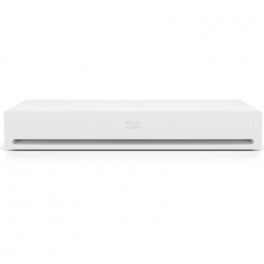
Cisco Webex Codec Plus (Non Radio and Non Crypto) - Video conferencing device
Call us for availabilityA powerful video conferencing solution that is abundant in functionality and adaptable to different environments.£7,374.01£4,794.99 £5,753.99 Incl. VATRef: CIWCPNRNCCompare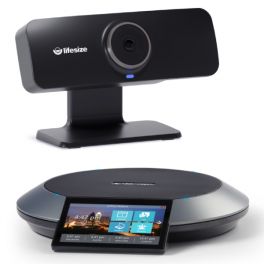
Lifesize Icon 300 with Phone HD Huddle System
Call us for availabilityCamera with 120° ultra-wide field of view to capture everyone in the meeting room.£2,699.99£2,399.99 £2,879.99 Incl. VATRef: LSICON300UKCompare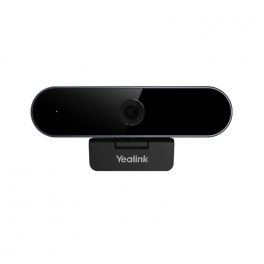
Yealink UVC20
Call us for availabilityUSB webcam with excellent image quality - Ideal for remote working, distance learning, streaming£79.99£64.99 £77.99 Incl. VATRef: YEALINKUVC20Compare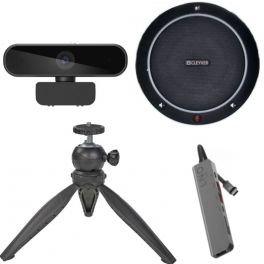
Flextool Videoconferencing USB Pack
Call us for availabilityIdeal Pack for videoconferencing and small meeting rooms, ideal for any place and time£167.99 £201.59 Incl. VATRef: ODFLEXVISIOUSBCompare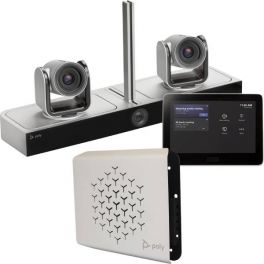
Poly G85-T
Call us for availabilityVideoconferencing system with built-in PC and Control Tablet - ideal for medium-sized or large rooms£8,085.00£7,236.99 £8,684.39 Incl. VATRef: POG85TUKCompare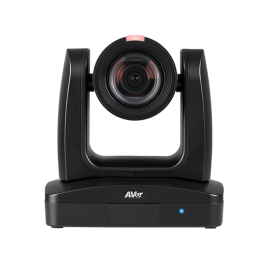
Aver PTC310U
Call us for availabilityPTZ camera with automatic tracking based on Artificial Intelligence - ideal for any event£2,607.99 £3,129.59 Incl. VATRef: AVPTC310UUKCompare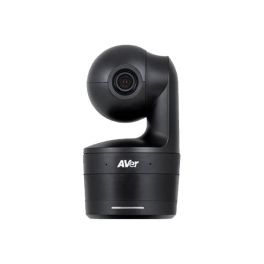
Aver DL10
Call us for availabilityThe new auto-tracking video system ideal for distance education and small meeting rooms.£768.85£386.99 £464.39 Incl. VATRef: AVDL10Compare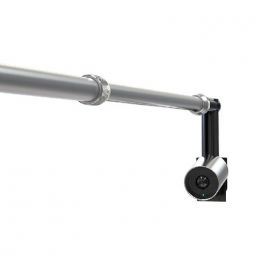
Yealink UVC30 4k USB Camera with 3m USB cable & content camera wall bracket
Call us for availability4K content camera for real-time collaboration during Microsoft Teams meetings£338.79£299.99 £359.99 Incl. VATRef: YEALINKUVC30CCAMKCompare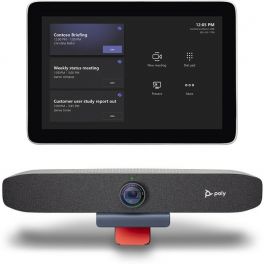
Poly Studio Focus Room Kit for Microsoft Teams
Call us for availabilityMicrosoft Teams Rooms dedicated conferencing solution- ideal for workspaces£1,462.95£1,299.99 £1,559.99 Incl. VATRef: POSTUDFOCUSUKCompare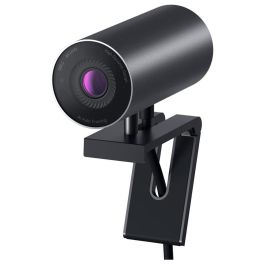
DELL UltraSharp 4K Webcam WB7022
Experience the world’s best image quality with the DELL UltraSharp WebcamCall us for availability5 of 1 Reviews£182.59£164.99 £197.99 Incl. VATRef: DELLWB7022Compare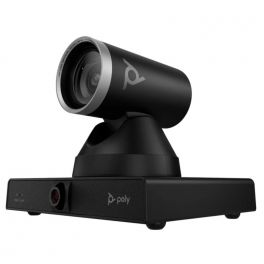
Poly Studio E60
Call us for availabilityPTZ camera with 12x optical zoom, AI control and USB connection, perfect for large professional and educational spaces!£1,499.99£1,329.99 £1,595.99 Incl. VATRef: POSTE60PTZCompare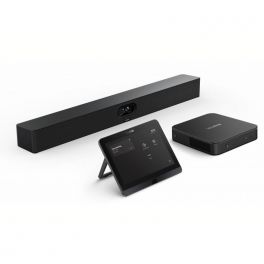
Yealink MVC S40
Call us for availabilityNative Microsoft Teams system for small and medium-sized rooms with video bar, mini-PC and touchscreen tablet.£2,499.00£2,291.99 £2,750.39 Incl. VATRef: YEAMVCS40UKCompare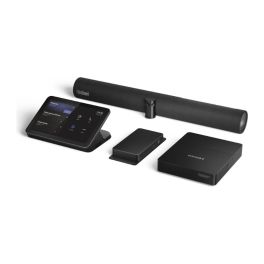
Lenovo ThinkSmart 12WN000CUK Kit Bar + IP Controller
Call us for availabilityMicrosoft Teams Rooms kit with 180° camera bar, 10.1'' anti-glare touch controller, and Core Ultra 5 compute£3,999.99£3,489.99 £4,187.99 Incl. VATRef: LEN12WN000CUKCompare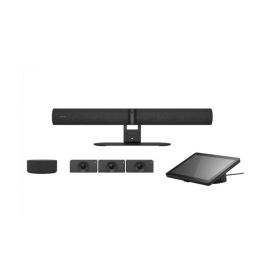
Jabra PanaCast 55 VBS Kit Multi Android
Call us for availabilityModular video conferencing system featuring a Jabra Android video bar, a Huddly Crew multi-camera system and a speaker, designed for large, flexible rooms.£12,228.69£9,082.99 £10,899.59 Incl. VATRef: GNPANACAST55KMCompare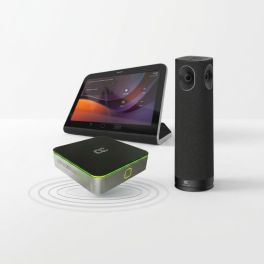
AudioCodes RXV200-B360 Kit Microsoft Teams Rooms 360°
Call us for availabilityMicrosoft Teams Rooms system with a 360° panoramic camera, built-in audio and touch controls for small and medium-sized rooms.£2,626.99£1,923.99 £2,308.79 Incl. VATRef: AUDRXV200B360Compare
Cleyver BAR BYOD Small Room Video Conferencing Kit
Call us for availabilityComplete video conferencing solution for small meeting rooms, combining a Cleyver 4K AI video bar, a 55-inch Samsung Business TV and a low-profile wall mount for a clean, professional installation.£1,481.97£952.51 £1,143.01 Incl. VATRef: ODBARS55MUKCompare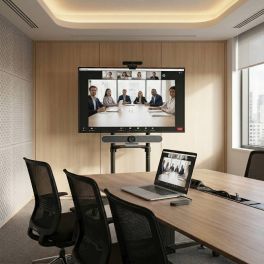
Cleyver 4K Medium Room Conferencing Kit with Screen sharing
Call us for availabilityComplete conferencing solution for medium meeting rooms, combining a Cleyver 4K video bar with 10x optical zoom, a 65-inch Samsung Business TV, wireless screen sharing and a mobile TV trolley for flexible collaboration.£2,098.97£1,724.62 £2,069.55 Incl. VATRef: ODBARML65RUKCompare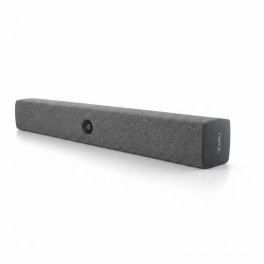
Neat Bar BYOD USB-C Video Conferencing Bar
Call us for availabilityBYOD video conferencing bar for small and medium-sized rooms, featuring a 12 MP camera, a 120° field of view, smart audio and a USB-C connection, allowing you to use the meeting platform of your choice.£611.99 £734.39 Incl. VATRef: NEATBARBYODCompare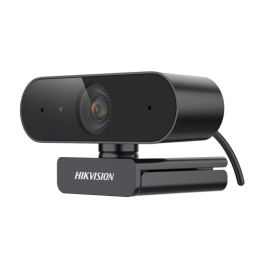
Hikvision DS-U04P 2K USB Webcam with Microphone
Call us for availability4 MP USB webcam delivering 2K QHD video at 30 fps, with a built-in microphone, 80° field of view and plug-and-play connectivity for professional calls.£50.99 £61.19 Incl. VATRef: HKDSU04PCompare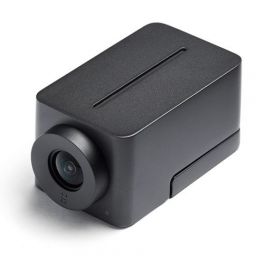
Huddly IQ with Microphone and Travel Kit
Call us for availabilityUSB conference camera with built-in microphone for small meeting rooms£823.08£588.99 £706.79 Incl. VATRef: HUDIQMICTRACompare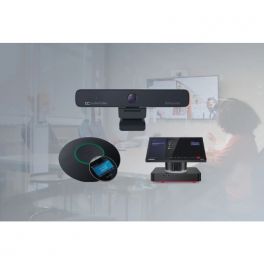
AudioCodes RXV100 Meeting Room Bundle for Microsoft Teams
Call us for availabilityVideo conferencing solution for large meeting rooms with smart Lenovo controller£4,666.65£4,336.99 £5,204.39 Incl. VATRef: AURX1B40UKCompare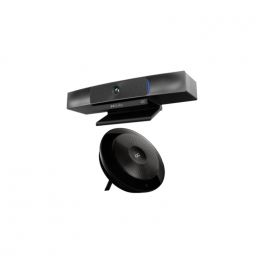
AudioCodes RXV80 Teams Video Collaboration Bar Bundle
Call us for availabilityTeams Video Conferencing Solution for small meeting rooms£2,000.00£1,499.99 £1,799.99 Incl. VATRef: AURX80TUKCompare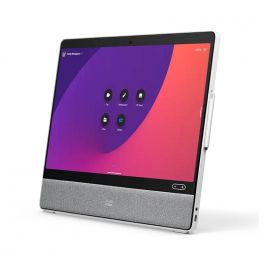
Cisco Webex Desk Pro - No Radio - Video conferencing device
Call us for availabilityA high-performance video conferencing tool that enables users to participate in high-quality meetings with their colleagues worldwide.£10,097.89£7,316.99 £8,780.39 Incl. VATRef: CIWDPNR2Compare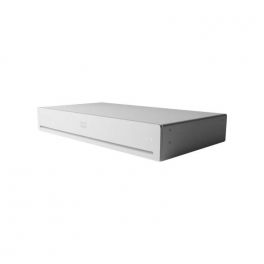
Cisco Webex Codec Pro
Call us for availabilityA powerful and flexible platform to create the ultimate video collaboration experience.£18,575.02£9,024.99 £10,829.99 Incl. VATRef: CIWCPLUS2Compare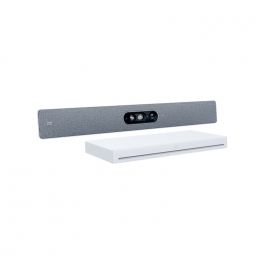
Cisco Webex Room Kit EQ carbon black
Call us for availabilityAn AI-powered video collaboration solution with a multi-lens Quad Camera and powerful Codec EQ.£20,056.21£16,399.99 £19,679.99 Incl. VATRef: CIRKEQQUADCompare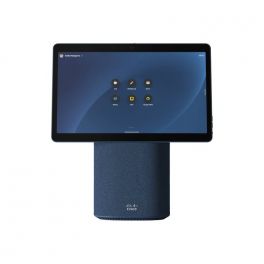
Cisco Webex Desk Mini - nordic blue
Call us for availabilityA complete solution device that will fulfil all your needs to work, meet and brainstorm.£2,926.35£2,357.99 £2,829.59 Incl. VATRef: CIWDMNBCompare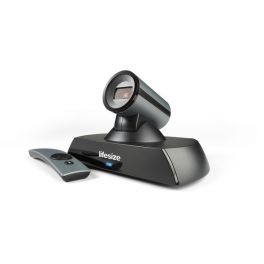
Lifesize Icon 400 with MICPOD
Call us for availabilityHigh definition video conferencing system for small rooms of up to 4 participants, with LifeSize Digital MicPod£2,249.99 £2,699.99 Incl. VATRef: LSICON400MPODUKCompare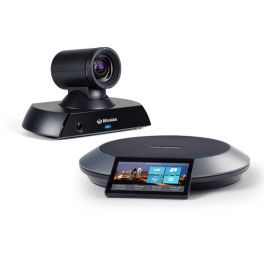
Lifesize Icon 700 Conference Room Bundle
Call us for availabilityPremium 4K Ultra-HD conference room bundle for mid to large meeting spaces£5,599.99 £6,719.99 Incl. VATRef: LSICON700UKCompare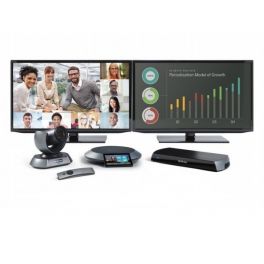
Lifesize Icon 600 10x PTZ Phone HD - Dual Screen Lic
Call us for availabilityFull HD video conference for large rooms up to 20 participants, connection for two screens£7,699.99 £9,239.99 Incl. VATRef: LSICON600PHDDUKUKCompare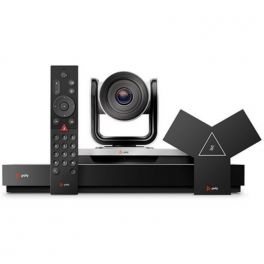
Poly G7500 with EagleEye IV-4x Camera
Call us for availabilityHD video conferencing and collaboration solution with auto focus and powerful zoom - ideal for medium to large rooms£5,934.00£4,278.99 £5,134.79 Incl. VATRef: POG75004KCUKCompare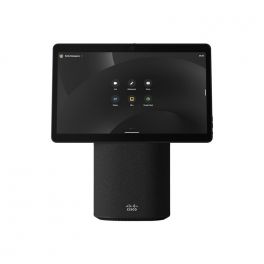
Cisco Webex Desk Mini - carbon black
Call us for availabilityPortable all-in-one collaboration device with a 15.6-inch Full HD touchscreen, integrated 8MP camera, microphones and speakers for hybrid work.£2,926.35£1,387.99 £1,665.59 Incl. VATRef: CIWDMCBCompare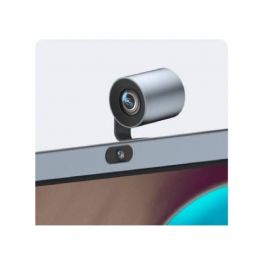
Yealink 6x Optical PTZ Camera Module for Yealink MeetingBoard
Call us for availabilityOptional Additional PTZ camera module for the Yealink MeetingBoard.£777.27£445.99 £535.19 Incl. VATRef: YEAMBPTZCAMCompare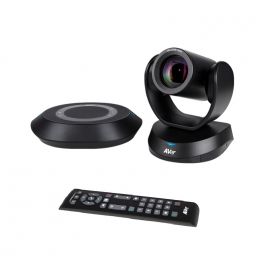
AVer VC520 Pro3
Call us for availabilityIntelligent video conferencing system for exceptional remote exchanges in your medium and large meeting rooms£1,499.99£996.99 £1,196.39 Incl. VATRef: AVVC520PRO3Compare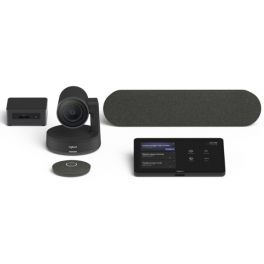
Logitech Tap Room Solution for Microsoft Teams - Medium
Call us for availabilityLogitech Tap Room Solution for Teams, ideal for medium rooms.£5,250.00£3,993.99 £4,792.79 Incl. VATRef: LOTAPRALMSTINT2UKCompare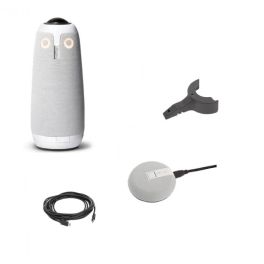
Owl Meet 3 Pack + Extension Microphone + Lock Adapter + Extension Cable
Next-generation video conference pack with 360° camera, mount, extension microphone, and extension cableOut of stock5.0 of 3 Reviews£1,397.27£1,178.47 £1,414.17 Incl. VATRef: OWLMEET3PCompare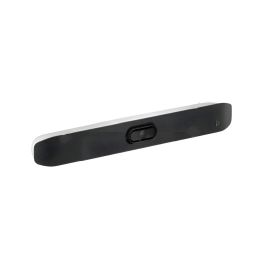
Poly Studio-V12
Call us for availabilityA 4K USB video bar with premium sound, smart AI features, and eco-friendly design for seamless small-room meetings.£1,068.09£721.99 £866.39 Incl. VATRef: POSTV12UKCompare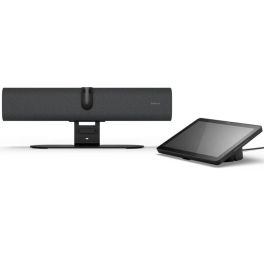
Jabra Panacast 40VBS UC
Call us for availability180° dual 4K AI camera, HD audio, and seamless Teams & Zoom integration for top-tier small-room collaboration.£1,999.99 £2,399.99 Incl. VATRef: GNPANACAST40VBSUKCompare
Jabra Panacast 40 VBS Zoom
Call us for availabilityAndroid video conferencing system with 4K video bar and touch controller! Zoom Room Version£1,999.99 £2,399.99 Incl. VATRef: GNPANACAST40VBSZUKCompare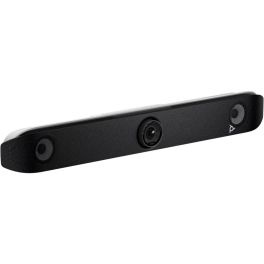
Poly V52 Video Bar
Call us for availability4K video bar with long-range microphones, AI-powered control and USB connectivity – ideal for medium-sized meeting rooms!£2,699.99£2,266.99 £2,720.39 Incl. VATRef: POSTV52UKCompare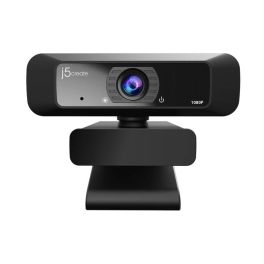
J5Create USB Webcam with 360° Rotation
Call us for availabilityFull HD USB webcam with 360° rotation, built-in mic and auto light optimisation, perfect for professional calls and remote meetings.£40.99 £49.19 Incl. VATRef: J5JVCU100NUKCompare
Characteristics and Core Functions
Modern professional video conferencing delivers communication experiences close to physical presence through advanced audio-visual technologies. Whether webcams, cameras, video bars or 360° cameras, video conferencing solutions ensure natural interactions and optimal image and sound quality to maintain engagement and collective productivity. They are particularly valuable for geographically distributed organisations requiring reliable and regular connections between remote teams.
| Professional video quality | HD/4K resolutions ensuring clear images for meetings and presentations. |
| UC compatibility | Works with Teams, Zoom, Google Meet and more. |
| Adapted configurations | Individual solutions, huddle rooms, medium-sized rooms and large auditoriums. |
| Connectivity | USB, HDMI and wireless options depending on the model. |
| Operational reliability | Professional technologies ensuring meeting stability. |
How to choose the right solution?
- OKRoom type: capacity and usage to select appropriately sized video equipment.
- OKExpected frequency of use: occasional use or daily video conferencing.
- OKCollaboration platforms: Teams standardisation, Zoom or universal multi-application compatibility.
- OKExisting IT infrastructure: integration with network, systems and corporate security policies.
- OKAccessories: tripods, mounts, extension microphones, remote controls and more.

Applications across professional environments
Video conferencing systems are used by businesses for daily meetings and remote working to maintain strong connections with geographically dispersed teams. In training and education, these solutions democratise learning by connecting trainers and remote learners. In consulting and professional services, they enable effective remote client support, while HR teams use them to expand talent pools without geographical constraints.
Why partner with Onedirect?
Onedirect offers video conferencing solutions tailored to every need from leading brands such as Poly, Logitech, Cleyver, Yealink and Jabra. As an official reseller, we ensure fast and secure delivery and provide dedicated after-sales support to assist with your projects. Our team helps you identify the ideal solution based on room architecture and IT infrastructure, ensuring a successful transformation of your collaborative practices.
FAQ – Frequently asked questions
What are the benefits of video conferencing for a business?
Reduced travel and associated costs, improved collective productivity, access to remote talent, increased responsiveness, reduced carbon footprint, better employee satisfaction and greater organisational flexibility for enhanced competitiveness.
Which video conferencing solution should be chosen depending on company size?
For SMEs, individual solutions or BYOD kits are sufficient. For mid-sized organisations, Android kits are recommended for a stable yet flexible setup. Large organisations should opt for standardised kits with centralised management and enterprise support.
Does video conferencing require a fast internet connection?
Yes. A minimum of 2–4 Mbps per participant is required for HD quality. For rooms with multiple participants and content sharing, at least 10–20 Mbps is recommended for stable, low-latency performance.
How can business video conferencing be secured?
Use corporate platforms with encryption, strong authentication, waiting rooms, access control and compliance with IT security policies to ensure confidentiality.
Which accessories can complement a video system?
Screens, speakerphones, soundbars, extension microphones, screen sharing solutions and room booking panels can help you deploy a high-performance video conferencing space.
Related resources
Webcams Icon Conference cameras Icon Meeting bars Icon 360° cameras Icon