
My Cart




Yealink video conferencing: equip your collaborative spaces with professional solutions
Are you looking for a professional video conferencing solution for your meeting rooms?
Yealink offers a range of solutions for video meetings and team collaboration. The range includes video cameras, video bars and complete room systems.
Yealink solutions help teams work together in the office and remotely. They are easy to use and support a wide range of meeting spaces.
Whether you need to equip a small room or a large conference room, we help you find the right Yealink solution. We also help you choose a system that fits your room size and business needs.
Why choose Yealink for your video conferencing?
Icon
Professional artificial intelligence powered video quality
With automatic framing and intelligent tracking, everyone stays in view. The camera adjusts automatically during meetings.
Icon
Clear and immersive audio experience
Intelligent built-in microphones capture voices clearly. Noise reduction helps reduce distractions.Icon
Icon
Simplified collaboration
Yealink solutions works with Microsoft Teams, Zoom and other popular platforms. Users can join meetings quickly and easily.
Icon
Solutions for every space
Yealink offers solutions for small, medium and large rooms. You can choose the system that best fits your space.
The different Yealink video conferencing solutions
All-in-one video conferencing bars
Need to equip a meeting room without multiple devices? Video bars combine Full HD or 4k camera, microphone array and speakers in a single device. They help reduce cable clutter and simplify installation.
Discover the full range Icon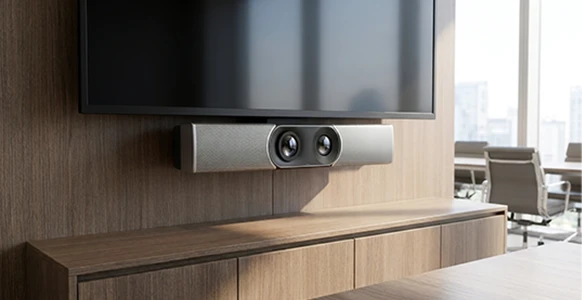
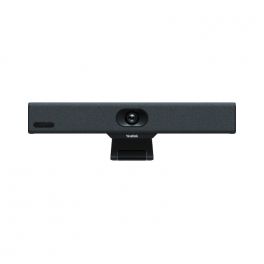
Ref: YEAA10TUK
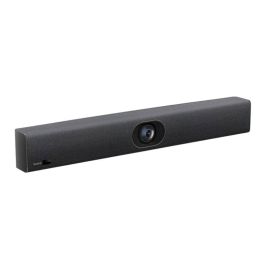
Ref: YEALINKUVC40V2
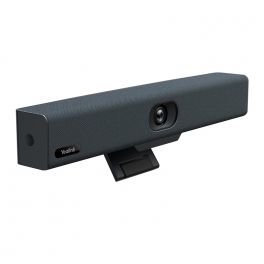
Ref: YEALINKUVC34
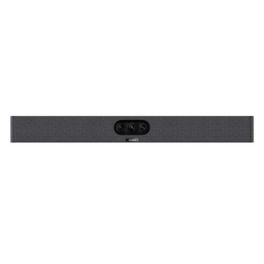
Ref: YEALINKA25
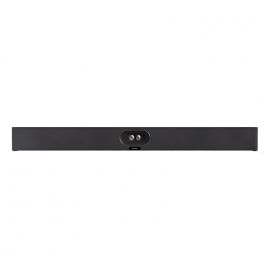
Ref: YEASMAVIS40UK
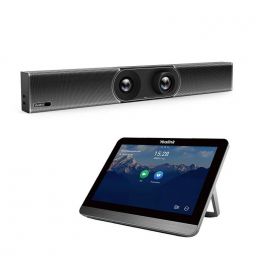
Ref: YEAA30CTP18UK
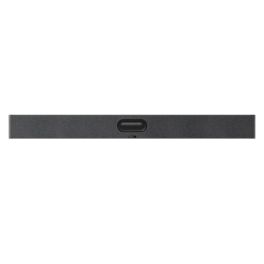
Ref: YEAA50010
Video conferencing cameras
Video conferencing ptz cameras improve meeting quality with clear video and automatic framing. They are suitable for meeting rooms as well as personal workspaces.
Discover the full range Icon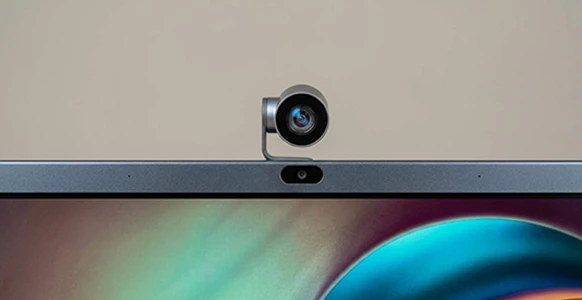
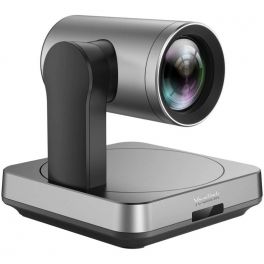
Ref: YEALINKUVC84UK
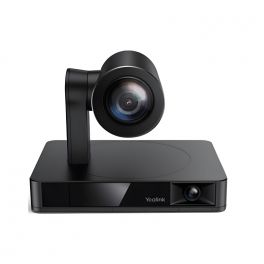
Ref: YEAUVC86BL
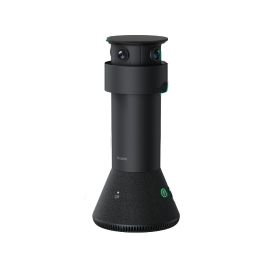
Ref: YEAMTOWERUK
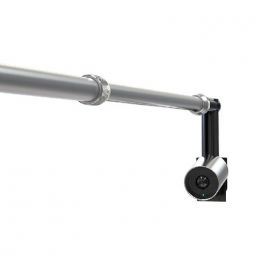
Ref: YEALINKUVC30CCAMK
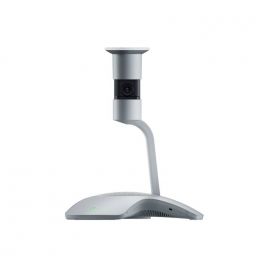
Ref: YEASMAVIS60
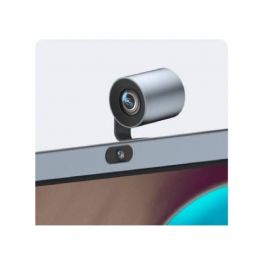
Ref: YEAMBPTZCAM
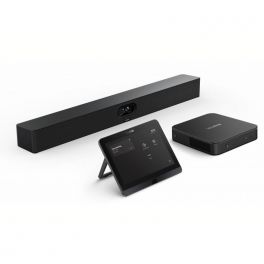
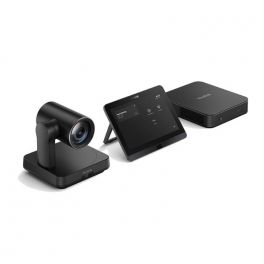
Room video conferencing kits
Room kits provide everything you need for professional video calls. They combine video, audio and remote management tools in one solution. They are ideal for organisations that want the same setup across multiple rooms.
Discover the full range Icon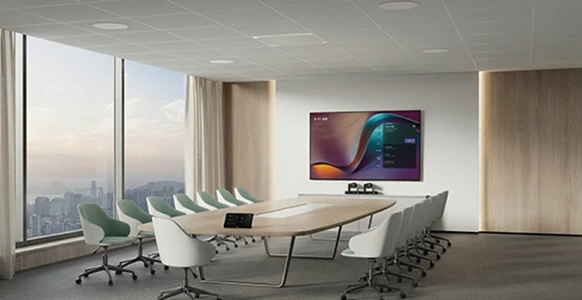
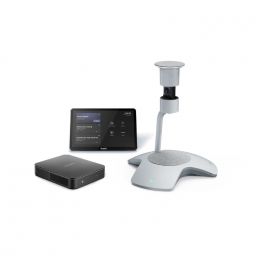
Ref: YEALINKMVCS60UK

Ref: YEAMVCCS40
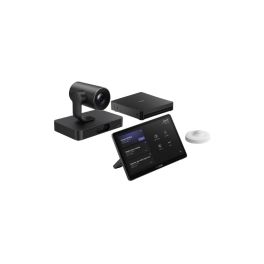
Ref: YEAMVCS80

Ref: YEAMVCS90C5U
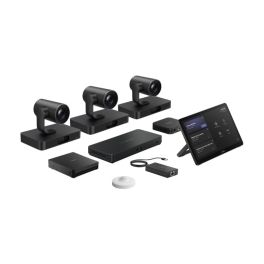
Ref: YEAMVCS98C5U
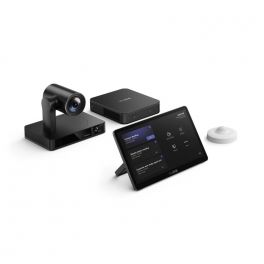
Ref: YEAMVC860NAG3UK
Ref: YEAMVCS40UK
Ref: YEAMVC640NAG3UK
Interactive video conferencing displays
Interactive displays combine video conferences, screen sharing and collaboration tools. They include a camera, microphones, speakers and a digital whiteboard. This makes it easy to run meetings, workshops and team sessions.
Discover the full range Icon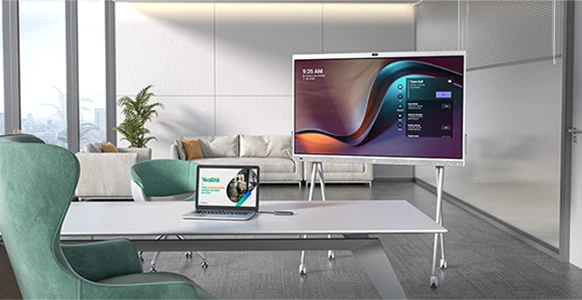
Ref: YEAMB65PROA02
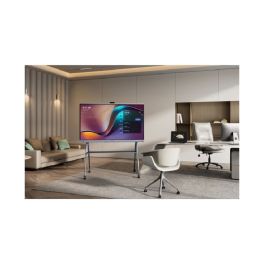
Ref: YEAMB75PROA02

Ref: YEAMB86PROA02
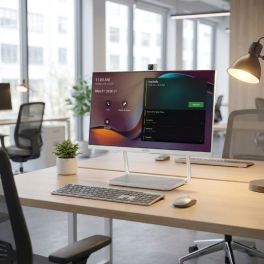
Ref: YEADESKVA24
Which Yealink solution suits your room?
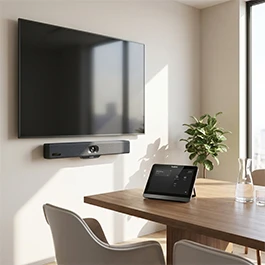
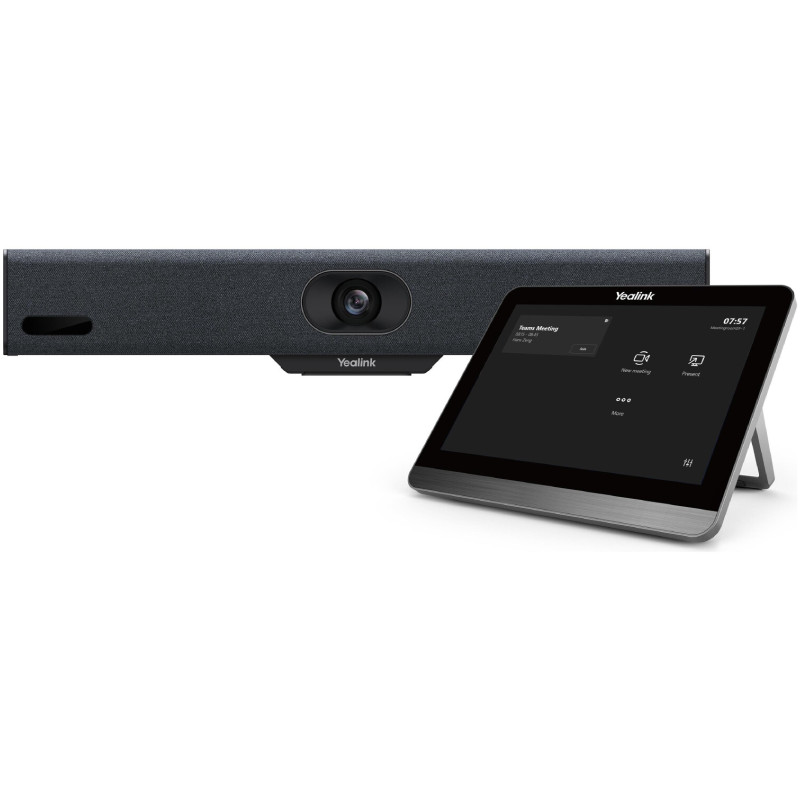
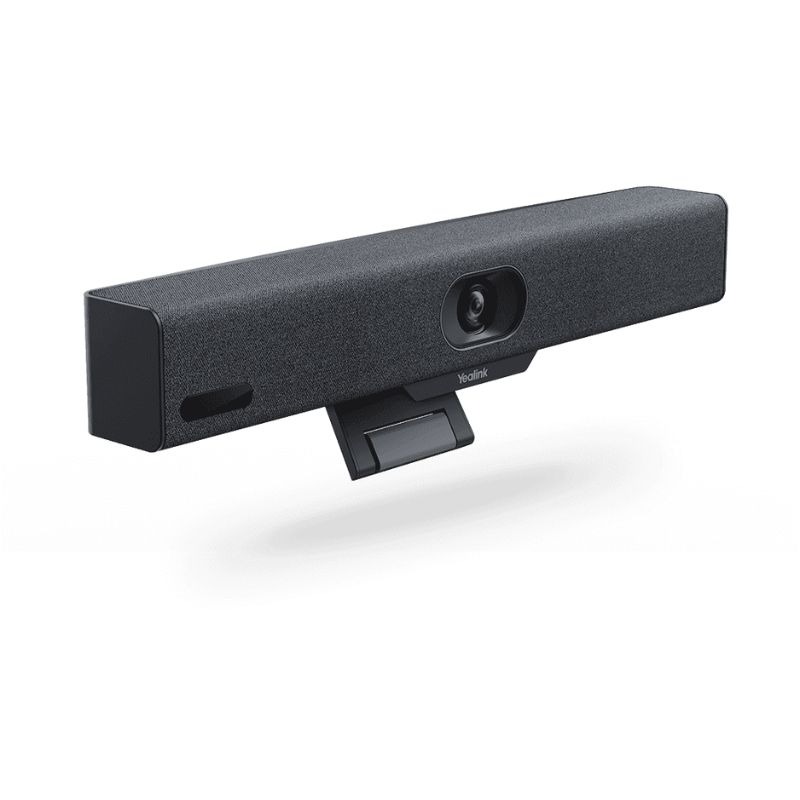
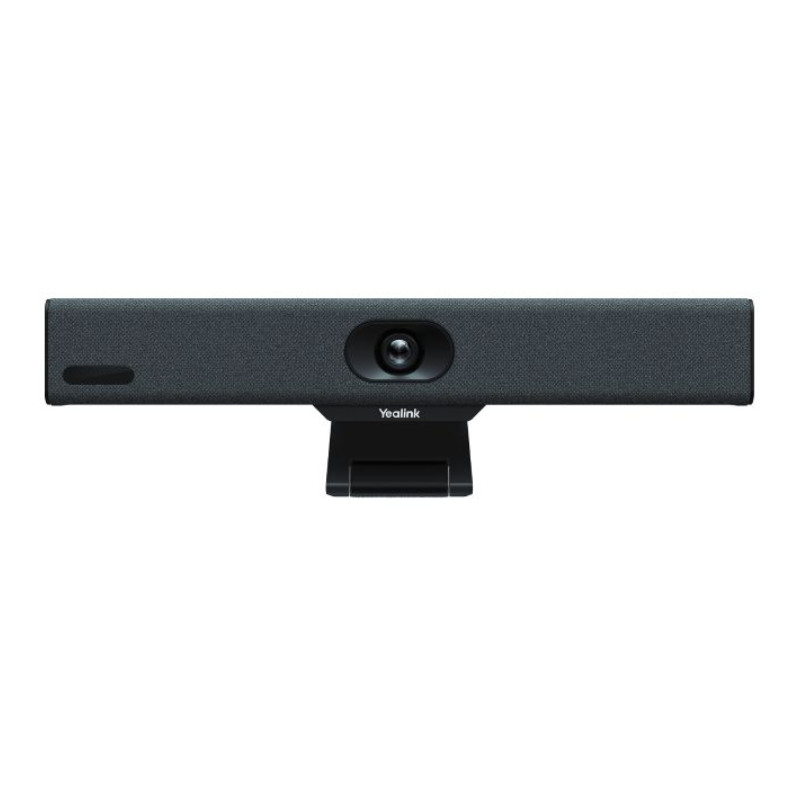
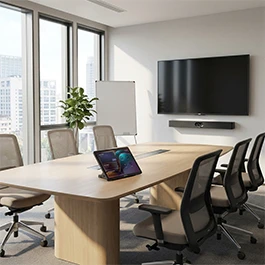
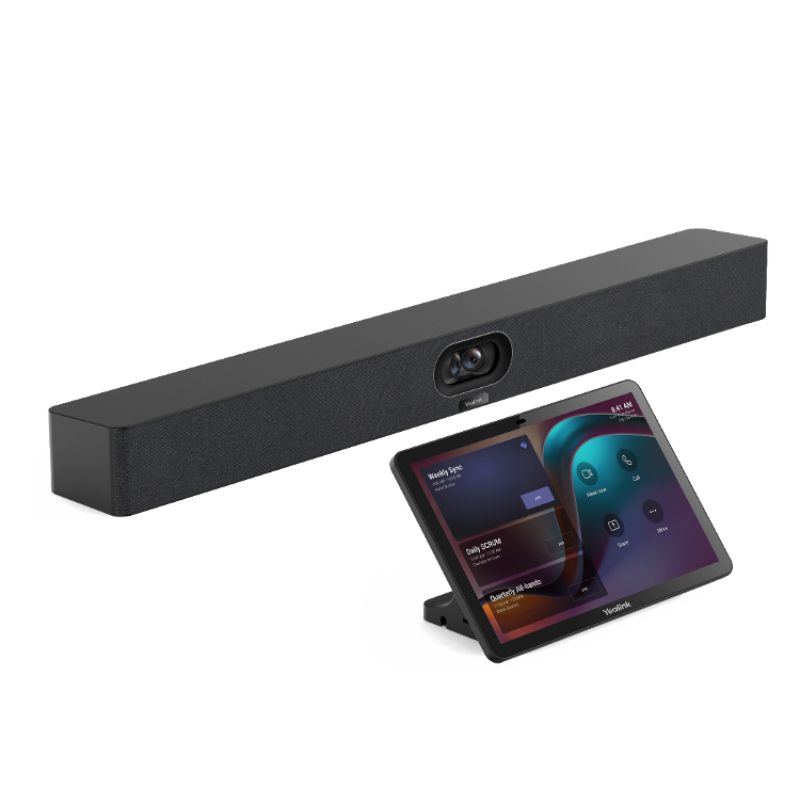
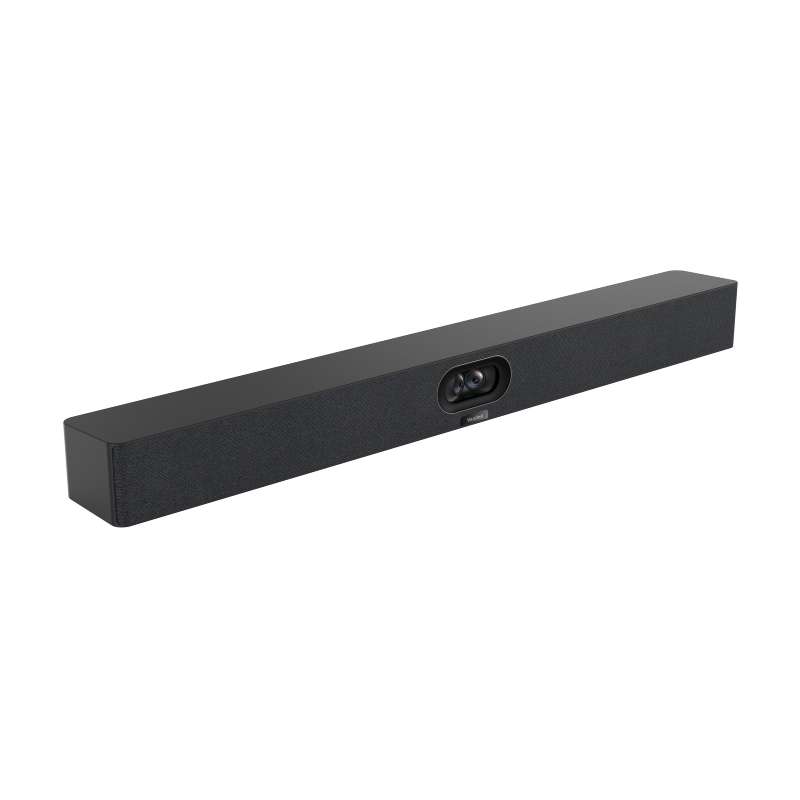
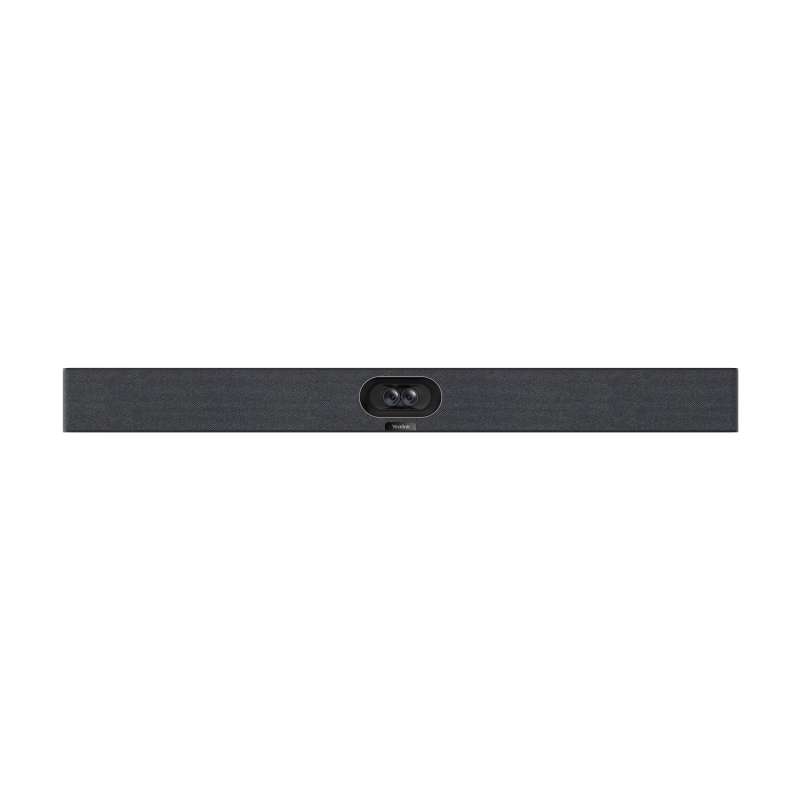
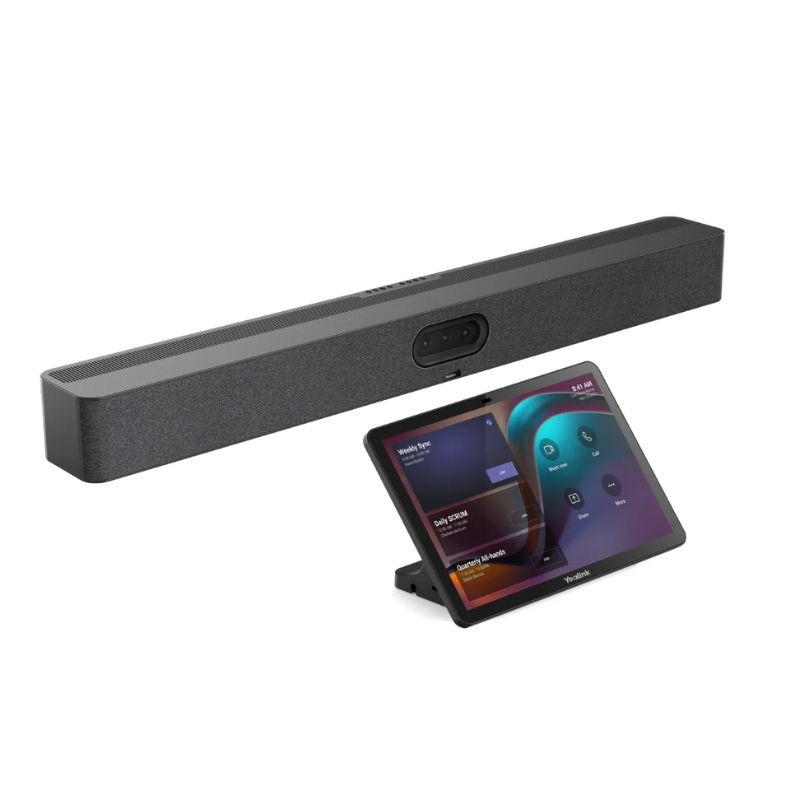
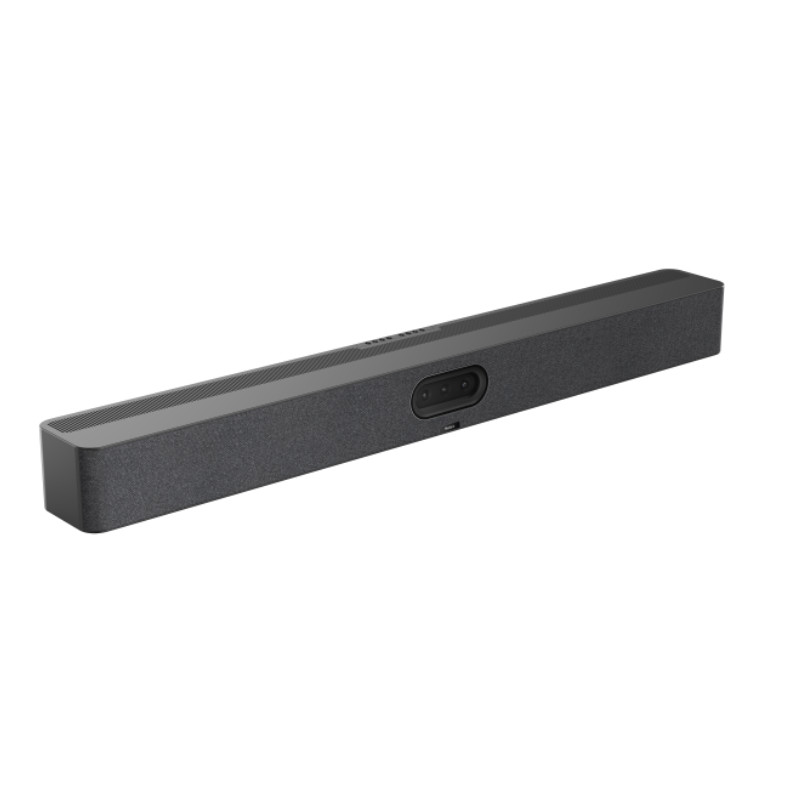
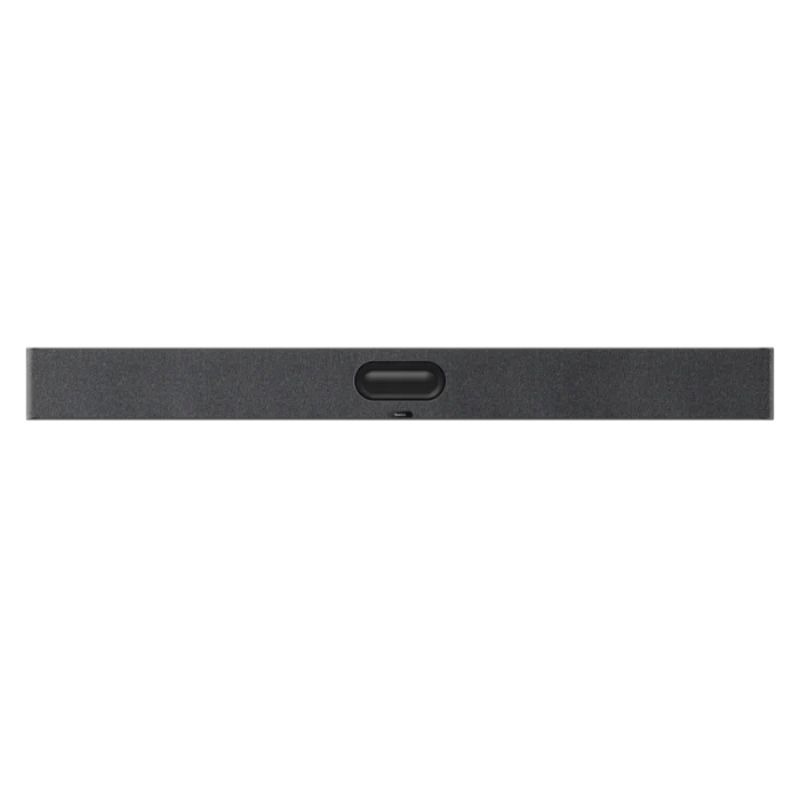
Comparison of Yealink video conferencing solutions
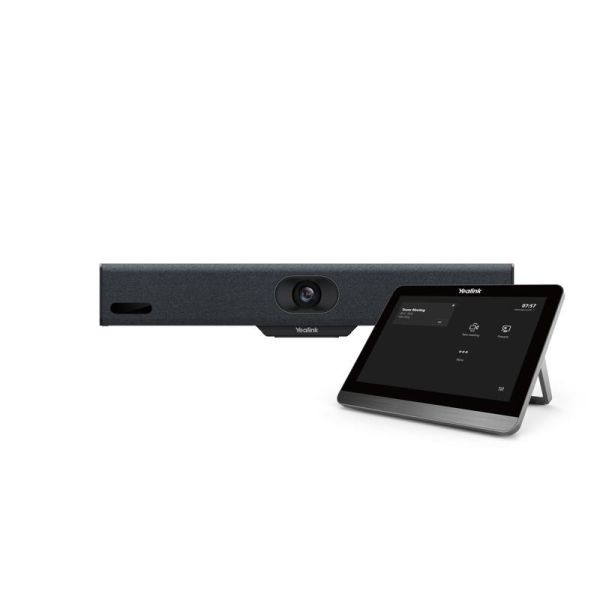
Yealink MeetingBar A10 with Control Panel
- IconVideo solution type: Video conferencing bar
- IconRoom size: Small rooms (up to 5 people)
- IconOperating system: Android 11
- IconResolution: 4K
- IconField of view: 120°
- IconFraming features: Auto framing and speaker tracking
- IconCompatible with: All softphones
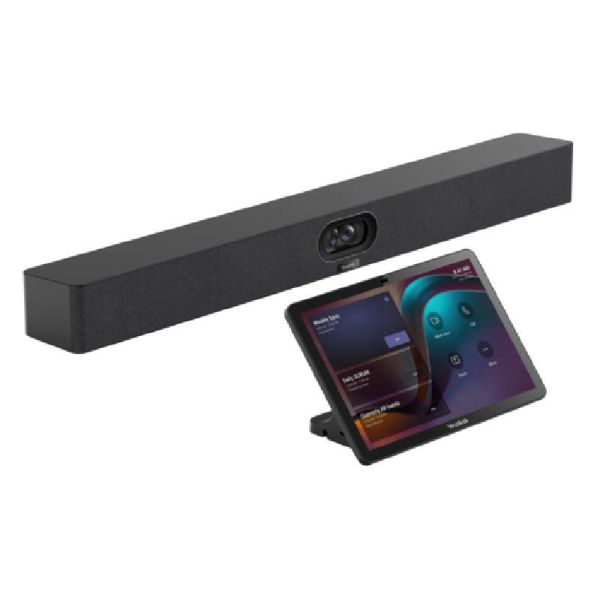
Yealink MeetingBar A40 with CTP25 Touch Panel
- IconVideo solution type: Video conferencing bar
- IconRoom size: Small / medium room (up to 15 people)
- IconOperating system: Android 13.0
- IconResolution: 4K
- IconField of view: 120°
- IconFraming features: Automatic framing and tracking
- IconCompatible with: Microsoft Teams and Zoom Rooms
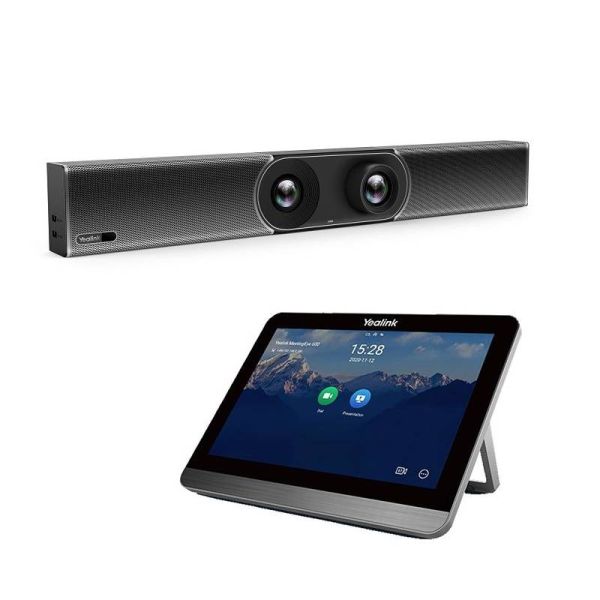
Yealink MeetingBar A30 with CTP18 touch panel
- IconVideo solution type: Video conferencing bar
- IconRoom size: Medium room (6–12 people)
- IconOperating system: Android 9.0
- IconResolution: 4K
- IconField of view: 120°
- IconFraming features: Auto framing and speaker tracking
- IconCompatible with: All softphones
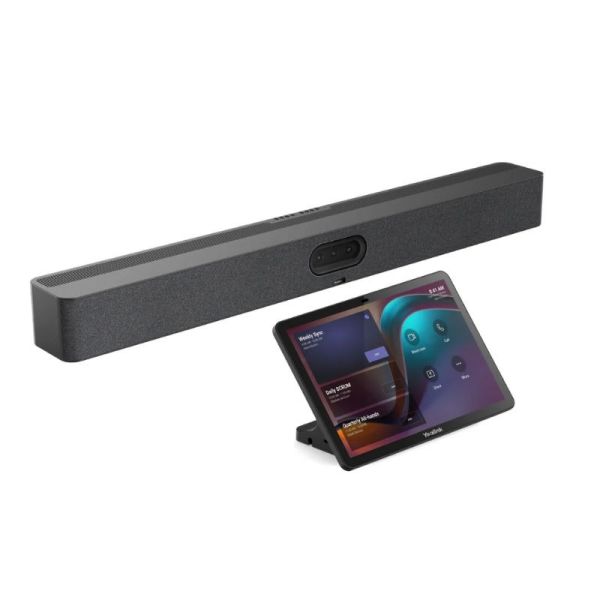
Yealink MeetingBar A50 + CTP25 Touch Controller
- IconVideo solution type: Video conferencing bar
- IconRoom size: Medium / large room (+10 people)
- IconOperating system: Android 13.0
- IconResolution: 4K
- IconField of view: 96°
- IconFraming features: Auto framing and speaker tracking
- IconCompatible with: All softphones
IconFAQ – Yealink video conferencing
Which Yealink video conferencing solution should I choose based on my room size?
The choice mainly depends on the number of participants and the room configuration:
- For a small room, a compact solution with built-in audio and video is usually enough.
- For a larger room, choose a system with wider audio coverage. Intelligent framing helps your teams stay visible during meetings.
Is a PC required to use a Yealink video conferencing solution?
It depends on the model. BYOD solutions require a computer to run meetings. Android and Windows systems work without a PC and use a touch console for control.
How can I ensure good audio quality in a meeting room?
Good audio starts with the right equipment. Room size and microphone placement also play an important role.
For larger rooms, add extension microphones to expand voice pickup to all participants.
Are Yealink solutions suitable for multi-room environments?
Yes. Yealink offers video conferencing systems for small, medium and large rooms. Users benefit from the same experience across all meeting spaces.
Need help equipping your meeting rooms with Yealink? Contact our teams for personalised support.
Form