
My Cart




Yealink Microsoft Teams solutions: equip your workstations and meeting rooms
Are you looking for Microsoft Teams solutions for your business?
Yealink offers a wide range of Microsoft Teams devices. The range includes headsets, phones, video conferencing systems, audio conferencing solutions and displays.
These solutions support individual workstations, meeting rooms and shared workspaces. They are easy to use and help teams communicate more effectively.
On this page, you can explore the different Yealink Teams solutions. We help you find the right products for your needs and work environment.
Why choose a Yealink Microsoft Teams solution?
Icon
Native Microsoft Teams integration
Yealink devices work seamlessly with Microsoft Teams. The dedicated Teams interface makes it easy to organise calls, meetings and equipment management tools from a single device.
Icon
Optimised meeting experience
Clear audio and high-quality video help participants stay focused. Smart features support better communication and help reduce misunderstandings during meetings.
Icon
A complete ecosystem
Yealink offers solutions for individual workstations, shared spaces and conference rooms. This makes it easy to equip different environments with devices that work together.
Icon
Simple and scalable deployment
Yealink solutions are easy to install and use. Businesses can start with a few devices and expand their setup as their needs grow.
The different Yealink ranges for Microsoft Teams
Yealink Microsoft Teams video conferencing
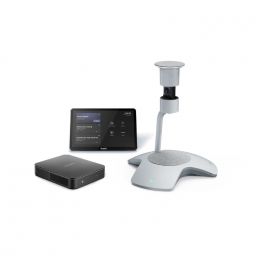
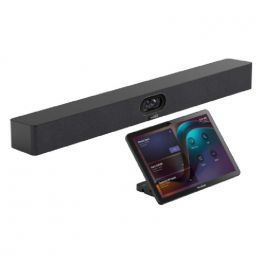
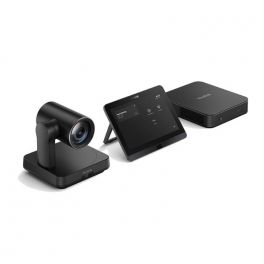
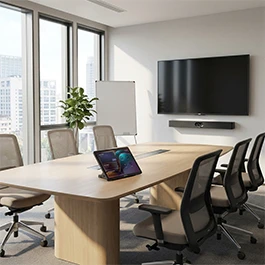
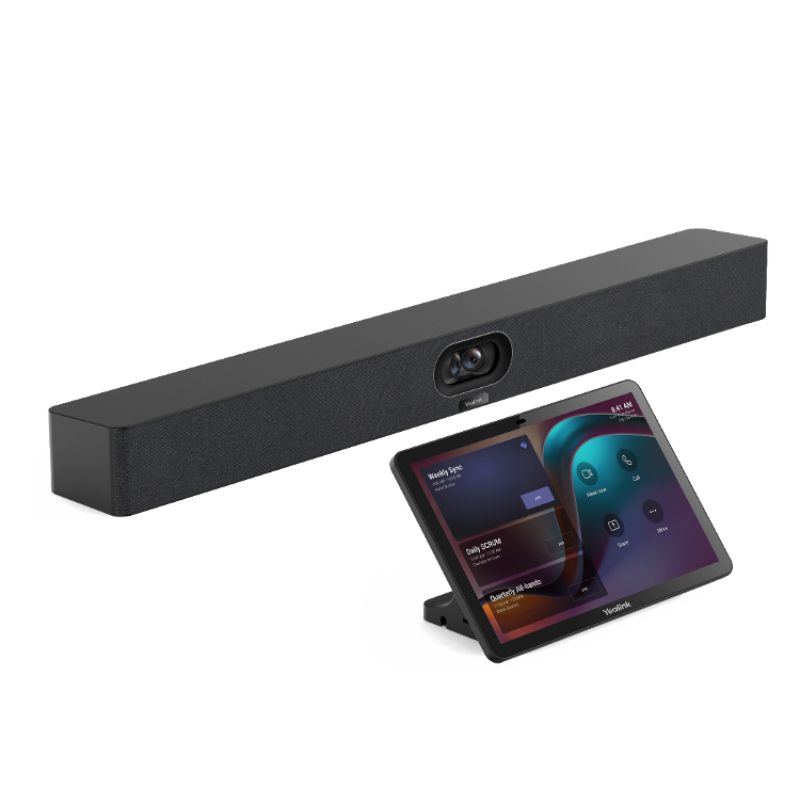
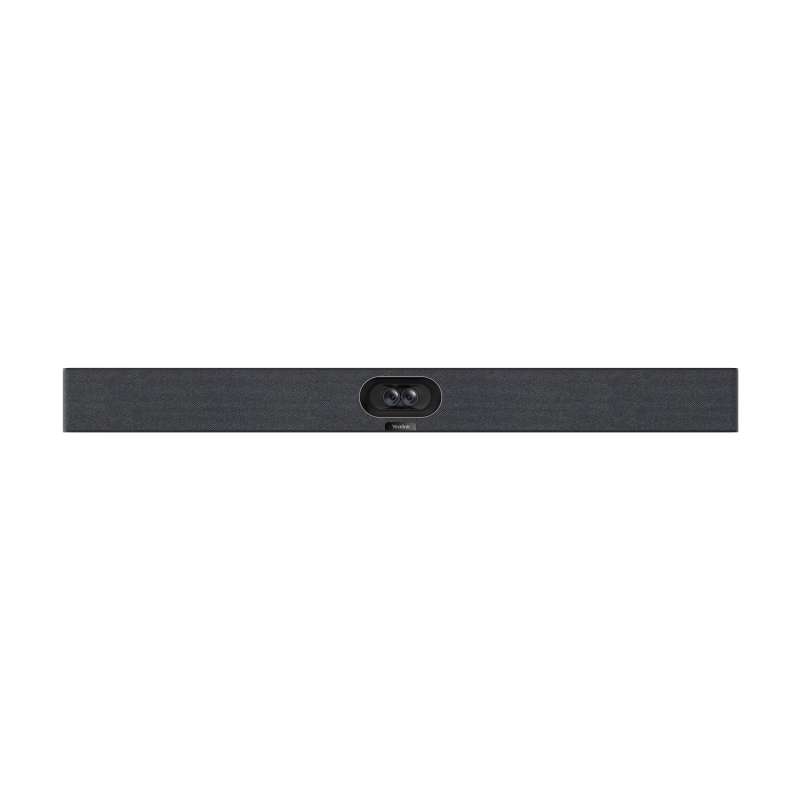
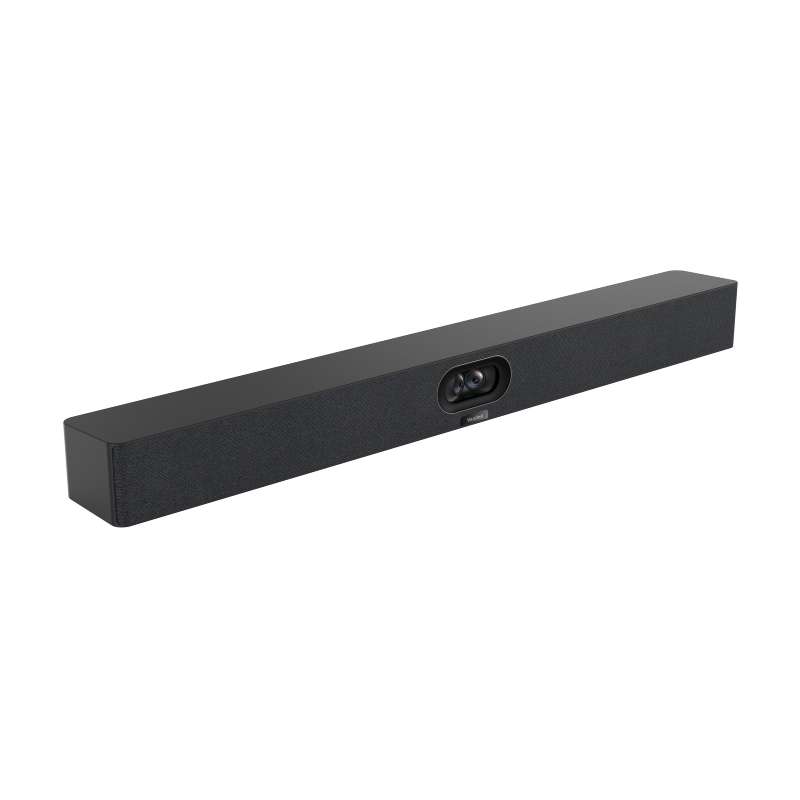
Equip your meeting rooms with all-in-one video bars or complete video conferencing systems. These Teams-certified solutions are available for small, medium and large rooms. They help increase productivity during video calls, whether participants are in the office or remote working.
Discover the full range Icon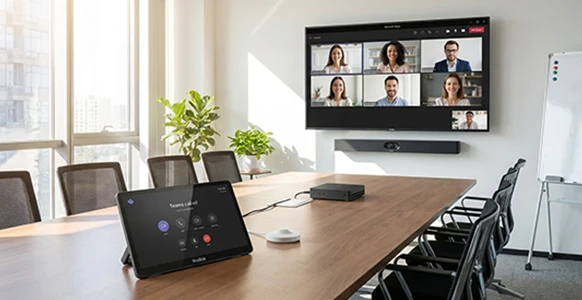

Ref: YEAMVCCS40
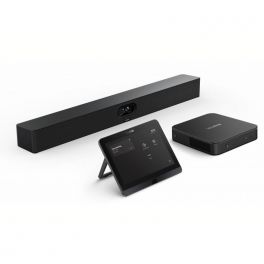
Ref: YEAMVCS40UK
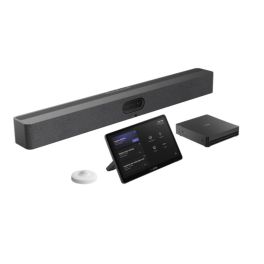
Ref: YEAMVCS50
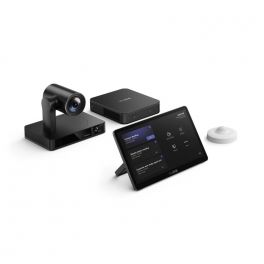
Ref: YEAMVC860NAG3UK
Ref: YEALINKMVCS60UK

Ref: YEAMVCS90C5U
5 of 2 Reviews
Ref: YEAA40CTP25UK
Ref: YEAMVC640NAG3UK
Yealink Microsoft Teams displays
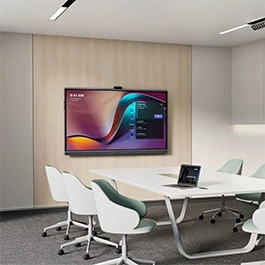
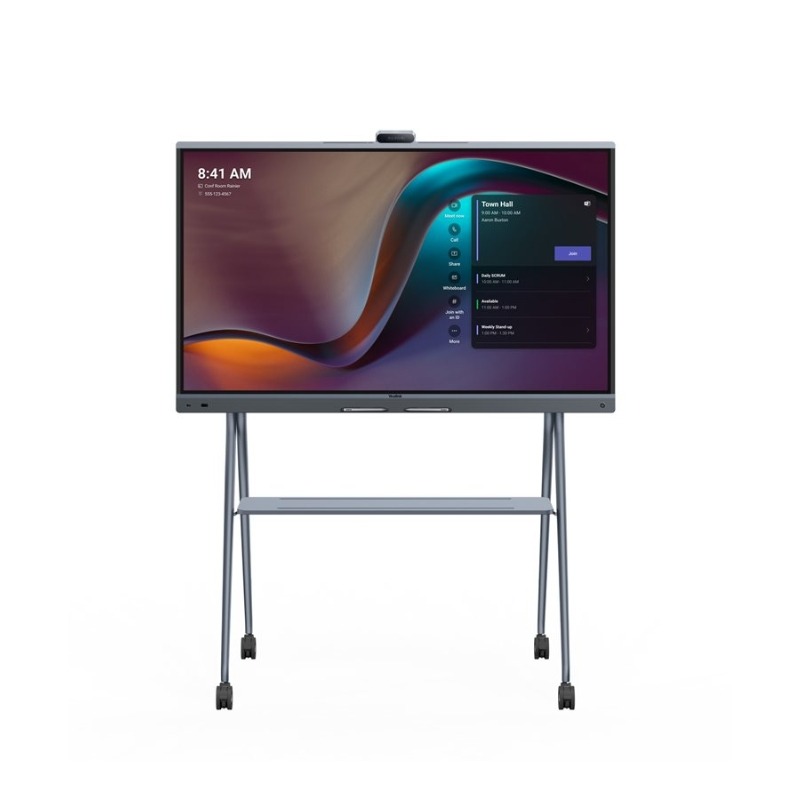
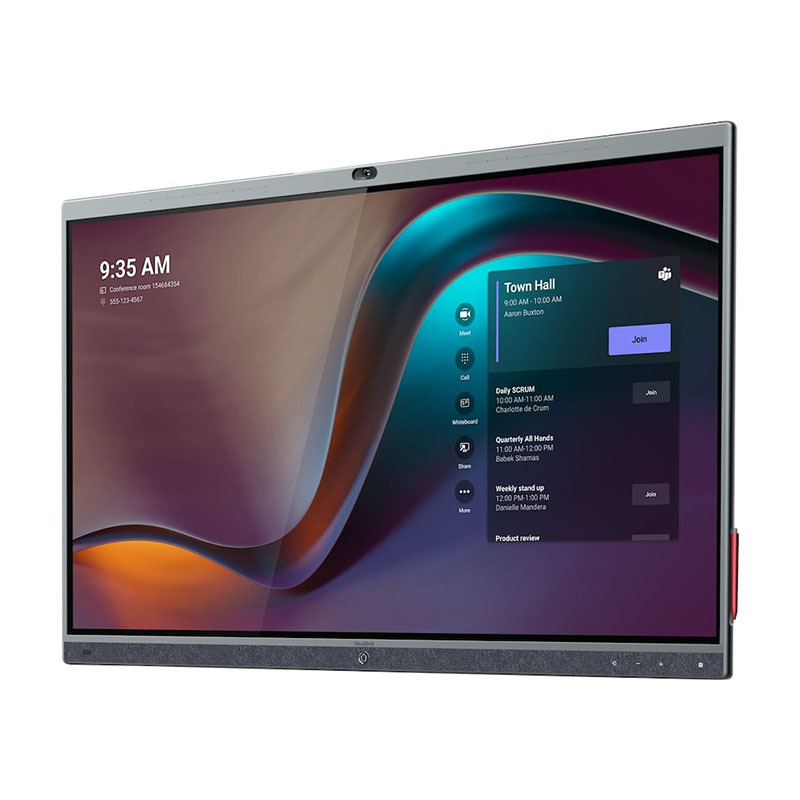
Yealink displays combine communication and collaboration tools in one device. Some models include built-in video conferencing features, while others work alongside your existing setup. They help simplify teams meetings and daily teamwork.
Discover the full range Icon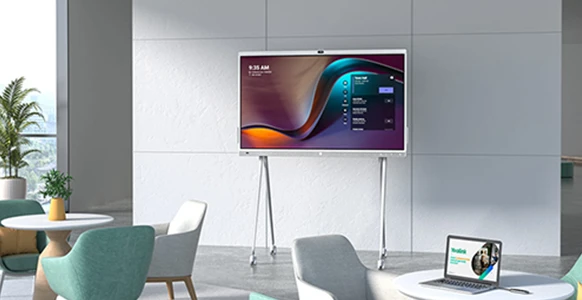

Ref: YEALMD65
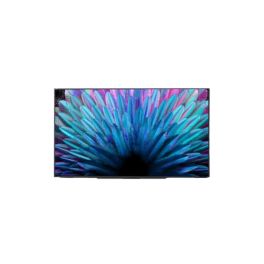
Ref: YEALMD75
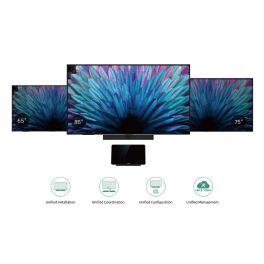
Ref: YEALMD86
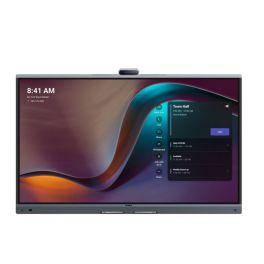
Ref: YEAMB65PROA02
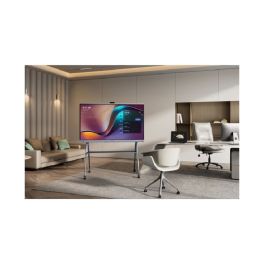
Ref: YEAMB75PROA02

Ref: YEAMB86PROA02
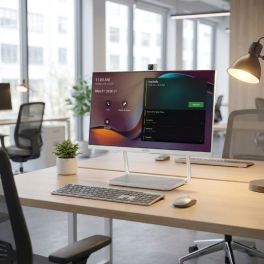
Ref: YEADESKVA24
Yealink Microsoft Teams audio conferencing
Audio conferencing solutions provide a simple way to host meetings without video. They deliver clear sound and help participants stay connected. They are ideal for calls, discussions and everyday collaboration.
Discover the full range Icon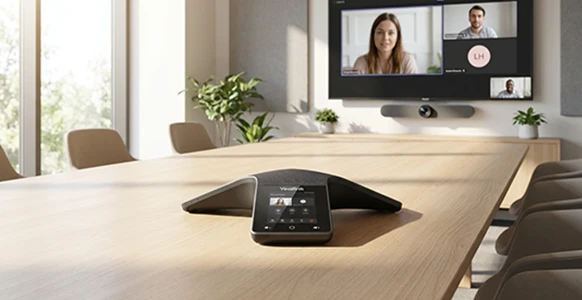
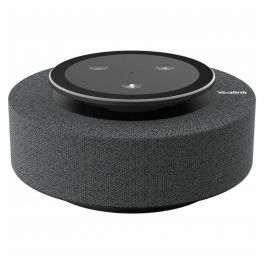
Ref: YEALINKMSPEECH
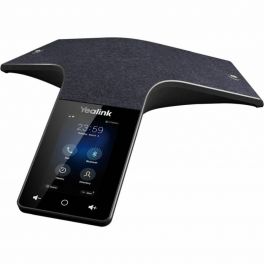
Ref: YEALINKCP965T
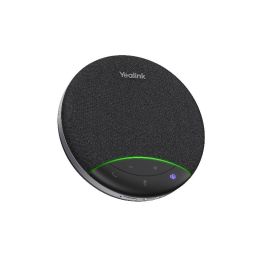
Ref: YEASP92AC
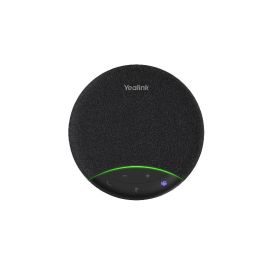
Ref: YEASP92CA
Yealink Microsoft Teams headsets
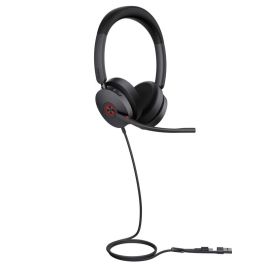
Teams-certified headsets include a dedicated button for calls and notifications. They help users stay productive throughout the day. These solutions are suitable for both office-based and remote workers.
Discover the full range Icon
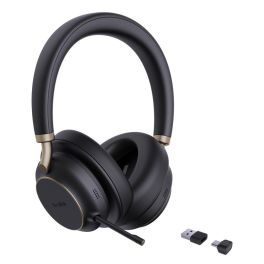
Ref: YEABH76PATCA

Ref: YEAWH63E2TEAMS
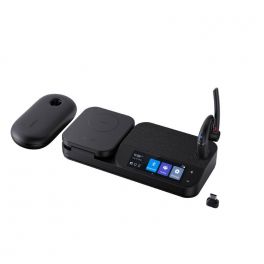
Ref: YEABH71PROWST
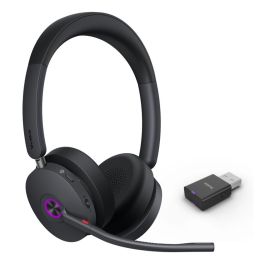
Ref: YEAWH68T
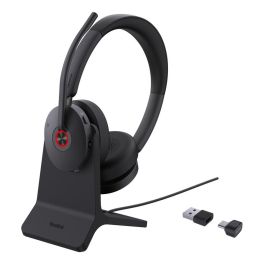
Ref: YEABH74CACHARUK
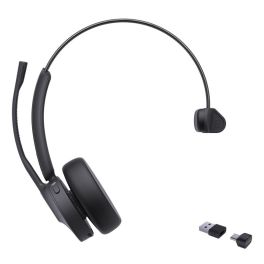
Ref: YEABH70CAMONO
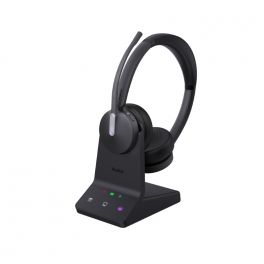
Ref: YEAWH64DTSUP
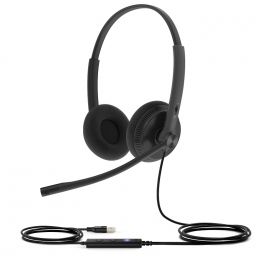
Ref: YEALINKUH34LDT
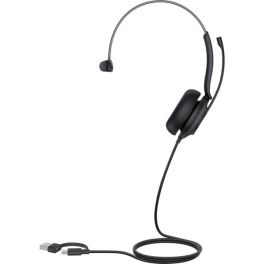
Ref: YEAUH35MON
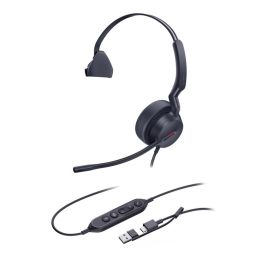
Ref: YEAUH44MTAC
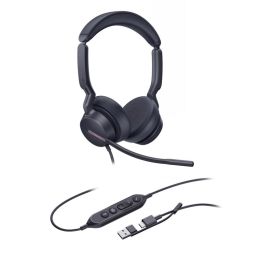
Ref: YEAUH46DTCA
Ref: YEAUH48
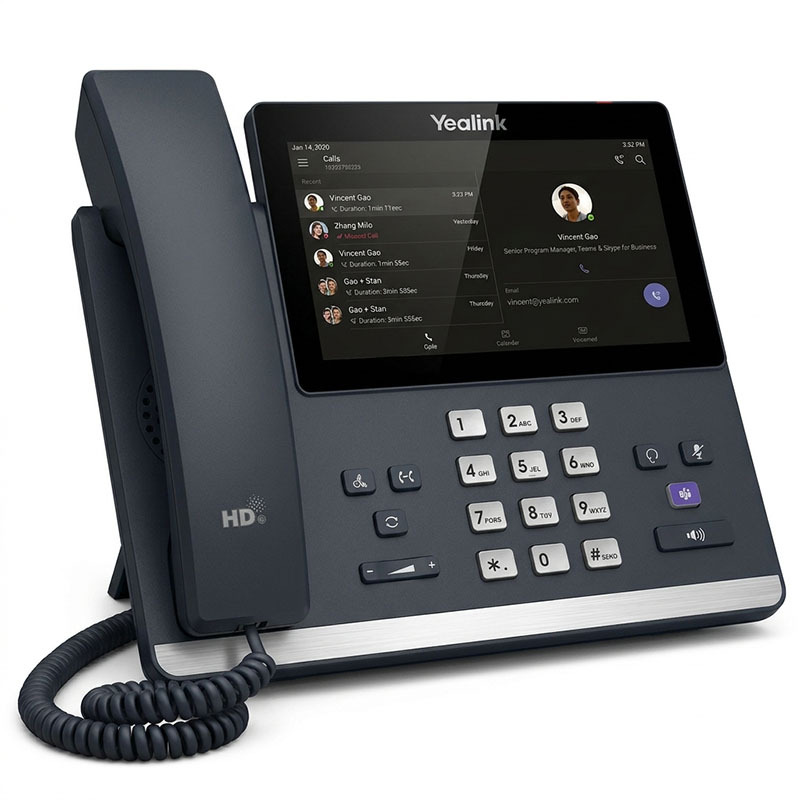
Yealink Microsoft Teams phones
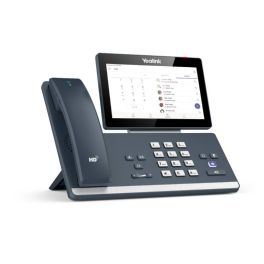
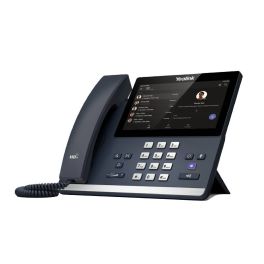
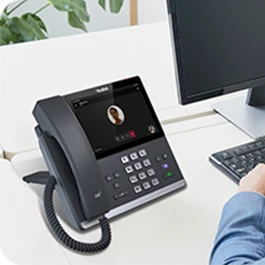
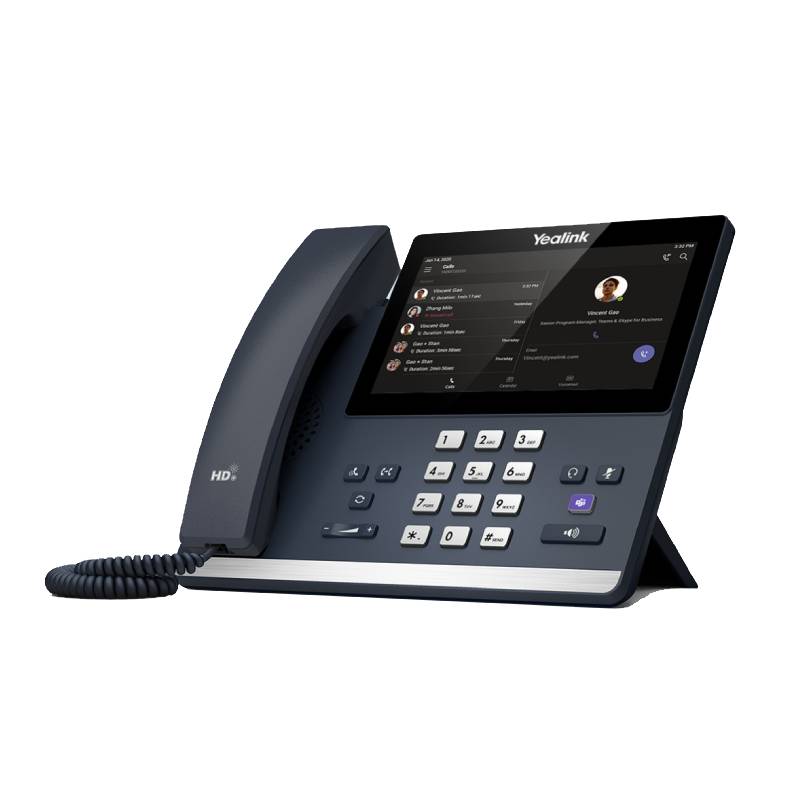
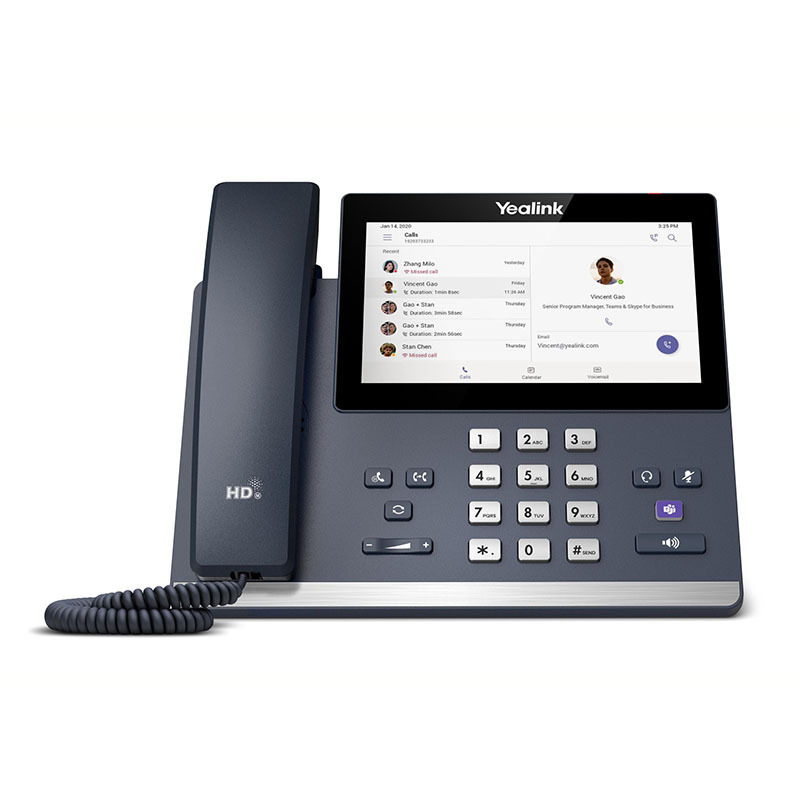
Yealink phones for Microsoft Teams make it easy to manage calls and meetings from a desk device. They offer a familiar user experience and integrate smoothly into daily workflows. They are suitable for a wide range of business environments.
Discover the full range Icon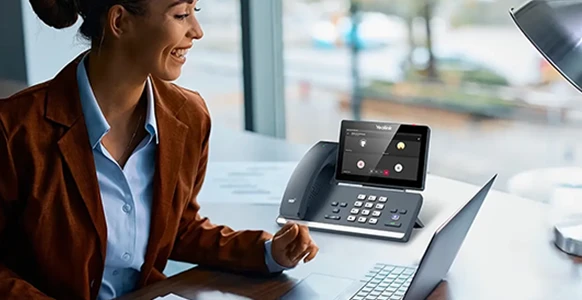
Ref: YEALINKMP58E2T
Ref: YEALINKMP56E2T
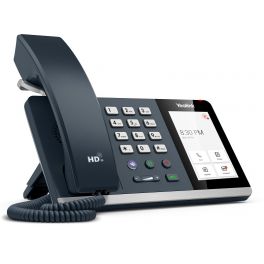
Ref: YEALINKMP54T
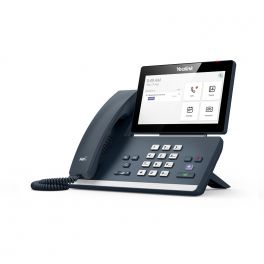
Ref: YEALINKMP58T
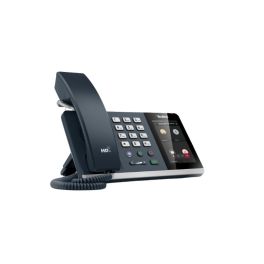
Ref: YEALINKMP54TR
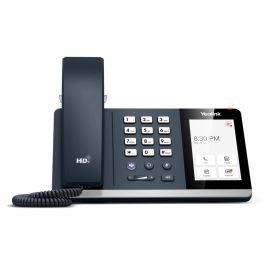
Ref: YEAMP54E2
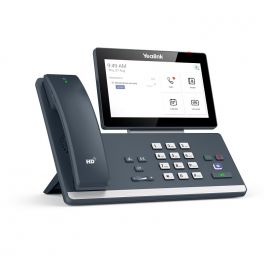
Ref: YEALINKMP58WHTUK
Which Yealink Microsoft Teams solution is right for you?

IconFAQ – Yealink Microsoft Teams solutions
How do you choose equipment suited to the size of a meeting room?
The right solution depends on the size of the room and the number of participants. For a small room, a compact system with built-in audio and video is often enough. Larger rooms may require wider audio coverage and additional camera features to keep participants in view.
What is the difference between a native Teams solution and a compatible solution?
A solution that is certified for Microsoft Teams includes the collaboration platform directly on the device. Users can manage calls and meetings without connecting a computer. A compatible solution can also work with Teams, but it may require a PC or another external device.
Can organisations use the same Microsoft Teams equipment across the company?
Yes. Using the same devices across workstations and meeting rooms can simplify daily use and device settings management. It can also save time and create a more consistent experience for employees.
Do you need specific hardware to use Microsoft Teams Rooms?
Yes. Microsoft Teams Rooms require dedicated equipment designed for meeting spaces. These solutions make it easy to manage meetings and control devices. They also connect seamlessly with Microsoft 365 services.
Need help equipping your business with Microsoft Teams? Contact our teams for personalised support.
Form