
My Cart



Computer and Network
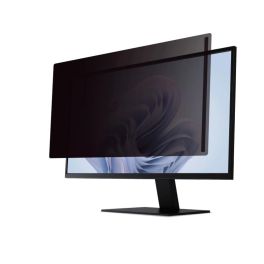
DICOTA privacy filter 24 inches
IN STOCKDICOTA magnetic privacy filter with blue light reduction, high scratch resistance and touchscreen compatibility, suitable for all 24-inch screens.£55.99 £67.19 Incl. VATRef: DICOFIL24PCompare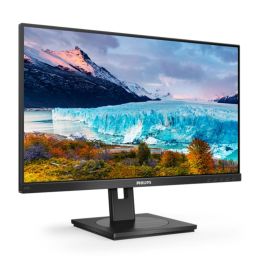
Philips 242S1AE 24-inch FHD IPS monitor
IN STOCK24-inch Full HD monitor with an IPS panel, ergonomic stand and built-in speakers for productive work in the office.£148.99£130.99 £157.19 Incl. VATRef: PHI242S1AECompare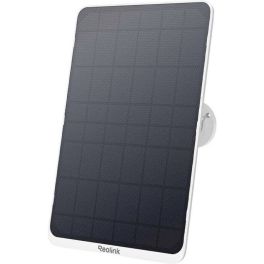
Reolink Solar Panel 3 SP3 W Weatherproof Charger
IN STOCKHigh-efficiency solar charging panel designed for compatible Reolink battery cameras, providing reliable renewable power for long-term outdoor operation.£41.99 £50.39 Incl. VATRef: REOACCSP03WCompare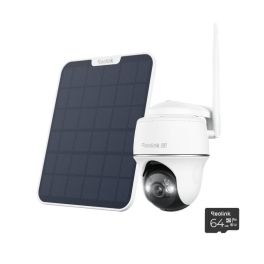
Reolink Argus Lite Solar PT WiFi Camera
IN STOCKWire-free pan and tilt security camera with 3MP resolution, solar charging and smart detection for flexible outdoor monitoring and wider coverage.£116.99 £140.39 Incl. VATRef: REOARGUS4GLTECompare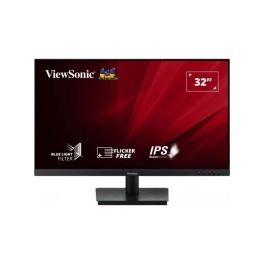
ViewSonic VA3209-MH 32-Inch Full HD IPS Monitor
IN STOCK32-inch Full HD IPS monitor with a 75Hz refresh rate, built-in speakers, eye-care technology and HDMI/VGA connectivity for professional workspaces.£108.99 £130.79 Incl. VATRef: VSVVA3209MHCompare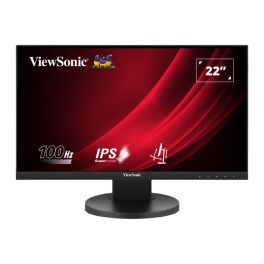
ViewSonic VG2208A 22-Inch Full HD IPS Monitor
IN STOCK22-inch Full HD IPS monitor with a 100Hz refresh rate, ergonomic stand, USB hub and built-in speakers for comfortable, connected office workstations.£73.99 £88.79 Incl. VATRef: VSVVG2208ACompare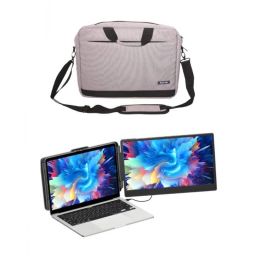
Cleyver 14" screen extension for PC/Mac + PC case
IN STOCKEnhance your performance with this pack, including a screen extension and a protective case£215.98£185.25 £222.30 Incl. VATRef: ODLAPTOPWST214CASECompare
TP Link TL-PA9020PKIT Powerline
IN STOCKExtend your wired network using existing electrical wiring with AV2000 speeds, 2x2 MIMO technology, and Gigabit Ethernet!£92.99£71.99 £86.39 Incl. VATRef: TPPA9020PKUKCompare
StarTech Privacy Screen for 24'' Monitors
IN STOCK24" two-way privacy filter with blue light reduction, antimicrobial protection, and reversible matte/glossy finish.£70.99 £85.19 Incl. VATRef: PRIFIL24PCompare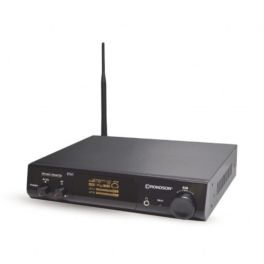
Rondson ST-200T UHF Translation Transmitter Station
IN STOCKFixed UHF transmitter for simultaneous interpreting, featuring a long range, multiple audio inputs and an OLED display.£638.99£398.99 £478.79 Incl. VATRef: ROWSTAUHFTRADCompare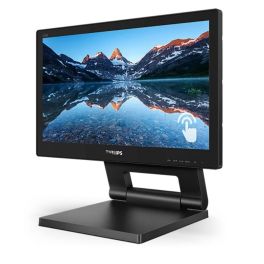
Philips 162B9T 15.6-inch IP65-certified touchscreen
IN STOCKInteractive 15.6-inch touchscreen monitor with 10-point multi-touch, an IP65-rated front panel and flexible positioning for professional applications.£419.99£281.99 £338.39 Incl. VATRef: PHI162B9TCompare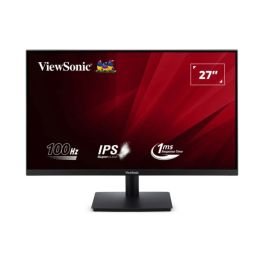
ViewSonic VA270-H-2 27-Inch Full HD IPS Monitor
IN STOCK27-inch Full HD IPS monitor with a 100Hz refresh rate, 1ms response time, Eye ProTech technology and HDMI/VGA connectivity for everyday office use.£66.99 £80.39 Incl. VATRef: VSVVA270H2Compare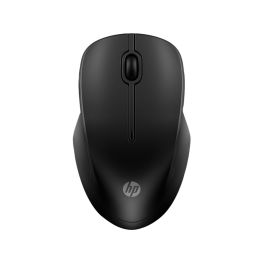
HP 255 Dual Wireless Mouse
IN STOCKExperience seamless connectivity and comfort.£16.99 £20.39 Incl. VATRef: HPM255Compare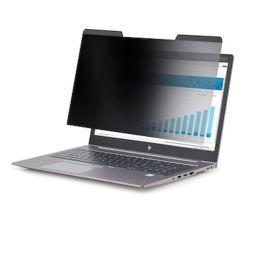
StarTech Laptop Privacy Screen for 15.6" Notebook
IN STOCKPrivacy filter for 15.6" laptops. Protects confidential data and reduces blue light on the go and in the office.£39.99£33.99 £40.79 Incl. VATRef: STARFIL15Compare
ViewSonic VA220-H 22-inch Full HD monitor
IN STOCK22-inch Full HD monitor with a VA panel, HDMI port and smooth display, designed for office workstations and everyday use.£130.99£49.99 £59.99 Incl. VATRef: VSVA220HCompare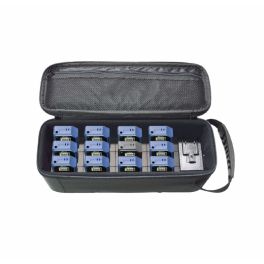
Rondson WT-100E
IN STOCKComplete pack consisting of charging case, transmitter and 11 receivers- ideal for guided tours£991.99 £1,190.39 Incl. VATRef: ROWT100ECompare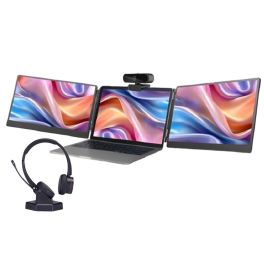
Cleyver Nomad All-in-One Pack
Dual Screen, HD Webcam, Comfortable Headphones: The Nomad Pack to Work Anywhere!IN STOCK4.8 of 4 Reviews£428.97£354.02 £424.83 Incl. VATRef: ODPACKSTACAMW35Compare
TP LINK Tapo P100 Smart Socket
IN STOCKCompact Wi-Fi smart socket with voice control, scheduling, and remote access via Tapo app£8.33£7.99 £9.59 Incl. VATRef: TPTAPOP100UKCompare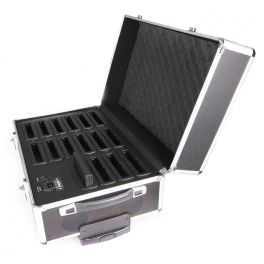
Rondson WCS - Charging case
IN STOCKCharging case for the microphone consoles of the WCS conference system.£880.99£721.99 £866.39 Incl. VATRef: ROWCSVCCompare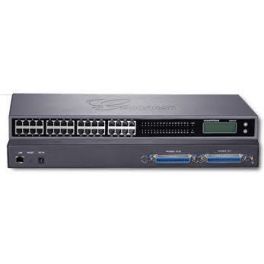
Grandstream GXW4216 V2
IN STOCKAnalog gateway, 16 RJ11 ports, screen, 1 Gb port£361.99 £434.39 Incl. VATRef: GRAGXW4216UKCompare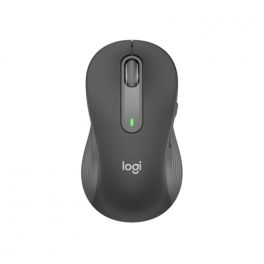
Logitech Mouse Signature M650 (Left)
IN STOCKThe Logitech Signature M650 is a versatile wireless mouse with intelligent scrolling, ergonomic comfort and SilentTouch technology to reduce click noise. It is suitable for a variety of platforms and offers long battery life.£46.99£36.99 £44.39 Incl. VATRef: LOM650LCompare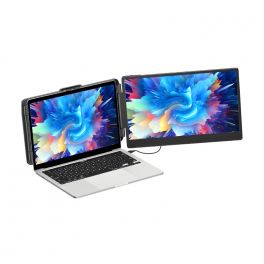
Cleyver 14" Single Screen Extension
IN STOCKExpansion module that lets you easily enjoy a dual-screen configuration anywhere£195.99£170.99 £205.19 Incl. VATRef: ODLAPTOPWSTATION214Compare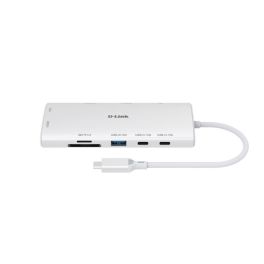
D-Link DUP-A01 Hub USB-C 10 in 1
IN STOCK10-in-1 USB-C hub with dual 4K HDMI outputs, high-speed USB ports, Gigabit Ethernet and Power Delivery up to 100W.£51.95£42.99 £51.59 Incl. VATRef: DLDUPA01Compare
iiyama ProLite X2797HSU-B1 27" IPS Full HD Monitor
IN STOCKA 27-inch professional monitor with a Full HD IPS panel, a 120 Hz refresh rate, a built-in USB hub and a four-sided borderless design, ideal for modern workstations and multi-monitor set-ups.£115.99 £139.19 Incl. VATRef: IIYX2797HSUB1Compare
ViewSonic VG2408A-MHD 24-Inch Full HD Monitor
IN STOCK24-inch Full HD IPS monitor with a 100Hz refresh rate, fully adjustable ergonomic stand, built-in speakers and Eye ProTech+ for professional workspaces.£79.99 £95.99 Incl. VATRef: VSVVG2408AMHDCompare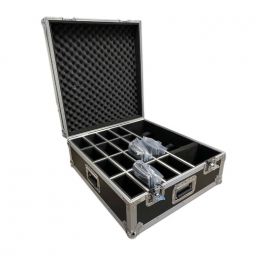
Rondson WCS - Carrying case
IN STOCKCarrying case for 15 delegate microphone stands and 1 WCS chairperson's stand.£514.99£419.99 £503.99 Incl. VATRef: ROWCSCASECompare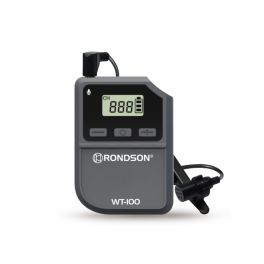
Rondson WT-100T Transmitter
IN STOCKTransmitter with compact and handy lavalier microphone - ideal for guided tours£74.99 £89.99 Incl. VATRef: ROWT100TCompare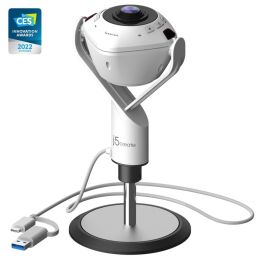
j5create 360 All Around Webcam with Speakerphone
IN STOCKSee every angle, hear every word, 360° conferencing redefined with the j5create AI Webcam.£199.16£198.99 £238.79 Incl. VATRef: J5JVU368NCompare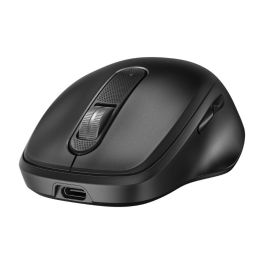
HP 515 Ultra-Fast Rechargeable Wireless Mouse
IN STOCKBoost your productivity with faster charging and precision control.£24.99£19.99 £23.99 Incl. VATRef: HPM515Compare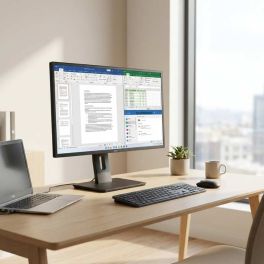
IIYAMA ProLite XB2792HSU-B1 27
IN STOCK27-inch Full HD professional monitor with an IPS panel, borderless design and an adjustable ergonomic stand, ideal for intensive office use.£148.99 £178.79 Incl. VATRef: IIYXB2792HSUB1Compare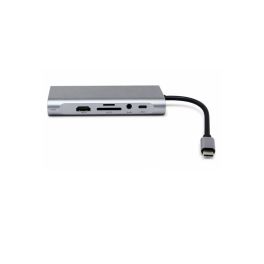
Cleyver ODHUB11 USB-C Hub with 11 ports
IN STOCKUSB-C hub with HDMI, VGA, Ethernet, card reader and 100 W Power Delivery for versatile connection of peripherals to your PC.£43.99£24.99 £29.99 Incl. VATRef: ODHUB11Compare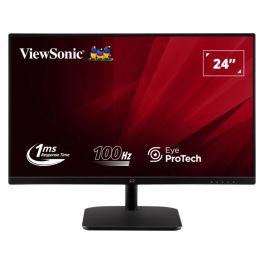
ViewSonic VA2432-MHD-3 24 Inch Full HD Monitor
IN STOCK24-inch Full HD IPS monitor with a 100 Hz refresh rate, HDMI, DisplayPort and VGA connectivity, built-in speakers and eye comfort technology for office use.£61.99 £74.39 Incl. VATRef: VSVVA2432Compare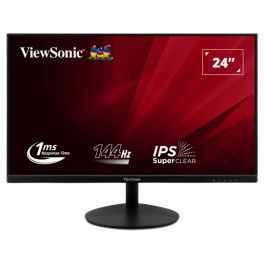
ViewSonic VA24E2-H 24-Inch Full HD IPS Monitor
IN STOCK24-inch Full HD IPS monitor with a 144Hz refresh rate, 1ms response time, eye-care technology and HDMI/VGA connectivity for everyday office use.£51.99 £62.39 Incl. VATRef: VSVVA24E2HCompare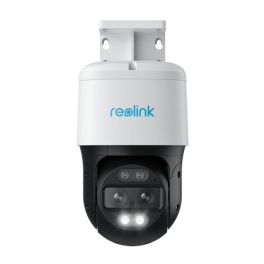
Reolink 4K TrackMix Auto PTZ PoE AI Camera
IN STOCKProtect your home or business with a professional crime prevention security solution!£132.99£111.99 £134.39 Incl. VATRef: REOTMP4KUKCompare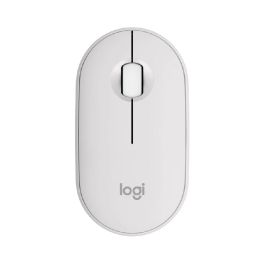
Logitech Pebble Mouse 2 M350s White
IN STOCKWireless mouse that combines modern design with silent functionality – ideal for any work environment.£32.99£19.99 £23.99 Incl. VATRef: LOM350SCompare
iiyama ProLite XUB3297QSNP-B1 32-inch QHD Monitor
IN STOCK32-inch QHD IPS monitor with USB-C dock, LAN connectivity and integrated KVM switch for efficient multi-device professional workspaces.£298.99£259.99 £311.99 Incl. VATRef: IIYXUB3297Compare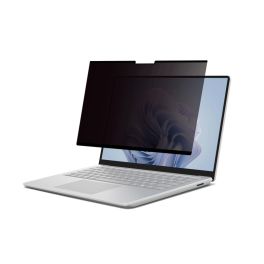
DICOTA Privacy Filter 2-way 16" 16:10
IN STOCKDICOTA magnetic privacy filter with blue light reduction, high scratch resistance and touchscreen compatibility, suitable for all 16-inch screens.£56.99 £68.39 Incl. VATRef: DICOFIL16PCompare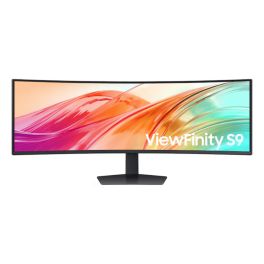
Samsung ViewFinity S95UF 49-inch DQHD monitor
IN STOCKProfessional 49-inch ultra-wide monitor with DQHD resolution, USB-C and 120 Hz, designed for demanding multitasking, high productivity and challenging work environments.£962.99£818.99 £982.79 Incl. VATRef: SAS49F950UAUCompare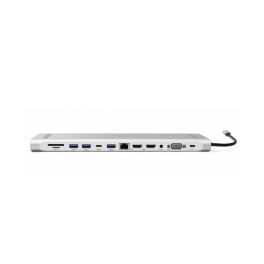
Cleyver ODHUB12DOCKV2 USB-C dock with 12 ports
IN STOCKUSB-C dock with 12 ports, 100 W charging capability and a PC stand for a versatile and space-saving workspace.£51.99£33.99 £40.79 Incl. VATRef: ODHUB12DOCKV2Compare- IconBest Seller
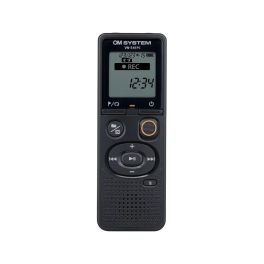
OM System VN-541PC
Easy use digital voice recorder- ideal for business owners, journalists and studentsCall us for availability5 of 1 Reviews£45.00 £54.00 Incl. VATRef: OLVN541PCCompare
Discover Computer and Network Solutions
staying connected and equipped with the right technology is no longer optional, it’s essential. Whether you're running a small startup or managing a large enterprise, reliable computing and networking solutions are the backbone of productivity and growth. In this section, we will explore the various types of products available, tips for choosing the right equipment, and answer some of the most frequently asked questions regarding PC and Network Tools.
Choose the Right Computer and Network Solutions According to Your Needs
Selecting IT and networking equipment can feel overwhelming, but breaking it down into key categories makes the process much easier. Here are some of the main areas to consider:
- Routers and Switches: These devices are the backbone of your network, facilitating communication between devices. Routers connect multiple networks and provide internet access, while switches distribute data within the same network. Choose high-performance models for larger businesses that require robust connectivity.
- Network Security: Safeguarding your data is crucial. Investing in firewalls, VPNs, and intrusion detection systems helps protect your network from external threats. Make sure you choose solutions that comply with industry standards and provide comprehensive support.
- Wireless Access Points: For businesses requiring flexibility, wireless access points are essential. They extend your network's range, allowing employees to connect seamlessly from different locations. Look for models that support the latest Wi-Fi standards for optimal performance.
- Networking Cables: Don't underestimate the importance of quality cables. Ethernet cables, fiber optic cables, and patch panels play a vital role in maintaining a stable connection. Choose durable and high-speed options to ensure minimal signal loss.
- Computing Devices: From desktops to laptops, the computing devices you choose can greatly impact productivity. Consider your team's needs regarding processing power and portability.
Tips Before Buying Computer and Network Solutions
Before making a purchase, here are some crucial tips to guide you in selecting the right Computer & Networking products:
- Assess Your Needs: Evaluate the size of your business and the extent of your networking requirements. Understanding how many devices will be connected and the bandwidth needed will help you choose the right solutions.
- Research Brands and Models: Not all products are created equal. Look for reputable brands with positive reviews and reliable customer support. It's wise to compare different models to find the best fit for your operational needs.
- Consider Scalability: As your business grows, your networking needs may change. Opt for solutions that allow for easy upgrades and expansions without requiring a complete overhaul of your existing setup.
- Check Compatibility: Make sure all devices are compatible with each other and your existing infrastructure. This includes hardware, software, and any specific protocols you may be using.
- Evaluate Security Features: Security should be a top priority. Look for products with built-in security features and the ability to integrate with your existing security policies.
- Budget Wisely: While it's tempting to opt for the cheapest option, consider the long-term value of your investment. Quality products may have a higher upfront cost but can save you money in maintenance and replacements down the line.
Frequently Asked Questions About Computer and Network Solutions
- What is the difference between a router and a switch? A router connects different networks and directs data traffic, while a switch connects devices within the same network, enabling communication between them.
- How do I know if I need a wireless access point? If your business requires internet access in multiple locations or areas where a router's signal is weak, a wireless access point can enhance connectivity.
- What should I look for in a network security solution? Look for features such as intrusion detection, data encryption, firewall capabilities, and compatibility with existing security measures.
- How often should I upgrade my networking equipment? Regularly assess your equipment's performance and functionality. Generally, it's recommended to upgrade every 3-5 years or when you notice significant performance issues.
- Can I set up a home office network? Yes! A home office network can be established using routers, switches, and wireless access points, depending on your specific needs.