
My Cart



TP Link TL-PA9020PKIT Powerline
Internal ref: TPPA9020PKUK // Manufacturer part #: TL-PA9020P KIT
Extend your wired network using existing electrical wiring with AV2000 speeds, 2x2 MIMO technology, and Gigabit Ethernet!
SAVING £21.00
£71.99 - £86.39 Incl. VAT
2 years of manufacturer warranty Subject to manufacturer conditions
Pay in 3 interest-free payments of Show more

Key features
- AV2000 Powerline speed for ultra-fast data transfer
- 2×2 MIMO technology for improved coverage and stability
- Two Gigabit Ethernet ports for high-speed wired connections
- Integrated power socket to avoid outlet loss
- Plug and play setup—no configuration required
- Power-saving mode reduces energy consumption by up to 85%
- Works with all HomePlug AV/AV2 powerline adapters
- Secure 128-bit AES encryption for safe network communication
In the box
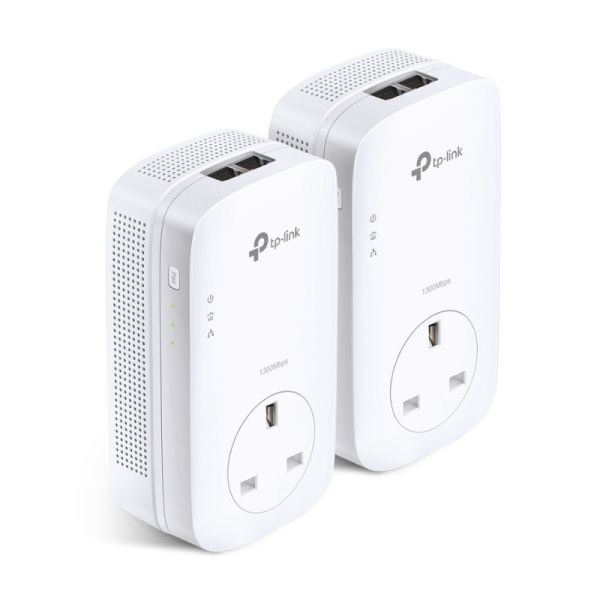
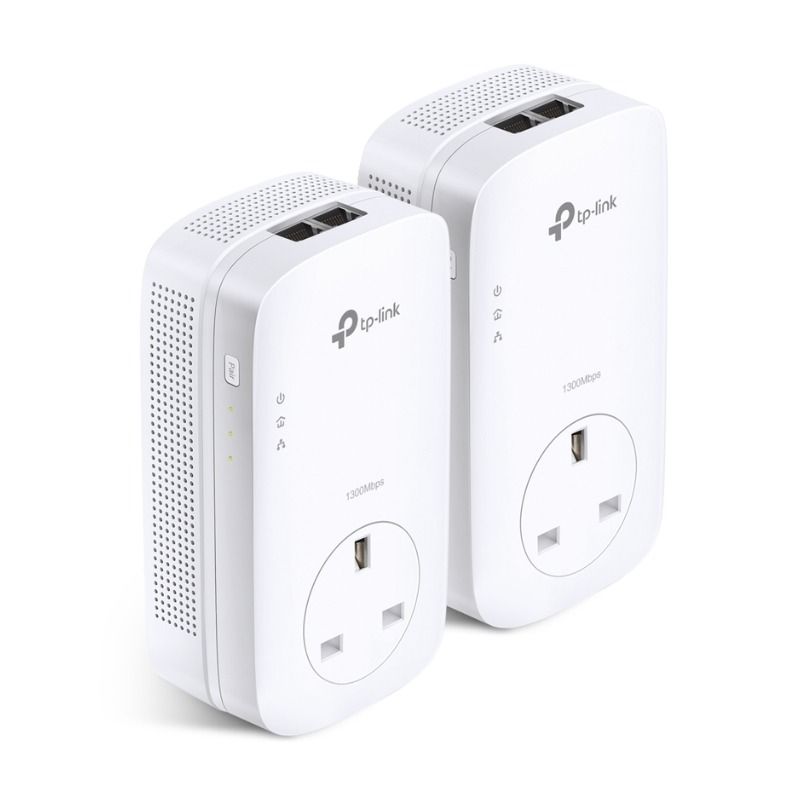
- 2 × AV2000 Gigabit Passthrough Powerline Adapter (TL-PA9020P)
- 2 × Ethernet Cable
- Quick Installation Guide
Product description
TP-Link TL-PA9020P KIT
The TP-Link TL-PA9020P KIT is an AV2000 Powerline Adapter Starter Kit designed to extend your wired network using existing electrical wiring. It provides ultra-fast speeds of up to 2000 Mbps, two Gigabit Ethernet ports, and a passthrough power socket, making it ideal for high-bandwidth applications like 4K streaming and gaming.
Recommended Usage Environments
- Ideal for homes and offices needing high-speed, stable internet
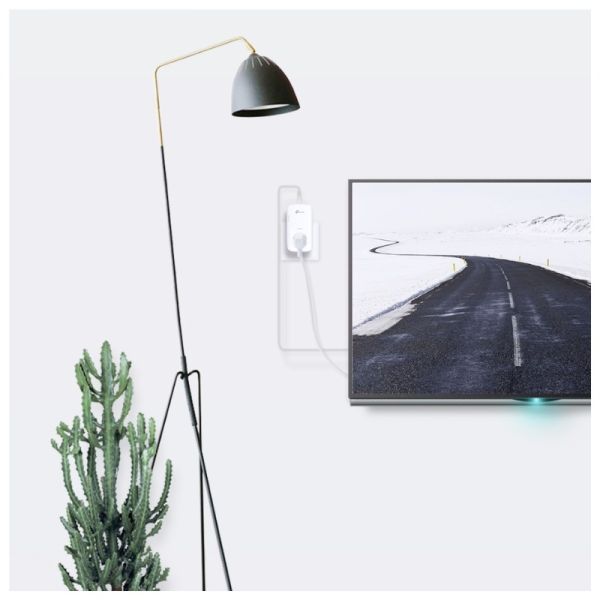
- Perfect for 4K HD streaming, lag-free gaming, and high-bandwidth tasks
- Works seamlessly across floors and walls using existing wiring
- Scalable solution—add more adapters to expand coverage
- Compatible with all HomePlug AV/AV2 standard adapters
Key Functional Specifications
The TL-PA9020P KIT utilizes HomePlug AV2 technology to deliver up to 2000 Mbps speeds, ensuring fast and stable connections for bandwidth-intensive applications. With 2×2 MIMO (Multiple-In Multiple-Out) technology, it enhances data transmission efficiency, improving coverage across electrical circuits. The built-in power socket allows you to keep using your wall outlet while filtering out electrical noise for a more stable signal. The kit is also plug-and-play, requiring no additional configuration for setup.
Platform and Device Compatibility
The Powerline adapters work with Windows (XP, Vista, 7, 8, 8.1, 10), macOS, and Linux. The tpPLC Utility provides additional configuration options for Windows and macOS users. It is compatible with all HomePlug AV/AV2 powerline adapters, allowing easy expansion of your network. Connectivity is achieved via two Gigabit Ethernet ports, ensuring reliable high-speed wired connections for gaming consoles, smart TVs, and PCs.
User Experience & Features
The plug-and-play design ensures quick and effortless setup without the need for new wiring. The power-saving mode reduces energy consumption by up to 85% when not in use. The built-in noise filter enhances signal quality by reducing interference from other electrical devices. The secure 128-bit AES encryption can be activated with a simple press of the Pair button, ensuring safe data transmission.
Technical Specifications
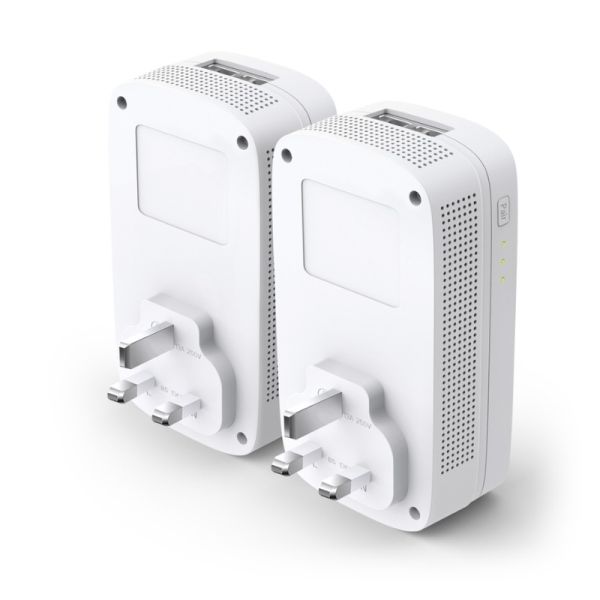
- Plug Type: UK
- Standards & Protocols: HomePlug AV2, HomePlug AV, IEEE 1901, IEEE 802.3, IEEE 802.3u, IEEE 802.3ab
- Transmission Speeds: Powerline up to 2000 Mbps; Ethernet 10/100/1000 Mbps
- Power Consumption: Max 5.8W; Standby 0.5W
- Range: Up to 300 meters (1,000 feet) over existing electrical wiring
- Interfaces: 2 × Gigabit Ethernet ports, Power Socket
- Buttons: Pair button for encryption
- LED Indicators: Power, Powerline, Ethernet
- Dimensions: 72 × 42 × 131 mm (2.8 × 1.7 × 5.2 in)
- Encryption: 128-bit AES security
- Certifications: CE, RoHS
- Operating Temperature: 0°C~40°C (32°F ~104°F)
- Storage Temperature: -40°C~70°C (-40°F ~158°F)
- Operating Humidity: 10%~90% non-condensing
Files
TP Link TL-PA9020PKIT Powerline - Datasheet (EN)
Product Specs.
| Manufacturer part # | TL-PA9020P KIT |
|---|---|
| Warranty | 2 years |
| Type of networking product | PLC Network |
| Gigabit | With Gigabit |
| Gigabit Ports | 2 |
| QoS | Supports up to 4-level type |
Frequently Asked Questions
Currently there are no questions for this product.