
My Cart



QD, VoIP and Y cables
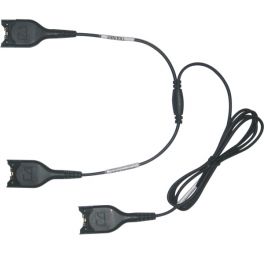
EPOS ATC01 Adapter Training Cord
Allows connection of 2 headsets to the same telephoneIN STOCK4.5 of 4 Reviews£49.49£45.99 £55.19 Incl. VATRef: SEYCompare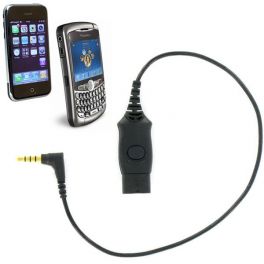
Onedirect QD - 3.5mm Jack Cable for Mobiles
IN STOCKOnedirect Quick Disconnect cable with 3.5mm jack for mobiles£21.99 £26.39 Incl. VATRef: ODMO3IP2Compare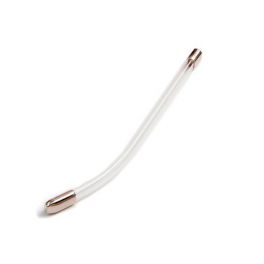
Agent 500/600 Voicetube
IN STOCKReplacement voice tube for the Agent 500 or 600 headsets£7.99 £9.59 Incl. VATRef: AGENTVTCompare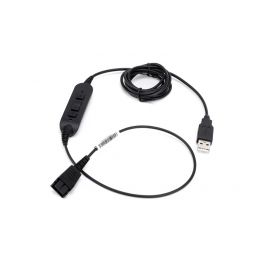
Cleyver USB 260
IN STOCKA QD/USB connection cable to connect your headphones to your PC/Mac£32.99 £39.59 Incl. VATRef: ODUSB260Compare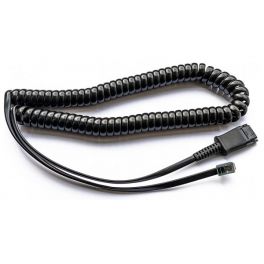
Agent Bottom Half Cable (U10P) - Plantronics (PLX) Connector
IN STOCKStandard bottom half cable for use with Agent headsets - Plantronics (PLX) Connector£11.99£10.99 £13.19 Incl. VATRef: AGENTU10PPLXCompare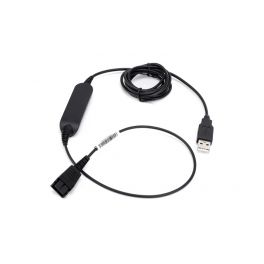
Cleyver USB 230
IN STOCKA QD/USB connection cable to connect your headphones to your PC/Mac.£24.99 £29.99 Incl. VATRef: ODUSB230Compare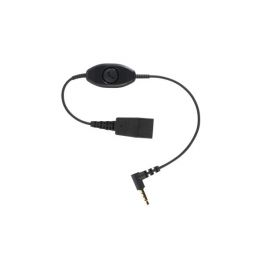
Jabra Cable for iPhone 6/7
Connection cable for Gn Jabra QD headset and iPhone 6/7 mobileIN STOCK4.5 of 3 Reviews£30.79£27.99 £33.59 Incl. VATRef: GNLINKIPCompare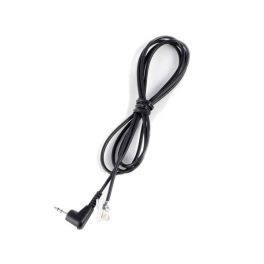
Jabra 2.5mm Jack/RJ9 Cable
2.5/RJ9 connection cable for Panasonic and PolycomIN STOCK4.5 of 2 Reviews£21.99£18.99 £22.79 Incl. VATRef: GNJRJCompare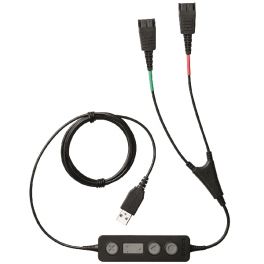
Jabra LINK 265 USB/QD Training Cable
USB Y-Training Cable for connecting two Jabra Quick Disconnect headsets to one PC for supervision and training purposesIN STOCK4 of 1 Reviews£108.89£84.99 £101.99 Incl. VATRef: GNL265Compare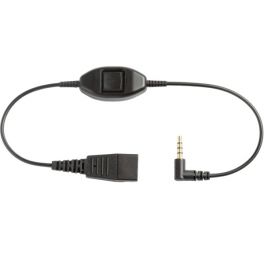
GN Jabra QD/Jack Cable for Siemens Gigaset
QD/Jack cable to connect Jabra headsets to telephones with a 2.5mm jackIN STOCK5 of 1 Reviews£30.79£27.99 £33.59 Incl. VATRef: GNQDJACKSCompare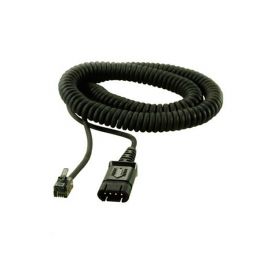
Agent Bottom Half Cable (U10P) - Agent Connector
IN STOCKStandard bottom half cable for use with Agent headsets£13.19£9.99 £11.99 Incl. VATRef: AGENTU10PCompare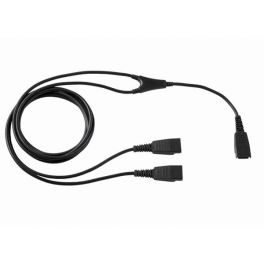
Cleyver Y Training Cable
Cleyver Quick Disconnect cable allowing parallel connectionIN STOCK5 of 1 Reviews£24.99 £29.99 Incl. VATRef: ODYCompare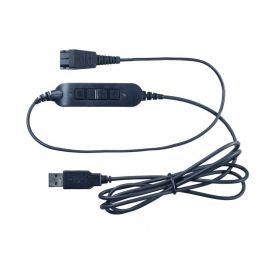
Cleyver USB80 Cable
QD - USB adapter to connect Cleyver headphones to a PC. With built-in remote controlIN STOCK4.8 of 3 Reviews£29.99 £35.99 Incl. VATRef: ODUSB80Compare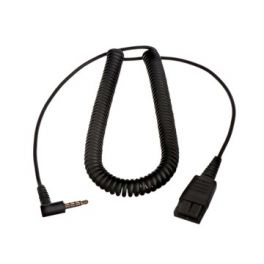
Jabra QD connection cable to 3.5 mm jack
IN STOCKPC connection cable for Jabra headphones£47.29£42.99 £51.59 Incl. VATRef: GNPCQDCompare
Plantronics QD to 2.5mm Bottom Cord
Quick disconnect cable for attaching your headset to phones with a 2.5mm jackIN STOCK4.7 of 9 Reviews£27.49£24.99 £29.99 Incl. VATRef: PLJACKSICompare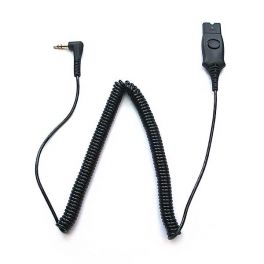
Plantronics QD/Jack 3.5 Cable for Alcatel
Quick Disconect cable with 3.5 mm JackIN STOCK4.9 of 5 Reviews£16.49£14.99 £17.99 Incl. VATRef: PLJCALCompare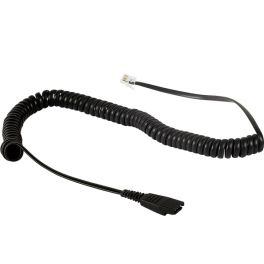
Onedirect U10 Cable For Cisco 79xx Series
IN STOCKOnedirect 3 metre U10-type QD cable for Cisco phones£13.99 £16.79 Incl. VATRef: ODCISCOCompare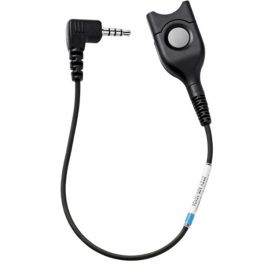
EPOS CCEL 190-2 EasyDisconnect Cable
EPOS EasyDisconnect cable with 2.5mm jack for Panasonic phonesIN STOCK4.3 of 3 Reviews£19.79£18.99 £22.79 Incl. VATRef: SECCEL190-2Compare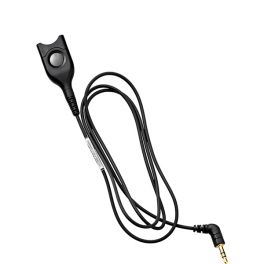
EPOS CCEL 191-2 QD Cable for DECT for Mobile Phones (2.5mm)
EPOS CCEL 191-2 QD Cable for DECT for Mobile Phones (2.5mm)IN STOCK5 of 2 Reviews£21.99£18.99 £22.79 Incl. VATRef: SECCEL191-2Compare
Onedirect QD - 2.5mm Jack Cable
IN STOCKOnedirect QD cable with 2.5mm jack compatible with Onedirect headsets£19.99 £23.99 Incl. VATRef: ODJACKSICompare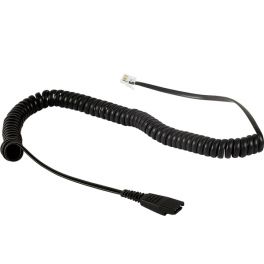
Onedirect QD cable for Aastra - Siemens - Tiptel
IN STOCKOnedirect U10 type QD Cable for Aastra/Siemens/Tiptel phones£12.99 £15.59 Incl. VATRef: ODAASTRACompare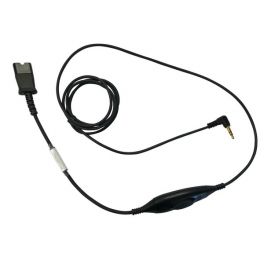
Onedirect QD - 3.5mm Jack Cable For Alcatel IP Touch
Onedirect 3.5mm Quick Disconnect cable for Alcatel IP Touch phoneIN STOCK5 of 1 Reviews£7.99 £9.59 Incl. VATRef: ODJCALCompare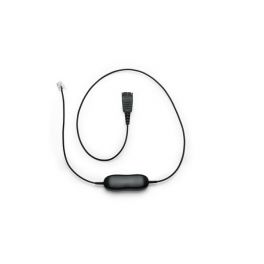
GN1221 RJ9 to QD Sound Limiter Cable
IN STOCKQD/RJ9 sound limiter cable for desk phones£35.19£31.99 £38.39 Incl. VATRef: GN1221RJCompare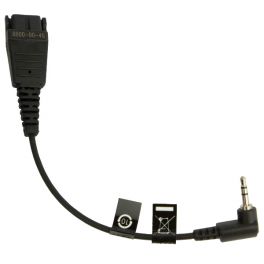
Jabra QD/2.5mm Jack Bottom Cable
Jabra QD bottom cable cable for telephones with a 2.5mm jack connectionIN STOCK4.4 of 19 Reviews£27.49£24.99 £29.99 Incl. VATRef: GNJQDCompare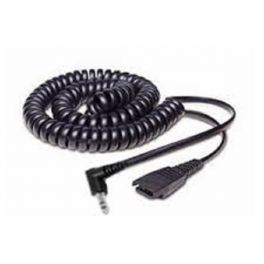
Jabra QD Cord to 2.5mm Pin Plug (Coiled)
Jabra Coiled QD to 2.5mm Pin Plug Cord for headset to DECT handset connectionIN STOCK5 of 1 Reviews£30.79£27.99 £33.59 Incl. VATRef: GNJQD3MCompare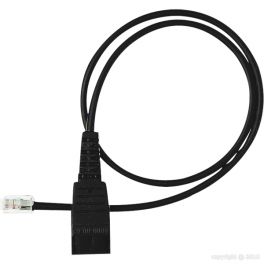
GN Jabra QD / RJ11 Cable for GN2000 / 2100
GN Jabra QD / RJ11 cable for GN2000 / 2100 headset rangeIN STOCK4 of 2 Reviews£19.79£17.99 £21.59 Incl. VATRef: GNP6Compare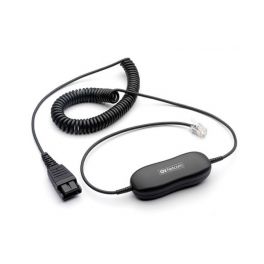
Jabra GN1200 Smart Cord 2m Quick Disconnect Cable
Universal Quick Disconnect cable for Jabra corded headsets - 2m coil versionIN STOCK4.9 of 7 Reviews£36.29£31.99 £38.39 Incl. VATRef: GNSMART2Compare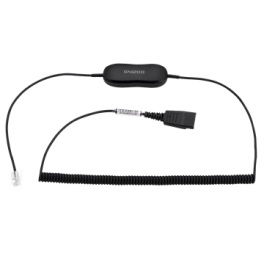
Jabra cable GN1218 AC 2m
Sound Management CordIN STOCK5 of 1 Reviews£37.39£34.99 £41.99 Incl. VATRef: GN1218AC2MCompare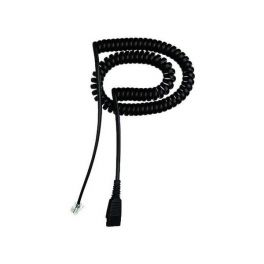
GN Jabra Cable QD/RJ For Cisco
Coiled 2m cable with QD/RJIN STOCK5 of 3 Reviews£36.29£32.99 £39.59 Incl. VATRef: GNP6ETIROCompare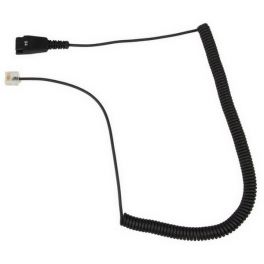
Jabra QD cable for Siemens OpenStage
IN STOCKQD/RJ45 Jabra cable for Siemen´s Openstage.£26.39£23.99 £28.79 Incl. VATRef: GNQDSIOSECompare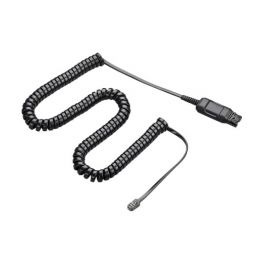
Plantronics HIC Cable for Avaya 64XX/46XX Telephones
QD/RJ cable for Avaya 64XX/46XX desk phonesIN STOCK4.5 of 2 Reviews£24.99£16.99 £20.39 Incl. VATRef: PLHICCompare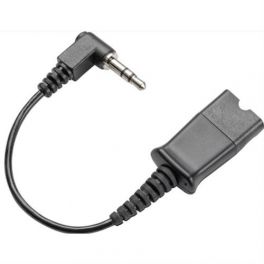
Plantronics 38267-01 - 3.5mm Jack
3.5mm QD cord for Plantronics headsetsIN STOCK4.8 of 3 Reviews£15.39£9.99 £11.99 Incl. VATRef: PLJACK3Compare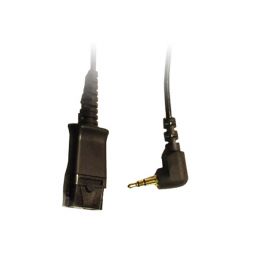
Plantronics 2.5mm QD Cable (10ft)
2.5mm/QD coil cable for Cisco Spa, Polycom, GrandstreamIN STOCK5 of 9 Reviews£19.20£14.99 £17.99 Incl. VATRef: PLJACKSPACompare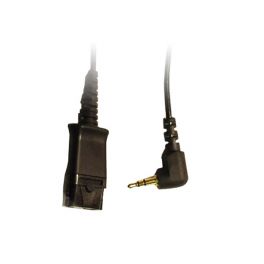
Onedirect QD - 2.5mm Jack Cable For Cisco Spa - Panasonic
Onedirect 2.5mm Quick Disconnect cable for Cisco Spa/Panasonic phonesIN STOCK5 of 1 Reviews£18.99 £22.79 Incl. VATRef: ODJACKSPACompare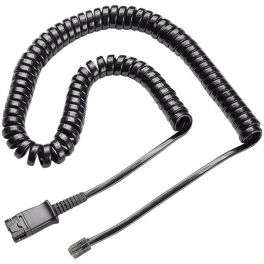
Plantronics U10P Bottom Cable
Coiled cord with QuickDisconnectCall us for availability4.6 of 50 Reviews£15.20£9.99 £11.99 Incl. VATRef: PLU10PCompare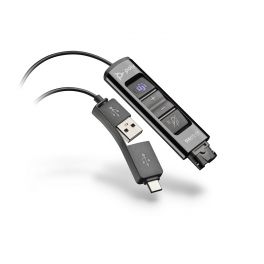
Poly DA85M Cable
Call us for availabilityQD to USB-A/USB-C Audio Adapter for PC Connection- optimised for Microsoft Teams£84.95£54.99 £65.99 Incl. VATRef: PLDA85MCompare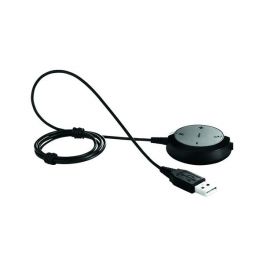
USB cable with settings for Jabra Evolve 30 II UC
Call us for availabilityJack / USB controller cable for Evolve 30 for PC connection£56.09£46.99 £56.39 Incl. VATRef: GNEVOLVE30CABLECompare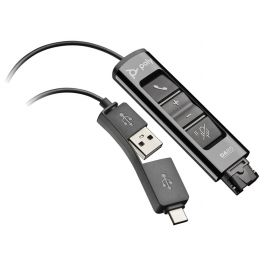
Poly DA85 Cable
Call us for availabilityQD to USB-A/USB-C audio adapter for PC- with integrated control buttons£84.95£59.99 £71.99 Incl. VATRef: PLDA85Compare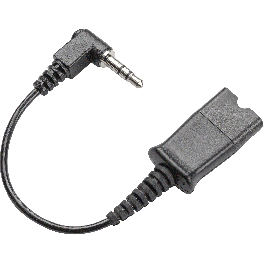
Plantronics QD cable for AGFEO
Call us for availabilityPlantronics QD cable, capable of connecting to AGFEO phones.£14.10£11.99 £14.39 Incl. VATRef: PLJACKAGFEOCompare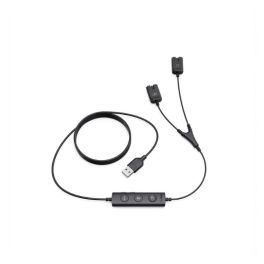
Yealink 10-Pack USB/QD Training Cables
Call us for availabilityYealink training cable with QD connector – ideal for training departments and contact centres£436.99 £524.39 Incl. VATRef: YEAUSBTRAINERCORDCompare
Key features and functions
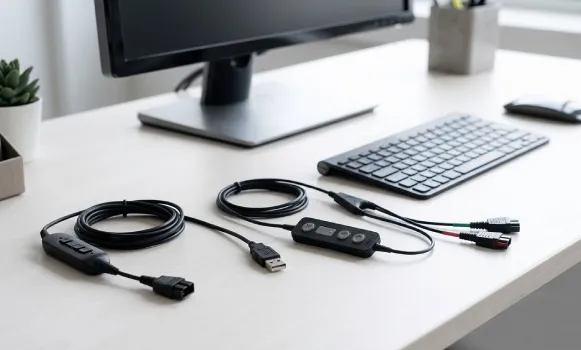
QD, VoIP and Y cables are designed to complement business telephone systems that use wired headsets. A QD cable (Quick Disconnect) connects certain headsets with a quick-release connector to a compatible telephone or adaptor. VoIP cables make it easier to connect headsets to IP phones with a suitable interface. Y cables, also known as Y adaptors or headset splitters, can connect two headsets to the same telephone for shared listening or training, depending on their design. A headset adaptor should therefore be chosen according to the headset model, telephone and intended use.
| QD (Quick Disconnect) cables | Connection cables for certain headsets equipped with a quick-release connector, allowing them to connect to a compatible telephone. |
| VoIP phone adaptors | Cables designed to connect wired headsets to compatible IP phones, depending on their interface and pin configuration. |
| Y cables and headset splitters | Accessories that allow two headsets to connect to one telephone for shared listening or training. |
| RJ11 modular connectors | Connectors used on certain telephone devices, with compatibility depending on the number of contacts and wiring configuration. |
| Brand compatibility | Adaptors and cables with connections that may vary depending on the manufacturer and model of the headset and telephone. |
| Cable length and configuration | Cables available in different lengths and configurations to suit the layout of your workstation. |
How to choose the right product
- OK Identify your headset: check its brand, model number and connection type, particularly whether it uses a QD system.
- OK Check your telephone: identify the exact model of your desk phone or VoIP phone and its available headset connections.
- OK Choose the right cable type: a QD cable for a quick-release connection, a VoIP cable for an IP phone or a Y splitter cable for compatible shared use.
- OK Check the connectors: distinguish between QD interfaces and the modular sockets used by your telephone system.
- OK Check the pin configuration: an RJ11 telephone cable or similar connector is not automatically compatible with every device.
- OK Define how you will use the Y adaptor: check whether the model supports listening only or allows two microphones to be used.
- OK Choose a suitable cable length: select a cable long enough for your workstation without unnecessarily cluttering the workspace.
Uses across professional sectors
QD, VoIP and Y cables are used by businesses that equip employees with wired telephone headsets. In contact centres and customer service departments, QD cables make it easier to connect compatible headsets to workstations. Y adaptors can be used to support the training of new employees when a supervisor needs to listen to a conversation through a second headset. In offices and administrative departments, VoIP cables allow headsets to connect to compatible IP phones. IT teams can also use headset adaptors to adjust certain telephone setups when replacing equipment or reorganising a workstation.
Why choose Onedirect?
Onedirect offers a selection of QD, VoIP and Y cables to complement your business telephone systems. You can search for a headset adaptor according to your equipment's brand, connection type and intended use. Whether you need to connect a wired headset to an IP phone, replace a QD cable or set up a shared connection using a Y adaptor, our specialists can help you identify compatible products.
FAQ – Frequently asked questions
What is a QD cable used for with a telephone headset?
A QD cable, short for Quick Disconnect, connects certain professional headsets equipped with a quick-release connector to a compatible telephone or adaptor. The system makes it easier to disconnect the headset at the cable connection. However, QD connectors are not universal, so it is important to check compatibility between the headset brand, cable and telephone.
What is a Y headset splitter used for?
A Y adaptor or headset splitter allows two headsets to connect to the same telephone connection, depending on its design. This type of training cable is commonly used to train and support employees in contact centres. Some models only allow listening through the second headset, while others offer additional features. Check the adaptor's specifications and compatibility with your telephone setup.
Is an RJ11 telephone cable compatible with all headsets?
No. Having an RJ11 connector or a similar modular plug does not guarantee compatibility. Pin configurations, electrical characteristics and interfaces can vary between manufacturers. To connect a headset to a business phone, check the compatible models specified for both devices.
How do you choose a headset adaptor for a VoIP phone?
Start by identifying the brand and model of your VoIP phone, then check your headset's connection type. Look for a cable or adaptor explicitly compatible with both devices. Also check the required functions, such as microphone use and call management, as these may depend on the telephone and the accessory selected.
Related resources
QD headsets Icon Telephone headsets Icon Headset accessories Icon