
My Cart



Display Wall Mounts
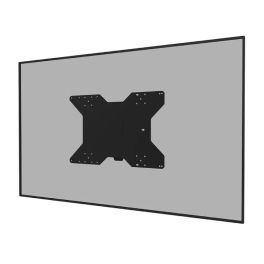
Neomounts WL85-515BL16 Swivel Wall Mount 55–75-inch
Out of stockProfessional wall mount for 55- to 75-inch screens with 90° rotation, VESA-compatible up to 600 × 400 mm and finished in black, ideal for screens and Samsung Flip.£218.99 £262.79 Incl. VATRef: NEOWL85515BL16Compare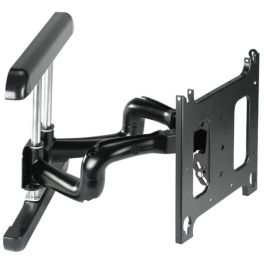
Chief PNRUB Wall-Mounted TV Bracket
Call us for availabilityWall mount with articulating arm and 90.7 kg load capacity, compatible with screens up to 85 inches.£581.99 £698.39 Incl. VATRef: CHPNRUCompare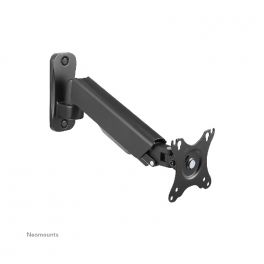
Neomounts WL70-440BL11 Desk Mount 17–32 Inch
Call us for availabilityFull-motion desk mount for 17” to 32” monitors, designed for ergonomic positioning and flexible workspace setups in professional environments.£69.95£44.99 £53.99 Incl. VATRef: NEOWL70440BL11Compare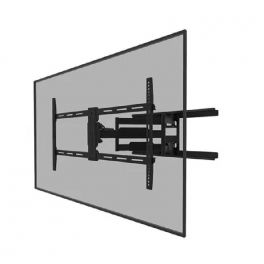
Neomounts WL40-550BL18 Wall Mount 43–98 Inch
Call us for availabilityFull-motion wall mount for 43” to 98” screens, offering tilt, swivel and extend functions for flexible positioning in professional environments.£167.99£117.99 £141.59 Incl. VATRef: NEWL40550BL18Compare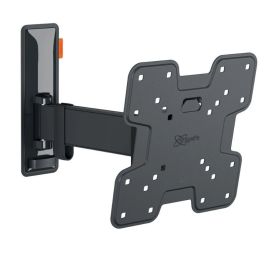
Vogels TVM 3225 Full-Motion TV Wall Mount
Call us for availabilitySwivel and tilt wall mount (full motion) for 19" to 43" TVs (up to 15 kg), with One-Finger™ Movement and a true 120° swivel and ±10° tilt angle.£77.99 £93.59 Incl. VATRef: VOGTVM3525Compare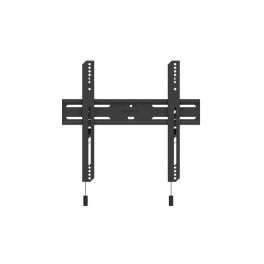
Neomounts WL30S-850BL14 Wall Mount 32–65 Inch
Call us for availabilityFixed wall mount for 32” to 65” screens, designed for secure and space-saving installation in professional environments.£56.95£41.99 £50.39 Incl. VATRef: NEOWL30S850BL14Compare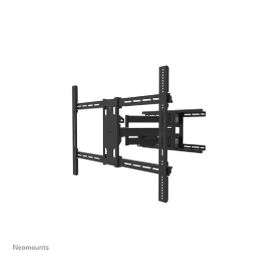
Neomounts WL40S-950BL18 Wall mount for 55–110-inch screens
Out of stockWall mount for screens measuring 55 to 110 inches and weighing up to 125 kg, with an extendable arm of up to 70.3 cm and multi-directional adjustments for large-scale professional installations.£340.99 £409.19 Incl. VATRef: NEWWL40S950BL18Compare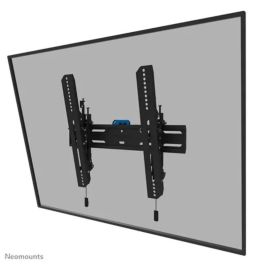
Neomounts WL35S-850BL14 Wall Mount 32–65 Inch
Call us for availabilityTiltable wall mount for 32” to 65” screens, designed for secure installation and flexible viewing angles in professional environments.£71.95£51.99 £62.39 Incl. VATRef: NEOWL35S850BL14Compare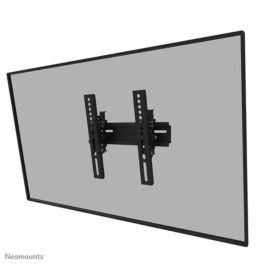
Neomounts WL35-350BL12 Tilting wall mount
Call us for availabilityTilting wall mount for screens measuring 24 to 55 inches and weighing up to 30 kg, offering flexible tilt adjustment and a compact design, ideal for professional installations.£30.99£21.99 £26.39 Incl. VATRef: NEOL35350BL12Compare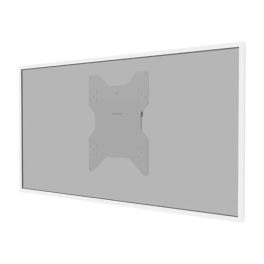
Neomounts WL85-515WH16 Swivel Wall Mount 55–75-inch
Out of stockProfessional wall mount for screens from 55 to 75 inches with 90° rotation, VESA-compatible up to 600 × 400 mm and designed for touchscreens and Samsung Flip.£218.99£168.99 £202.79 Incl. VATRef: NEOWL85515WH16Compare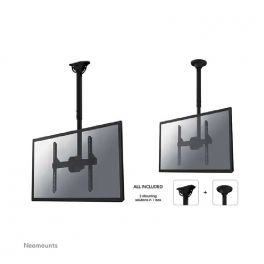
Neomounts Flat Screen Ceiling Mount (32-60")
Call us for availabilityVersatile ceiling mount for flat screens from 32‘ to 60’ (81-152 cm), ideal for space-saving installation in offices, conference rooms or public areas.£136.99 £164.39 Incl. VATRef: NEONMC440Compare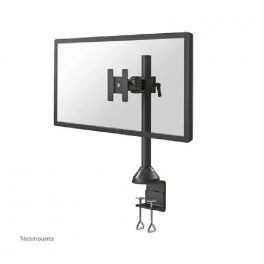
Neomounts Flat Screen Desk Mount (clamp)
Call us for availabilityFlexible monitor desk mount for flat screens from 10 to 30 inches (25.4 to 76.2 cm)£93.99 £112.79 Incl. VATRef: NEWFPMAD965Compare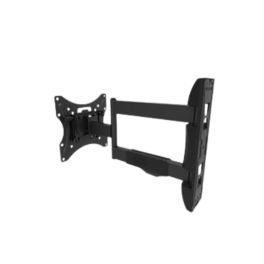
Neomounts WL40-550BL12 32–55-inch TV mount
Out of stockAdjustable wall mount that extends up to 42 cm, with VESA mounting and a load capacity of 35 kg, ideal for easily adjusting the position of a 32- to 55-inch screen.£130.99 £157.19 Incl. VATRef: NEOWL40550BL12Compare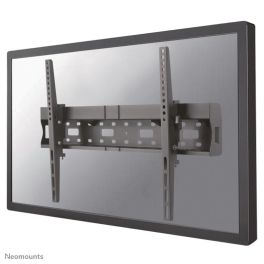
Neomounts LFD-W2640MP Screen Wall Mount
Call us for availabilityElevate your viewing experience effortlessly.£54.99 £65.99 Incl. VATRef: NEOLFDW2640MPCompare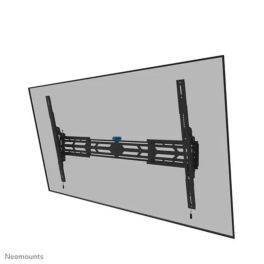
Neomounts WL35S-950BL19 Heavy Duty Wall Mount
Call us for availabilityElevate your viewing experience with adjustable versatility.£179.99 £215.99 Incl. VATRef: NEOWL35S950BL19Compare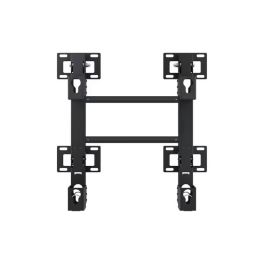
Samsung WMN6575SF Wall Mount 65–75 Inch
Call us for availabilitySlim wall mount for 65” to 75” Samsung displays, designed for flush installation and seamless integration in professional environments.£249.99 £299.99 Incl. VATRef: SAWMN6575Compare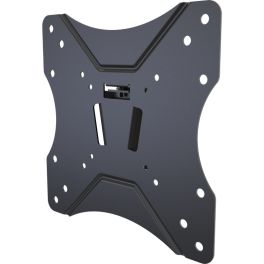
Vision VFM-W2X2TV2 Tilting Wall Mount 200x200
Call us for availabilityTilting wall mount for screens from 30 to 55 inches, VESA-compatible up to 200x200, with quick installation and a built-in anti-theft system.£29.69£27.99 £33.59 Incl. VATRef: VISVFMW2X2TCompare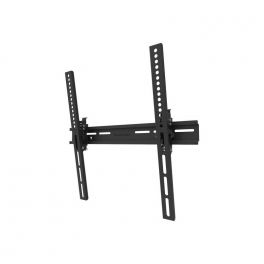
Neomounts WL35-350BL14 Wall Mount 32–55 Inch
Call us for availabilityTiltable wall mount for 32” to 55” screens, designed for secure installation and adjustable viewing angles in professional environments.£37.95£28.99 £34.79 Incl. VATRef: NEOWL35350BL14Compare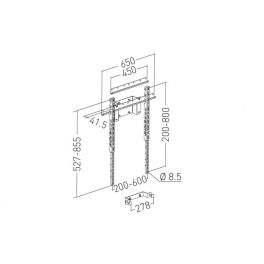
Erard VESA portrait monitor mount 600x800
Call us for availabilityVESA-compatible portrait monitor stand (600x800), designed for the Erard XPO, KROSS and KAMELEO ranges.£244.99 £293.99 Incl. VATRef: ERKROSSDOCLECompare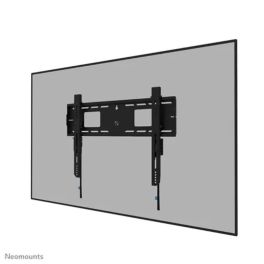
Neomounts WL30-750BL16 Fixed wall mount
Call us for availabilityA sturdy fixed wall mount for screens measuring 42 to 86 inches and weighing up to 100 kg, with a short wall-to-screen distance, designed for professional installations.£69.29£53.99 £64.79 Incl. VATRef: NEOWL30750BL16Compare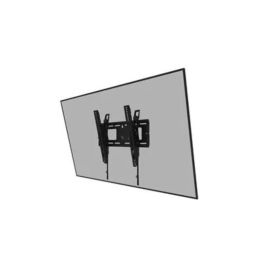
Neomounts WL35-750BL14 Tilt Wall Mount 32–75"
Call us for availabilityTiltable wall mount for 32” to 75” screens, designed for flexible positioning and secure installation in professional environments.£83.95£59.99 £71.99 Incl. VATRef: NEOWL35750BL14Compare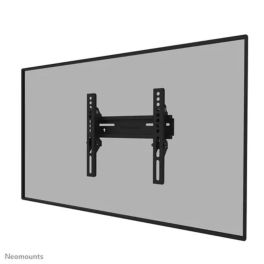
Neomounts WL30-350BL12 Fixed wall mount
Call us for availabilityFixed wall mount for screens measuring 24 to 55 inches and weighing up to 30 kg, VESA-compatible and offering a wall depth of just 3.9 cm.£25.99£16.99 £20.39 Incl. VATRef: NEOL30350BL12Compare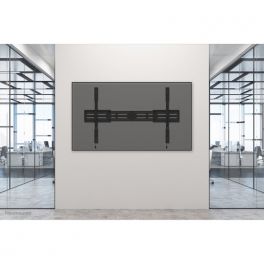
Neomounts Select WL30S-950BL19 Wall Mount 43–98 Inch
Call us for availabilityHeavy-duty fixed wall mount for 43” to 98” screens, designed for secure large display installation in professional environments.£211.99£126.99 £152.39 Incl. VATRef: NEWL30950BL19Compare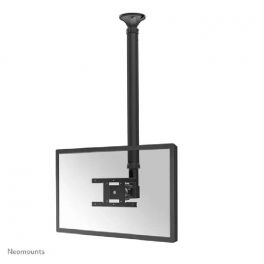
Neomounts Flat Screen Ceiling Mount
Call us for availabilitySpace-saving and flexible ceiling mount for monitors up to 30"£93.99£63.99 £76.79 Incl. VATRef: NEWFPMAC100Compare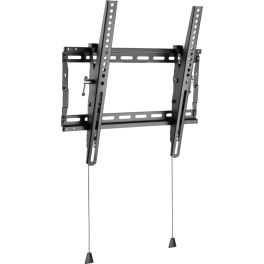
Vision VFM-W4X4TV/2 Tilting wall mount
Call us for availabilityA sturdy tilting wall mount for screens measuring 32 to 65 inches, compatible with VESA 400x400 and designed for simple and reliable professional installations.£51.99 £62.39 Incl. VATRef: VISIONVFMW4X4TV2Compare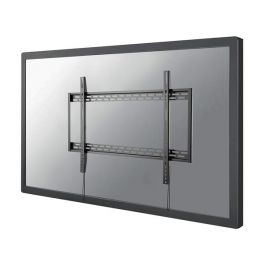
Neomounts LFD-W1000 Wall Mount 37–100 Inch
Call us for availabilityHeavy-duty fixed wall mount for 37” to 100” screens, designed for secure installation of large format displays in professional environments.£109.95£76.99 £92.39 Incl. VATRef: SALFDW1000Compare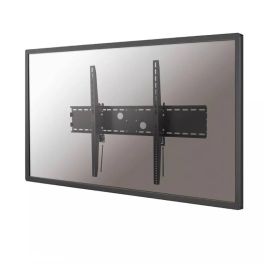
Neomounts LFD-W2000 Tilt Wall Mount
Call us for availabilityTiltable wall mount for large flat screens measuring between 60 and 100 inches and weighing up to 125kg.£139.99 £167.99 Incl. VATRef: NEOLFDW2000Compare
Kimex wall mount for 37'' TV
Call us for availabilityKimex fixed wall mount for TVs from 37" to 86", featuring a fold-out opening, secure installation, and a professional look in any space.£23.99 £28.79 Incl. VATRef: KIM0121564Compare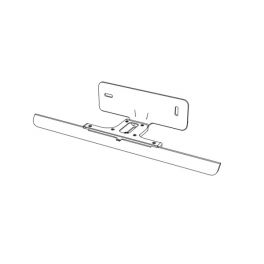
Wall Mount Kit for Cisco Webex Room Kit Mini
DiscontinuedWall mounting kit for the Webex Room Kit Mini and the Room Kit Mini Unit.Check similar productsRef: CIVCMKMINICompare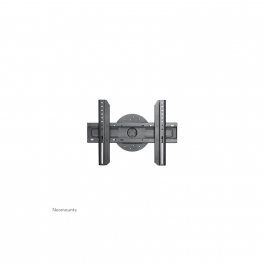
Neomounts LED-WR100BLACK Video Wall Mount
DiscontinuedProfessional video wall mount system designed for precise alignment and secure installation of multiple displays in commercial environments.Check similar productsRef: NEOLEDWR100BLACKCompare
Characteristics and Core Functions
Professional wall mounts are designed to support the weight of commercial displays safely while offering the right balance between adjustability and structural rigidity.
| Universal VESA support | Accommodates numerous screen formats, simplifying procurement and stock management. |
| High load capacity | Engineered to hold medium and large displays securely when correctly installed. |
| Tilt and swivel mechanisms (model dependent) | Optimises viewing angle for different seating layouts and reduces reflections. |
| Quick-mount designs | Facilitates efficient installation and screen replacement, reducing downtime. |
| Reinforced steel structures | Provide long-term stability for professional environments with frequent use. |
How to Select the Right Wall Mount
- OK Wall type – Check load-bearing capacity and specify appropriate fixings for brick, concrete or stud partitions.
- OK Screen size and weight – Ensure mount specifications exceed the display’s requirements with an adequate safety margin.
- OK Required movement – Decide between fixed, tilting or fully articulated mounts based on room layout.
- OK Cable access – Consider how power and signal cables will be routed and whether pull-out access is required.
- OK Installation height – Plan mounting height for seated or standing users to ensure comfortable viewing.
Applications Across Professional Environments
In meeting rooms, wall mounts position displays at an optimal height for presentations and videoconferencing while keeping floors and furniture clear. Reception areas and lobbies often use tilting mounts to angle screens towards visitors as they enter the space.
Classrooms, retail environments and flexible workspaces benefit from articulated mounts that allow screens to be repositioned or angled according to use. In lounges and design-led areas, ultra-slim fixed brackets are chosen to maintain a clean, discreet appearance.
Why Partner with Onedirect?
Onedirect provides wall mounting solutions fully compatible with professional displays and AV standards. Our range spans from simple fixed brackets to advanced articulated arms, all supported by reliable stock availability and fast delivery.
We assist customers in selecting mounts suited to their screen sizes, wall structures and safety requirements, helping ensure secure installations and long-term reliability across professional environments.
FAQ – Frequently Asked Questions
Are professional wall mounts compatible with all displays?
Most professional wall mounts support standard VESA patterns, but it is essential to verify screen size, weight and VESA dimensions before installation.
What is the difference between fixed and articulated wall mounts?
Fixed mounts hold screens close to the wall, while articulated mounts allow tilt, swivel or extension to adjust viewing angles and access connections.
Can wall mounts support large and heavy displays?
Yes. Professional mounts are designed with high load capacities, provided they are correctly installed on suitable wall structures.
Is professional installation recommended for wall mounts?
For medium and large displays, professional installation is strongly recommended to ensure safety, correct fixings and compliance with building standards.
Do wall mounts allow access to cables and ports?
Many mounts include pull-out or tilt mechanisms that make it easier to access rear connections during installation and maintenance.