
My Cart



Wired headset: the different options explained
If you’re mostly at your desk, a wired headset can be a great choice! While wireless headsets are popular, wired ones have clear advantages:
 More Affordable No Battery Life Worries Interference-Free
But now comes the fateful question: which connector should I choose? No need to worry about that, just keep reading, we've taken care of the options below to help you decide:
Not sure what you need?
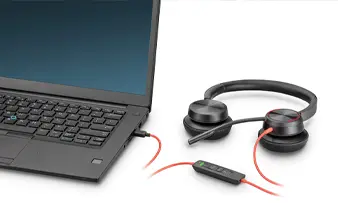
#headphones #usb
USB
The USB connector remains a timeless classic! Today, the rapid arrival of USB-C offers your headset new connection opportunities: in addition to PCs/Macs, it also connects to your mobile devices (if they are equipped with this famous connector of course).
Plug & Play: You plug it into a USB port, and off you go!
Direct power supply: No need for batteries or recharging.
 Where to use it?
Remote: Perfect for online meetings and VOIP calls.
Desktop: Ideal for video calls on a desktop or laptop.
3.5MM JACK
The 3.5mm jack is a true classic for wired headsets. It's what originally made listening to music on the go (on the famous MP3 players!). Today, it’s still popular for one main reason: it works with almost everything!
Universal Compatibility: Works with almost all devices.
Simplicity: Zero configuration, just plug and listen.
Where to use it?
Phone calls: Ideal for making calls on a smartphone or tablet.
Computer work: Used for listening to music or following webinars.
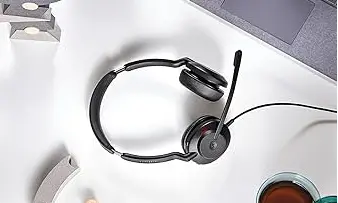
#headphone #Jack #3.5mm
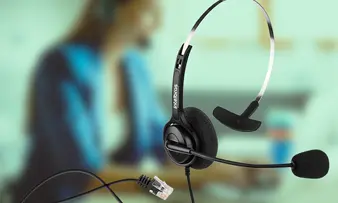
#headset #RJ
RJ
Short for “Registered Jack,” this headset uses an RJ cable to connect to a desk phone’s docking station. In other words, it’s a great replacement for the traditional telephone handset! Remember: the 2 key connectors to keep in mind on headsets are RJ9 and RJ11!
Direct Connect: Designed specifically for business telephone communications.
Excellent audio quality: Provides clear and precise sound quality for phone calls.
Where to use it?
Call Center: Essential for those who spend all day on the phone.
Traditional office: Perfect for this environment, where there are infinite numbers of phone calls.
QD
QD connectivity does not originally exist on any device, fixed or mobile... In fact, a QD cable is divided into 2 modular parts: one attached to your headset, and the other connected to your computer, telephone or mobile device depending on the tip you have chosen.
Flexibility: Quickly disconnect from your device without removing the headset.
Wide Compatibility: Usable with a wide variety of media via specific adapters.
Where to use it?
Multi-device environment: Perfect for offices where users often switch between devices.

#helmet #qd
Les modèles les plus demandés par nos clients

USB Headsets
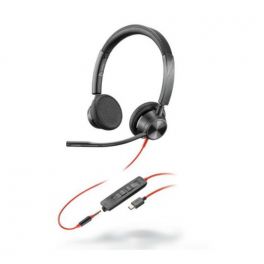
Ref: PLB3325USBCAM
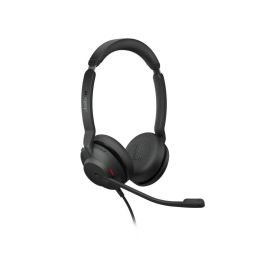
Ref: GNEVOLVE230SE
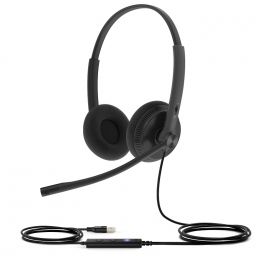
Ref: YEALINKUH34LDT
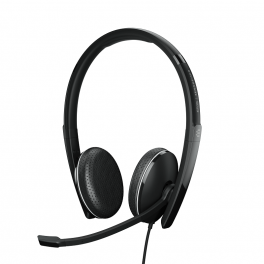
Ref: SEAD165TAII

3.5mm Jack Headset
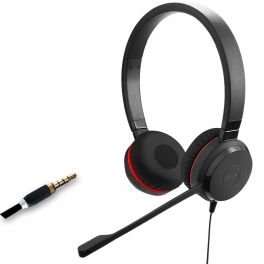
Ref: GNEVOL30DJACK
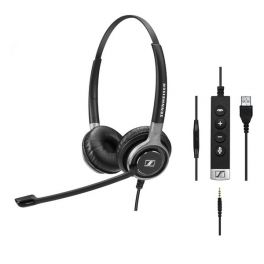
Ref: SESC665USB
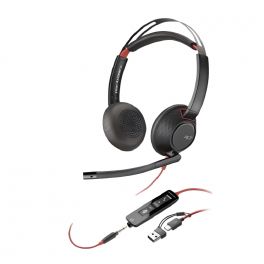
4.5 of 2 Reviews
Ref: PLB5220USBCA
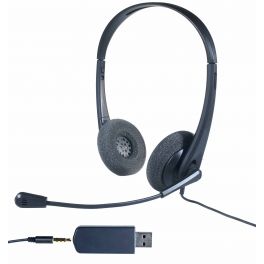
Ref: ODHC35USB

QD Headset
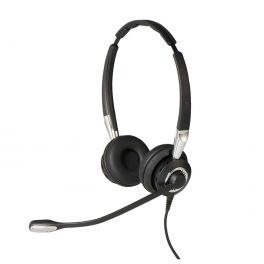
Ref: GN2400D-2
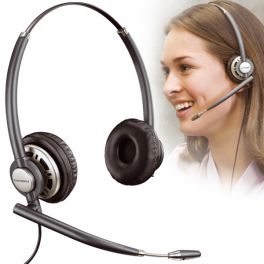
Ref: PLHW720

Ref: SESC660
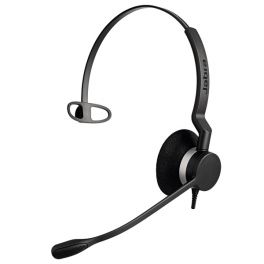
Ref: GN2300
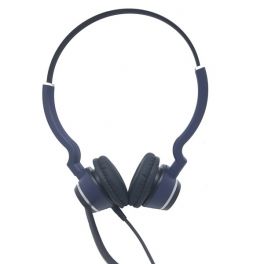
Ref: ODHC25V2
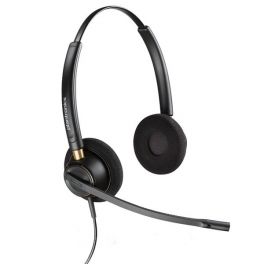
4.5 of 15 Reviews
Ref: PLHW520
 To summarize...
USB-A / USB-C: Perfect for teleworking and video conferencing on PC and Mac!
Jack: The one that offers universal compatibility; PC/Mac or mobile devices!
RJ9 / RJ11: Ideal for traditional offices and call centers
QD: The best in terms of flexibility; you choose your connector!
Find the perfect headset in just a few clicks
Not sure what you need?
Answer these few questions and one of our sales representatives can help you make your project a reality!