
My Cart



Videoconferencing bar comparison
Videoconferencing bars:
Logitech vs Poly vs Yealink
Choosing a videoconferencing bar or videobar for your meeting room means taking several factors into account: the room size, collaboration platform and type of setup.
Logitech, Poly and Yealink offer different BYOD, Android and Microsoft Teams Rooms solutions to suit different environments.
In this comparison, we help you find the most suitable option for your meeting room.



How to choose a videoconferencing bar for your meeting room
Choosing the right solution depends on the characteristics of your room and how you run your meetings. Before choosing between a Logitech, Poly or Yealink videobar, it is important to assess which solution best suits your business needs.

A solution suited to your room size
#room size#participants
The room size determines the field of view, microphone pickup range and audio coverage you need. Choosing a solution suited to the space helps ensure good audio and video coverage for all participants.
Small rooms: Compact solutions for smaller spaces and fewer participants.
Medium rooms: Greater camera and audio coverage for meetings with more participants.
Large rooms: Expandable solutions with additional accessories and microphones depending on the requirements of the space

Compatible with your usual platforms
#Microsoft Teams#Zoom
Before choosing a solution, check which videoconferencing platform your company usually uses and which certifications are available for each device.
Microsoft Teams: Certified solutions and dedicated kits are available for Microsoft Teams Rooms.
Zoom: Some product ranges offer certified solutions for Zoom Rooms.
Multiple platforms: If you use different videoconferencing applications, a BYOD setup can provide greater flexibility.

BYOD, Android or MTR Windows
#setup#BYOD
How you want to use the room also affects your choice of equipment. You can connect using your own computer or use a dedicated room solution.
BYOD: Connect your laptop and use your usual applications to start the meeting.
Android: Provides a standalone solution without relying on the user's computer.
MTR Windows: Complete kits for Windows-based Microsoft Teams Rooms, designed to create a dedicated meeting environment.
Logitech vs Poly vs Yealink: key differences
There is no single brand that is right for every meeting room. Logitech, Poly and Yealink offer different approaches and setups to suit each company's technology environment and requirements.
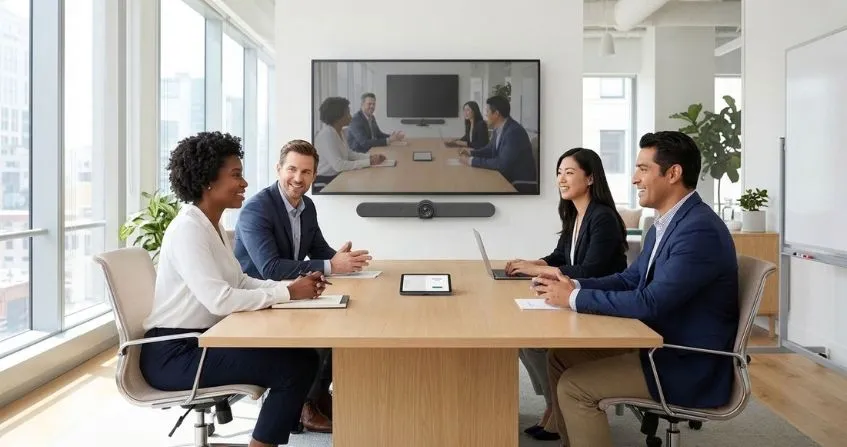
Logitech: simple and flexible videoconferencing
Ease of use is one of Logitech's key strengths, with intuitive video bars designed for meeting rooms of different sizes and collaboration environments.
- IconKey strength: ease of use and an intuitive experience
- IconIdeal for: businesses looking for simplicity and flexibility
- IconFeatured ranges: Rally Bar / MeetUp


Poly: professional audio and video for your meetings
With a strong focus on audio and video quality, Poly videobars are designed to deliver professional meeting experiences and make collaboration easier.
- IconKey strength:
professional audio and video - IconIdeal for: environments that prioritise integration and room management
- IconFeatured range:
Studio

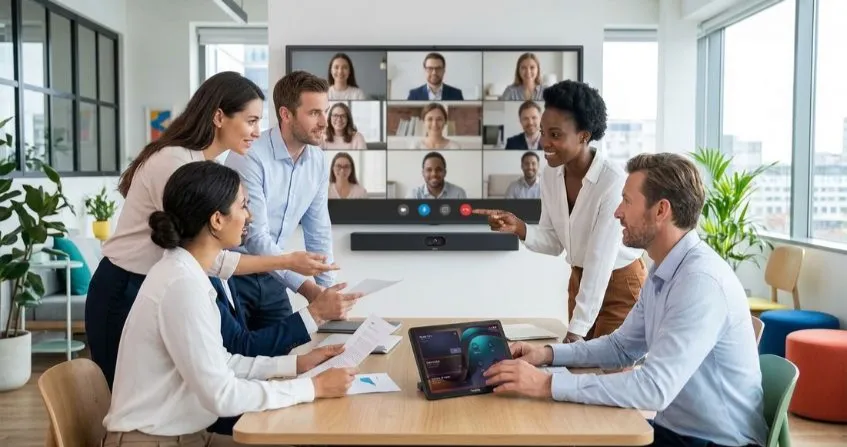
Yealink: versatile solutions for different rooms
Yealink's wide range of videobars makes it possible to adapt videoconferencing to different room sizes, platforms and collaboration requirements.
- IconKey strength:
wide range of solutions - IconIdeal for: businesses that prioritise integration and room management
- IconFeatured range:
MeetingBar
Videoconferencing bar comparison:
Logitech, Poly and Yealink
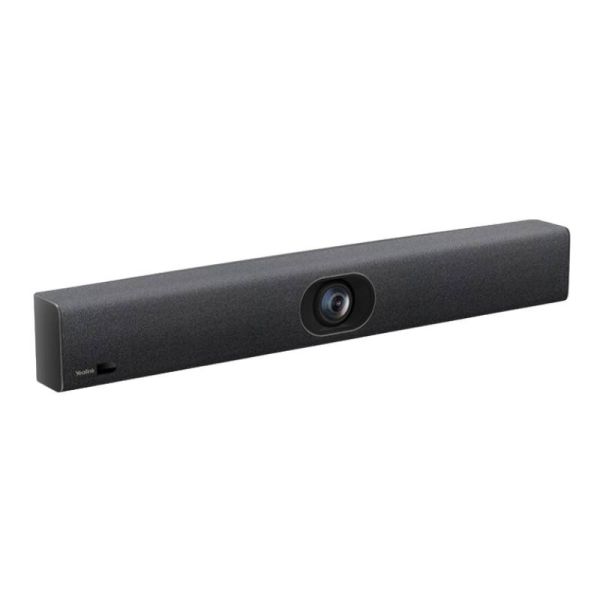
Compare the features of Logitech MeetUp 2, Poly Studio V12 and Yealink UVC40 E2 and discover the differences in camera, audio, connectivity and smart features to choose the videobar that best suits your meeting room.
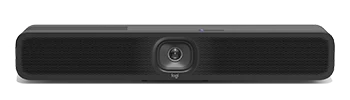 Logitech MeetUp 2 Logitech MeetUp 2
|
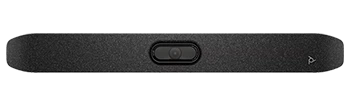 Poly Studio V12 Poly Studio V12
|
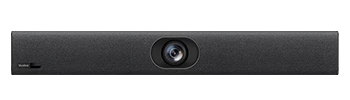 Yealink UVC40 E2 Yealink UVC40 E2
|
|
|---|---|---|---|
| GENERAL | |||
| Room size | Small / Huddle | Small / Huddle | Small / Huddle |
| Solution type | USB video bar / BYOD | USB video bar / BYOD | USB video bar / BYOD |
| BYOD | Yes | Yes | Yes |
| Compatibility | Leading videoconferencing platforms (Microsoft Teams, Zoom, Google Meet, etc.) | Leading videoconferencing platforms (Microsoft Teams, Zoom, Google Meet, etc.) | Leading videoconferencing platforms (Microsoft Teams, Zoom, Google Meet, etc.) |
| VIDEO | |||
| Resolution | 4K UHD (3840 × 2160) · 30 fps · 13 MP | 4K UHD (3840 × 2160) · 30 fps · 20 MP | 4K UHD (3840 × 2160) · 30 fps · 8 MP |
| Zoom | 4x digital | 5x digital | 5x e-PTZ |
| Field of view | 113° horizontal / 120° diagonal | 120° horizontal / 132° diagonal | 120° |
| Automatic framing | RightSight 2 | Poly DirectorAI | Auto Framing |
| Speaker tracking | Speaker View | Speaker Framing | Speaker Tracking |
| Composition / AI features | Group View, Speaker View, Grid View | Speaker Framing, People Framing, Group Framing | Auto Framing, Speaker Tracking, Smart Area Exposure |
| AUDIO | |||
| Number of microphones | 6 MEMS microphones | 4 digital MEMS microphones | 8 MEMS microphones |
| Pickup range | Up to 7 m | Up to 4.57 m | Up to 6 m |
| Noise reduction | AI / RightSound 2 | Poly NoiseBlockAI + Poly Acoustic Fence | Intelligent Noise Cancellation + Noise Suppression |
| Speakers | 1 x 55 mm speaker | Stereo speakers | 5 W high-fidelity speaker |
| CONNECTIVITY AND MANAGEMENT | |||
| Main connections | USB-C / HDMI In-Out / Ethernet / Wi-Fi / Bluetooth LE | USB-C / USB-A / Ethernet / Wi-Fi / Bluetooth | USB 3.0 Type-B / USB 2.0 Type-A / RJ-45 / Wi-Fi |
| Control options | Rally Bar remote control (optional) | Poly Bluetooth remote control (optional) | VCR20 remote control (included) |
| Remote management | Logitech Sync | Poly Lens | Yealink RoomConnect / Yealink Management Cloud Service / Device Management Platform |
Which videoconferencing solution should you choose for your needs?
After comparing their main features, discover which videoconferencing solutions are best suited to each room type and setup.
| For... | Choose... | Logitech | Poly | Yealink |
| Small room / huddle room | Complete solution |
Logitech MeetUp 2 |
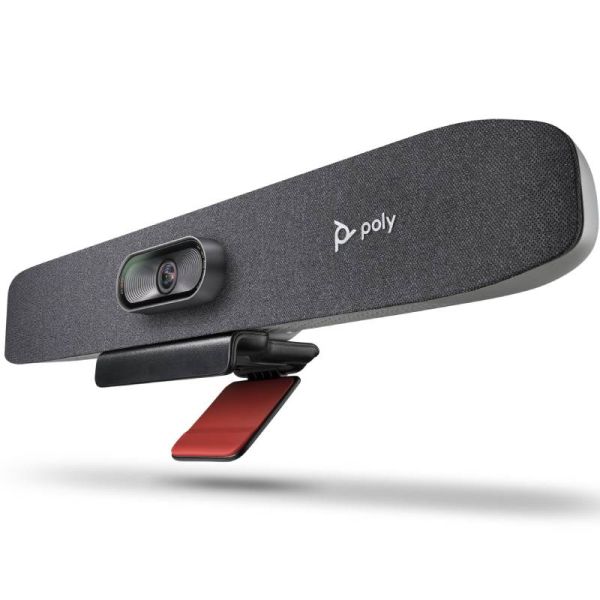 Poly Studio R30 |
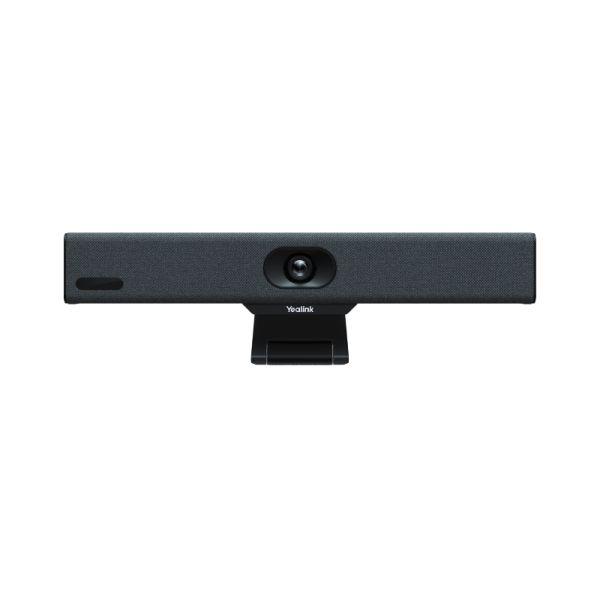 Yealink MeetingBar A10 |
| Medium room | Greater audio and video coverage |
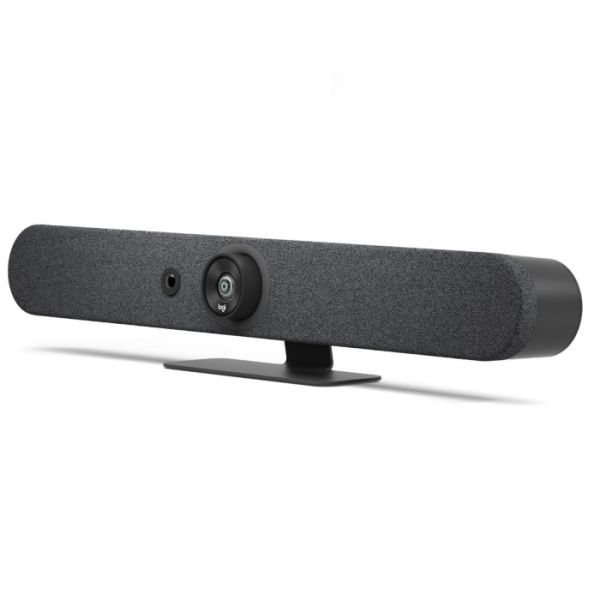 Logitech Rally Bar Mini |
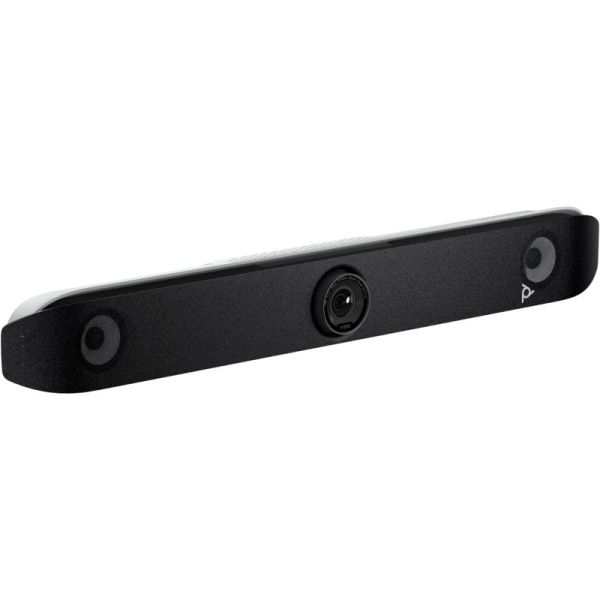 Poly Studio V52 |
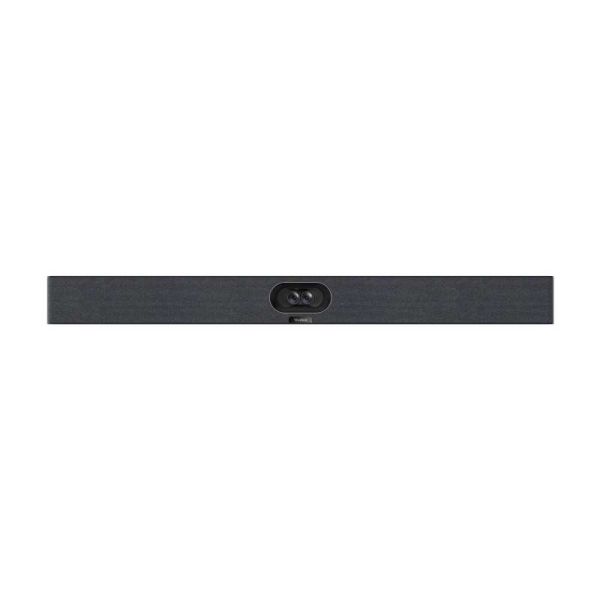 Yealink MeetingBar A40-010 £1,898.95 £2,278.74 Incl. VAT |
| Meetings from your laptop | BYOD |
Logitech MeetUp 2 |
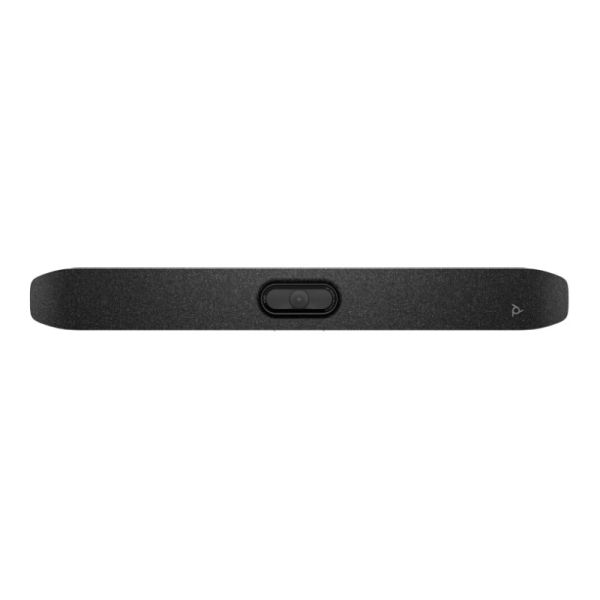 Poly Studio V12 |
Yealink UVC40 E2 |
| Dedicated Microsoft Teams room | Microsoft Teams Rooms |
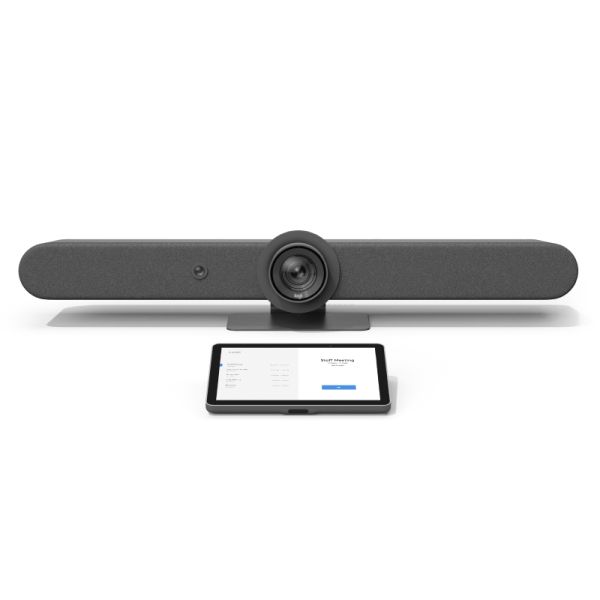 Logitech Tap IP + Rally Bar £3,999.95 £4,799.94 Incl. VAT |
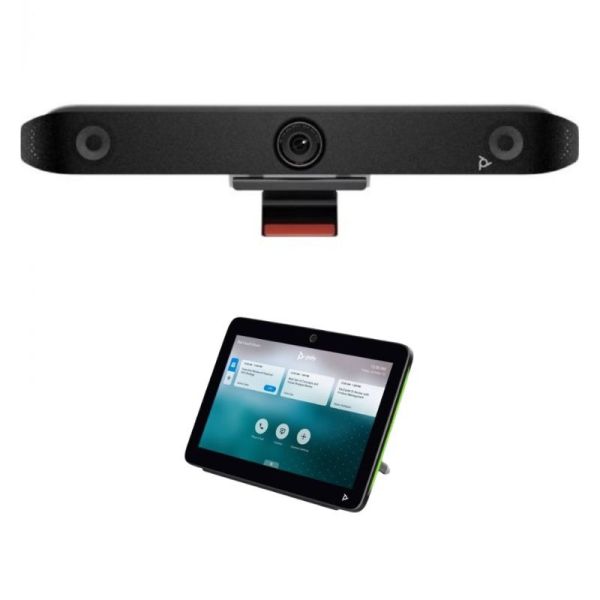
Poly Studio X52 + TC10 para salas de reuniones |
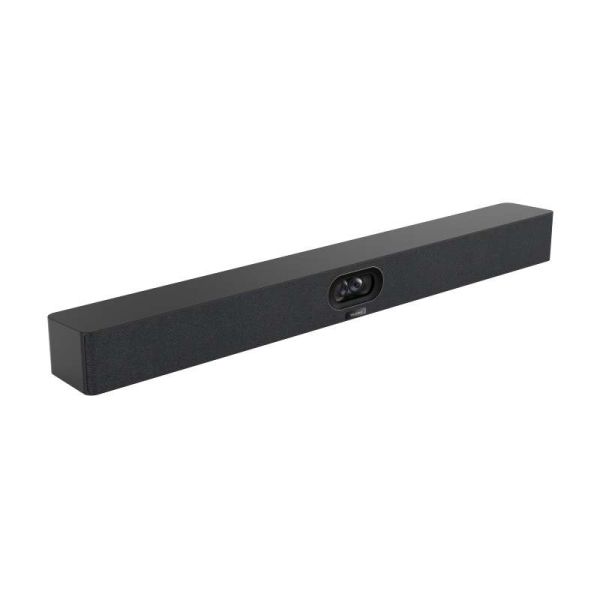 Yealink MeetingBar A40-031 £2,498.95 £2,998.74 Incl. VAT |
| Large room | Expandable solution |
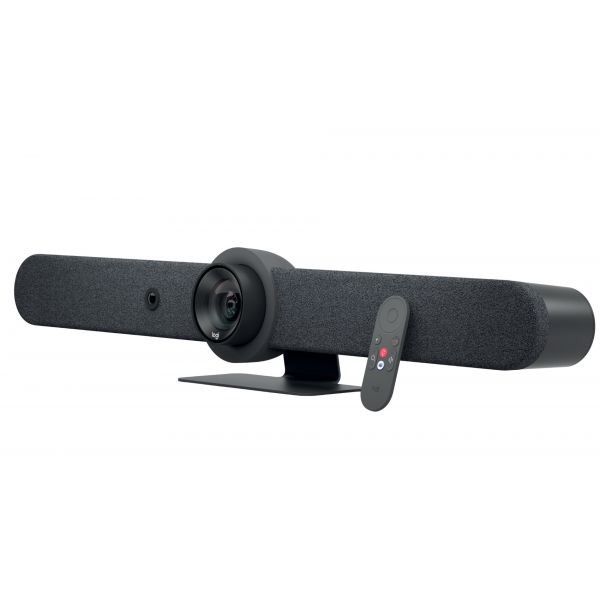 Logitech Rally Bar Graphite |
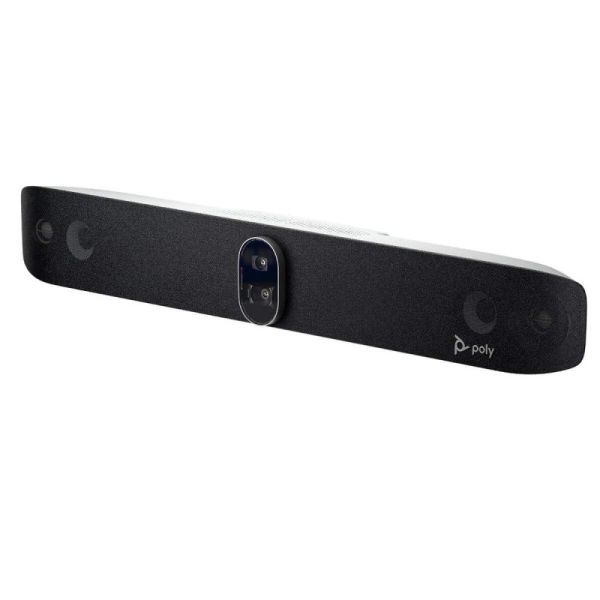 Poly Studio X72 |
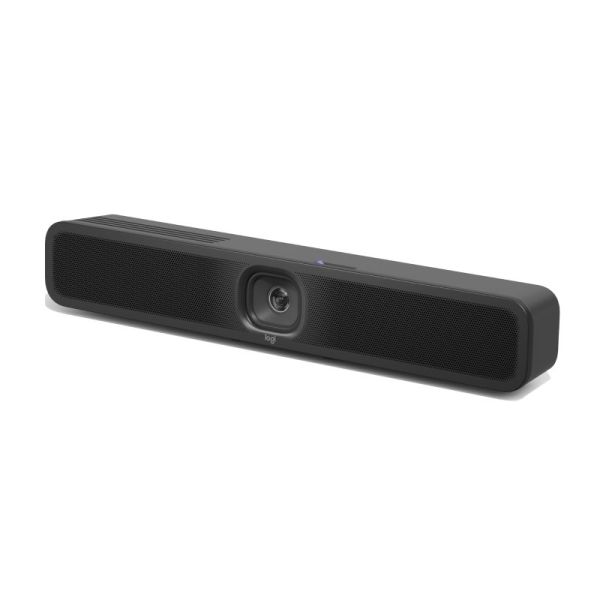
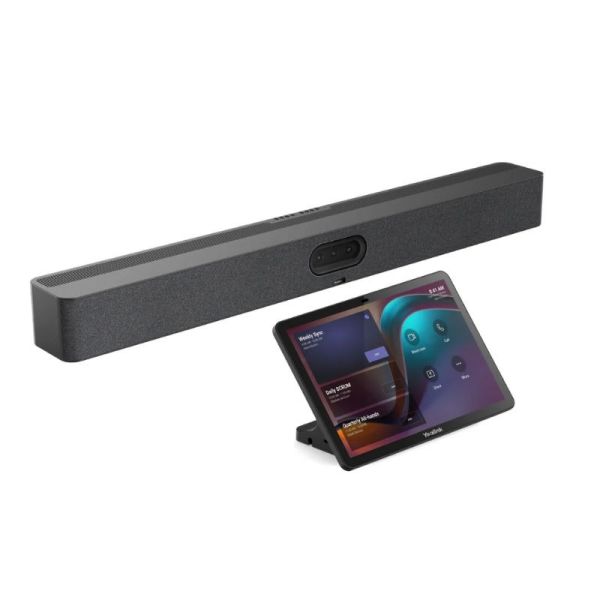
Yealink MeetingBar A50 + CTP25 Touch Controller |
IconFAQ - Frequently asked questions about videoconferencing bars
Which videoconferencing bar should you choose: Logitech, Poly or Yealink?
The choice mainly depends on the room size, videoconferencing platform and type of setup you need. Logitech, Poly and Yealink offer solutions for different spaces and ways of working, so it is important to assess your meeting room requirements before choosing.
Which videoconferencing bar do you need for your room size?
In a small room, a compact solution with a wide-angle camera and integrated audio can cover typical requirements. For medium or large rooms, it is worth considering greater camera and microphone coverage, as well as the option to expand the system with additional accessories.
What is the difference between BYOD, Android and Microsoft Teams Rooms on Windows?
A BYOD setup allows users to connect their laptop and use their usual videoconferencing applications. An Android-based solution can work as a standalone room system, while Microsoft Teams Rooms on Windows uses a dedicated Windows-based setup to create a room designed for Microsoft Teams meetings.
Can you use a videoconferencing bar with Microsoft Teams and Zoom?
Yes, there are solutions that are compatible with or certified for Microsoft Teams, Zoom and other videoconferencing platforms. However, compatibility and available features can vary depending on the device and setup, so it is important to check the specific certifications before choosing.
What is a videobar and what type of room is it recommended for?
A videobar or videoconferencing bar combines a camera, microphones and speakers in a single device for video meetings. Models are available for small, medium and large rooms, so the right choice depends on the size of the space, the number of participants and the collaboration platform used. If you would like to compare more models, you can view our TOP 10 videoconferencing bars below.
Find the right videoconferencing solution for your meeting room
Do you need to equip a new meeting room or upgrade your existing equipment? Request a personalised quote for your videoconferencing project.
Form