
My Cart



Video Conferencing Kits Compared
Video Conferencing Kits Compared:
BYOD vs. Android vs. MTR Windows
Choosing the right video conferencing equipment for your meeting room depends on your preferred meeting platform, room size and technical requirements.
BYOD (bring your own device), Android-based systems and Microsoft Teams Rooms on Windows offer different solutions for professional video conferencing.
In this guide, discover which meeting room solution best suits your business, how BYOD, Android and MTR Windows systems compare, and why investing in a complete video conferencing kit can make meeting room setup easier.
Why Choose a Complete Video Conferencing Kit?
A professional meeting room needs more than just a camera. A complete video conferencing kit provides compatible equipment designed to work together, making it easier to plan, equip and set up your meeting space. Whether you need a BYOD meeting room, an Android system or a Microsoft Teams Rooms system, a complete kit offers the following benefits:
Icon
Faster Setup
#Installation#TimeSaving
Complete video conferencing kits include all the essential equipment for professional online meetings. They simplify product selection, save time and make installation quicker and easier.
Icon
Compatible Components
#Compatibility#Reliability
Cameras, microphones, speakers and control devices are designed to work together. Certified meeting room solutions provide verified compatibility with supported platforms such as Microsoft Teams and Zoom, including Microsoft Teams Rooms and Zoom Rooms where specified.
Icon
Easier Purchasing and Expert Advice
#ExpertAdvice#Support
Instead of selecting individual devices, choose a complete meeting room solution. Onedirect helps businesses find suitable video conferencing equipment and provides personalised expert advice when choosing the right kit.
BYOD vs. Android vs. MTR Windows: Key Differences
From flexible BYOD meetings using your own laptop to dedicated Android and Microsoft Teams Rooms on Windows systems, each solution offers different benefits. The comparison table below helps you identify the most suitable video conferencing system for your business and meeting room requirements.
| Criteria | BYOD | Android | MTR Windows |
| Main Benefit | Maximum flexibility | Easy operation | Native Microsoft Teams integration |
| Meeting Platform | Microsoft Teams, Zoom, Google Meet and more | Microsoft Teams Rooms or Zoom Rooms | Microsoft Teams Rooms |
| Personal Laptop Required | Yes, usually | No | No |
| Meeting Controls | Via your laptop | Touch panel or room controller | Touch panel or room controller |
| IT Management | Managed through individual devices | Centralised management available | Advanced management options |
| Best Suited For | Flexible working environments | Standardised meeting rooms | Businesses using Microsoft 365 |
BYOD: Maximum Flexibility with Your Own Laptop
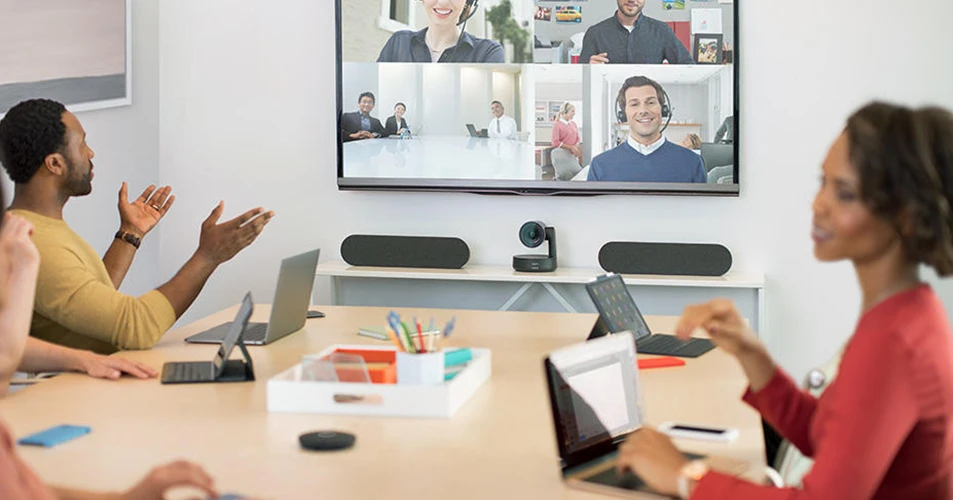
BYOD (Bring Your Own Device) allows employees to use their own laptop for video conferencing in a meeting room. The room's camera, microphones and speakers connect directly or wirelessly to the computer, depending on the equipment.
Key benefits:
- Flexible access to different meeting platforms
- Easy connection using your own laptop
- Use of existing software and user accounts
- No dedicated meeting application needs to be installed in the room
Our recommendation: Choose a BYOD video conferencing kit if your employees regularly switch between Microsoft Teams, Zoom and other meeting applications. This bring your own device approach is particularly suitable for businesses with flexible meeting room requirements.
BYOD Solutions 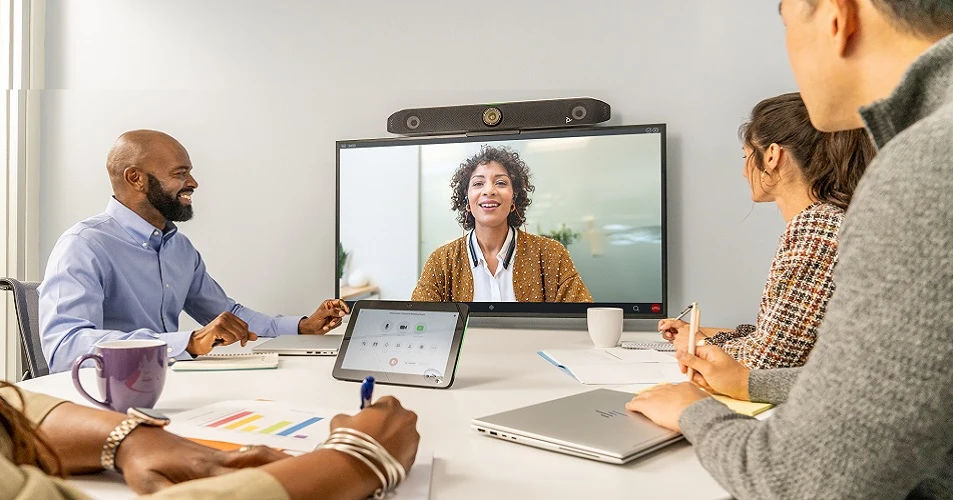
Android: Standalone All-in-One Video Conferencing Systems
An Android-based video conferencing system provides a standalone solution for professional meeting rooms. Cameras, microphones, speakers and meeting software are often integrated into a compact video bar, allowing businesses to host video meetings without a separate computer. Depending on the system, these solutions support platforms such as Microsoft Teams Rooms on Android or Zoom Rooms.
Key benefits:
- Video conferencing without an additional laptop
- Easy meeting controls via a touch panel
- Compact all-in-one video conferencing systems
- Centralised device management on supported systems
Our recommendation: Choose an Android video conferencing kit if your business needs a dedicated meeting room system with straightforward operation. These solutions are particularly suitable for standardised meeting spaces where employees regularly use the same video conferencing platform.
Android Solutions 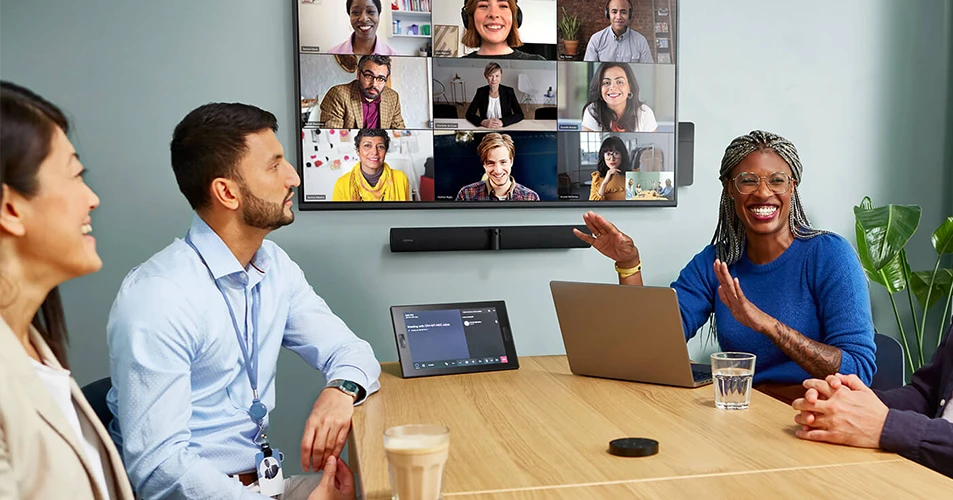
MTR Windows: Advanced Solutions for Professional IT Environments
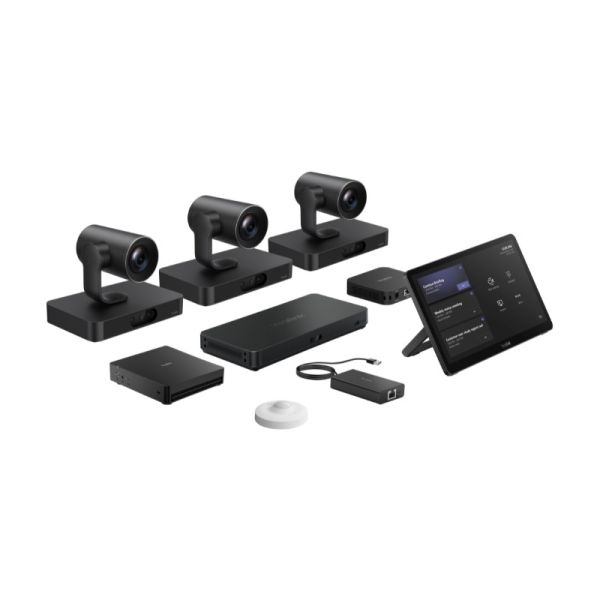
MTR Windows (Microsoft Teams Rooms on Windows) is a dedicated video conferencing solution designed for Microsoft Teams meeting rooms. It combines a Windows-based room PC with compatible cameras, microphones, speakers and a touch control console, providing a fully integrated Microsoft Teams Rooms system for professional meeting spaces.
Key benefits:
- Native integration with Microsoft Teams
- Start meetings directly from the room controller
- Advanced IT management and integration features
- Flexible hardware configurations for different meeting room sizes
Our recommendation: Choose MTR Windows if your organisation requires a dedicated Microsoft Teams meeting room with advanced management capabilities. These systems are particularly suitable for businesses using Microsoft 365 that need centrally managed meeting room equipment and seamless Teams integration.
Windows SolutionsWhich Video Conferencing Kit Is Best for Your Meeting Room Size?
Choosing the right video conferencing kit depends on your existing IT infrastructure, meeting room size and preferred platform. Compare BYOD, Android and Microsoft Teams Rooms on Windows solutions for small, medium and large meeting rooms.
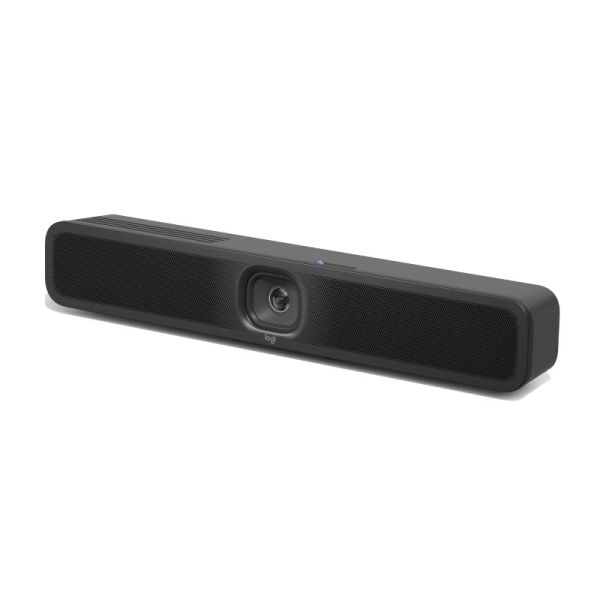
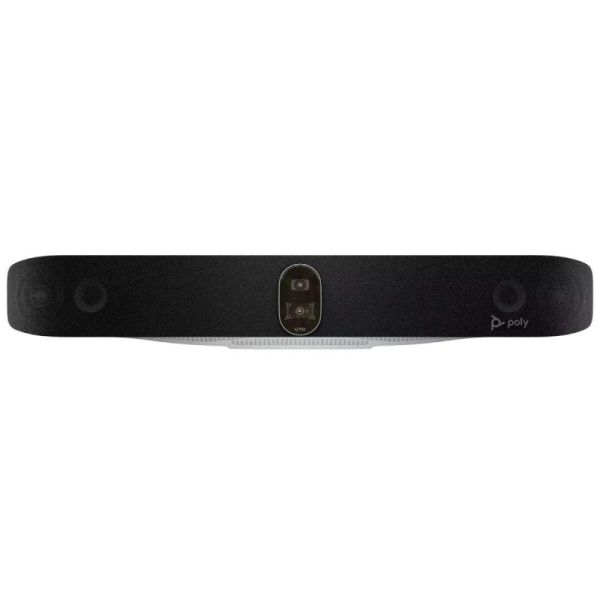
| Requirement | System | Small Rooms (2–6 People) | Medium Rooms (6–12 People) | Large Rooms (12+ People) |
| Flexible video conferencing across platforms using your own laptop | BYOD |
Logitech MeetUp 2 |
Jabra PanaCast 50 Black |
Poly Studio V72 |
| Easy setup and quick meeting access without a laptop | Android |
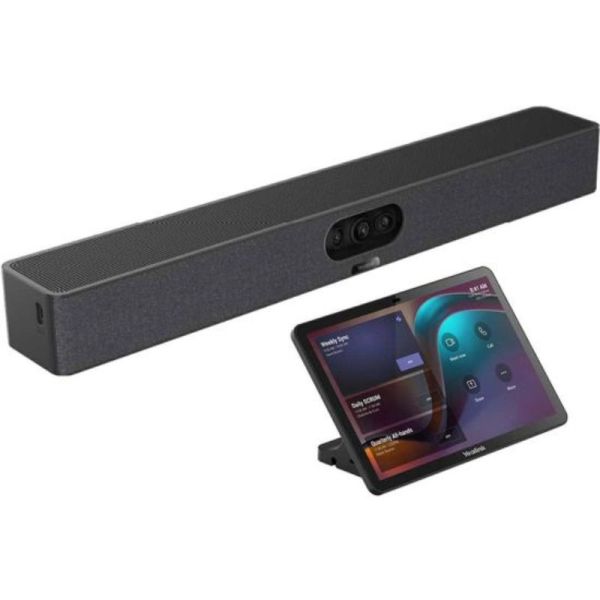
Yealink Meetingbar A25 with CTP25 |
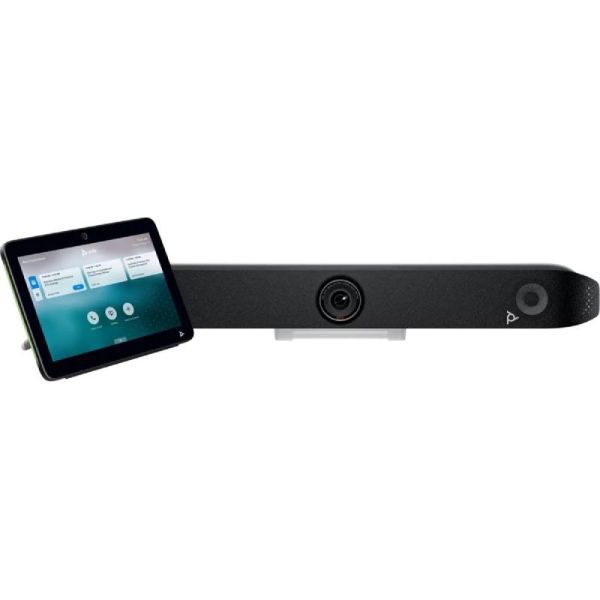
Poly Studio X52 and TC10 |
Jabra PanaCast 55 VBS Room Kit Android |
| Native Microsoft Teams Rooms integration with centralised IT management | MTR Windows |
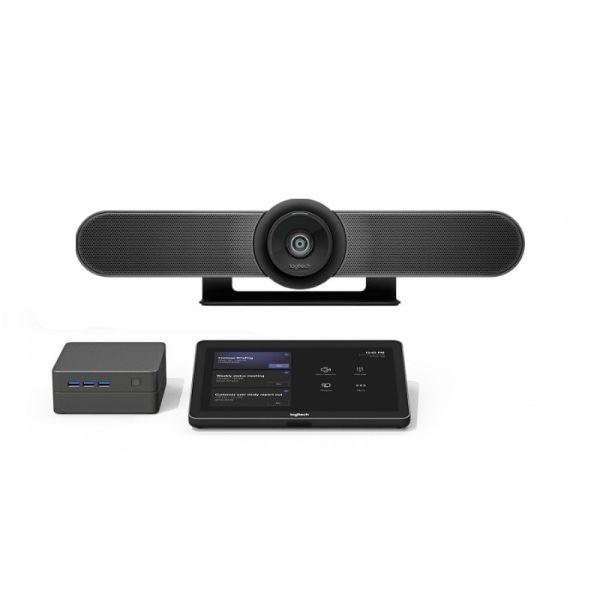
Logitech Tap Room Solution for Microsoft Teams - Small |
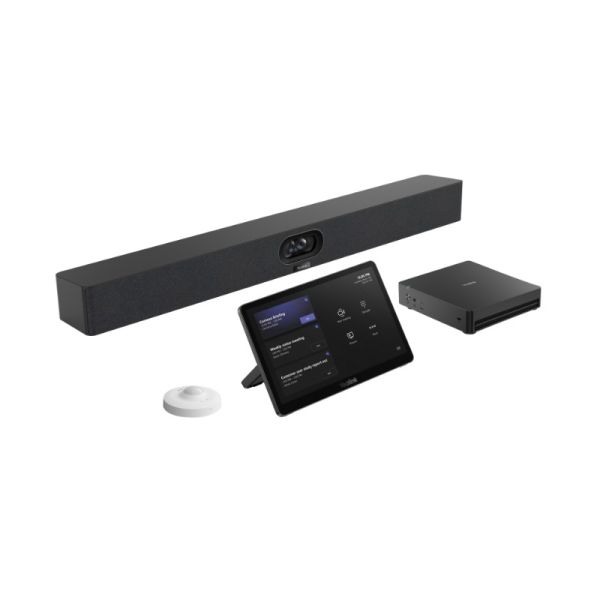
Yealink MVC S40-C5U Microsoft Teams Rooms System |
Yealink MVC S98-C5U Microsoft Teams Rooms System |


IconFAQ – Frequently Asked Questions About BYOD, Android and Microsoft Teams Rooms
Which is better: Microsoft Teams Rooms on Android or Windows?
Both Microsoft Teams Rooms on Android and Windows allow businesses to host professional Teams meetings without a personal laptop. Android systems are often ideal for compact, all-in-one meeting room solutions with simple controls. MTR Windows offers greater flexibility for complex room configurations, additional hardware integrations and advanced IT management requirements. The best choice depends on your meeting room size, existing IT infrastructure and business needs.
Can I use Microsoft Teams and Zoom Rooms with the same video conferencing kit?
A BYOD (bring your own device) video conferencing kit allows you to use Microsoft Teams, Zoom, Google Meet and other meeting applications directly from your laptop. Dedicated Microsoft Teams Rooms and Zoom Rooms systems are designed primarily for their respective platforms. However, some devices also support guest meetings or a BYOD mode, depending on the model and configuration.
Can I make conference calls and video calls using an Android system?
Yes. You can make a conference call or video call using Android with compatible applications and devices. Professional Android video conferencing systems are specifically designed for meeting rooms, allowing multiple participants to join online meetings using integrated cameras, microphones and speakers. Supported features and meeting platforms depend on the Android system and its software configuration.
Which video conferencing solution is best for businesses without a dedicated IT department?
For businesses with limited IT resources, both BYOD video conferencing kits and easy-to-use Android systems are suitable options. BYOD allows employees to bring their own device and use existing meeting applications, reducing the need for dedicated room computers. Android systems provide a standalone meeting room solution with straightforward controls. The right choice depends on how your employees work, which meeting platforms they use and the level of technical support available.
Find the Right Video Conferencing Solution for Your Meeting Room
Are you equipping a new meeting room or upgrading several conference rooms? Request a personalised quote for BYOD, Android or Microsoft Teams Rooms video conferencing kits. Our experts can help you choose the right solution for your business requirements.
Form