
My Cart



BT Converse 2200 Corded Telephone - White
Internal ref: BT2200WUK // Manufacturer part #: 040207
Cost-effective corded office phone that is compatible with PBX systems
5 of 3 Reviews
This product is no longer manufactured
This product has been replaced by BT Converse 2200 Corded Telephone - Black
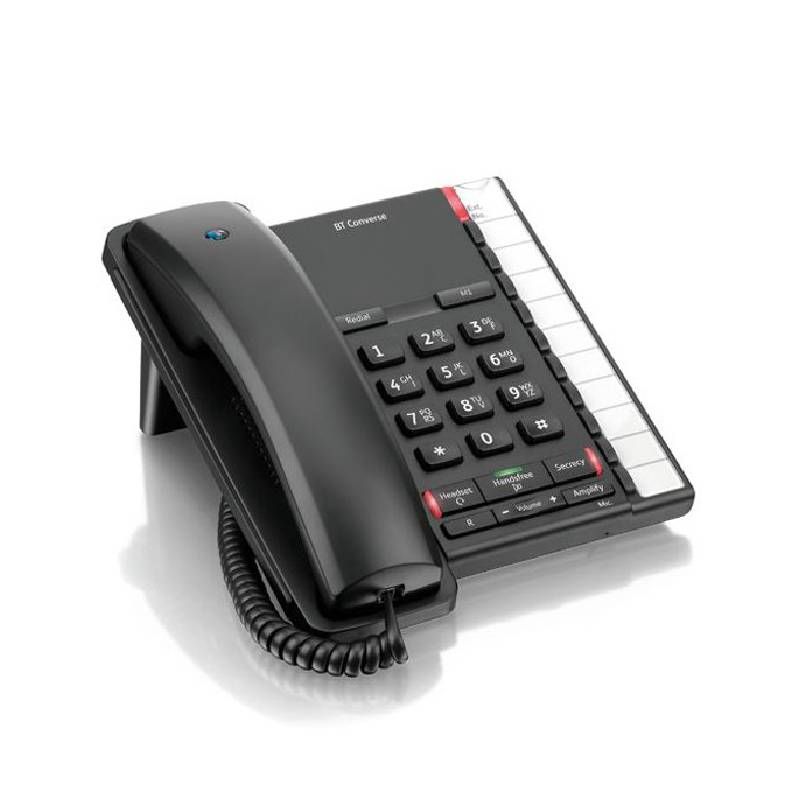
BT Converse 2200 Corded Telephone - Black
Product description
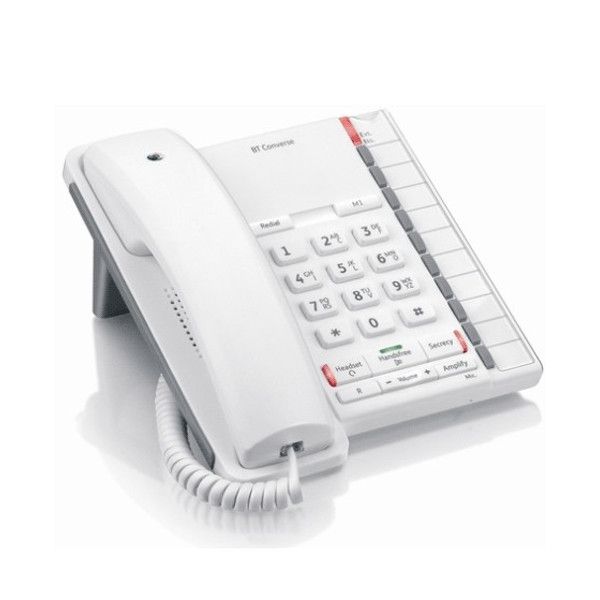
The BT Converse 2200 Corded Phone is cost-effictive telephone designed to be user-friendly while still featuring everything you need from your office phone. The phone runs on low power, meaning no power supply unit or batteries are required.
The Converse 2200 is PBX compatible and has a message waiting light indicating when you have a new voicemail message. It also features a secrecy button to mute your handset should you need to speak privately.
This phone is packed will all the in-call features you need, such as handsfree mode, recall, one-number redial and volume control. It is also headset compatible and has an RJ11 headset port. Simply push the headset button on the face of the phone to switch to headset mode and control the volume through the volume adjustment key on the face. The amplify feature allows the user to quickly boost the volume of the headset or earpiece.
The Converse 2200 has 11 one-touch dial numbers for pre-programmed speedialling, with the first button on the centre of the face of the phone for quick access to your most important contact. It also has 3 seperate ringtones as well as ringer volume adjustment on the right-hand side of the phone.
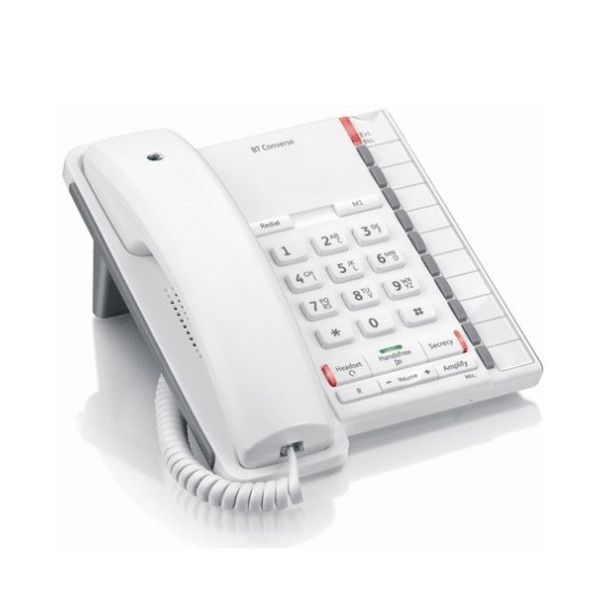
This version of the BT Converse 2200 is white.
Features
- PBX compatible
- Message waiting indicator
- Line-powered
- RJ11 headset port
- 11 one-touch dial numbers
- 3 ringtones with volume control
- Redial, mute, recall and handsfree mode
- Amplify and handsfree volume control
- Hearing aid compatible
- Wall-mountable
- Weight: 670g
- Dimensions: 100 x 180 x 220 mm
Related guides
Product Specs.
| Manufacturer part # | 040207 |
|---|---|
| EAN | 5016351304365 |
| Warranty | 1 year |
| Technology | Analog Phones |
| Function keys | With mute key , With R key, With redial key, With voicemail access |
| Headset port | With headset port |
| Power Over Ethernet (PoE) | Without PoE |
| Connectivity | Headset port, RJ11 connection |
| Wall mounting | With optional wall mounting |
| ATEX certified | Without ATEX certification |
Similar products

Ref: BT2100BUK
Similar products compare
 BT Converse 2200 Corded Telephone - White BT Converse 2200 Corded Telephone - White 5 of 3 Reviews | 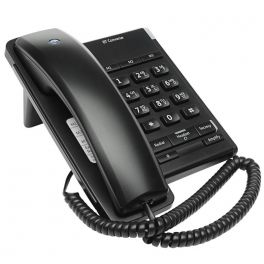 BT Converse 2100 Telephone - Black BT Converse 2100 Telephone - Black 5 of 1 Reviews £29.99 £35.99 Incl. VAT | |
| Function keys | With mute key | With mute key |
| Headset port | With headset port | With headset port |
| Connectivity | Headset port | Headset port |
| Wall mounting | With optional wall mounting | With wall mounting |
| ATEX certified | Without ATEX certification | Without ATEX certification |
| Power Over Ethernet (PoE) | Without PoE | Without PoE |
| Technology | Analog Phones | Analog Phones |
Product Reviews
Mr Graham J Jeffery
10/12/2020
A simple phone that I could wall mount.
Edward Low
25/09/2020
Nice to have a straight forward phone without all the bells and whistles although I should have baught one with answerfone. maybe next time..
Graham W
18/12/2019
This telephone has a good solid feel and all the features that I needed in a market where corded landline phones tend to be cheap looking and flimsy. It was easy to wall mount and set up one touch dialling.


3 Customers reviews
5
3
4
0
3
0
2
0
1
0
Reset
Frequently Asked Questions
Hi there,
To activate the handsfree function you simply press the button on the phone and leave the handset on the device.
Thank you for your question!
Sorry but we currently don't have that information at hand.