My Cart



Webcams
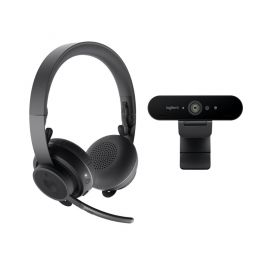
Logitech Brio + Logitech Zone Wireless Pack
DiscontinuedA complete and powerful collaboration solution - ideal for individual business use.- Complete collaboration kit for professionals
- Designed for individual use
- 4K resolution webcam
- 90° field of view and automatic framing
- Built-in omnidirectional stereo microphone
- Wireless headset with omnidirectional MEMS microphone
- HD audio quality
- Up to 15 hours talk time
- Quick and easy installation of these products: Plug & Play
- Microsoft Teams certified and UC-optimised products
Check similar productsRef: LOPROVIDCOLKITCompare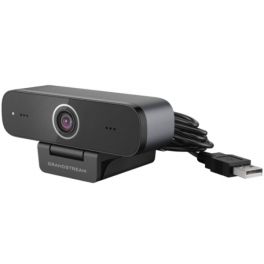
GUV3100 FHD Webcam
DiscontinuedGUV3100 compact Full HD webcam with USB connection - Ideal for any situation- Webcam with USB 2.0 connection
- Compact and light design
- High quality 1080p Full HD video at 30 fps
- Plug & Play settings: connect and use
- With brightness, resolution, saturation adjustment function and more
- 2 Built-in microphones
- With a range of over 1 metre
- Compatible with the majority of softphones on the market
Check similar productsRef: GRAGUV3100Compare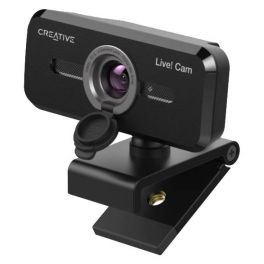
Creative Live! Cam Sync 1080p V2
DiscontinuedFull HD USB-A webcam with 70° viewing angle and integrated dual-microphone- Full HD 1080p Webcam with microphone for PCs
- Plug&Play via USB-A connection
- For universal tripod and 30° vertical rotation 360° horizontal rotation
- Dual microphone and VoiceDetect (voice-activated)
- NoiseClean-out: eliminates background noise
- 77° viewing angle and privacy lens
- Compatible with all popular softphones on the market
- Optimised for Zoom, Skype, Teams, Cisco WebEx
Check similar productsRef: CREALIVECAMV2Compare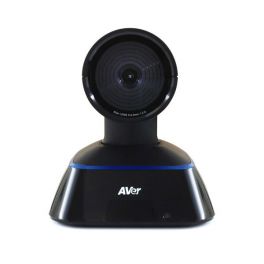
AVer eCam Focus
DiscontinuedPTZ camera with 4X digital zoom for AVer EVC 130- PAN / TILT camera with fixed focus
- 2-megapixel CMOS sensor
- 4X digital zoom
- 100th bread; 25th tilt; 88º FOV (diagonal)
- Ref vendor: 60V2C10000AF
- Replacement camera for AVER EVC 130 system
Check similar productsRef: AVFOCUSCompare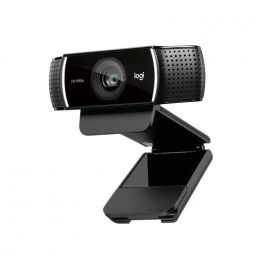
Logitech C922 PRO HD Stream Webcam
DiscontinuedThe Webcam for serious streaming. Stream anything you want in your choice of Full 1080p at 30fps or hyperfast HD 720p at 60fps.- Max Resolution: 1080p/30 fps - 720p/ 60 fps
- Tripod Included
- Capture, Zoom, Pan and Edit
- Dual mic Stereo Sound
- 3-Month premium XSplit license Included
Check similar productsRef: LOC922Compare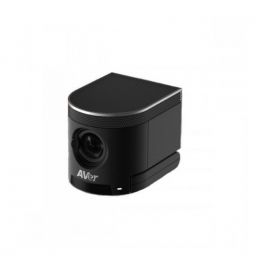
AVer Cam340 Plus
DiscontinuedProfessional 4K USB camera with 120º angle for conference and meeting rooms.- USB 3.0 camera for video conferencing
- 4K Ultra HD quality
- Built-in microphone
- FOV angle of 120º
- 4x optical zoom
- USB 3.0 Plug & Play
- Advanced noise-cancelling technology
Check similar productsRef: AVCAM340PCompare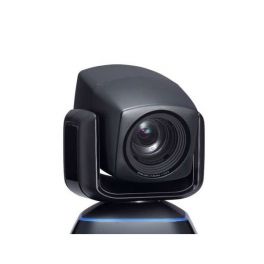
AVer eCam PTZ
DiscontinuedPTZ camera with 16X optical zoom, for AVer EVC video conference systems- Pan / Tilt / Zoom (PTZ) camera.
- 2 megapixel CMOS sensor.
- 16X optical zoom.
- Horizontal pan :: +/- 100 °.
- Vertical pan: +/- 25 °.
- FOV (H): 61 °.
- FOV (V): 35 °.
- FOV (diagonal): 67 °.
- Compatible with AVer EVC video-conference systems
- Ref. Supplier: 60V2C10000AH
Check similar productsRef: AVPTZCompare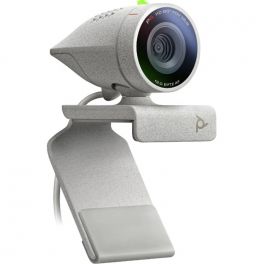
Poly Studio P5
Professional webcam with 80º Field of View and USB connection - ideal for Small workspaces- Webcam with USB connection
- Full HD 1080p high image quality
- 80º field of view: clear image
- With built-in microphone for clear sound and speaker tracking
- Plug&Play technology: quick setup
- USB Dongle to connect to your headset
- Remote operation with Poly Lens Cloud
- Compatible with all softphones on the market
Discontinued5 of 1 ReviewsCheck similar productsRef: POSTUDIOP5Compare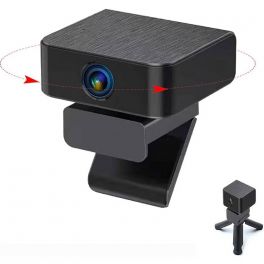
Cleyver webcam Move
Webcam with 360° live tracking, background noise reduction and a wide field of view- ideal for your meetings- 360° webcam for your PC or smartphone
- With USB-A connection and adaptor for USB-C
- Live tracking with human recognition
- High image quality- Full HD 1920 X 1080 px
- 130° field of vision
- Noise cancellation for clear conversations
- Microphone with distance up to 3 metres
- Compatible with Windows, MAC and Android
- Ideal for videoconferences and streaming
Discontinued4 of 1 ReviewsCheck similar productsRef: ODWCAMMOVECompare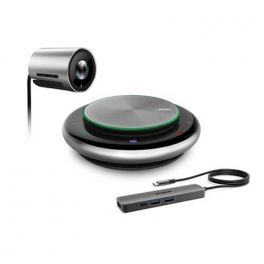
Yealink UVC30-CP900-BYOD Meeting Kit
DiscontinuedSimple bundle solution for high-quality meetings - ideal for Small and Huddle Rooms- Plug & Play video conference solution with one cable
- Excellent audio and video quality
- Ideal for small spaces up to 4 people
- Compatible with Microsoft Teams, Zoom, and others
Check similar productsRef: YEAUVC30CPBYODCompare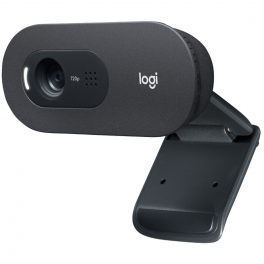
Logitech C505 Webcam
Full HD webcam with long range microphones- Professional compact multi-purpose webcam
- Full HD 720p 30 fps video calls
- USB-A Plug&Play connection
- 60° field of view
- Highest quality even in low light
- Integrated microphone for realistic sound
Discontinued5 of 4 ReviewsCheck similar productsRef: LOC505ECompare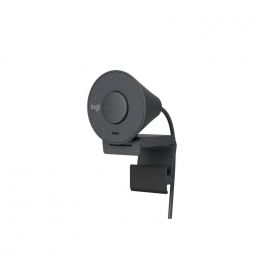
Logitech Brio 305
Discontinued1080p webcam with automatic light correction, noise-canceling microphone, and privacy shutter.- PC webcam with USB-C connection
- Full HD resolution at 1080px
- Unique noise-canceling microphone
- Integrated privacy shutter
- Built-in mounting clip
- Microsoft Teams, Zoom, and Google Meet certified
Check similar productsRef: LOBRIO305Compare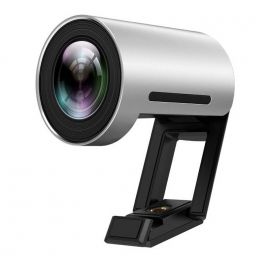
Yealink UVC30 Desktop
DiscontinuedExceptional quality video conferencing camera for your PC - Ideal for offices or homeworking- Camera with USB connection for your PC
- With microphone for your calls
- High definition 4K video for your conferences
- You will see the other person clearly with Digital Zoom (x3)
- 120º field of view
- Automatic framing of the speaker
- Windows Hello: Face recognition
Check similar productsRef: YEALINKUVC30DCompare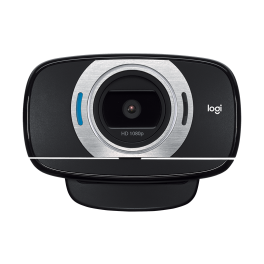
Logitech C615 HD Webcam
DiscontinuedFold-and-go webcam with autofocus for Full HD video calls- 1080p Video Recording
- 78° Field of View
- Plug and Play Connectivity
- Autofocus
- Portable design
- HD light correction
- Noise cancelling microphone
Check similar productsRef: LOGC615Compare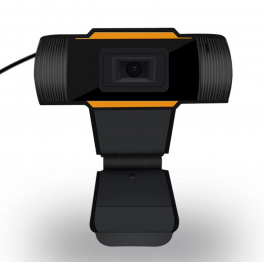
USB webcam for PC
PC webcam with a USB connection and mounting kit included- Webcam with 2 in1 USB connection and 3.5mm Jack
- Connect it easily: Plug & Play
- Provides a high quality 480 pixel image
- Noise-canceling microphone
- Clip for display mounting
- 1.5m USB cable
Discontinued4.3 of 3 ReviewsCheck similar productsRef: MINSWEBCAMCompare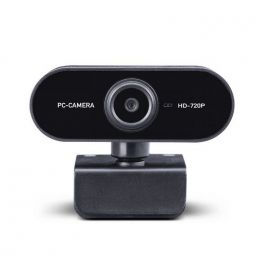
Midland W199 Webcam
Plug and play USB Webcam for videoconferences - ideal for home working- HD webcam USB connection for PC / MAC / LINUX
- Practical and ideally sized for home working
- With good quality HD 720p video and microphone
- Automatic focus and colour balance function
- Includes multi-angle clip for mounting in all situations
- Compatible with all softphones
Discontinued4.7 of 4 ReviewsCheck similar productsRef: MIW199Compare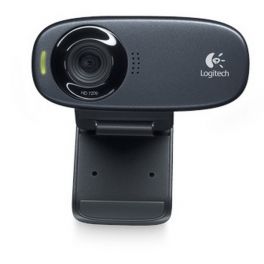
Logitech C310 HD Webcam
High definition webcam with high-performance sensors, anti-noise microphone - Skype for Business- High resolution webcam
- HD video calls: enjoy 720p HD video calls
- Noise Cancelling Microphone: enjoy clearer discussions, without background noise
- 5 megapixel resolution: take high-resolution photos
Discontinued5 of 4 ReviewsCheck similar productsRef: LOC310Compare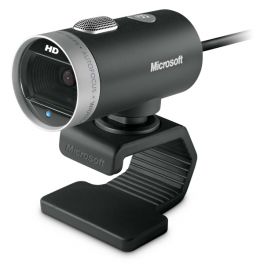
Microsoft Lifecam Cinema Widescreen Webcam
HD720p professional webcam with 16:9 widescreen format- High definition 720p widescreen video recording
- 73-degree field of view
- Wideband microphone with noise cancelling technology
- TrueColor technology with face tracking
- Flexible mount and lightweight aluminium materials
- Compatible with all main UC softphone applications
- Optimized for Microsoft Lync
Discontinued4.8 of 7 ReviewsCheck similar productsRef: MICROCINEMABCompare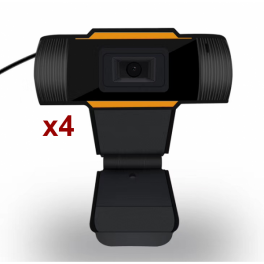
Pack USB Webcam for PC
Buy 3 and get 1 FREE.bloc-refurb-pdt a { color: #fff; font-size: 15px; margin: 10px 0; padding: 6px 20px; border: 1px solid #c72828; text-decoration: none; background: #c72828;}.bloc-refurb-pdt a:hover { color: #c72828; background: #fff; text-decoration: none;} BUY 3 and GET 1 FREE- Webcam with 2 in1 USB connection and 3.5mm Jack
- Connect it easily: Plug & Play
- Provides a high-quality 480-pixel image
- Noise-cancelling microphone
- Clip for display mounting
- 1.5m USB cable
Discontinued4.3 of 3 ReviewsCheck similar productsRef: MINSWEBCAMX4Compare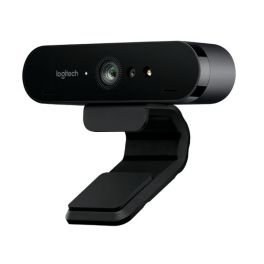
Logitech Brio
Ultra HD Webcam ideal for work, home and fun - ideal for home working- Video conference in Ultra HD 4K
- Zoom digital 5x and Full HD
- Expansive field of vision
- Autofocus
- Omni-directional microphones
- USB Plug and Play
- Infrared sensor technology
Discontinued5 of 2 ReviewsCheck the alternative productRef: LOBRIOCompare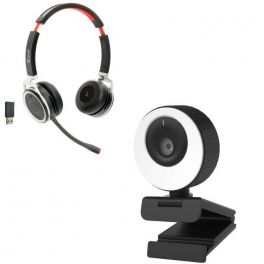
Cleyver Vlogger
The "vlogger" audiovisual pack dedicated to individual employees.- Individual all-in-one "vlogger" collaboration pack
- USB webcam with 1080p HD resolution and 96 ° FOV
- Adjustable LED light ring for better brightness
- HD audio quality : 2 built - in stereo microphones
- Integrated Magnetic Privacy Shutter
- Quick and easy connection: Plug & Play
- Webcam ideal for recording and streaming
- Bluetooth headset for mobile and tablet
- Bluetooth USB dongle for wireless connection on PC/Mac
- Multipoint: connect 2 devices at the same time
- Noise canceling microphone
- Optional charging base
- Compatible with all Softphones on the market
Discontinued4.2 of 11 ReviewsCheck similar productsRef: ODNW65CAMLCompare
Characteristics and Core Functions
Professional webcams are designed to deliver optimal image quality for individual video conferencing. Far superior to built-in laptop cameras, they ensure a professional and polished image during interactions from a personal workstation. They integrate advanced features to simplify everyday use.
| Professional resolutions | Standard Full HD 1080p or 4K for sharp and detailed images. |
| Automatic light correction | Exposure and white balance adjustment for a well-lit face. |
| Integrated microphones | Clear audio without additional peripherals in quiet environments. |
| Universal compatibility | Instant USB or USB-C connection on Windows, macOS, Chrome OS and Linux. |
| Portability | Compact and easy to carry. |
How to choose the right solution?
- OKFrequency of use: daily individual meetings or occasional calls.
- OKRequired resolution: HD, Full HD or 4K UHD.
- OKLighting conditions: well-lit desk or environment requiring advanced correction.
- OKRequired audio quality: integrated microphones or preference for a headset in noisy environments.
- OKRequired mobility: fixed office use or frequent transport requiring compact design.
Applications across professional environments
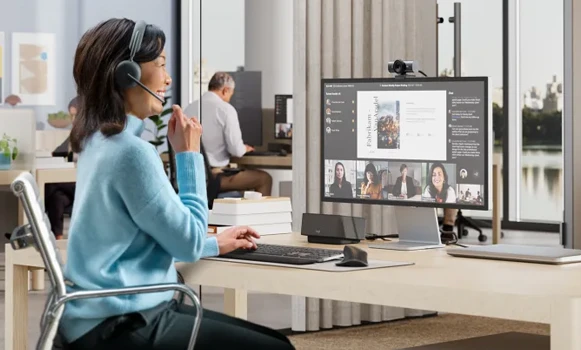
Webcams are used by remote workers to maintain a professional image during team meetings or remote interviews, while teachers rely on them to deliver online classes. They are particularly useful for students engaged in hybrid learning, as well as for consultants conducting video client meetings. Finally, webcams are key tools for content creators involved in streaming, and for companies equipping individual workstations.
Why partner with Onedirect?
Onedirect distributes professional webcams from leading brands such as Logitech, Poly, Cleyver and AverMedia. As an official reseller, we guarantee fast and secure delivery and maintain permanent stock to meet urgent needs. Our team provides upfront advice to help you select the ideal webcam based on usage conditions, while our dedicated after-sales service supports you in case of issues, ensuring an investment suited to individual needs.
FAQ – Frequently asked questions
What is the difference between a Full HD and a 4K webcam for remote work?
A Full HD 1080p webcam is more than sufficient for standard professional video conferencing. 4K is recommended for content creators, post-production cropping and formal presentations requiring a high level of detail.
Do webcams include microphones of sufficient quality?
Integrated webcam microphones are suitable for individual meetings in quiet environments. For optimal quality, or in noisy settings, a headset is recommended.
Can a webcam be used on multiple computers?
Yes. Plug & Play USB or USB-C connectivity allows webcams to be used on any computer without installation. Some models feature magnetic mounting for easy switching between devices.
Are professional webcams compatible with all platforms?
Yes. Webcams support Teams, Zoom, Google Meet, Webex and all standard video applications via a simple USB connection, with no specific drivers required.
Which accessories can complement a webcam?
Tripods, privacy shutters and protective cases are the most commonly used accessories alongside webcams.