
My Cart



Headsets by equipment

Jabra Engage 55 SE Stereo USB-A UC
IN STOCKWireless DECT Headset featuring enhanced security and superior sound quality for calls from anywhere.£257.00£171.99 £206.39 Incl. VATRef: GNENGAGE55DUCSECompare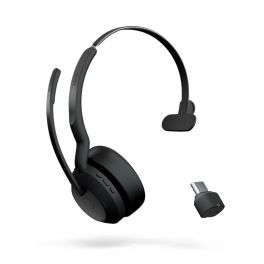
Jabra Evolve2 55 Link380 USB-C MS Mono
IN STOCKWireless headset for PC and mobile phone with Link380 dongle connection. MS Version£189.00£125.99 £151.19 Incl. VATRef: GNEVOL255CMCompare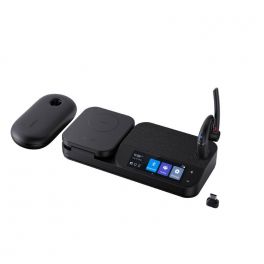
Yealink BH71 Workstation Pro
IN STOCKYealink BH71 Workstation Pro with Headset, Charging Case and Bluetooth Dongle, the all-in-one solution for hassle-free business communication.£347.99£194.99 £233.99 Incl. VATRef: YEABH71PROWSTCompare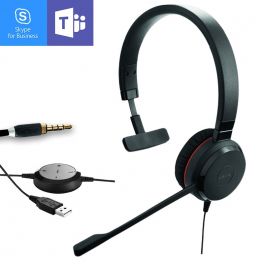
Jabra Evolve 30 II MS Mono
Optimized for Microsoft Teams - mono USB modelIN STOCK3.5 of 2 Reviews£63.75£42.99 £51.59 Incl. VATRef: GNEVOL30M-2Compare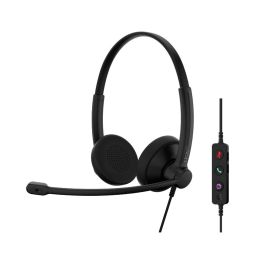
EPOS IMPACT 100 MS Duo USB-C+A
IN STOCKUltra-lightweight PC headset with professional audio, intuitive controls, and complete comfort for your working day.£43.99£29.99 £35.99 Incl. VATRef: SEIMP100DMSCACompare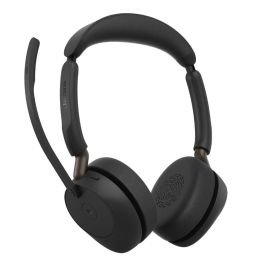
Jabra Evolve3 65 MS - USB-A with Dongle - Stereo
IN STOCKStereo Bluetooth headset for Microsoft Teams with adaptive ANC and ClearVoice, designed for clear calls and focus in noisy offices.£221.99£154.99 £185.99 Incl. VATRef: GNEVOL365DCAMSCompare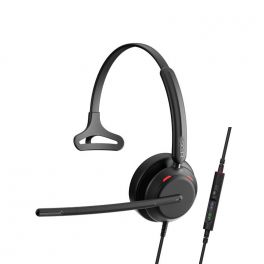
Epos Impact 730T
IN STOCKCorded mono headset with USB-C connection and inline controller. Teams version£129.00£84.99 £101.99 Incl. VATRef: SEIMP730TCompare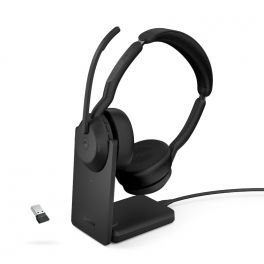
Jabra Evolve2 55 Link380 USB-A MS Stereo with Charging Stand
IN STOCKWireless headset for PC and mobile phone with Link380 dongle connection and charging stand. MS Version.£233.00£149.99 £179.99 Incl. VATRef: GNEVOL255DMSUPABCompare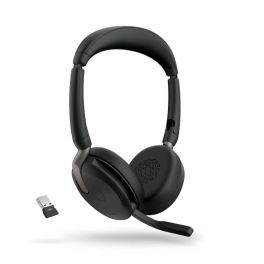
Jabra Evolve2 65 Flex USB-A UC Stereo
IN STOCKHigher concentration and more flexibility for undisturbed, professional and hybrid work£265.00£170.99 £205.19 Incl. VATRef: GNEVOL265FDACompare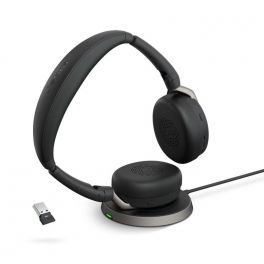
Jabra Evolve2 65 Flex USB-A MS Stereo with Wireless Charger
IN STOCKHigher concentration and more flexibility for undisturbed, professional and hybrid work.£310.00£199.99 £239.99 Incl. VATRef: GNEVOL265FDAMSUPCompare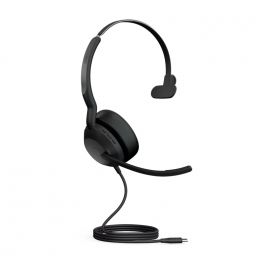
Jabra Evolve2 50 USB-C MS Mono
IN STOCKWired headset for PC and smartphones. Mono MS version. USB-C£147.00£95.99 £115.19 Incl. VATRef: GNEVOL250ACCompare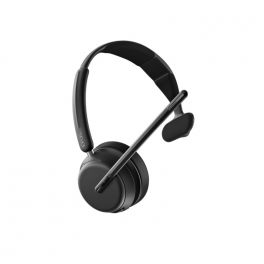
EPOS IMPACT 1030
IN STOCKOpen Office Monaural Bluetooth Headset that counteracts headaches£179.00£129.99 £155.99 Incl. VATRef: SEIMP1030Compare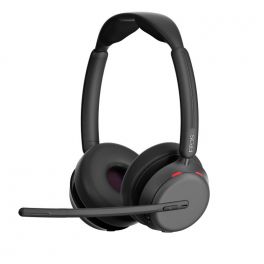
EPOS IMPACT 1060 ANC
IN STOCKOpen Office Bluetooth headset from Epos that counteracts brain fatigue.£285.00£189.99 £227.99 Incl. VATRef: SEIMP1060ANCCompare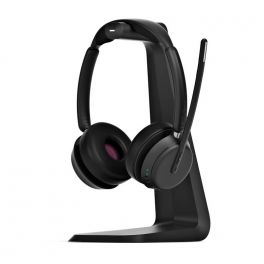
EPOS IMPACT 1061
Open Office Bluetooth headset from Epos that counteracts brain fatigue.IN STOCK4 of 3 Reviews£229.00£152.99 £183.59 Incl. VATRef: SEIMP1061Compare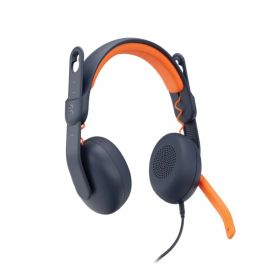
Logitech Zone Learn ON EAR - USB-C
IN STOCKThe ideal headset for your children, the Logitech Zone Learn headset for guaranteed comfort!£45.09£29.99 £35.99 Incl. VATRef: LOZOLEONCCompare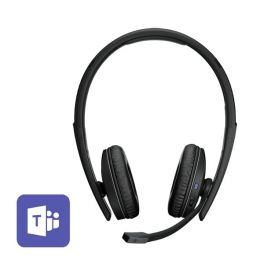
EPOS ADAPT 261
Lightweight, portable and wireless stereo USB-C headset - Microsoft Teams certified - Ideal for versatile workersIN STOCK5 of 1 Reviews£155.00£98.99 £118.79 Incl. VATRef: SEAD261Compare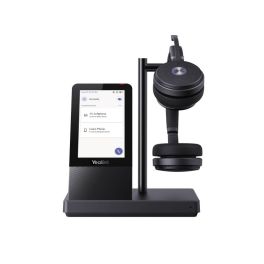
Yealink WH66 Dual Teams
IN STOCKWireless DECT headsets for all your devices, optimised for Teams - ideal for your office£232.09£209.99 £251.99 Incl. VATRef: YEALINKWH66DUKCompare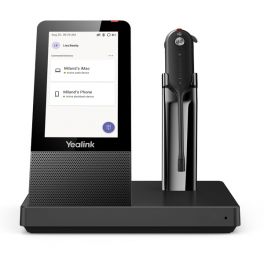
Yealink WH67 Teams
IN STOCKMono DECT wireless headset with dual connection and optimised for Teams - with display for greater control£215.99£133.99 £160.79 Incl. VATRef: YEALINKWH67UKCompare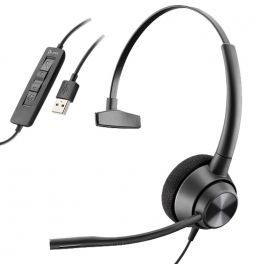
Poly EncorePro 310 USB-A
Monaural USB-A headset with all-day wearing comfort and excellent audio, perfect for call centresIN STOCK5 of 1 Reviews£61.99£29.99 £35.99 Incl. VATRef: PLHW310USBACompare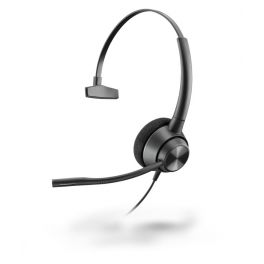
Poly EncorePro 310 QD
Monaural headset with all-day wearing comfort and excellent audio, perfect for call centresIN STOCK4.8 of 5 Reviews£53.89£25.99 £31.19 Incl. VATRef: PLHW310Compare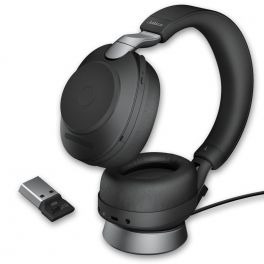
Jabra Evolve2 85 UC Stereo with charging stand - Black
IN STOCKWireless duo headphones perfect for concentrating and collaborating with charging base£482.00£319.99 £383.99 Incl. VATRef: GNEVOL285DSUPABCompare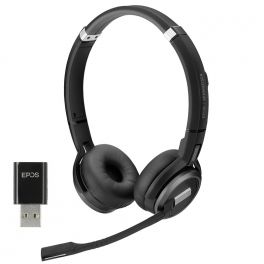
EPOS IMPACT SDW 5061
IN STOCKProfessional DECT Duo headset - versatile and ideal for communications professionals£285.00£207.99 £249.59 Incl. VATRef: SESDW5061Compare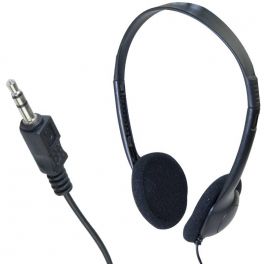
Binaural headset with 3.5mm jack
Lightweight 3.5mm headset, ideal for listening to music, surfing the InternetIN STOCK4.8 of 5 Reviews£6.99£2.99 £3.59 Incl. VATRef: CASJACKCompare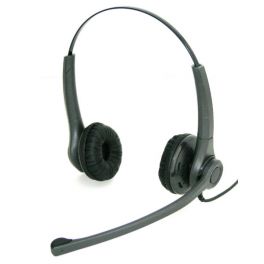
Freemate DH037UB-GY
Headphones with RJ9 connection, specially designed for IP phones, compatible with analog and digital phones.
IN STOCK4.4 of 7 Reviews£39.99£38.99 £46.79 Incl. VATRef: FRDH037UBGYCompare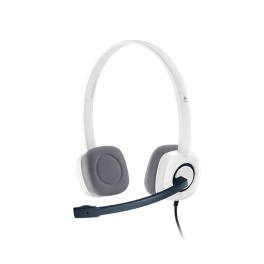
Logitech H150 – Stereo Headset, white
IN STOCKWhite stereo headset with a noise-cancelling microphone, two 3.5 mm jack sockets and in-line controls for phone calls and everyday use on a PC.£43.99£24.99 £29.99 Incl. VATRef: LOH150Compare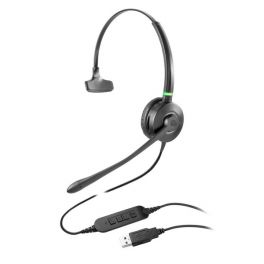
Cleyver HC90
USB connection headset with built-in busy lightIN STOCK5 of 2 Reviews£49.99£25.99 £31.19 Incl. VATRef: ODHC90USBCompare
EPOS IMPACT SC 238
Robust wired headset with monaural design and easy disconnect connection, ideal for open-plan offices and call centres.IN STOCK4 of 2 Reviews£121.99£10.99 £13.19 Incl. VATRef: SESC238Compare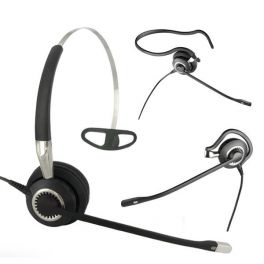
Jabra BIZ 2400 II Mono 3-in-1 Corded Headset
Monaural corded headset with great noise cancellation and unbreakable 360° swivel boom microphoneIN STOCK4.9 of 13 Reviews£195.00£129.99 £155.99 Incl. VATRef: GN2400-2Compare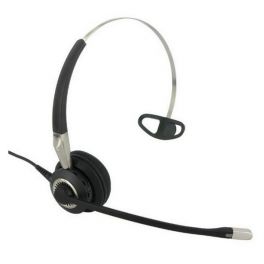
Jabra BIZ 2400 II Mono 3-in-1 Wideband
Corded monaural model with noise-cancelling microphone and wideband audio for clearer IP conversationsIN STOCK5 of 3 Reviews£195.00£129.99 £155.99 Incl. VATRef: GN2400IP-2Compare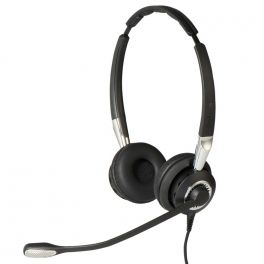
Jabra BIZ 2400 II QD Duo NC Wideband
IN STOCKCorded binaural with noise-cancelling microphone and wideband audio for clearer IP conversations£206.00£144.99 £173.99 Incl. VATRef: GN2400DIP-2Compare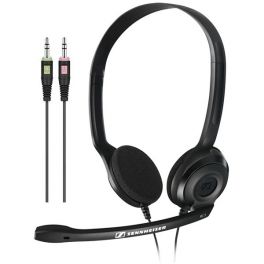
EPOS PC 3 CHAT
Lightweight wired stereo PC headset with dual 3.5 mm jacks, foam ear cushions and a unidirectional noise-reducing microphone for VoIP calls.IN STOCK4.8 of 45 Reviews£19.99£15.28 £18.34 Incl. VATRef: SEPC3CCompare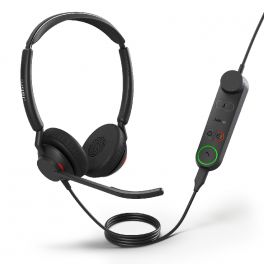
Jabra Engage 50 II + LINK USB-A UC Stereo
IN STOCKWith Engage 50 II, calls have more clarity, and customers enjoy an all-around better experience, thanks to Jabra´s innovative Engage+ software.£239.00£158.99 £190.79 Incl. VATRef: GNENG50IILUCADCompare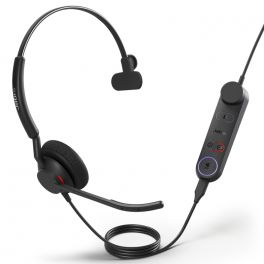
Jabra Engage 50 II + LINK USB-A MS Mono
IN STOCKWith Engage 50 II, calls have more clarity, and customers enjoy an all-around better experience, thanks to Jabra´s innovative Engage+ software.£222.00£147.99 £177.59 Incl. VATRef: GNENG50IILMSAMCompare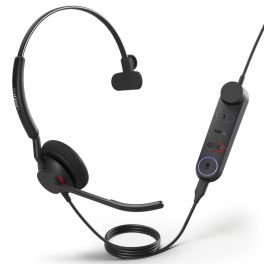
Jabra Engage 50 II + LINK USB-C MS Mono
IN STOCKWith Engage 50 II, calls have more clarity, and customers enjoy an all-around better experience, thanks to Jabra´s innovative Engage+ software.£222.00£151.99 £182.39 Incl. VATRef: GNENG50IILMSCMCompare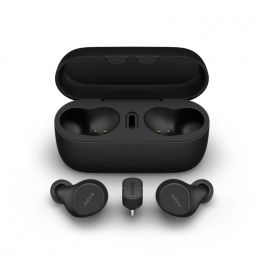
Jabra Evolve2 Buds USB-C UC with Wireless Charging Pad
IN STOCKAn incredible Hybrid working solution from Jabra. Great audio for Music and working on the go, in the office or at home!£285.99£222.99 £267.59 Incl. VATRef: GNEVOL2BUCCWCCompare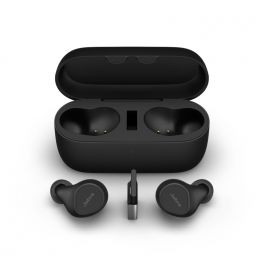
Jabra Evolve2 Buds USB-A UC with Wireless Charging Pad
IN STOCKAn incredible Hybrid working solution from Jabra. Great audio for Music and working on the go, in the office or at home!£285.99£222.99 £267.59 Incl. VATRef: GNEVOL2BUCAWCCompare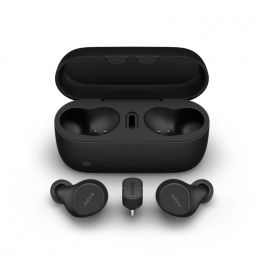
Jabra Evolve2 Buds USB-C MS with Wireless Charging Pad
IN STOCKAn incredible Hybrid working solution from Jabra. Great audio for Music and working on the go, in the office or at home!£292.59£222.99 £267.59 Incl. VATRef: GNEVOL2BMSCWCCompare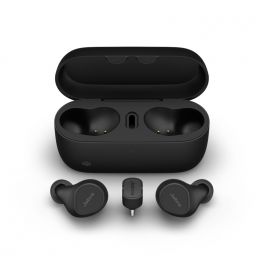
Jabra Evolve2 Buds USB-C MS
IN STOCKAn incredible Hybrid working solution from Jabra. Great audio for Music and working on the go, in the office or at home!£233.00£196.99 £236.39 Incl. VATRef: GNEVOL2BMSCCompare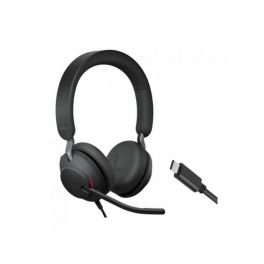
Jabra Evolve2 40 SE USB-C UC Stereo
Wired UC headset with USB-C connector, designed for intensive use.IN STOCK4.5 of 2 Reviews£123.00£84.99 £101.99 Incl. VATRef: GNEVOL240DCSECompare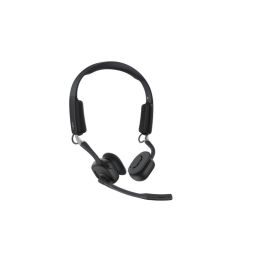
SHOKZ OpenMeet Bluetooth Headset
IN STOCKWireless open-ear Bluetooth headset with bone conduction technology and premium audio quality – ideal for video conferencing£213.99£197.99 £237.59 Incl. VATRef: SHOOPENMEETCompare
Key features and functions
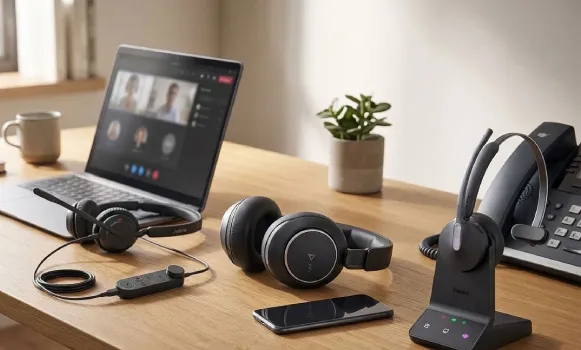
Choosing a professional headset according to your communication device makes it easier to identify equipment suited to your setup. A PC headset meets the needs of computer-based calls and online meetings, while a telephone headset is designed to work with a compatible desk phone. Mobile phone headsets offer connections suited to smartphones, including Bluetooth or wired options depending on the model. For Microsoft Teams users, some headsets offer specific features and certifications for the platform. Headset and telephone bundles provide another option for equipping a professional communication workstation.
| PC headsets | Designed for computer-based calls and video meetings, with USB, jack or wireless connections depending on the model. |
| Telephone headsets | Suitable for compatible desk phones, with wired or wireless connections depending on the equipment. |
| Mobile phone headsets | Allow communication from a compatible mobile phone, particularly via Bluetooth or an appropriate wired connection. |
| Microsoft Teams headsets | Models designed for communication on Teams, with call management features and specific certifications. |
| Headset and telephone bundles | Bundles combining a headset and telephone to make it easier to equip a professional communication workstation. |
| Connectivity and compatibility | Connection types, accessories and available features vary depending on the communication device and product model. |
How to choose the right product
- OK Identify your main device: computer, desk phone or smartphone, depending on which device you use for communication.
- OK Check the available connections: USB-A, USB-C, jack, Bluetooth or a specific telephone connection, depending on your equipment.
- OK Consider your software: check the headset's compatibility with your calling and video conferencing applications.
- OK Review Microsoft Teams headsets: if you are looking for features specifically designed for this platform.
- OK Choose between wired and wireless: depending on your mobility needs, working environment and communication habits.
- OK Assess comfort and microphone performance: mono or binaural configuration, noise reduction and ergonomics for frequent calls.
- OK Consider a bundle: if you want to equip a complete workstation with devices designed to work together.
Uses across professional sectors
Professional headsets can be selected according to the communication tools used in each working environment. In offices and administrative departments, PC headsets make computer-based calls and online meetings easier. In contact centres, customer service departments and reception roles, telephone headsets meet the needs of employees using compatible desk phones. Sales teams and mobile employees may prefer mobile phone headsets to communicate while travelling. Businesses using Microsoft Teams can look for headsets suited to the platform for their meetings and calls.
Why choose Onedirect?
Onedirect helps you choose professional headsets according to the communication devices used in your business. Explore solutions for computers, desk phones, smartphones and Microsoft Teams, as well as bundles combining a headset and telephone. Whether you want to replace a headset, equip several employees or set up a new telephone workstation, our specialists can help you identify the products and accessories suited to your working environment.
FAQ – Frequently asked questions
How do you choose a headset based on your communication device?
Start by identifying the device you primarily use: computer, desk phone or smartphone. Then check the available connections and compatibility with your communication software. If you use Microsoft Teams, you can also look for a headset certified for the platform.
Can you use the same headset with a PC and a desk phone?
Yes, some professional headsets can work with multiple devices through a connection base, different cables or compatible wireless features. However, this depends on the headset, telephone and accessories used. Check the model's specifications to confirm the available connections.
Do you need a certified headset to use Microsoft Teams?
A headset does not necessarily need to be Microsoft Teams certified to work with the application. However, certified models are designed and tested to meet specific platform requirements. Depending on the model, they may offer dedicated controls and easier integration.
What are the benefits of a headset and telephone bundle?
A headset and telephone bundle combines two devices to create a professional communication workstation. It allows you to select a set of equipment designed to work together, depending on the bundle's contents. Check the telephone's features, headset specifications and included accessories to choose a solution suited to your setup.
Related resources
PC headsets Icon Telephone headsets Icon Microsoft Teams headsets Icon