
My Cart




BARCO CLICKSHARE:
Wireless Presentation & Conferencing for Hybrid Meeting Rooms
Barco ClickShare provides wireless content sharing and conferencing for meeting rooms. Compatible with Microsoft Teams Rooms, Zoom and Google Meet, it connects people and room devices without cables to support collaboration in hybrid working environments. Explore the complete Barco ClickShare range for businesses.
BARCO CLICKSHARE:
HOW DOES IT WORK?
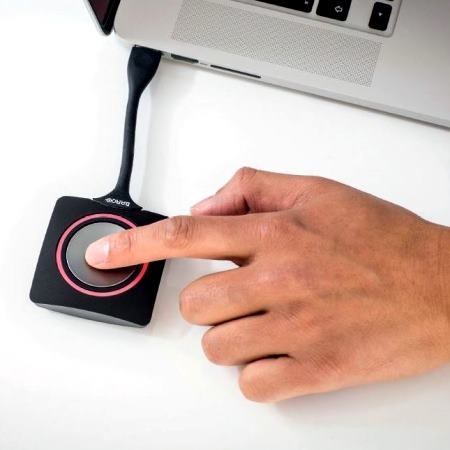
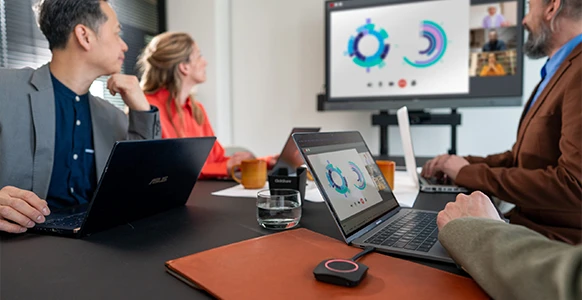
With Barco ClickShare, sharing content and delivering wireless presentations couldn't be easier. Simply connect your laptop, tablet or smartphone and press the ClickShare Button.
Within seconds, your screen is shared wirelessly in the meeting room. With no cables or complex configuration, Barco ClickShare is fully compatible with Microsoft Teams Rooms, Zoom and Google Meet, providing a secure and seamless conferencing experience.
Share, Connect and Collaborate Wirelessly
1
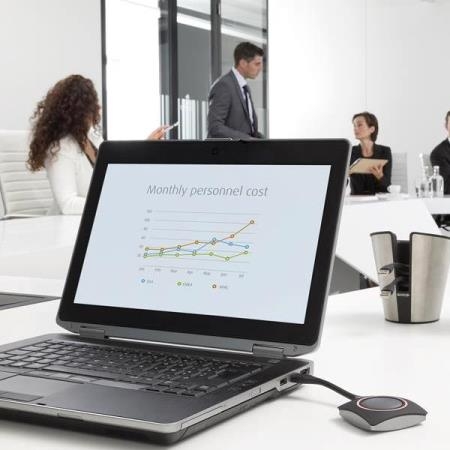
PRESENT
Share content wirelessly from any device.
2
MEET
Start hybrid meetings quickly and effortlessly.
3
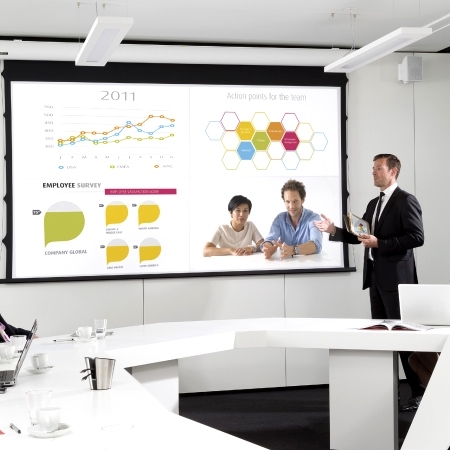
COLLABORATE
Bring on-site and remote teams together in one seamless meeting experience.
Barco ClickShare Solutions for Every Collaborative Workspace
Discover the recommended ClickShare solution for every type of meeting room.
From huddle spaces to large meeting rooms, find the ideal system for wireless content sharing and conferencing.
Up to 4 participants
Share content and start hybrid meetings quickly and easily. Discover the recommended Barco ClickShare solutions for huddle spaces.
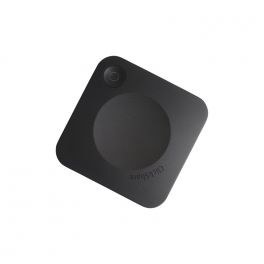
Ref: BARCOC5G2
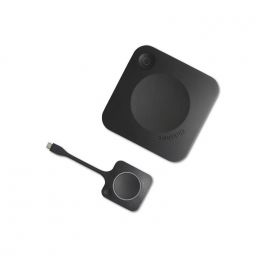
Ref: BARCOCX20G2
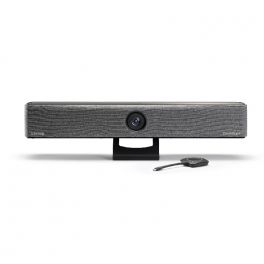
Ref: BARCOBARCORE
Up to 6 participants
Barco ClickShare solutions for small meeting rooms make wireless content sharing and conferencing simple. Discover the recommended models for this type of space.
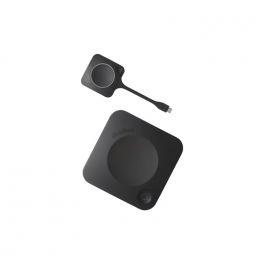
Ref: BARCOC10G2
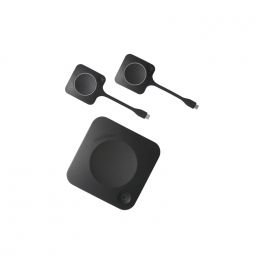
Ref: BARCOCX30G2
Ref: BARCOBARCORE
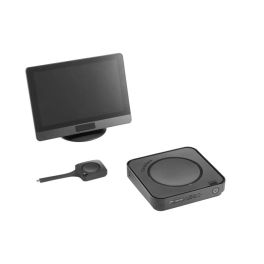
Ref: BARCOHUBCORE
Up to 12 participants
Designed for more dynamic collaboration, these solutions support wireless content sharing and conferencing with a smooth, professional experience. Discover the recommended models.
Ref: BARCOC10G2
Ref: BARCOCX30G2
Ref: BARCOHUBCORE
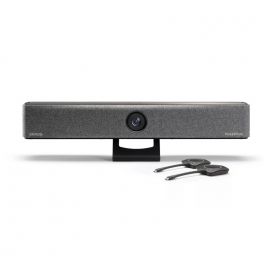
Ref: BARCOBARPRO
More than 12 participants
Barco ClickShare solutions for large meeting rooms provide a wireless collaboration and conferencing experience designed for spaces with a higher number of participants. Discover the recommended models.
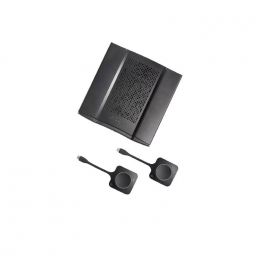
Ref: BARCOCX50G2
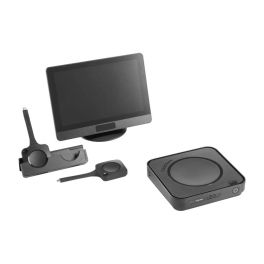
Ref: BARCOHUBPRO
Choose the Barco ClickShare Solution Best Suited to Your Business
From wireless presentation to hybrid conferencing, discover which ClickShare system is best suited to each meeting room.
Wireless Presentation
Share content without cables
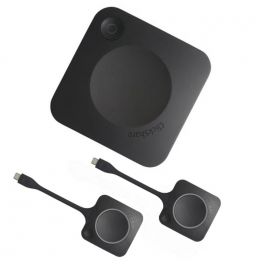
Barco ClickShare wireless presentation systems allow you to share presentations, documents and applications from any device, without cables and with complete ease. An ideal solution for improving collaboration in hybrid spaces and meeting rooms.
Ref: BARCOC5G2
Ref: BARCOC10G2
Ref: BARCOC10G2B2
Wireless Conferencing
Smoother hybrid meetings
Connect cameras, microphones and speakers wirelessly to host video conferences with Microsoft Teams, Zoom or Google Meet.

Ref: BARCOCX20G2
Ref: BARCOCX30G2
Ref: BARCOCX50G2
Video Conferencing Bars
All-in-one solutions for wireless conferencing
Combine video, audio and wireless collaboration in one device for straightforward installation and a smoother meeting experience.

Ref: BARCOBARCORE
Ref: BARCOBARPRO
Barco ClickShare Hubs for Advanced Meeting Rooms
Transform your BYOD solution into a Microsoft Teams Room
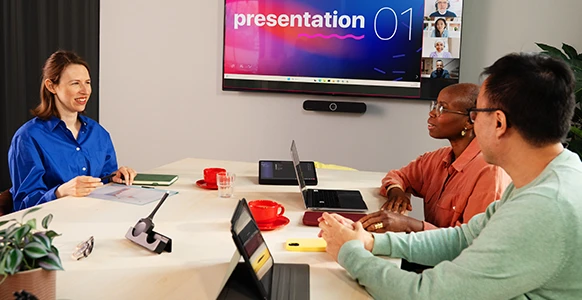
Barco ClickShare hubs connect multiple peripherals and transform complex meeting rooms into hybrid collaboration spaces with Microsoft Teams Rooms.
Ref: BARCOHUBCORE
Ref: BARCOHUBPRO
ClickShare Accessories
Expand the capabilities of your installation
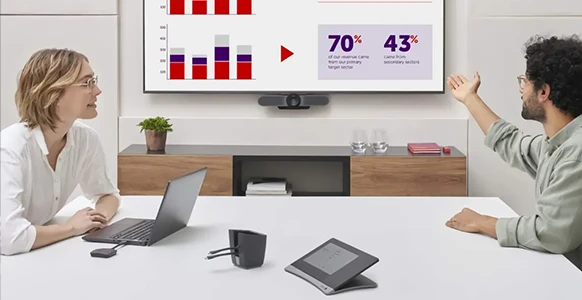
Complete your Barco ClickShare solution with accessories designed to improve the user experience. They simplify installation and help adapt each meeting room to your requirements.
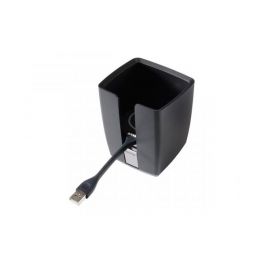
Ref: BARCOPRES
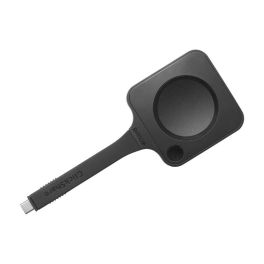
Ref: BARCOHUBBUTC
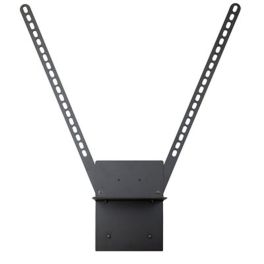
Ref: BARCOKITBAR
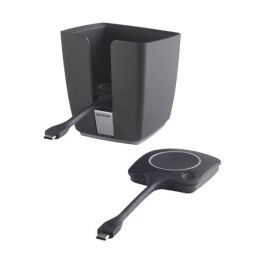
Ref: BARCOCXBUTCX2
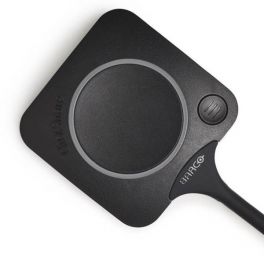
Ref: BARCOCXBUTC
Compare Barco ClickShare Solutions for Meeting Rooms
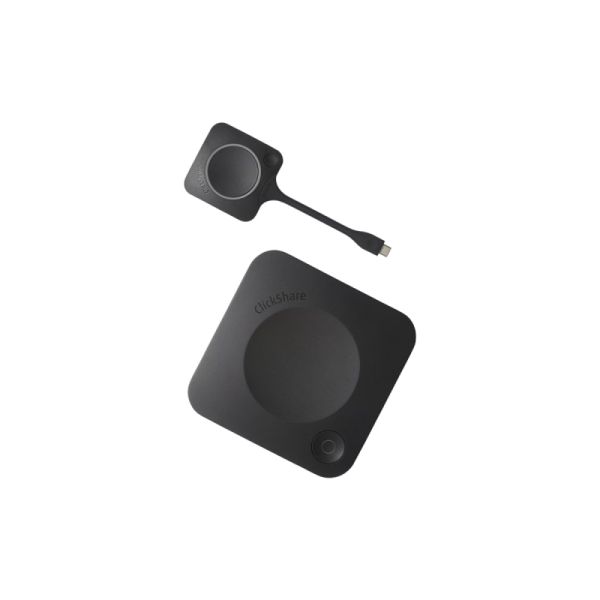
Barco ClickShare C-10 GEN2
- IconSolution type: Wireless presentation system
- IconWireless content sharing: Yes
- IconHybrid conferencing: No
- IconIntegrated camera: No
- IconIntegrated audio: No
- IconInstallation complexity: Low
- IconScalability: Low
- IconIdeal for: Sharing presentations
- Share content wirelessly from any device.
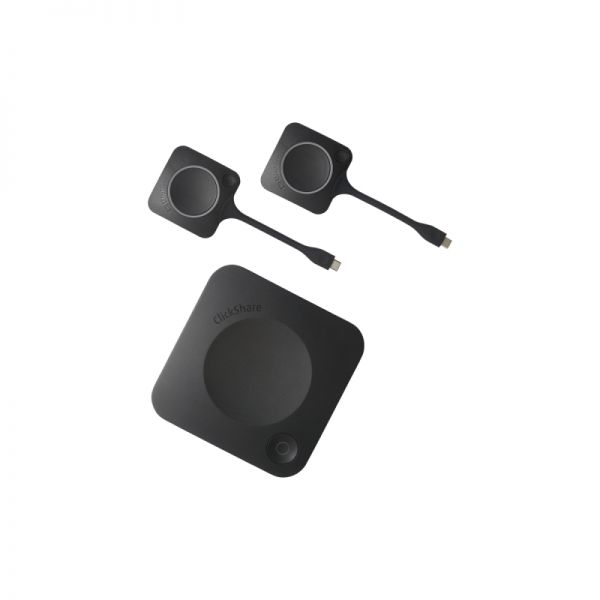
Barco ClickShare CX-30 GEN2
- IconSolution type: Wireless conferencing system
- IconWireless content sharing: Yes
- IconHybrid conferencing: Yes
- IconIntegrated camera: No
- IconIntegrated audio: No
- IconInstallation complexity: Low
- IconScalability: Medium
- IconIdeal for: Medium-sized meeting rooms
- Run hybrid conferences and share content wirelessly.
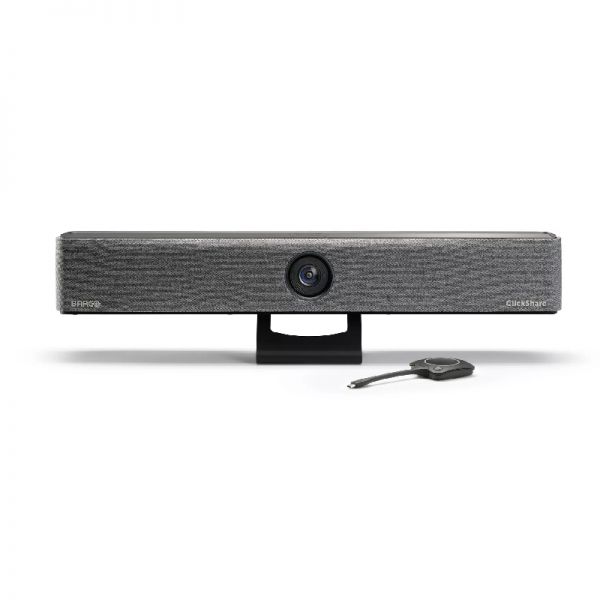
Barco ClickShare Bar CB Core with 1 button
- IconSolution type: Video conferencing bar
- IconWireless content sharing: Yes
- IconHybrid conferencing: Yes
- IconIntegrated camera: Yes
- IconIntegrated audio: Yes
- IconInstallation complexity: Low
- IconScalability: Medium
- IconIdeal for: Medium-sized meeting rooms
- All-in-one solution with integrated camera, audio and video.
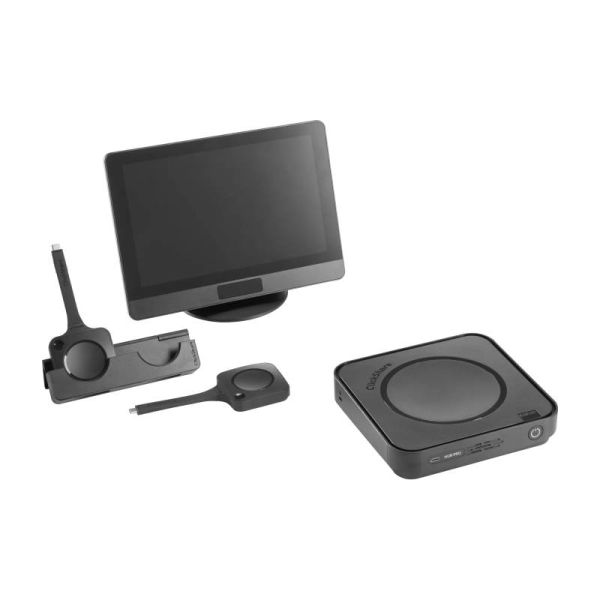
Barco ClickShare Hub Pro
£3,759.99 £4,511.99 Incl. VAT
- IconSolution type: Modular system
- IconWireless content sharing: Yes
- IconHybrid conferencing: Yes
- IconIntegrated camera: No
- IconIntegrated audio: No
- IconInstallation complexity: Medium
- IconScalability: High
- IconIdeal for: Large meeting rooms
- Centralise collaboration and connect multiple devices in advanced meeting rooms.
IconFAQ - Frequently Asked Questions About Barco ClickShare
Which Barco ClickShare solution is right for my meeting room?
The right choice depends on the room size, the number of participants and the type of collaboration required. Barco ClickShare offers wireless presentation systems, wireless conferencing solutions and all-in-one systems for meeting rooms of every size.
What is the difference between ClickShare C-Series and ClickShare CX-Series?
The ClickShare C-Series is designed for wireless content sharing. The ClickShare CX-Series adds wireless conferencing capabilities, allowing you to use the room's cameras, microphones and other peripherals.
Is Barco ClickShare compatible with Microsoft Teams, Zoom and Google Meet?
Yes. Barco ClickShare is compatible with Microsoft Teams Rooms, Zoom and Google Meet, making it easy to integrate with leading business collaboration platforms.
Can I use Barco ClickShare with my existing video conferencing equipment?
Yes. Barco ClickShare Conference solutions can connect to existing cameras, microphones and speakers, allowing you to make use of your current infrastructure without replacing your equipment.
Need help choosing the right Barco ClickShare solution? Contact our experts and find the ideal system for your meeting room.
Form