
My Cart



Yealink RoomPanel for Microsoft Teams
Internal ref: YEALINKROPANT // Manufacturer part #: RoomPanel-Teams
Touch panel for meeting room management - optimised for Teams
This product is no longer manufactured
To better meet your needs we offer a list of similar products
Product description
Organize and start your meetings quickly and smoothly
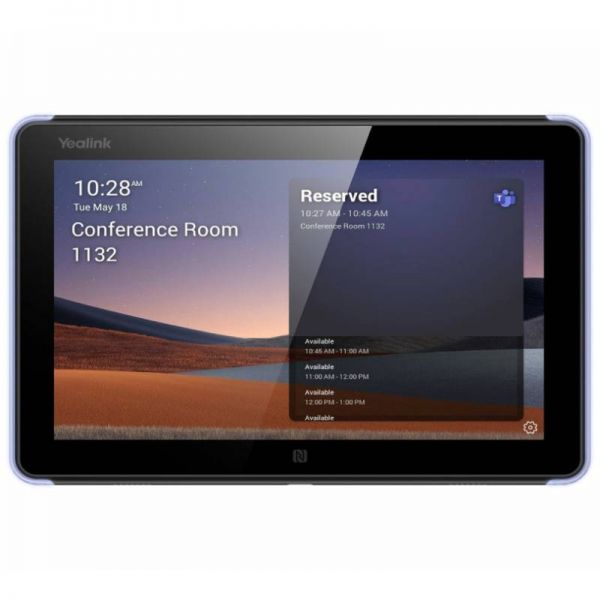
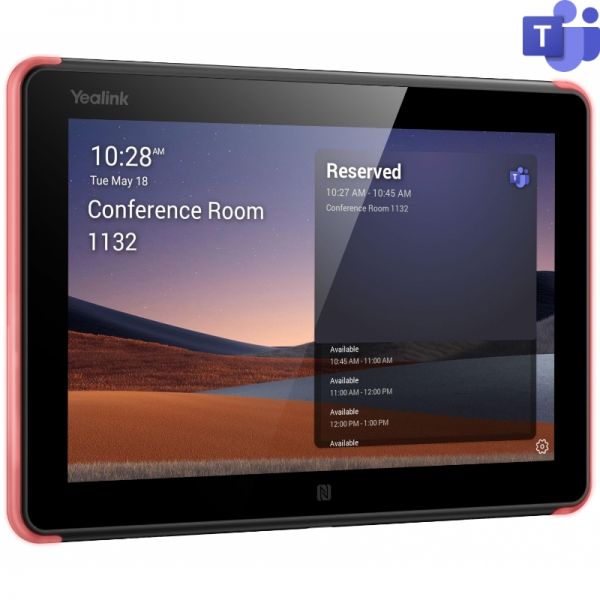
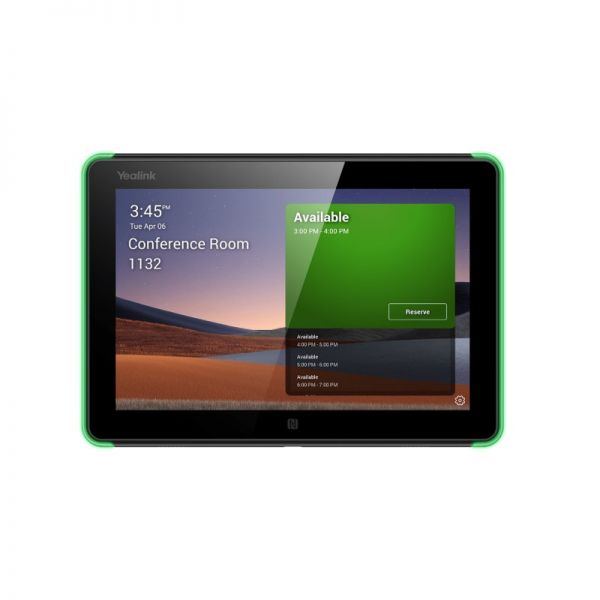
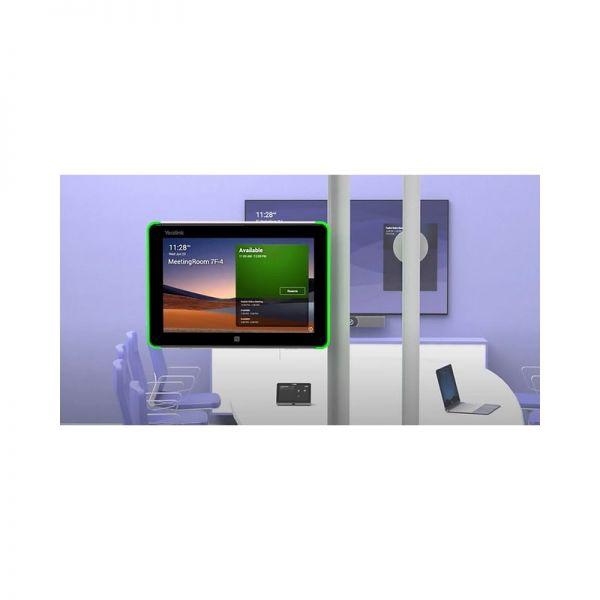
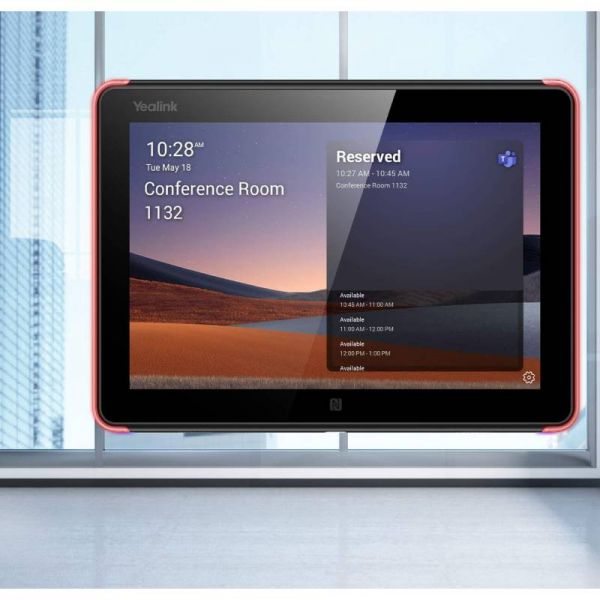
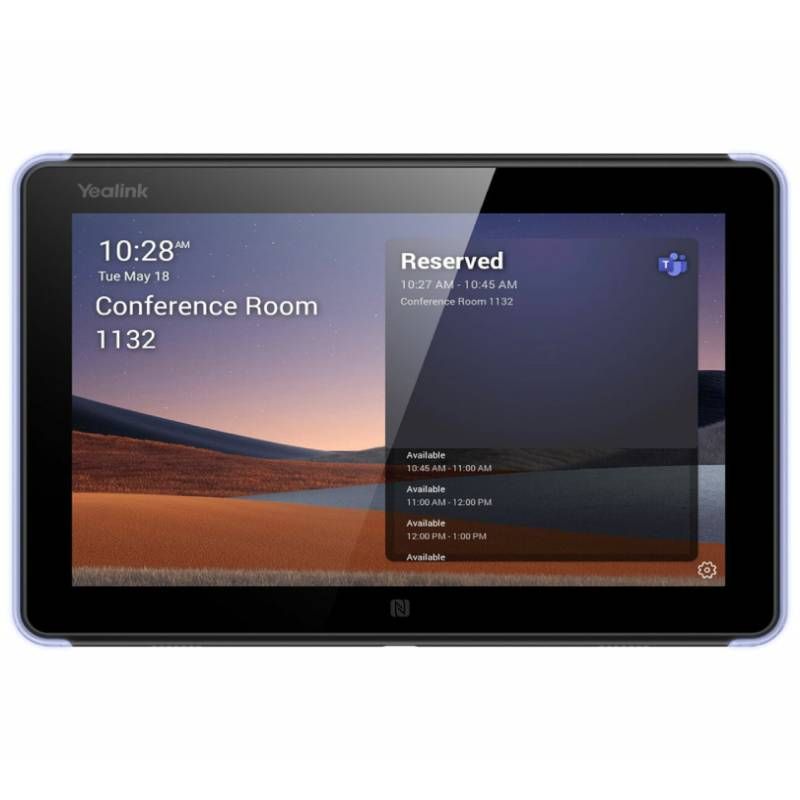
With Yealink RoomPanel for Microsoft Teams, you can quickly and seamlessly organize and start your meetings. Installing the Yealink meeting room management for Teams is simple and very intuitive. Simply adapt it to your meeting rooms and the Teams panel will show you the pending meetings, and the current meeting using an LED warning light and you can even schedule your upcoming meetings.
More than ever the working environment demands effective management of our time and Yealink responds to our needs. In addition, the Yealink RoomPanel is optimized for Microsoft Teams, making it an indispensable tool and fully integrated with your internal communication.
Easy installation and intuitive use
The 8'' panel is the ideal way to precede the meeting room and have its use clear at a glance. The Yealink touch panel can be installed with the 20° or flush mount kit directly onto the wall. The Teams RoomPanel works via PoE or DC adapter and pairs directly with your internal Microsoft Teams communication system. Its touch screen with 10 interactive points allows you to operate the monitor in a very intuitive and straightforward way.
As you like it
The Yealink RoomPanel regulates the light according to the environment and does not get dirty as it has anti-fingerprint glass that repels oils and any dirt marks. The Yealink Teams tablet can also be installed vertically or horizontally and connected via Wi-Fi, Bluetooth, RFID, and NFC.
With built-in speakers and a microphone
Time is crucial and devices need to be easy to use, so Yealink Teams RoomPanel has microphones and speakers to suit your meeting management needs.
Features:
- 8'' touch screen
- Android 9 operating system
- 16:10 LCD panel
- 1280 x 800 resolution
- 1000:1 contrast
- Angle: +-80º/+-80º
- 10 interactive points
- Anti-fingerprint
- With a proximity sensor
- In-use LED
- Adapts light to the environment
- Ethernet, Wi-Fi, Bluetooth 5.0, RFID/NFC connections, 1 USB-C port, and a reset button
- Dimensions: 209 x 146 mm
- Weight: 0.53kg
Product Specs.
| Manufacturer part # | RoomPanel-Teams |
|---|---|
| EAN | 6938818307810 |
| Warranty | 1 year |
| Accessory Type | Room reservation system |
| Is Accessory of | Conferencing |
| Lone worker protection | No |
Frequently Asked Questions
We are not aware if its possible to do this, we couldn't find any documentation that mentions this.
0
0
The USB-C port is located on the bottom of the actual display panel
Yes, the RoomPanel can be mounted on glass, for more info on how-to follow this link: Yealink Support
You still need to connect the RoomPanel to your network so it can work so you will still need to wire the unit, you can either cut the glass or you can do it without it, the link with the how-to shows all your options.