
My Cart



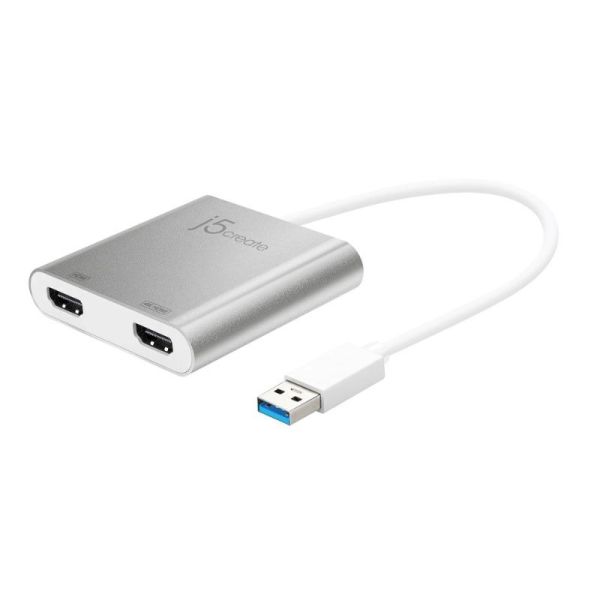
j5create JUA365-N USB 3.0
Internal ref: J5JUA365NUK // Manufacturer part #: JUA365-N
Add two displays via one USB port for effortless dual-screen productivity for laptops and desktops
£46.99
£56.39 Incl. VAT
2 years of manufacturer warranty Subject to manufacturer conditions
Pay in 3 interest-free payments of Show more

Key features
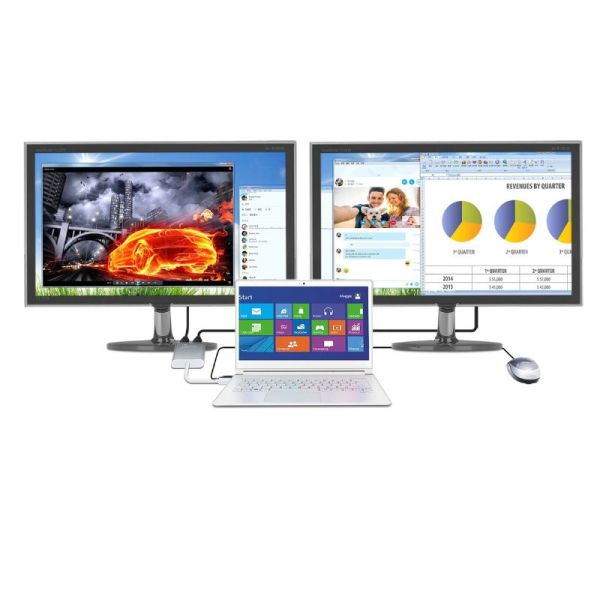
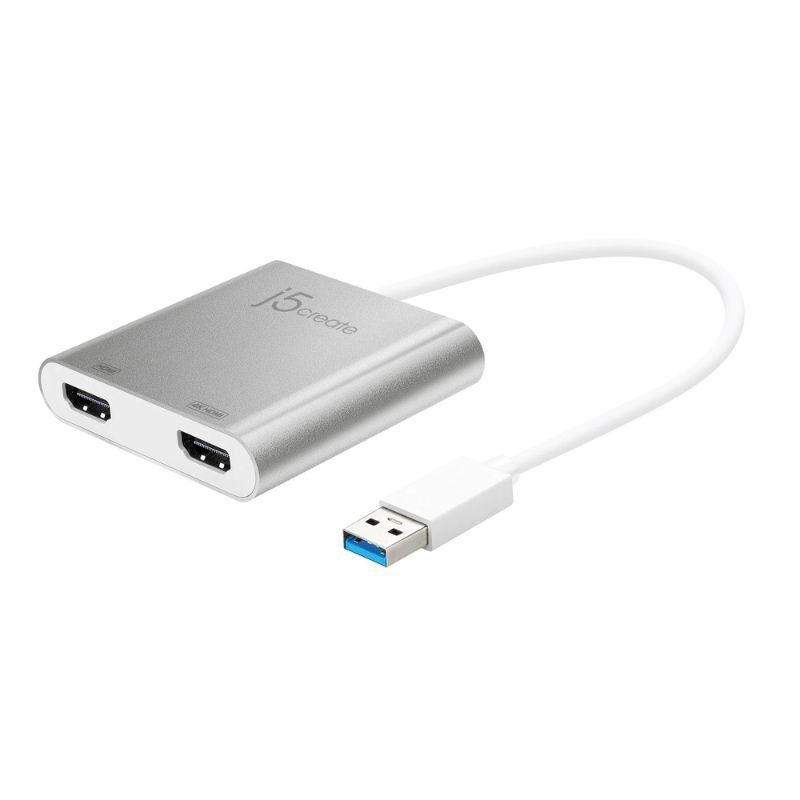
- Dual HDMI output: add two external displays from a single USB 3.0 port
- Supports up to 4K (3840×2160 @ 30Hz) + 2K (2048×1152 @ 60Hz) resolution
- Compatible with Windows and macOS, no internal graphics card needed
- Four display modes: Extended, Mirror, Primary, Rotation (Windows only)
- Bus-powered, no external power supply required
- Hot-swappable USB: add or remove monitors without rebooting
- Compact aluminium housing, portable and ideal for mobile workstations
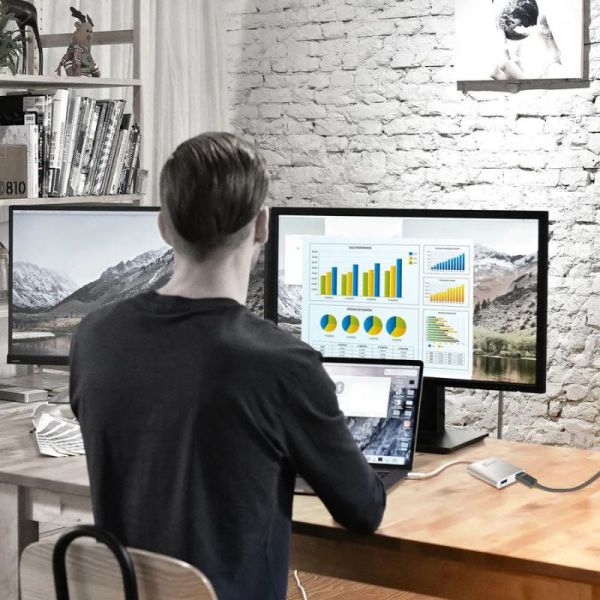
- Ideal for multitasking, spreadsheets, editing, presentations and more
In the box
- 1 × j5create JUA365-N USB 3.0
- 1 × Quick Installation Guide
Product description
j5create JUA365-N USB 3.0 → Dual HDMI Multi-Monitor Adapter
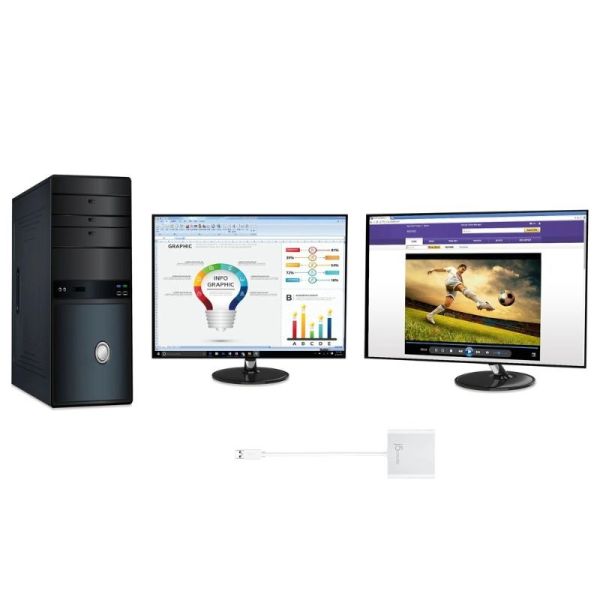
The j5create JUA365-N lets you turn a single USB 3.0 port into a powerful dual-display output perfect for expanding your screen real estate on laptops or desktops. Whether you’re editing documents, crunching data, or delivering presentations, this adapter gives you the freedom of two external screens without installing a graphics card.
Recommended Usage Environments
- Offices and home workspaces for multitasking, spreadsheets, coding or document editing
- Creative environments for video/photo editing, design, and content creation
- Presentations & meetings ideal for connecting a laptop to external monitors or projectors
- Trading desks, call centers, or finance offices enhanced productivity with multiple windows
- Mobile workstations compact size and ready to travel with a laptop
Key Functional Specifications
With one HDMI port delivering up to 4K (UHD) and a second up to 2048×1152, the JUA365-N supports full-HD and 4K workflows. Bus-powered over USB 3.0, it requires no additional power bricks; just plug in the USB and HDMI cables. Supports four display modes (Extended, Mirror, Primary, and Rotation), giving flexibility whether for multitasking, cloning displays, or rotating content vertically.
Platform and Device Compatibility
Fully compatible with Windows (Windows 7, 10, 11, etc.) and macOS (10.9 and later). Works with any USB-enabled laptop or desktop with a USB 3.0/3.1 Type-A port. For 4K output, USB 3.0/3.1 is required; USB 2.0 will limit performance.
User Experience & Features
Plug-and-play convenience lets you add or remove monitors on the fly without any reboot needed. The lightweight aluminum body makes the adapter portable and ideal for mobile setups. With dual displays, users can spread windows across screens, improving productivity and multitasking and reducing window clutter. Great for multitasking, editing, trading, or presentations.
Technical Specifications
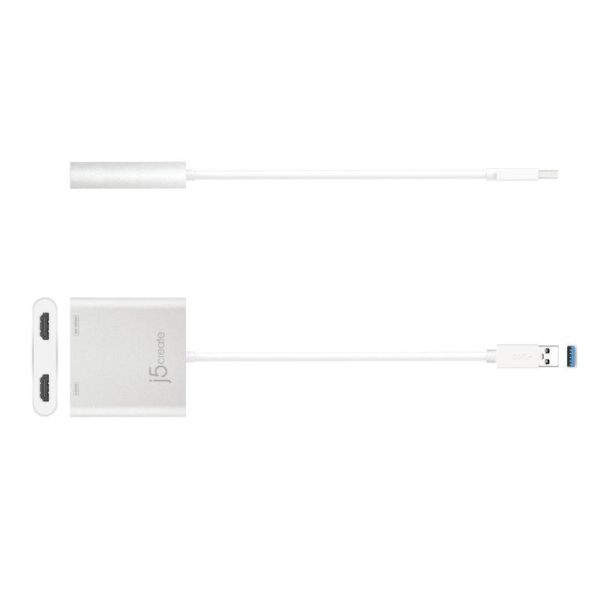
- Host Interface: USB 3.0 Type-A Male
- Video Output: 2 × HDMI Female (HDMI audio output supported)
- Max Resolution: 3840 × 2160 @ 30 Hz (4K) / 2048 × 1152 @ 60 Hz
- Power: Bus-powered; Power Consumption ≤ 400 mA
- Housing: Aluminium alloy
- Cable Length: 200 mm
- Weight: ~84.5 g
- Display Modes: Extended, Mirror, Primary, Rotation (Rotation only on Windows)
- Audio: HDMI audio supported (2-channel)
Files
Datasheet J5Create Jua365-N
Product Specs.
| Manufacturer part # | JUA365-N |
|---|---|
| Warranty | 2 years |
| Type of networking product | Dock / Hub |
| Charging Adapter Included | No |
Frequently Asked Questions
Currently there are no questions for this product.