
My Cart



Innex Connect Pro 4K USB-C Buttons
Internal ref: INNEXCONNECTPRODONGL // Manufacturer part #: DONGLECONNECTPRO2X
USB-C buttons that allow you to share a 4K screen wirelessly with a single click, designed for meeting rooms equipped with the Innex Connect Pro ecosystem.
%
Back to Work Offer
Promotional price valid until 25/09/2026.
Extra discount: £25 off orders over £400 with BACK25
£50 off orders over £700 with BACK50
£80 off orders over £1,000 with BACK80
Promotional price valid until 25/09/2026.
Extra discount: £25 off orders over £400 with BACK25
£50 off orders over £700 with BACK50
£80 off orders over £1,000 with BACK80
£244.99
£293.99 Incl. VAT
2 years of manufacturer warranty Subject to manufacturer conditions
Pay in 3 interest-free payments of Show more

Key features
- One-click wireless sharing from your PC, no software required
- USB-C Plug & Play connection: quick to use in collaborative spaces
- Resolution up to 4K
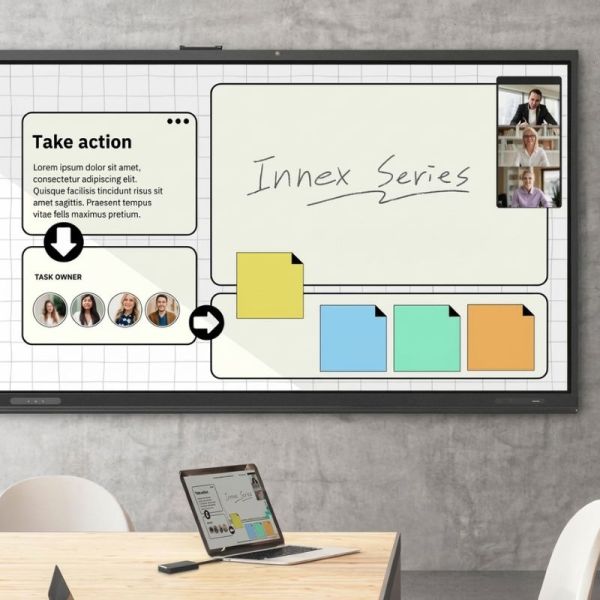
- Integrated Touchback and audio: seamless collaboration on Innex touchscreens
- Compatible with Windows and macOS
- Designed for the Innex ecosystem: Connect Pro, Connect Pro+ and Meeting Hub
In the box
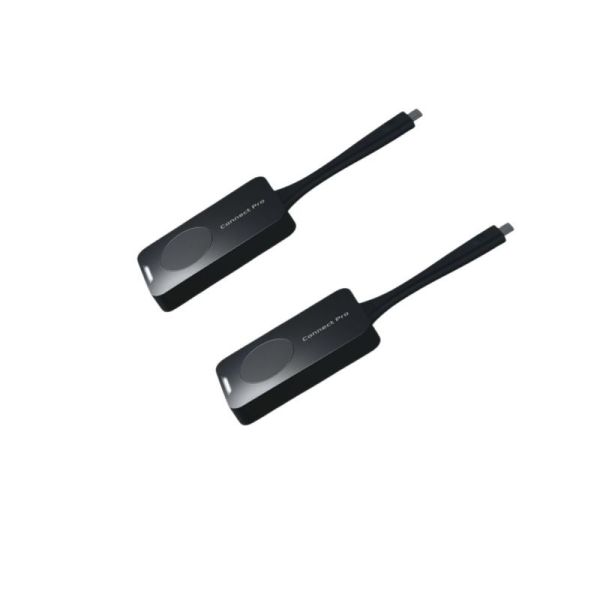
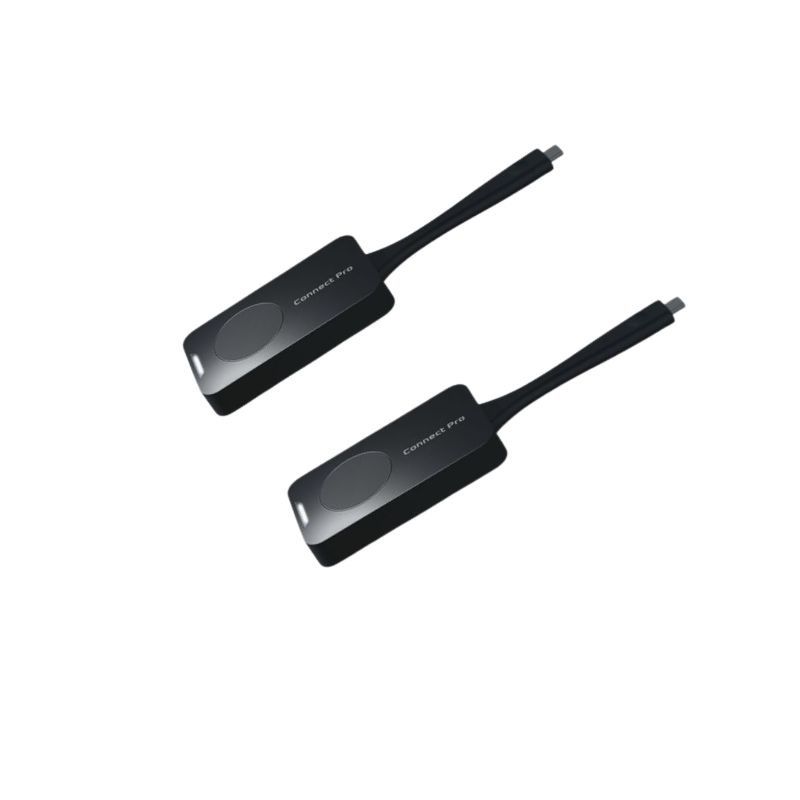
- 2 x Innex Connect Pro buttons
- 1 x Storage box
- Documentation
Product description
Innex Connect Pro Button to share your screen in 4K with one click
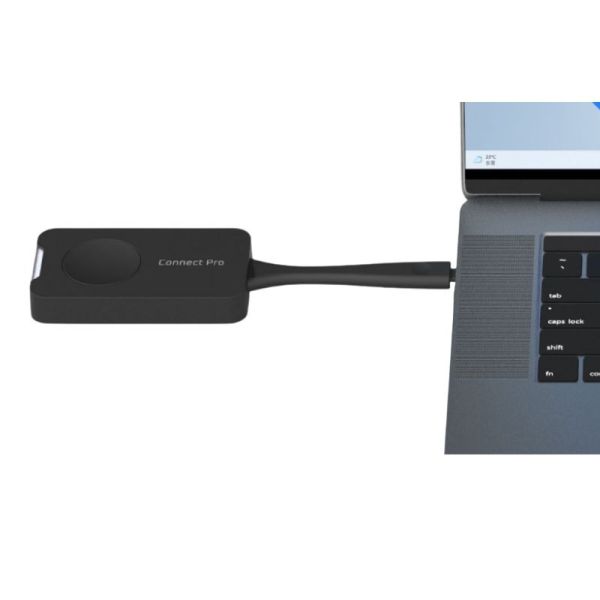
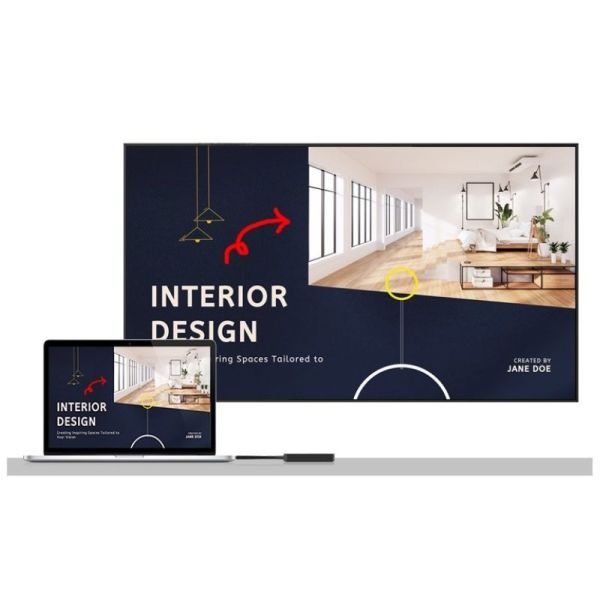
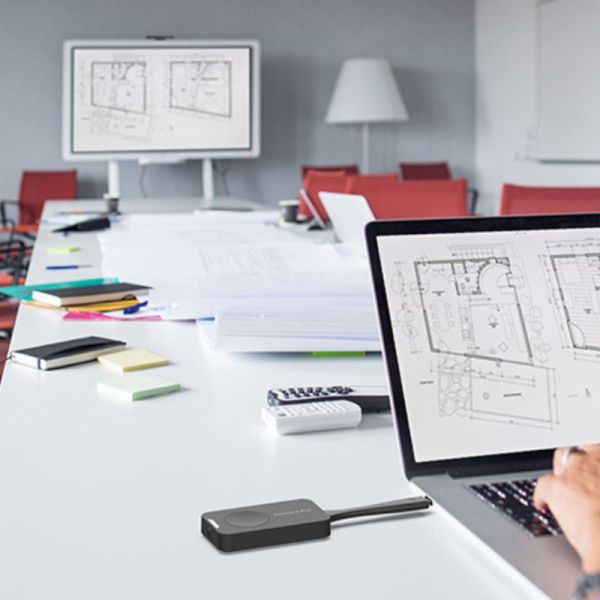
The Innex Connect Pro Button is a professional accessory for meeting rooms that allows you to share your laptop screen wirelessly without installing any software. Simply connect it via USB-C and press the button to start presenting in seconds, making meetings, collaborative sessions and BYOM environments more efficient.
Simple and fast wireless presentation
This button is designed to reduce setup time in meeting rooms. Its Plug and Play operation eliminates the need for installation and makes it easy to use for employees, visitors and hybrid teams. It is a practical solution for companies looking for an immediate and consistent user experience.
4K image quality and smoother collaboration
In addition to transmitting high-resolution video, it also enables audio transmission and supports touchback on compatible displays. This enhances interaction during meetings, training sessions and presentations, especially when used with Innex ecosystem touchscreens.
Designed for modern USB-C laptops
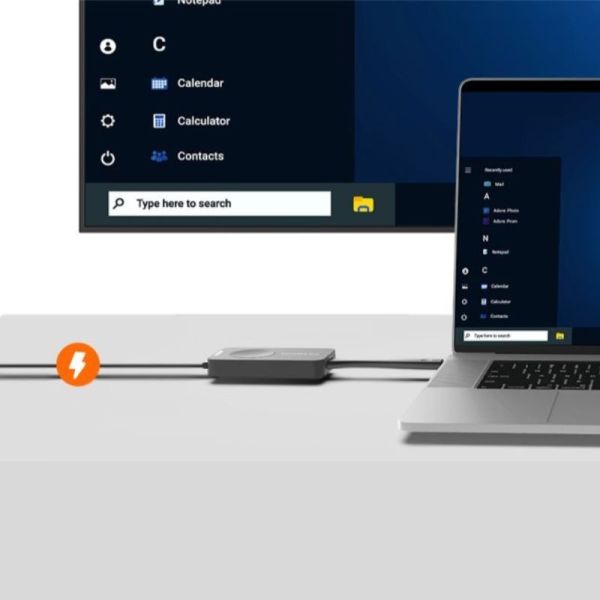
The USB-C port with Power Delivery Pass-Through is particularly useful for laptops with a single available port. You can share content and charge the device at the same time, without needing additional adapters and while simplifying desk setup.
Native integration with the Innex ecosystem
The Connect Pro Button has been developed to work with compatible Innex Connect Pro receivers, including Connect Pro+, as well as Innex Meeting Hub interactive displays from the CM, CT and EU series. This makes it an ideal option for standardised corporate deployments and collaboration spaces equipped with Innex solutions.
Use cases and compatibility
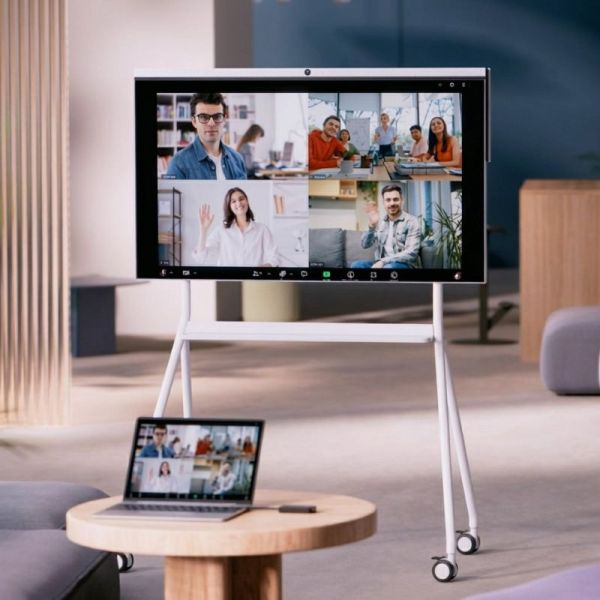
This is a suitable solution for meeting rooms, huddle rooms, training rooms and shared workspaces where content needs to be shared quickly from Windows or macOS laptops with stability and ease of use. It requires a compatible Innex Connect Pro receiver to operate.
Technical specifications:
| Feature | Value |
|---|---|
| Product type | Wireless screen sharing button |
| Use | Wireless presentation and BYOM in meeting rooms |
| Connection to laptop | USB-C male |
| Additional port | USB-C female for Power Delivery 3.0 |
| Sharing resolution | 3840 x 2160 at 30 Hz / 1920 x 1080 at 60 Hz |
| Transmission distance | 10 m |
| Audio | Wireless audio transmission |
| Touch interactivity | Yes, touchback on compatible displays |
| Operating system compatibility | Windows 11 or later, macOS |
| Video requirement | USB-C with DP Alt Mode support |
| Network security | WPA2-PSK and 128-bit AES encryption |
| Power supply | 5 V, 500 mA |
| Operating temperature | 0 °C to 40 °C |
| Operating humidity | Up to 80 % |
| Storage temperature | -10 °C to 60 °C |
| Dimensions | 185 x 51 x 11 mm |
| Weight | 60 g |
| Compatibility | Innex Connect Pro Receiver, Innex Connect Pro+, Innex Meeting Hub CM, CT and EU series |
Files
Innex Connect Pro Buttons - Datasheet
Product Specs.
| Manufacturer part # | DONGLECONNECTPRO2X |
|---|---|
| EAN | 4711203040224 |
| Warranty | 2 years |
| By Sector | Education, Corporate and Office, Hybrid work |
| Accessory Type | Button |
| Is Accessory of | Conferencing |
| Lone worker protection | No |
Frequently Asked Questions
Currently there are no questions for this product.