
My Cart



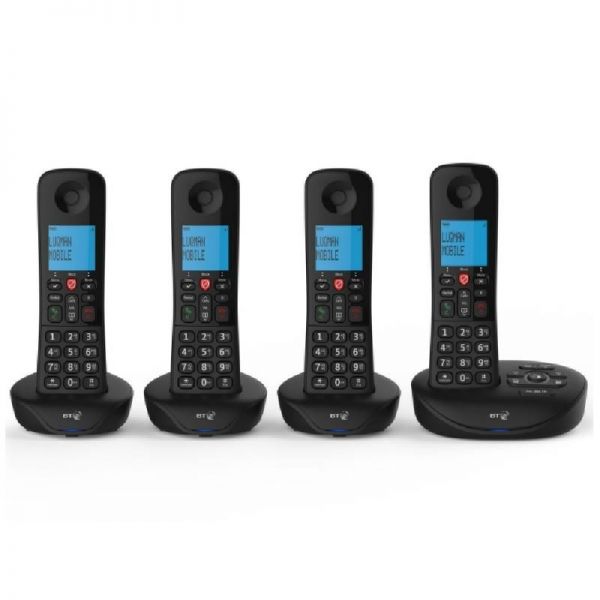
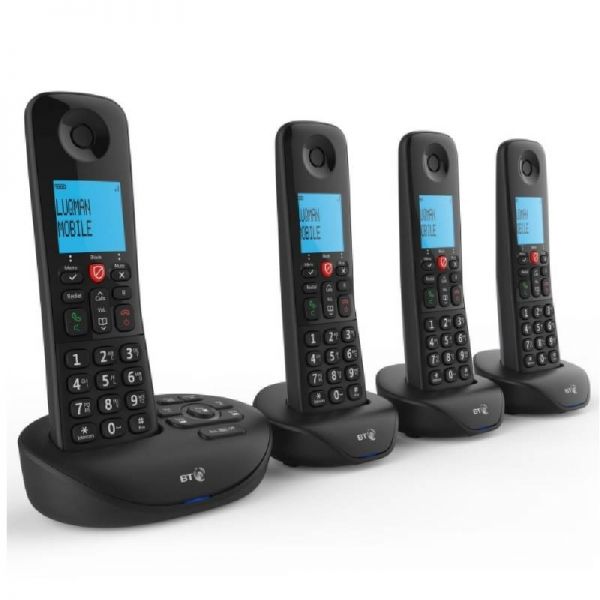
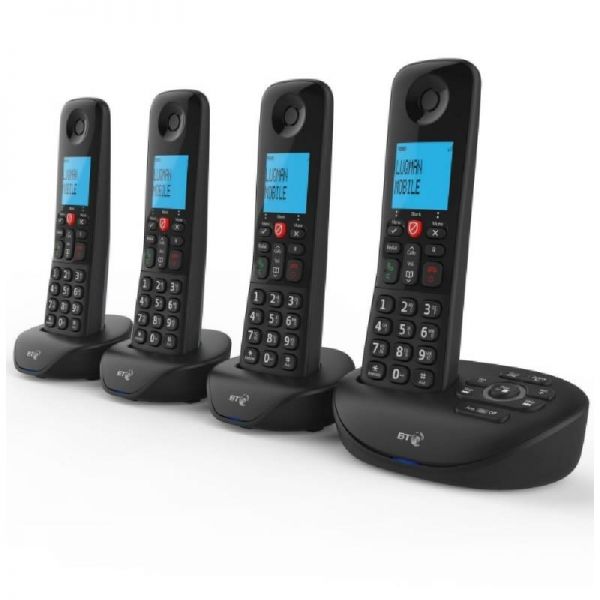
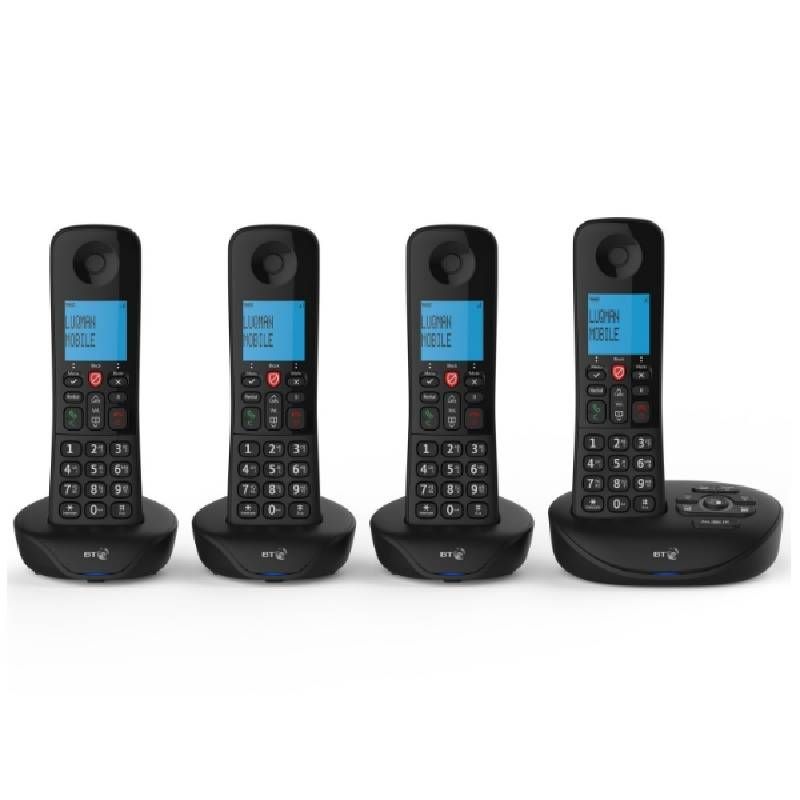
BT Essential Phone Quad
Internal ref: BTESSEQUK // Manufacturer part #: 090660
DECT BT Essential Phone with nuisance call blocking and answer machine
5 of 1 Reviews
This product is no longer manufactured
To better meet your needs we offer a list of similar products
Product description
Essential Phone perfect for any business
The BT Essential Phone Quad with nuisance call blocking and answer machine, has been designed for small and medium sze offices, with amazing feautres to facilitate your communications and enhance your performance in your business.
Nuisance call blocking features
Avoid nuisance incoming calls with the BT Essential Phone by blocking up to 100 particular numbers. You can also use the dedicated Call Block button to silence any unwanted incoming calls.
Easy to set up and great sound quality
The 1.8" backlit screen lets you store up to 100 contacts in the address book and record up to 30 minutes of messages with ease. Thanks to the easy to set up capabilities, you can enjoy excellent sound quality with an indoor range of 50 meters. Move freely around in the office without any worries. Get the most out of the easy to use menu and countless other features.
Answer Machine
You can store up to 30 minutes of messages thanks to the integrated answering machine. Never miss out on an important call again! You can access and listen to your saved messages remotely, which is perfect for holidays.
Call Screening
The answering machine can aslo be used to screen calls, meaning you can listen to the messages while its being recorded. That way you can decide if you want to pick the phone up or not.
Features:
- Block up to 100 numbers
- Excellent sound quality
- Easy set up
- Handsfree speaker
- Long range reception, up to 300m outdoors, 50m indoors
- 12 hours of talking OR 120 hours standby time
- See and hear if you have a second call waiting
- Easy to read screen shows when you have messages
- Dedicated Call Block Button
- Save up to 100 contacts
- Redial any of the last 10 calls you made
- Record up to 30 minutes of messages
- 1.8 inch backlit screen
Files
BT Essential Phone Quad - Datasheet (EN)
BT Essential Phone Quad - User Manual (EN)
Product Specs.
| Manufacturer part # | 090660 |
|---|---|
| EAN | 5016351619339 |
| Warranty | 1 year |
| Technology | Analog Phones |
| Range | DECT : 50m indoor + 300m outdoor |
| Hands free speakerphone | With hands free speakerphone |
| Type of display | Black and white display |
| Caller ID | With caller ID |
| Call recording | With call recording |
| Contacts | >100 |
| SOS button | Without SOS button |
| Bluetooth | Without Bluetooth |
| Wifi | Without WiFi |
| Headset port | Without port |
| Lone worker protection | No |
| Additional handsets supported | Up to 4 additional handsets |
| Battery type | 2 x NiMH AAA batteries |
Product Reviews
S A Coates
06/12/2024
Easy to install. Good sound


1 Customers reviews
5
1
4
0
3
0
2
0
1
0
Reset
Frequently Asked Questions
Yes, you can transfer an external call from one handset to the other. The how-to is explained in page 51 of the user guide: onedirect.co.uk/amfile/file/download/file/14537/product/112549/
Make sure the answering machine is turned on, page 35 of the user manual onedirect.co.uk/amfile/file/download/file/14537/product/112549/ explains how to check for this.