
My Cart



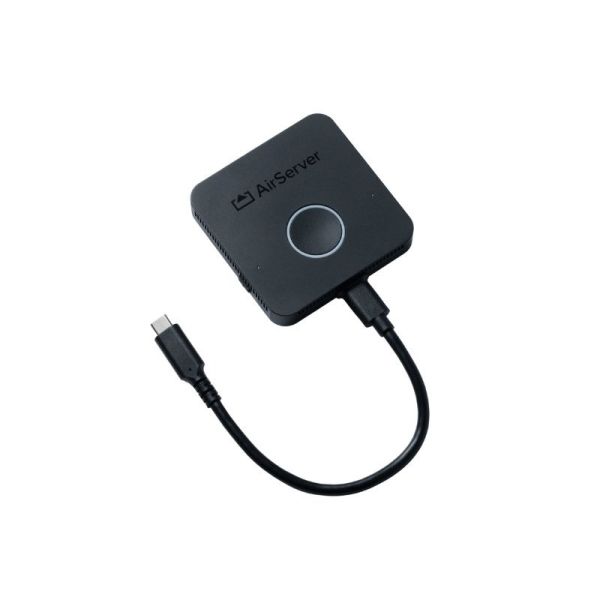
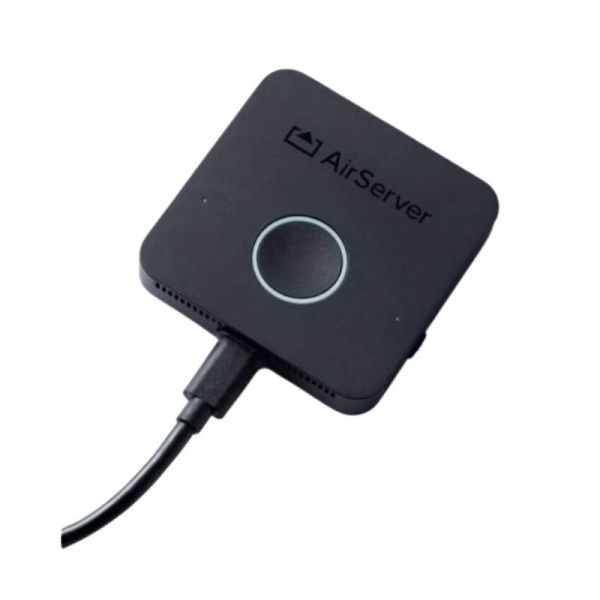
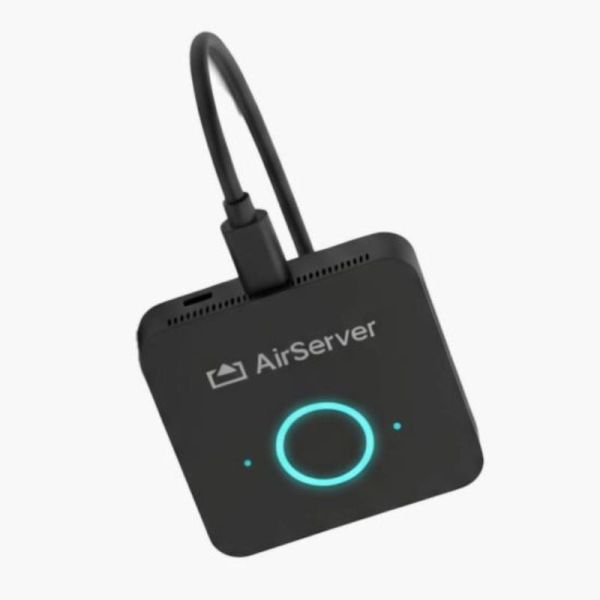
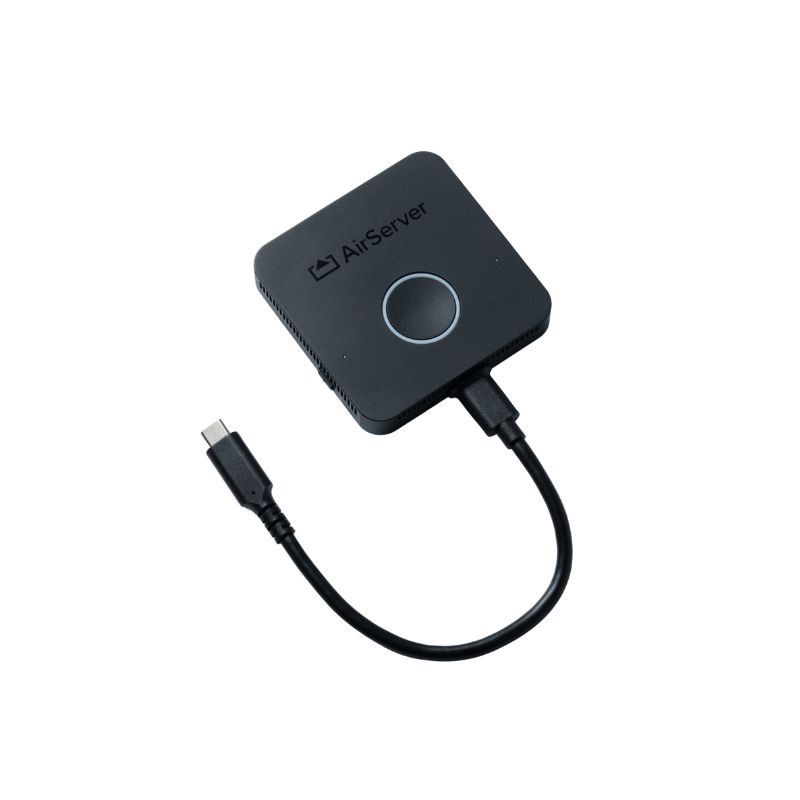
AirServer Connect Button BYOM 4K60 Accessory
Internal ref: AIRSERCON3BUTTON // Manufacturer part #: AIRSERVERBUTTON
A USB-C accessory for screen sharing or extending the display up to 4K60 and connecting up to four 4K cameras to a laptop in BYOM environments.
£419.99
£503.99 Incl. VAT
2 years of manufacturer warranty Subject to manufacturer conditions
Pay in 3 interest-free payments of Show more

Key features
- 4K60 screen sharing: mirror or extend your laptop screen up to 4K at 60 fps
- BYOM-ready: USB-C accessory designed for meeting and collaboration spaces
- USB-C DisplayPort Alt Mode: captures content with smooth motion, video and animations
- Up to 4 4K cameras: streams cameras to the laptop via standard UVC/UAC interfaces
- No apps or drivers required: simplifies the laptop’s access to connected cameras
- Wi-Fi 6E: wireless connection to a compatible base station
- Guest network: provides a configurable connection to the laptop via USB-C
In the box
- AirServer Connect Button
Product description
AirServer Connect Button: 4K60 screen sharing and BYOM via USB-C
AirServer Connect Button is a USB-C accessory for 4K60 screen sharing and BYOM setups. It allows you to use your own laptop to mirror or extend your desktop and is capable of streaming up to four 4K cameras to your computer.
Mirror or extend your screen up to 4K60
Connect Button allows you to extend or mirror your screen up to a resolution of 4K at 60 fps. It does this using USB-C DisplayPort Alt Mode, providing the smooth performance required for presentations, video and animations.
The ability to use both desktop duplication and extension provides flexibility for various professional presentation scenarios.
Designed for BYOM environments
AirServer defines the Connect Button as a USB-C accessory for BYOM. This allows users to use their own laptop within a collaboration space equipped with a compatible docking station.
The USB-C format makes it easy to use with computers that have the necessary capabilities for the required video and connectivity functions.
Up to four 4K cameras on your laptop
One of the key features of the Connect Button is the ability to stream up to four 4K cameras to your laptop. AirServer uses standard UVC/UAC interfaces for this communication.
The manufacturer states that this feature can be used without installing any additional drivers or applications, simplifying the use of the audiovisual equipment available in professional settings.
Wireless connection via Wi-Fi 6E
The Connect Button communicates with the base station via Wi-Fi 6E, offering a wireless connection tailored to the needs of video streaming and collaboration.
Alternatively, AirServer allows connection via a wired USB-C dock with Ethernet. This dock is not included with the Connect Button.
Guest network via USB-C
The device can provide the laptop with a configurable connection to the guest network via USB-C. This feature facilitates the computer’s connectivity within facilities set up for external users or BYOM devices.
Power supply via USB-C
The Connect Button can be powered using a certified USB-C power supply. This configuration allows the device to remain ready for use whilst simultaneously charging the connected laptop.
The USB-C power supply is not included with the device.
Flexible installation via USB-C dock
In addition to Wi-Fi 6E, AirServer supports the use of a wired USB-C dock with Ethernet connectivity to connect the Button to the base station. This accessory is sold separately and is not included in the manufacturer’s standard package.
Use cases and compatibility
The AirServer Connect Button is designed for meeting rooms, collaboration spaces and BYOM environments where users need to work from their own laptop, share high-resolution content and make use of cameras available on the premises.
To utilise screen capture at up to 4K60, the computer used must have a USB-C port with the necessary capabilities for DisplayPort Alt Mode. The available functions also depend on the base station and the connected equipment.
Technical specifications:
| Feature | Value |
|---|---|
| Product type | USB-C accessory for presentation and BYOM |
| Main function | Screen sharing and BYOM |
| Maximum resolution | 4K at 60 fps |
| Display modes | Screen mirroring and extension |
| Screenshot | USB-C DisplayPort Alt Mode |
| Wireless connectivity | Wi-Fi 6E |
| Maximum number of cameras | Up to 4 4K cameras |
| Camera and audio interfaces | UVC/UAC |
| Additional drivers for cameras | Not required |
| Additional applications for cameras | Not required |
| Guest network | Configurable via USB-C |
| Alternative wired connection | USB-C dock with Ethernet |
| USB-C Ethernet dock included | No |
| Power supply | Certified USB-C power supply |
| Power supply included | No |
| Laptop charging | Yes, with compatible USB-C power delivery |
| BYOM | Yes |
Files
airserver connect 3 - Datasheet
Product Specs.
| Manufacturer part # | AIRSERVERBUTTON |
|---|---|
| Warranty | 2 years |
| Accessory Type | Button |
| Is Accessory of | Content Sharing |
| Lone worker protection | No |
Frequently Asked Questions
Currently there are no questions for this product.