
My Cart



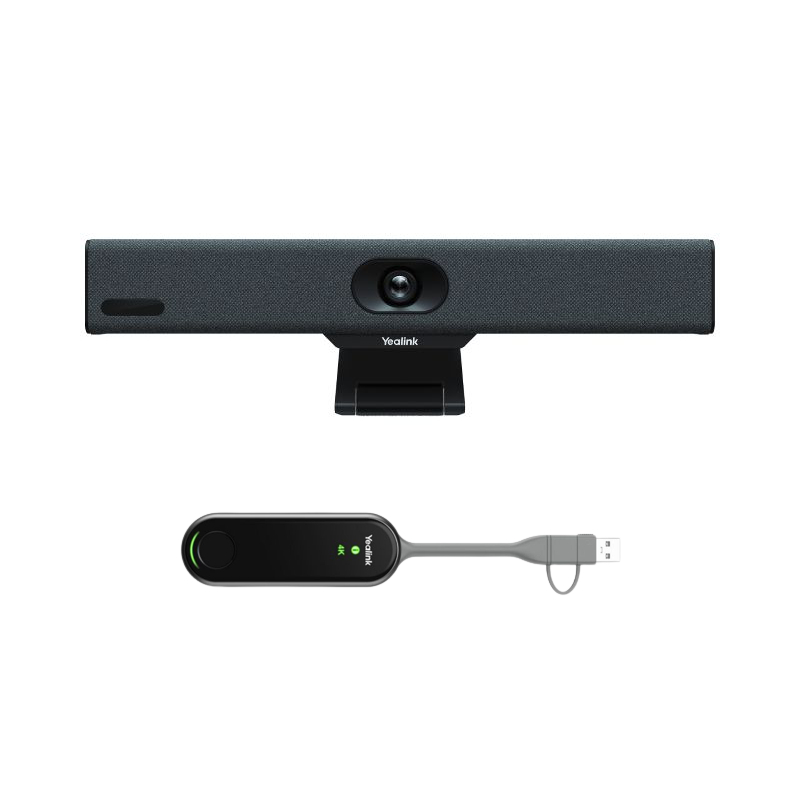
Hi. Can you explain the connections required for the Yealink MeetingBar. I understand that it needs to be connected to a networked laptop or PC (what cable type is required for this?) but does it also need a separate network/internet connection and can it be linked to a TV via HDMI to use as a monitor ? Thank you Gavin
This system can work on its own, it does not need a separate computer to work. For the internet connection, it can be done via WiFi or with an ethernet cable. If you want to use a different app you can also manage this device as BYOD (bring your own device) and then use the hardware with a computer.
Was this helpful?