
My Cart



Headsets by equipment
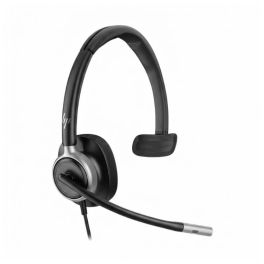
HP Poly Mission 615 USB-C Mono
IN STOCKUSB-C mono headset for the office with 2 microphones, busy light and mute function by rotating the microphone boom, designed to provide greater voice clarity and increased comfort during long working days.£82.99 £99.59 Incl. VATRef: PLMIS615USBCAMCompare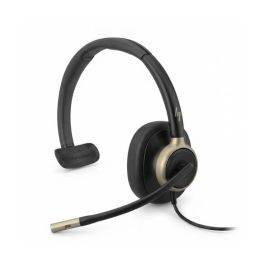
HP Poly Mission 815 USB-C Mono ANC
IN STOCKUSB-C mono headset for office and unified communications with ANC, 3 microphones and busy light, designed to provide greater focus and clarity during your daily calls.£99.99 £119.99 Incl. VATRef: PLMIS815USBCAMCompare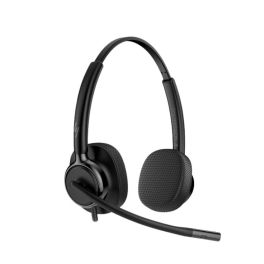
HP Poly Mission 425 USBCA Duo
IN STOCKUSB stereo headset with a USB-C connection and a USB-A adapter, featuring a noise-cancelling microphone and super-wideband audio for crystal-clear calls.£43.99 £52.79 Incl. VATRef: PLMIS425USBCADLCompare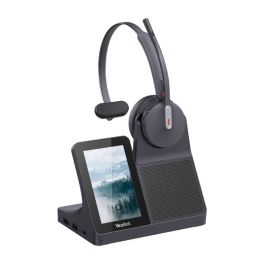
Yealink WH64 Mono Workstation DECT-Bluetooth-Headset
IN STOCKDECT and Bluetooth headset with touchscreen, integrated hub and optimised audio. Ideal for offices and call centres.£242.99£156.99 £188.39 Incl. VATRef: YEAWH64WORKSTMONOCompare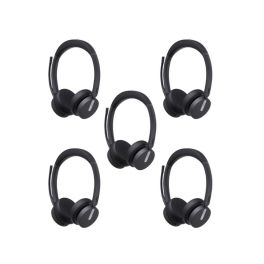
Pack of 5 Yealink WH64 Duo MS wireless headsets
Pack of 5 Yealink WH64 Duo wireless DECT headsets for Microsoft Teams, ideal for hybrid working environments and high-quality professional communications.IN STOCK5.0 of 1 Reviews£1,109.75£523.75 £628.50 Incl. VATRef: YEAWH64DX5Compare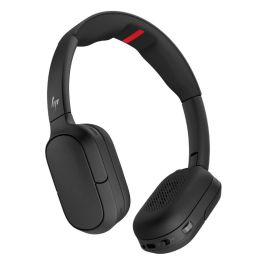
HP Poly Focus 625 Fold Foldable Stereo Bluetooth Headset
IN STOCKFoldable stereo Bluetooth headset with hybrid active noise cancellation, spatial audio and optimised microphones to deliver high-quality professional communications, whether on the move or in the office.£263.99£171.99 £206.39 Incl. VATRef: PLFOCUS625FCompare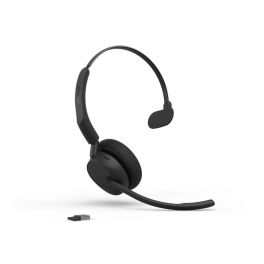
Jabra Evolve3 45 Mono USB-A UC Wireless Headset
IN STOCKA professional mono headset designed for unified communications, featuring USB-A connectivity, ANC, three ClearVoice™ microphones and optimal comfort for long, busy working days.£163.99£112.99 £135.59 Incl. VATRef: GNEVOL345MCAUCCompare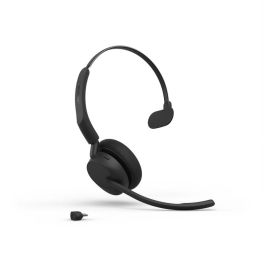
Jabra Evolve3 45 Mono USB-C UC Wireless Headset
IN STOCKProfessional wireless mono headset with USB-C, ANC, 3 ClearVoice™ microphones and a reversible boom arm for crystal-clear calls and optimal comfort all day long.£163.99£108.99 £130.79 Incl. VATRef: GNEVOL345MCUCCompare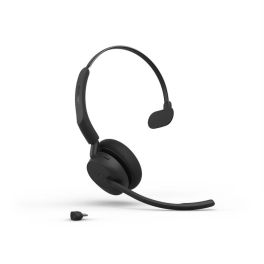
Jabra Evolve3 45 Mono USB-C MS Wireless Headset
IN STOCKA Microsoft Teams-certified professional mono headset with USB-C and Bluetooth connectivity, ANC, 3 ClearVoice™ microphones and a reversible boom arm for seamless communication and long-lasting comfort.£163.99£125.99 £151.19 Incl. VATRef: GNEVOL345MCMSCompare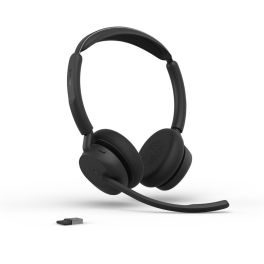
Jabra Evolve3 45 Duo USB-A MS wireless headset
IN STOCKMicrosoft Teams-certified wireless duo headset with USB-A connectivity, ANC, 3 ClearVoice™ microphones and an ultra-lightweight design for seamless collaboration.£173.99£117.99 £141.59 Incl. VATRef: GNEVOL345DCAMSCompare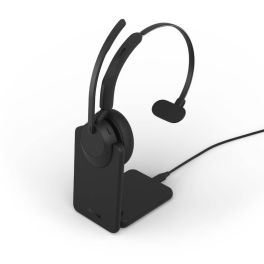
Jabra Evolve3 45 Mono USB-C UC + Charging Stand
IN STOCKWireless mono headset with charging dock, USB-C connection, ANC, 3 ClearVoice™ microphones and UC certification for seamless communication and charging that’s always within easy reach.£215.99£142.99 £171.59 Incl. VATRef: GNEVOL345MCSTUCCompare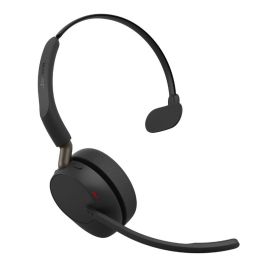
Jabra Evolve3 65 Mono USB-A UC Wireless ANC Headset
IN STOCKUC Bluetooth headset with adaptive ANC and ClearVoice, designed for crystal-clear business calls whilst leaving one ear free.£210.99£159.99 £191.99 Incl. VATRef: GNEVOL365MCAUCCompare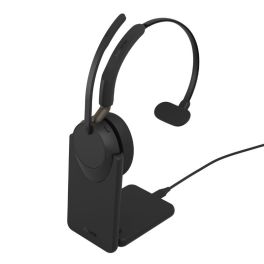
Jabra Evolve3 65 Mono USB-C UC + Stand
IN STOCKUC Bluetooth headset with adaptive ANC, ClearVoice and a charging cradle, designed for crystal-clear calls without losing touch with your surroundings.£252.99£184.99 £221.99 Incl. VATRef: GNEVOL365MCSTUCCompare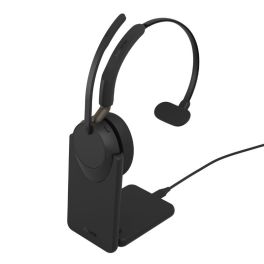
Jabra Evolve3 65 Mono USB-A UC + Stand
IN STOCKUC Bluetooth headset with adaptive ANC, ClearVoice and a charging cradle, ideal for crystal-clear calls whilst keeping one ear free.£252.99£184.99 £221.99 Incl. VATRef: GNEVOL365MCASTUCCompare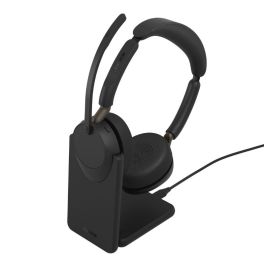
Jabra Evolve3 65 Duo USB-A UC + Stand
IN STOCKUC Bluetooth headset with adaptive ANC, ClearVoice and a charging dock for crystal-clear calls and improved concentration in noisy offices.£263.99£192.99 £231.59 Incl. VATRef: GNEVOL365DCASTUCCompare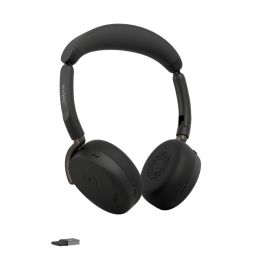
Jabra Evolve3 65 Flex USB-A MS Wireless ANC Headset
IN STOCKProfessional foldable headset without a microphone boom, featuring adaptive active noise cancellation, ClearVoice AI, Bluetooth 5.3 and the Jabra Link 390a USB-A dongle.£261.99£192.99 £231.59 Incl. VATRef: GNEVOL365FLEXCAMSCompare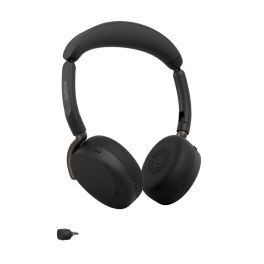
Jabra Evolve3 65 Flex USB-C UC Wireless ANC Headset
IN STOCKFoldable UC professional headset without a microphone boom, featuring adaptive ANC, ClearVoice AI technology, Bluetooth 5.3 and the Jabra Link 390c USB-C dongle.£261.99£172.99 £207.59 Incl. VATRef: GNEVOL365FLEXCUCCompare- IconBest Seller
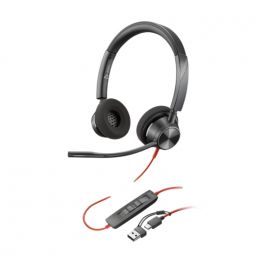
Poly Blackwire 3320 Stereo USB-C + USB-C/A Adapter
Professional stereo headset with dual USB-C connection and USB-A adapter compatible with PC/MAC ideal for offices and intensive use.Call us for availability5 of 4 Reviews£48.98£24.99 £29.99 Incl. VATRef: PLB3320USBCACompare 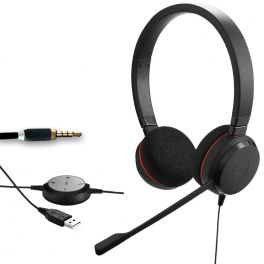
Jabra Evolve 30 II UC Stereo
Corded duo USB headset with an interchangeable 3.5mm jackCall us for availability4.7 of 9 Reviews£73.25£51.99 £62.39 Incl. VATRef: GNEVOL30D-2Compare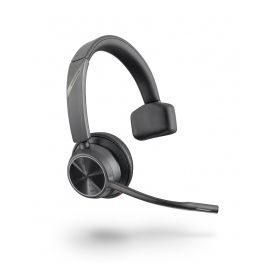
Poly Voyager 4310 USB-C
Call us for availabilityProfessional mono Bluetooth headset with USB-C adapter, dual noise-cancelling microphone, multipoint connectivity and up to 24 hours of talk time.£161.95£85.99 £103.19 Incl. VATRef: PLVOY4310CUCCompare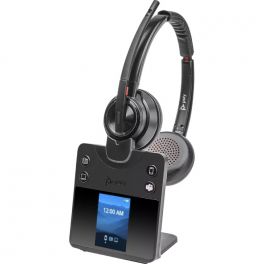
POLY SAVI 8420 Office Duo Teams
Call us for availabilityModern DECT headset with 3-way connectivity to PC, telephone or mobile phone£396.99£284.99 £341.99 Incl. VATRef: PLW8420MCDMCompare
Jabra Engage 55 SE Stereo USB-C UC
Call us for availabilityWireless DECT headset with enhanced security and superior sound quality for calls from anywhere£257.00£171.99 £206.39 Incl. VATRef: GNENGAGE55DUCCSECompare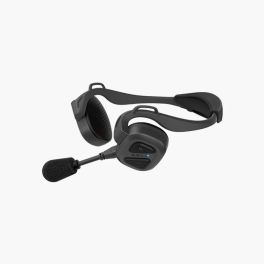
Sena Nautitalk Bosun Mesh
Call us for availabilityHeadphones with Mesh Intercom 3.0: clear, secure, hands-free group communication£299.99£269.99 £323.99 Incl. VATRef: SENANAUTIBOS1Compare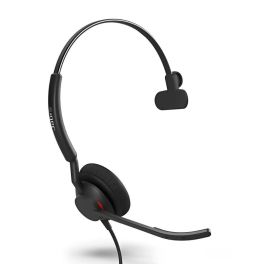
Jabra Engage 50 II UC Mono USB-A/C
Call us for availabilityMono headset for professional communication with dual USB connection, 3-microphone system, and real-time analytics.£217.99£147.99 £177.59 Incl. VATRef: GNENGAGE50MIICompare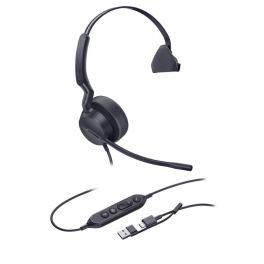
Yealink UH42 MS Mono USB-C/A
Call us for availabilityWired USB-C/A headset optimised for Teams with AI noise-cancelling microphone, 35 mm HD speaker, and built-in call controls.£36.29£29.99 £35.99 Incl. VATRef: YEAUH42MTCACompare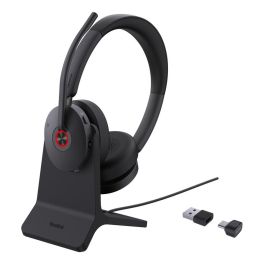
Yealink BH74 with Stand Teams USB-C/A
Call us for availabilityBluetooth stereo headset stay focused in every audio adventure£118.79£95.99 £115.19 Incl. VATRef: YEABH74CACHARUKCompare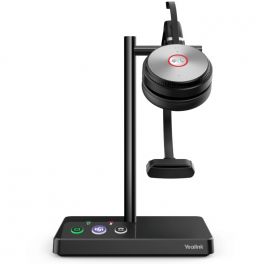
Yealink WH62 Mono Teams
DECT wireless mono headset optimised for Teams - for office environmentsCall us for availability5 of 2 Reviews£139.86£109.99 £131.99 Incl. VATRef: YEALINKWH62UKCompare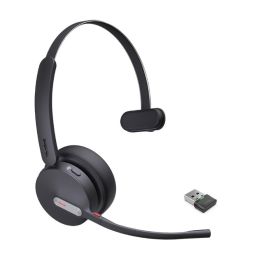
Yealink WH64 Mono MS
Microsoft Teams certified wireless headset with Bluetooth AND DECT connectivity that adapts to all work scenarios: office, home and travel.Call us for availability5 of 1 Reviews£109.99£94.99 £113.99 Incl. VATRef: YEAWH64MTCompare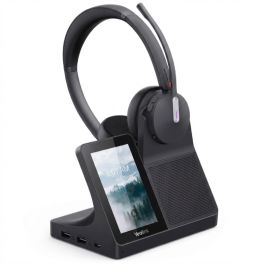
Yealink WH64 Duo Workstation Headset DECT Bluetooth
Call us for availabilityProfessional wireless headset with an all-in-one base station, dual DECT and Bluetooth connectivity, and a touchscreen for advanced communications management.£273.99£174.99 £209.99 Incl. VATRef: YEAWH64WORKSTDUALCompare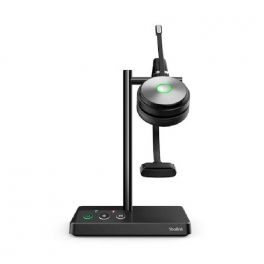
Yealink WH62 Mono UC
Call us for availabilityA UC-optimised DECT Mono wireless headset ideal for office environments.£191.39£123.99 £148.79 Incl. VATRef: YEALINKWH62UCUKCompare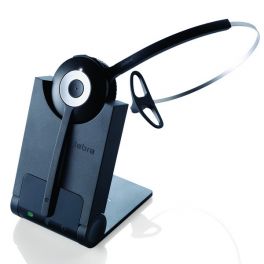
Jabra PRO 920 Mono
Simple, dependable and affordable cordless headset- ideal for desktop phonesCall us for availability5 of 1 Reviews£206.00£136.99 £164.39 Incl. VATRef: GN920UKCompare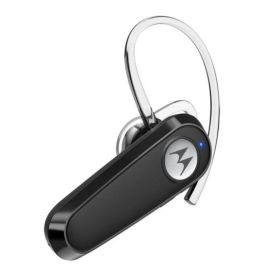
Motorola HK126
Call us for availabilityExperience crystal-clear business calls with this lightweight Bluetooth headset offering 8 hours of talk time and comfortable ear-hook design.£16.99 £20.39 Incl. VATRef: MOHK126Compare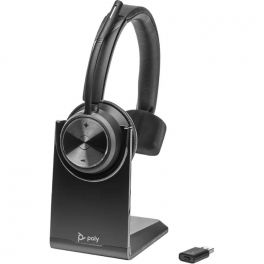
POLY SAVI 7310 Mono UC
Call us for availabilityCordless DECT headset for telephone and PC with the highest security level£303.99£175.99 £211.19 Incl. VATRef: PLW7310UCACompare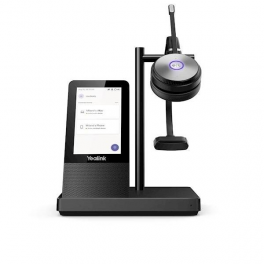
Yealink WH66 Mono UC
Call us for availabilityA high-end mono DECT cordless headset compatible with all softphones.£243.46£170.99 £205.19 Incl. VATRef: YEALINKWH66UCUKCompare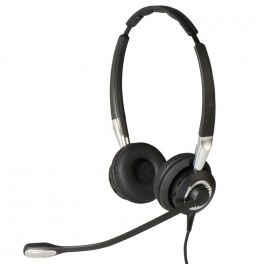
Jabra BIZ 2400 II Duo UNC Corded Headset
Corded binaural headset with ultra noise-cancelling microphone and HD voiceCall us for availability4.7 of 9 Reviews£226.00£151.99 £182.39 Incl. VATRef: GN2400DNC-2Compare
Yealink BH71 Workstation Pro USB-C/A
Call us for availabilityPremium mono headset with UC workstation, 4-mic noise cancellation, and wireless charging!£226.99£209.99 £251.99 Incl. VATRef: YEABH71WPROUSBCACompare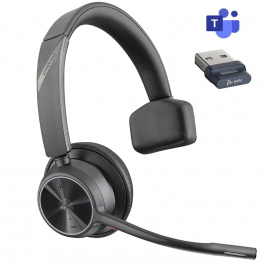
Poly Voyager 4310 USB-A - Teams
Flexible and comfortable professional wireless headset for communication on the goCall us for availability5 of 1 Reviews£161.95£85.99 £103.19 Incl. VATRef: PLVOY4310AMCompare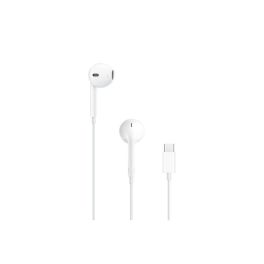
Apple EarPods Wired USB-C Earphones
Out of stockApple wired earphones with a USB-C connector, built-in microphone and remote control, designed to deliver high-quality audio, maximum comfort and intuitive control over calls and multimedia content.£23.99£15.99 £19.19 Incl. VATRef: APPWIREDEARPODSCompare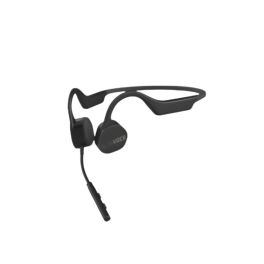
Alta Vibes Pro Bluetooth
Call us for availabilityLightweight bone conduction headset for clear calls, all-day comfort, and natural awareness, ideal for professionals on the go.£145.99£132.99 £159.59 Incl. VATRef: ALTAAV02Compare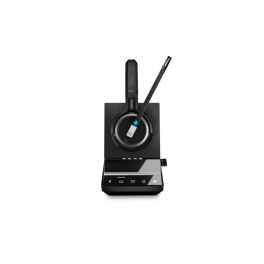
EPOS IMPACT SDW 5033T EU/UK/AUS
Call us for availabilityWireless DECT headset with base station. Single connectivity to PC/softphone.£329.00£214.99 £257.99 Incl. VATRef: SESDW5033V2TCompare
Key features and functions
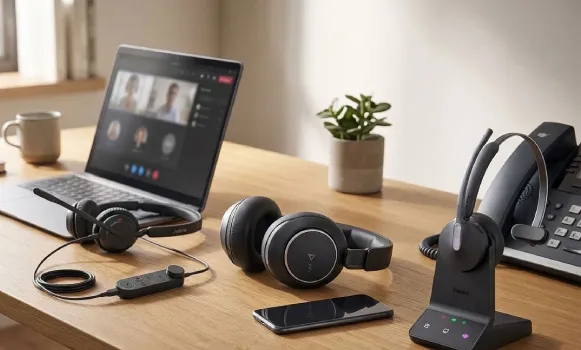
Choosing a professional headset according to your communication device makes it easier to identify equipment suited to your setup. A PC headset meets the needs of computer-based calls and online meetings, while a telephone headset is designed to work with a compatible desk phone. Mobile phone headsets offer connections suited to smartphones, including Bluetooth or wired options depending on the model. For Microsoft Teams users, some headsets offer specific features and certifications for the platform. Headset and telephone bundles provide another option for equipping a professional communication workstation.
| PC headsets | Designed for computer-based calls and video meetings, with USB, jack or wireless connections depending on the model. |
| Telephone headsets | Suitable for compatible desk phones, with wired or wireless connections depending on the equipment. |
| Mobile phone headsets | Allow communication from a compatible mobile phone, particularly via Bluetooth or an appropriate wired connection. |
| Microsoft Teams headsets | Models designed for communication on Teams, with call management features and specific certifications. |
| Headset and telephone bundles | Bundles combining a headset and telephone to make it easier to equip a professional communication workstation. |
| Connectivity and compatibility | Connection types, accessories and available features vary depending on the communication device and product model. |
How to choose the right product
- OK Identify your main device: computer, desk phone or smartphone, depending on which device you use for communication.
- OK Check the available connections: USB-A, USB-C, jack, Bluetooth or a specific telephone connection, depending on your equipment.
- OK Consider your software: check the headset's compatibility with your calling and video conferencing applications.
- OK Review Microsoft Teams headsets: if you are looking for features specifically designed for this platform.
- OK Choose between wired and wireless: depending on your mobility needs, working environment and communication habits.
- OK Assess comfort and microphone performance: mono or binaural configuration, noise reduction and ergonomics for frequent calls.
- OK Consider a bundle: if you want to equip a complete workstation with devices designed to work together.
Uses across professional sectors
Professional headsets can be selected according to the communication tools used in each working environment. In offices and administrative departments, PC headsets make computer-based calls and online meetings easier. In contact centres, customer service departments and reception roles, telephone headsets meet the needs of employees using compatible desk phones. Sales teams and mobile employees may prefer mobile phone headsets to communicate while travelling. Businesses using Microsoft Teams can look for headsets suited to the platform for their meetings and calls.
Why choose Onedirect?
Onedirect helps you choose professional headsets according to the communication devices used in your business. Explore solutions for computers, desk phones, smartphones and Microsoft Teams, as well as bundles combining a headset and telephone. Whether you want to replace a headset, equip several employees or set up a new telephone workstation, our specialists can help you identify the products and accessories suited to your working environment.
FAQ – Frequently asked questions
How do you choose a headset based on your communication device?
Start by identifying the device you primarily use: computer, desk phone or smartphone. Then check the available connections and compatibility with your communication software. If you use Microsoft Teams, you can also look for a headset certified for the platform.
Can you use the same headset with a PC and a desk phone?
Yes, some professional headsets can work with multiple devices through a connection base, different cables or compatible wireless features. However, this depends on the headset, telephone and accessories used. Check the model's specifications to confirm the available connections.
Do you need a certified headset to use Microsoft Teams?
A headset does not necessarily need to be Microsoft Teams certified to work with the application. However, certified models are designed and tested to meet specific platform requirements. Depending on the model, they may offer dedicated controls and easier integration.
What are the benefits of a headset and telephone bundle?
A headset and telephone bundle combines two devices to create a professional communication workstation. It allows you to select a set of equipment designed to work together, depending on the bundle's contents. Check the telephone's features, headset specifications and included accessories to choose a solution suited to your setup.
Related resources
PC headsets Icon Telephone headsets Icon Microsoft Teams headsets Icon