
My Cart



Microsoft Teams headsets
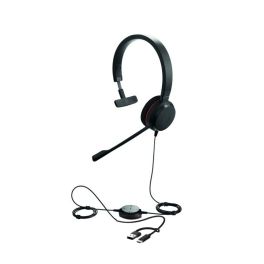
Jabra Evolve 20SE MS Mono USB-C/A
IN STOCKHeadset with premium audio and easy-to-use controls.£49.99£34.99 £41.99 Incl. VATRef: GNEVOL20SEMONOMSCompare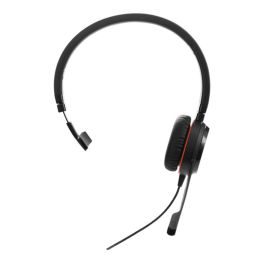
Jabra Evolve 30 II - USB-C/A, MS Mono
IN STOCKProfessional mono headset with dual USB-C/A and 3.5 mm connection. Certified for Microsoft Teams.£49.99£43.99 £52.79 Incl. VATRef: GNEVOL30IIMSCompare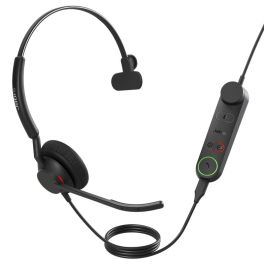
Jabra Engage 50 II MS Mono USB-C/A + Link
IN STOCKMono USB-C/A headset certified for Microsoft Teams, with noise-cancelling microphone and built-in controls for smooth professional communication.£215.99£147.99 £177.59 Incl. VATRef: GNENGAGE50MSCACompare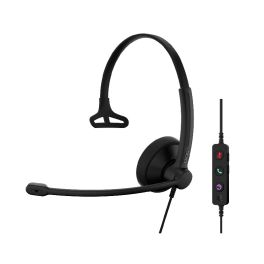
EPOS IMPACT 100 MS Mono USB-C+A
IN STOCKUltra-lightweight PC headset with professional audio, intuitive controls, and all-day comfort for your working day.£39.99£34.99 £41.99 Incl. VATRef: SEIMP100MMSCACompare
Epos Impact 500 MS ANC USB-C+A
IN STOCKMicrosoft Teams-certified wireless headset with hybrid ANC, USB-C+A dongle, long battery life and premium comfort, ideal for clear and productive communication.£156.99£109.99 £131.99 Incl. VATRef: SEIMP500MSCompare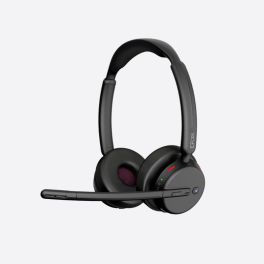
EPOS IMPACT500 MS UC Bluetooth
IN STOCKProfessional Bluetooth headphones with hybrid ANC and AI microphones for clear calls and focused work in open-plan offices.£174.99£100.99 £121.19 Incl. VATRef: SEIMP500UCANCCompare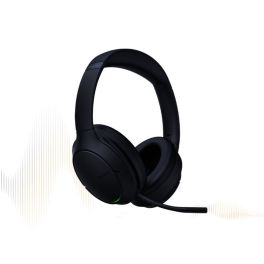
Yealink BH78 USB-C/A Bluetooth Headset + Charging Dock
IN STOCKProfessional Bluetooth headset with adaptive active noise cancellation, 6 microphones, BT51C dongle, wireless charging cradle and 38 hours’ talk time.£285.99£151.99 £182.39 Incl. VATRef: YEABH78USBCACompare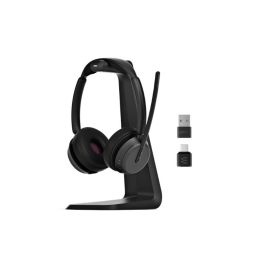
EPOS IMPACT 1000 USB-C Duo Headset + dongle and charging dock
IN STOCKProfessional binaural Bluetooth headset, BTD 900c USB adapter and wireless charging dock for crystal-clear calls, maximum productivity and optimised connectivity.£275.99£206.99 £248.39 Incl. VATRef: SEIMP1000USBCDDSTCompare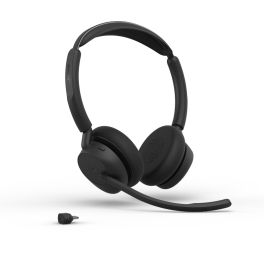
Jabra Evolve3 45 Duo USB-C MS wireless headset
IN STOCKMicrosoft Teams-certified wireless duo headset with USB-C connection, ANC, 3 ClearVoice™ microphones and a lightweight design for optimal concentration and more efficient meetings.£173.99£117.99 £141.59 Incl. VATRef: GNEVOL345DCMSCompare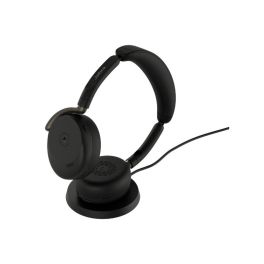
Jabra Evolve3 65 Flex USB-A MS Wireless ANC Headset + Base
IN STOCKProfessional foldable headset without a microphone boom, featuring adaptive active noise cancellation, ClearVoice AI, a Link 390a USB-A dongle and wireless charging.£305.99£213.99 £256.79 Incl. VATRef: GNEVOL365FLEXCASTMSCompare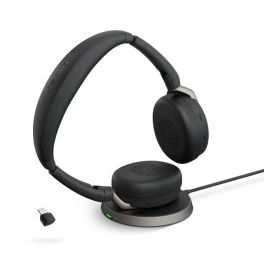
Jabra Evolve2 65 Flex USB-C MS Stereo with Wireless Charger
Higher concentration and more flexibility for undisturbed, professional and hybrid work.IN STOCK5 of 2 Reviews£310.00£199.99 £239.99 Incl. VATRef: GNEVOL265FDCMSUPCompare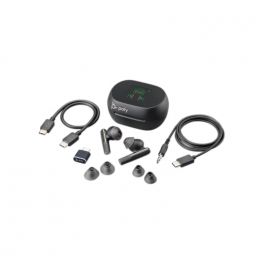
Poly Voyager Free 60+ MS Black USB-C + Touchscreen Charging Case
IN STOCKPoly's new professional wireless bluetooth earphones, specially designed for hybrid workers to keep you focused, productive and entertained. Optimised for Microsoft Teams.£273.95£207.99 £249.59 Incl. VATRef: PLVOYFR60CTTSBCompare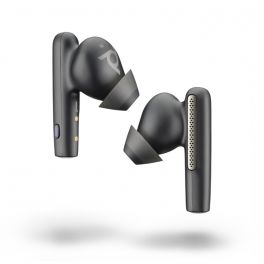
Poly Voyager Free 60 UC USB-C MS Wireless Headphones with Black Case
IN STOCKPoly Voyager Free 60 USB-C MS Wireless Headphones + Black Case£230.99 £277.19 Incl. VATRef: PLVOYFR60CTBCompare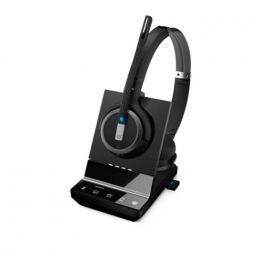
EPOS IMPACT SDW 5066T EU/UK/AUS MS
IN STOCKDual-sided, wireless DECT headset with triple connectivity for professionals using multiple devices, including PC/softphone. Certified for Microsoft Teams.£425.00£282.99 £339.59 Incl. VATRef: SESDW5066V2TCompare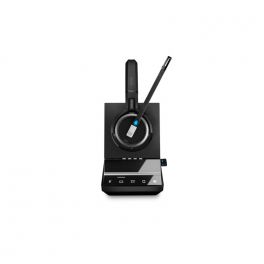
EPOS IMPACT SDW 5036T EU/UK/AUS
IN STOCKState-of-the-art Sennheiser DECT headset for desk phones, PC & smartphone with maximum range. Optimised for Microsoft Teams.£405.00£261.99 £314.39 Incl. VATRef: SESDW5036V2TCompare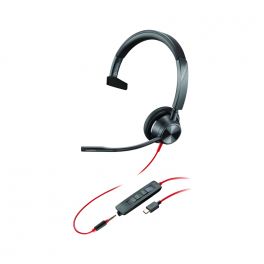
Poly Blackwire 3315 Mono Teams USB-C + 3.5mm Plug + USB-C/A Adapter
IN STOCKTriple-connected headset for PC and mobile devices with best-in-class audio experience - Optimised for Teams£72.12£39.99 £47.99 Incl. VATRef: PLB3315USBCAMCompare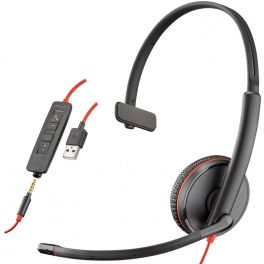
Poly Blackwire C3215 USB
Professional monaural headset with USB cable and 3.5mm JackIN STOCK4.5 of 2 Reviews£67.54£44.99 £53.99 Incl. VATRef: PLB3215USBCompare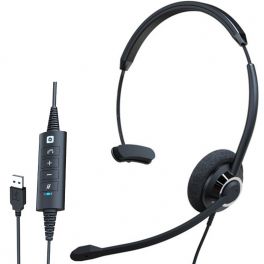
Cleyver ODHC60 USB mono
IN STOCKMono headset with USB cable for all softphones£26.99£25.99 £31.19 Incl. VATRef: ODHC60USBCompare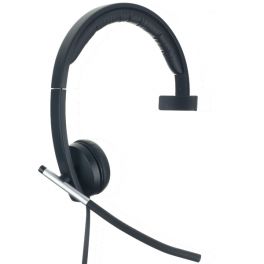
Logitech H650e Mono PC Headset
IN STOCKLightweight professional USB mono PC headset with in-use LED£59.39£45.99 £55.19 Incl. VATRef: LOH650MCompare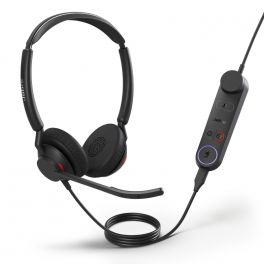
Jabra Engage 50 II + LINK USB-A MS Stereo
IN STOCKWith Engage 50 II, calls have more clarity, and customers enjoy an all-around better experience, thanks to Jabra´s innovative Engage+ software.£239.00£159.99 £191.99 Incl. VATRef: GNENG50IILMSADCompare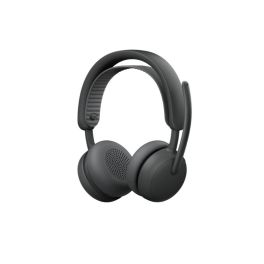
Logitech Zone Wireless 2 ES for Business BT TEAMS
IN STOCKWireless business headset with adaptive hybrid ANC and AI-optimised microphones for focused work.£158.99£141.99 £170.39 Incl. VATRef: LO981001512Compare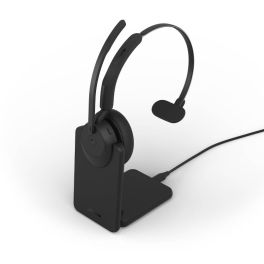
Jabra Evolve3 45 Mono USB-C MS + Charging Stand
IN STOCKMicrosoft Teams-certified wireless mono headset with charging cradle, USB-C connection, ANC and 3 ClearVoice™ microphones for high-performance communications and long-lasting comfort.£215.99£151.99 £182.39 Incl. VATRef: GNEVOL345MCSTMSCompare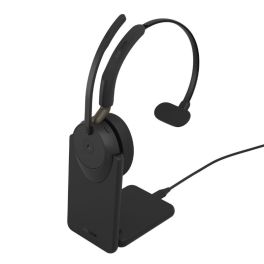
Jabra Evolve3 65 Mono USB-C MS + Stand
IN STOCKMicrosoft Teams-certified Bluetooth headset with adaptive ANC technology, ClearVoice feature and charging dock, designed to deliver crystal-clear calls without isolating you from your surroundings.£252.99£184.99 £221.99 Incl. VATRef: GNEVOL365MCSTMSCompare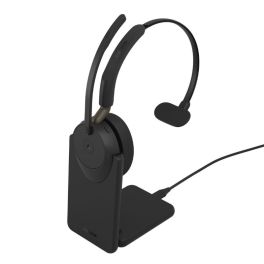
Jabra Evolve3 65 Mono USB-A MS with charging stand
IN STOCKA wireless mono headset for Teams with adaptive ANC and 31 hours of talk time, ideal for helping you stay focused without cutting yourself off from your surroundings.£252.99£184.99 £221.99 Incl. VATRef: GNEVOL365MCASTMSCompare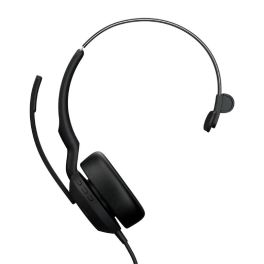
Jabra Evolve 2 50 MS Mono USB A/C
IN STOCKWired mono headset with high-performance microphone, ANC, and dual connectivity in a lightweight design.£139.99£96.99 £116.39 Incl. VATRef: GNEVOL250MONUSBACCompare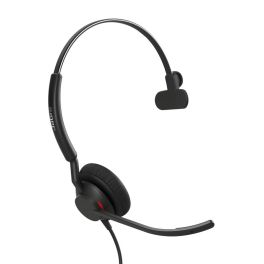
Jabra Engage 40 - (Inline Link) USB-C/A MS, Mono
IN STOCKCompact mono headset for call centres with USB-C/A UC connection and built-in busylight. Microsoft Teams version.£109.99£95.99 £115.19 Incl. VATRef: GNENGAGE40MSCompare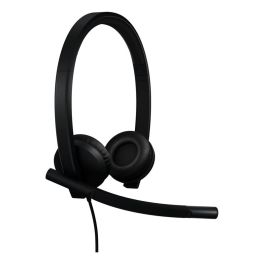
Logitech H570e Stereo Teams version Headset USB -A
IN STOCKExperience exceptional audio clarity for your calls.£44.99£36.99 £44.39 Incl. VATRef: LOH570ETCompare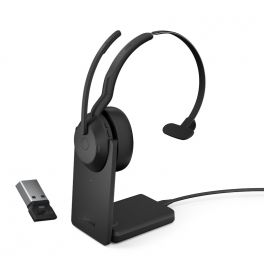
Jabra Evolve2 55 Link380 USB-A MS Mono with Charging Stand
Wireless headset for PC and mobile phone with Link380 dongle connection and charging stand. MS Version.IN STOCK4 of 1 Reviews£224.00£141.99 £170.39 Incl. VATRef: GNEVOL255AMSUPCompare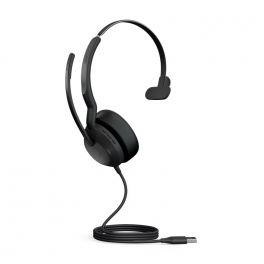
Jabra Evolve2 50 USB-A MS Mono
IN STOCKPC Headset MS version. USB-A£147.00£95.99 £115.19 Incl. VATRef: GNEVOL250AMCompare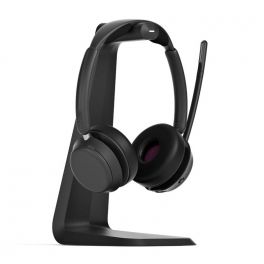
EPOS IMPACT 1061T
IN STOCKOpen Office Bluetooth Headset from Epos with charging station and certified for Microsoft Teams.£229.00£159.99 £191.99 Incl. VATRef: SEIMP1061TCompare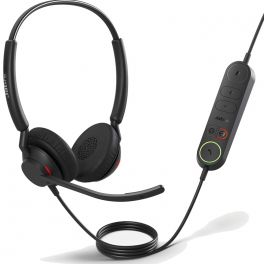
Jabra Engage 40 + LINK USB-C MS Stereo
IN STOCKUSB-C headset with Microsoft Teams support and inline call control unit£188.00£106.99 £128.39 Incl. VATRef: GNENG40LMSCDCompare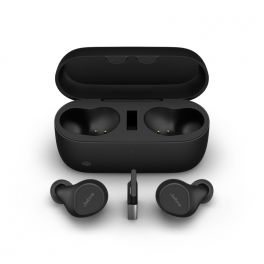
Jabra Evolve2 Buds USB-A MS
IN STOCKProfessional true wireless earbuds with ANC, six microphones, USB-A connectivity and Microsoft Teams certification for flexible hybrid working.£233.00£197.99 £237.59 Incl. VATRef: GNEVOL2BMSACompare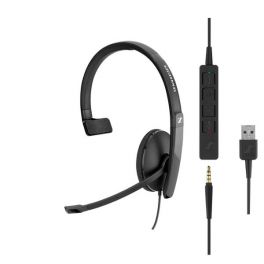
EPOS SC135 Monaural USB/3.5mm
Mono corded headset with USB connection and 3.5mm Jack for PC/ MAC and mobileIN STOCK4.8 of 3 Reviews£52.79£45.99 £55.19 Incl. VATRef: SESC135USBCompare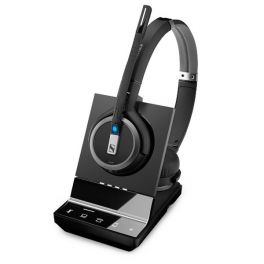
EPOS IMPACT SDW 5065
IN STOCKWireless stereo headset offering maximum flexibility around the office£395.00£254.99 £305.99 Incl. VATRef: SESDW5065UKCompare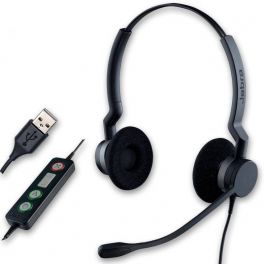
Jabra BIZ 2300 USB Duo MS Lync
Binaural corded PC headset optimised for Microsoft LyncIN STOCK5 of 1 Reviews£154.00£102.99 £123.59 Incl. VATRef: GN2300DUSBMCompare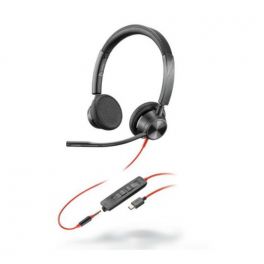
Poly Blackwire 3325 Stereo Teams USB-C +3.5mm Plug + USB-C/A Adapter
IN STOCKHeadset with triple USB - C/adapter to USB-A+ 3.5 mm Jack for PC and mobile, optimised for Microsoft Teams£79.90£36.99 £44.39 Incl. VATRef: PLB3325USBCAMCompare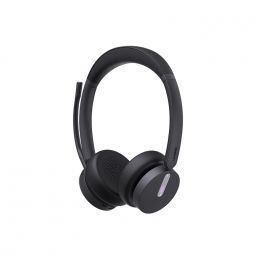
Yealink WH64 Duo MS
Microsoft Teams-certified wireless headset with Bluetooth AND DECT connectivity that adapts to all work scenarios: office, home and on the move.IN STOCK5 of 1 Reviews£221.95£107.99 £129.59 Incl. VATRef: YEAWH64DCompare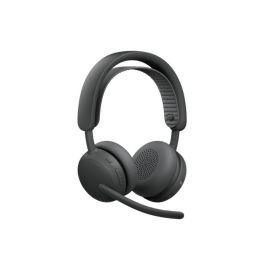
Logitech Zone Wireless 2 ES TEAMS with receiver
IN STOCKCordless business headset with adaptive hybrid ANC and AI-optimised microphones for focused work.£220.99£176.99 £212.39 Incl. VATRef: LO981001493Compare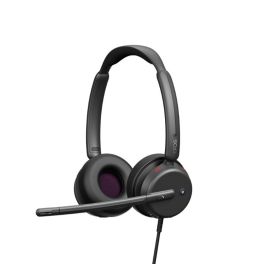
EPOS IMPACT 460T USB-C Teams
IN STOCKWired stereo headset with USB-C and USB-A adapters, hybrid ANC technology and Microsoft Teams certification for clear conversations in the office and hybrid work environments.£113.99£84.99 £101.99 Incl. VATRef: SE460TUSBCCompare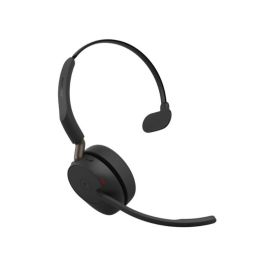
Jabra Evolve3 65 MS - USB-A with Dongle - Mono
IN STOCKA wireless mono headset for Microsoft Teams with adaptive ANC and ClearVoice, ideal for crystal-clear calls whilst staying aware of your surroundings.£210.99£159.99 £191.99 Incl. VATRef: GNEVOL365MCAMSCompare
Key features and functions
Microsoft Teams headsets are designed for professionals who use the platform for calls, meetings and everyday communication. Depending on the model, certification may include specific controls and easier integration with the platform's features. Wired USB headsets are suitable for fixed workstations, while Bluetooth or DECT models provide greater mobility. Microphone noise reduction technologies, integrated controls and comfort vary depending on the headset.
| Microsoft Teams certification | Certification available on selected models, with specific requirements and features for the platform. |
| Wired USB Teams headsets | USB-A or USB-C connection depending on the model, suitable for calls and video meetings from a compatible computer. |
| Wireless Teams headsets | Bluetooth or DECT models that allow communication without a cable connected to the PC, using an adaptor or base station depending on the equipment. |
| Dedicated Teams controls | On selected certified models, a Microsoft Teams button and controls providing access to compatible communication features. |
| Microphone and noise reduction | Microphones designed for professional conversations, with technologies to reduce background noise on selected models. |
How to choose the right product
- OK Check Microsoft Teams certification: prioritise a certified model if you are looking for dedicated controls for this platform.
- OK Choose the connection type: USB-A or USB-C for a fixed workstation, or Bluetooth or DECT for greater mobility during calls.
- OK Identify your devices: check compatibility with your computer and, if necessary, your smartphone or desk phone.
- OK Review microphone features: choose noise reduction suited to shared offices or busy working environments.
- OK Select a mono or binaural headset: depending on whether you need to stay aware of your surroundings or concentrate on meetings.
- OK Check the available controls: Teams button, muting, volume adjustment and call management, depending on the model and version.

Uses across professional sectors
Teams headsets are suitable for businesses that use Microsoft Teams for internal and external communication. In offices and administrative departments, they make online meetings and calls easier from a compatible computer. Sales teams and project managers may prefer a wireless Teams headset to maintain freedom of movement during conversations. For users who attend consecutive meetings, Microsoft Teams certified headsets offer features suited to the platform, depending on the model and configuration used.
Why choose Onedirect?
Onedirect offers a selection of Microsoft Teams headsets designed for professional communication. You can compare Teams certified models based on their connectivity, microphone, comfort and call management features. Whether you are looking for a wired USB headset for your workstation or a wireless Teams headset for your meetings, our specialists can help you choose equipment compatible with your setup.
FAQ – Frequently asked questions
What is the difference between a standard headset and a Microsoft Teams certified headset?
A standard headset can work with Microsoft Teams and other communication platforms. A Microsoft Teams certified headset has been tested to meet specific platform requirements. Depending on the model, it may also offer a Teams button and dedicated controls.
Can you use a Teams headset with other video conferencing applications?
Yes, many Microsoft Teams certified headsets can also be used with other communication applications, such as Zoom or Google Meet. Basic audio functions are generally available on compatible devices, but some dedicated controls may depend on the platform.
Which Teams headset should you choose: wired USB or wireless?
A wired USB Teams headset is suitable for users who work mainly at their desks and want a direct connection to their computer. A wireless Bluetooth or DECT model offers greater freedom of movement during calls. The choice depends on your working environment, mobility needs and the connections available on your equipment.
How do you set up a headset for Microsoft Teams?
Connect your headset to your computer via USB, Bluetooth or using the adaptor provided by the manufacturer. In Microsoft Teams, open the audio settings and select your headset as the speaker and microphone. You can then make a test call to check the audio. For certified models, some additional features may require specific software or configuration.