
My Cart



Other accessories
Complete your audio setup with the right headset accessories
Are you looking for an additional accessory for your professional headset? Discover practical solutions for carrying, protecting and connecting your equipment every day. Carrying cases and bags allow you to store your headset when travelling, while compatible USB dongles make it easier to connect certain wireless headsets to a computer. These accessories meet the needs of employees who switch between the office, home working and business travel. Explore our selection of other headset accessories to complete your professional communication setup.
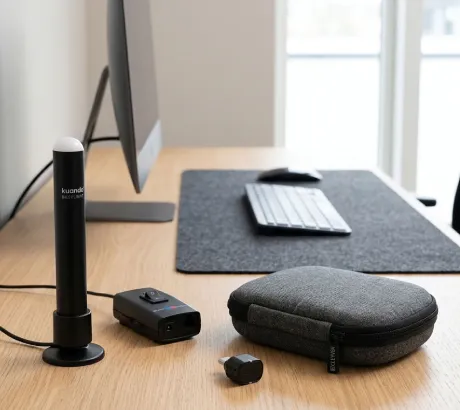
- Ref: ODHANGERCompare
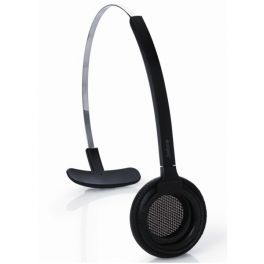
Headband for Jabra PRO 900 headsets
Replacement headband by GN Jabra for use with the Jabra PRO 900 series of headsetsIN STOCK4.8 of 5 Reviews£26.39£23.99 £28.79 Incl. VATRef: GN900STCompare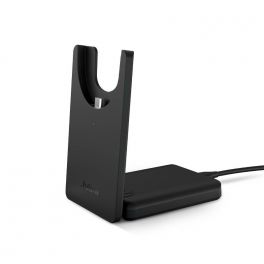
Jabra Evolve2 55 Deskstand USB-C
IN STOCKCharging station for the Evolve2 55 - Ideal for quickly charging your headset without plugging it in!£71.49£60.99 £73.19 Incl. VATRef: GNEVOL255BACHCCompare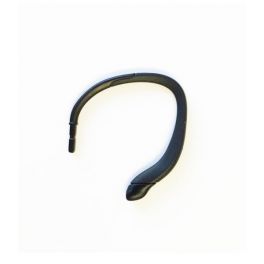
Flexible Ear Hook for EPOS DW Office, SD and D10 Headsets
Adjustable, flexible Ear Hook for EPOS headsetsIN STOCK4.6 of 5 Reviews£7.69£6.99 £8.39 Incl. VATRef: SEDWCO2Compare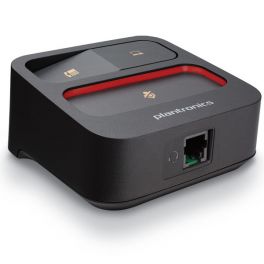
Plantronics MDA100 QD Audio Switcher
IN STOCKSwitcher to easily transfer your desktop phone or softphone calls£69.95£61.99 £74.39 Incl. VATRef: PLMDA100Compare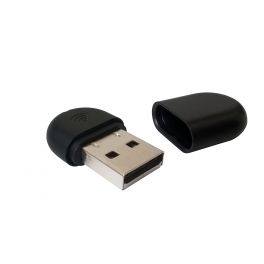
Yealink WF40 Wi-Fi USB Dongle
WiFi USB dongle for Yealink SIP-T27G / T29G / T46G / T48G / T41S / T42S / T46S / T48S / T52S / T54SIN STOCK3.7 of 3 Reviews£39.59£34.99 £41.99 Incl. VATRef: YEALINKWF40Compare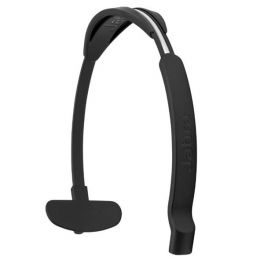
Jabra headband for the Engage Mono
IN STOCKJabra headband for the Engage Mono£32.99£29.99 £35.99 Incl. VATRef: GNENGAGEMSDCompare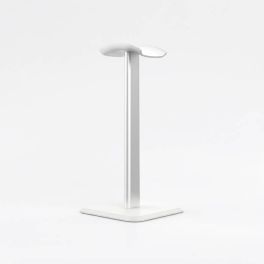
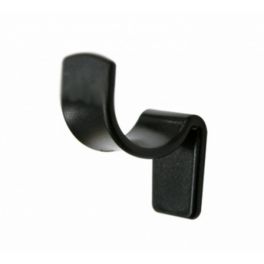
Cleyver headset mount
IN STOCKDesk stand to easily mount your wired and wireless headphones!£9.99 £11.99 Incl. VATRef: ODHSTANDCompare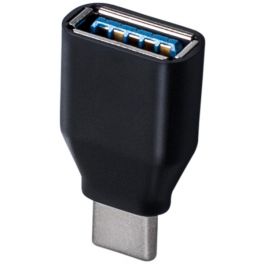
EPOS USB-A to USB-C ADAPTer
IN STOCKIdeal for connecting headphones and EPOS USB speakers to PCs or laptops£14.29£12.99 £15.59 Incl. VATRef: SEADAPTUSBCCompare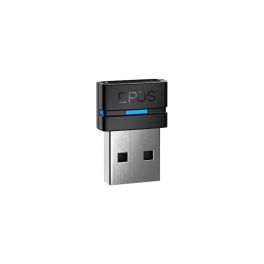
EPOS BTD 800a USB Bluetooth Adapter
IN STOCKQuickly connect your EPOS Bluetooth headphones or speakers to your PC or Mac via USB and enjoy high-quality wireless calls and audio.£77.99£57.99 £69.59 Incl. VATRef: SEBTD80ACompare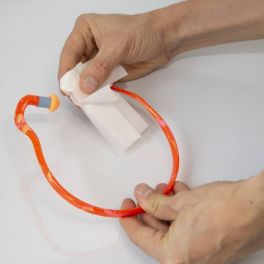
Headset Cleaning Wipes
IN STOCKLot of 40 wipes, ideal for cleaning your headphones£8.99£6.99 £8.39 Incl. VATRef: AFHEAD2Compare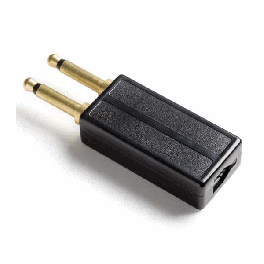
Jabra PJ327 Dual Prong Plug Adapter
IN STOCK2 prong conversion plug for Avaya Call Master 3 and 4 handsets£28.59£25.99 £31.19 Incl. VATRef: GNDJUSCompare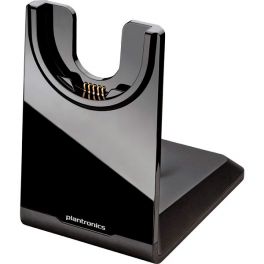
Poly Voyager Focus UC Charging Stand
IN STOCKDesktop charging stand for Poly Voyager Focus UC headsets£55.95£42.99 £51.59 Incl. VATRef: PLVOYFOCUSCHCompare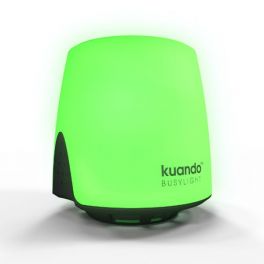
Kuando Busylight UC Omega
IN STOCK2 in 1 solution: multicolour LED light and speaker for calls - Luminous presence indicator£51.99£49.99 £59.99 Incl. VATRef: BUSYLIGHTOCompare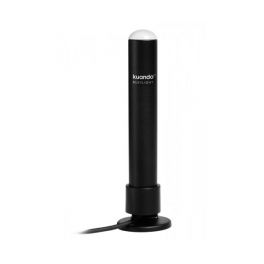
Kuando Busylight UC for Softphones
Indicate when you are busy with the Busylight CombiIN STOCK4.5 of 3 Reviews£57.19£49.99 £59.99 Incl. VATRef: BUSYLIGHTUCCompare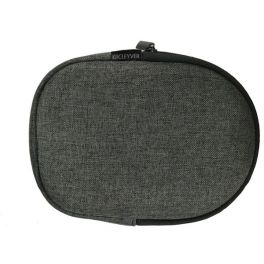
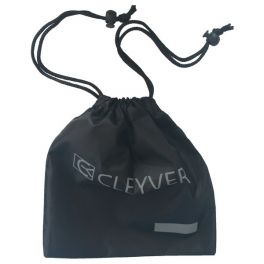
Carrying bag for Cleyver NW65 UC
Protective transport case for Cleyver NW65 UC headset
IN STOCK4.7 of 3 Reviews£6.99 £8.39 Incl. VATRef: ODNSACCompare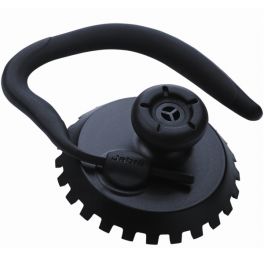
Jabra Pro Earhook
Earloop for Jabra Pro 9400 and Pro 900 headset rangesIN STOCK5 of 5 Reviews£13.19£10.99 £13.19 Incl. VATRef: GN94COCompare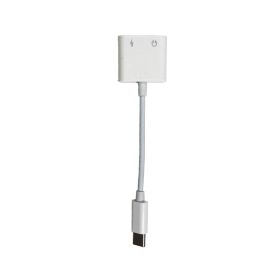
USB-C to 3.5mm jack adapter
IN STOCKUSB-C connection cable with 3.5 mm jack and USB-C charging port.£3.99 £4.79 Incl. VATRef: ADAPTCJCompare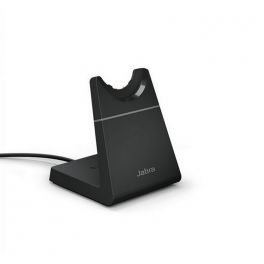
Jabra Evolve2 65 Charging Stand USB-A - Black
IN STOCKCharge your Jabra Evolve2 65 headset with the convenience of a desk stand£89.09£74.99 £89.99 Incl. VATRef: GNEVOL265USBABCompare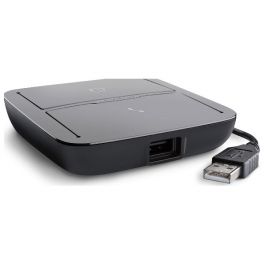
Plantronics MDA220 USB Audio Switcher
Plantronics switcher and amplifier suitable for telephone and PCIN STOCK5 of 1 Reviews£139.95£87.99 £105.59 Incl. VATRef: PLMDA220Compare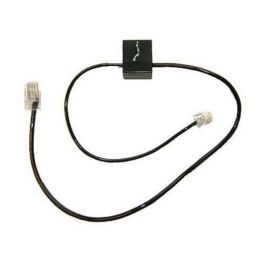
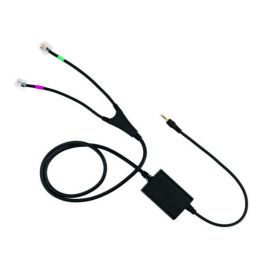
Plantronics phone line cable
Telephone Interface Cable for Plantronics headsetsIN STOCK2.4 of 7 Reviews£15.39£14.99 £17.99 Incl. VATRef: PLCSCABCompare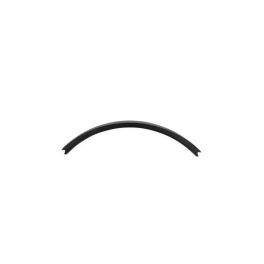
Jabra headband padding for the Engage (x5)
IN STOCKJabra headband padding for the Engage (x5)£45.09£40.99 £49.19 Incl. VATRef: GNENGAGERGCompare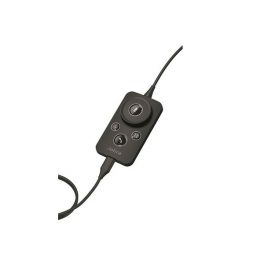
Jabra Engage Link USB-A - MS - Controller for Engage 50
IN STOCKControl unit for Jabra Engage 50 Mono and Duo headphones with USB-A connection accessories, Skype for Business£93.00£72.99 £87.59 Incl. VATRef: GNLENG50MSCompare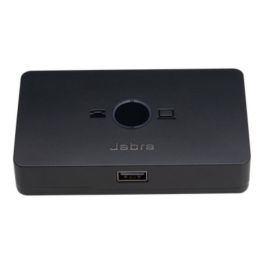
Jabra Link 950 - USB A
IN STOCKDesigned to improve productivity during the transition from landline to softphone£145.19£130.99 £157.19 Incl. VATRef: GNL950USBACompare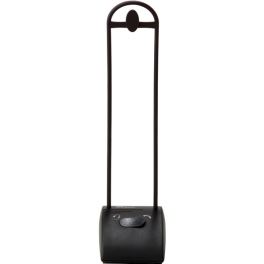
Jabra GN Netcom DanaSwitch
Headset/telephone switchIN STOCK4.4 of 7 Reviews£41.79£38.99 £46.79 Incl. VATRef: GNDANCompare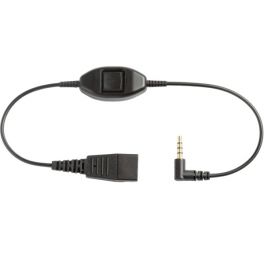
Jabra QD Cable for Nokia Mobiles (3.5mm)
IN STOCKJabra QuickDisconnect cable to connect your Jabra headset to your mobile phone (3.5mm jack)£18.69£15.99 £19.19 Incl. VATRef: GNNOKCompare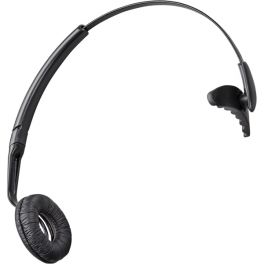
Replacement Headband for CS60/C65
Replacement headbandIN STOCK4.7 of 48 Reviews£12.10£11.99 £14.39 Incl. VATRef: PLCS60STCompare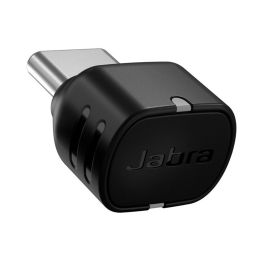
Jabra Link 390c UC for Evolve/Evolve2
IN STOCKBluetooth adapter with USB-C connector and UC compliance designed to provide a stable connection between your PC and your Jabra Evolve or Evolve2.£95.69£83.99 £100.79 Incl. VATRef: GNADAPTUSBCUCCompare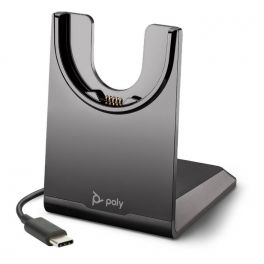
Poly Voyager 4200 USB-C Charging Base
IN STOCKCharging dock with USB-C connection- compatible with Plantronics Voyager 4200£33.95£29.99 £35.99 Incl. VATRef: PLVOY42CHCCompare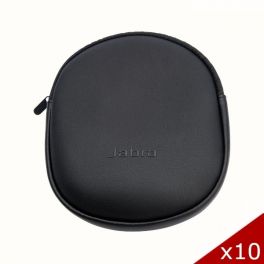
Jabra Pack of 10 Cases for Evolve2 65
IN STOCKPack of 10 black carrying cases for Evolve2 65 - ideal for maximum protection£109.00£71.99 £86.39 Incl. VATRef: GNEVOL265POX10Compare- Ref: SERJ45RJ9Compare
- Ref: SECISCOSPACompare
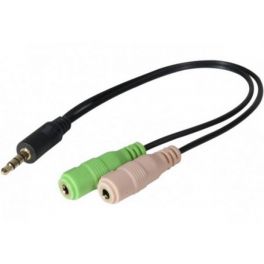
3.5mm Headset Adapter
Double Jack 3.5mm adapter for PCIN STOCK3.7 of 3 Reviews£6.99 £8.39 Incl. VATRef: ADJPCCompare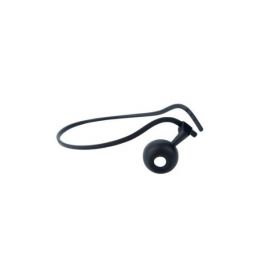
Neckband for Jabra Engage Convertible
IN STOCKNeckband for Jabra Engage 65 and 75 Convertible range£26.39£23.99 £28.79 Incl. VATRef: GN14121-38Compare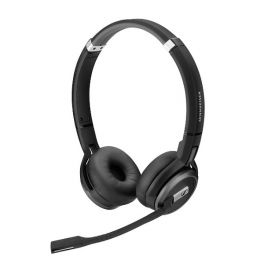
EPOS IMPACT SDW 60 HS
IN STOCKWireless duo headset compatible with the EPOS DSW 5000 series£228.79£180.99 £217.19 Incl. VATRef: SESDW60HSCompare- Ref: ODSAC2Compare
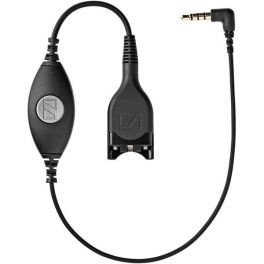
EPOS CMB01 3.5mm Jack to QD for Smartphones
Quick Disconnect cable with 3.5 mm Jack to connect your EPOS headset to your smartphone or tabletIN STOCK4.4 of 16 Reviews£34.09£30.99 £37.19 Incl. VATRef: SECMB01Compare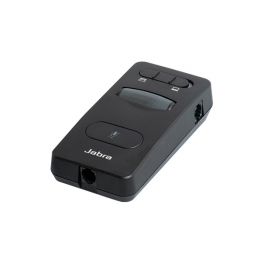
Jabra Link 860
Flexible audio processor which connects to your deskphone and softphone to better control the quality of your callIN STOCK4.5 of 2 Reviews£166.09£108.99 £130.79 Incl. VATRef: GNL860Compare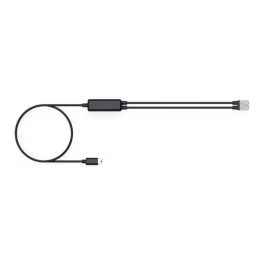
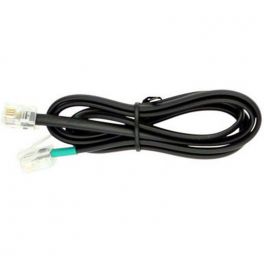
Yealink RJ9 Telephone Cable for WH6X Series Headsets
IN STOCKRJ9 connection cable designed to connect Yealink WH6X series wireless headsets to compatible IP phones, ensuring simple and reliable installation.£23.99 £28.79 Incl. VATRef: YEAWH64CABCompare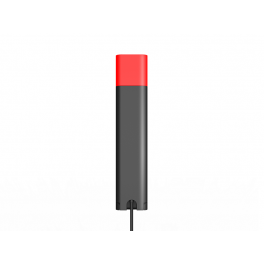
Yealink BLT60
IN STOCKBusylight to prevent interruptions in real-time for WH6X series and MP50 headsets£21.99£17.99 £21.59 Incl. VATRef: YEALINKBLT60Compare
Key features and functions
Other professional headset accessories include additional solutions designed to make equipment easier to transport, protect and connect. Carrying cases and bags allow you to store a headset when it is not in use and help protect it from rubbing and wear during travel. Depending on their design, they may offer soft protection or a more rigid structure. USB dongles, meanwhile, are used to connect certain wireless headsets to a compatible computer. They may use a USB-A or USB-C interface and operate with a connection technology specific to the manufacturer. To choose a suitable accessory, it is therefore important to check the headset's dimensions, connection type and the manufacturer's recommendations.
| Carrying cases | Soft protective cases designed to store and transport certain compatible professional headsets. |
| USB-A dongles | Adaptors designed to connect certain wireless headsets to computers equipped with a compatible USB-A port. |
| USB-C dongles | Connection adaptors for certain wireless headsets and devices with a compatible USB-C interface. |
| Dimensions and protection | Choose a carrying case or protective pouch according to the size, shape and transport requirements of your professional headset. |
How to choose the right product
- OK Define your needs: choose a carrying case for transport or a USB dongle to connect a compatible wireless headset.
- OK Identify your headset: check its brand and exact model number before selecting an accessory.
- OK Check the dimensions: make sure the carrying case or bag can accommodate your headset.
- OK Choose the level of protection: compare soft cases and more rigid cases according to your travel needs.
- OK Check the dongle connector: confirm whether your computer has a compatible USB-A or USB-C port.
- OK Check wireless compatibility: a USB dongle must support your headset's technology and specific model.
- OK Review the manufacturer's recommendations: prioritise accessories listed as compatible with your professional equipment.
Uses across professional sectors
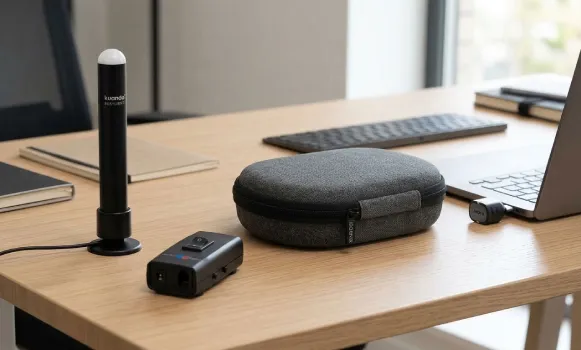
Transport and connectivity accessories support employees in different working environments. When working from home or in the office, compatible USB dongles allow certain wireless headsets to connect to computers used for calls and video meetings. Sales teams and professionals who travel for work can use a carrying case or protective pouch to transport their headsets between different workplaces. In businesses that use hybrid working arrangements, these accessories make it easier to move between workstations with the same audio equipment. The choice of each accessory depends on the headset's specifications and transport or connectivity requirements.
Why choose Onedirect?
Onedirect offers a selection of additional accessories for professional headsets, including carrying cases and USB dongles. You can search for protection suited to your headset's dimensions or a connection adaptor compatible with your wireless equipment. Whether you need to transport your headset during business travel or replace a dongle, our specialists can help you identify suitable products.
FAQ – Frequently asked questions
What is a USB dongle used for with a wireless headset?
A USB dongle is an adaptor that allows certain wireless headsets to connect to a compatible computer. Depending on the model, it may use Bluetooth or a manufacturer-specific connection technology. It is important to check compatibility with the exact headset model and the computer's USB port.
Are all USB dongles compatible with Bluetooth headsets?
No. Even if several dongles use an identical USB connector, they do not necessarily support the same headsets or features. Some adaptors are designed for specific ranges of professional headsets. Check the compatible models listed by the manufacturer before choosing a replacement dongle.
How do I choose a carrying case for my headset?
Check the dimensions and shape of your headset, then compare them with those of the case. Also consider the level of protection you need: a soft case may be suitable for everyday storage, while a more rigid case may offer additional protection during transport. Prioritise accessories suited to your model.
Can you replace a lost USB dongle for a professional headset?
This depends on the headset model and the accessories offered by its manufacturer. Some headsets support a compatible replacement dongle, sometimes after a pairing procedure. To find the correct product, identify your headset precisely and check the manufacturer's instructions for replacing and pairing the adaptor.
Related resources
Headset accessories Icon Bluetooth headsets Icon Wireless headsets Icon