
My Cart




Logitech Solutions for Microsoft Teams Rooms and Google Meet
Design meeting rooms fully integrated with Microsoft Teams Rooms and Google Meet. Discover Logitech-certified cameras, touch controllers, room scheduling systems and solutions for simple, intuitive and professional collaboration.
Choose the Logitech solution based on your platform
Icon
Microsoft Teams
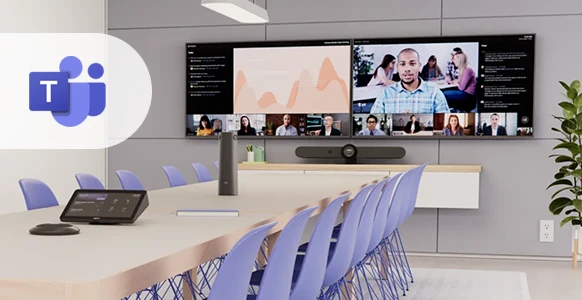
Create Microsoft Teams-certified meeting rooms with Logitech cameras, Tap controllers, Tap Scheduler and Roommate. A complete solution for starting, managing and sharing meetings with ease.
Icon
Google Meet
Equip Google Meet rooms with Logitech-certified devices for professional video conferencing, room scheduling and centralised management.
Icon
Dual compatibility
MeetUp 2, Rally Bar, Rally Bar Mini and Rally Plus can be configured for both Microsoft Teams Rooms and Google Meet, adapting to the needs of any business.
Discover Logitech Solutions for Microsoft Teams Rooms and Google Meet
Microsoft Teams Rooms
Design Microsoft Teams-certified meeting rooms with Logitech solutions. Cameras, Tap controllers, Tap Scheduler and Roommate allow you to start and manage meetings with an intuitive experience fully integrated with Microsoft Teams.
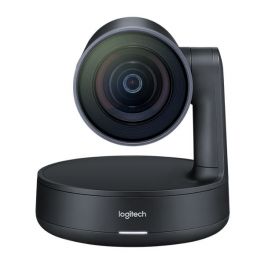
Ref: LORALLY
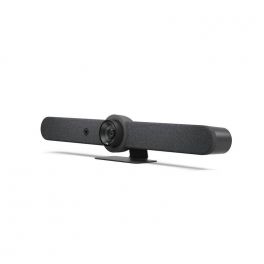
Ref: LORALLYBARGUK
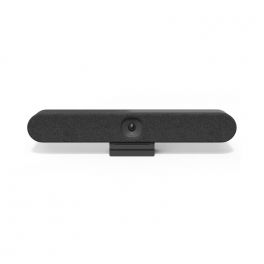
Ref: LORALLYBARHUUK
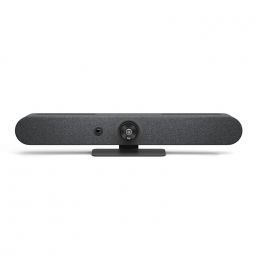
Ref: LORALLYBARMINIGUK
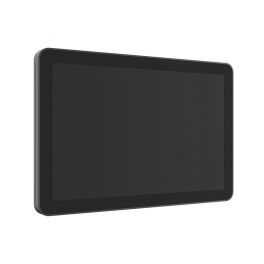
Ref: LOSCHEDULER
Google Meet
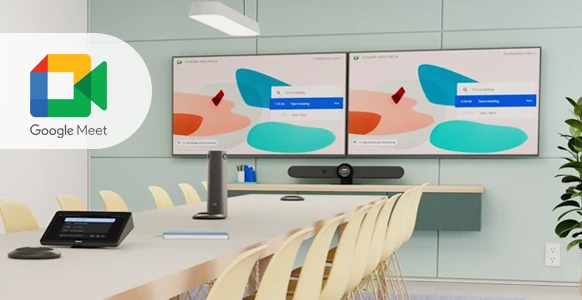
Create professional Google Meet rooms with Logitech-certified devices. MeetUp, Rally and Tap deliver outstanding audio and video quality together with a simple collaboration experience for any working environment.
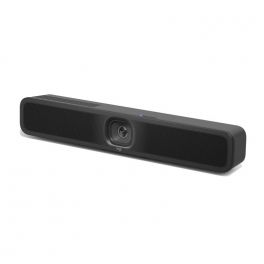
Ref: LOMEETUPV2

Ref: LORALLYBO65BUK
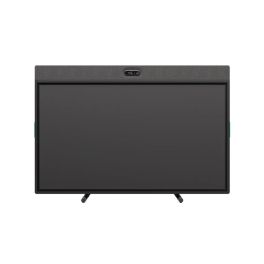
Ref: LORALLYBO65GUK
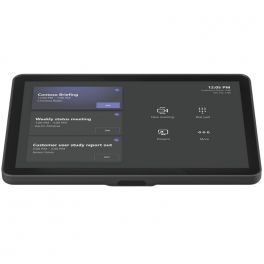
Ref: LOTAPIP
Ref: LOSCHEDULER
Ref: LORALLYBARMINIGUK
Ref: LORALLYBARGUK
Ref: LORALLYBARHUUK
Ref: LORALLY
Certified Solutions for Teams and Google Meet
Many Logitech systems are available in certified versions for both platforms. Choose the configuration that best suits your requirements while maintaining the same user and management experience.
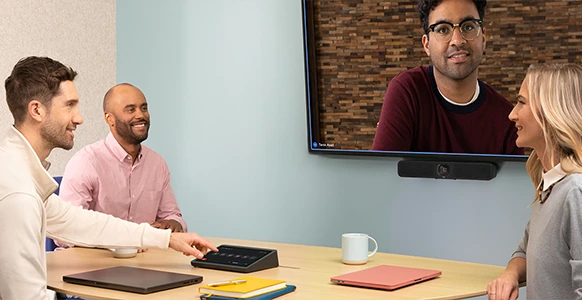
Ref: LORALLYBARMINIGUK
Ref: LORALLYBARGUK
Ref: LORALLYBARHUUK
Ref: LORALLY
Ref: LOSCHEDULER
How would you like to manage your meeting room?
Choose the Logitech solution best suited to your collaboration platform:
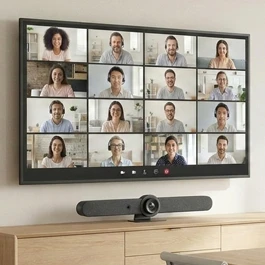
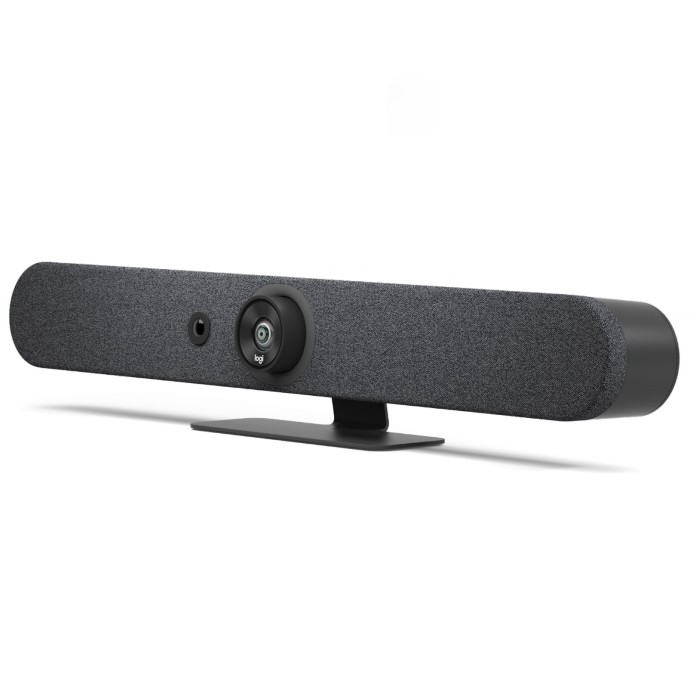
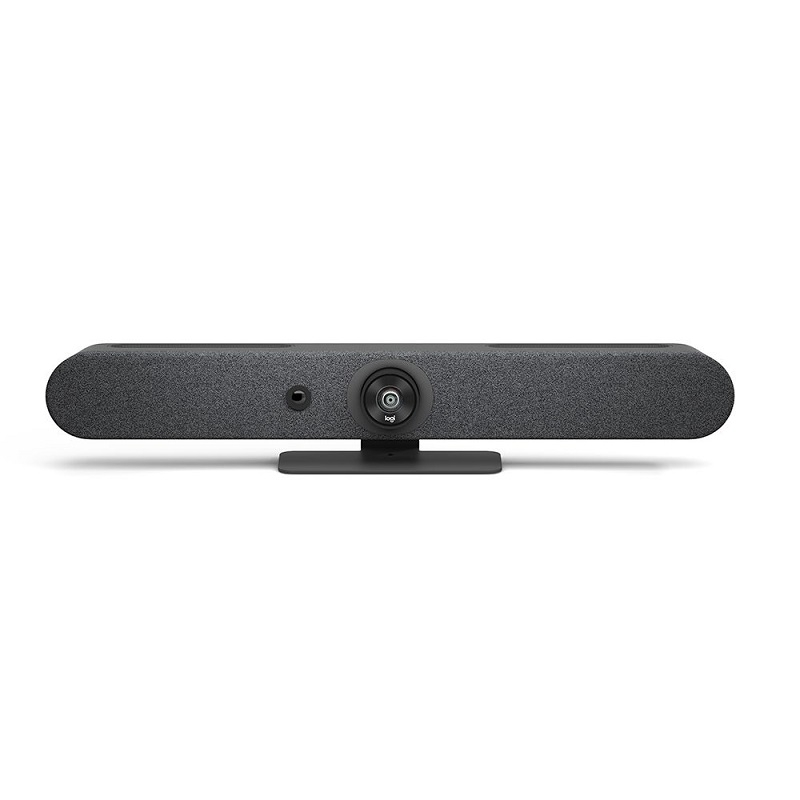
Comparison of Logitech Solutions
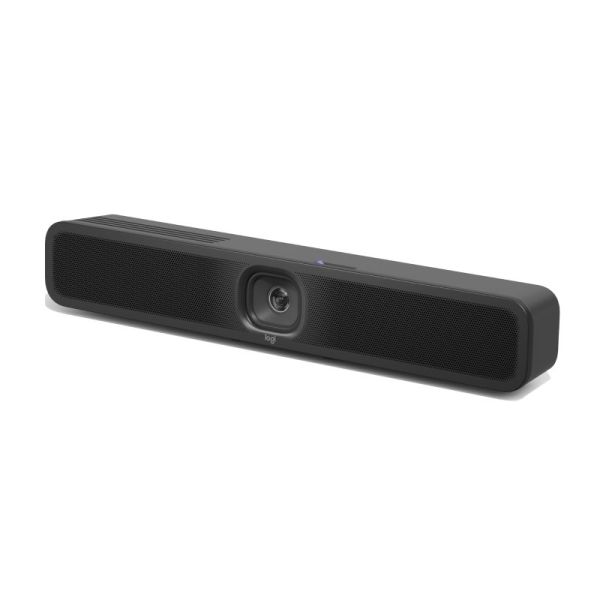
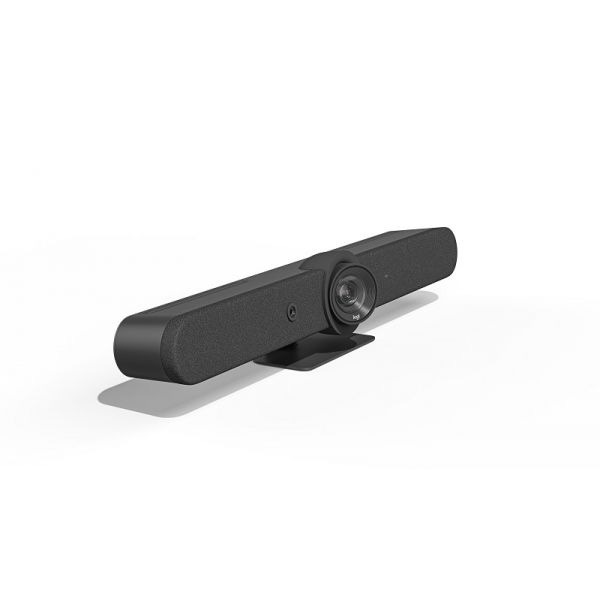
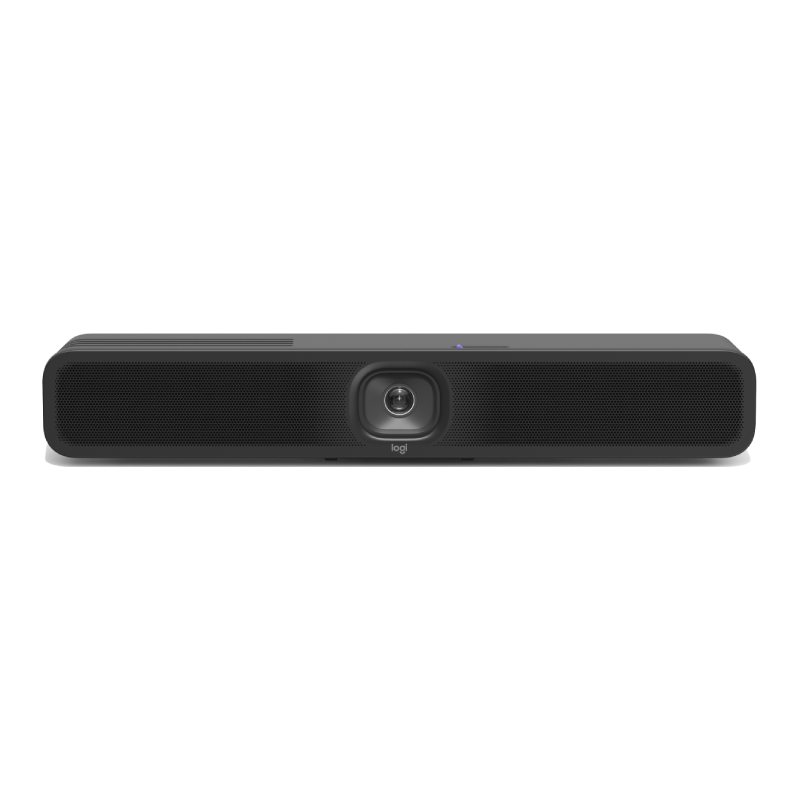
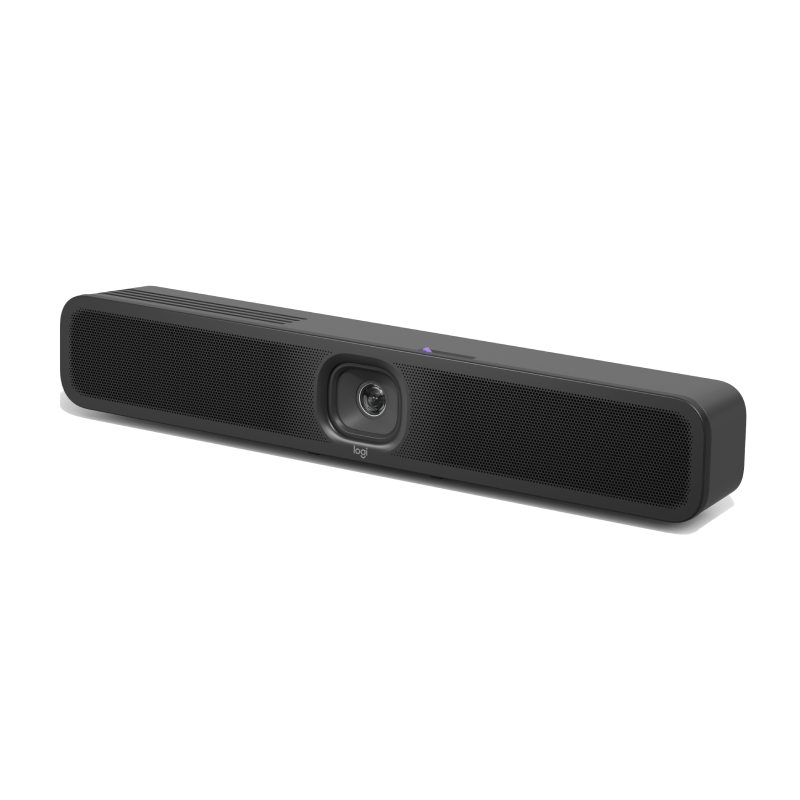
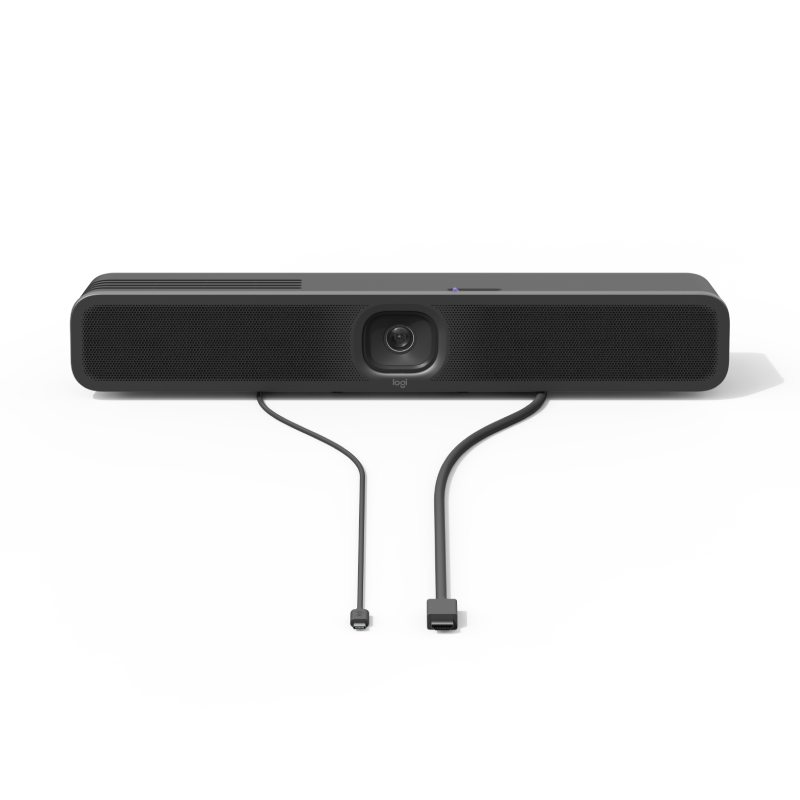
Logitech MeetUp 2
- IconRoom size:Small meeting rooms and huddle rooms
- IconVideo resolution: Full HD 1080p
- IconField of view: 90°
- IconZoom: 4x digital zoom
- IconBuilt-in microphones: 2 beamforming microphones
- IconAI technologies: RightSight
- IconCompatibility: Microsoft Teams Rooms and Google Meet
- IconCompatible controllers: Logitech Tap, Tap IP
- IconRoom management: Tap Scheduler, Roommate
- IconIdeal for: Huddle rooms and small teams
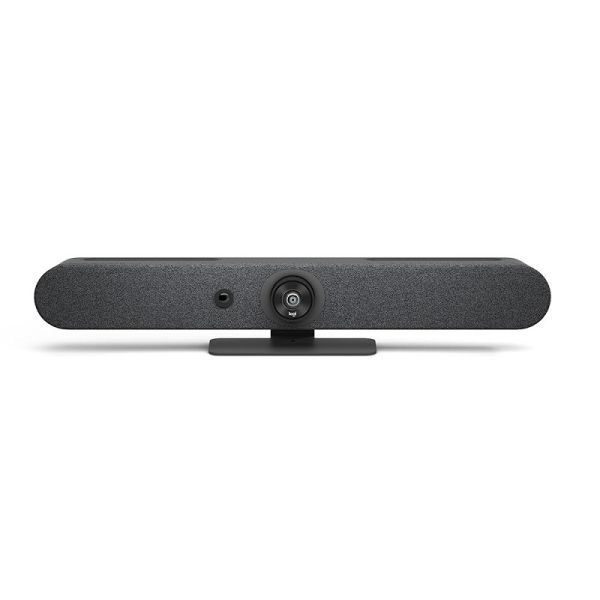
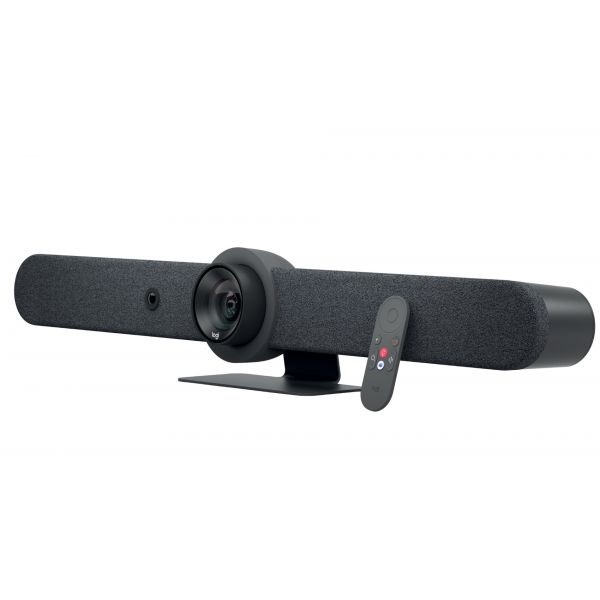
Logitech Rally Bar Mini - Graphite
- IconRoom size: Medium meeting rooms
- IconVideo resolution: Ultra HD 4K
- IconField of view: 120°
- IconZoom: 4x digital zoom
- IconBuilt-in microphones: 6 beamforming microphones
- IconAI technologies: RightSight 2 / RightSound 2
- IconCompatibility: Microsoft Teams Rooms and Google Meet
- IconCompatible controllers: Logitech Tap, Tap IP
- IconRoom management: Tap Scheduler, Roommate
- IconIdeal for: Standard meeting rooms
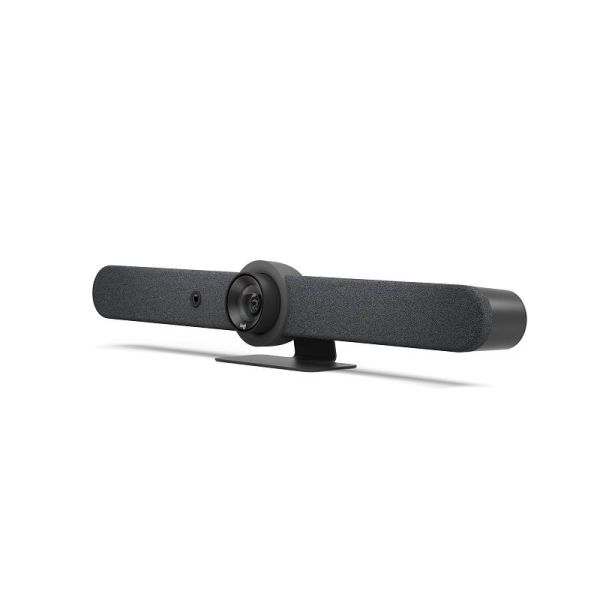
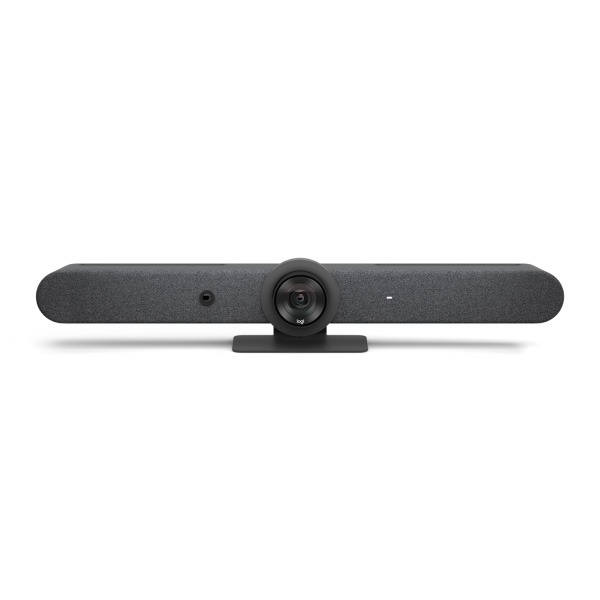
Logitech Rally Bar - Graphite
- IconRoom sizeMedium and large meeting rooms
- IconVideo resolution: Ultra HD 4K
- IconField of view: 132°
- IconZoom: 5x optical zoom + 3x digital zoom
- IconBuilt-in microphones: 6 beamforming microphones
- IconAI technologies: RightSight / RightSound / RightLight
- IconCompatibility: Microsoft Teams Rooms and Google Meet
- IconCompatible controllers: Logitech Tap, Tap IP
- IconRoom management: Tap Scheduler, Roommate
- IconIdeal for: Conference rooms and boardrooms
IconFAQs – Frequently Asked Questions
What is the difference between Microsoft Teams Rooms and Google Meet?
Microsoft Teams Rooms and Google Meet are two platforms for professional meeting rooms. Logitech offers certified devices for both, allowing you to choose the solution that best meets your company’s requirements.
Which Logitech products are compatible with Microsoft Teams Rooms?
MeetUp 2, Rally Bar, Rally Bar Mini, Rally Plus, Tap, Tap Scheduler and Roommate are available in configurations certified for Microsoft Teams Rooms.
Which Logitech products work with Google Meet?
The main Logitech meeting room solutions are compatible with Google Meet, including MeetUp 2, Rally Bar, Rally Bar Mini, Rally Plus, Tap and Roommate.
Can I use the same Logitech devices with Microsoft Teams and Google Meet?
It depends. Many Logitech solutions, such as MeetUp 2, Rally Bar and Rally Bar Mini, are available in versions certified for Microsoft Teams Rooms and Google Meet. The choice depends on the platform used by your company.
What is a Microsoft Teams Rooms-certified solution?
A certified solution has been tested and approved by Microsoft to ensure compatibility, performance and an optimal user experience in meeting rooms.
Can I use Logitech in BYOD mode?
Yes. Many Logitech solutions support BYOD (Bring Your Own Device) mode, allowing you to connect your laptop and use your preferred video conferencing platform through a single USB cable.
What is a Google Meet-certified solution?
Devices certified for Google Meet meet Google’s requirements for audio and video quality and integration, ensuring reliable meetings and simplified management.
Do you need help choosing the Logitech solution best suited to your platform? Contact our experts and receive personalised advice.
Form