
My Cart



Video conferencing screens
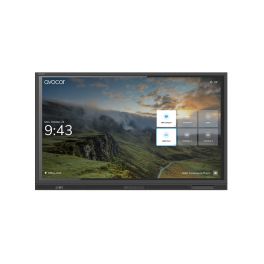
AVOCOR AVE-8630 86" TOUCH
Call us for availabilityA visually stunning interactive display that prioritises high-performance, collaboration and durability.- 4K UHD resolution for improved image quality and detail
- 20-point multi-touch support for a natural and interactive user interface.
- Immense connectivity with many ports, including HDMI, USB and more
- 178-degree viewing ange for maximum participation
- Compatibility across many meeting softwares
£4,999.00£4,704.99 £5,645.99 Incl. VATRef: AVO8630UKCompare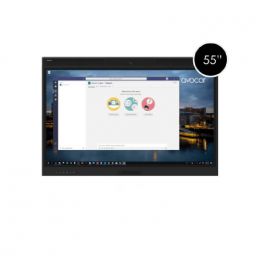
Avocor 55" WCD AVW-5555
Call us for availabilityA powerful interactive display designed for collaboration and interaction, where you can see every detail.- An interactive 55" 4K UHD (3840 x 2160) touch screen
- Anti-glare glass with edge-to-edge design
- Connectivity: 4 HDMI inputs, 2 DisplayPort inputs, 1 USB-C input
- Integrated Camera and Microphone Array
- Compatibility with a variety of Operating Systems
£4,499.00£3,645.99 £4,375.19 Incl. VATRef: AVO5555UKCompare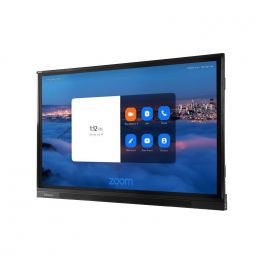
Avocor AVF-8650
Call us for availabilityA powerful interactive display designed for collaboration and interaction, where you can see every detail.- 4K Ultra HD resolution
- Ability to view multiple content sources at once
- Wide viewing angles of 178-degrees
- Smartphone Mirroring
- Built-in Speakers and Microphone Array
£7,699.00£7,245.99 £8,695.19 Incl. VATRef: AVOF8650UKCompare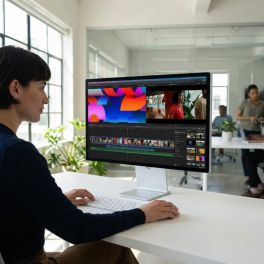
Apple Studio Display 27-inch 5K nano-textured glass, tilting stand
Call us for availability27-inch 5K display with nano-textured glass, a 12 MP camera and a tilting stand, designed for Mac workstations and brightly lit environments.- Nanotextured glass: reduces glare and improves visibility
- 5K Retina display (5120 x 2880): crisp text, exceptional detail and precise display
- 600 nits brightness and P3 colour gamut: supports 1 billion colours
- 12MP camera with auto-framing and low-angle view
- Built-in audio and voice: 6 high-fidelity speakers and 3 studio-quality microphones
- Thunderbolt 5 and USB-C ports for peripherals and accessories
- Stand with adjustable tilt from -5° to +25°
£2,013.99 £2,416.79 Incl. VATRef: APMFF14FDACompare- IconBest Seller

Newline Elara Pro 65"
DiscontinuedThe Ultimate Hybrid Solution- Advanced Connectivity: Wi-Fi 6, Bluetooth 5.2, and 100W USB-C power for seamless connections.
- Certified Performance: Google EDLA certified, Android 13, compatible with any hardware/software.
- Interactive Ecosystem: Includes tools for video conferencing, brainstorming, screen sharing, and streaming.
- Superior Features: 4K AI ModCam+, NFC login, Stellar Touch Technology with 50 touch points.
- Robust Specs: 65" 4K display, 16 GB RAM, 320 GB expandable storage, multiple connectivity ports.
Check the alternative productRef: NEWLELPRO65UKCompare 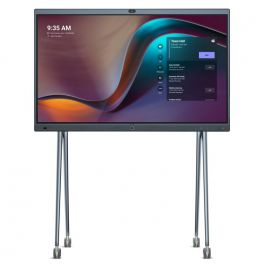
Yealink MeetingBoard 86'' Screen
DiscontinuedThe new visualization system for Microsoft Teams that revolutionizes collaboration.- 86'' interactive screen for projection and video collaboration
- 4K UHD resolution of 3840 x 2160 pixels
- 20 - point touch technology
- whiteboard stand
- Built -in 8 MP camera
- Automatic framing and voice tracking
- HD Audio: 16 MEMS microphones + 6 speakers
- Echo and reverberation suppression
- Internal storage: 64GB
- Natively equipped with Microsoft Teams
- Floor stand not included, sold separately
Check similar productsRef: YEAMEEBO86UKCompare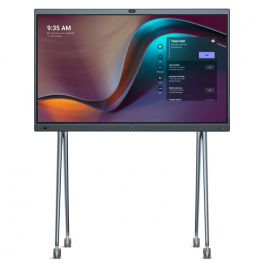
Yealink MeetingBoard 65'' Microsoft Teams Rooms on Android
DiscontinuedThe new display system for Microsoft Teams that revolutionizes collaboration.- 65'' interactive screen for projection and video collaboration
- 4K UHD resolution of 3840 x 2160 pixels
- 20-point touch technology
- Whiteboard support
- Built -in 8MP camera
- Automatic framing and voice tracking available
- HD audio: 16 MEMS microphones + 6 speakers included
- Suppression of echoes and sound reverberation
- Internal storage: 64GB
- Solution natively equipped with Microsoft Teams
- Floor stand not included, sold separately
Check the alternative productRef: YEAMEEBO65UKCompare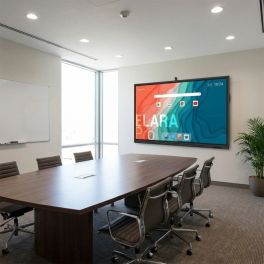
Newline Elara 65 Pro 65" 4K Touch Display
Discontinued65-inch professional interactive display with 4K UHD resolution, Google EDLA-certified Android 13, 4K camera and integrated audio for advanced collaboration.- 65" professional interactive display for meeting rooms and education
- 4K UHD resolution for crisp, detailed presentations
- Android 13 with Google EDLA certification and access to Google Play
- Advanced multi-touch interaction with high writing precision
- Integrated 4K camera, microphones and speakers for video conferencing
- Full connectivity with USB-C, HDMI, DisplayPort and Wi-Fi 6
Check similar productsRef: NEWLEL65PROCompare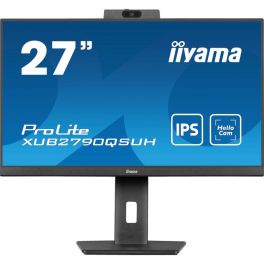
iiyama ProLite XUB2790QSUH-B1 QHD Monitor 27''
Discontinued27" QHD IPS desktop monitor with built-in Windows Hello webcam, microphone and USB-C connectivity, designed for professional workspaces and video collaboration.- 27" QHD IPS display with 2560 × 1440 resolution
- Integrated 1080p webcam with microphone
- Windows Hello support for secure authentication and video conferencing.
- USB-C connectivity with 65W power delivery
- Ergonomic adjustable stand with height, tilt, swivel and pivot functions
- Integrated USB hub and KVM switch for easy connection
- Blue Light Reducer and flicker-free technology help reduce eye strain
Check the alternative productRef: IIYXUB2790QSUHCompare
Characteristics and Core Functions
Video conferencing screens are designed to deliver an immersive visual experience for remote teams. They combine high-resolution displays, touch functionality and compatibility with video conferencing systems. Natively equipped with cameras, microphones and speakers, they ensure a superior collaboration experience and remove technological barriers between on-site and remote participants.
| Optimised for video conferencing | Cameras, microphones and speakers natively integrated for hybrid collaboration. |
| Touch screen | Intuitive interaction for presentations. |
| Professional resolutions | Full HD or 4K for clear display of remote participants and shared content. |
| Multiple formats | Different sizes available to suit all room types. |
| Integrated system compatibility | Some models are optimised for Microsoft Teams, Zoom Rooms or Google Meet. |
How to choose the right solution?
- OKScreen size: based on the number of participants and typical viewing distance for visual comfort.
- OKRequired certification: Teams Rooms or Zoom Rooms for native integration, or UC for multi-platform compatibility.
- OKRequired image quality: standard Full HD or 4K for detailed content.
- OKType of touch usage: presentations, workshops, brainstorming sessions, group training.
- OKAvailable budget: standard professional screen or premium model with advanced integrated technologies.
Applications across professional environments
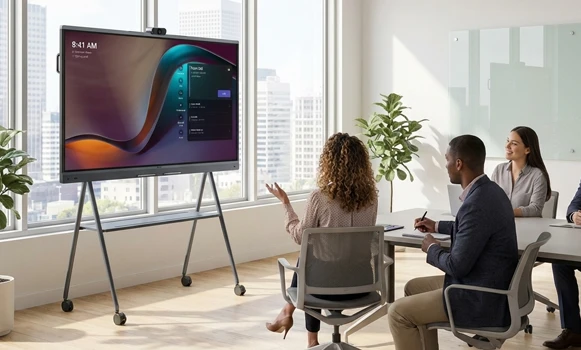
Video conferencing screens are used in small huddle spaces to support brainstorming and decision-making, and in meeting rooms to create a natural visual presence between remote teams. In training environments, they make workshops more dynamic and interactive, while consulting teams use them to professionalise client presentations. In education, they support hybrid teaching, and in coworking spaces they enhance team collaboration. They are also used in the retail sector for demonstrations or strategic meetings.
Why partner with Onedirect?
Onedirect distributes video conferencing screens from leading brands such as Yealink, Huawei, MAXHUB and DTEN. As an official reseller, we guarantee fast and secure delivery and provide dedicated after-sales support to assist you over time. Our team advises you on optimal sizing and integration with existing infrastructure, ensuring meeting experiences that maximise engagement and collaborative efficiency.
FAQ – Frequently asked questions
What is the difference between a video conferencing screen and a standard meeting room screen?
Video conferencing screens integrate a touch surface, camera, microphones, speakers and collaborative features, while standard screens focus primarily on content display.
What screen size should be chosen for a video conferencing room?
For rooms with 4–6 people, a 55–65 inch screen is recommended. For 8–12 people, 75–86 inches is advised. For large spaces with 15+ participants, a 98 inch screen or a multi-screen setup is recommended.
Can a video conferencing screen be used for standard presentations?
Yes. These screens can also be used for basic content display in meeting rooms, while their primary purpose remains delivering all-in-one video conferencing solutions.
Which accessories can be paired with a video conferencing screen?
Wall or floor mounts, extension microphones and room booking panels can complement your meeting room or classroom setup.
Can an interactive screen be used for education?
Yes. They are ideal for running hybrid classes and enhancing interactive training sessions.