The store will not work correctly when cookies are disabled.
JavaScript seems to be disabled in your browser.
Microsoft Teams
A fantastic platform to complete tasks as a team, easily and efficiently. Microsoft Teams helps bring resources together, as well as allowing you to chat, meet, share files and work with Microsoft applications. Manage all your conversations, files and tools all in one team workspace. With this in mind, you will find below a great selection of our recommended Teams certified devices.
SEE ALL CERTIFIED
Microsoft Teams Capabilities
Collaborate Effectively
Microsoft Teams allows groups to work together on Office 365 applications, such as SharePoint, Word, Excel and PowerPoint. Users are able to access information and work from any location in order complete tasks, not just in the same workplace. Furthermore, there are huge benefits of storing information in the cloud, thanks to the incredible data processing and AI capabilities of the system.
Prioritize Team Security
Information is aptly protected with Microsoft’s DLP solution, which prevents events occurring such as accidental sharing of sensitive information and aids users in learning how to stay compliant without interrupting their workflow.
Improve Communication
Teams will increase the productivity of your organization by making all files, such as conversation, meetings, and tasks all available on one platform. Also, a host of 3rd part applications can be integrated into Teams, meaning you will never need to exit from the Microsoft Teams application in order to complete tasks.
Benefits of using Microsoft Teams Devices
Automatic selection of default audio device
Automatic selection of default audio device and prioritization if multiple audio peripherals are present.
Automatic device registration
Devices automatically register with the Teams client and are ready to use.
Call control and great audio
Audio devices offer basic call control across when used with a PC or a Mac device and wide-band audio with no echo, distortion, or excessive glitches. Echo cancellation is also supported across devices.
Best image quality
Video devices meet requirements for noise, color, image detail, jitter, latency, frame rate, and field of view.
Microsoft Teams Rooms
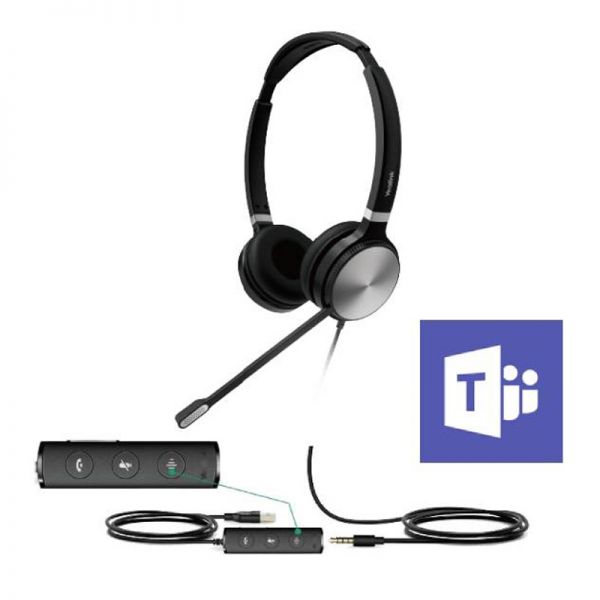
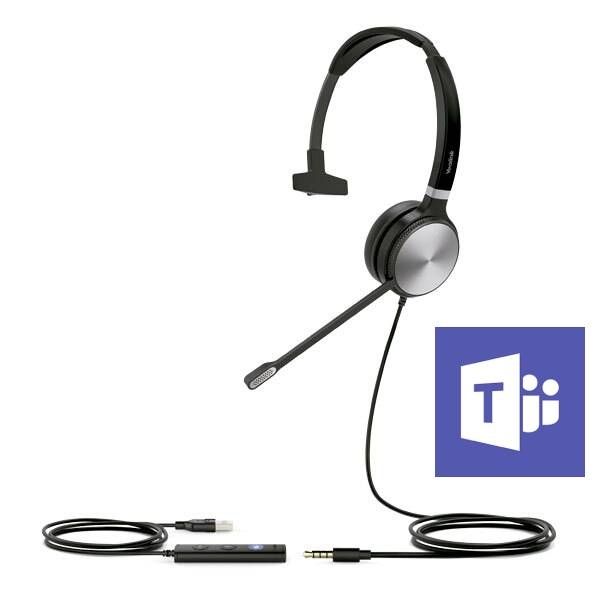
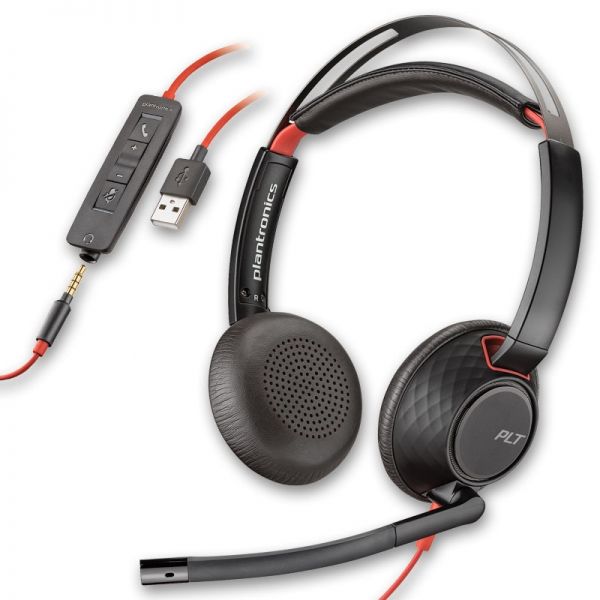
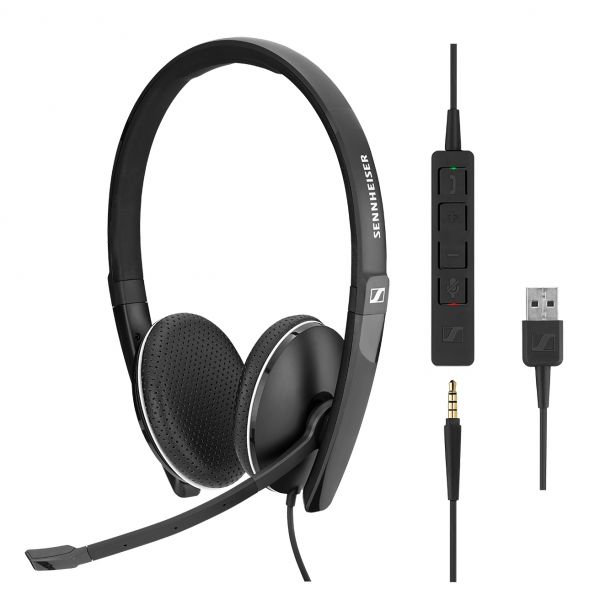
USB and 3.5mm Jack headset for use with PC and/or smartphone, optimized for Teams
£65.99 £57.99 Excl. VAT £69.59 Incl. VAT
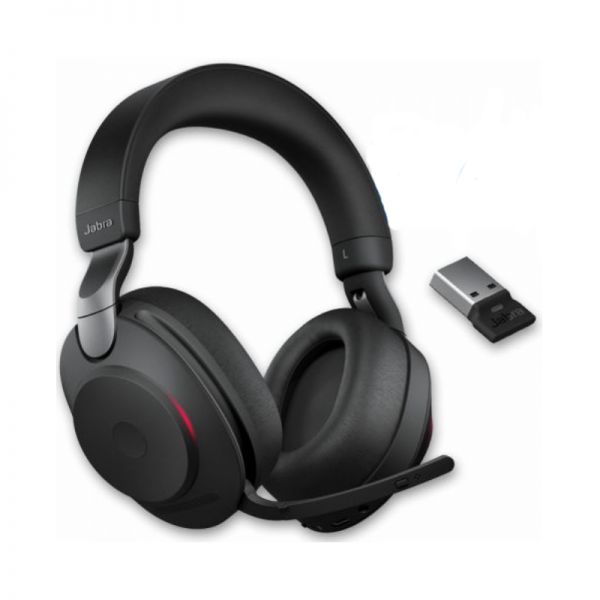
Wireless Duo headphones, with ANC noise reduction for intensive use
£219.00 £137.99 Excl. VAT £165.59 Incl. VAT
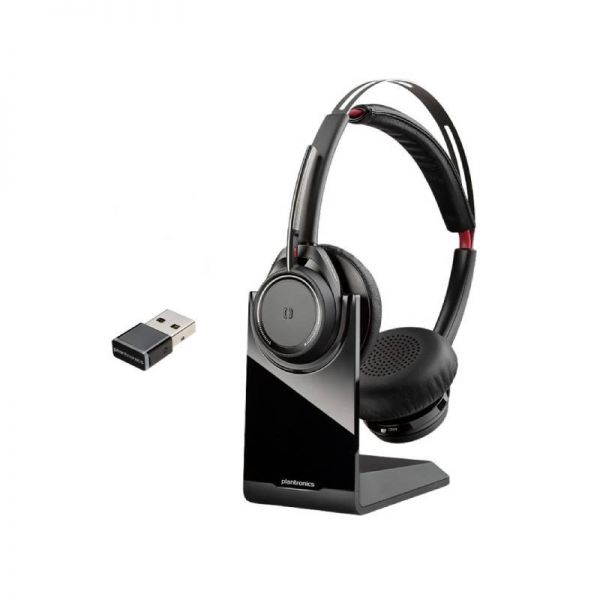
High-quality multi-platform Bluetooth Duo headset with ANC noise reduction, for intensive use
£225.00 £144.99 Excl. VAT £173.99 Incl. VAT
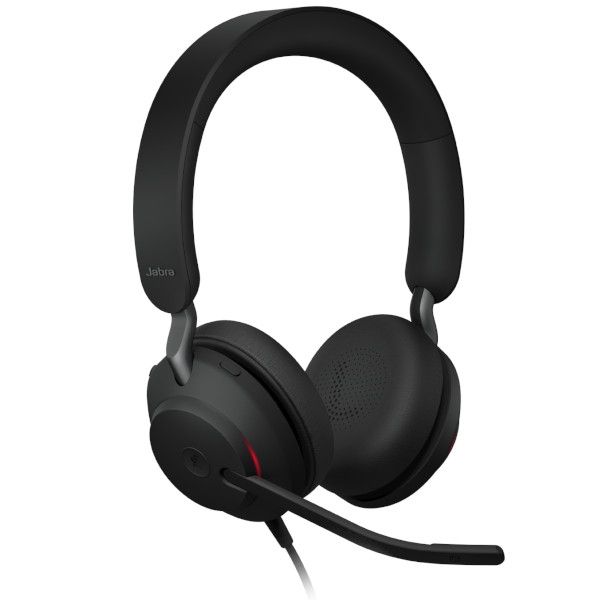
USB and 3.5mm Jack headset for use with PC and/or smartphone, optimized for Teams
£215.00 £147.99 Excl. VAT £177.59 Incl. VAT
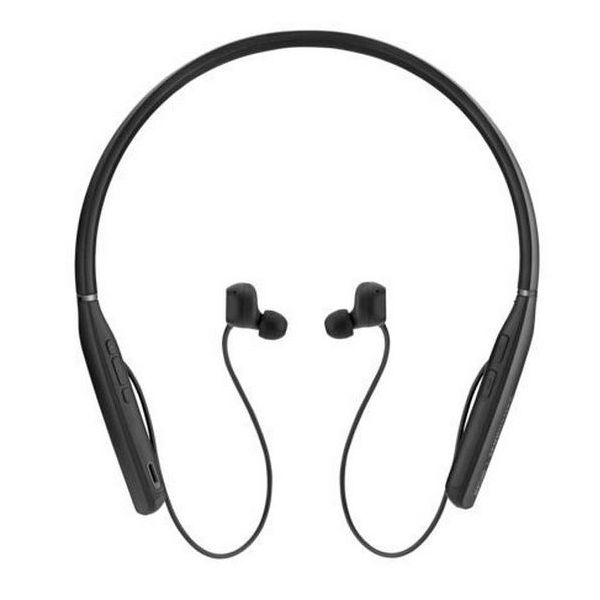
Bluetooth earbuds with active noise cancellation and great sound
£215.00 £147.99 Excl. VAT £177.59 Incl. VAT
Corded PC headset with USB-A connection. Superior audio and comfort - Microsoft Teams version
£123.00 £77.99 Excl. VAT £93.59 Incl. VAT
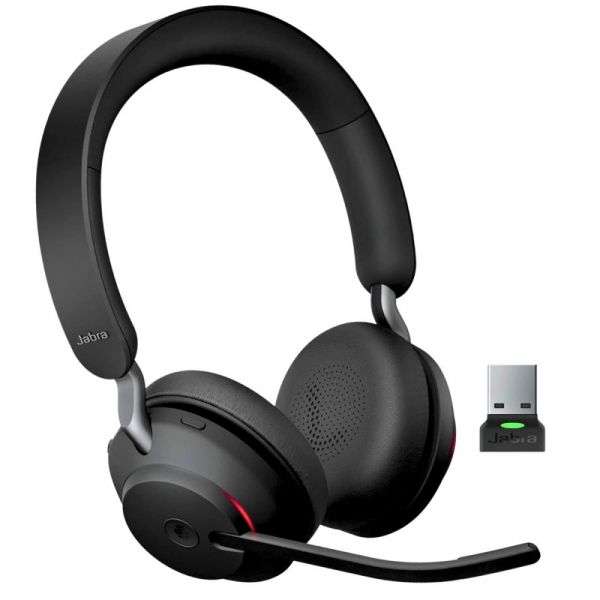
Wireless headset with USB-A connection optimised for Microsoft Teams
£216.00 £122.99 Excl. VAT £147.59 Incl. VAT
Wireless duo headphones perfect for concentrating and collaborating, Microsoft Teams optimized
£443.00 £285.99 Excl. VAT £343.19 Incl. VAT
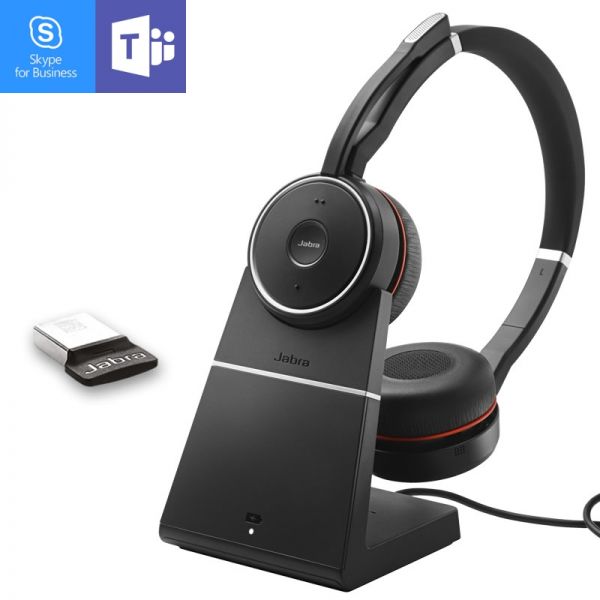
Wireless headset with active noise reduction and charging stand - optimised for Microsoft Teams
£340.00 £222.99 Excl. VAT £267.59 Incl. VAT
Binaural UC Bluetooth headset for use with PCs, mobiles and tablets - optimised for Microsoft Lync
£282.95 £177.99 Excl. VAT £213.59 Incl. VAT
USB and 3.5mm Jack headset for use with PC and/or smartphone, optimized for Teams
£65.99 £57.99 Excl. VAT £69.59 Incl. VAT
Wired USB headset for PC, mobile and softphone
£109.95 £57.99 Excl. VAT £69.59 Incl. VAT
USB-A Stereo headset ideal for professionals in open spaces
£75.20 £45.99 Excl. VAT £55.19 Incl. VAT
Duo corded headset with USB-A connection and 3.5mm jack- for PC, MAC and mobile
£49.99 £39.99 Excl. VAT £47.99 Incl. VAT
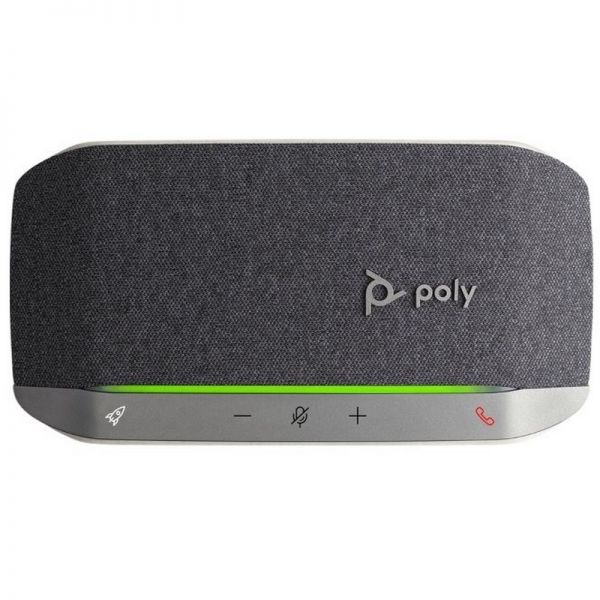
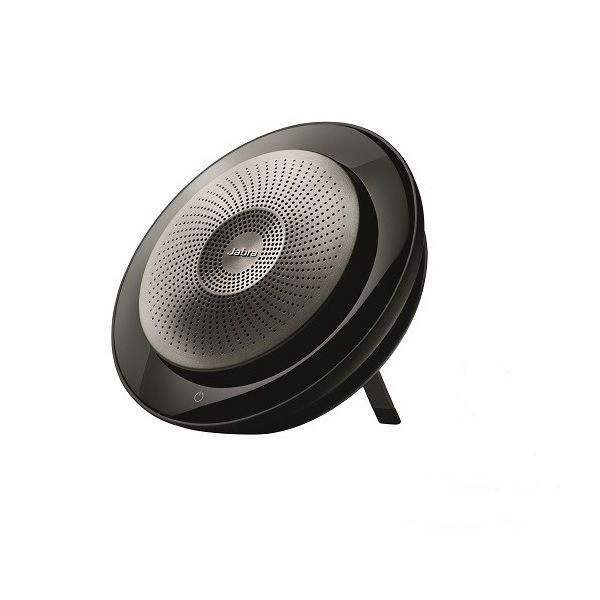
High-performance portable speakerphone for the meetings of up to 6 people
£146.99 £116.99 Excl. VAT £140.39 Incl. VAT
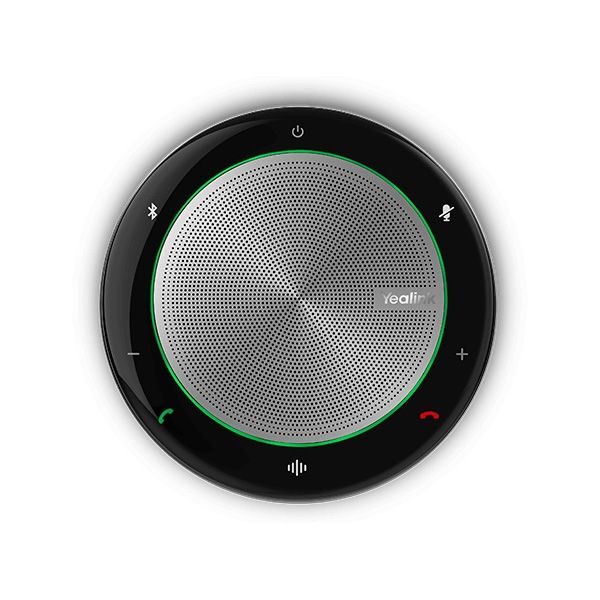
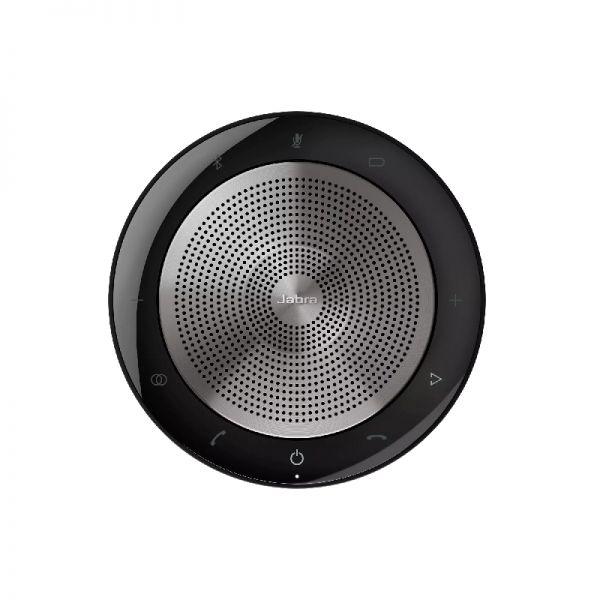
Speakerphone with USB-A connection (PC) and Bluetooth (mobile devices) ideal for your meetings and free time
£115.95 £72.99 Excl. VAT £87.59 Incl. VAT
Powerful speakerphone with state-of-the-art audio quality optimised for Microsoft Teams
£295.00 £222.99 Excl. VAT £267.59 Incl. VAT
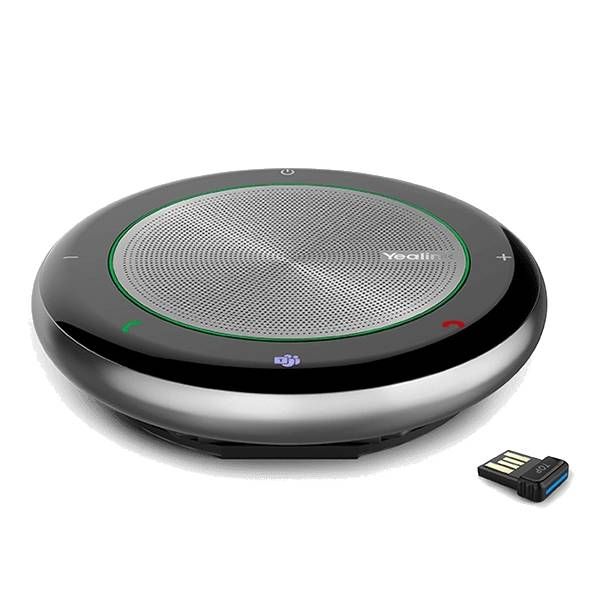
Wireless and portable speaker optimized for Teams with Bluetooth Dongle - ideal for small rooms
£119.99 £98.99 Excl. VAT £118.79 Incl. VAT
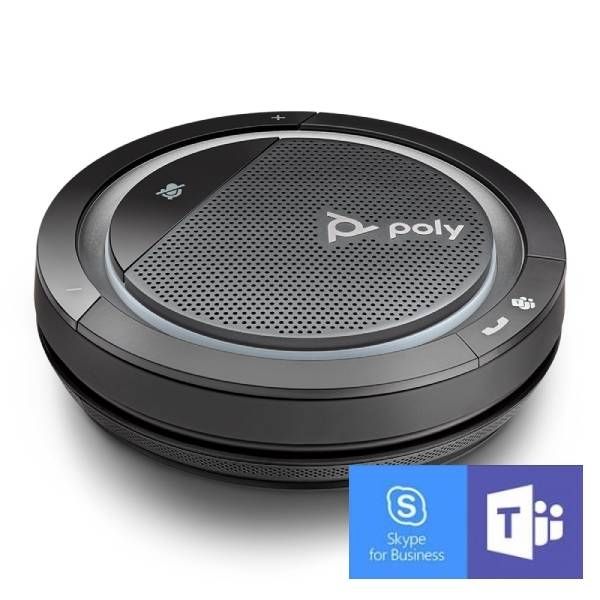
Crystal clear professional conference speakerphone optimized for Microsoft Teams
£119.00 £88.99 Excl. VAT £106.79 Incl. VAT
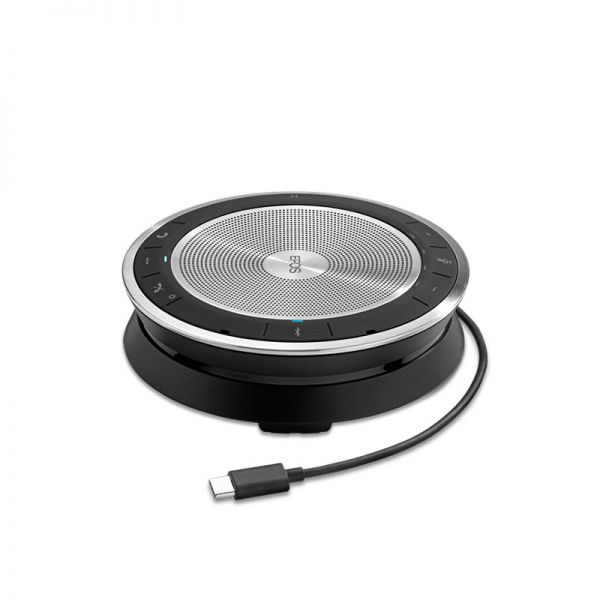
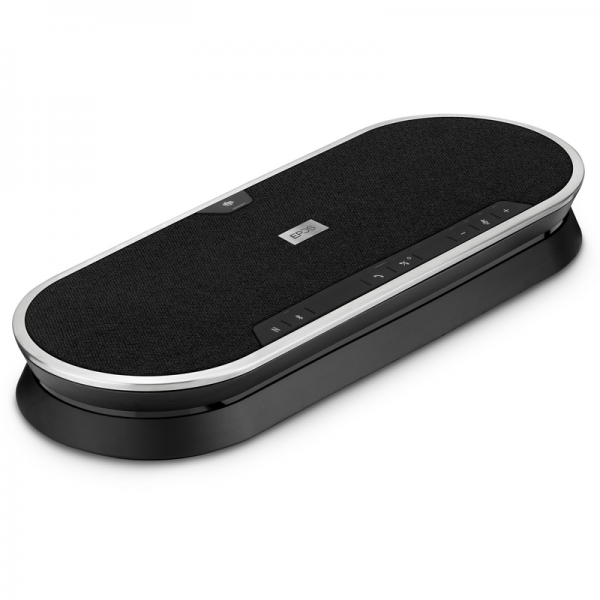
Audio Conference Speaker for PC / Mac, Mobile and Tablet - Optimized for Microsoft Teams
£135.00 £104.99 Excl. VAT £125.99 Incl. VAT
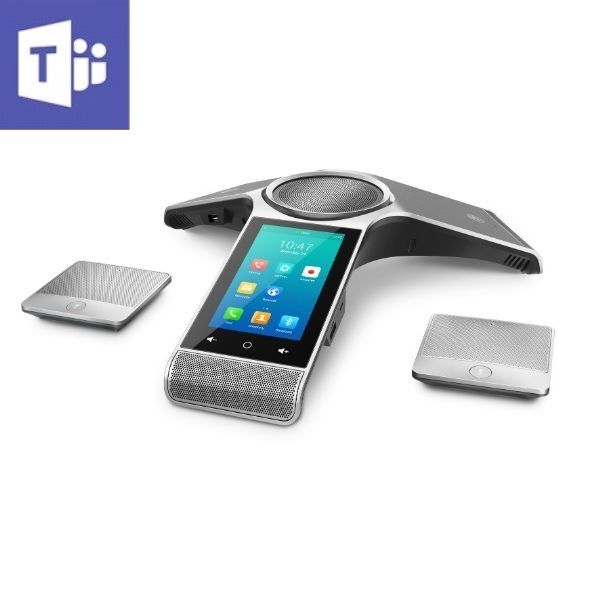
Conference phone for Microsoft Teams for mid- and large-sized conference rooms
£522.99 £512.99 Excl. VAT £615.59 Incl. VAT
Expandable conference room speakerphone optimised for Teams
£271.00 £172.99 Excl. VAT £207.59 Incl. VAT
Wireless multi-connection audio conferencing system optimized for Microsoft Teams - ideal for meeting rooms
£569.00 £279.99 Excl. VAT £335.99 Incl. VAT
Simple bundle solution for high-quality meetings - ideal for Small and Huddle Rooms
£658.99 £434.99 Excl. VAT £521.99 Incl. VAT
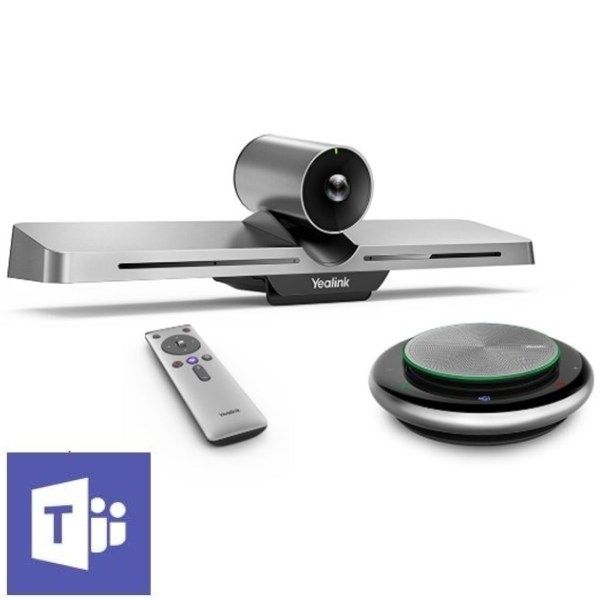
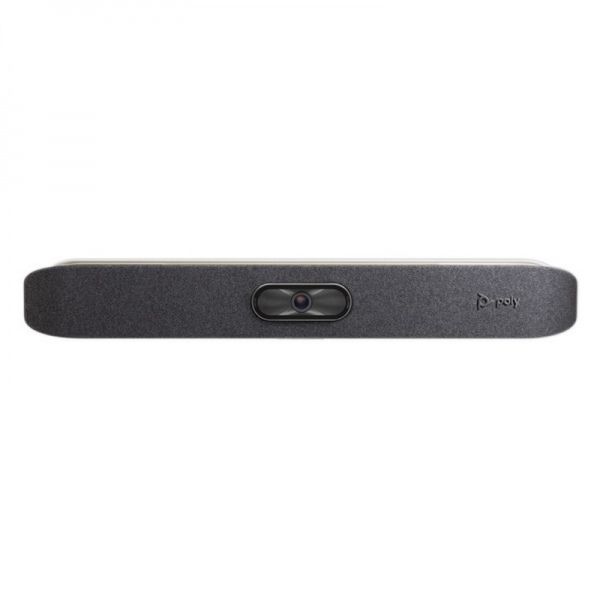
Video conferencing system ideal for Huddle rooms - optimized for Teams (4-6 people)
£944.99 £799.99 Excl. VAT £959.99 Incl. VAT
The first Conference camera giving a 180º Field of View - Ideal for huddle Rooms
£1,544.95 £1,309.99 Excl. VAT £1,571.99 Incl. VAT
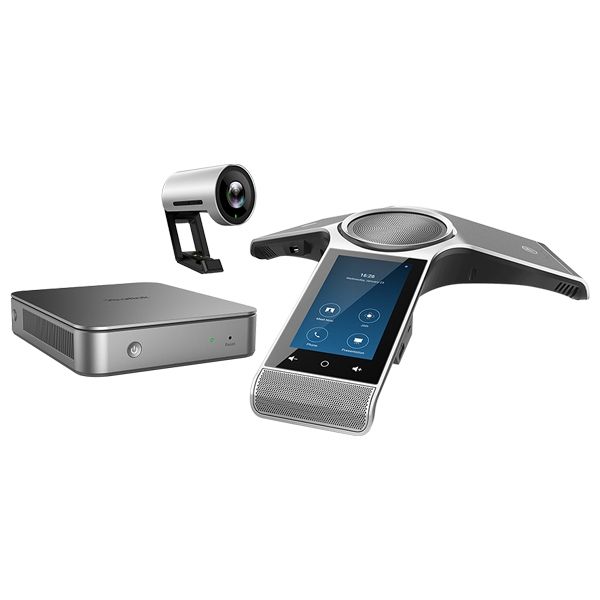
Zoom certified video conferencing bundle- ideal for huddle rooms.
£1,599.99 £1,549.99 Excl. VAT £1,859.99 Incl. VAT
For simple and smart video conferencing in small and huddle rooms
£799.99 £554.99 Excl. VAT £665.99 Incl. VAT
Next-gen video conferencing camera, 5x Zoom 1080/60 PTZ USB Camera
£727.99 £699.99 Excl. VAT £839.99 Incl. VAT
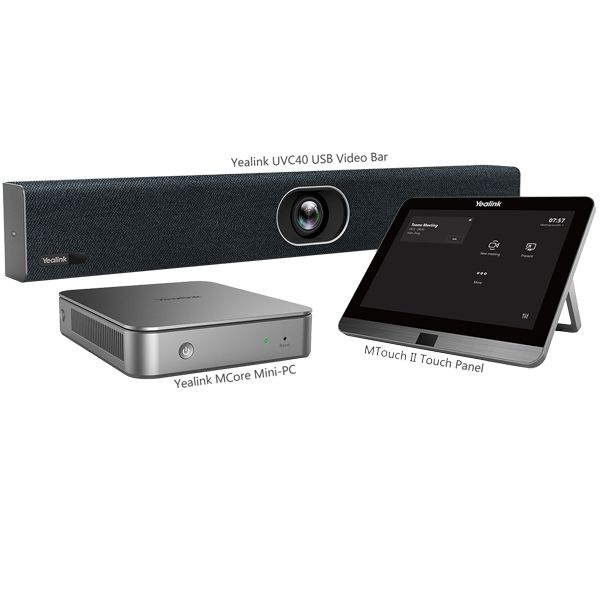
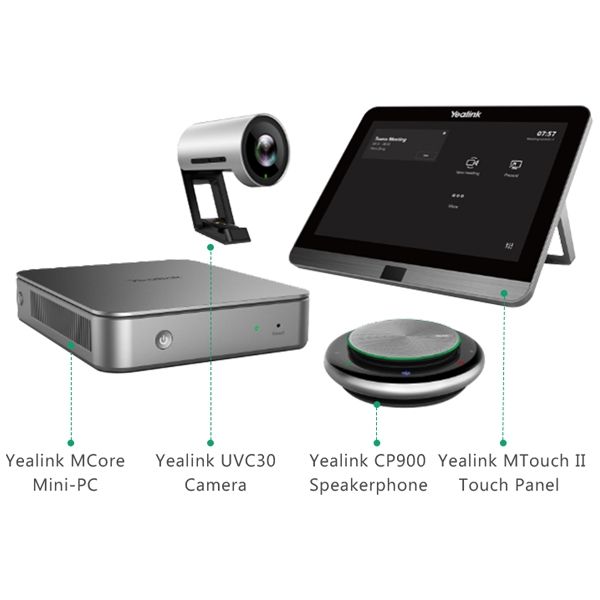
All-in-one video conferencing solution optimized for Microsoft Teams - ideal for medium-sized rooms
£2,699.99 £2,249.99 Excl. VAT £2,699.99 Incl. VAT
All-in-one video conferencing solution- for small to medium Microsoft Teams rooms
£2,229.99 £1,999.99 Excl. VAT £2,399.99 Incl. VAT
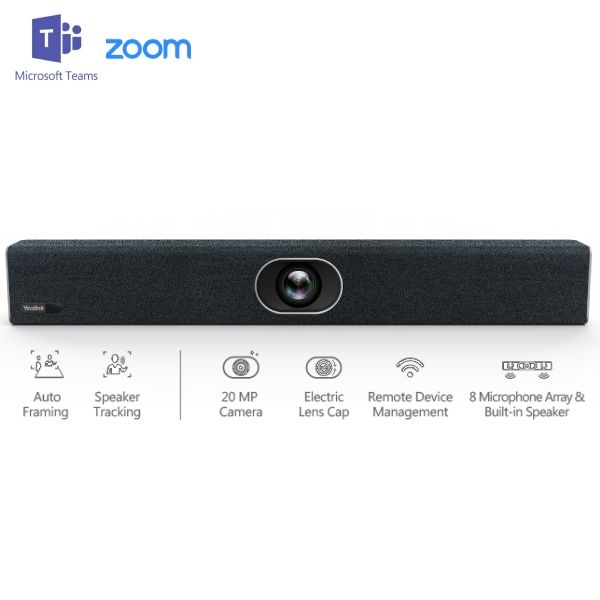
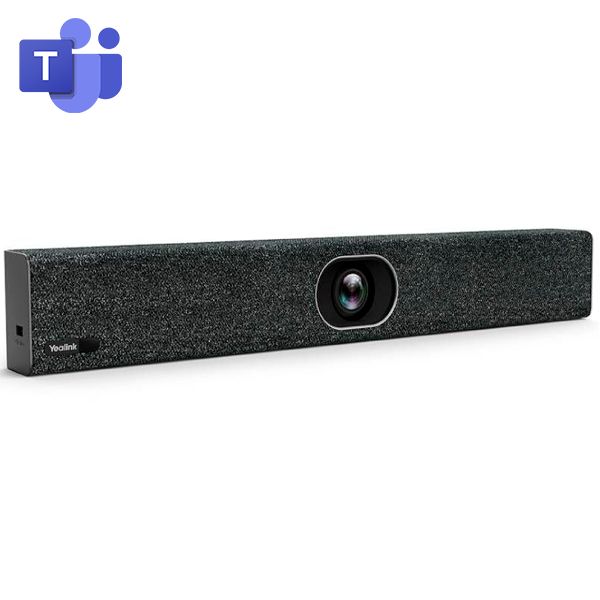
All-in-one collaboration bar for your video conferencing - optimized for Microsoft Teams
£1,228.99 £1,165.99 Excl. VAT £1,399.19 Incl. VAT
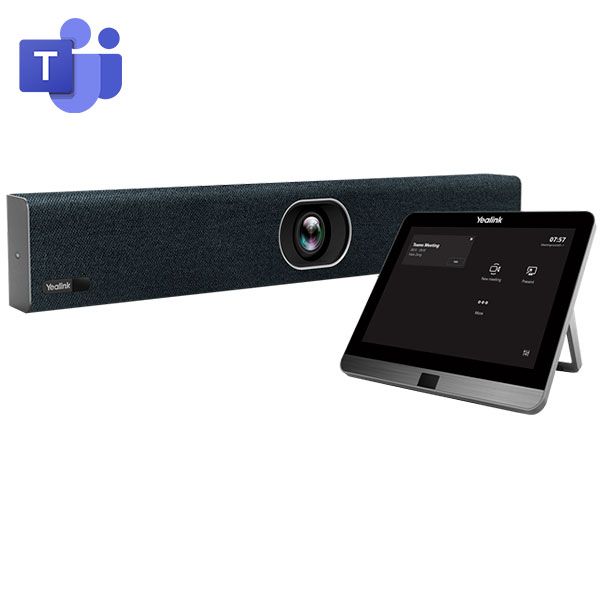
All-in-one collaboration bar with CTP18 touch panel for your video conferences - optimized for Microsoft Teams
£1,539.00 £1,029.99 Excl. VAT £1,235.99 Incl. VAT
AI-powered conference camera for small meeting rooms with built-in microphone
£804.59 £719.99 Excl. VAT £863.99 Incl. VAT
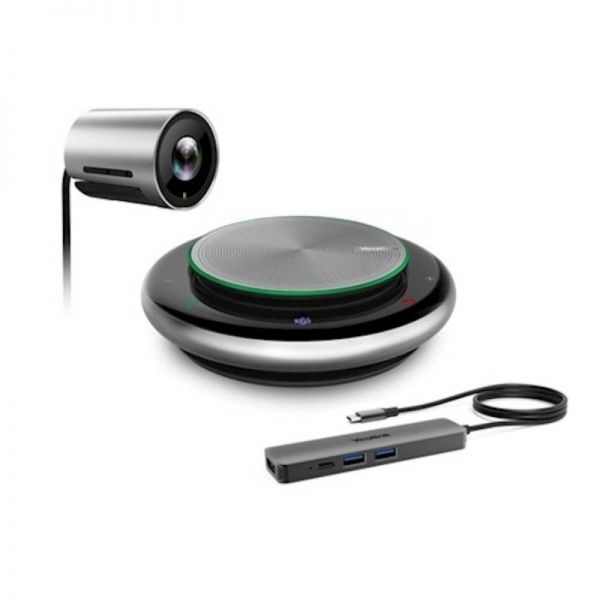
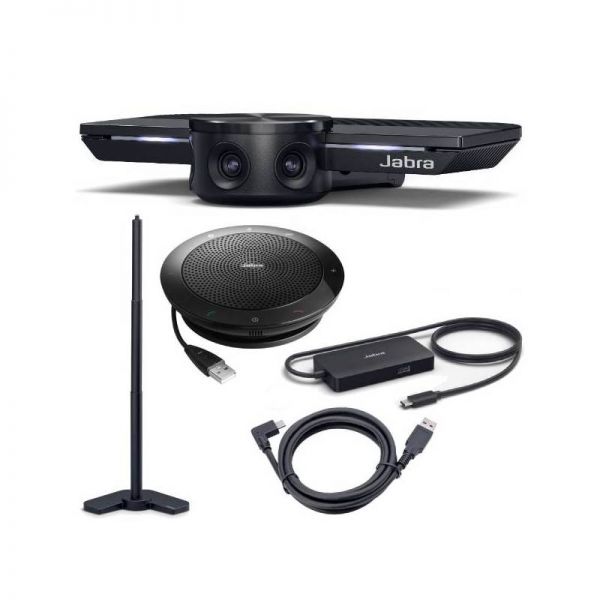
PACK: Plug & Play video conferencing solution with a speaker, HUB, foot mount and USB cable
£639.49 £473.81 Excl. VAT £568.57 Incl. VAT
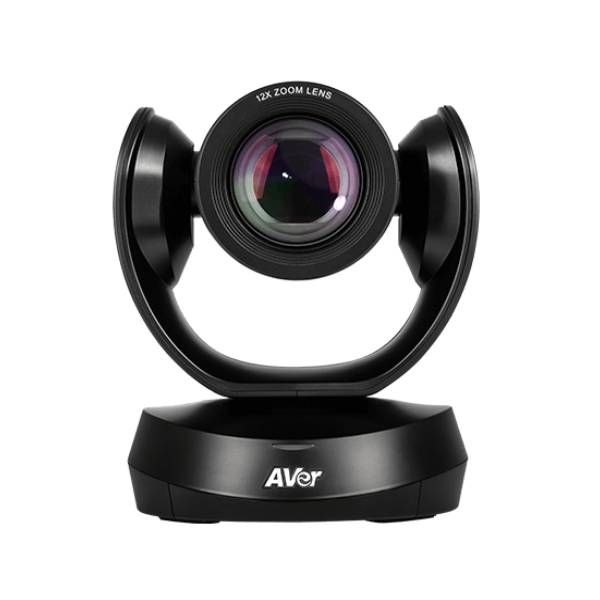
Video conferencing camera with USB connection for medium and large rooms
£849.99 £759.99 Excl. VAT £911.99 Incl. VAT
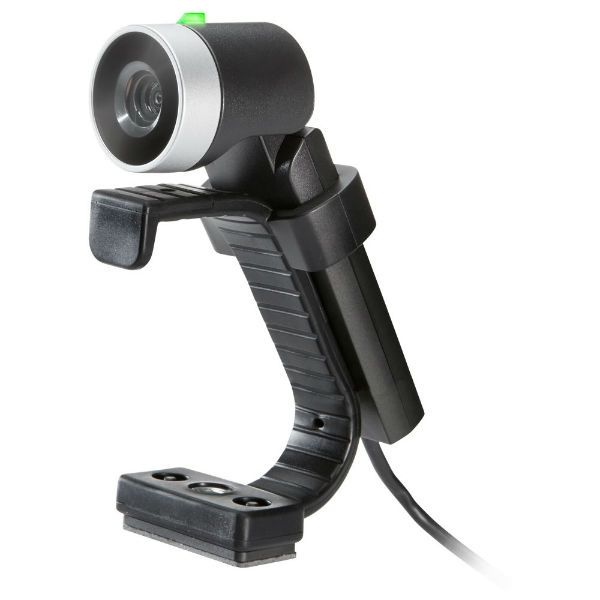
HD video conferencing camera for Polycom audio solutions
£115.00 £72.99 Excl. VAT £87.59 Incl. VAT
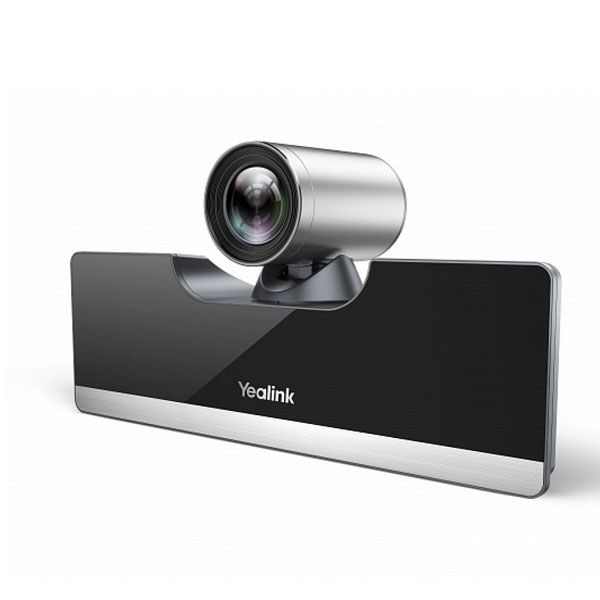
Video conferencing system for focus and small rooms- optimized for MS Teams
£1,899.99 £1,649.99 Excl. VAT £1,979.99 Incl. VAT
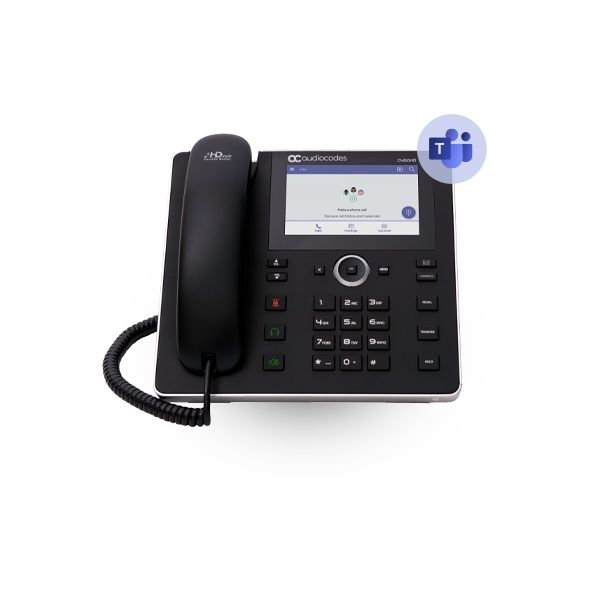
Native Teams high-end VOIP phone with large colored touch screen, Bluetooth and Wifi
£289.99 £269.99 Excl. VAT £323.99 Incl. VAT
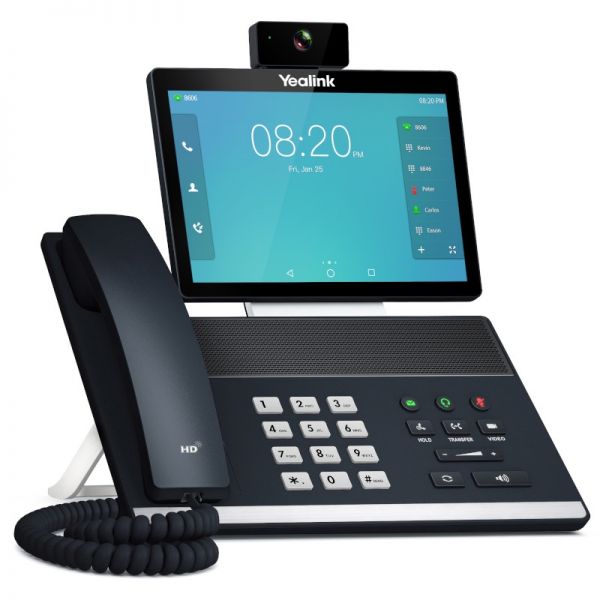
IP phone with camera for video conferencing- 8" touch screen and Android 7.1 technology
£249.99 £181.99 Excl. VAT £218.39 Incl. VAT
IP phone with camera for video conferencing- 8" touch screen and Android 7.1 technology
£529.99 £418.99 Excl. VAT £502.79 Incl. VAT
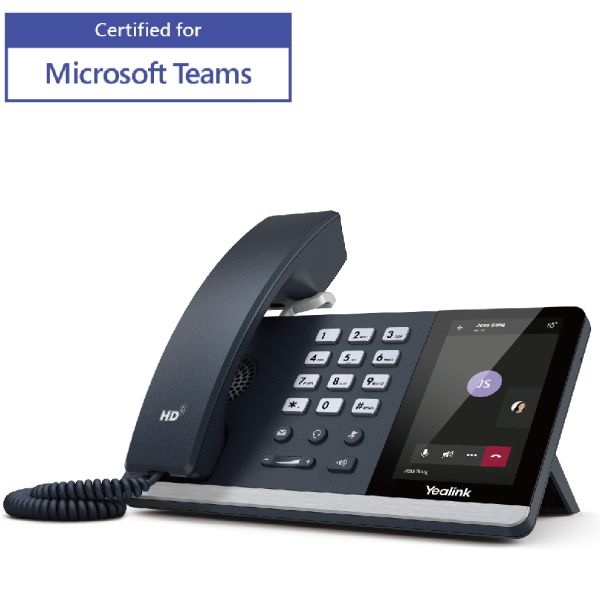
Yealink mid-level media phone for the office professional.
£179.99 Excl. VAT £215.99 Incl. VAT
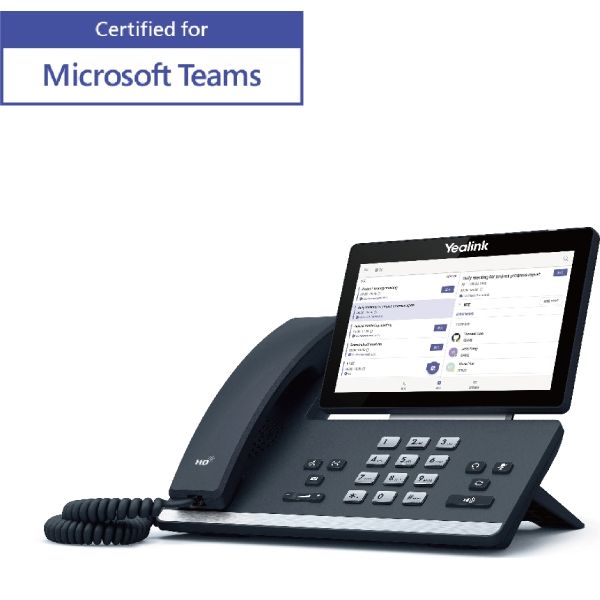
Smart media phone with 7 "Android touchscreen and HD audio
£219.99 Excl. VAT £263.99 Incl. VAT
Advanced VoIP desktop phone for professionals with DSS intelligent keys, PoE and Gigabit ports
£62.99 Excl. VAT £75.59 Incl. VAT