
My Cart



TOP 10 – Best PC Monitors of 2026
Do you spend many hours in front of your computer? Or are you simply looking to improve the quality of your digital work? In both cases, choosing the right PC monitor makes a real difference. It’s not just about size, but also visual comfort, productivity and image quality.
From 24-inch monitors, perfect for office use and compact desks, to 27-inch monitors ideal for multitasking, graphic design and gaming, there are PC screens designed for every need. In this guide, you’ll find a selection of the best models of 2026 to help you choose the most suitable PC screen for your space, whether professional or home-based.
IconTOP 10 Icon Comparison table IconFAQ
Our winning trio
Number 1
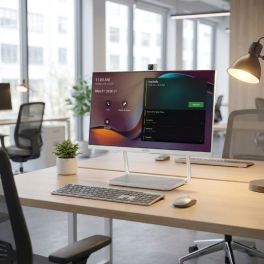
All-in-one system: monitor, 4K camera, microphones, and speakers integrated
Native Microsoft Teams: direct meeting access without an external PC
USB-C with power delivery: single cable for connectivity and laptop charging
Number 2
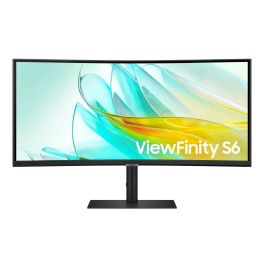
Immersive 34″ Ultra-WQHD with 1000R curvature and 21:9 aspect ratio
HDR10 support and large workspace for productive multitasking
Comprehensive connectivity including USB-C with power delivery
Number 3
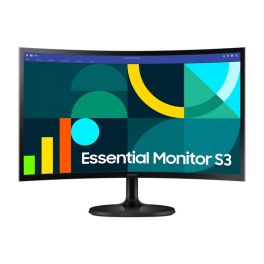
Samsung S3 S36GD 24'' Curved Monitor 100Hz
Call us for availability
Immersive 1800R curved screen for wider field of view and enhanced focus
100 Hz refresh rate reduces motion blur and improves fluidity
VA panel with deep contrast and wide viewing angles for vivid visuals
Our complete ranking:
The all-in-one interactive monitor perfect for any environment
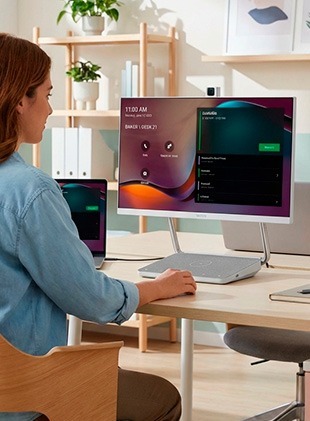
The Yealink DeskVision A24 Teams Edition is much more than a standard PC monitor: it is a 23.8″ all-in-one collaboration workstation designed for hybrid work environments and professionals who demand efficiency, organization, and premium video quality. Featuring an integrated 4K camera, professional microphones and speakers, and native Microsoft Teams, it transforms any desk into a personal meeting room, eliminating extra devices and simplifying every video conference with a sleek, compact solution. By Sector
Corporate and Office
Hybrid work
Features
Full HD (1080p)
Horizontal
24''
Flat Screen
Pros
All-in-one system: monitor, 4K camera, microphones, and speakers integrated
Native Microsoft Teams: direct meeting access without an external PC
USB-C with power delivery: single cable for connectivity and laptop charging
Cons
Full HD resolution: not a 4K display panel
Primarily optimized for Teams: less flexible for other platforms
The best curved monitor for advanced productivity and multitasking
The Samsung ViewFinity S65UC is a 34″ ultra-wide professional monitor with Ultra-WQHD 3440×1440 resolution and 1000R curvature, designed for immersive viewing and maximum productivity. With HDR10 support, a high-contrast VA panel, and up to 100 Hz refresh rate, it delivers detailed visuals, vibrant colors, and expansive screen space for advanced multitasking. By Sector
Corporate and Office
Hybrid work

Features
G
WQHD
Horizontal
34''
Curved Screen
Pros
Immersive 34″ Ultra-WQHD with 1000R curvature and 21:9 aspect ratio
HDR10 support and large workspace for productive multitasking
Comprehensive connectivity including USB-C with power delivery
Cons
Large footprint: not ideal for small desks
Higher price compared to standard monitors
The ergonomic curved screen computer ideal for office and home use
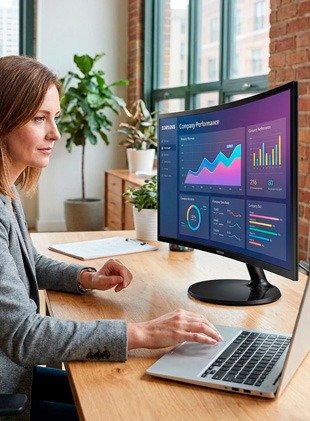
The Samsung 24″ S36GD FHD Curved Monitor is a versatile 24″ curved display designed to enhance everyday computing with immersive visuals and smooth performance. Featuring a Full HD resolution and a 100 Hz refresh rate, it wraps your field of vision thanks to its 1800R curvature, delivering a more engaging experience for work, entertainment and casual gaming. The VA panel offers deep contrast and wide viewing angles, while Eye Comfort technologies help reduce strain during prolonged use. By Sector
Public administrations
Corporate and Office
Features
E
Full HD (1080p)
Horizontal
24''
Curved Screen
Pros
Immersive 1800R curved screen for wider field of view and enhanced focus
100 Hz refresh rate reduces motion blur and improves fluidity
VA panel with deep contrast and wide viewing angles for vivid visuals
Cons
Full HD only: not suitable for tasks requiring higher resolution
No advanced USB-C connectivity (standard HDMI/VGA ports)
The 34-inch ultra-wide ideal for immersive multitasking
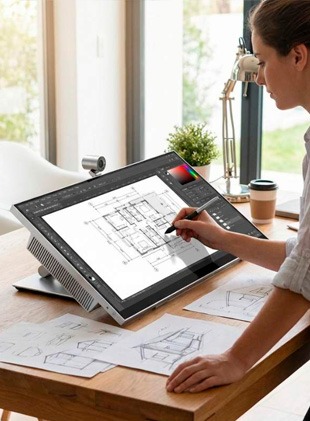
The Jupiter Pana 34 is a 34″ Ultra-Wide monitor with 3440×1440 resolution and up to 165 Hz refresh rate, built to combine productivity, collaboration, and entertainment. Featuring 10-point multi-touch technology, a 4K/60 camera, 24W speakers, and integrated microphones, it offers a complete solution for professional video conferencing and dynamic workspaces. By Sector
Corporate and Office
Hybrid work
Features
E
UWQHD
Horizontal
34''
Flat Screen
Pros
21:9 Ultra-Wide display with touch capability and 165 Hz refresh rate
Integrated 4K camera and audio for professional meetings
Powerful speakers and built-in microphones for clear communication
Cons
Premium price compared to traditional monitors
Large dimensions not ideal for compact workspaces
The all-in-one meeting display with integrated webcam and USB-C connectivity
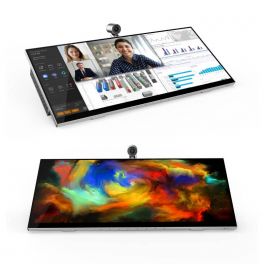
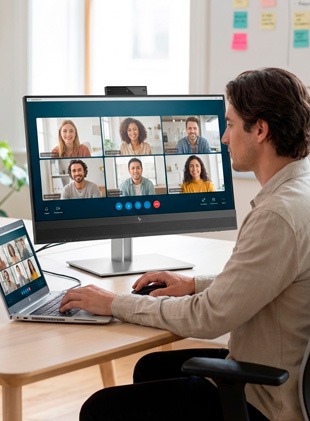
The HP USB-C Conference Display FHD E24m G4 is a professional monitor designed to simplify hybrid work and video conferencing. It integrates a 23.8″ Full HD IPS panel with wide viewing angles and a tilt-adjustable 5 MP webcam, front-facing speakers and dual microphones, making it ideal for calls and collaboration. With single-cable USB-C connectivity delivering video, data and up to 65 W power delivery, this display streamlines your desk setup and enhances everyday productivity. By Sector
Corporate and Office
Hybrid work
Features
E
Full HD (1080p)
Horizontal
24''
Flat Screen
Pros
Camera, speakers and dual mics built in: ready for conferencing out of the box
USB-C single cable for video, data and up to 65 W laptop charging
IPS panel with wide viewing angles and consistent color performance
Cons
Full HD resolution may be limited for creative or design-intensive work
Not as high refresh rate as some productivity-oriented monitors
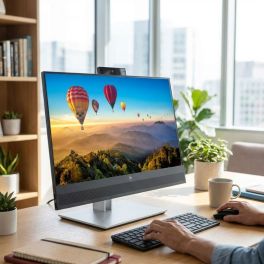
The 44.5-inch curved monitor designed for high-performance offices
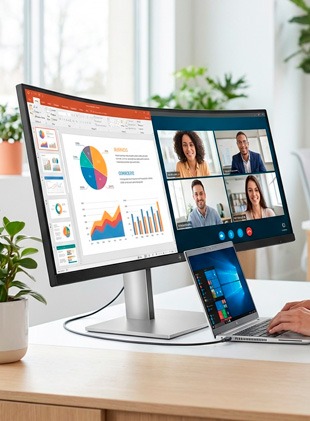
The HP E45c G5 DQHD is a 44.5″ ultra-wide monitor with 5120×1440 resolution and 32:9 aspect ratio, designed to replace dual-monitor setups seamlessly. With Virtual Dual Display functionality and USB-C connectivity delivering up to 100W power, it is a premium solution for intensive multitasking environments. By Sector
Corporate and Office
Health and social action
Hybrid work
Features
G
DQHD
Horizontal
45''
Curved Screen
Pros
44.5″ ultra-wide DQHD display for maximum productivity
Virtual Dual Display to manage multiple content sources simultaneously
USB-C with up to 100W power delivery
Cons
Very large size requiring a spacious desk
High price compared to conventional monitors
The balanced choice between quality and price
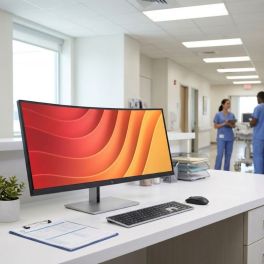
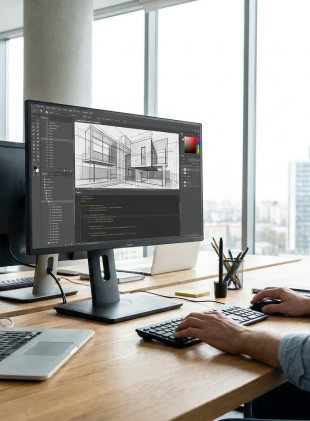
The iiyama ProLite XB2792HSU-B1 is a 27-inch professional monitor designed for everyday work and office environments. Its Full HD IPS panel delivers accurate colours and wide viewing angles, whilst its refresh rate of up to 120 Hz ensures a smooth display. Its ergonomic stand, which is height-adjustable, tilt-adjustable and swivelling, enhances user comfort, even during long working sessions. It also features built-in speakers, a USB hub and blue light reduction technologies to protect your eyes. By Sector
Corporate and Office
Hybrid work
Features
B
Full HD (1080p)
Horizontal, Vertical
27''
Flat Screen
Pros
IPS panel: accurate colours and wide viewing angles
Refresh rate of up to 120 Hz for a smoother display
Ergonomic stand: height adjustment and swivel function
Built-in USB hub for added convenience
Cons
Full HD resolution, which may seem limited on a 27-inch screen
No built-in USB-C ports
The best monitor with integrated webcam
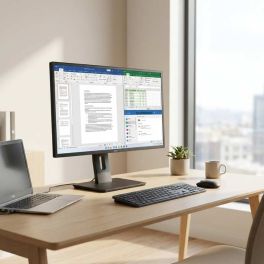
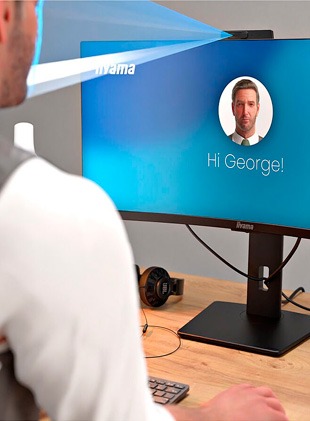
The iiyama XUB2792HSU-B6 27″ is a versatile Full HD monitor suitable for professional and everyday use. It delivers sharp visuals, wide viewing angles, and eye-care technologies, offering an excellent balance between performance, comfort, and affordability. By Sector
Corporate and Office
Hybrid work
Features
D
Full HD (1080p)
Horizontal, Vertical
24''
Flat Screen
Pros
27″ display with sharp images and wide viewing angles
Eye-care technologies to reduce visual fatigue
Simple and functional design
Cons
Full HD resolution limited for advanced creative tasks
Fewer premium features than high-end models

The most versatile for office use and remote working
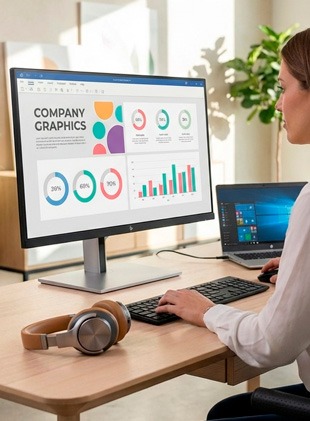
The HP Monitor FHD E27 G5 is a 27-inch monitor designed for modern offices. With Full HD resolution, stylish design, and simple setup, it offers a comfortable and reliable viewing experience for everyday tasks and online meetings. By Sector
Public administrations
Education
Corporate and Office
Features
D
Full HD (1080p)
Horizontal
27''
Flat Screen
Pros
Comfortable 27" screen for work and multimedia
Modern design with thin bezels
Simple installation and VESA compatibility
Cons
Full HD resolution limited to professional editing
Does not include advanced features such as USB-C with power delivery
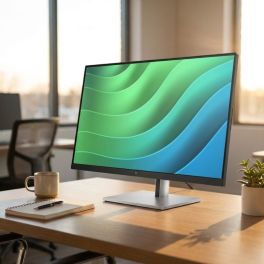
The most suitable for prolonged visual comfort in the office
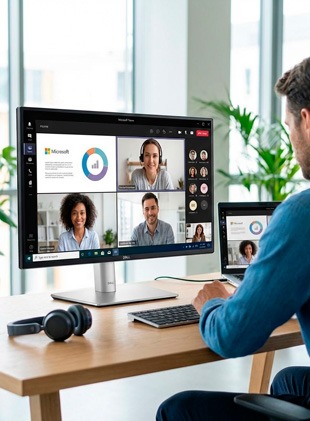
The Dell Professional P2425 is a 24″ monitor designed for business environments that require reliability and ergonomic comfort. With Full HD resolution and a fully adjustable stand, it ensures consistent productivity and comfortable performance in modern offices. By Sector
Education
Corporate and Office
Hybrid work
Features
D
WUXGA
Horizontal, Vertical
24''
Flat Screen
Pros
Reliable Dell quality for intensive professional use
Adjustable ergonomics for personalized comfort
Clear and uniform image quality
Cons
Full HD less suitable for advanced creative work
Minimalist design with basic feature set
| 1 | 2 | 3 | 4 | 5 | 6 | 7 | 8 | 9 | 10 | |
| Brightness | 200 - 300 cd/m² | 350 - 700 cd/m² | 200 - 300 cd/m² | 350 - 700 cd/m² | 300 - 350 cd/m² | 350 - 700 cd/m² | 300 - 350 cd/m² | 200 - 300 cd/m² | 300 - 350 cd/m² | 200 - 300 cd/m² |
| Energy efficiency class | G | E | E | E | G | B | D | D | D | |
| Resolution | Full HD (1080p) | WQHD | Full HD (1080p) | UWQHD | Full HD (1080p) | DQHD | Full HD (1080p) | Full HD (1080p) | Full HD (1080p) | WUXGA |
| Screen Orientation | Horizontal | Horizontal | Horizontal | Horizontal | Horizontal | Horizontal | Horizontal, Vertical | Horizontal, Vertical | Horizontal | Horizontal, Vertical |
| Screen Size | 24'' | 34'' | 24'' | 34'' | 24'' | 45'' | 27'' | 24'' | 27'' | 24'' |
| Screen type | Flat Screen | Curved Screen | Curved Screen | Flat Screen | Flat Screen | Curved Screen | Flat Screen | Flat Screen | Flat Screen | Flat Screen |
How to choose the best PC monitor?
The right choice depends on several factors: size, resolution, screen type, refresh rate and connectivity. A 24-inch monitor is often ideal for smaller desks or office tasks. If you need more workspace and greater visual comfort, a 27-inch monitor offers a wider and more versatile experience.
What’s the difference between 24-inch and 27-inch monitors?
The main difference is screen space. A 24-inch monitor is practical, compact and suitable for study and everyday use. A 27-inch monitor, on the other hand, allows you to manage multiple open windows more easily and is particularly well suited to graphic design, video editing and gaming.
Full HD or 4K PC monitor?
For browsing, office work and standard tasks, a Full HD PC monitor is more than sufficient. However, if you work in design, visual content creation or professional graphics, a 4K computer screen ensures sharper images and a significantly higher level of detail.
Which technology should you choose for a computer screen?
Each PC monitor uses different display technology. Some models offer more accurate colours and wider viewing angles, ideal for graphics and visual content. Others deliver stronger contrast, while those with faster response times are perfect for gaming and dynamic applications. The choice depends on how you primarily use your monitor.
Does a PC monitor affect productivity?
Absolutely. A high-quality PC monitor reduces eye strain and makes long working hours more comfortable. Technologies such as anti-flicker and blue light filters help protect your eyes and improve overall comfort.
What features should an office PC screen have?
For daily professional use, it’s recommended to choose a PC screen with at least Full HD resolution, a size between 24 and 27 inches, height adjustment for proper posture, and HDMI or DisplayPort connectivity for full compatibility.
Is refresh rate important in a PC monitor?
For standard use, a refresh rate between 60 and 75 Hz is perfectly adequate. If you use dynamic graphic applications or play games, opting for a 120 Hz or 144 Hz PC monitor will provide smoother visuals.
Curved or flat computer screen?
A curved computer screen can offer a more immersive experience, especially for gaming or entertainment. Flat monitors, however, remain an extremely versatile choice, suitable for both office work and everyday productivity.