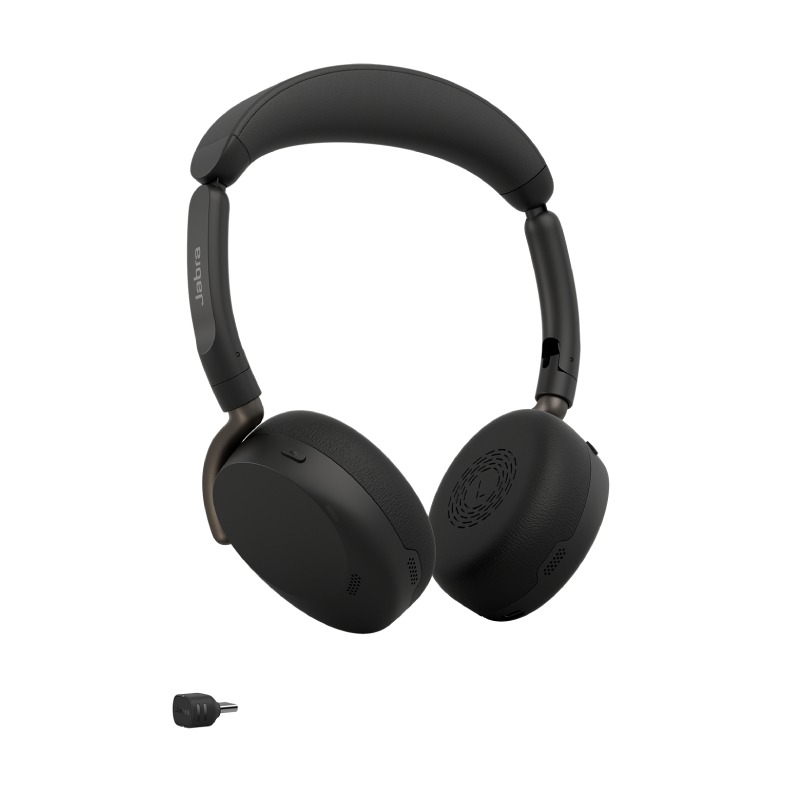
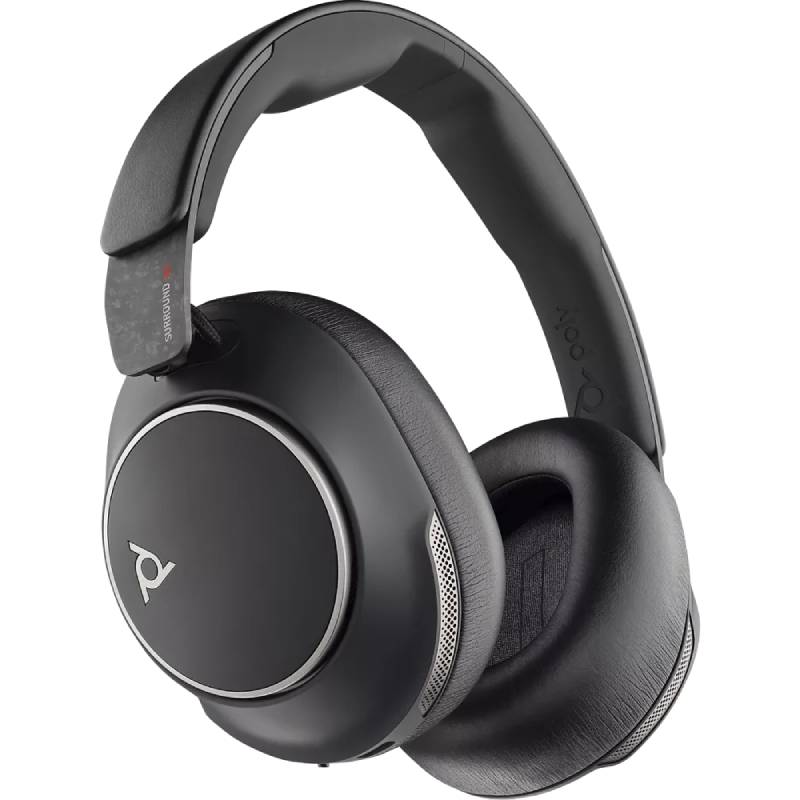
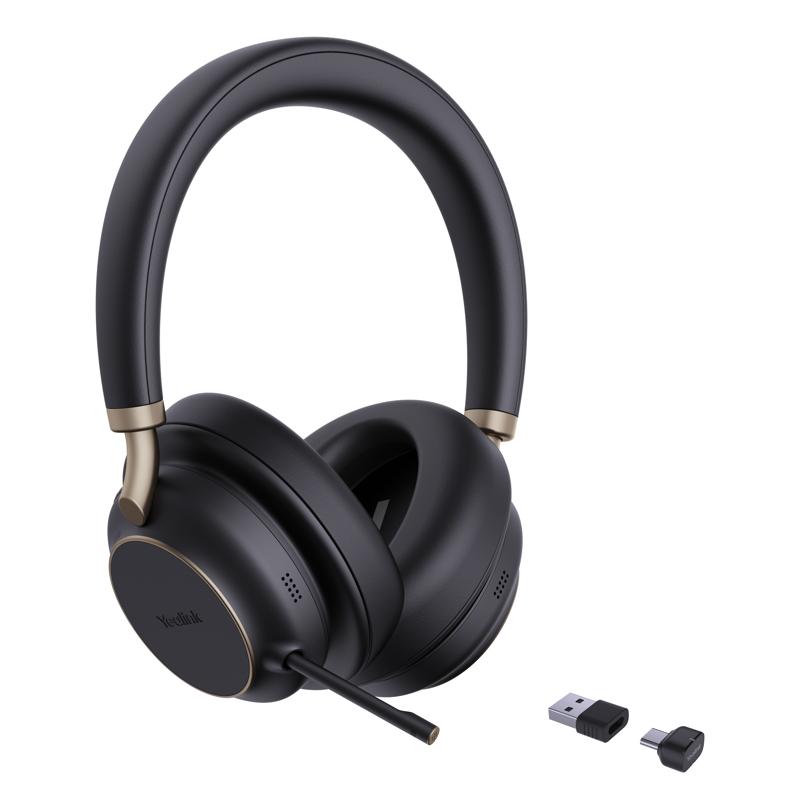
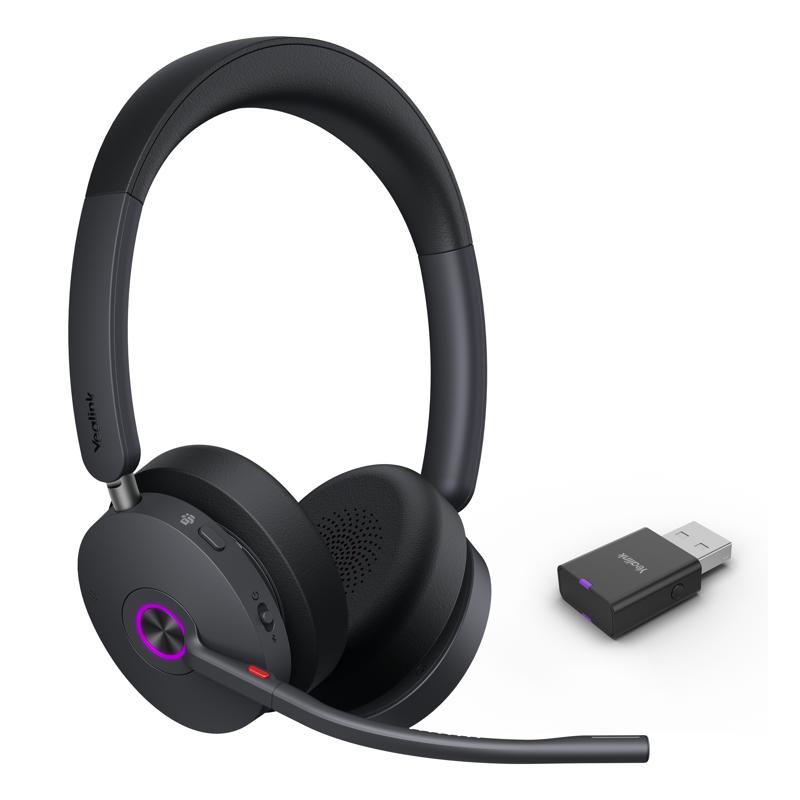
Wireless Mics for Improved Meeting Experiences
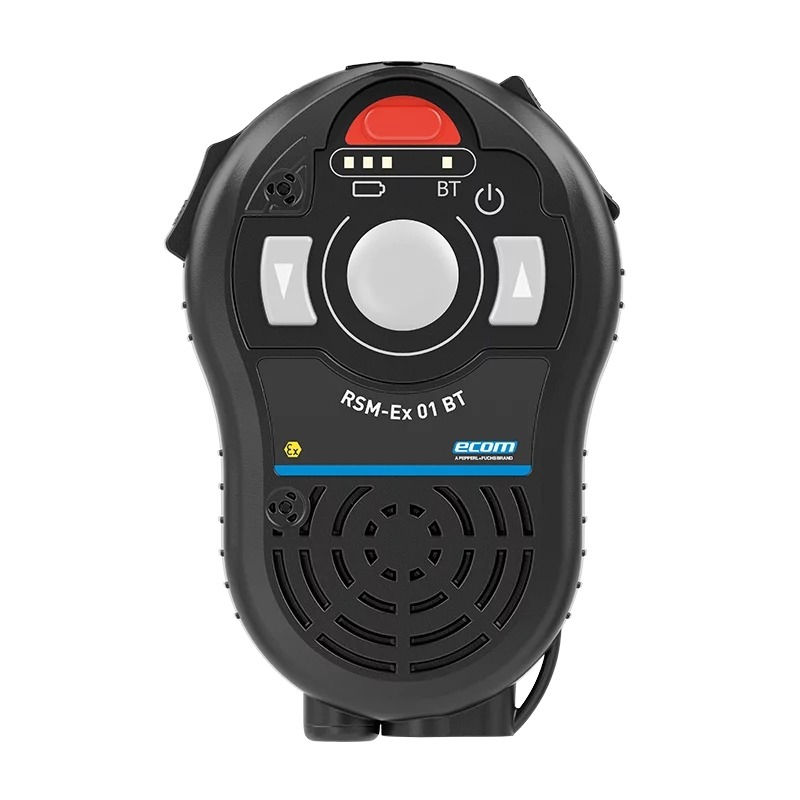
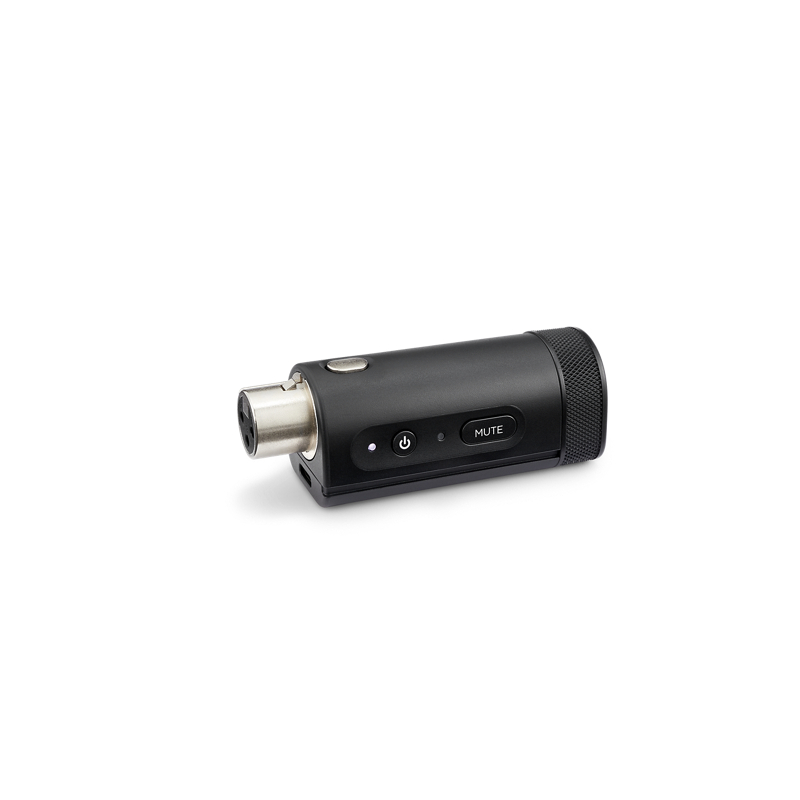
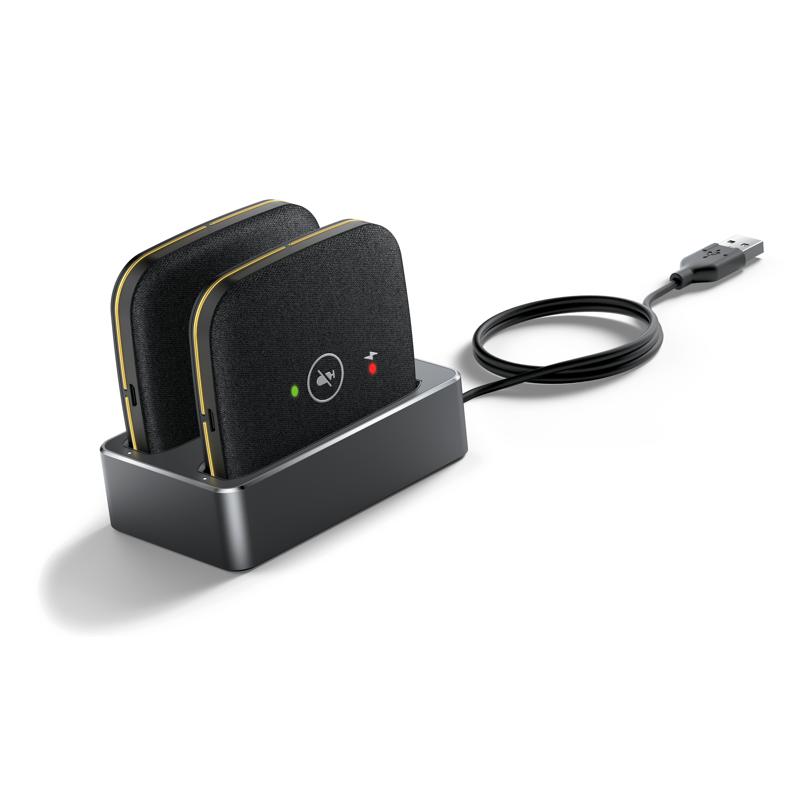
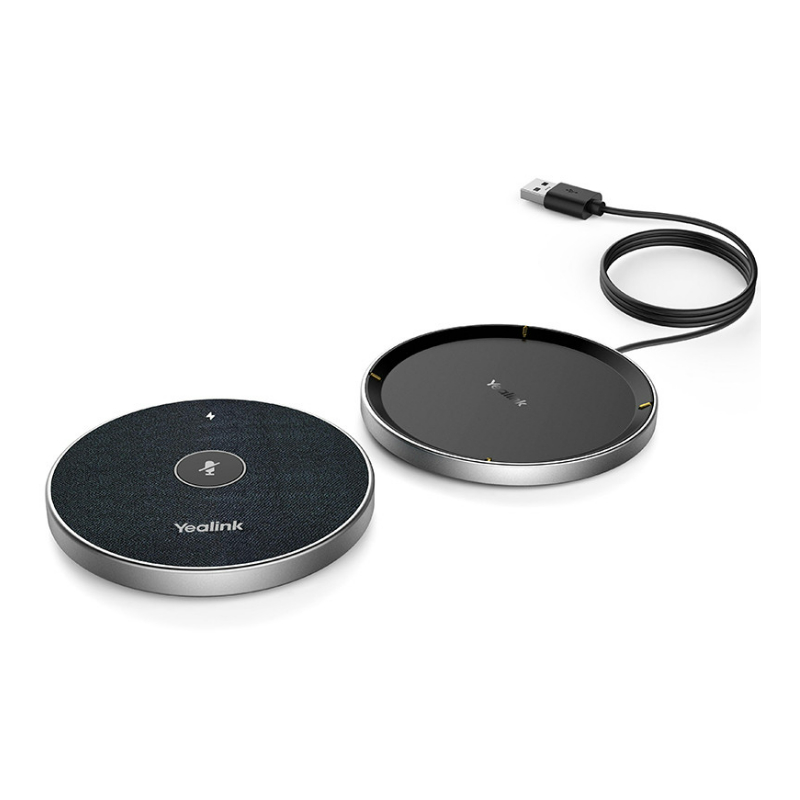
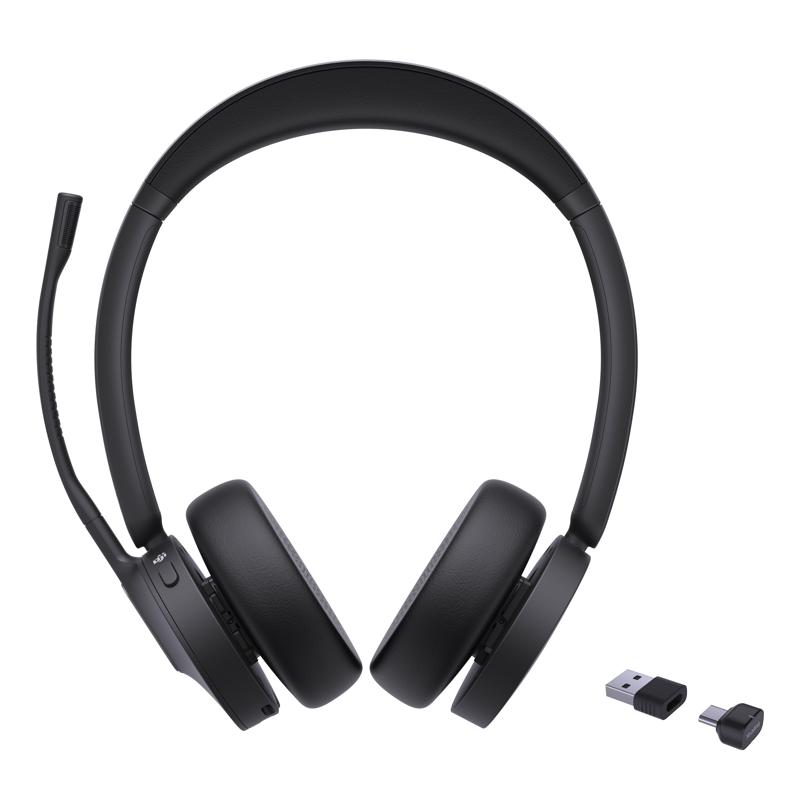
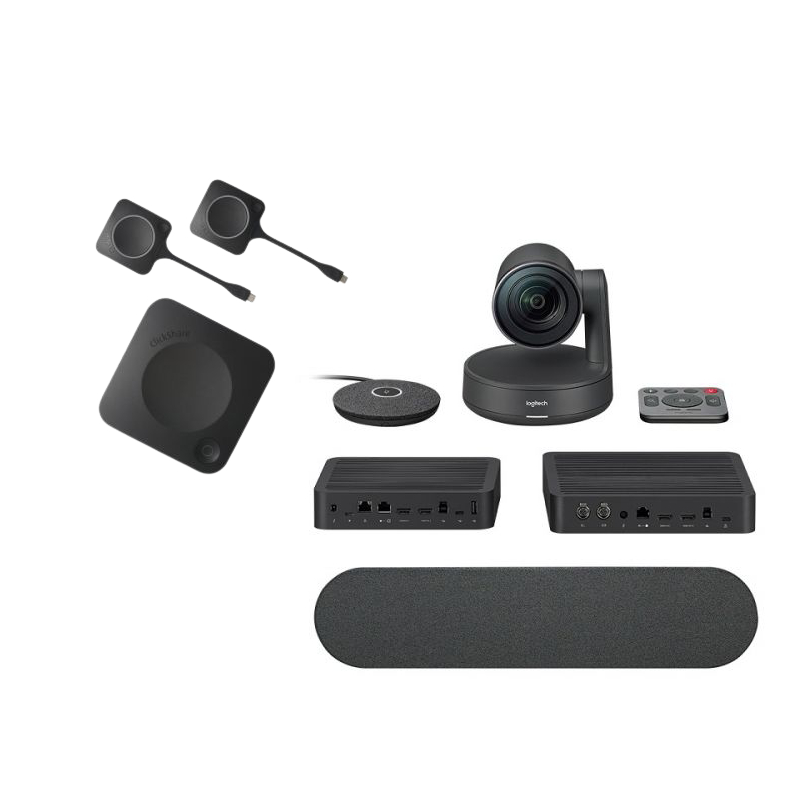
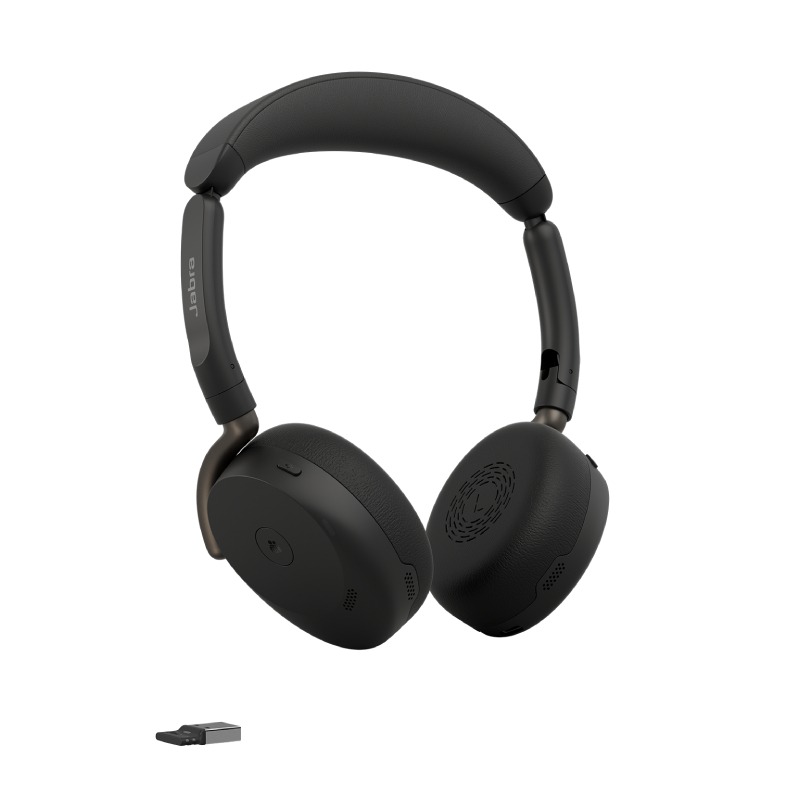
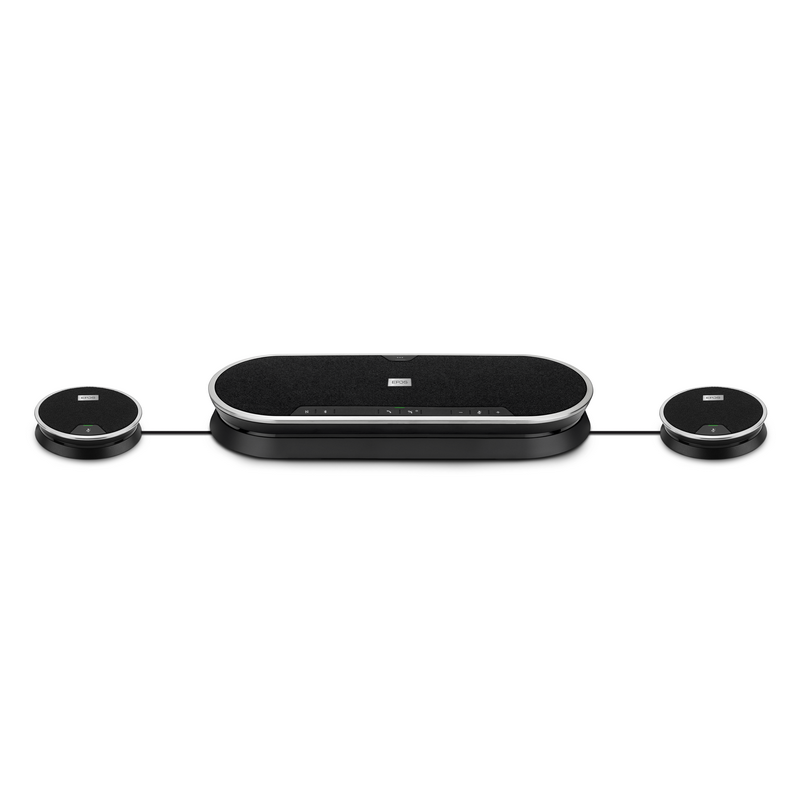
Wireless mics, also known as wireless microphones, are versatile audio devices ideal for businesses looking to enhance communication during meetings or presentations. This guide will help you understand their benefits and provide usage tips to maximise their effectiveness in different settings.
Benefits of Using Wireless Mics
- Simplified Setup: Many wireless mics offer plug-and-play functionality, allowing quick installation without the need for complex configurations or wiring.
- Crossover Compatibility: Most modern models support connections with various devices and platforms, ensuring they can work with Windows/Mac systems and popular conferencing tools like Zoom or Microsoft Teams.
- No Environmental Limitations: These microphones can be used in various room sizes and layouts, from small huddles to large conference spaces, providing consistent quality no matter the setting.
- User Mobility: Their wireless nature allows speakers freedom of movement, which can enhance engagement during presentations by making interactions more dynamic.
- Diverse Applications: Wireless mics are suitable not only for corporate meetings but also webinars, virtual events, and training sessions—making them a versatile addition to any tech stack.
Your Setup Tips
To get the best performance from your wireless mics, it’s important to carefully consider their positioning within your space. Aim to place the microphone close enough to the speaker’s mouth while ensuring it remains unobtrusive. Additionally, be mindful of potential interference from other electronic devices; keeping a clear line of sight between the mic and receiver will generally yield optimal audio quality.
Regular maintenance is key to longevity. Make sure that firmware updates are checked periodically as manufacturers often release enhancements that improve performance. User training on effective mic handling techniques can also help staff utilise these tools efficiently while understanding best practices like avoiding touching the microphone body during use which can trigger unwanted noise.
1. What is included with my purchase?
Your purchase typically includes the microphone unit itself along with a receiver and any necessary cables or adapters needed for immediate use; however, always confirm specifics on product pages as items may vary by model.
2. Are there software requirements?
MOST WIRELESS MICS do not require dedicated software but may provide optional apps through which users can manage settings; compatibility checks should be made based on your existing setup prior to purchasing any model.
3. Can I use these mics across different platforms?
The majority of modern **wireless mics** offer broad cross-platform compatibility; however, check specifications before purchasing as some entry-level models may have limitations when used outside certain ecosystems like Zoom or Teams.
4. How easy is installation?
The installation process is generally straightforward due to user-friendly designs aimed at non-technical users; most models allow direct connection via USB ports or Bluetooth without requiring extensive technical knowledge.
5. Are wireless mics suitable for hybrid working environments?
Summary
With their ability to improve clarity and facilitate better communication in diverse settings,
wireless mics, serve as an excellent investment for businesses focused on enhancing productivity. Explore our range today to find options tailored specifically towards your organisational needs!