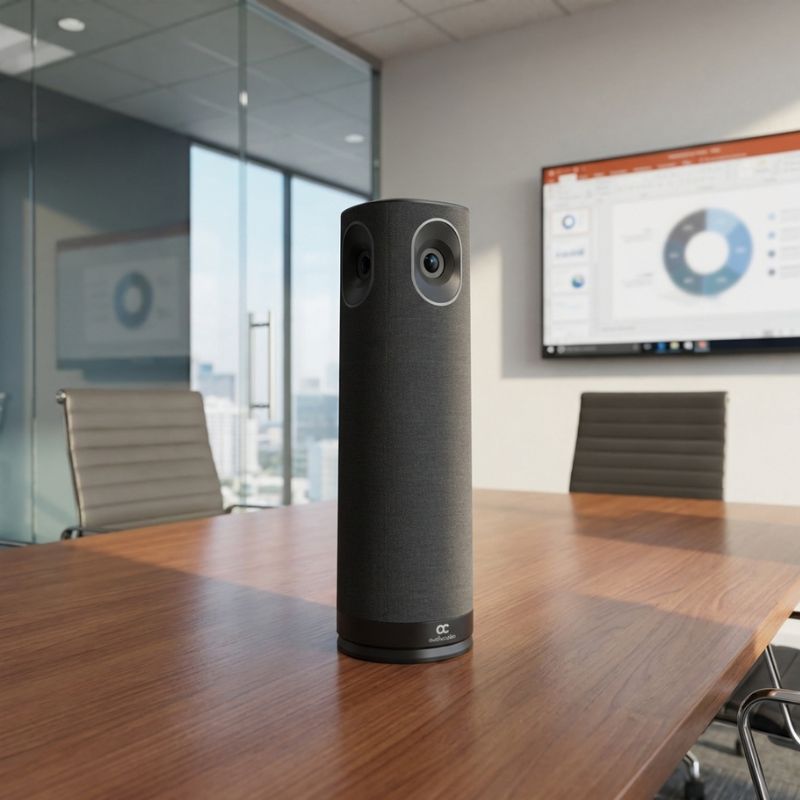
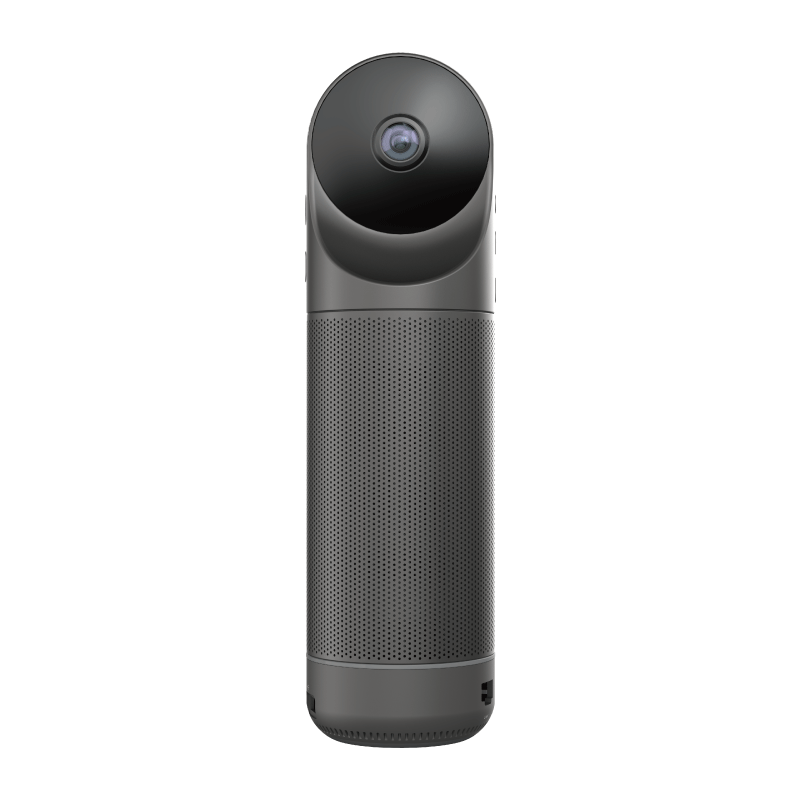
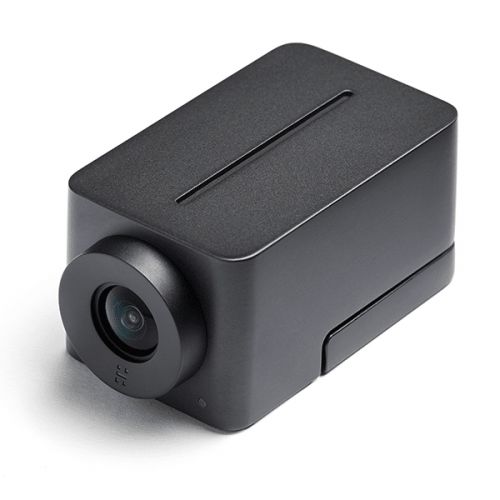
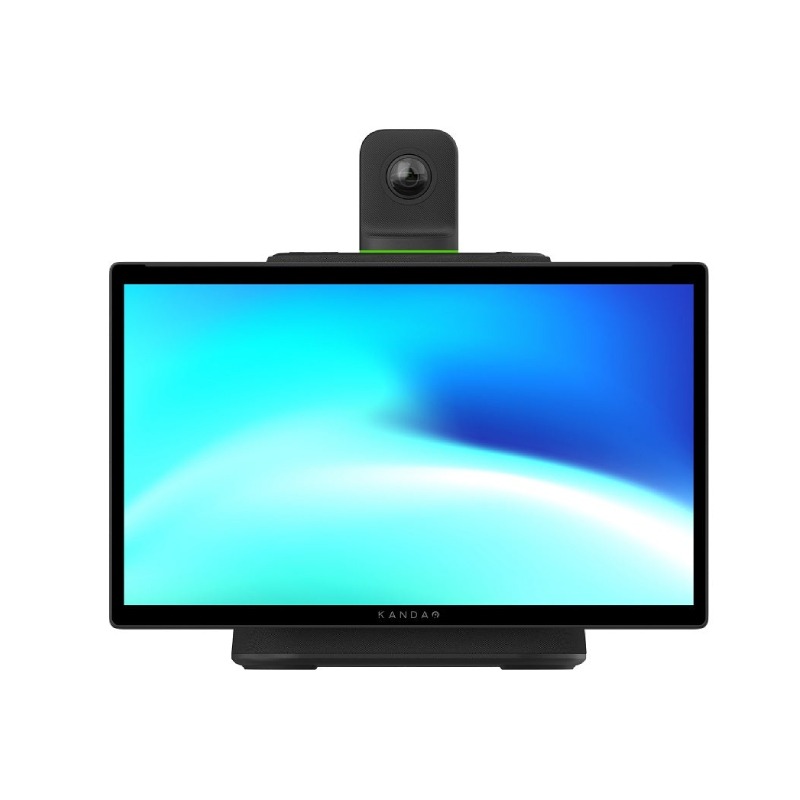
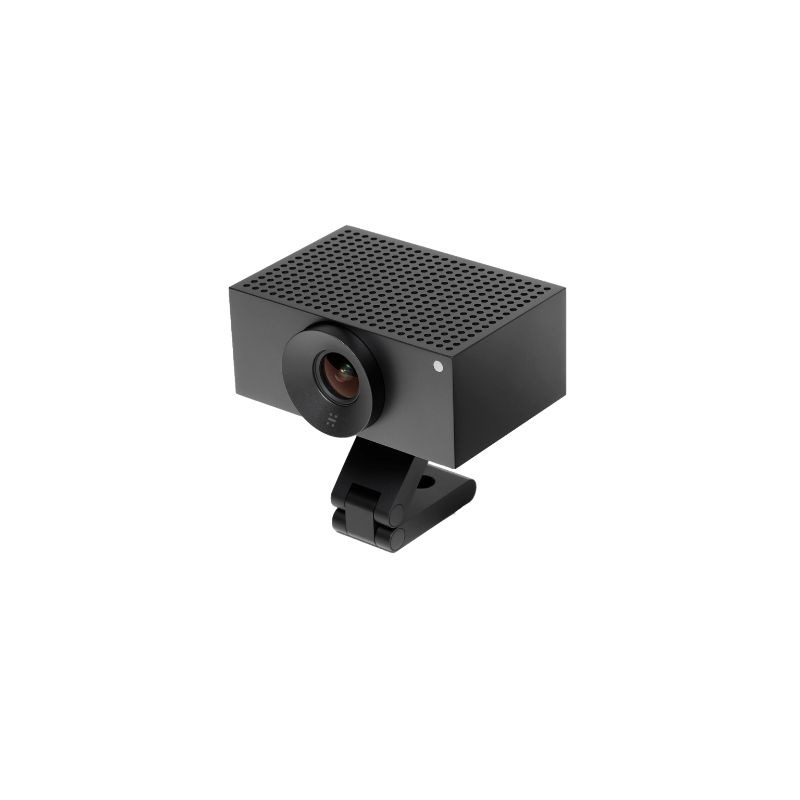
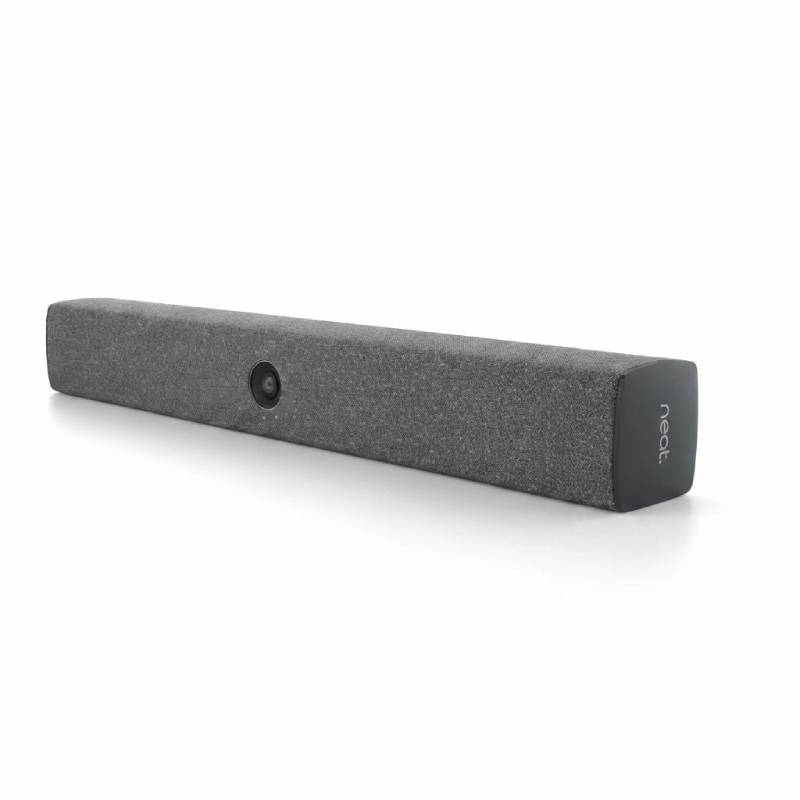
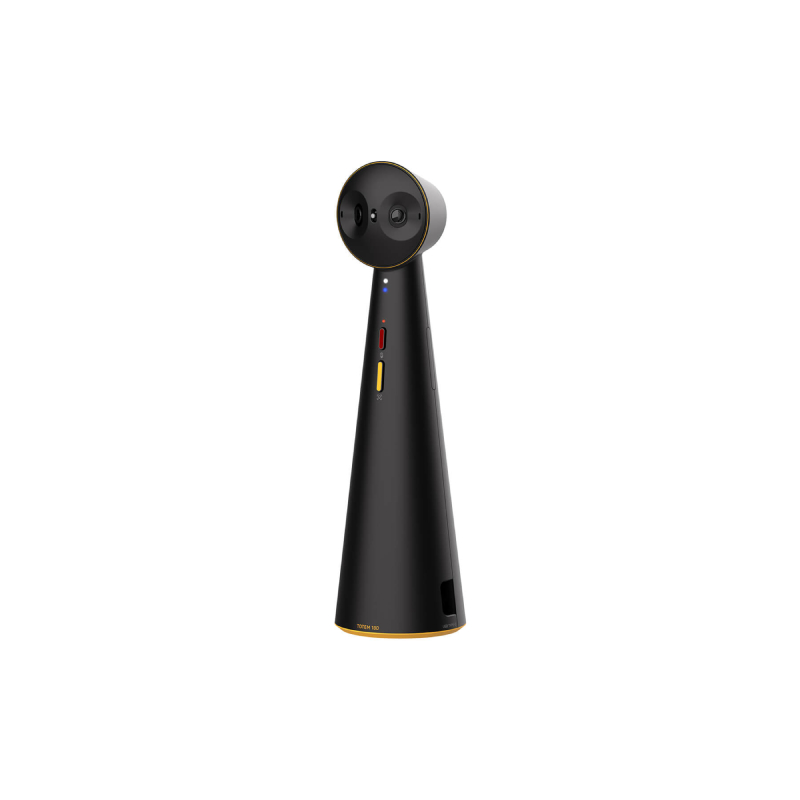
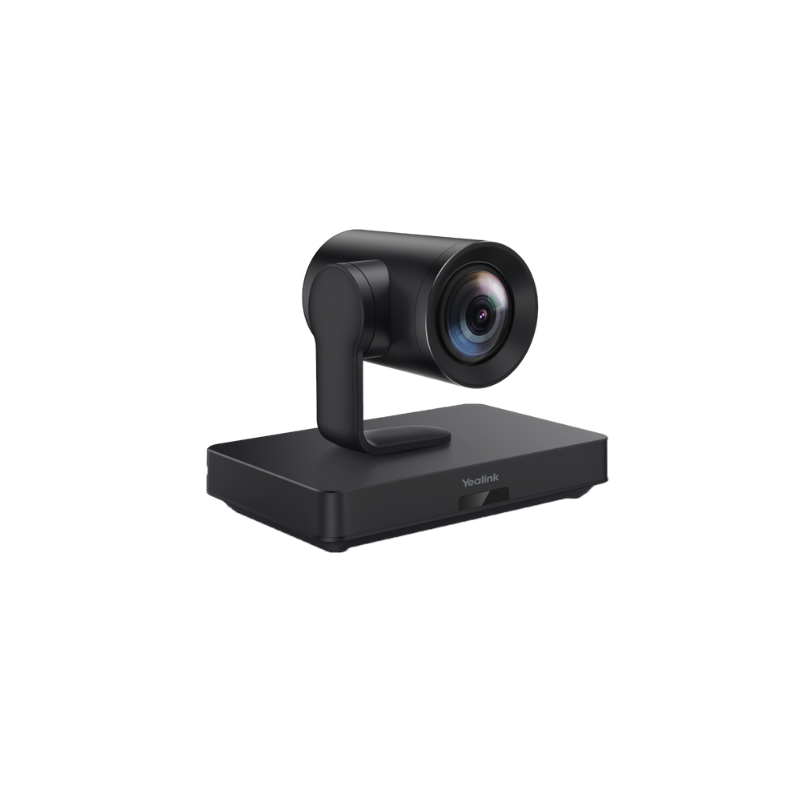
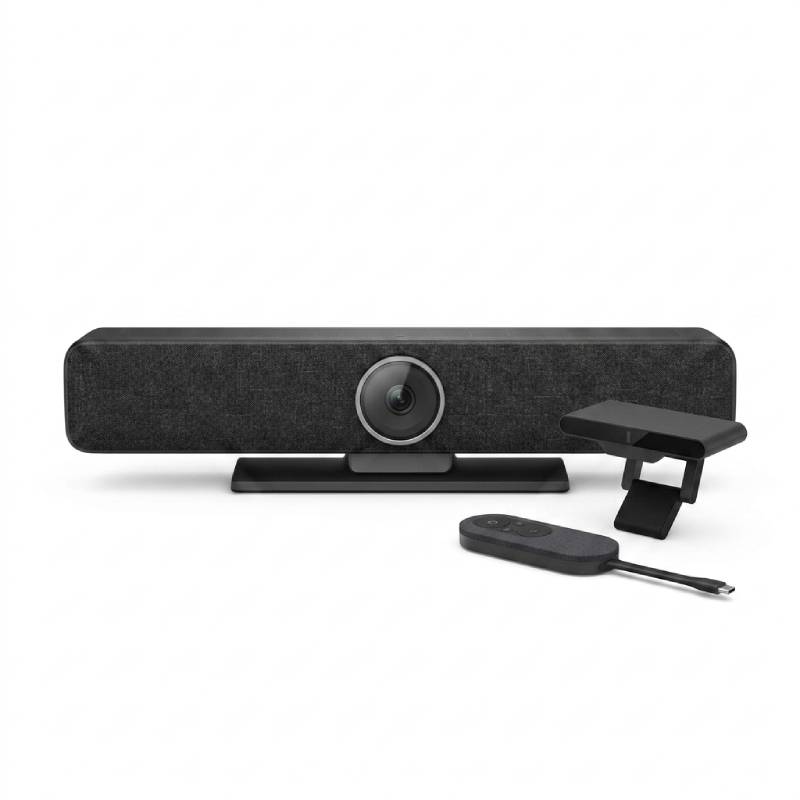
Video Meeting Camera for Improved Team Dynamics
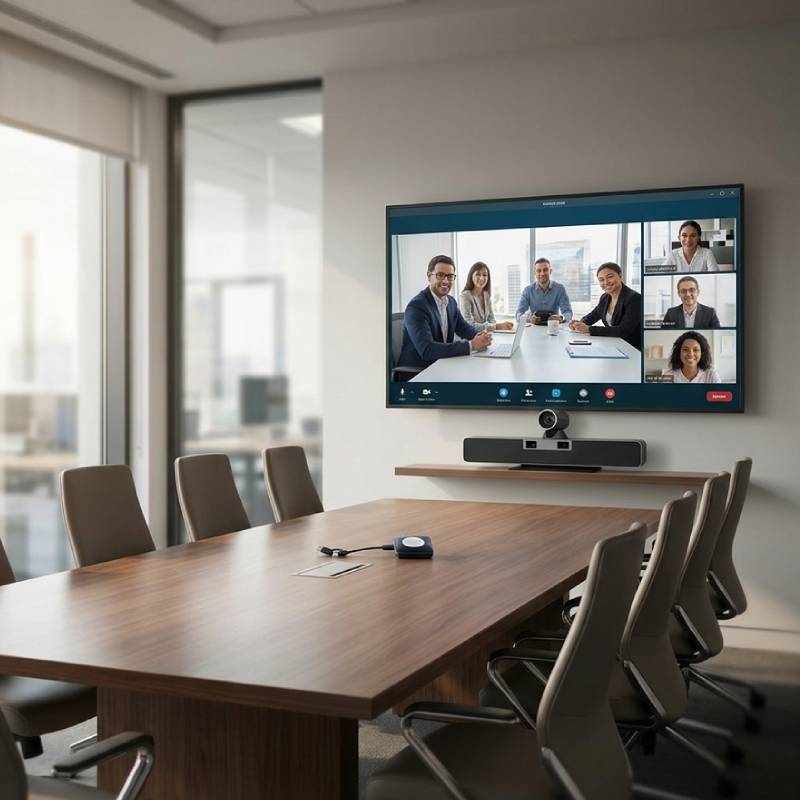
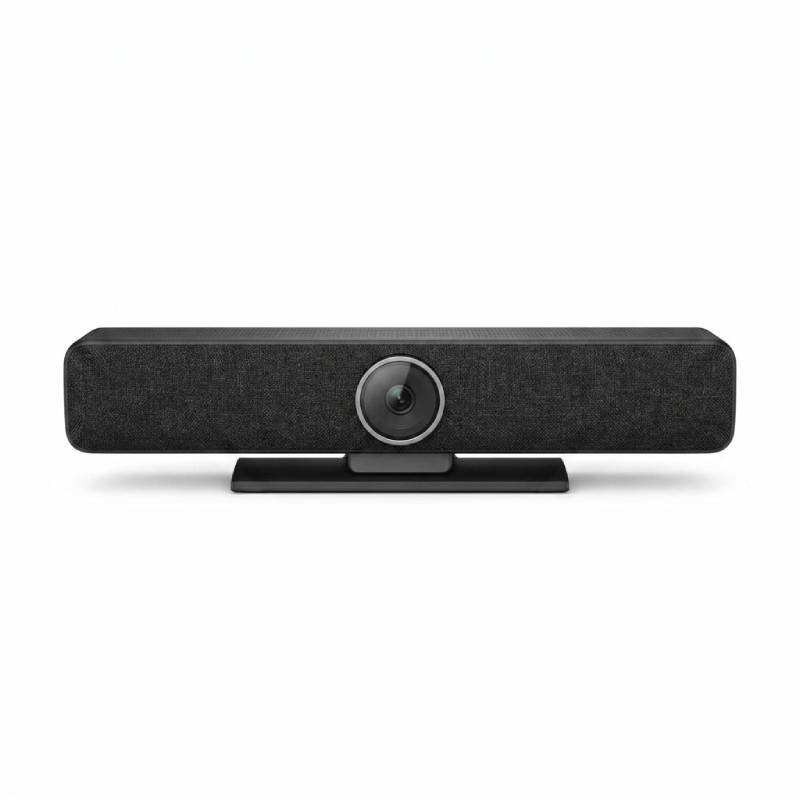
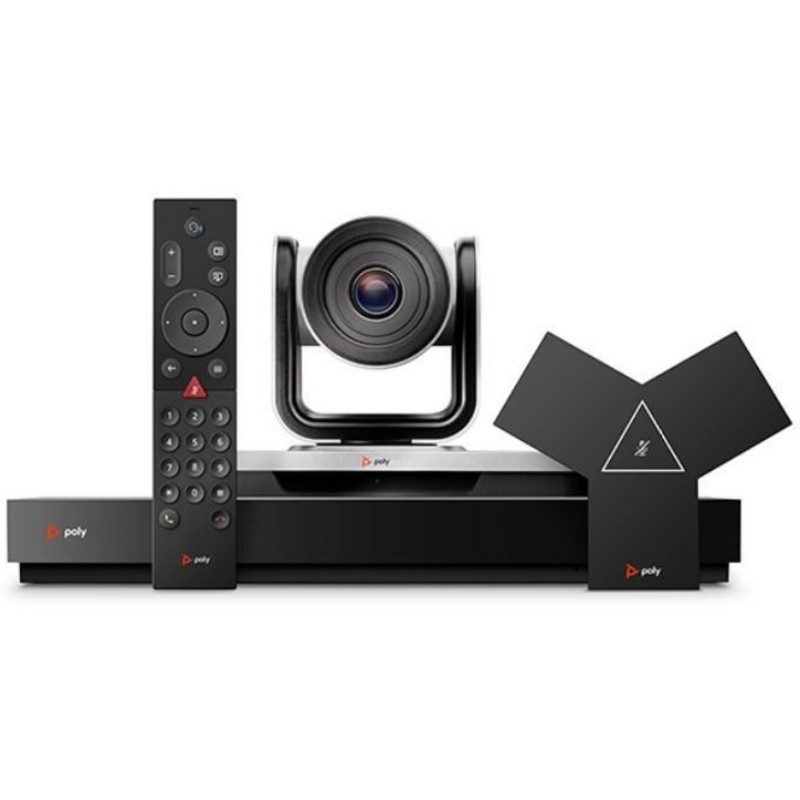
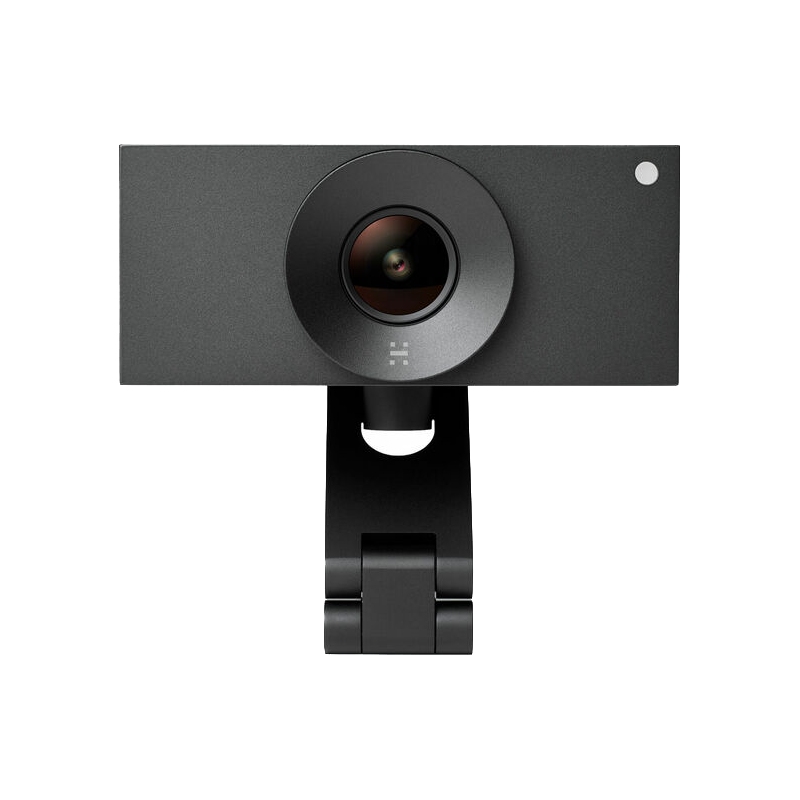
The video meeting camera, designed primarily for remote collaboration, is essential in today’s hybrid working environment. This guide aims to equip IT managers, procurement teams, and business owners with valuable insights into selecting the most suitable model based on compatibility, functionality, and overall value for money.
Benefits of Using Video Meeting Camera
- Smooth integration: Many video meeting cameras are certified for major platforms like Microsoft Teams or Zoom, which enhances compatibility across your organisation's technology stack.
- Diverse feature sets: Depending on the model, features such as built-in microphones and speakers can be included to facilitate clearer audio alongside high-quality video.
- Bespoke configurations: Whether it's a small huddle room or a large conference space, various models can adapt to different setups ensuring optimal performance in any environment.
- User-friendly interface: Most cameras come equipped with intuitive controls that make it easy for participants of all skill levels to join meetings seamlessly without extensive training or technical knowledge.
- Easily manageable software updates:The majority of devices offer firmware updates over-the-air (OTA), ensuring that you always have access to the latest features and security improvements without complex manual installations.
Tips for Usage
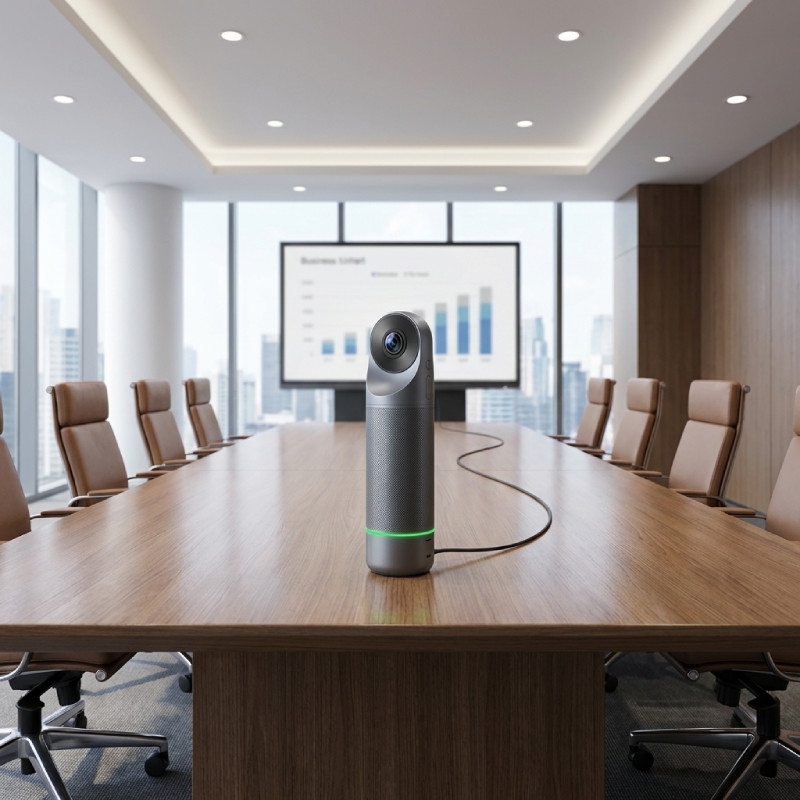
Setting up your video meeting camera effectively is crucial. Position it at eye level to create a natural line of sight between participants. Ensure sufficient lighting in the room; facing away from windows helps reduce shadows on users' faces. The distance from participants should also be considered; too close may distort images while too far could result in loss of clarity.
Maintaining functionality over time is equally important. Regularly check for firmware updates offered by manufacturers to ensure optimal performance. Consider scheduling brief training sessions on best practices regarding camera use among team members so everyone feels confident when utilising advanced features.
Q&A
1. What’s included with the camera purchase?
2. Are there any licensing or software requirements?
3. Is it compatible across different operating systems?
4. How easy is it to install these cameras?
5. Are these suitable for hybrid work environments?
video meeting camera can significantly enhance communication dynamics within your organisation while supporting diverse working arrangements effectively . Explore our range today!tag