Need help?
Professional advice available Monday to Friday, 8.30am-5.30pm Mon. to Fri. 8:30 a.m. – 6:30 p.m. 0333 123 3050 Call us!
PRICE
  • 0
    ,00 
    5 999
    ,00 

Usb hub

usb hub for Enhanced Connectivity in the Workplace

usb hub solutions are essential for modern offices, providing a streamlined way to connect multiple devices. They enhance productivity by ensuring that all your peripherals are easily accessible.

  • Improved device connectivity: Connect multiple USB devices without sacrificing performance.
  • Simplified workspace management: Reduce clutter by consolidating connections into one hub.
  • Versatile compatibility: Compatible with various operating systems and peripherals, catering to diverse office needs.

Explore our full range of USB hubs to find the perfect solution for your business needs.
1  - 24 of 89 results found
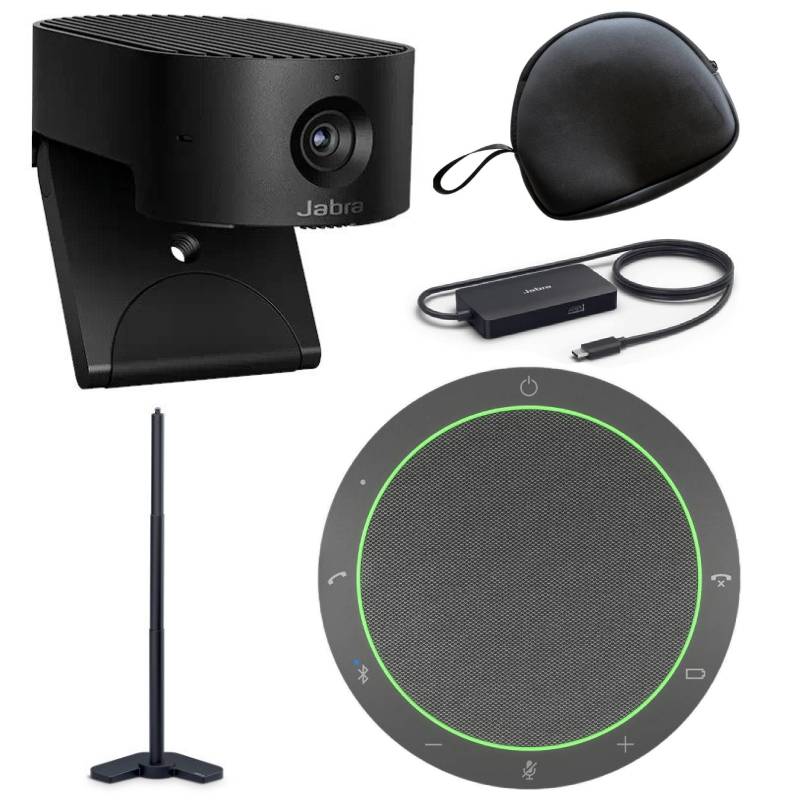
Jabra PanaCast 20 + Speak2 55 UC

Jabra PanaCast 20 + Speak2 55 UC

£617.22
£407.35
-34%
Ref: GNPAN20SP255
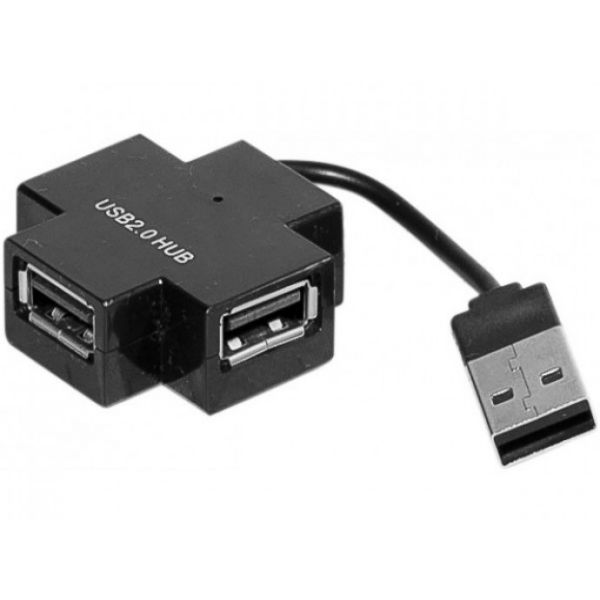
3 port USB hub

3 port USB hub

£4.99
Ref: HUBUSB
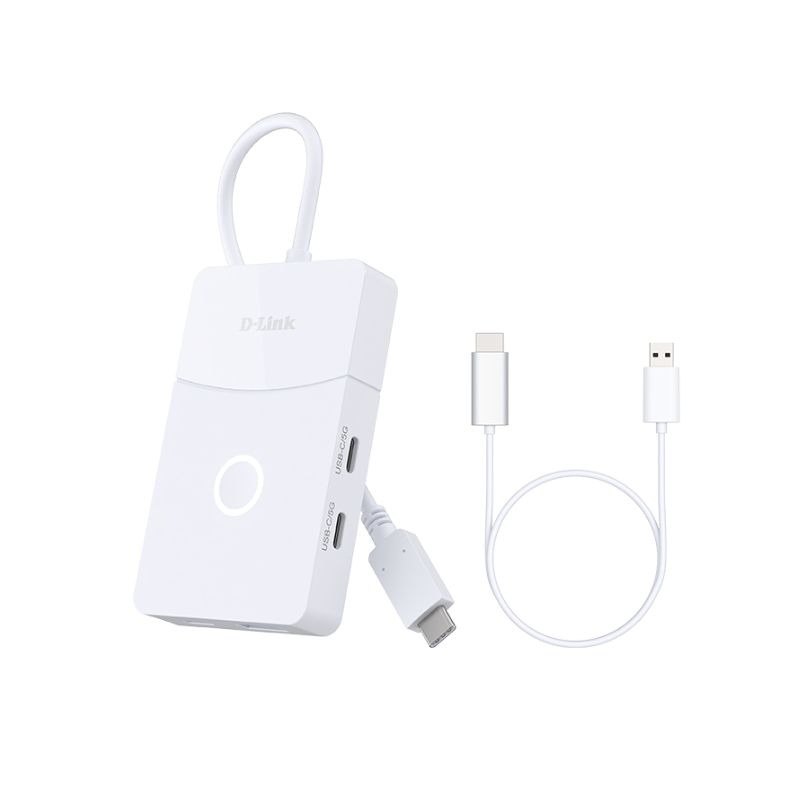
D-Link DUP 501 5-in-1-USB-C-Hub

D-Link DUP 501 5-in-1-USB-C-Hub

£48.99
Ref: DUP501
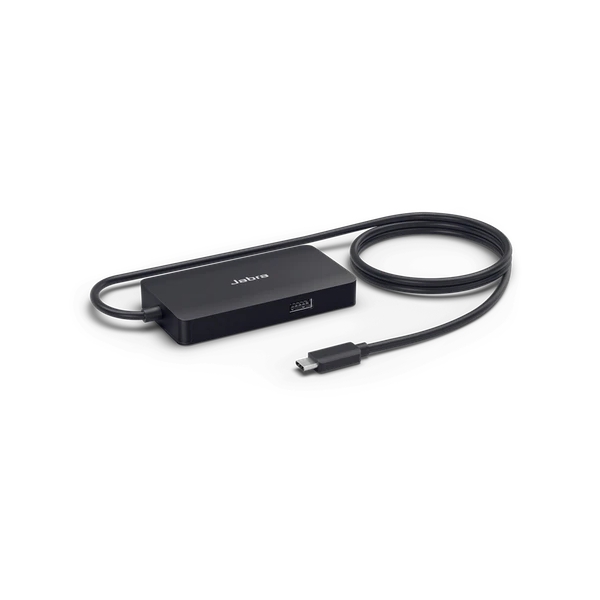
Jabra PanaCast USB Hub USB-C

Jabra PanaCast USB Hub USB-C

£143.99
£105.99
-26%
Ref: GNPANACASTHUB
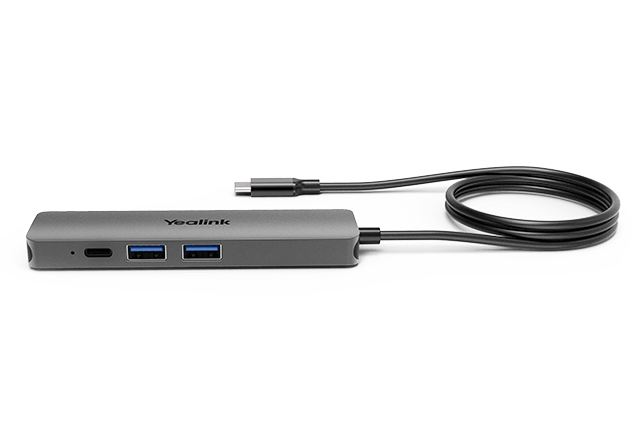
Yealink BYOD Box - USB Hub Cable Pack

Yealink BYOD Box - USB Hub Cable Pack

£136.99
£78.99
-42%
Ref: YEABYODBOX
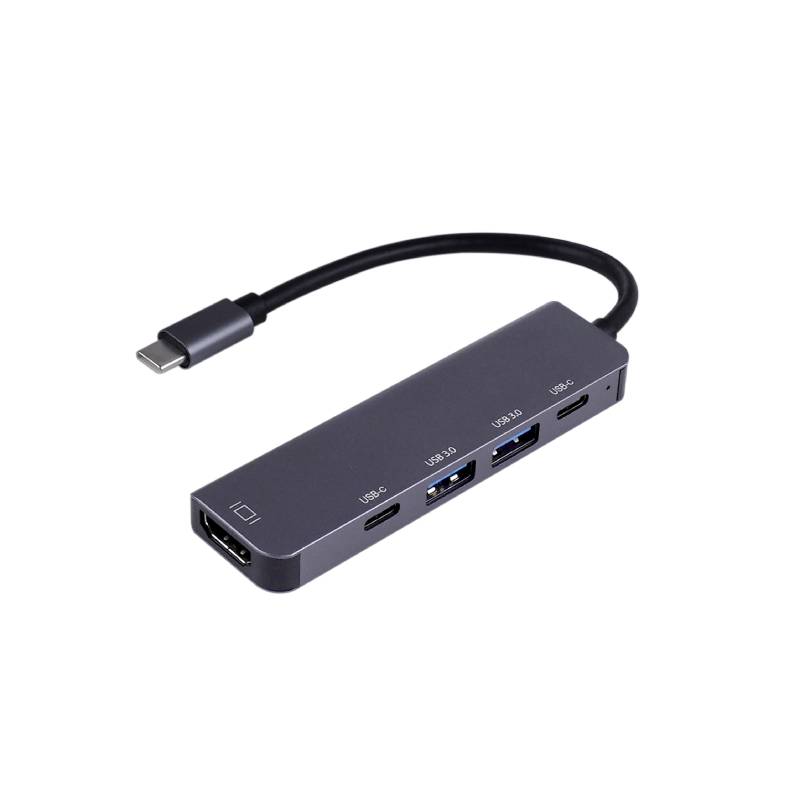
Cleyver Hub USB C 5 ports

Cleyver Hub USB C 5 ports

£19.95
Ref: ODHUB5
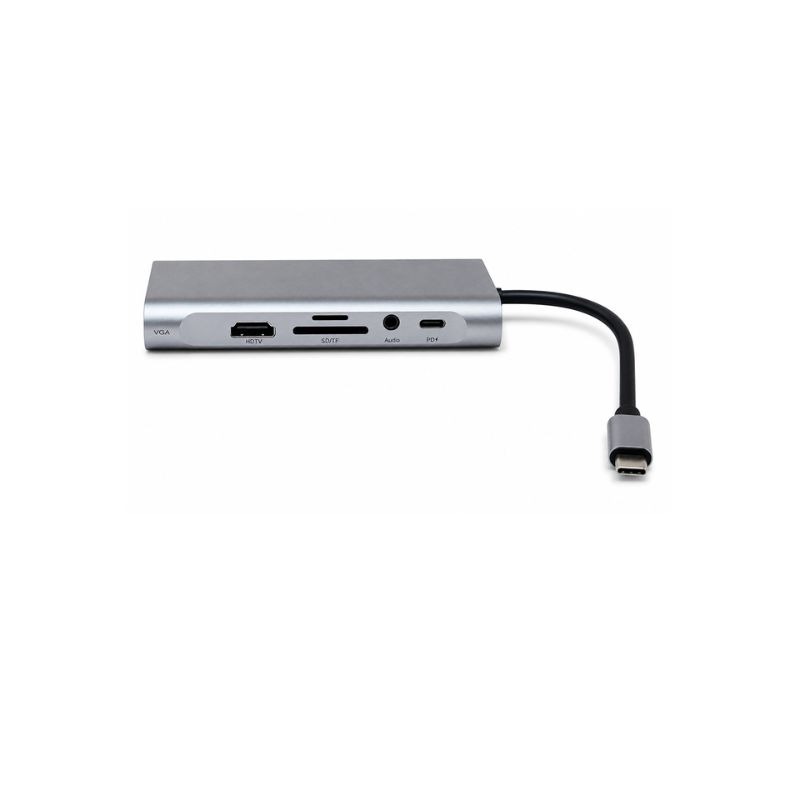
D-Link DUP-A01 Hub USB-C 10 in 1

D-Link DUP-A01 Hub USB-C 10 in 1

£51.95
£42.99
-17%
Ref: DLDUPA01
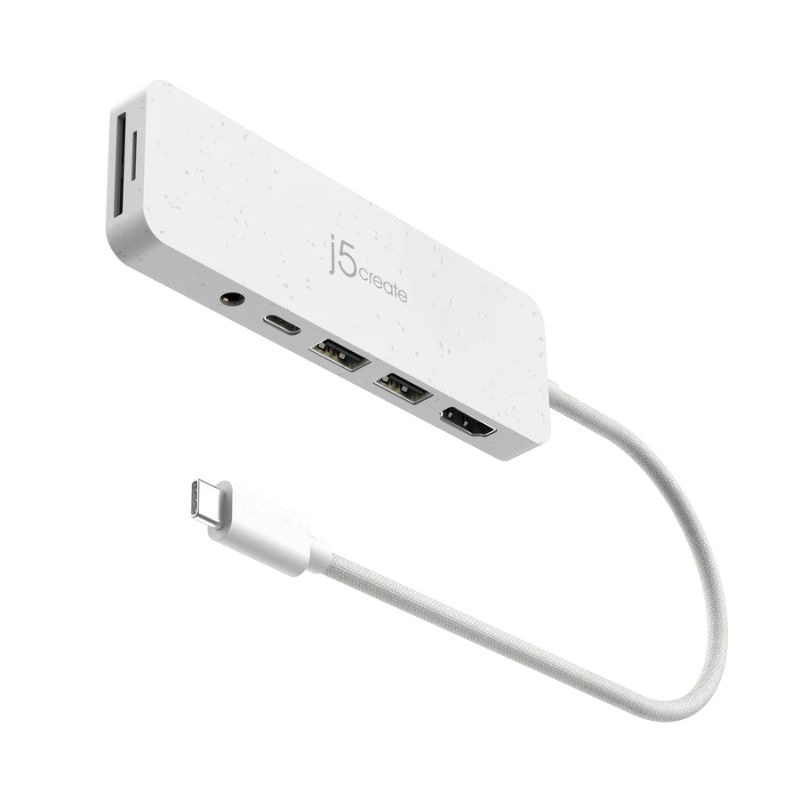
J5create USB-C Multi-Port Hub with Power Delivery

J5create USB-C Multi-Port Hub with Power Delivery

£35.99
Ref: J5JCD373EWNUK
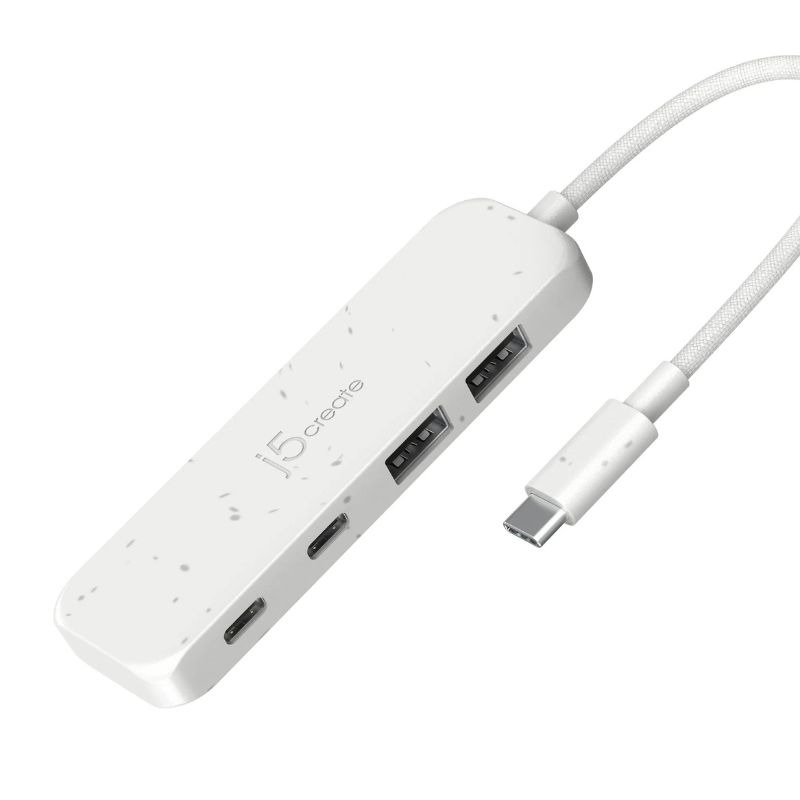
J5create USB-C to 4-Port Type-C & Type-A Gen 2 Hub

J5create USB-C to 4-Port Type-C & Type-A Gen 2 Hub

£26.99
Ref: J5JCH342EWNUK
Dell Pro 24 Plus P2425HE Monitor USB-C Hub

Dell Pro 24 Plus P2425HE Monitor USB-C Hub

£437.99
Ref: DELLP2425HE
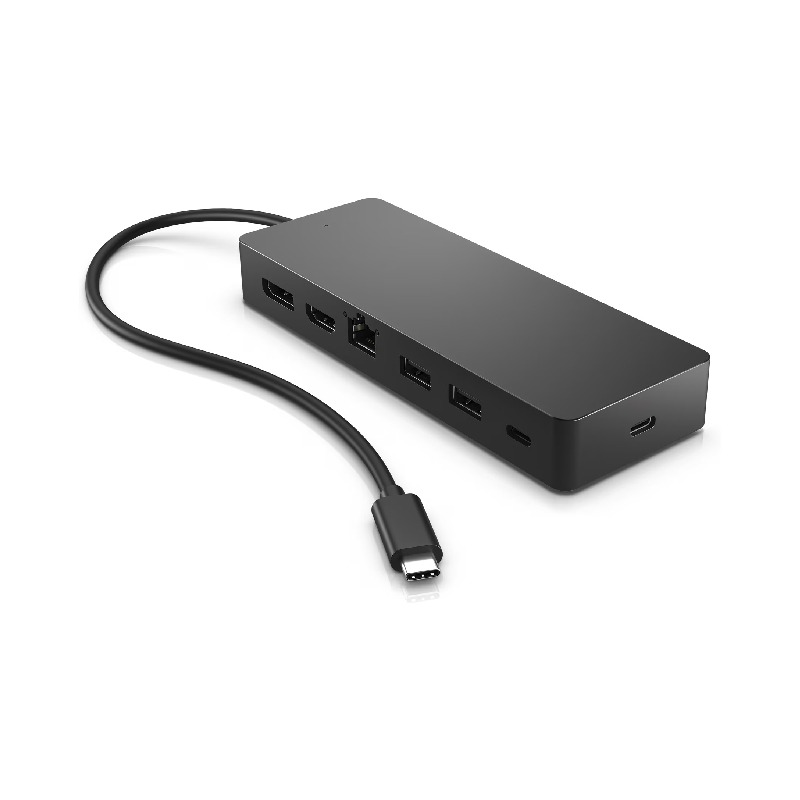
HP Universal USB-C Multiport Hub

HP Universal USB-C Multiport Hub

£88.99
£46.99
-47%
Ref: HP50H55UT
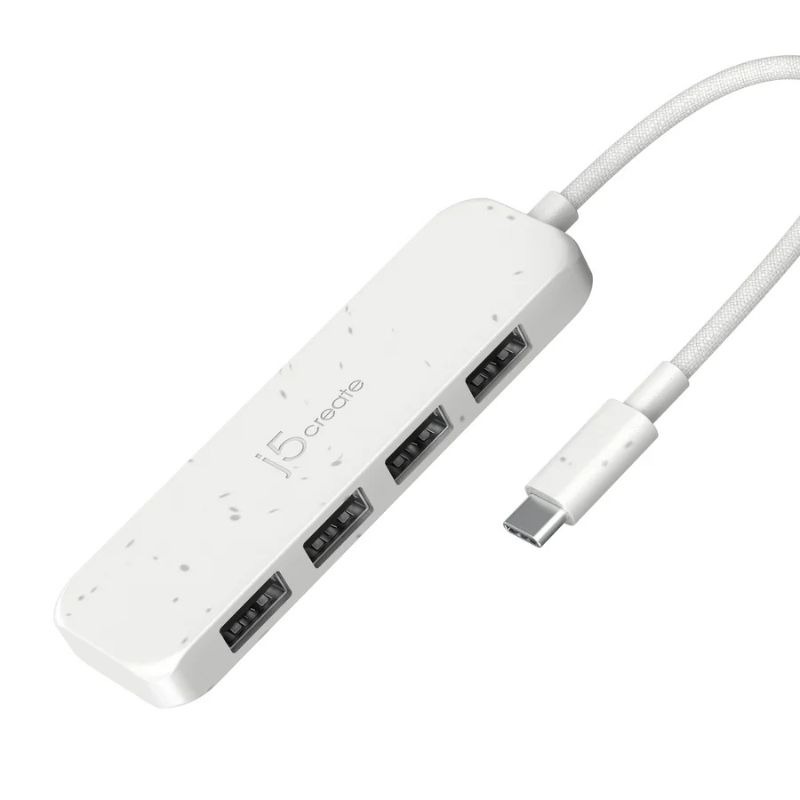
J5create USB-C to 4-Port Type-A Gen 2 Hub

J5create USB-C to 4-Port Type-A Gen 2 Hub

£23.99
Ref: J5JCH341EWNUK
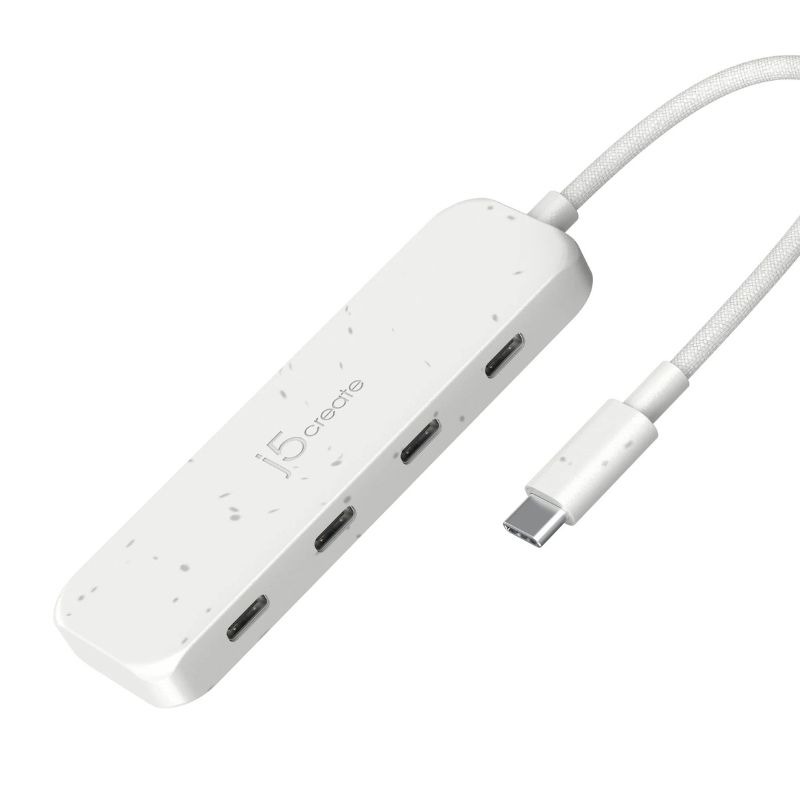
J5Create USB-C to 4-Port Type-C Gen 2 Hub

J5Create USB-C to 4-Port Type-C Gen 2 Hub

£26.99
Ref: J5JCH345EWNUK
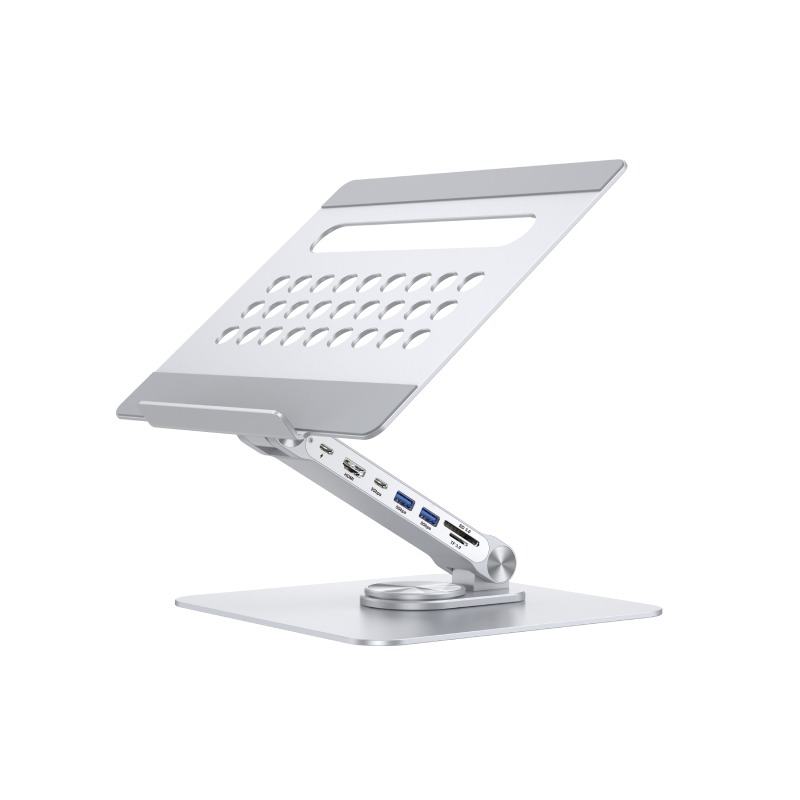
Cleyver laptop stand HUB

Cleyver laptop stand HUB

£43.99
Ref: ODLAPTOPSTANDHUB
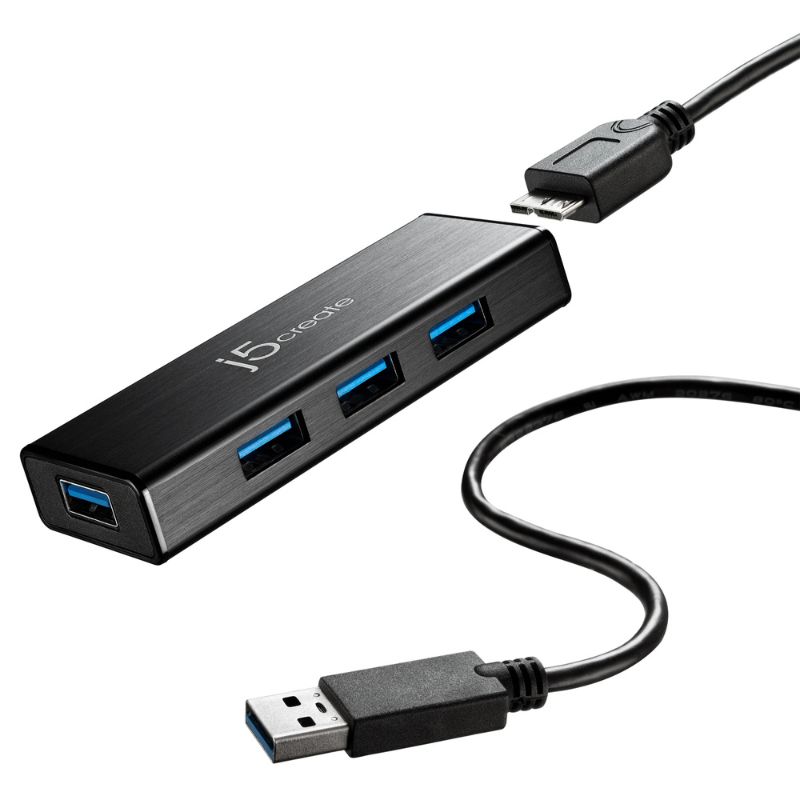
J5Create JUH340-N USB 3.0 4-Port Hub

J5Create JUH340-N USB 3.0 4-Port Hub

£23.99
Ref: J5JUH340NUK
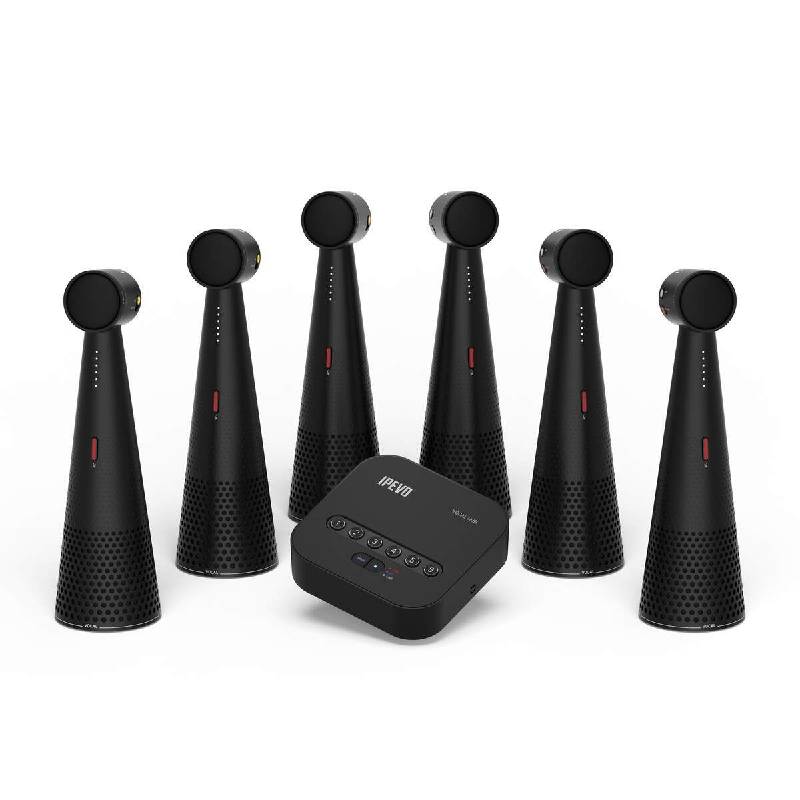
Ipevo vocal hub + 6 totems

Ipevo vocal hub + 6 totems

£2604.99
Ref: IPEVOHUB6
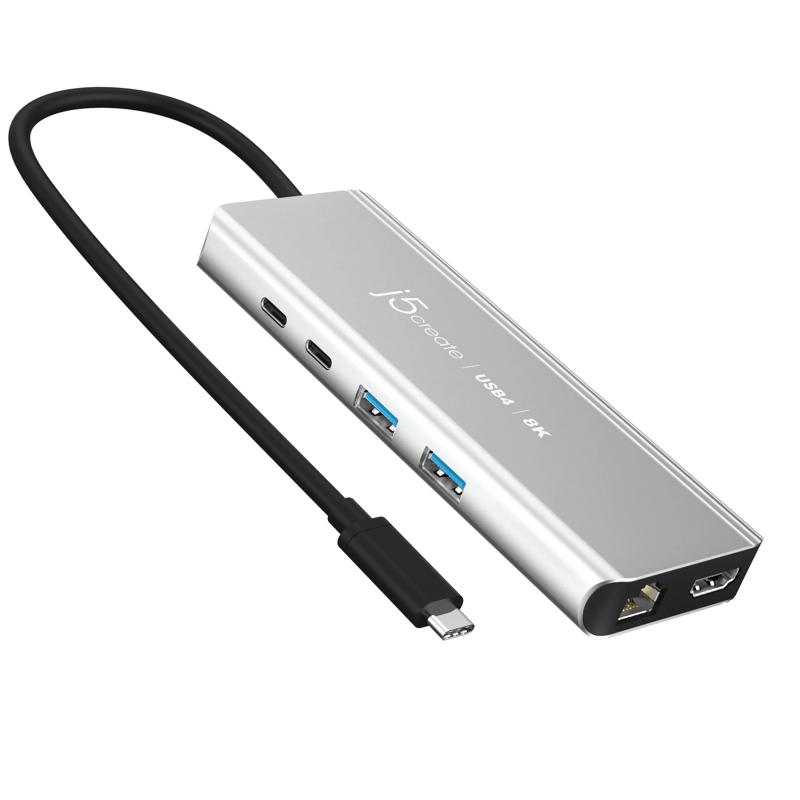
USB4 8K Multi-Port Hub

USB4 8K Multi-Port Hub

£101.19
£74.99
-26%
Ref: J5JCD403N
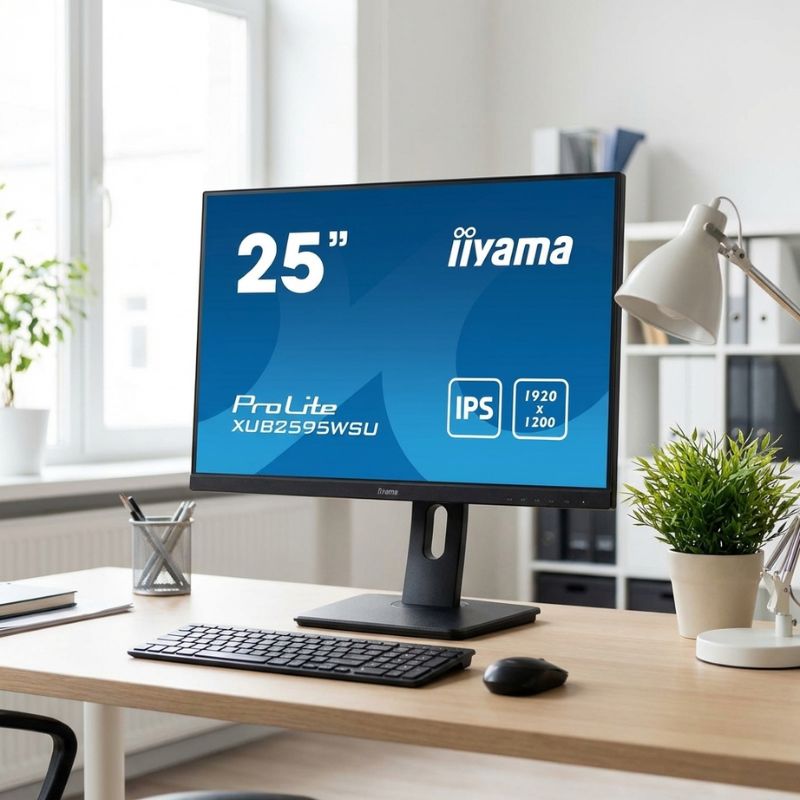
iiyama ProLite XUB2595WSU B5 25 Inch IPS Monitor

iiyama ProLite XUB2595WSU B5 25 Inch IPS Monitor

£133.00
Ref: IIYXUB2595WSU
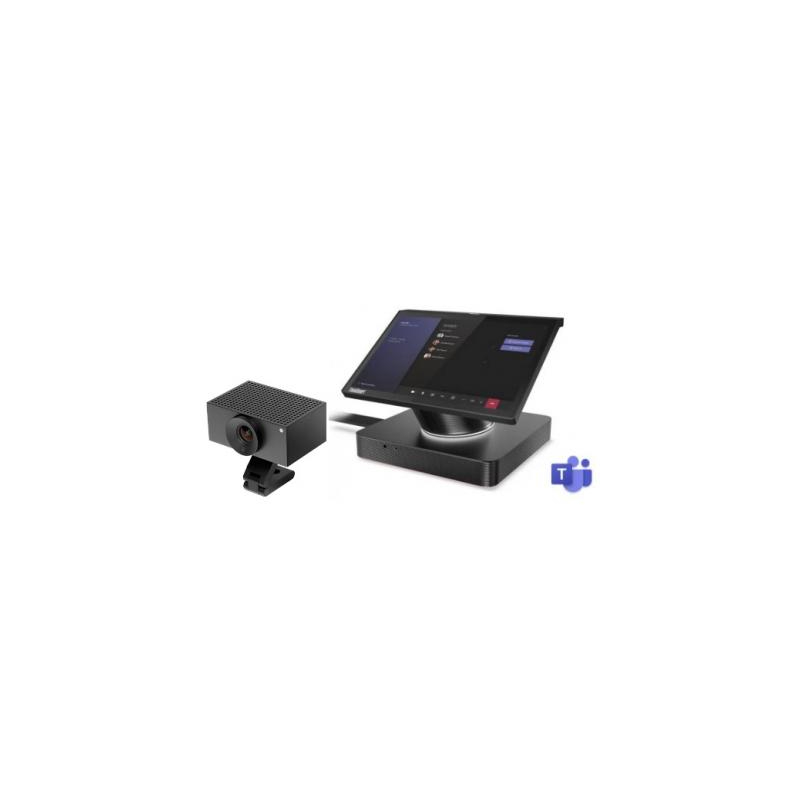
Lenovo ThinkSmart Hub & Huddly L1 MTR

Lenovo ThinkSmart Hub & Huddly L1 MTR

£2796.00
£2649.99
-5%
Ref: LENTSHHUDL1M
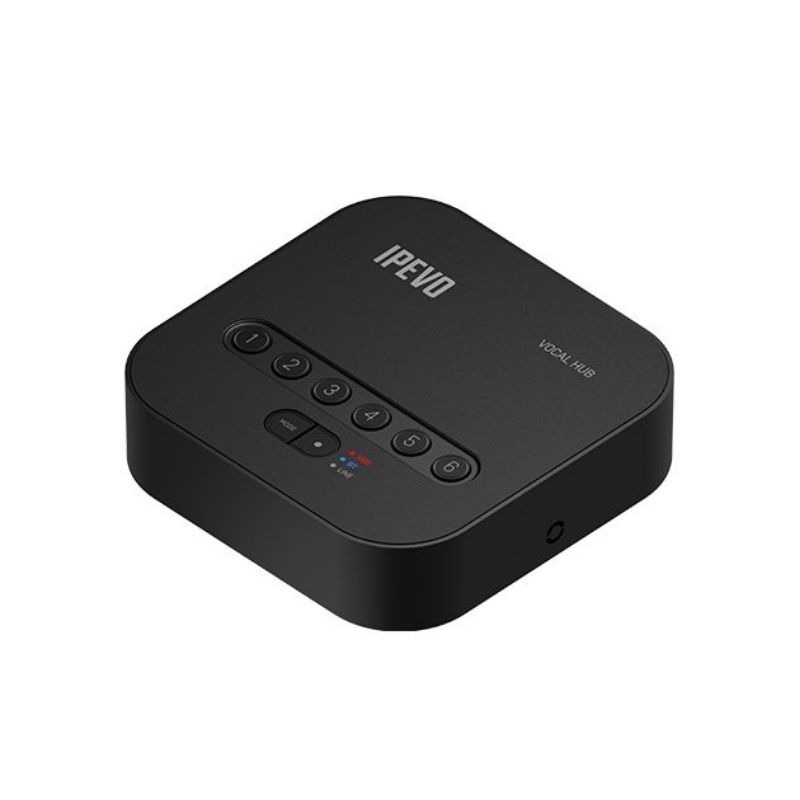
IPEVO Vocal Hub

IPEVO Vocal Hub

£1683.99
Ref: IPEVOIPE016
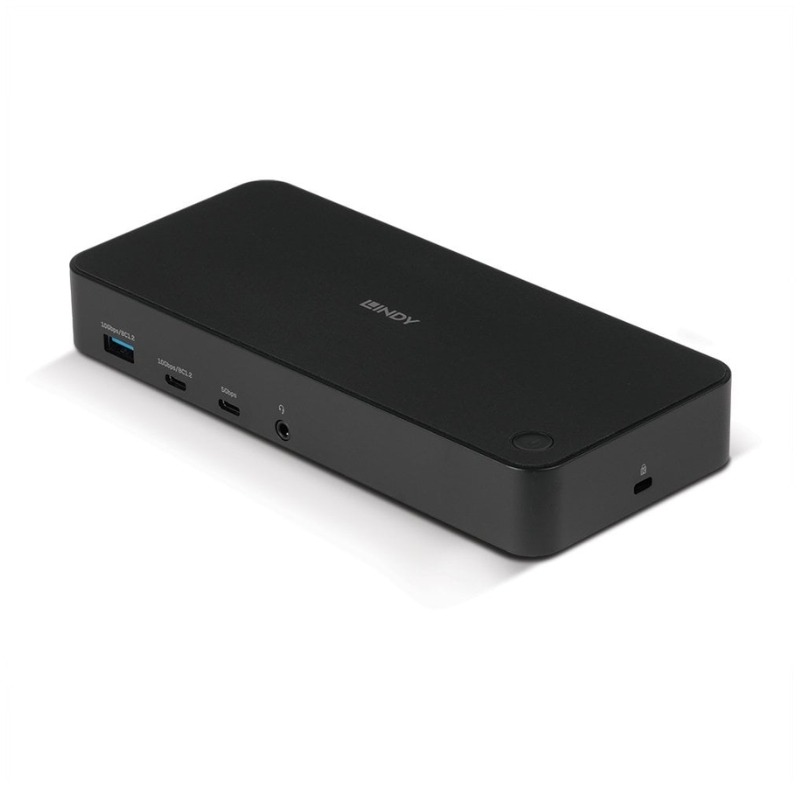
Lindy USB Type C & A Hybrid Laptop Docking Station

Lindy USB Type C & A Hybrid Laptop Docking Station

£214.99
Ref: LINDY43366UK
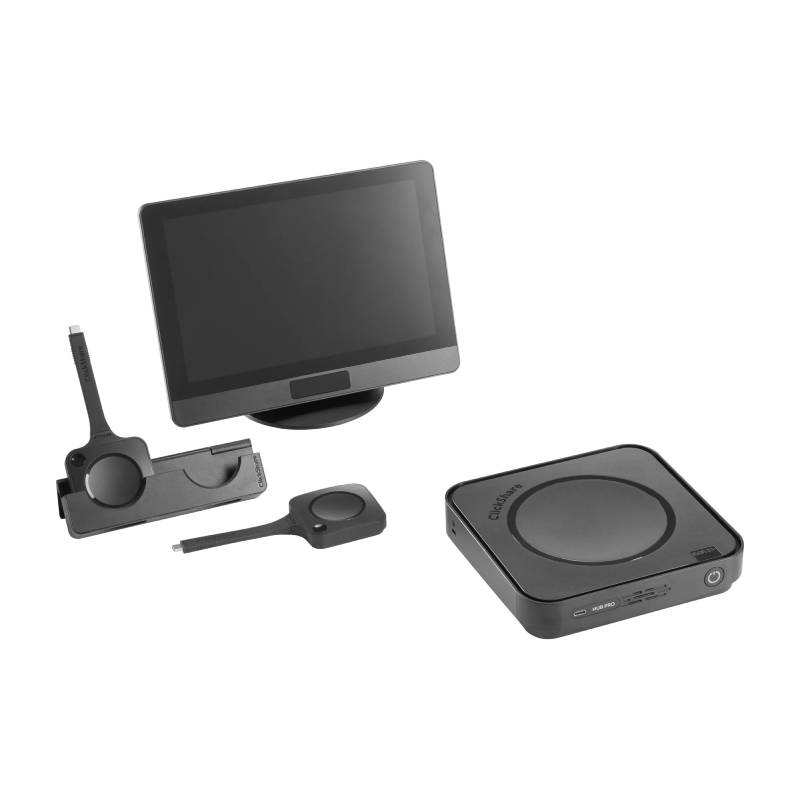
Barco ClickShare Hub Pro

Barco ClickShare Hub Pro

£3759.99
Ref: BARCOHUBPRO
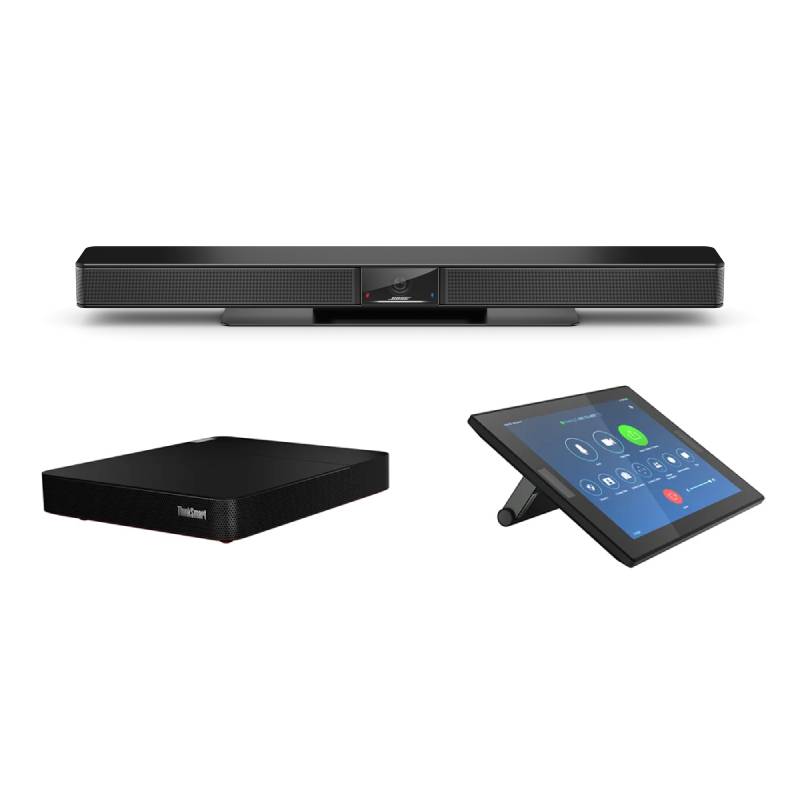
BOSE VB1 with Thinksmart HUB for Zoom

BOSE VB1 with Thinksmart HUB for Zoom

£2819.99
Ref: BOSVB1TSHZOOMUK
iiyama ProLite XU2292HSU-B6 21.5'' monitor

iiyama ProLite XU2292HSU-B6 21.5'' monitor

£139.99
Ref: IIYXU2292HSUB6

usb hub for Streamlined Device Management

A usb hub, designed to expand connectivity options, is ideal for professionals needing efficient access to various devices. This guide will help you understand how these hubs work and what features are most beneficial for your business environment.

Benefits of Using usb hub

  • Simplified connectivity: A usb hub allows you to connect several devices like printers, scanners, and external drives through a single port, making it easier to manage multiple peripherals simultaneously.
  • Cable management: By centralising connections in one location, a usb hub helps keep workspaces organised and reduces cable clutter, enhancing the professional appearance of your office setup.
  • Diverse compatibility: Most usb hubs support both USB-A and USB-C devices, ensuring that they can work with a wide array of hardware regardless of the manufacturer or model.
  • User-friendly design: Many hubs come with plug-and-play functionality; thus users can set them up quickly without the need for additional drivers or complicated installation procedures.
  • An adaptable solution:Their compact design makes usb hubs suitable for various spaces, whether it's a home office desk or a larger meeting room setup where multiple devices need connection points.
  • Easier deployment at scale:If you're equipping multiple workstations, usb hubs can be deployed quickly across teams without significant setup time or technical skills required from staff.

Usage Tips

Positioning your usb hub effectively is crucial. Choose a location that is convenient yet unobtrusive; ideally within arm's reach of primary users but out of the way enough not to become a tripping hazard. Ensure that it has ample ventilation if it supports high-powered devices which could generate heat during operation. Regular maintenance is important for optimal performance; keep firmware updated when manufacturer updates are available. Encourage users to practice good habits such as properly ejecting drives before disconnecting them. Familiarise staff with best practices regarding device connection limits—exceeding these may impact performance adversely.

1. What should I look for in terms of compatibility?

Select a usb hub that supports both Windows and Mac operating systems if your workplace uses both platforms. Additionally, check whether any connected peripherals require specific drivers or software support which might restrict overall functionality across different systems.

2. Are there any licensing requirements?

No specific licensing is generally required for using standard usb hubs; however, certain features may depend on software licenses if you're utilising smart capabilities integrated within some advanced models.

3. How easy is it to install?

A majority of usb hubs offer plug-and-play installation—simply connect the device via USB port and start using it immediately without additional configuration needed in most cases.

4. Can this work well in hybrid office setups?

A good quality usb hub can certainly facilitate hybrid working by offering flexible connectivity options wherever employees prefer working—be it at home or in shared office spaces enhancing teamwork despite distance challenges during projects!

5. Are there limitations I should be aware of?

The functionality of some lower-end models may lack specific features found on more advanced alternatives such as fast charging ports or data transfer speeds; evaluate your typical workload requirements before purchase accordingly!

Summary

A well-chosen usb hub can greatly enhance productivity by simplifying device management while ensuring versatility across different environments within your organisation . Explore our range today!