Need help?
Professional advice available Monday to Friday, 8.30am-5.30pm Mon. to Fri. 8:30 a.m. – 6:30 p.m. 0333 123 3050 Call us!
PRICE
  • 0
    ,00 
    5 999
    ,00 

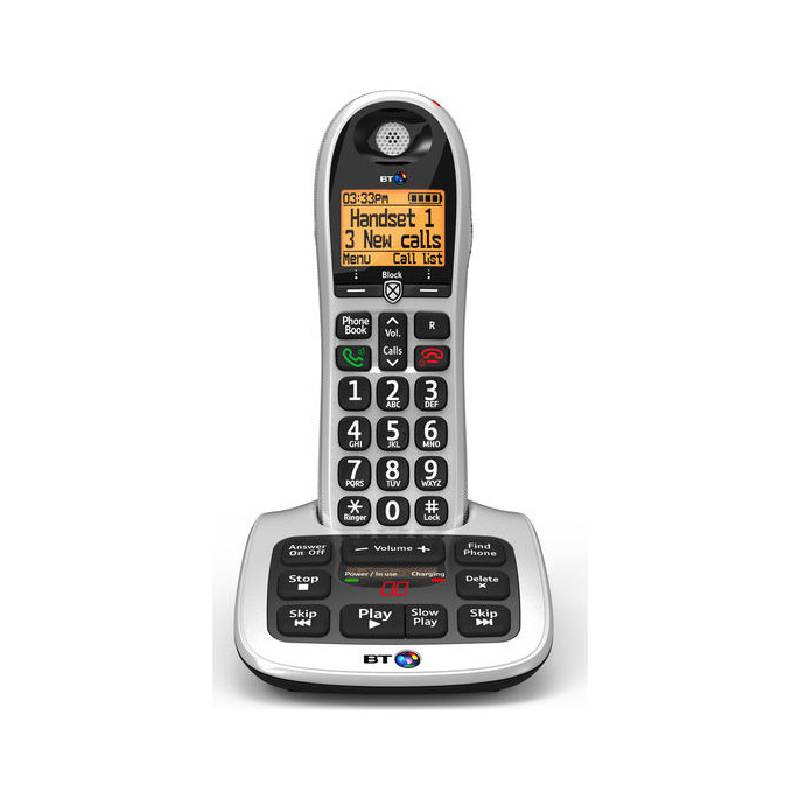
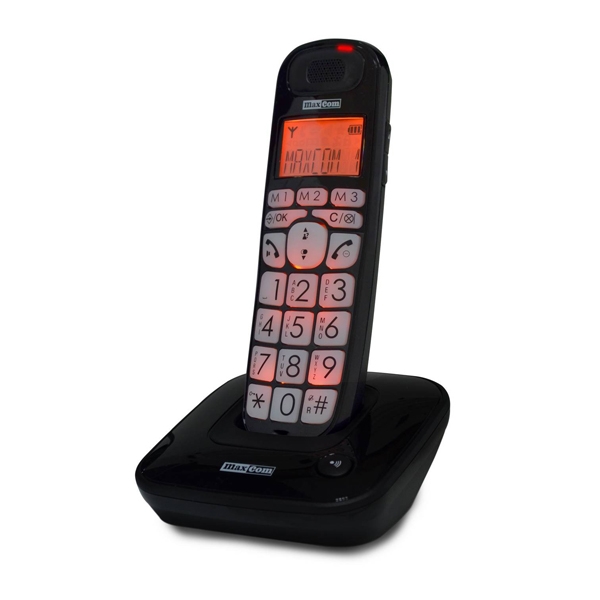
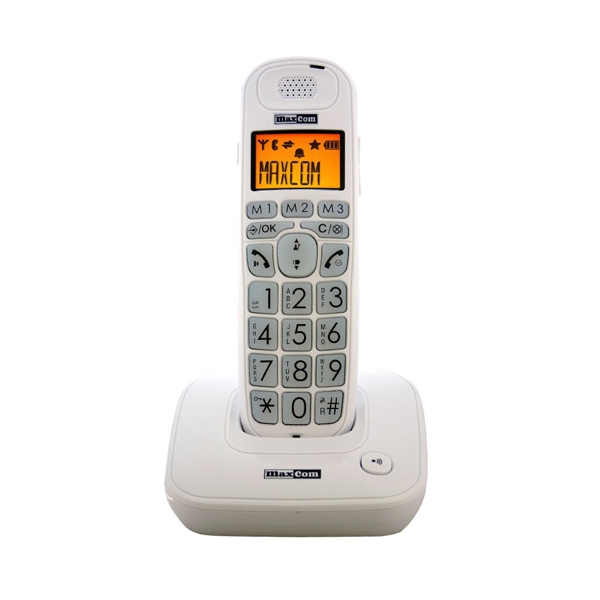
Phone big buttons

Phone Big Buttons for Enhanced Communication

Phone big buttons are designed to simplify communication for users in various professional settings. They provide larger, easy-to-read buttons that enhance accessibility and efficiency in the workplace.

  • Accessibility: Larger buttons make it easier for all users, including those with visual impairments, to operate devices confidently.
  • User-friendly Design: A straightforward layout reduces confusion, increasing productivity during calls or meetings.
  • Diverse Applications: Ideal for call centres, reception areas, and remote workers who need reliable devices.

Explore our full range of phone big buttons to find the perfect solution for your business needs.
1  - 3 of 3 results found

Phone Big Buttons for Improved Workplace Efficiency

Phone big buttons cater primarily to businesses seeking user-friendly communication tools. This guide reviews their benefits, ideal uses, and practical advice on choosing the right device for your team’s needs.

Benefits of Using Phone Big Buttons

  • User Accessibility: The large button design aids users with varying levels of dexterity or vision impairment, ensuring everyone can contribute effectively during calls.
  • Simplicity of Use: A simplified interface means less training time is required; employees can quickly learn how to operate these phones without extensive instructions.
  • Certain Compatibility: Many models support integration with common VoIP systems and applications like Teams or Zoom, but always check specifications before purchasing to ensure compatibility with your existing setup.
  • Diverse Room Adaptability:Their design allows them to fit comfortably in a variety of office environments, whether at a desk or in communal areas where multiple employees may use the phone throughout the day.
  • Easily Manageable:The bulk purchase options allow organisations to deploy units at scale without hassle; many manufacturers also offer firmware updates over-the-air which keeps devices running smoothly long-term.
  • Lowers Total Cost of Ownership:The durability of these devices translates into fewer replacements over time compared to standard models, leading to significant cost savings for businesses focused on long-term budgeting.

Usage Tips

When setting up phone big buttons, consider their placement carefully. Ensure they are positioned within easy reach of all potential users—this is particularly important in shared environments. Utilise adjustable stands if available so that each user can find a comfortable viewing angle. Also note that certain models may require specific cabling or connection types (USB-A versus USB-C), so verify compatibility with your current hardware prior to installation. Maintaining your phone big buttons is crucial for optimal performance. Regularly check for firmware updates from the manufacturer’s website as they can address bugs and improve functionality. Additionally, investing time into user training sessions can greatly enhance adoption rates within teams—demonstrating features such as programmable shortcut keys will maximise their utility. Encourage best practices like keeping the device clean and protected from extreme temperatures.

1. What features should I look for when choosing a phone with big buttons?

Select features based on your team's specific needs such as programmable speed dial options or compatibility with software platforms you already use like Teams or Zoom. Consider whether you need additional functionalities such as speakerphone capability or noise-cancellation technology depending on your work environment.

2. Are phone big buttons suitable for hybrid working environments?

Certainly! Many models are designed specifically for hybrid setups; however, ensure that they integrate well with both home office configurations and traditional office layouts before making a purchase decision.

3. How do I maintain these phones over time?

A regular maintenance routine should include cleaning surfaces gently and checking connections regularly; also remember firmware updates play an essential role in keeping devices functioning optimally while addressing security risks as needed!

4. What types of connectivity do these phones typically support?

You can expect most modern options being offered today will support standard VoIP connections (like SIP) alongside USB connectivity—which makes them adaptable across various digital infrastructures depending upon model variations available!

5. Do these phones come preconfigured out-of-the-box?

This varies by manufacturer; some may arrive preconfigured while others might require installation processes tailored specifically around company networks—always consult documentation provided during purchase phase if unsure about set-up specifics!

Summary

The value of phone big buttons, particularly in enhancing communication accessibility within specific business contexts cannot be overstated—take time now exploring our range available today!
You may also be interested in
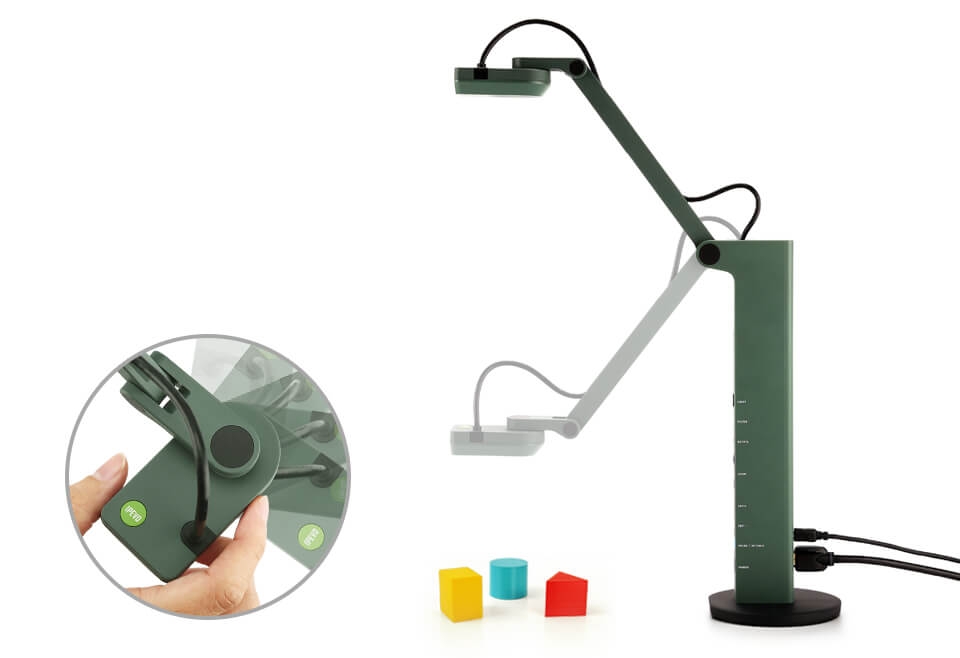
IPEVO VZ-R

IPEVO VZ-R

£261.79
£228.99
-13%
Ref: IPEVZR
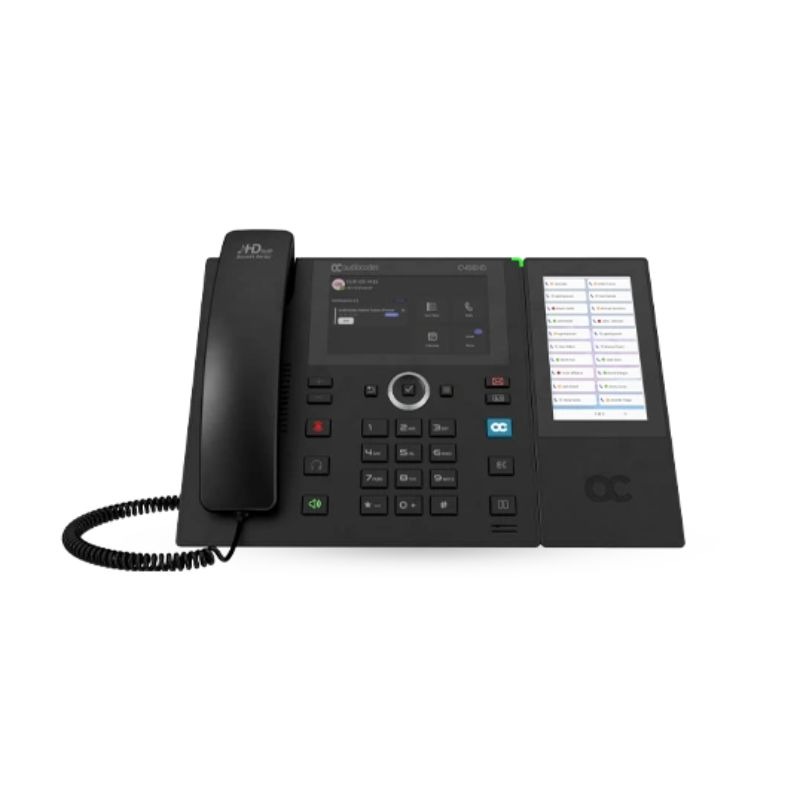
AudioCodes C456HD Teams Phone with emergency button

AudioCodes C456HD Teams Phone with emergency button

£310.99
Ref: AUDC456HDTEAMS
Snom HD341A IP phone Black

Snom HD341A IP phone Black

£101.99
Ref: SMHD341A
ATL Delta 9000-CNK (No Button - No Door)

ATL Delta 9000-CNK (No Button - No Door)

£643.75
£607.99
-6%
Ref: ATLDEL9000CNK
Mitel 5614

Mitel 5614

£399.99
£294.99
-26%
Ref: AA5614
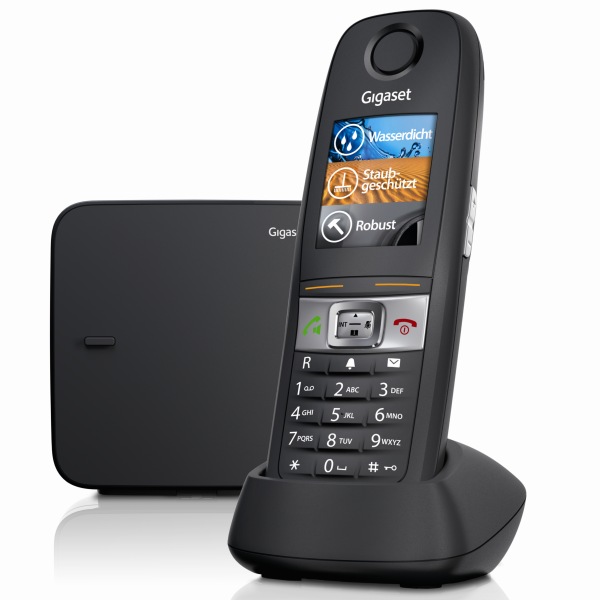
Gigaset E630

Gigaset E630

£107.99
£89.99
-17%
Ref: SIE630
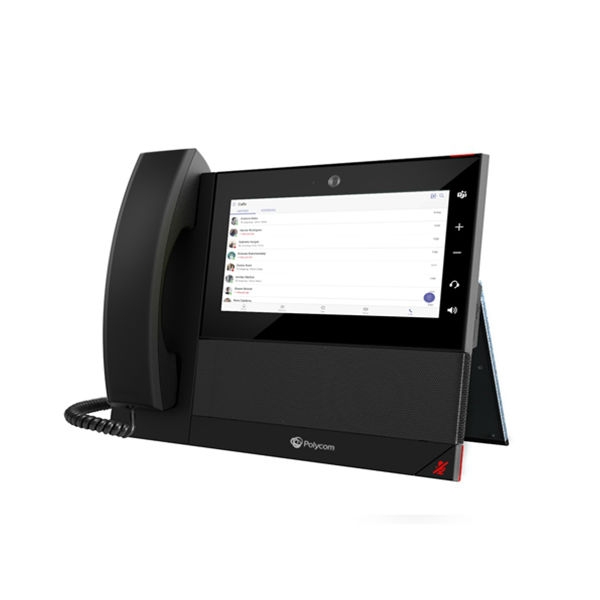
Polycom CCX600 MS Teams/Skype For Business

Polycom CCX600 MS Teams/Skype For Business

£423.49
£366.99
-13%
Ref: POCCX600TEAMS
Snom E303A Analogue wall-mounted emergency telephone

Snom E303A Analogue wall-mounted emergency telephone

£43.99
£25.99
-41%
Ref: SME303A
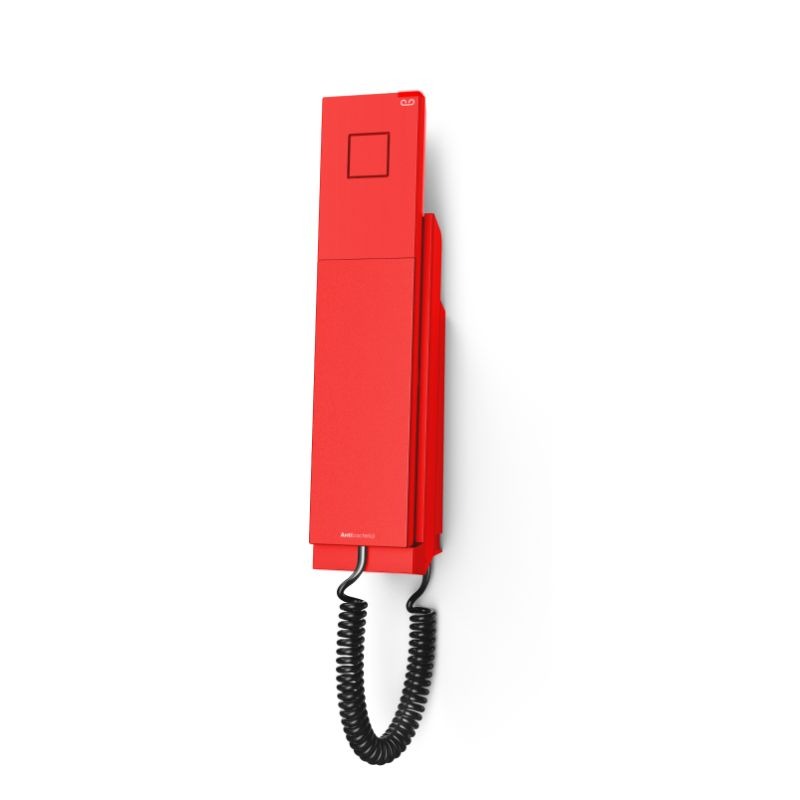
Depaepe HD 2000 IP Emergency 2 Memory - Red

Depaepe HD 2000 IP Emergency 2 Memory - Red

£199.99
£133.99
-33%
Ref: DEHD2SIP2R
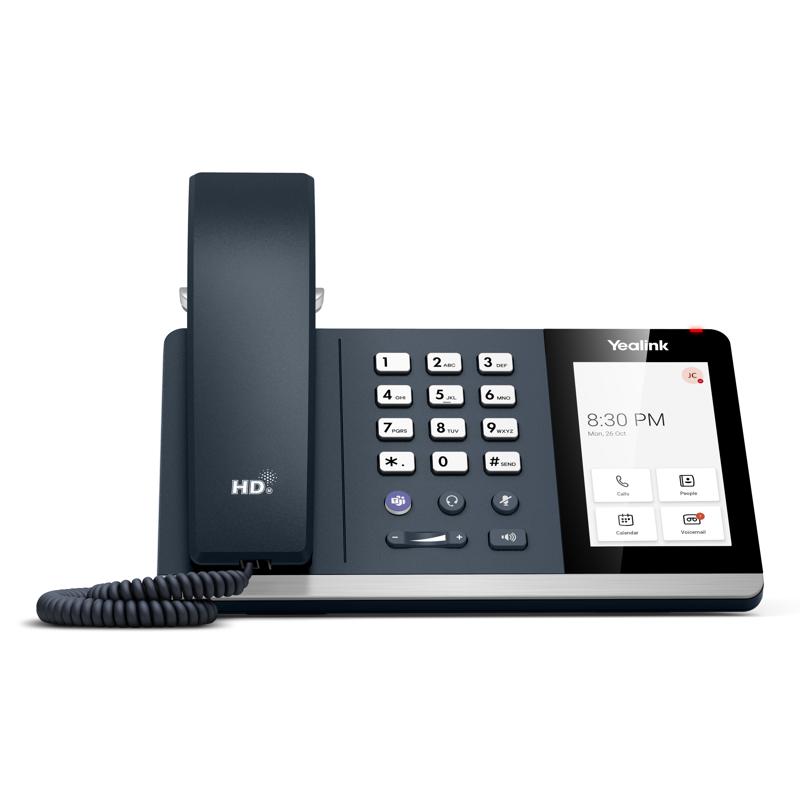
Yealink IP Phone MP54-E2 TEAMS

Yealink IP Phone MP54-E2 TEAMS

£179.99
£174.99
-3%
Ref: YEAMP54E2
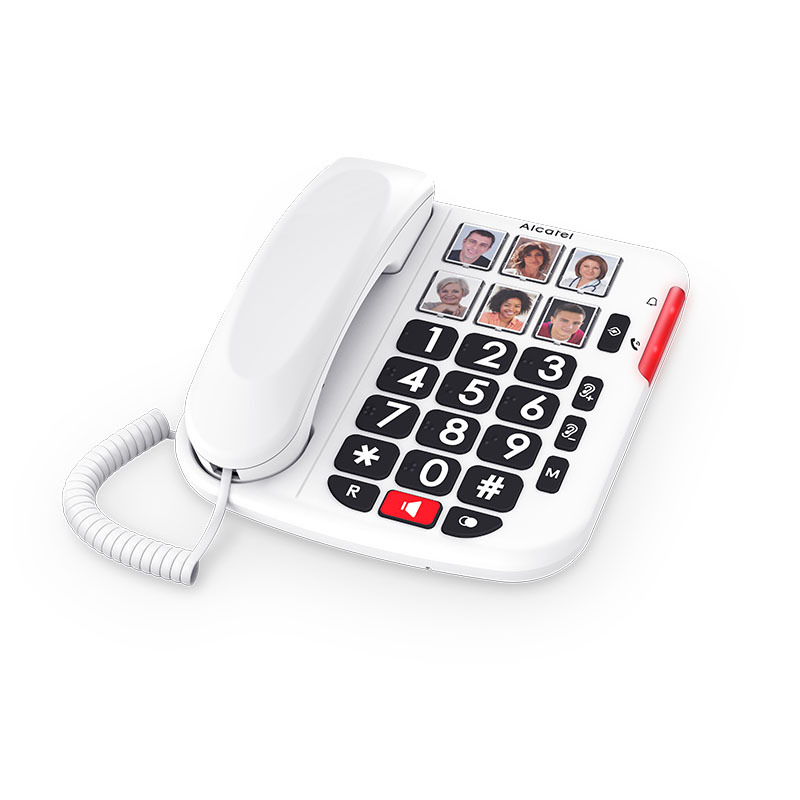
ALCATEL TMAX10+ WHT

ALCATEL TMAX10+ WHT

£17.99
Ref: ALTMAX10PLUS
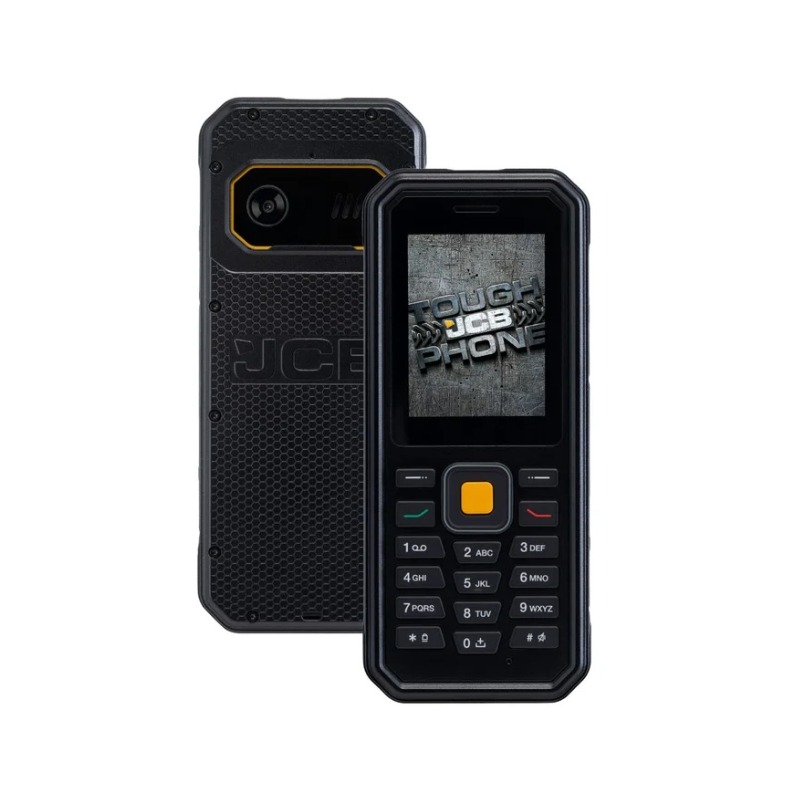
JCB Tradesman 4 Toughphone

JCB Tradesman 4 Toughphone

£99.99
£81.99
-18%
Ref: JCBTRADESMAN4
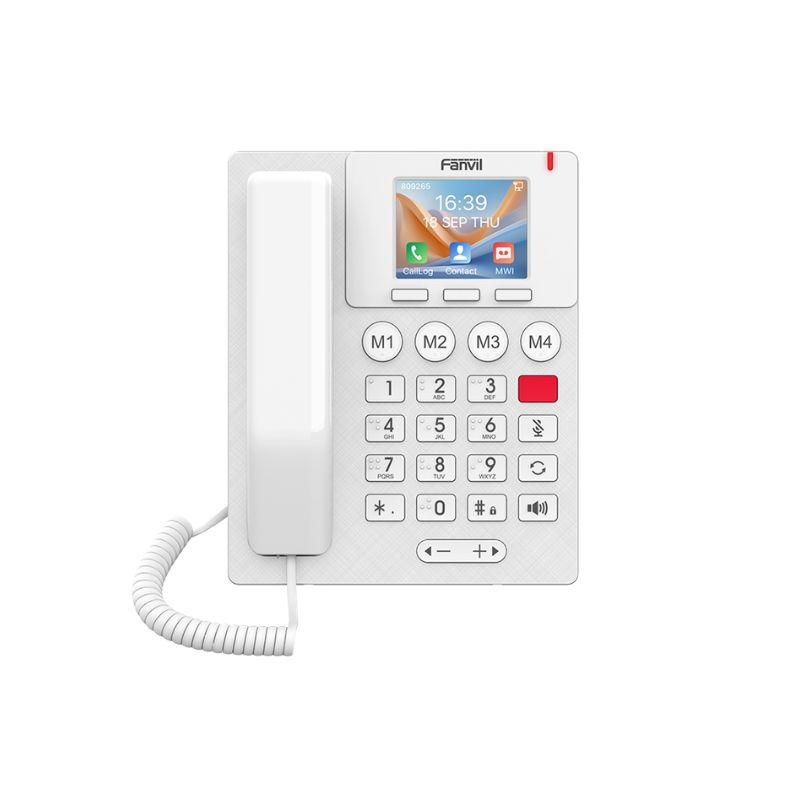
Fanvil X306 IP Phone

Fanvil X306 IP Phone

£128.69
£104.99
-18%
Ref: FAX306
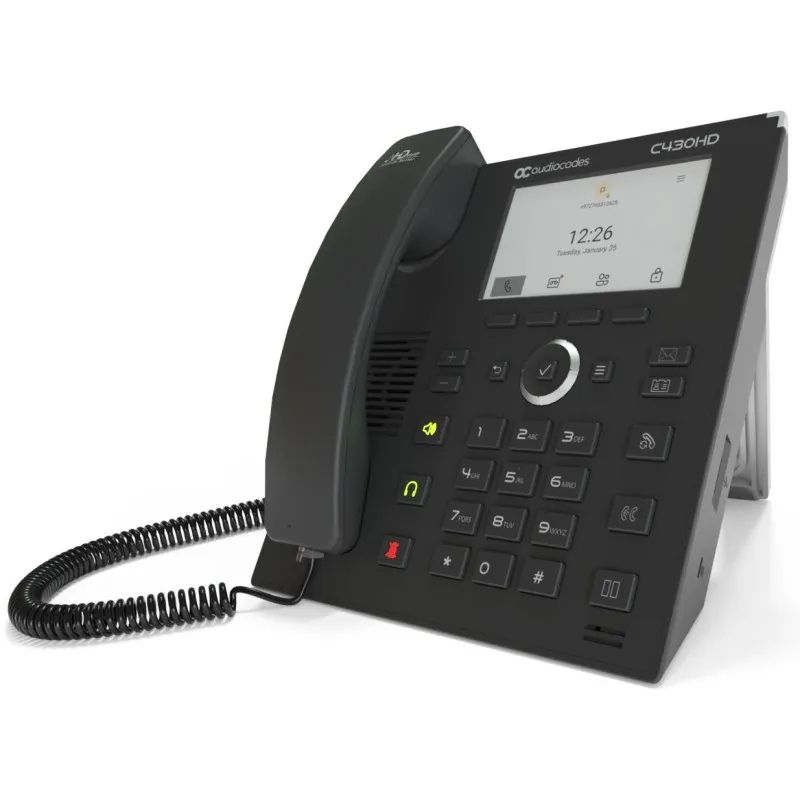
AudioCodes C430HD Microsoft Teams IP Phone

AudioCodes C430HD Microsoft Teams IP Phone

£192.99
Ref: AUDC430HDTEAMS
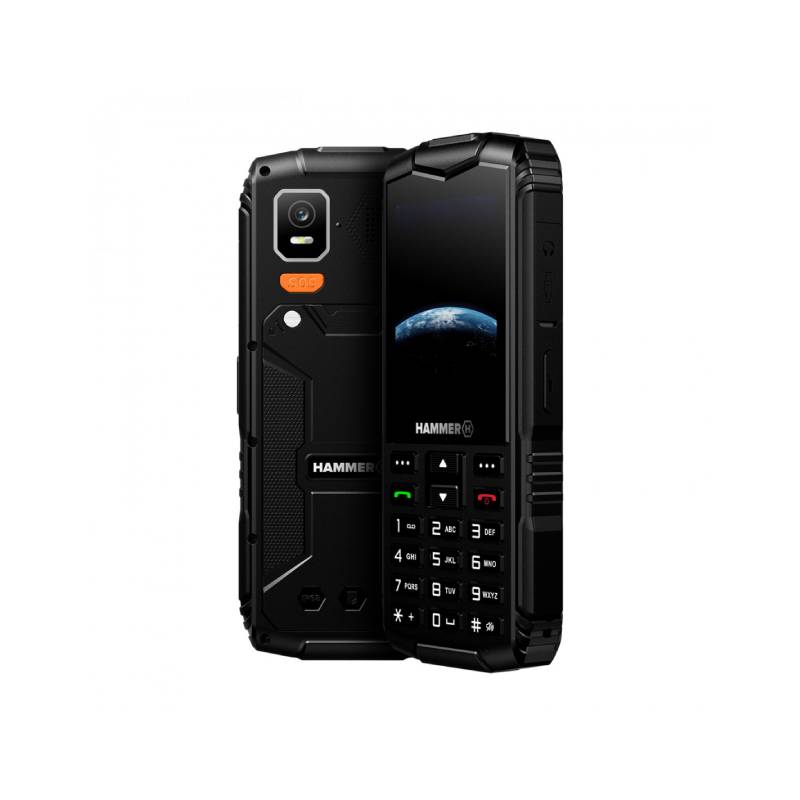
Hammer Horizon 4G Black

Hammer Horizon 4G Black

£99.95
Ref: MYPTLHAHORLTE
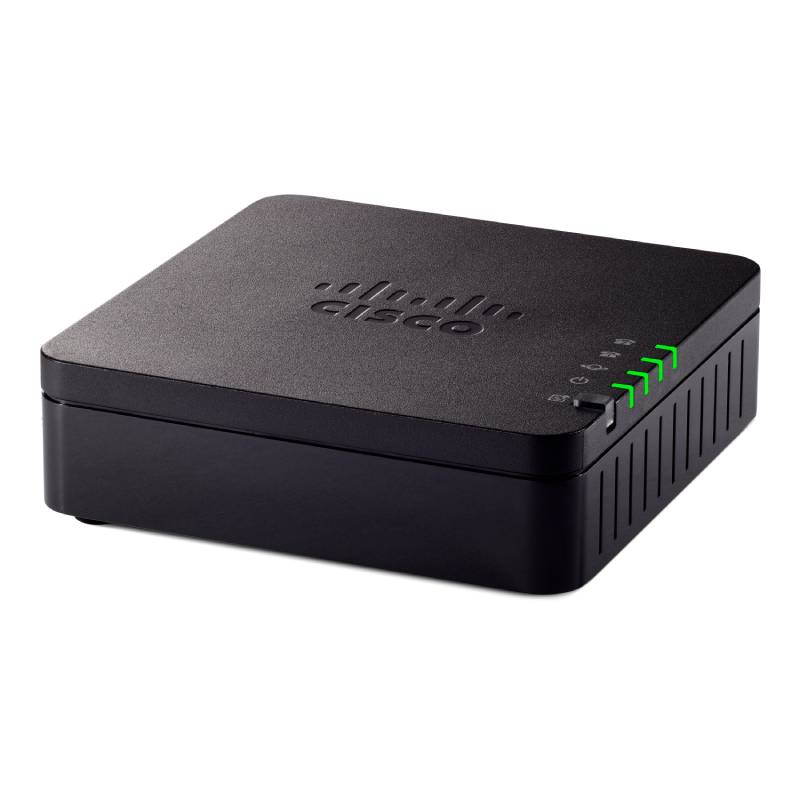
Cisco ATA 192 2-Port Analogue Phone Adaptor with Router

Cisco ATA 192 2-Port Analogue Phone Adaptor with Router

£137.49
£109.99
-20%
Ref: CIATA192
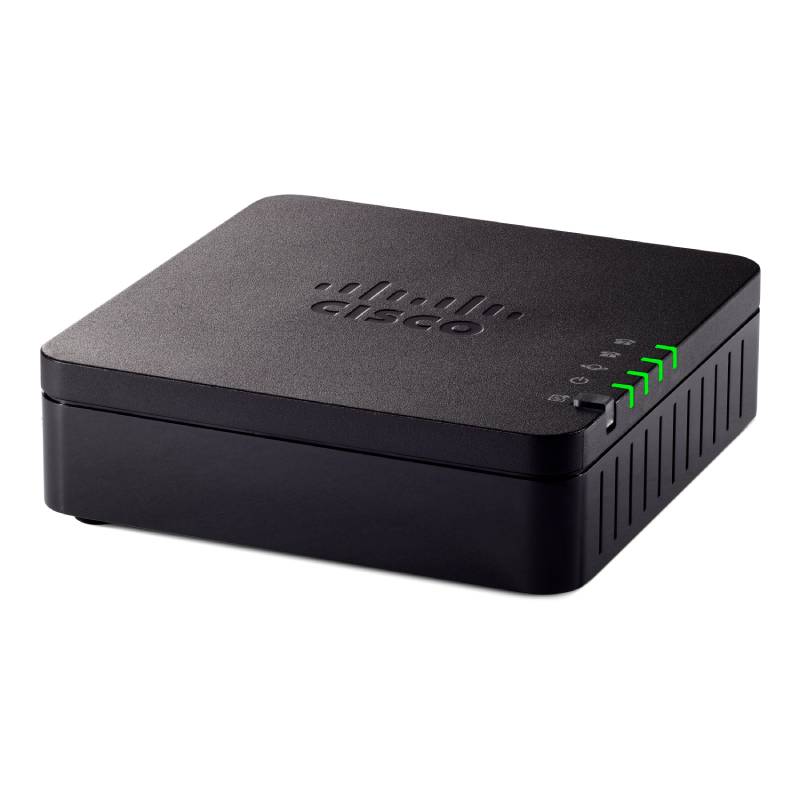
Cisco ATA 191 2-Port Analogue Phone Adaptor

Cisco ATA 191 2-Port Analogue Phone Adaptor

£103.99
£99.99
-4%
Ref: CISATA191UK
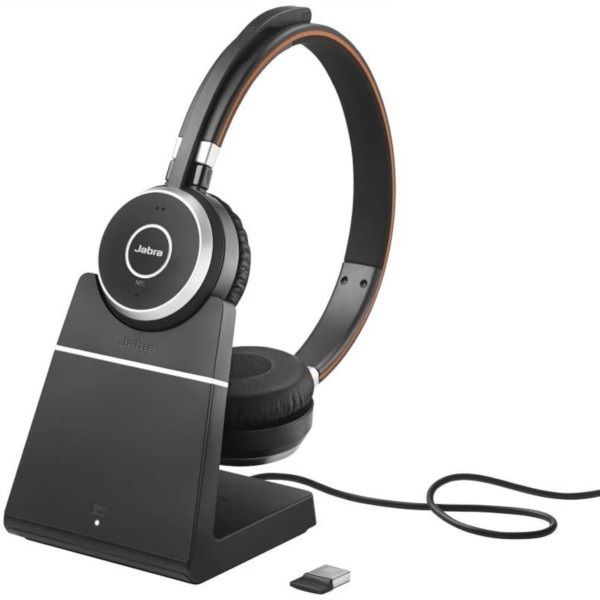
Jabra Evolve 65 MS Stereo with Charging Stand - Refurbished

Jabra Evolve 65 MS Stereo with Charging Stand - Refurbished

£102.99
£94.99
-8%
Ref: GNEVOL65DPMR
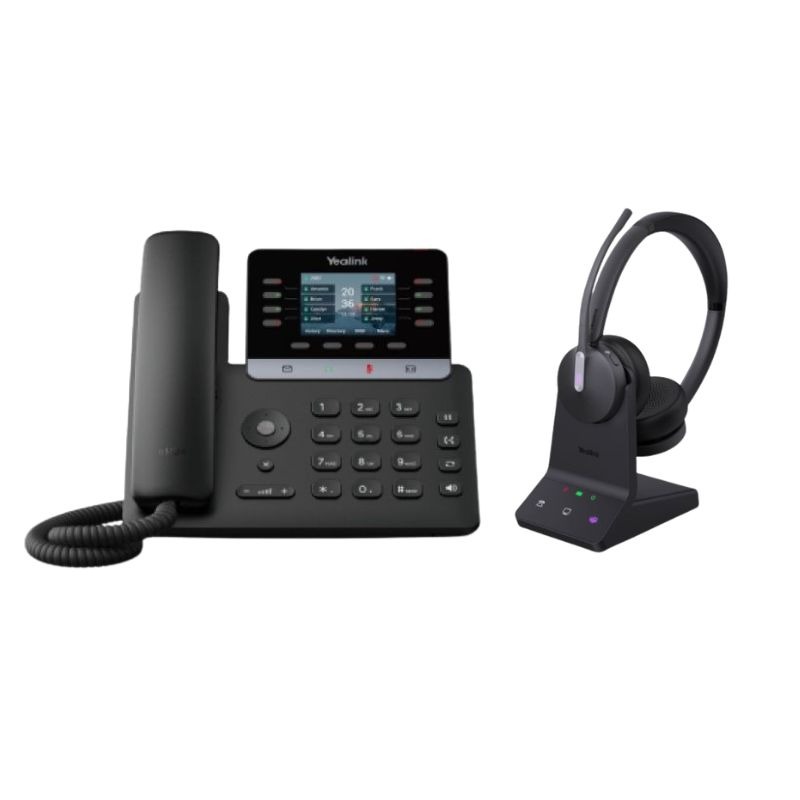
Yealink T73W IP Phone Bundle + WH64 Duo DECT Headset

Yealink T73W IP Phone Bundle + WH64 Duo DECT Headset

£341.98
£206.59
-40%
Ref: YEALINKT73WWH64D
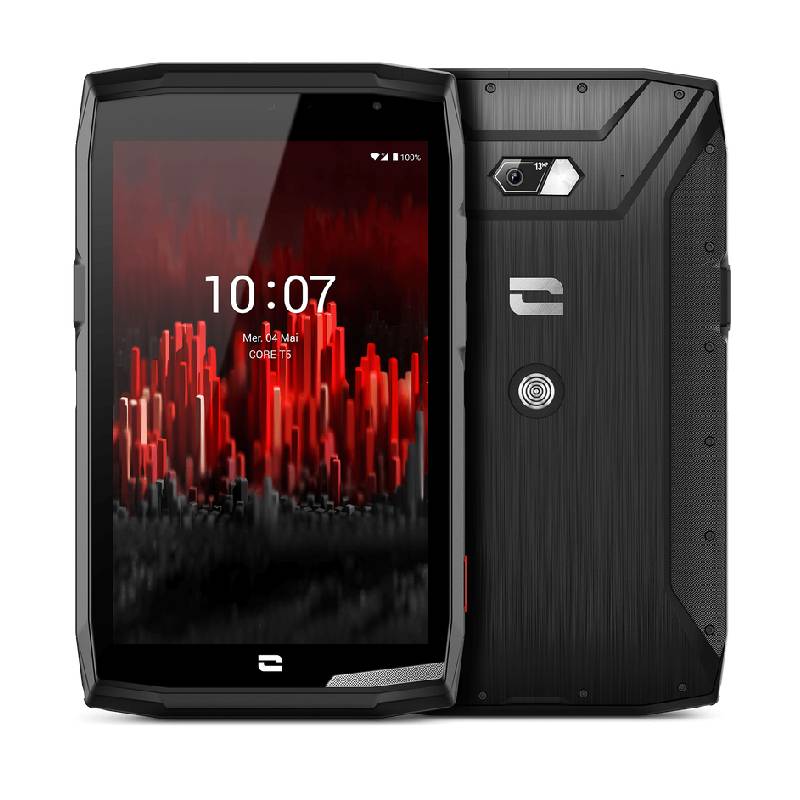
Crosscall Core T5 64Go

Crosscall Core T5 64Go

£500.00
Ref: CROSSCORET564OM
Yealink UH48 Dual Teams USB-C/A Headset

Yealink UH48 Dual Teams USB-C/A Headset

£87.99
£63.99
-27%
Ref: YEAUH48