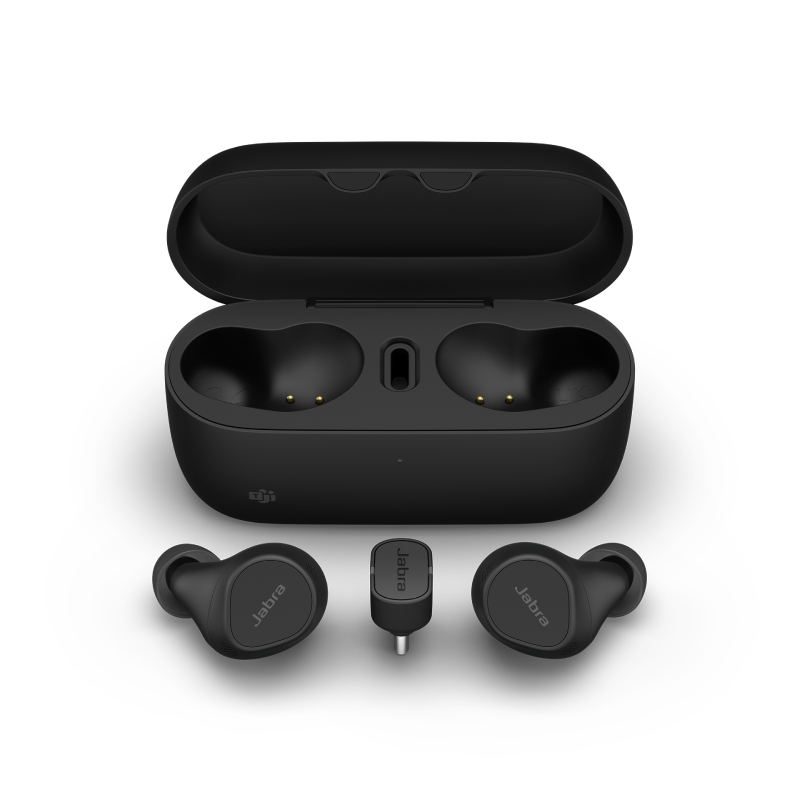
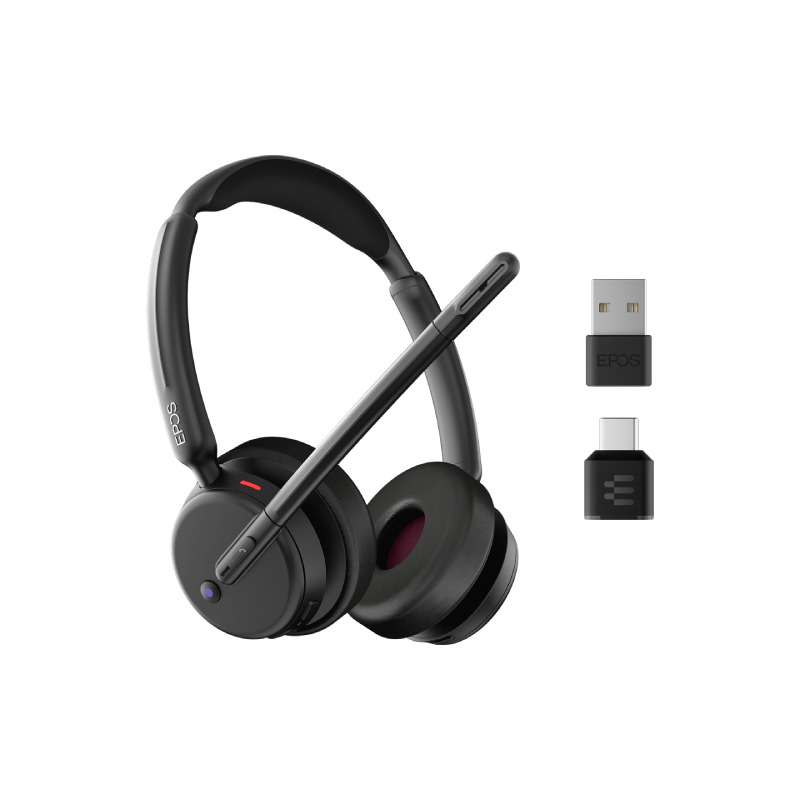
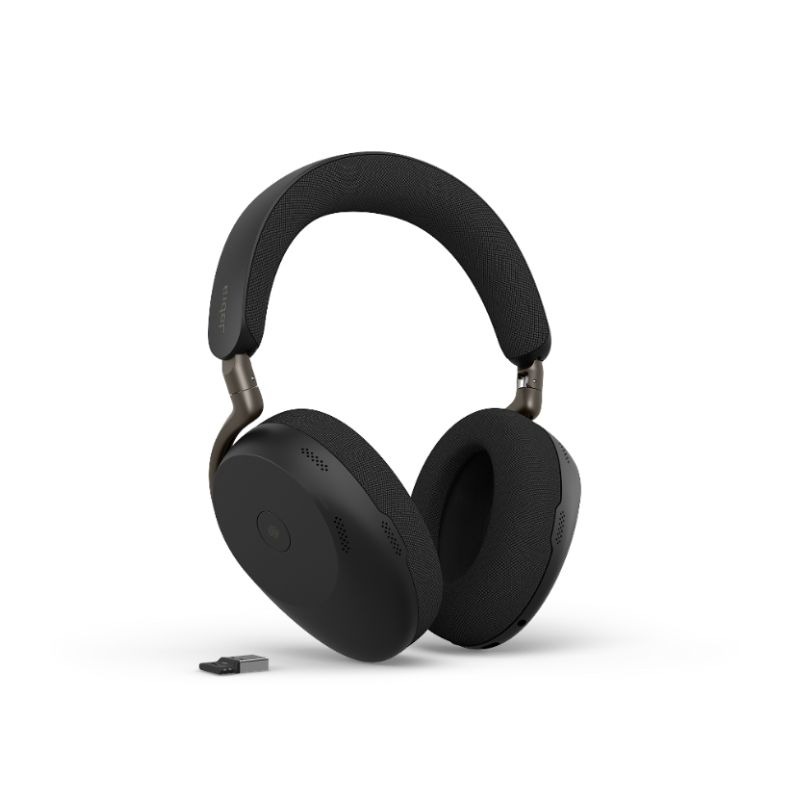
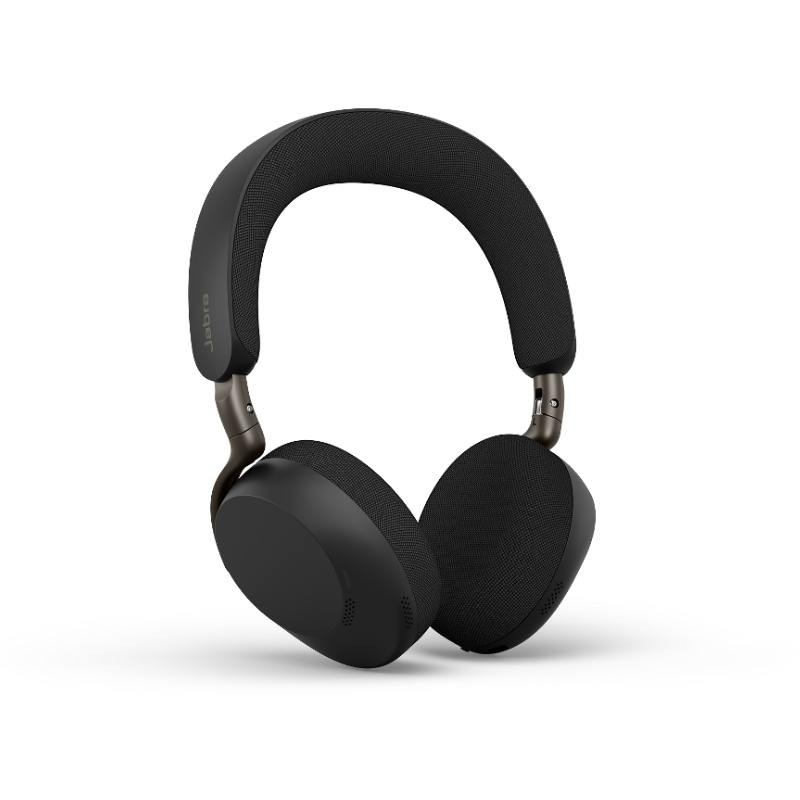
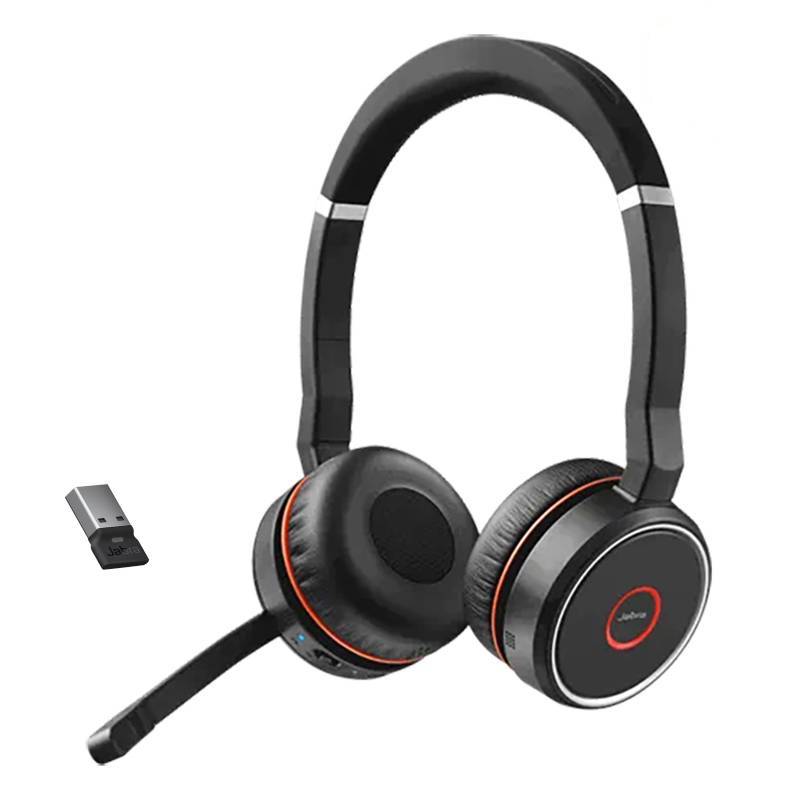
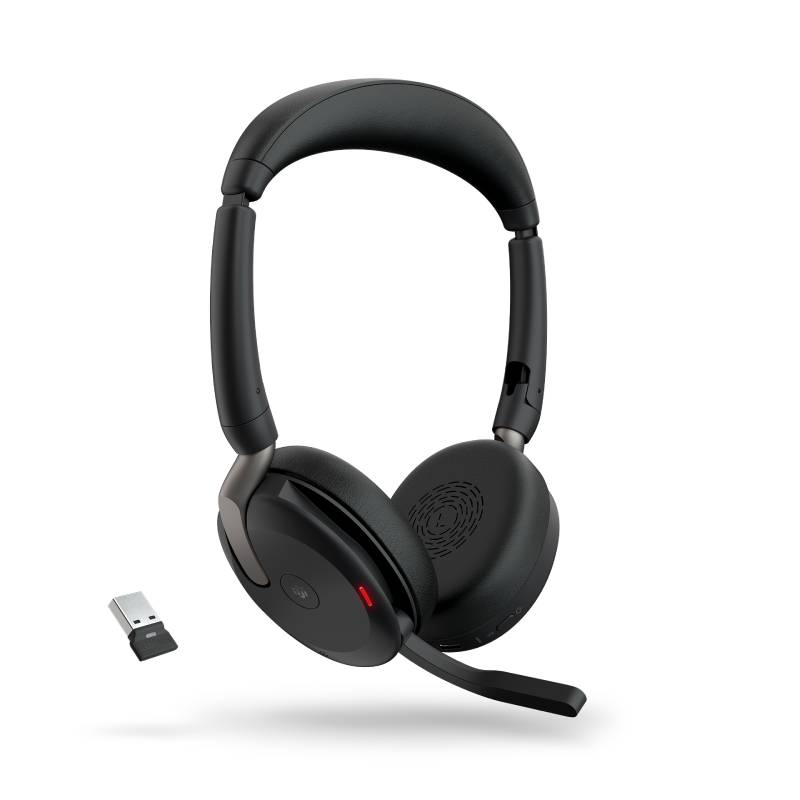
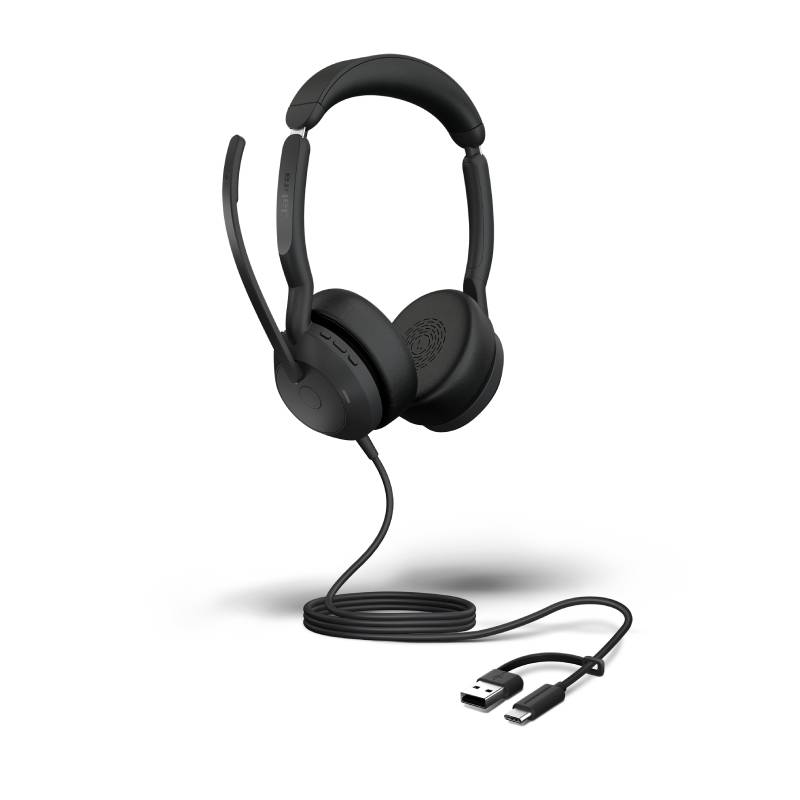
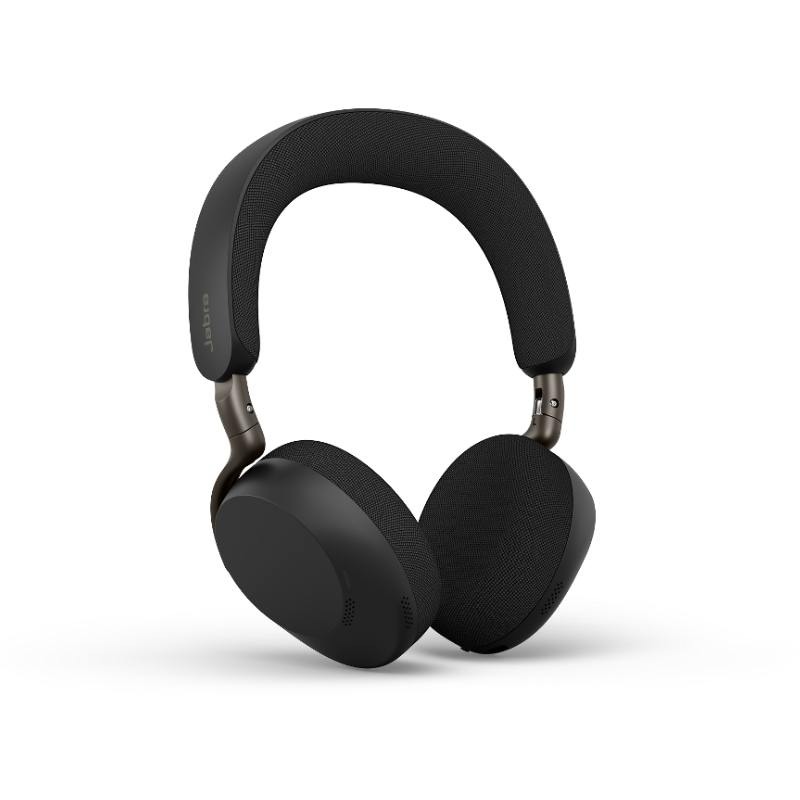
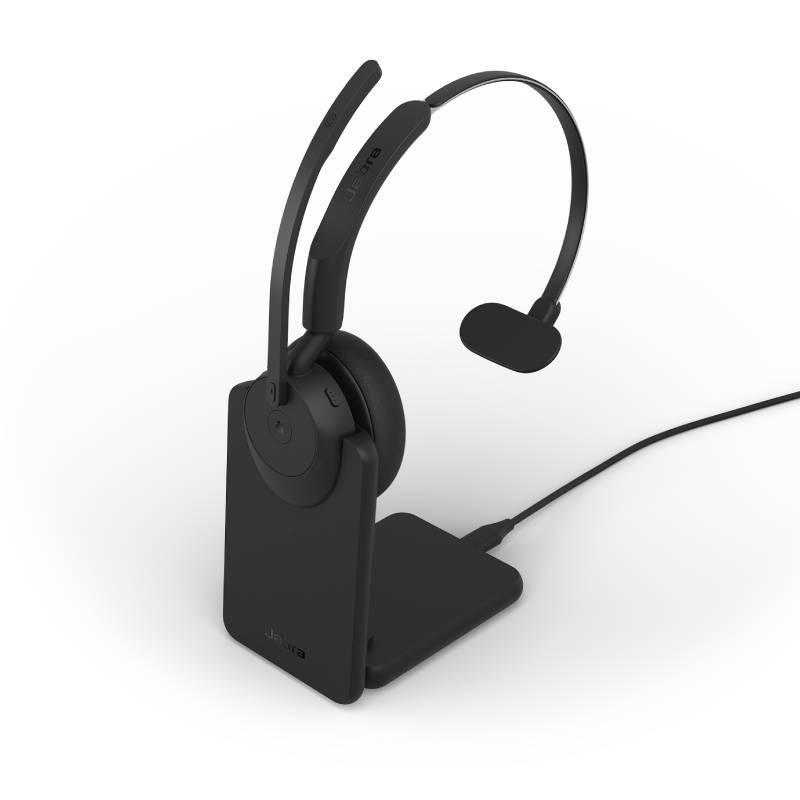
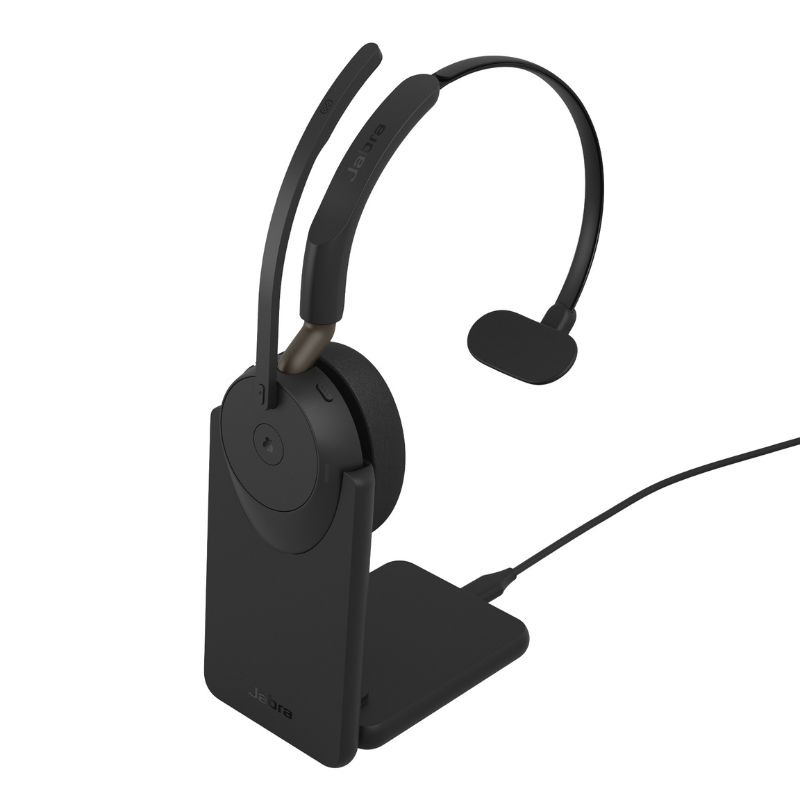
Noisy Environments Made Manageable with Noise Cancelling Headphones for Teams
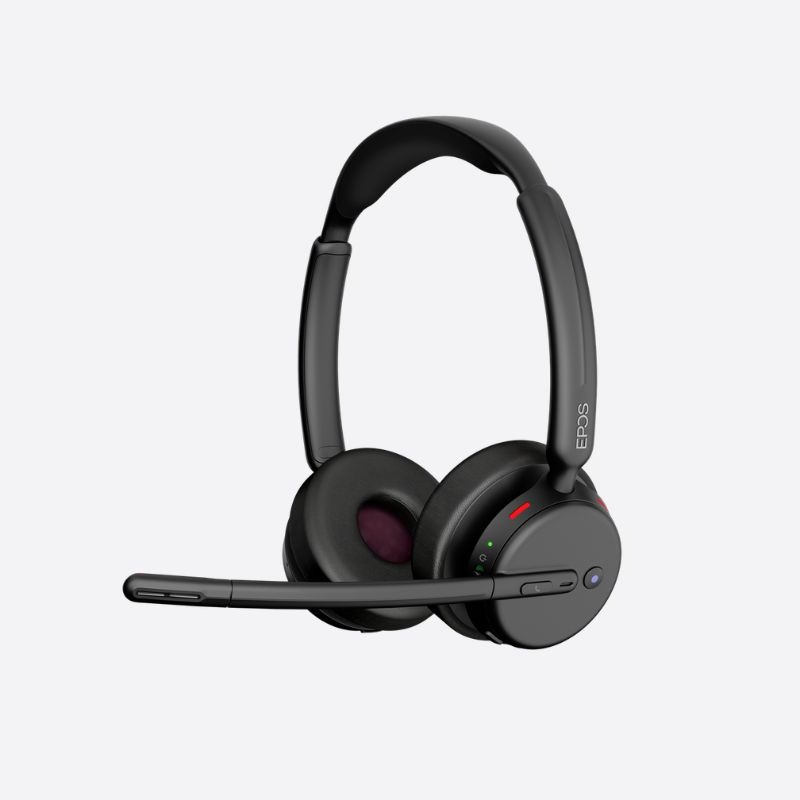
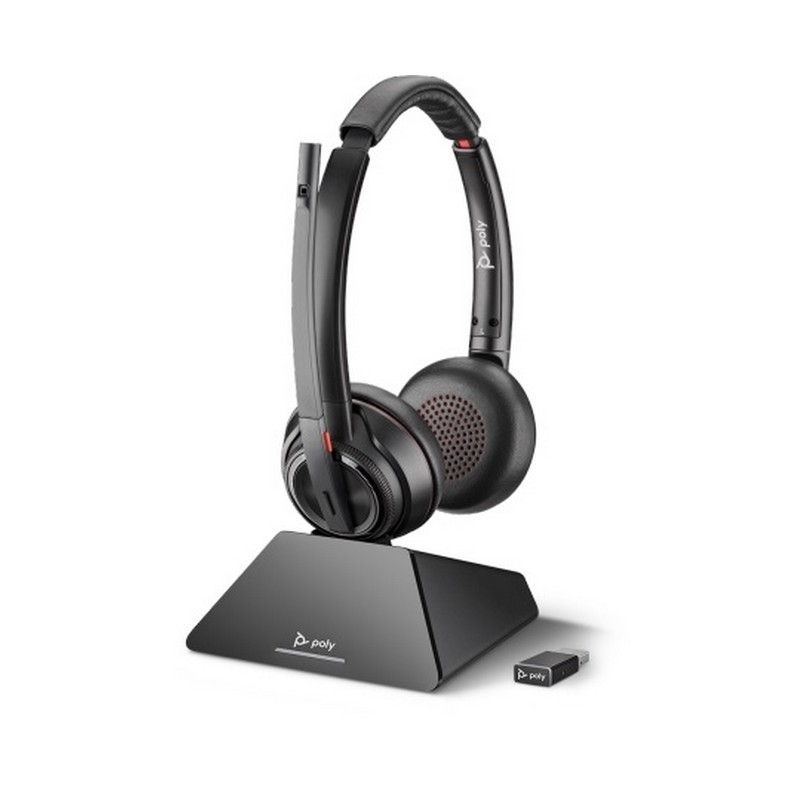
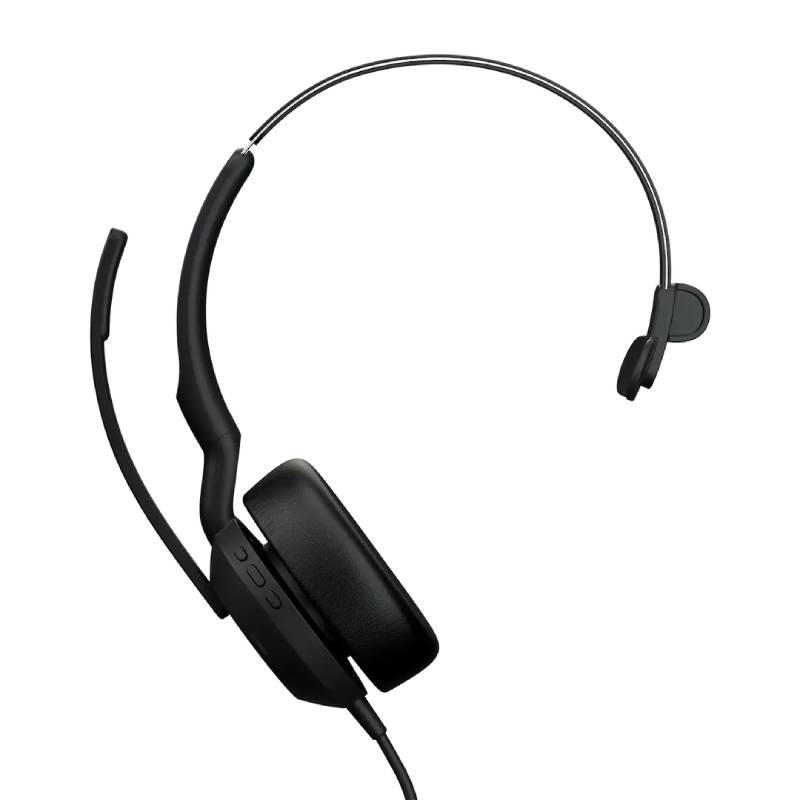
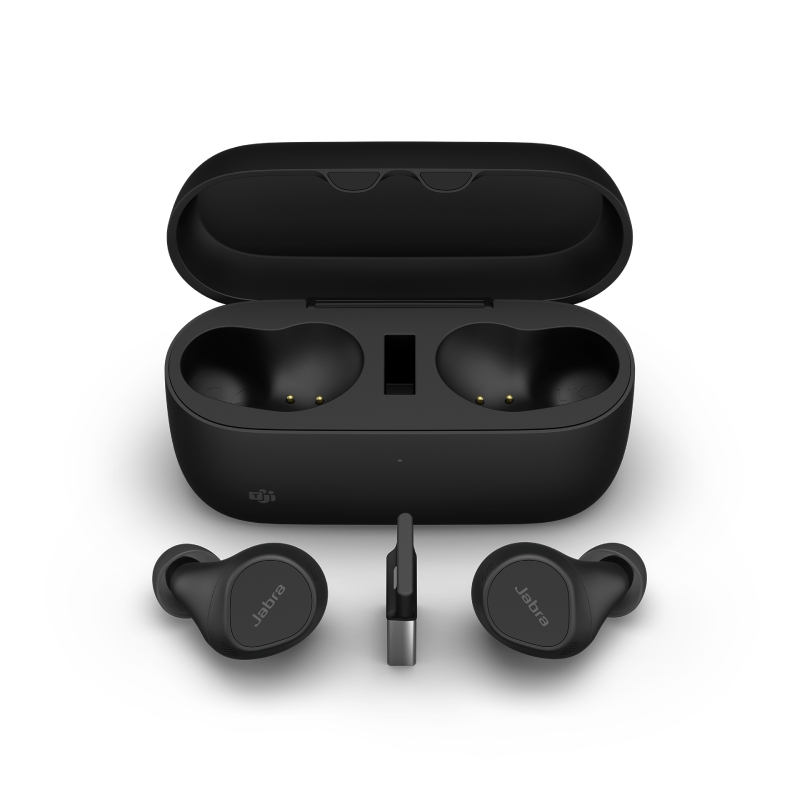
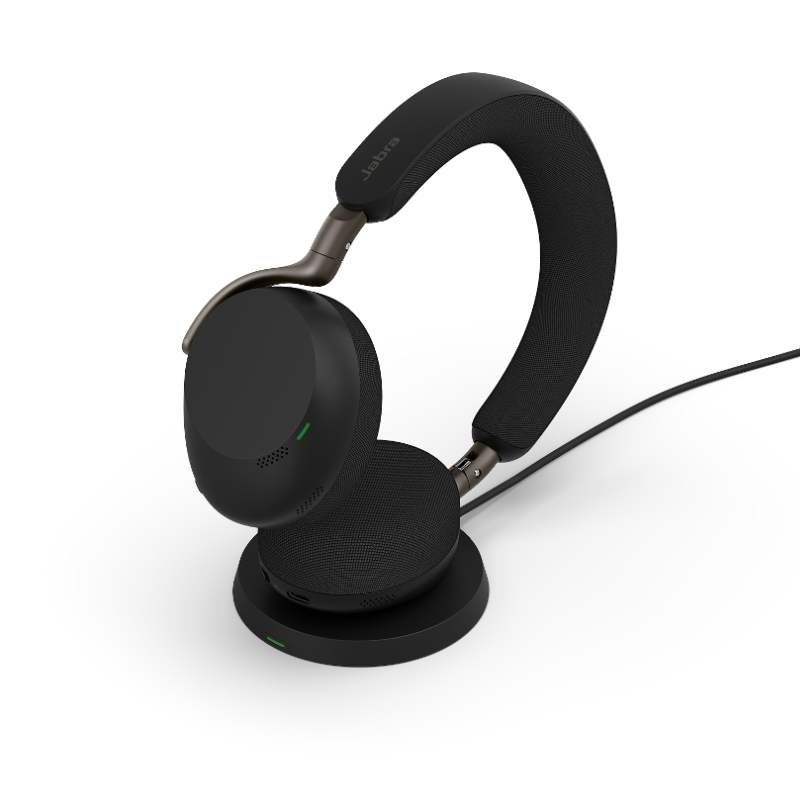
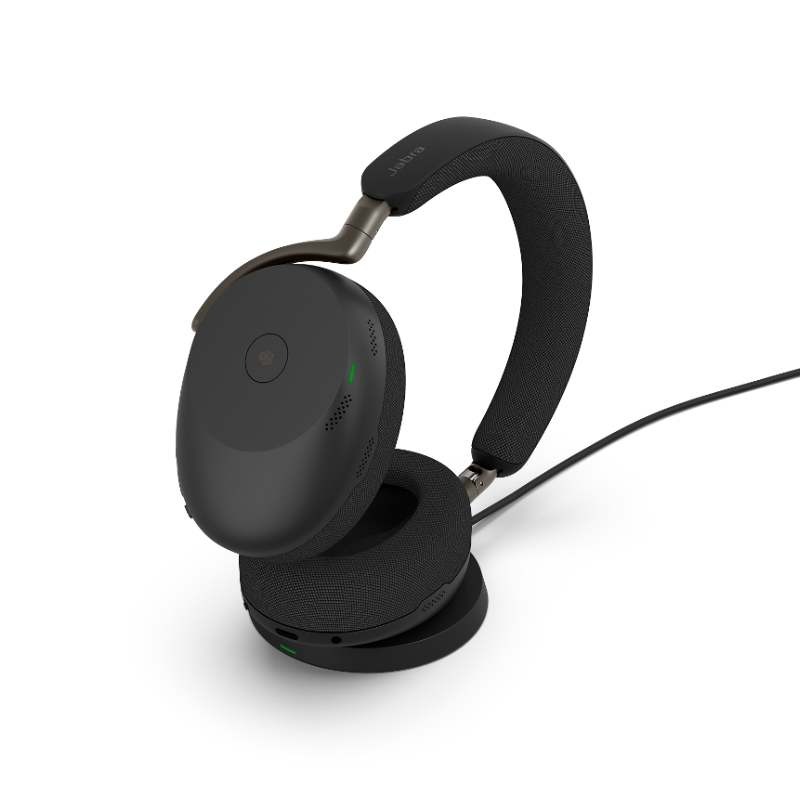
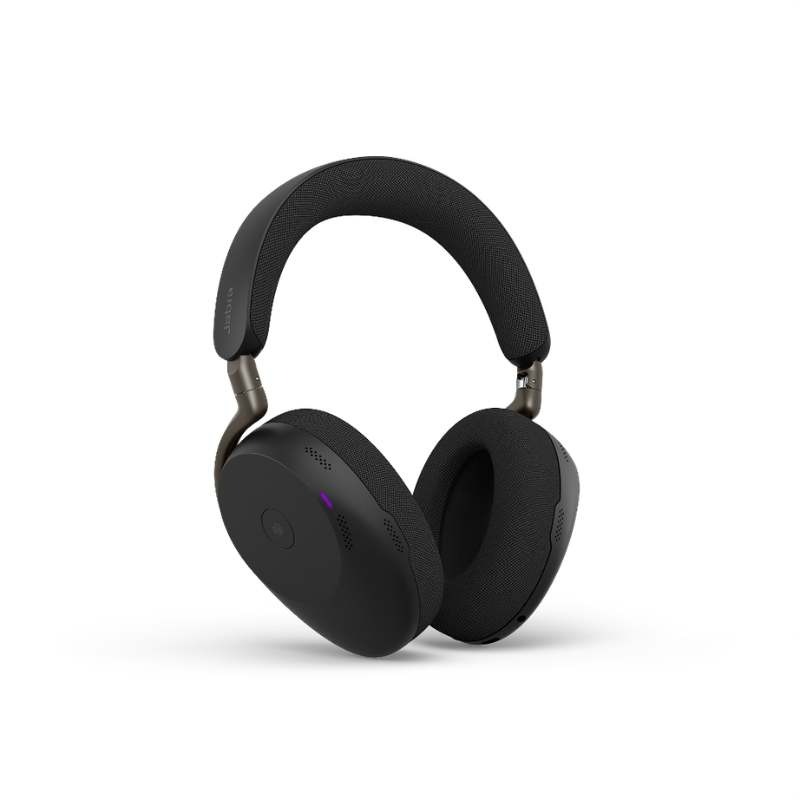
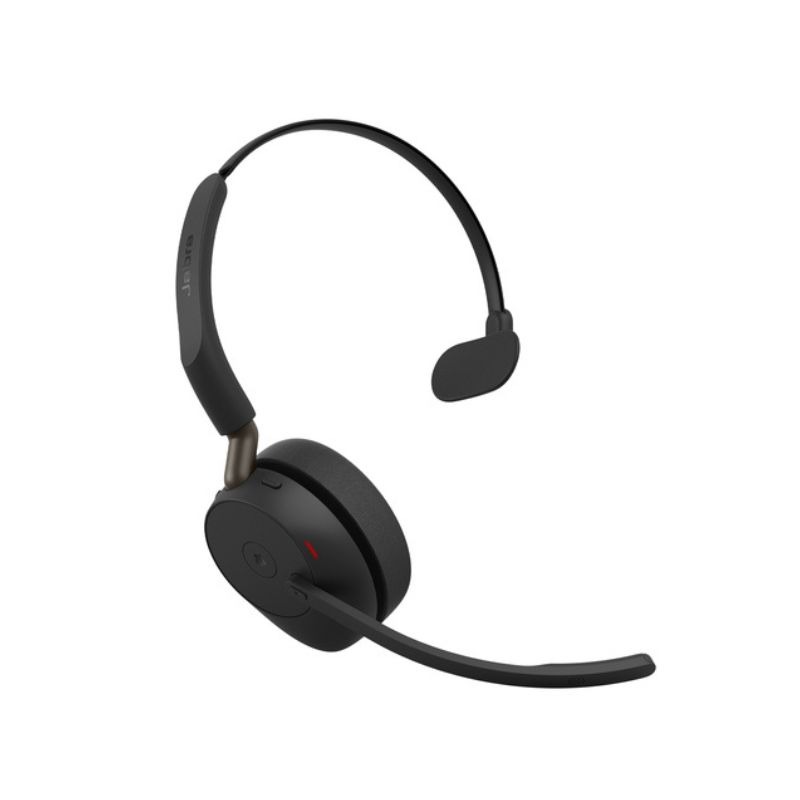
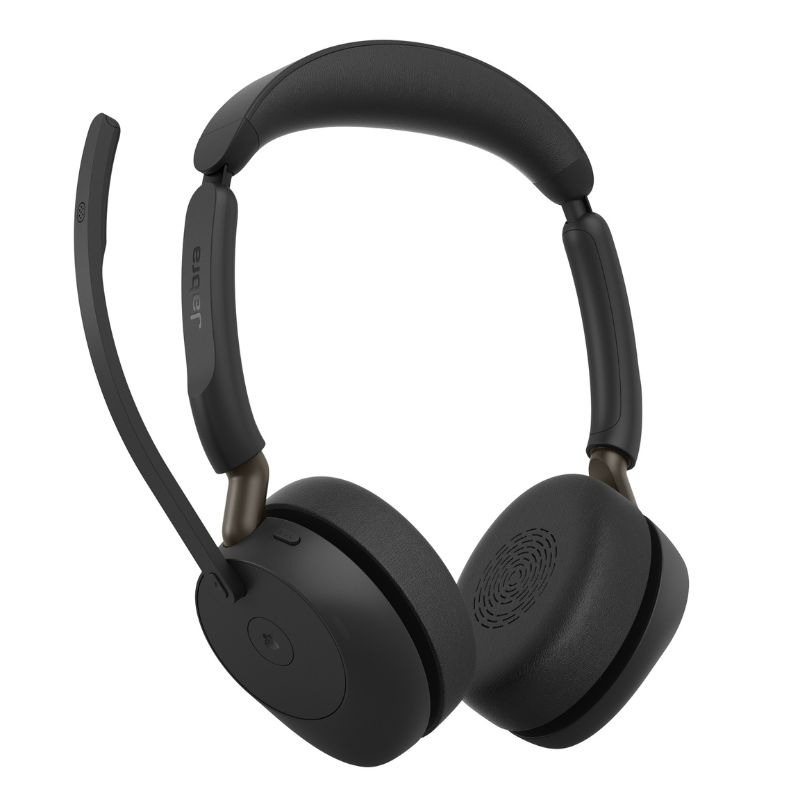
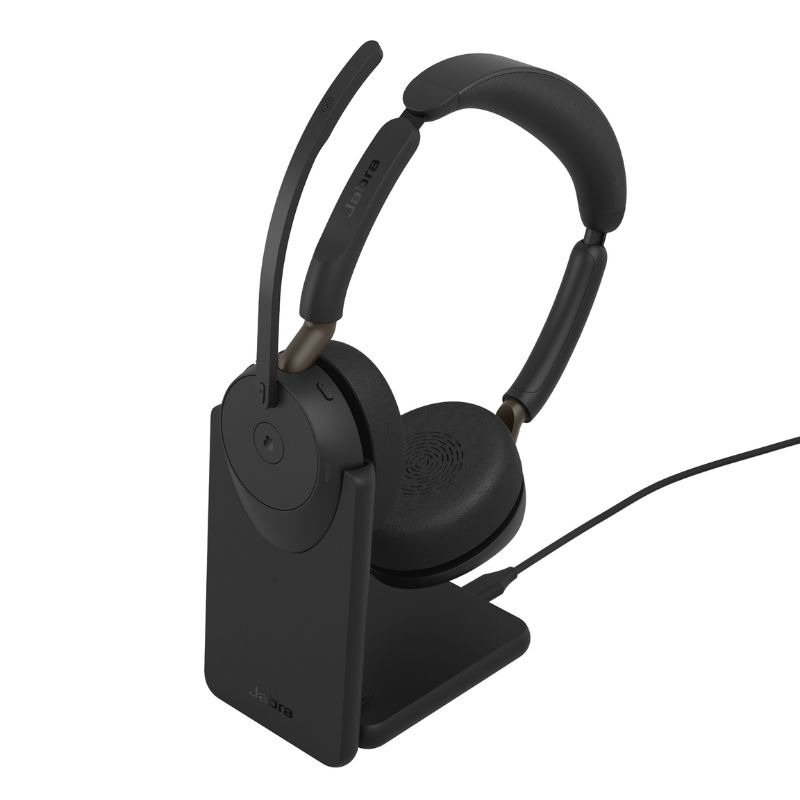
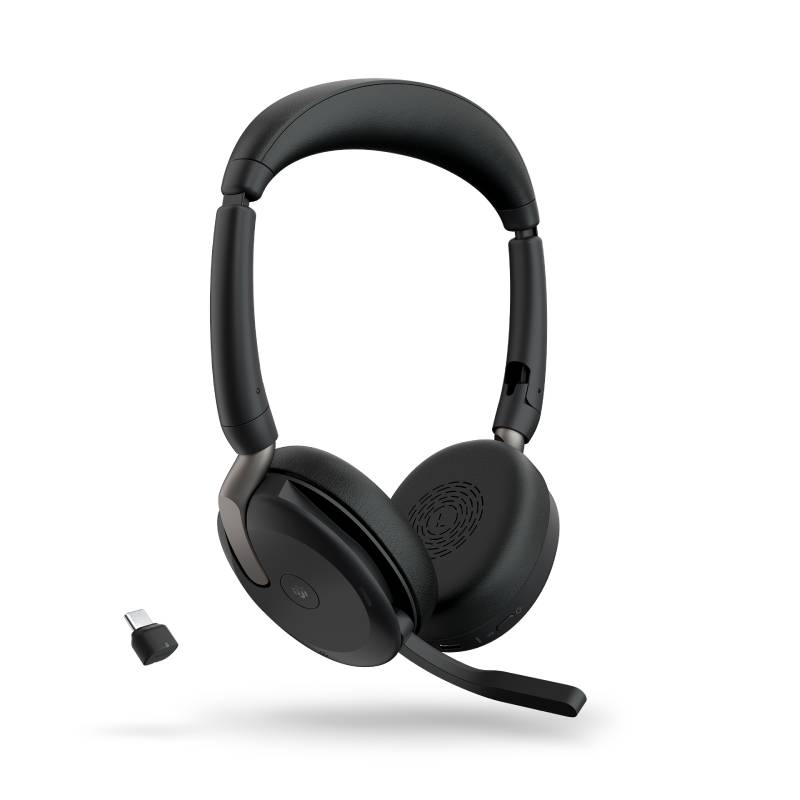
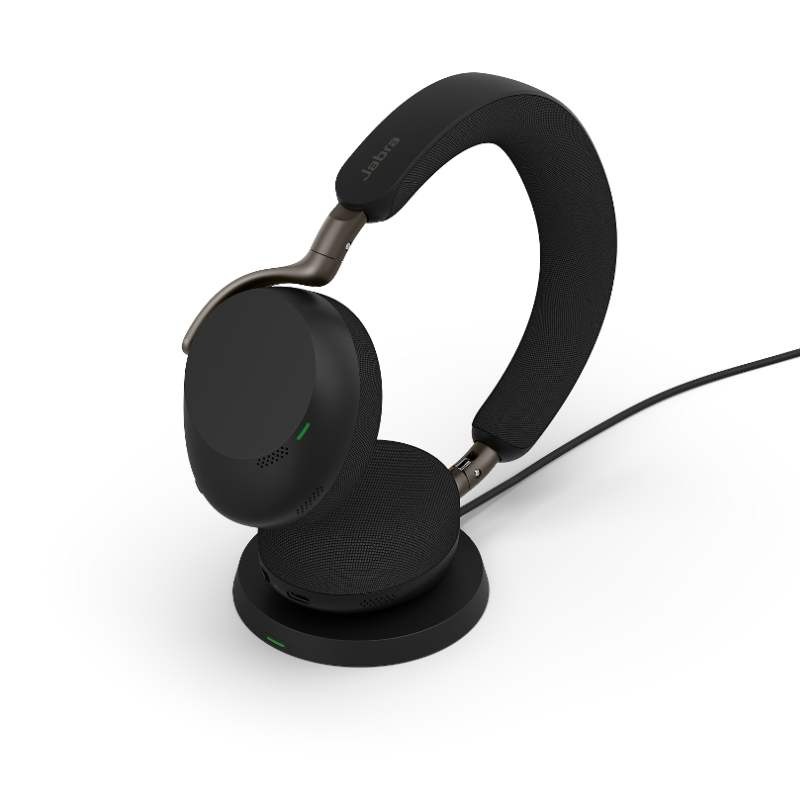
Noise cancelling headphones for teams are essential tools designed to enhance communication and concentration across various workplaces, including traditional offices, home setups, and hybrid environments. This guide will discuss key functionalities, compatibility considerations, and tips on selecting the right model based on real-world business needs.
Benefits of Using Noise Cancelling Headphones for Teams
- Crosstalk Reduction: Active noise cancellation technology minimises unwanted ambient sounds, which is particularly beneficial in open office layouts or shared spaces where distractions are common.
- Ecosystem Compatibility:The majority of professional models are compatible with popular platforms such as Teams or Zoom, ensuring smooth operation during virtual meetings without technical hitches.
- Diverse Connectivity Options:Error fetching products., including USB-A and USB-C variants that cater to different device requirements; make sure to check compatibility with your existing hardware before purchase.
- Dust and Moisture Resistance:A robust build quality enhances durability while ensuring headphones can withstand daily use in varied environments—ideal for both office settings and mobile professionals.
- User Controls & Smart Features:Simplified on-ear controls allow users to manage calls or music playback effortlessly; some models also offer voice assistant integration which can streamline multitasking.
- Aesthetic Appeal:A professional design complements workplace attire while projecting a focused image during virtual engagements; this helps to foster confidence among clients and colleagues alike.
Usage Tips
For optimal performance from your noise cancelling headphones, ensure they are correctly positioned over your ears when in use. Adjusting the fit is crucial—tighten or loosen headbands as necessary so that they provide a snug but comfortable seal around the ears. If using wireless models, ensure that Bluetooth-enabled devices are within range to avoid connectivity issues.
Regular maintenance is vital to prolonging device lifespan. Keep microphones clean from debris that can affect sound quality. Install firmware updates promptly when prompted; these updates often enhance functionality or address potential bugs. Additionally, consider conducting brief training sessions with team members on best practices concerning setup and troubleshooting common issues.
1. What’s included with my noise cancelling headphones?
Your package typically includes the headphones themselves along with a charging cable (for wireless models), an audio jack cable (if applicable), a user manual, and warranty information. Some premium options may come with additional accessories like carrying cases.
2. Are these headphones compatible across different platforms?
The majority of high-quality noise cancelling headphones offer cross-platform compatibility; however, specific features may operate best within certain ecosystems—it's wise to verify compatibility with your chosen communication software prior to purchase.
3. How do I set up my new noise cancelling headphones?
Your setup process generally involves charging them fully before initial use then pairing them via Bluetooth or connecting through a USB port depending on model specifications—follow any included guides closely for specific instructions related to software setup if applicable.
4. Can I use these headphones in loud environments?
5. What should I know about maintaining my noise cancelling headphones?
Summary
noise cancelling headphones for teams significantly enhances workplace efficiency through improved focus alongwith effective communication tools . Explore our extensive range today! p >