Professional advice available Monday to Friday, 8.30am-5.30pm
Mon. to Fri. 8:30 a.m. – 6:30 p.m.
0333 123 3050
Call us!
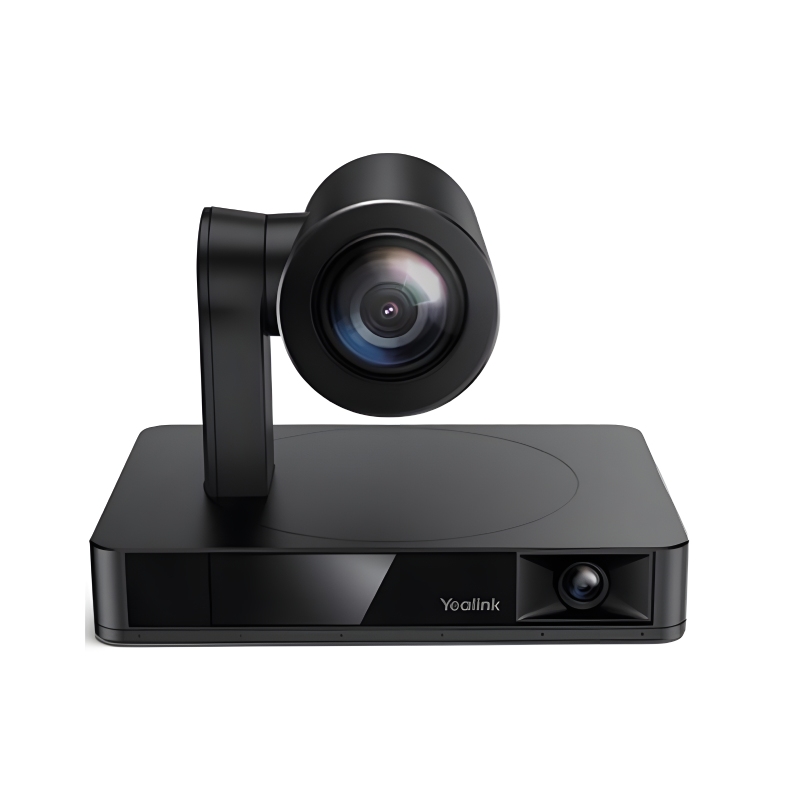
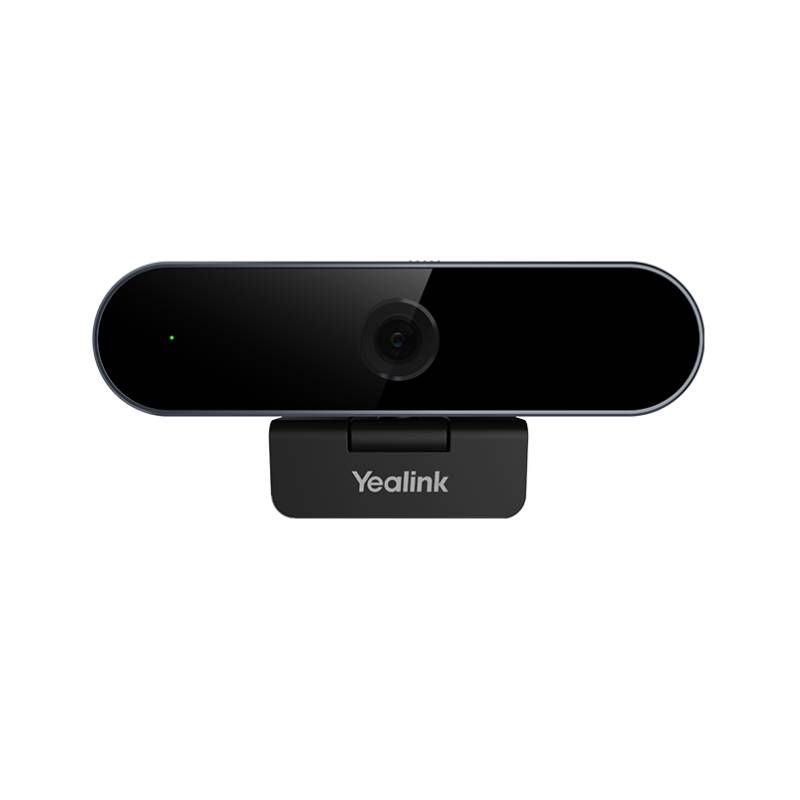
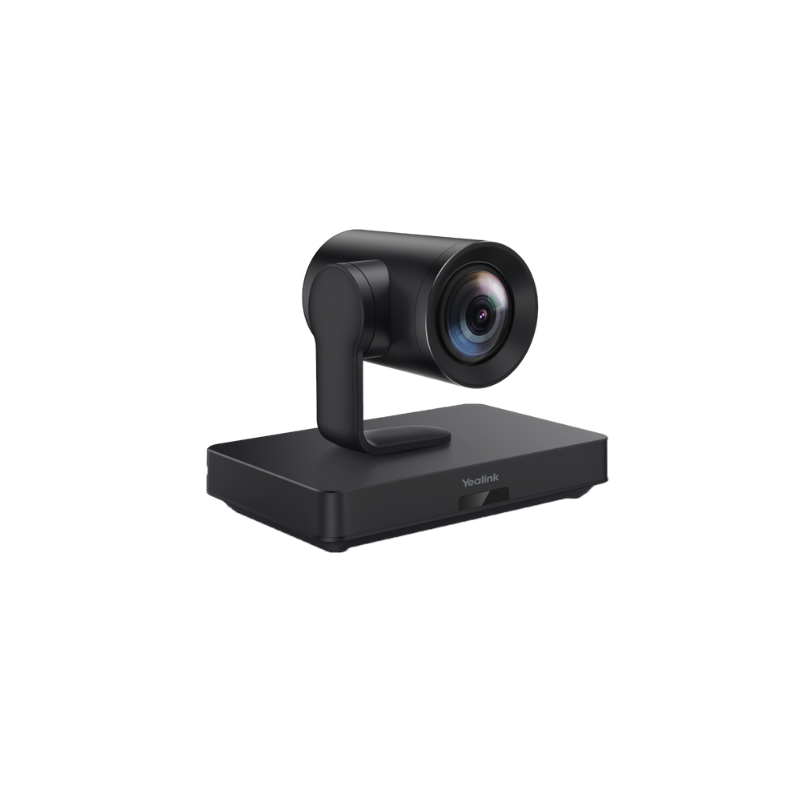
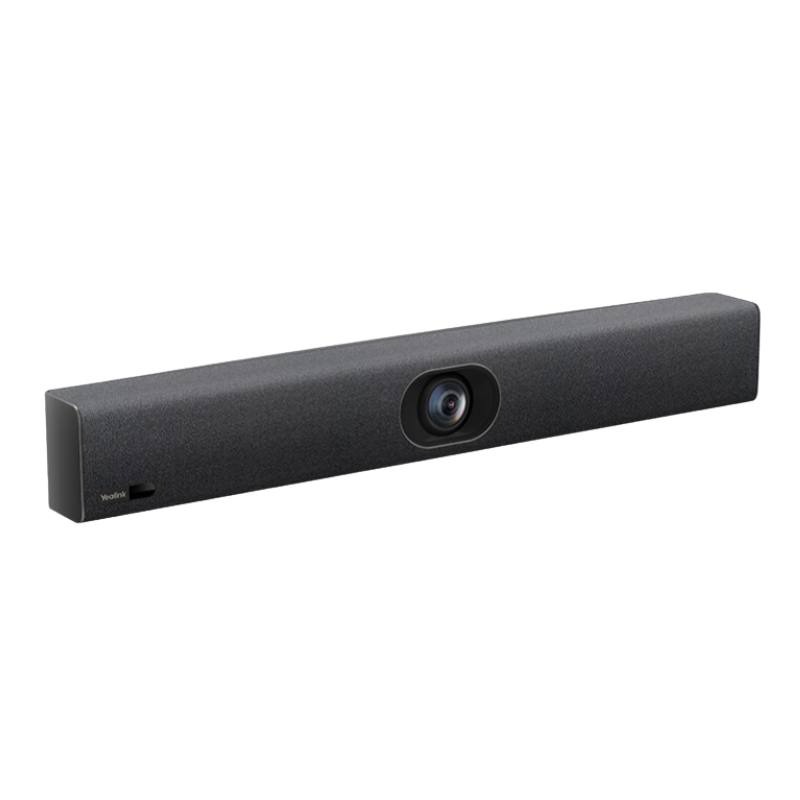
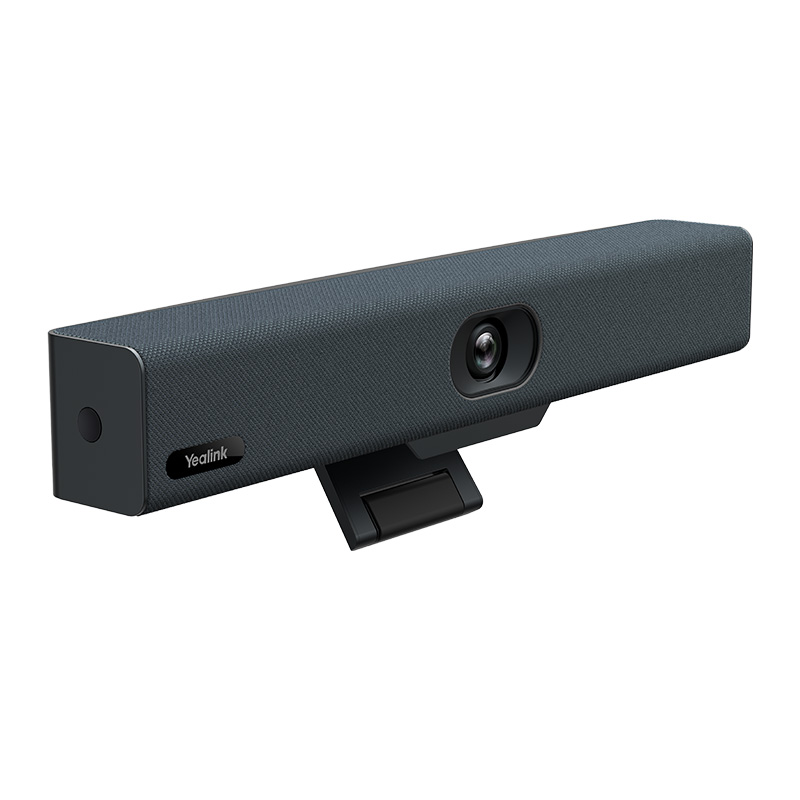
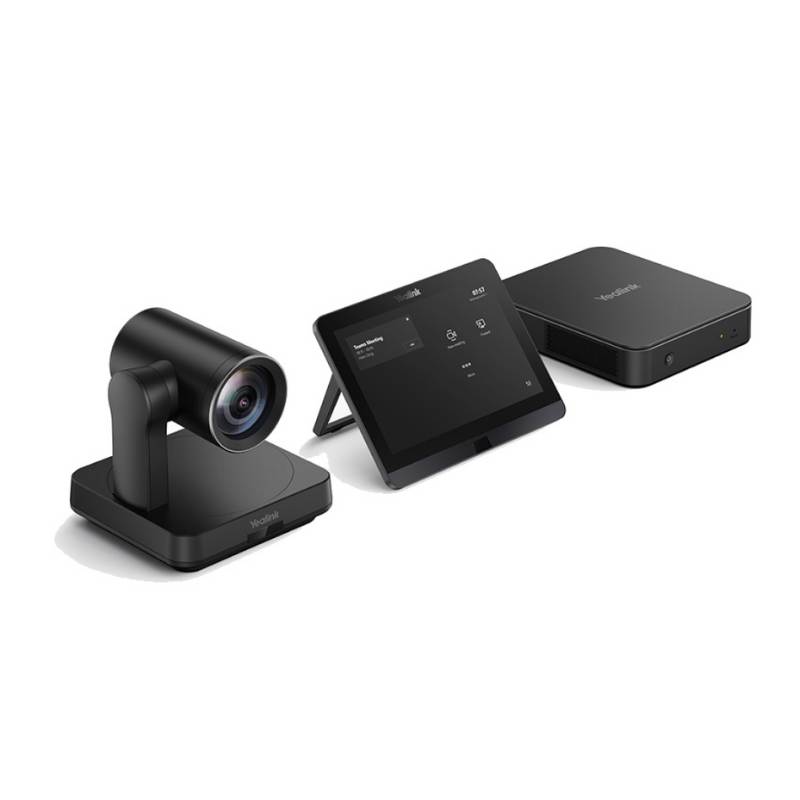
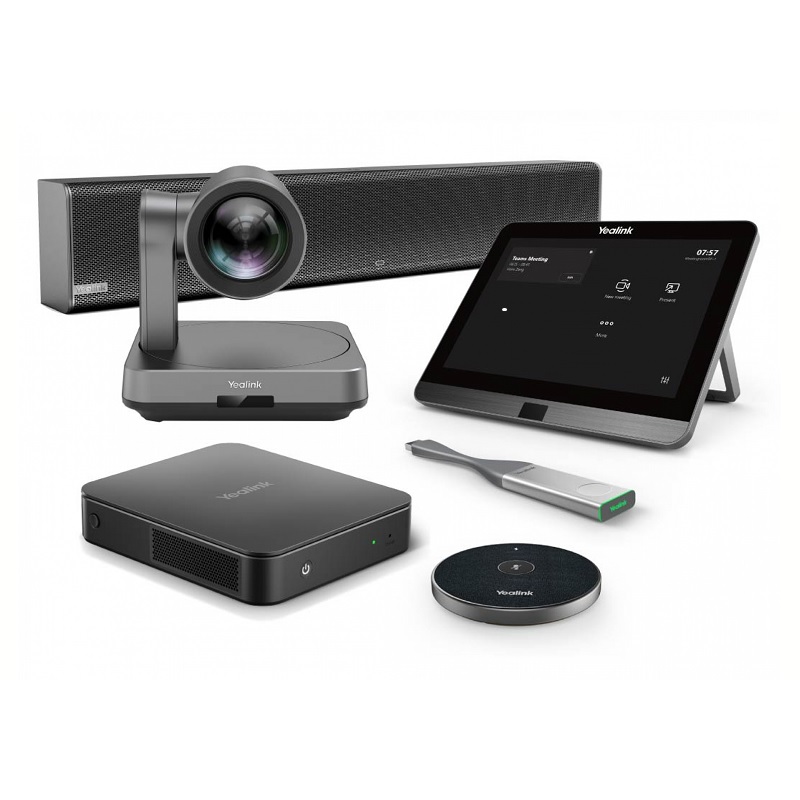
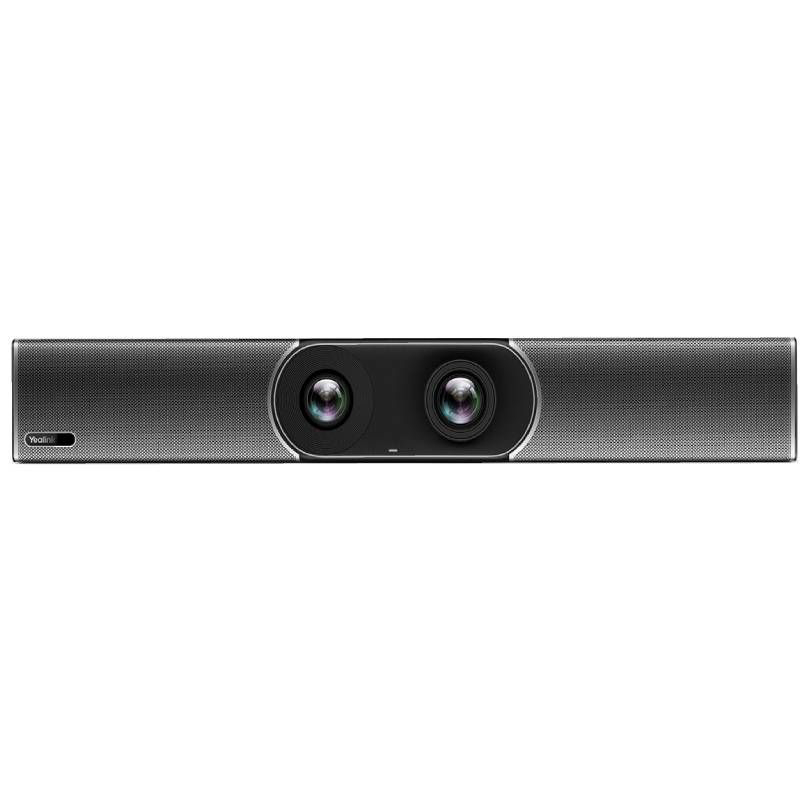
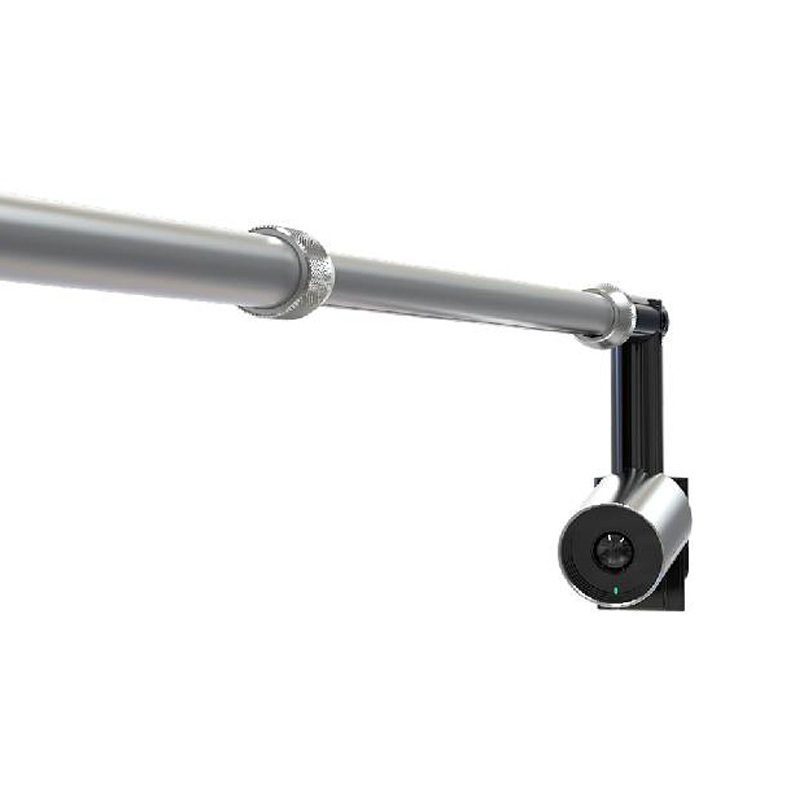
The yealink uvc30 is a professional-grade camera designed to elevate video conferencing experiences in various business environments. Its core value lies in delivering crisp video quality while ensuring compatibility with popular platforms.
Discover more about the yealink uvc30, and explore our full range of products that support your communication needs.
The yealink uvc30, an advanced USB camera solution, is tailored for businesses looking to enhance their video conferencing capabilities. This guide will provide insights into its features, benefits, and practical applications in various office setups.
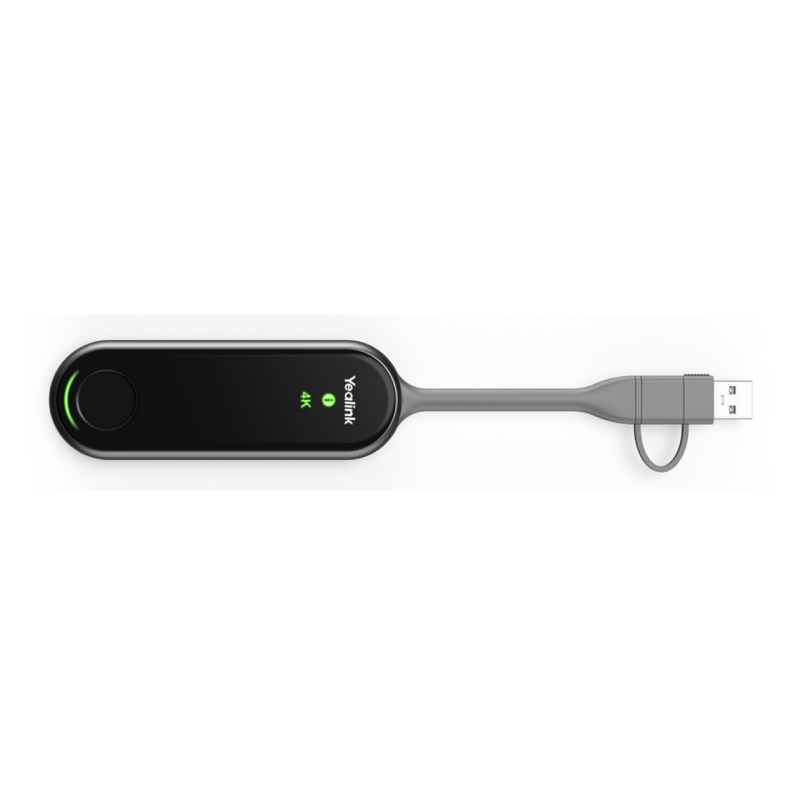
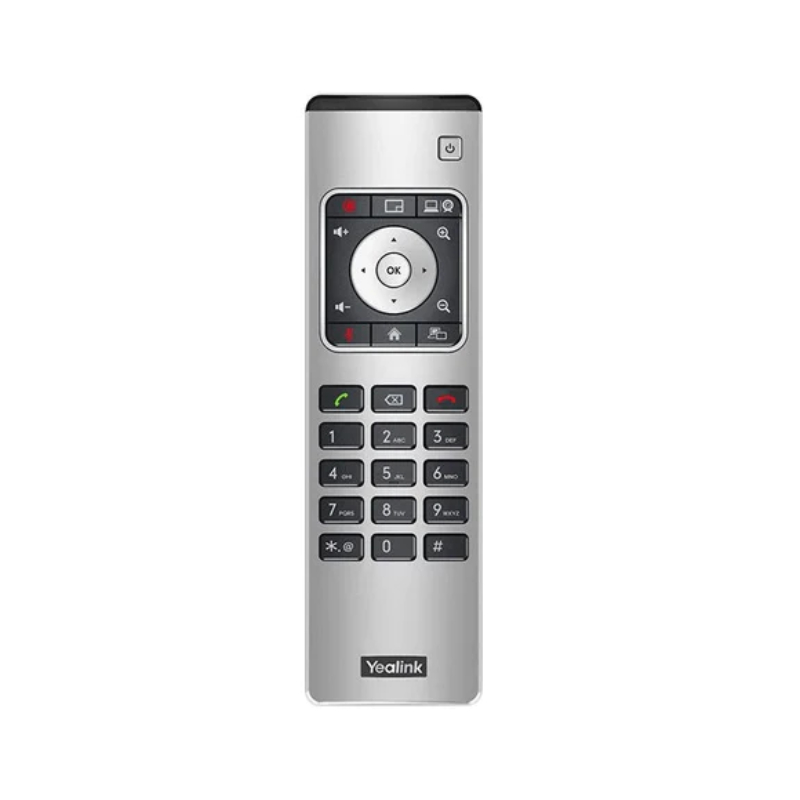
The yealink uvc30 typically includes the camera itself along with a USB cable and any necessary installation documentation. Additional accessories may vary depending on your purchase package or retailer offerings.
This device generally requires no specific software since it operates through standard USB connections; however, compatibility with Microsoft Teams or Zoom is recommended for optimal functionality within those ecosystems.
The yealink uvc30 is compatible with both Windows and Mac operating systems due to its universal USB connection feature; just ensure you have appropriate video conferencing software installed on your device of choice.
Installation of the yealink uvc30 is straightforward due to its plug-and-play capability; simply connect it via USB port without needing complex configurations or additional drivers for most setups.< /p >
Yes, given its excellent video quality and flexible deployment options within various room sizes, the yealink uvc30 serves well in hybrid working situations by accommodating both remote participants and those present onsite.< /p >
In summary ,the < strong >yealink uvc30< / strong > stands out as an effective solution designed specifically for enhancing communications within business environments . Explore our range today!< / p >