Your Guide to Yealink VoIP Phone Solutions for Optimal Communication
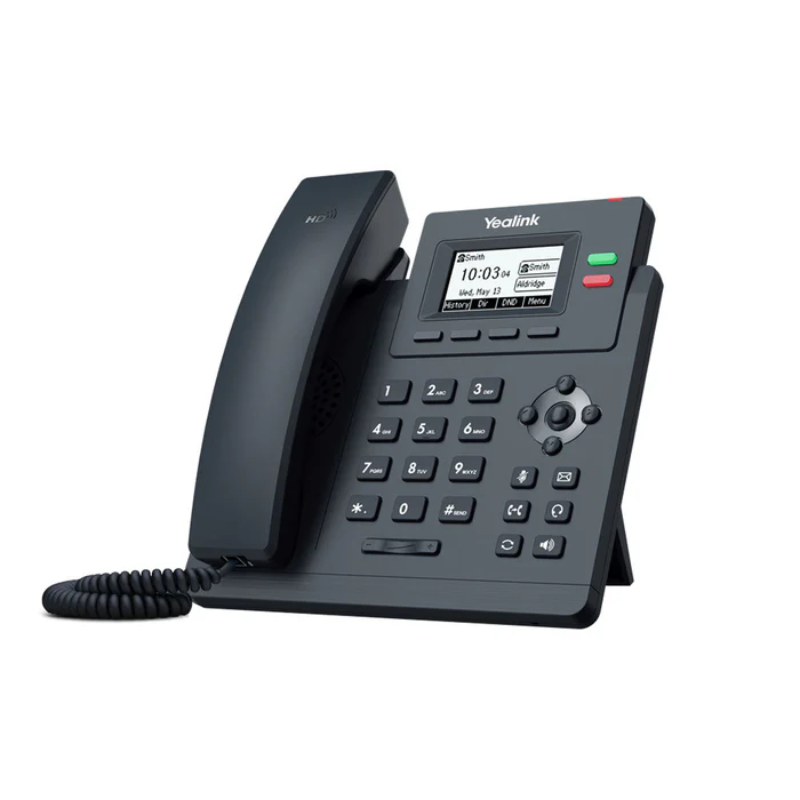
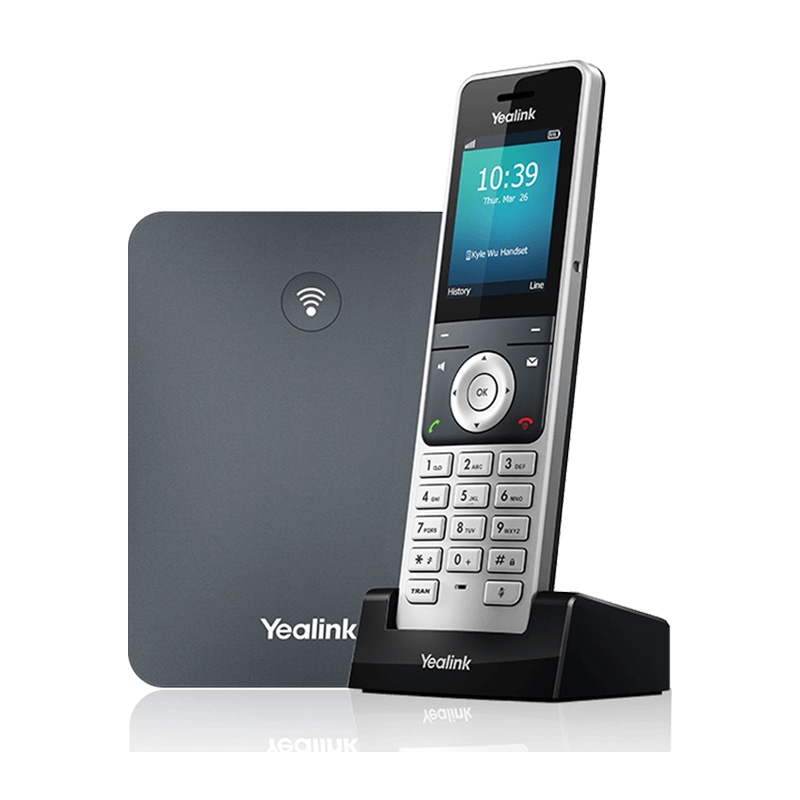
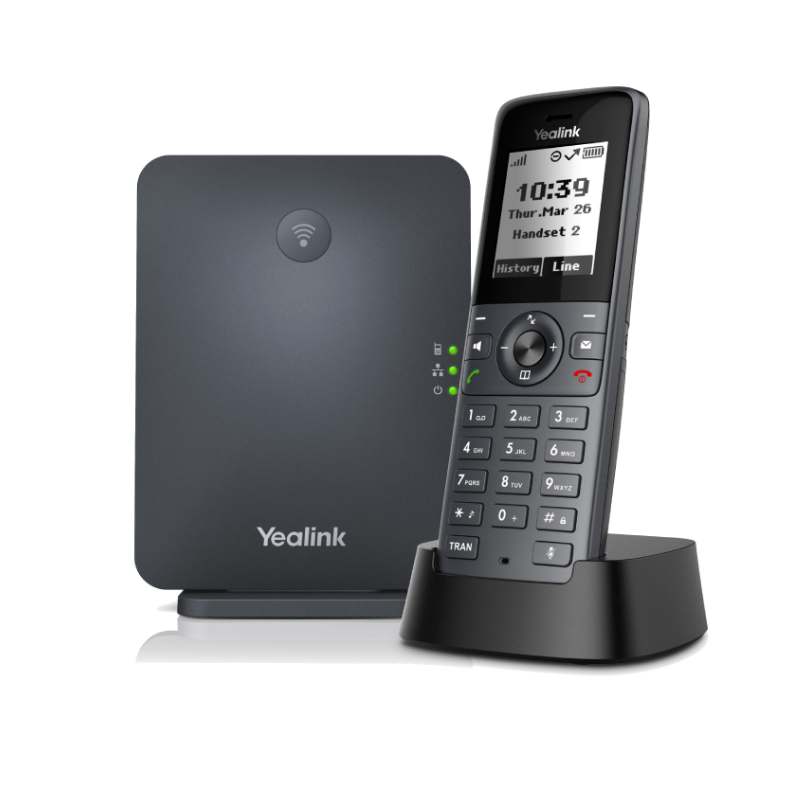
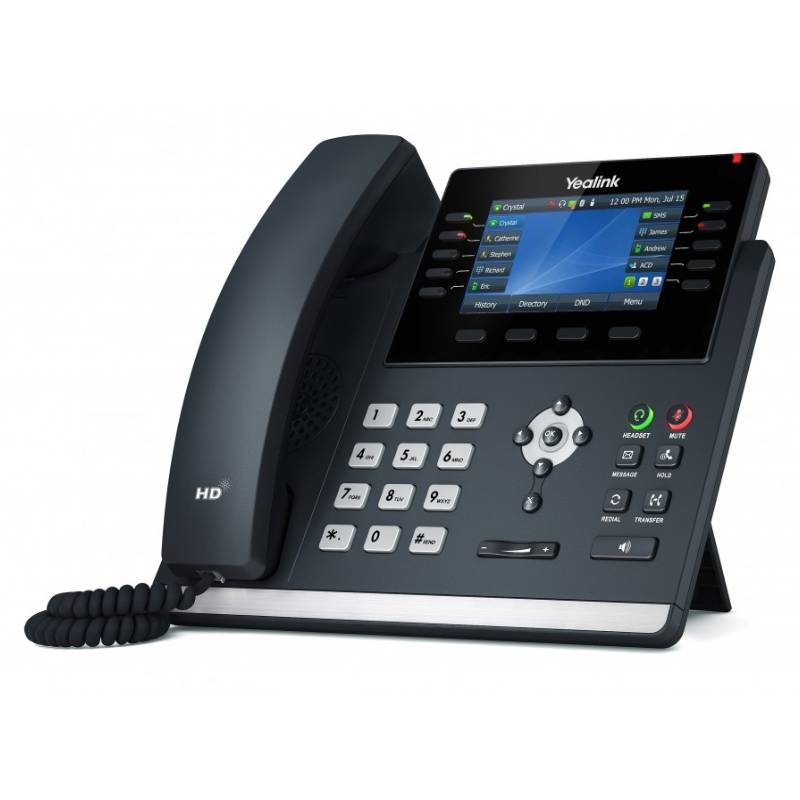
The Yealink VoIP phone, ideal for businesses of all sizes, provides a robust communication platform. This guide explores its features, benefits, and practical tips to help IT managers and procurement teams make informed purchasing decisions.
Benefits of Using Yealink VoIP Phone
- Cross-Platform Compatibility: Many Yealink models are certified for popular platforms like Microsoft Teams and Zoom, ensuring smooth integration with your existing systems.
- Sleek Design: The modern appearance of Yealink phones not only fits well in any office environment but also enhances the professional image of your business during client calls.
- Easily Customisable Settings: Users can tailor their settings according to personal or operational requirements, which is especially beneficial in hybrid work scenarios where preferences may differ.
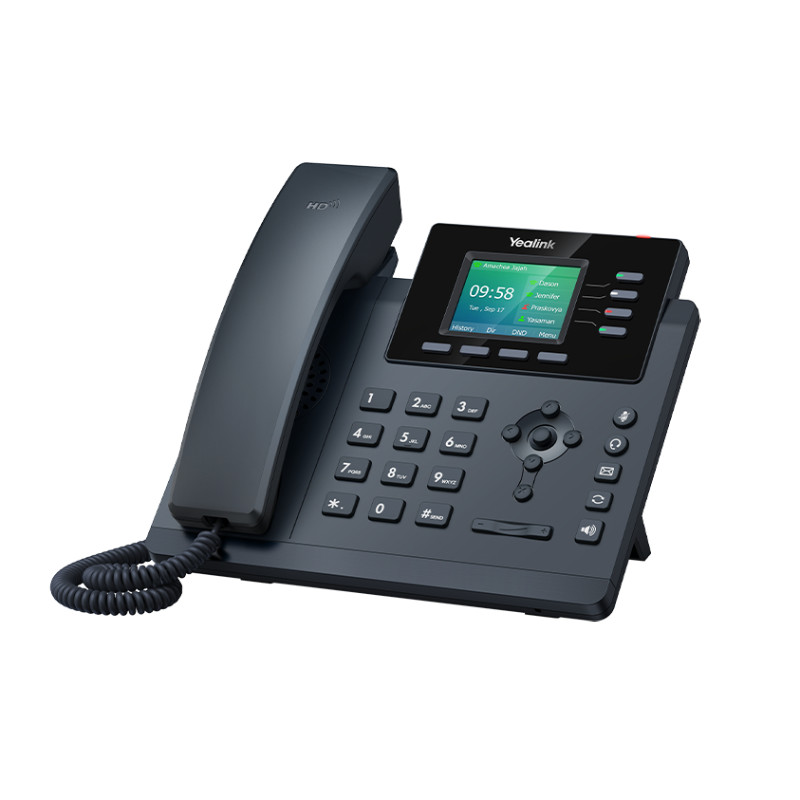
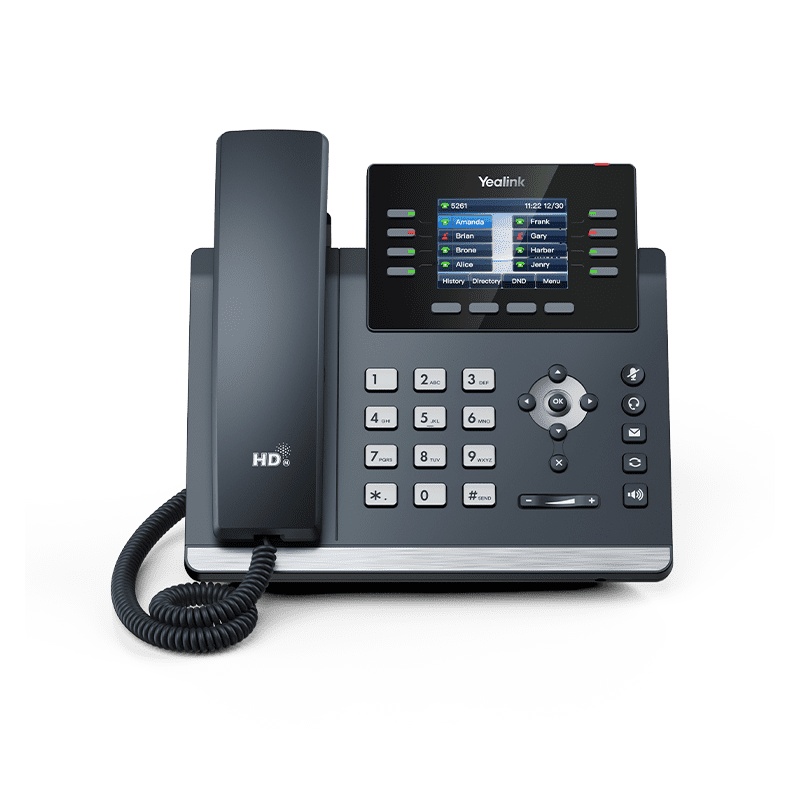
- Packing Smart Features: Advanced features such as call monitoring, programmable keys, and HD voice technology boost overall productivity and efficiency during calls.
- User Management Tools: Centralised management functionality allows IT departments to easily deploy firmware updates or configure settings across multiple devices without needing individual access.
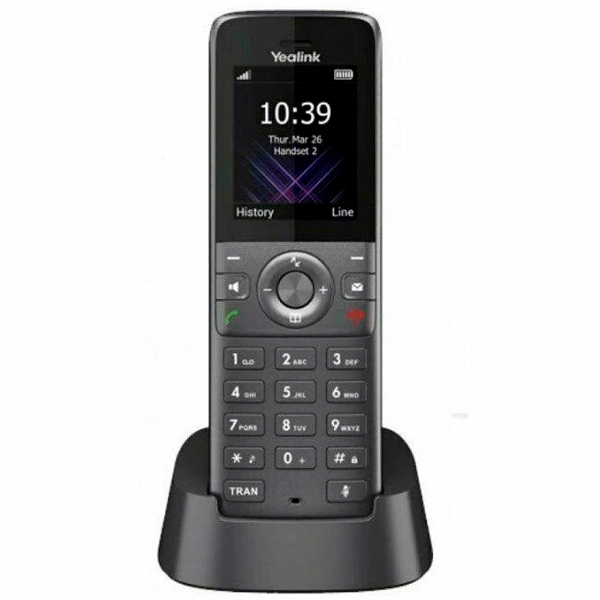
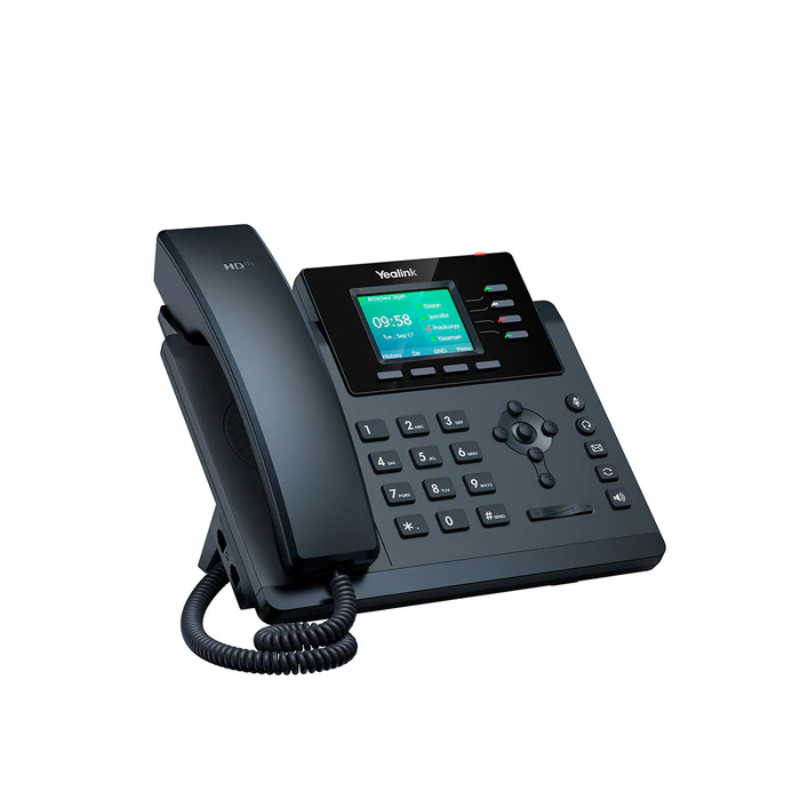
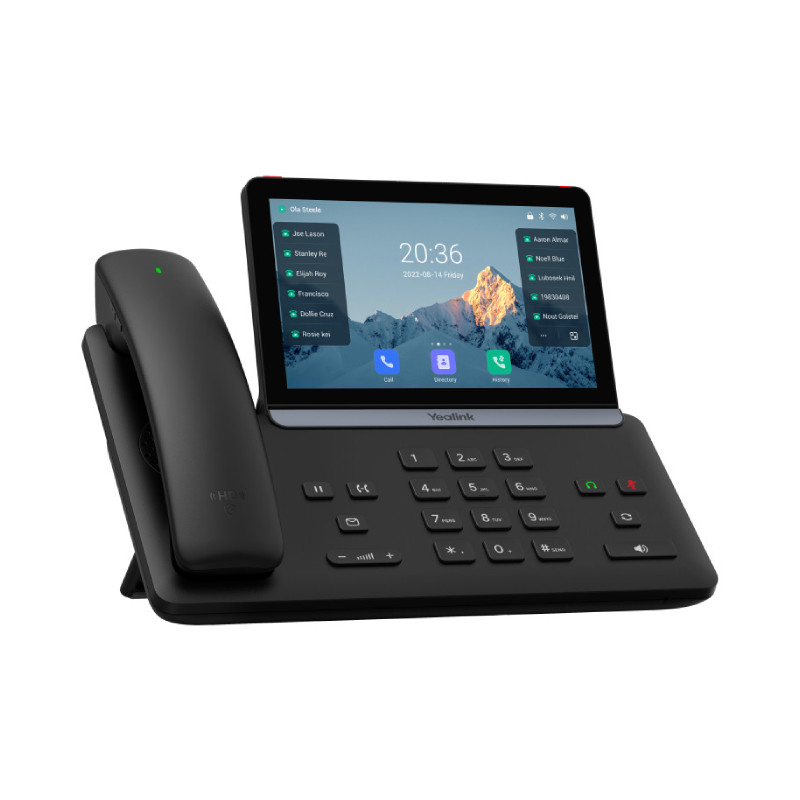
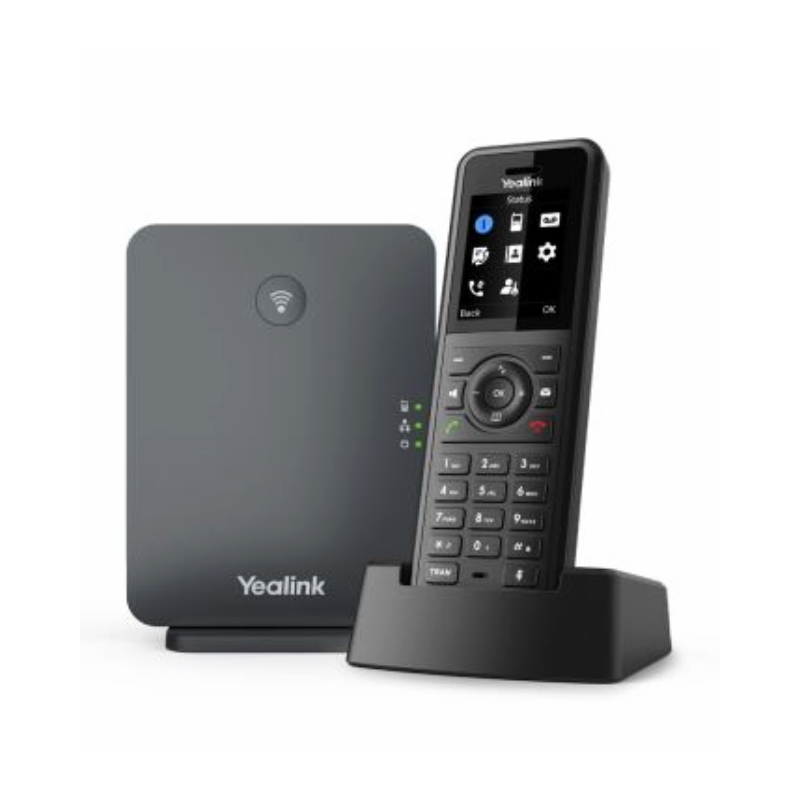
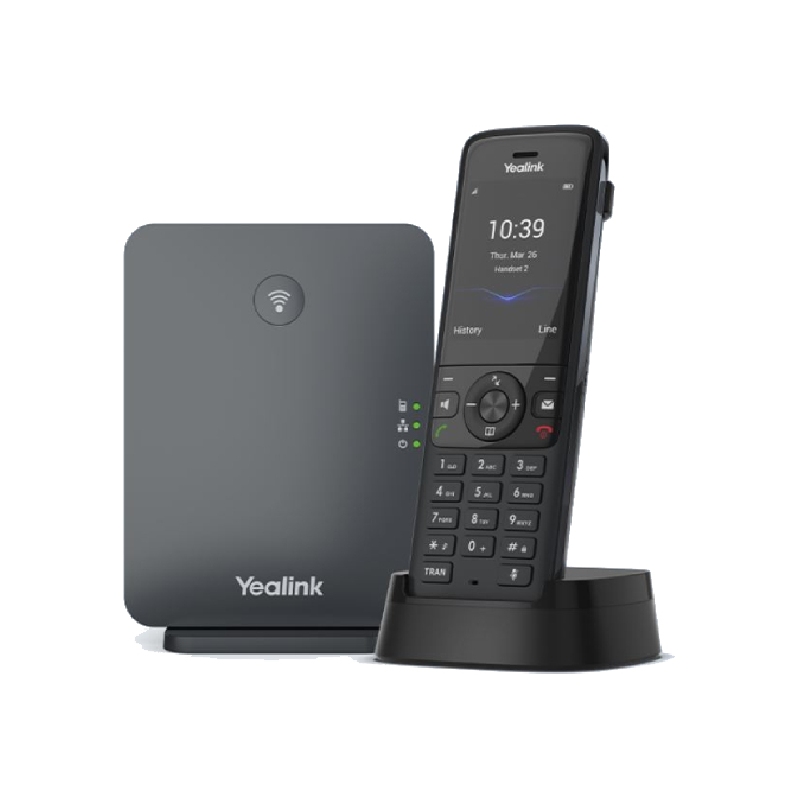
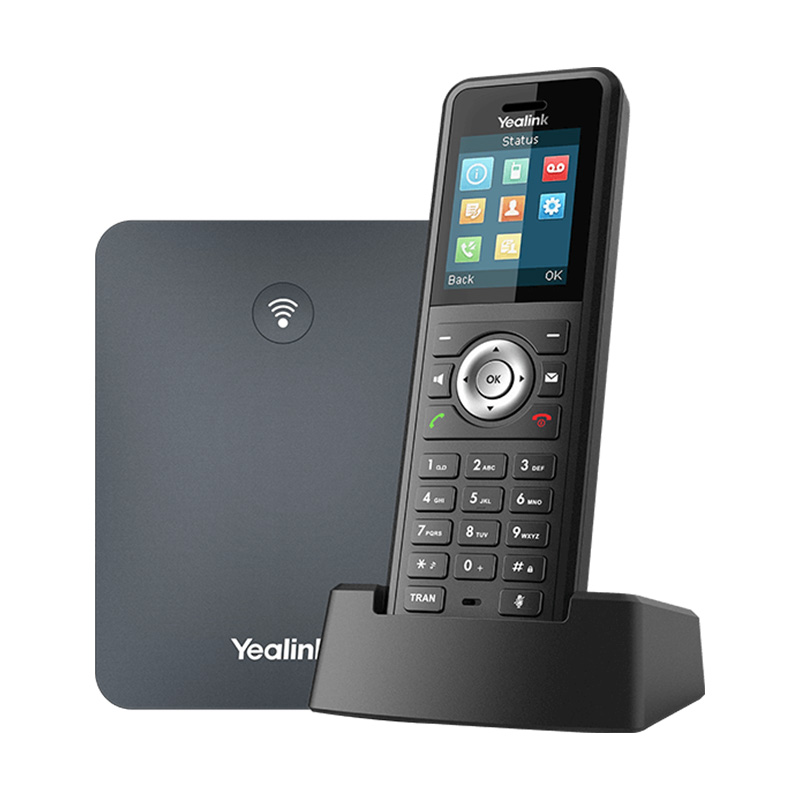
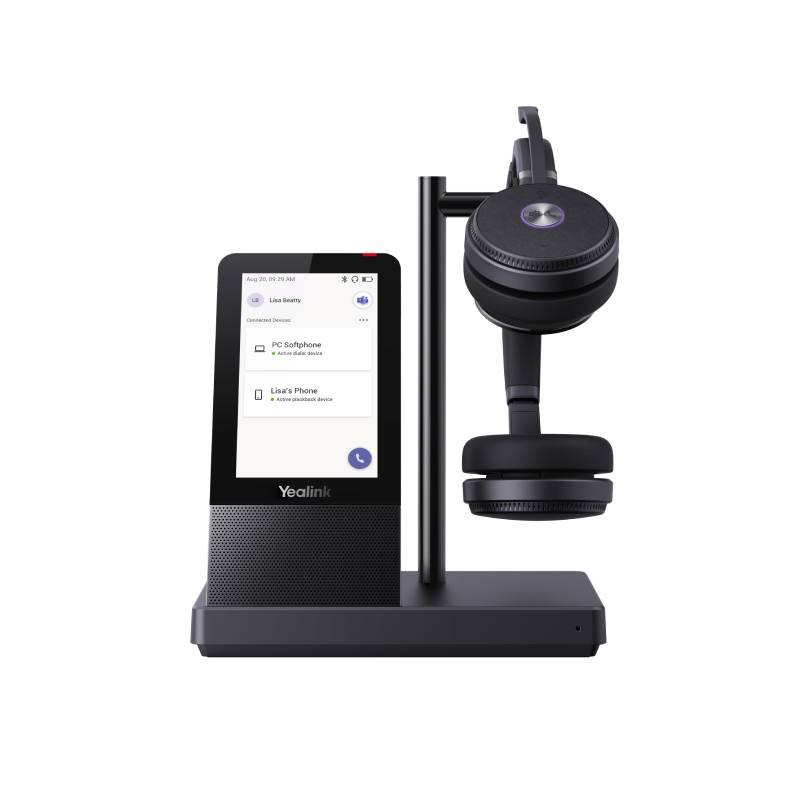
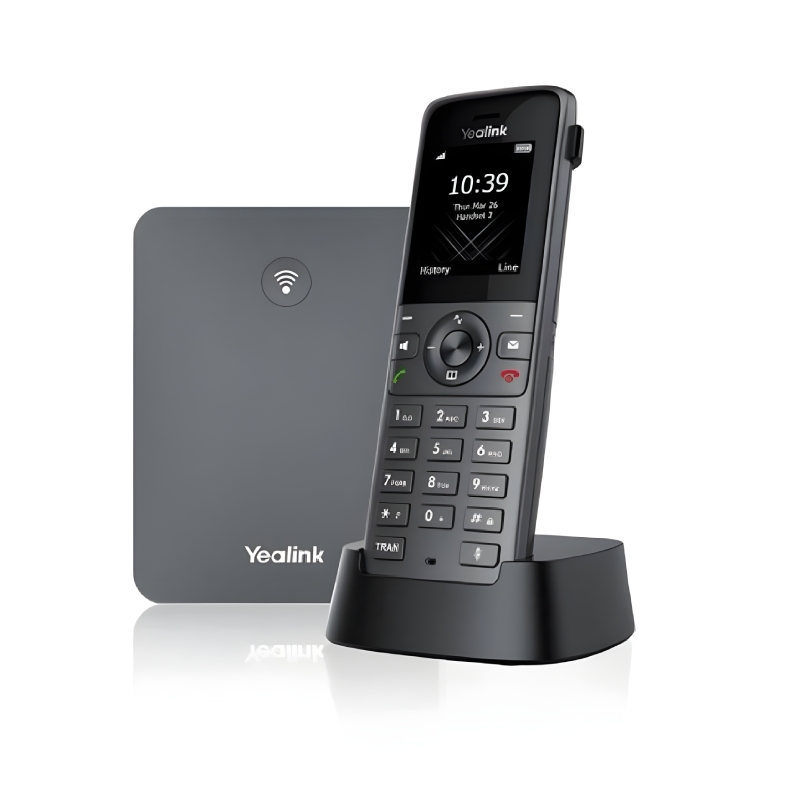
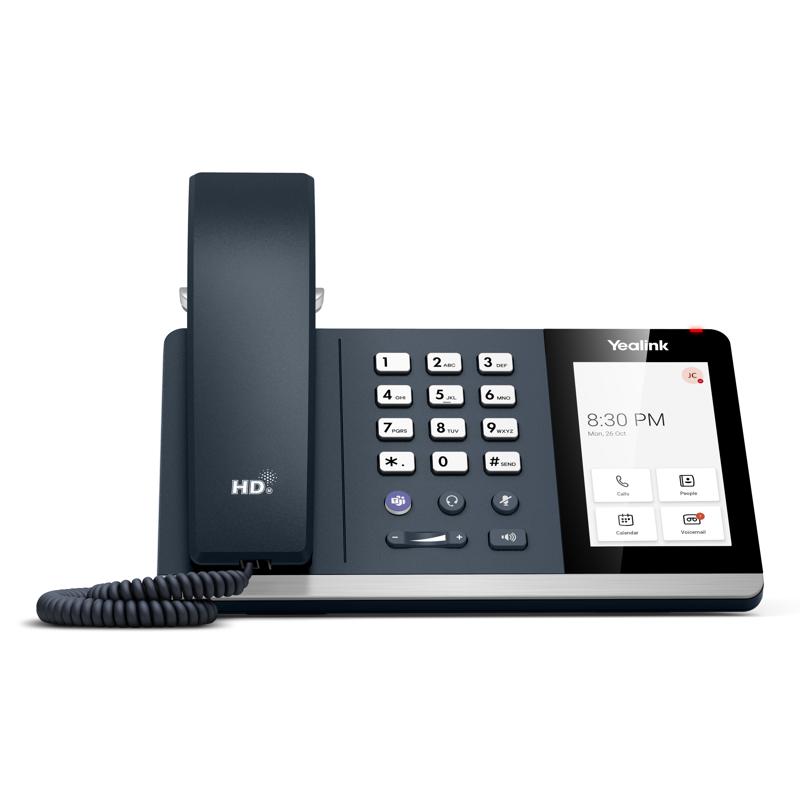
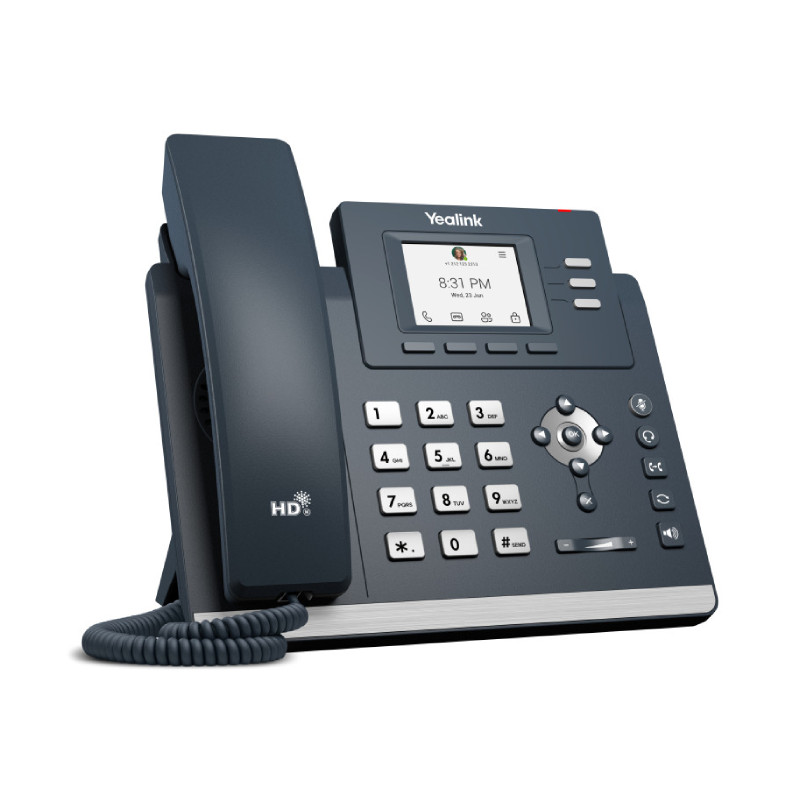
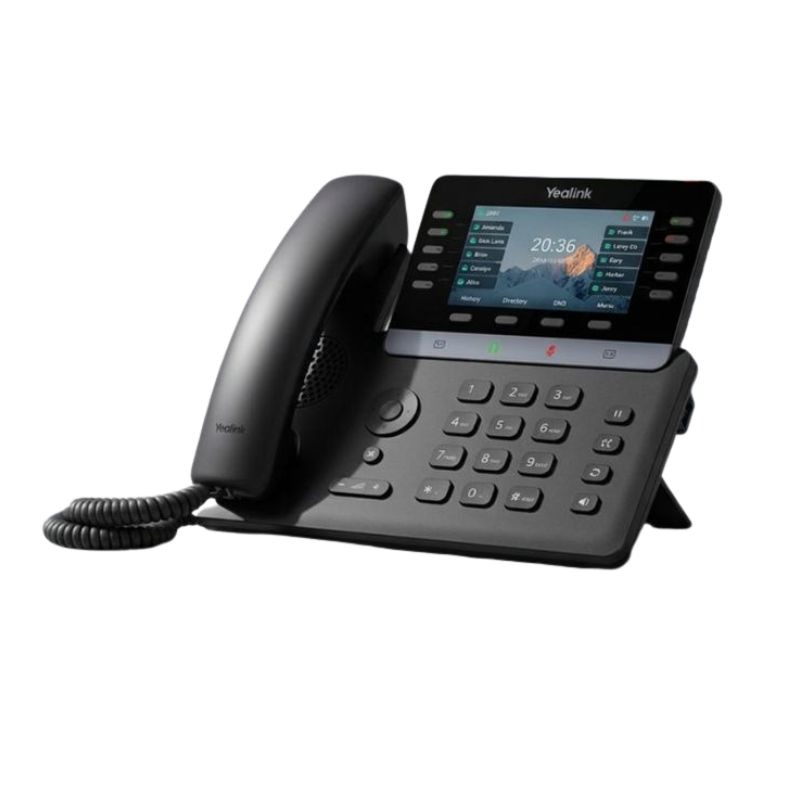
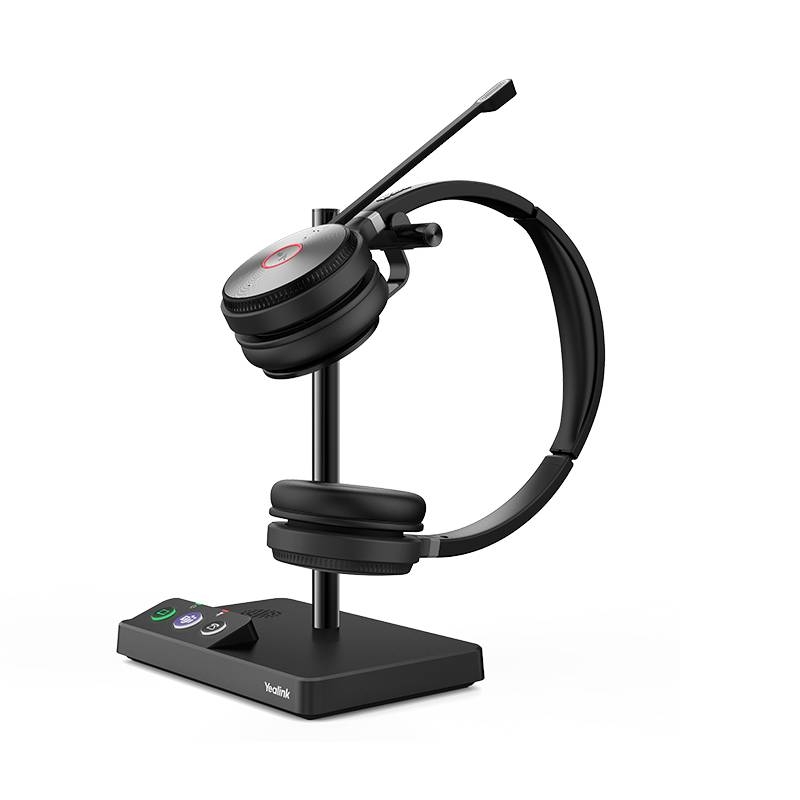
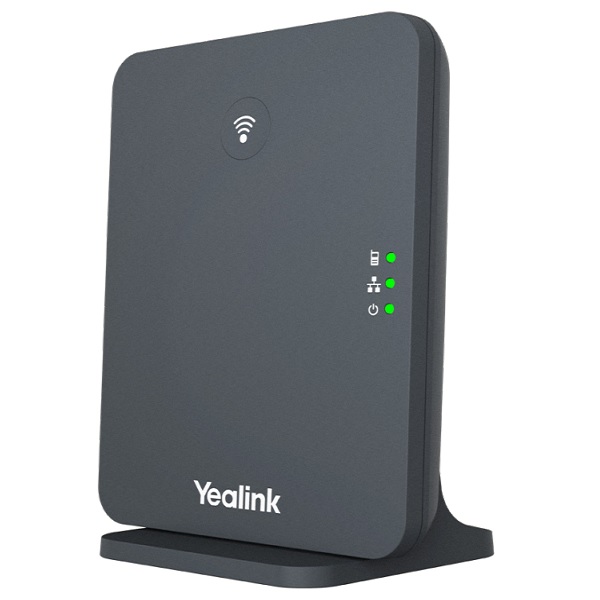
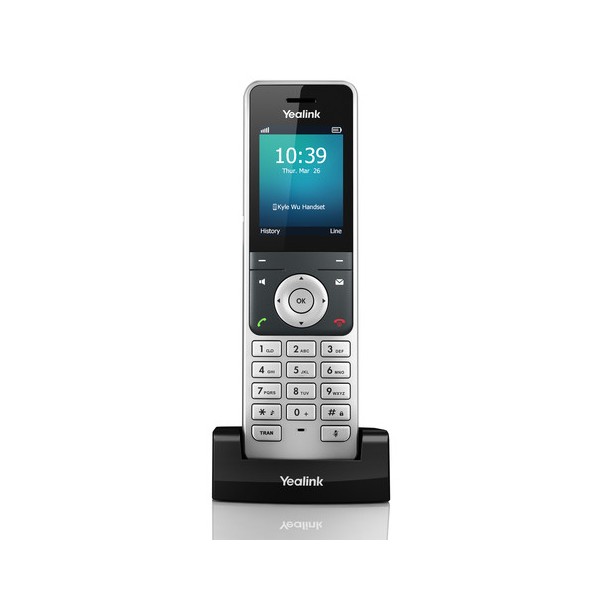
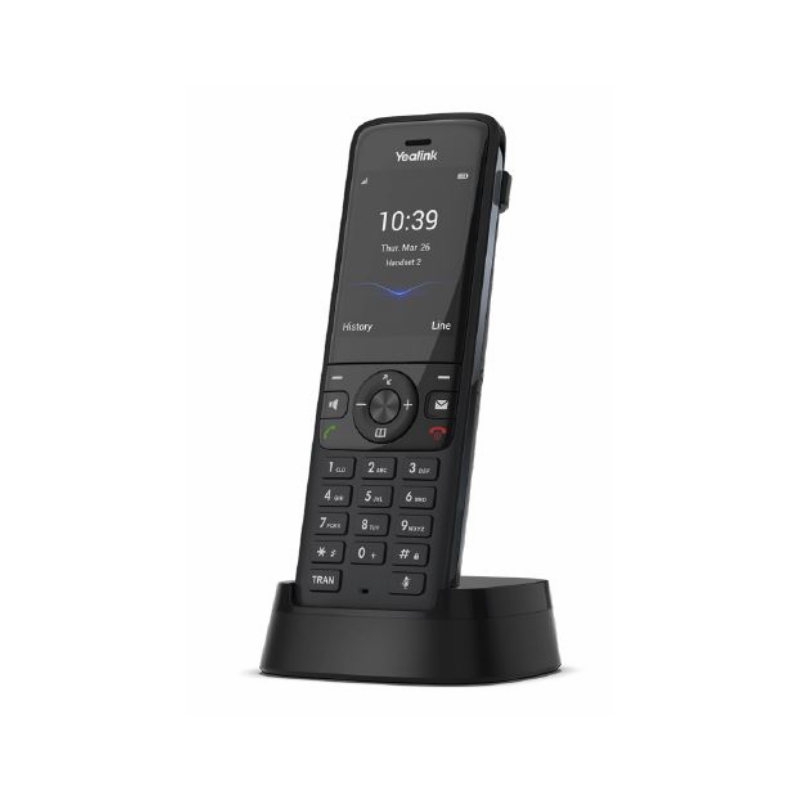
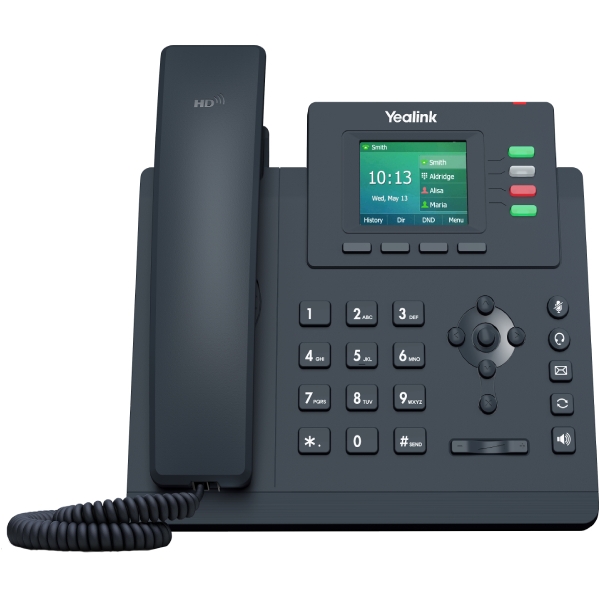
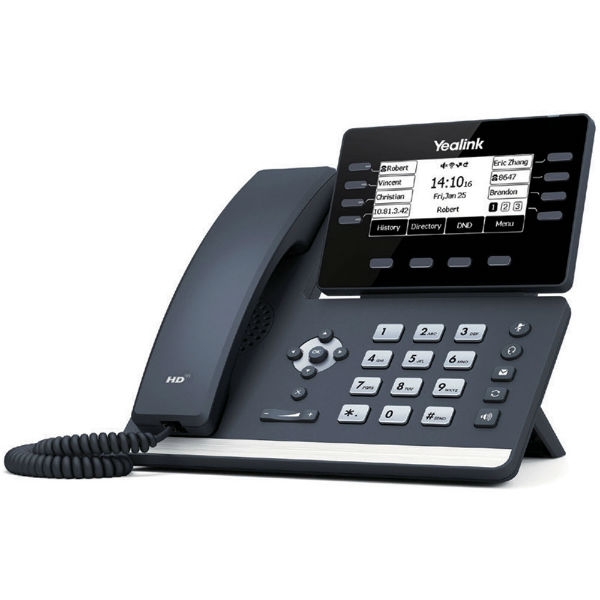
- Diverse Model Range: With models suited for various room sizes or desk setups—from basic units to more advanced conference phones—there's a Yealink option that meets every need.
Usage Tips
When setting up your Yealink VoIP phone, consider its positioning on the desk or in meeting rooms. Ensure that it has adequate space around it to allow clear sound without echoes. Positioning should also take into account proximity to power outlets and network connections. For optimal performance in a hybrid workspace, ensure microphones are unobstructed.
Regular maintenance is essential for keeping your Yealink phones working efficiently. Schedule firmware updates when prompted by the system or periodically check online resources provided by Yealink. Providing user training on features like call forwarding or headset integration can further enhance user experience; this knowledge helps maximise the device's potential within your everyday operations.
Q&A
1. What comes included with the purchase of a Yealink VoIP phone?
2. Are there any licensing requirements?
3. How do I install my new Yealink VoIP phone?
4. Can I use these phones in a hybrid work environment?
5. Is technical support available if I encounter issues?
Summary
is an excellent choice for enhancing communication within any organisation while supporting diverse working arrangements. Explore our complete selection today!