Need help?
Professional advice available Monday to Friday, 8.30am-5.30pm Mon. to Fri. 8:30 a.m. – 6:30 p.m. 0333 123 3050 Call us!
attribute_set
subcategory
info
PRICE
  • 0
    ,00 
    5 999
    ,00 

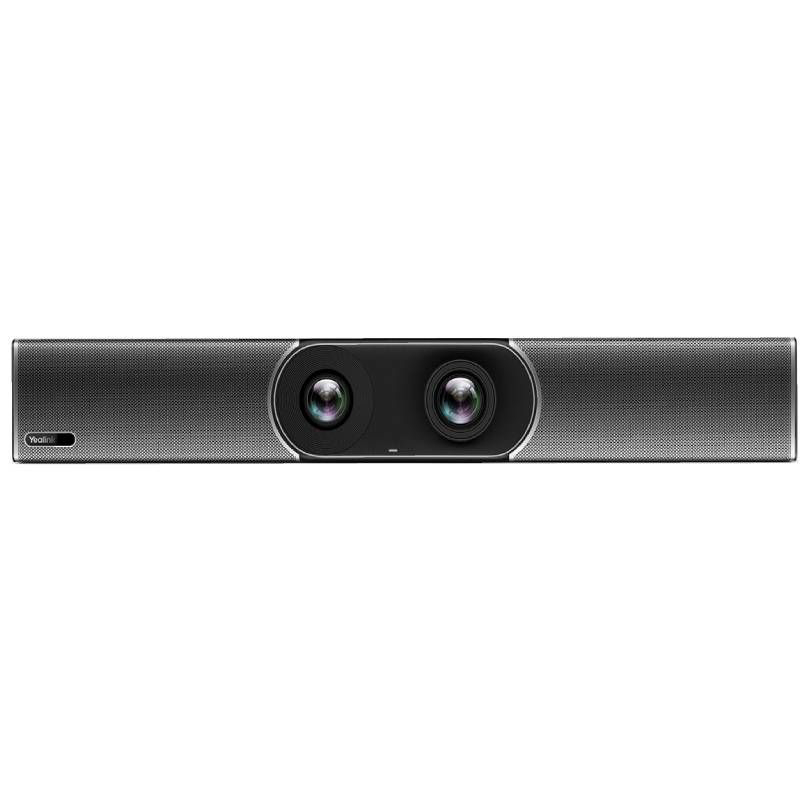
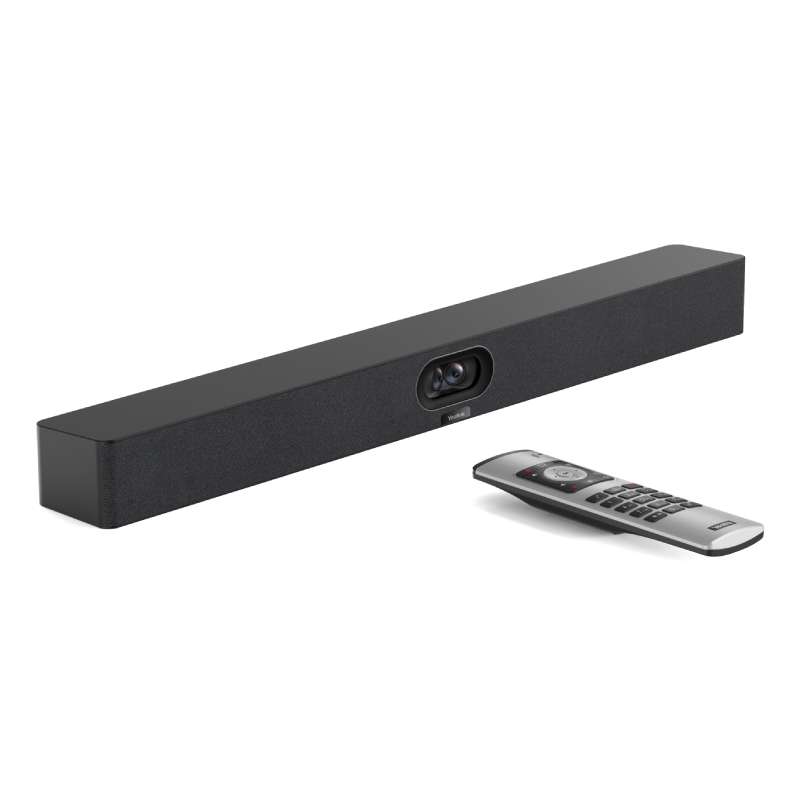
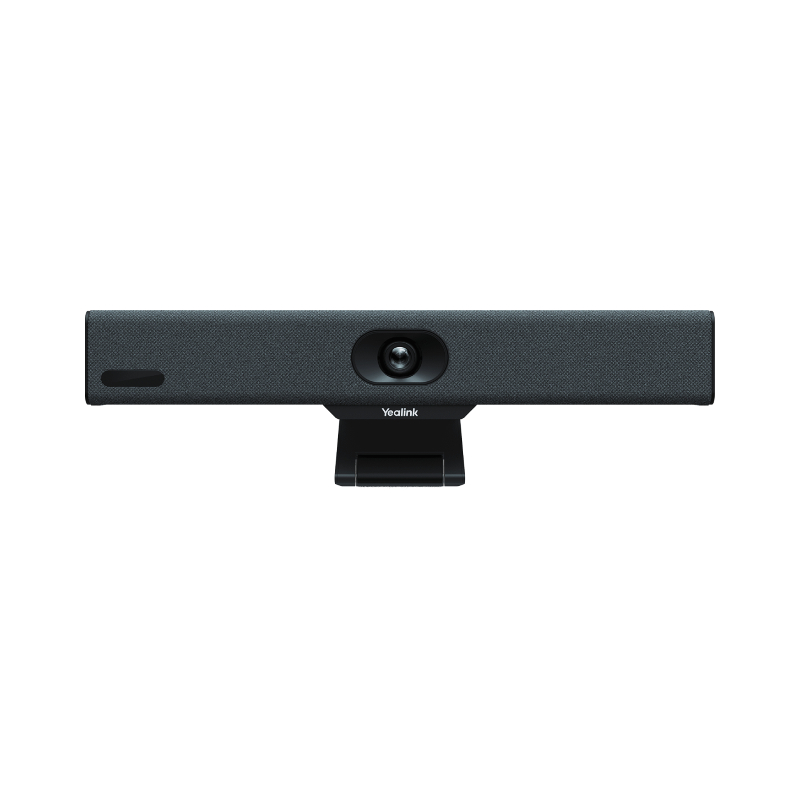
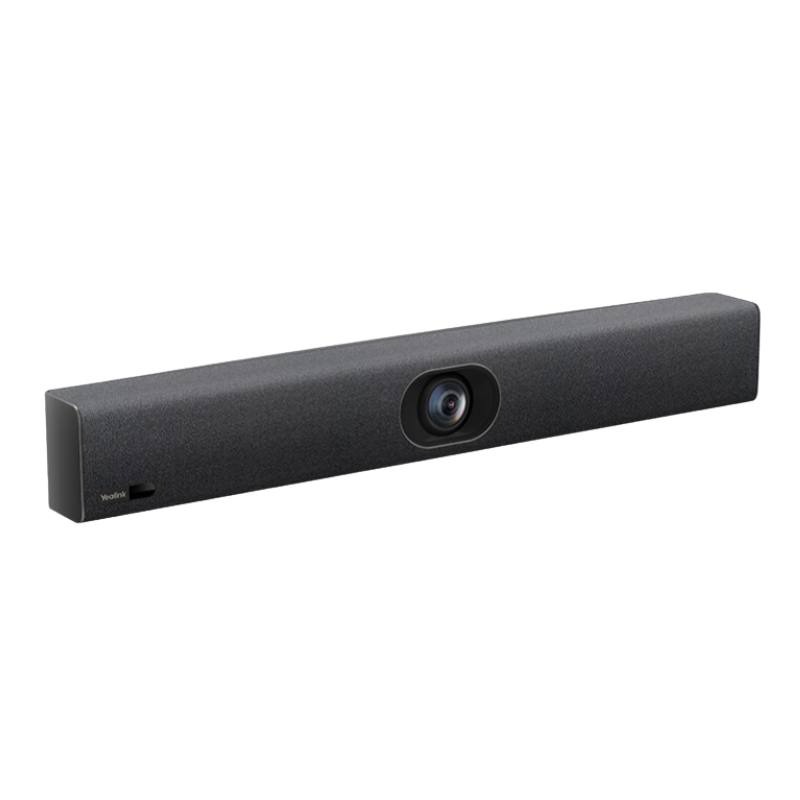
Yealink meeting bar


Yealink Meeting Bar: All-in-One Video Conferencing Solution


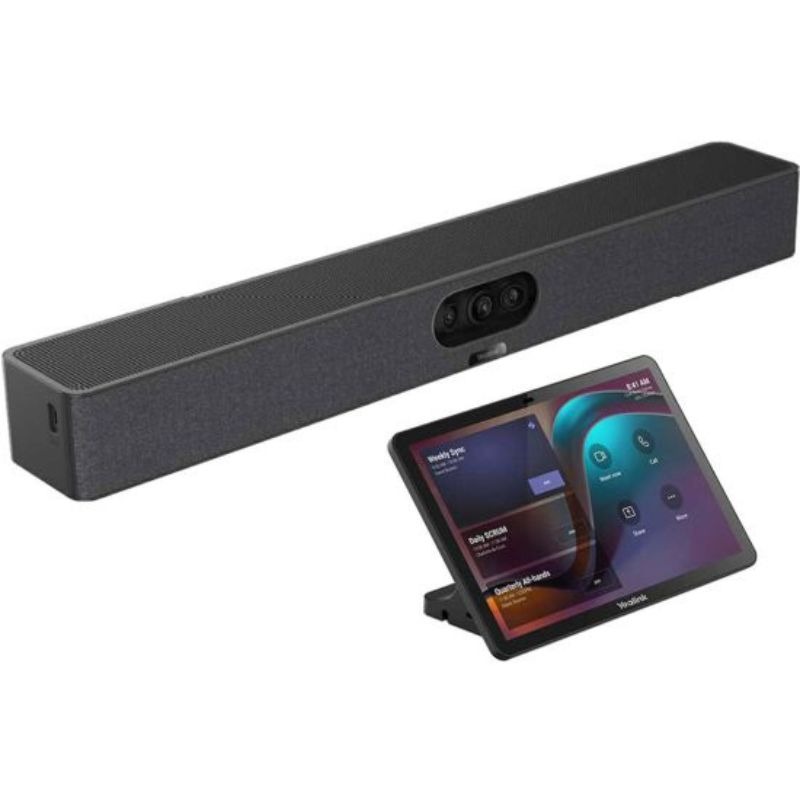
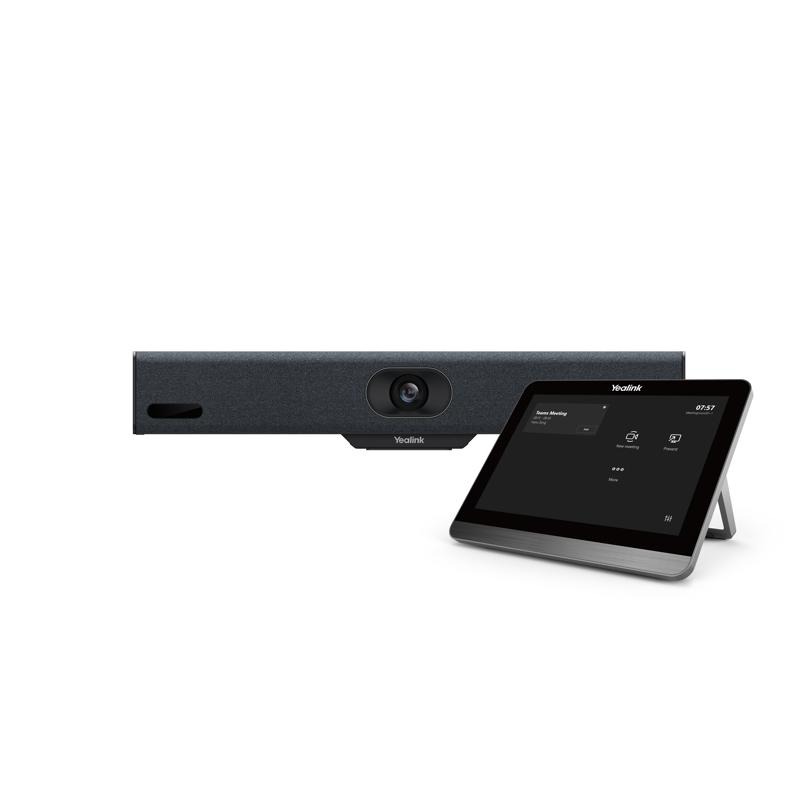
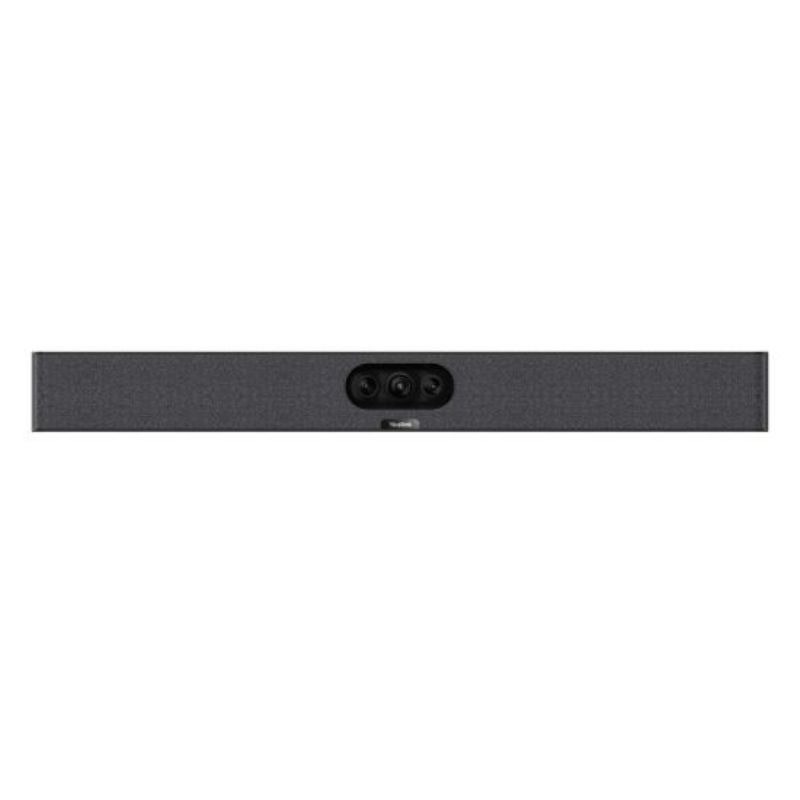
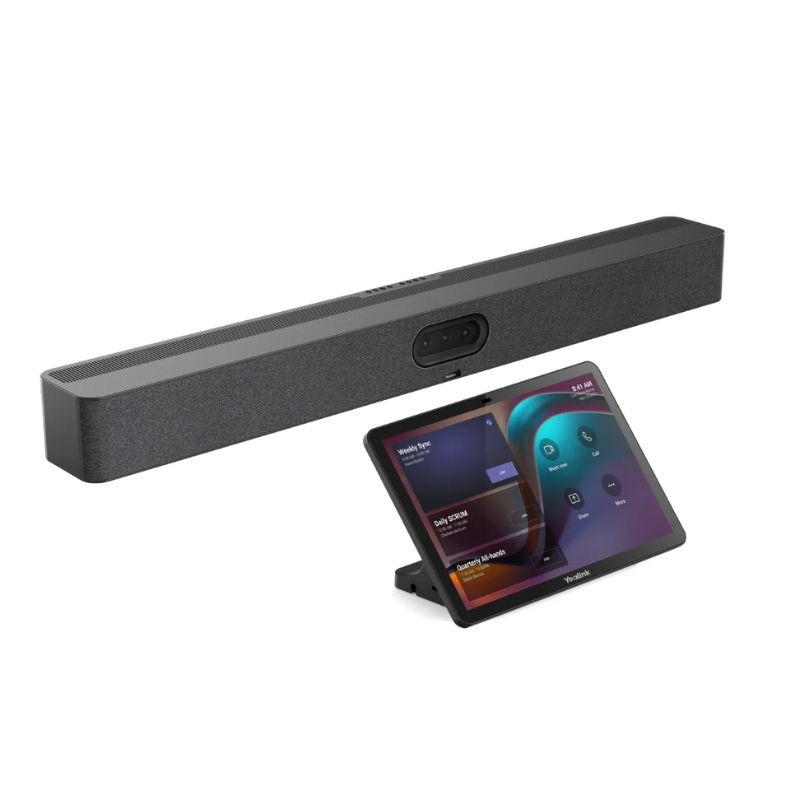
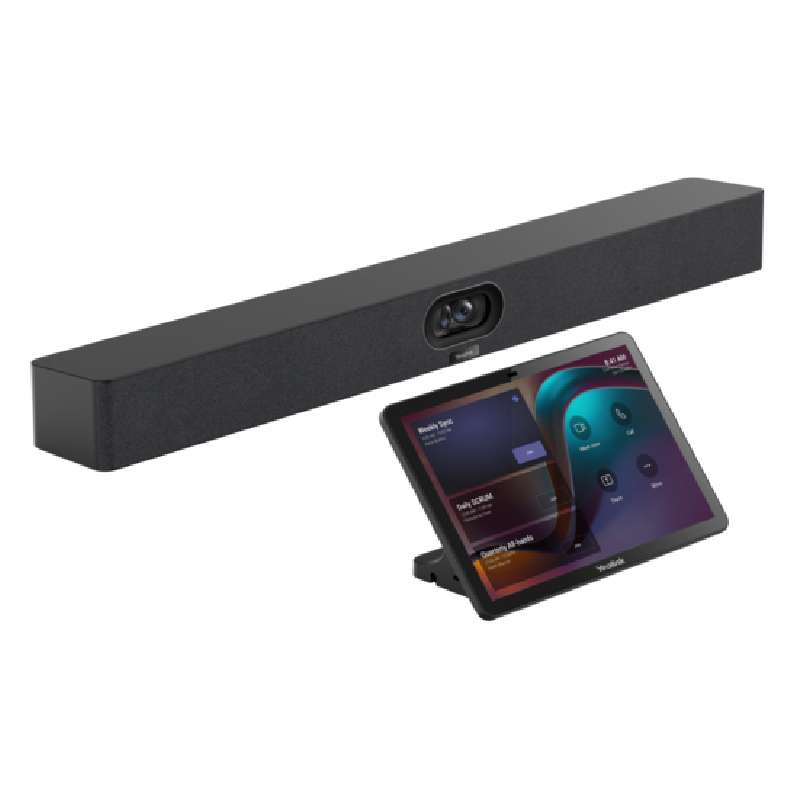
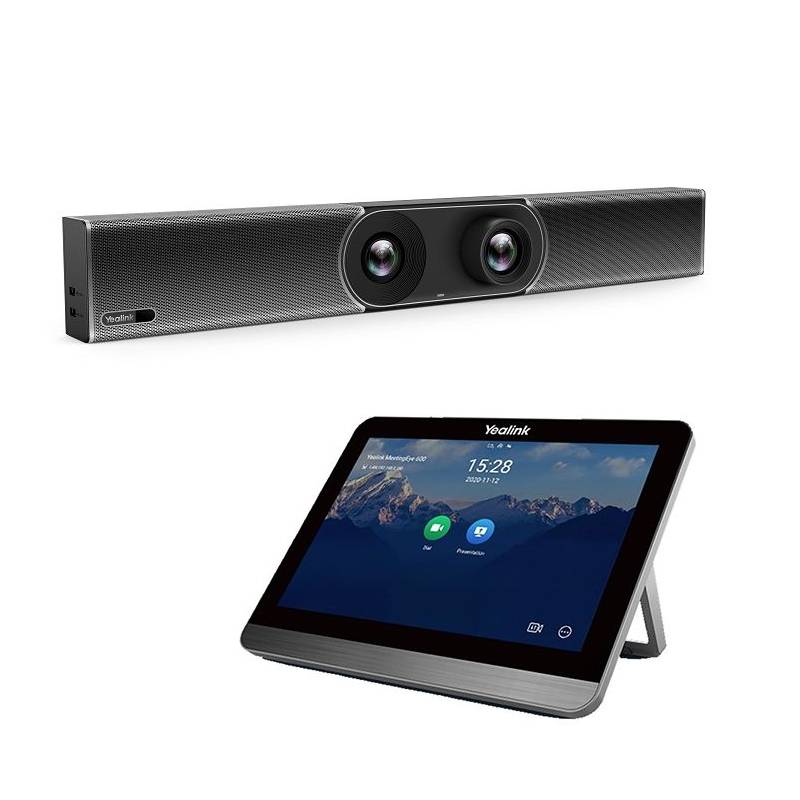
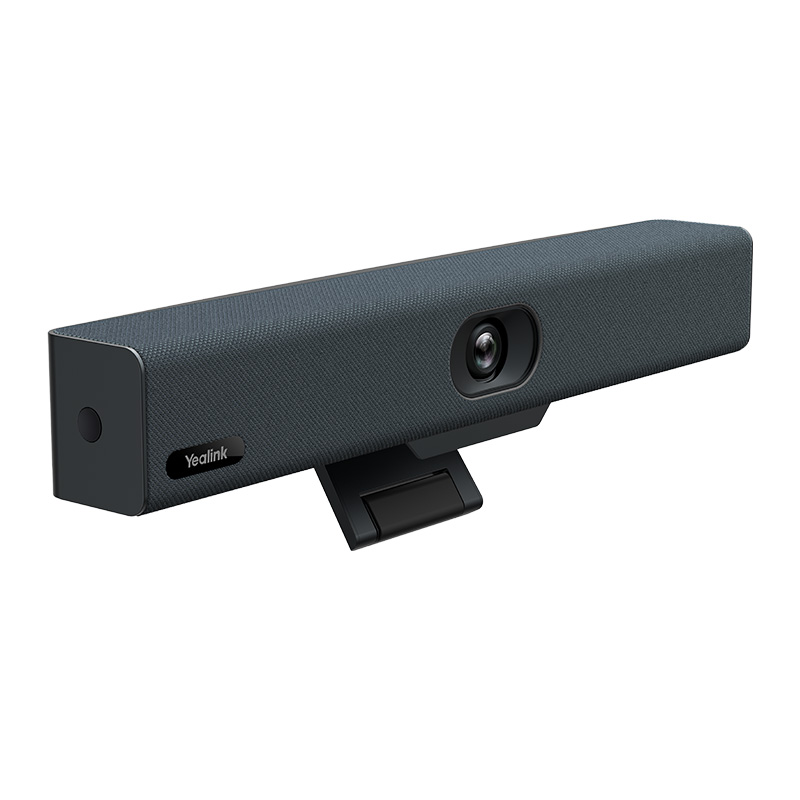
The Yealink Meeting Bar transforms any meeting space into a smart video collaboration room. Designed for Microsoft Teams and Zoom Rooms, it combines camera, microphones, and speakers into one compact device.

  • Plug-and-play simplicity – easy setup without additional hardware
  • AI-powered camera features – auto framing and speaker tracking
  • Optimized for Teams and Zoom – certified and fully integrated

Explore our range of Yealink Meeting Bars and upgrade your video conferencing setup today.
1  - 17 of 17 results found

Yealink Meeting Bars: Smart Collaboration in One Compact Bar

Yealink Meeting Bars offer a powerful all-in-one video conferencing solution for modern workspaces. Whether you're equipping a huddle room, executive office, or mid-sized conference room, these devices provide seamless integration, superior audio-visual performance, and an intuitive user experience. In this guide, we highlight the benefits, usage tips, and FAQs to help you find the perfect setup for your team.

Benefits of Yealink Meeting Bars

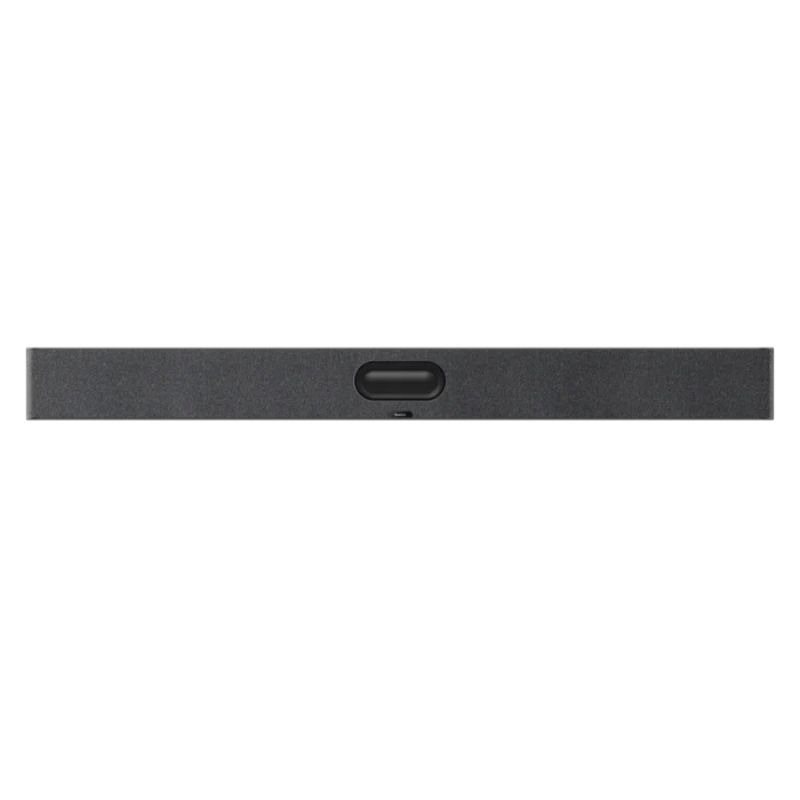
  • All-in-One Design: Combines microphone array, HD camera, speaker system, and computing unit in one sleek device—eliminating cable clutter and external components.
  • Intelligent Camera Features: AI-powered auto-framing, speaker tracking, and people counting make every meeting more engaging and inclusive.
  • Certified for Teams and Zoom: Seamless integration ensures plug-and-play compatibility, making deployment fast and support-friendly.
  • Crystal-Clear Audio: Echo cancellation, noise suppression, and beamforming microphones ensure everyone is heard—even in large or open spaces.
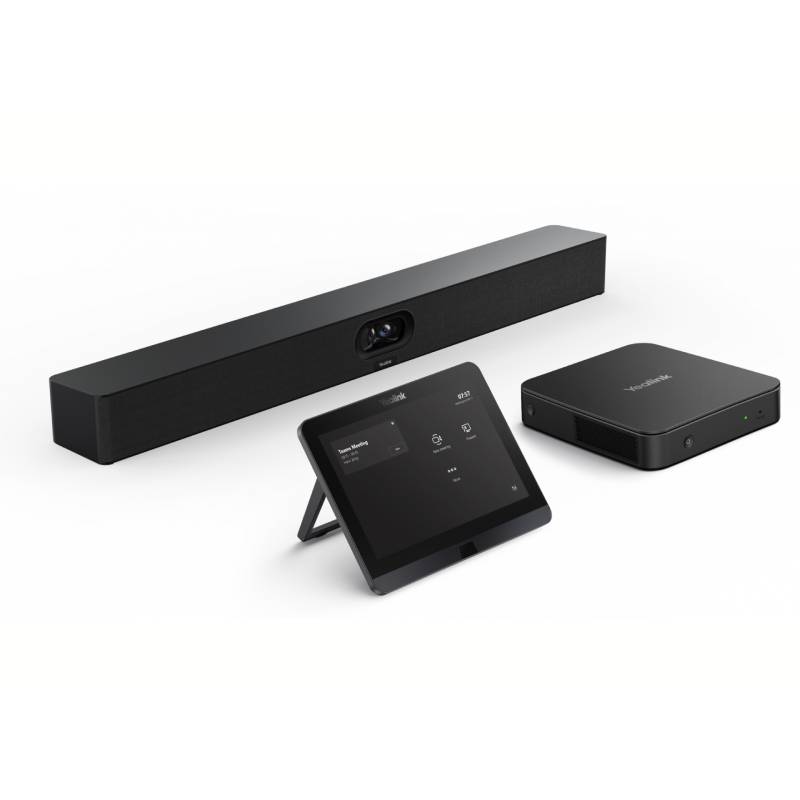
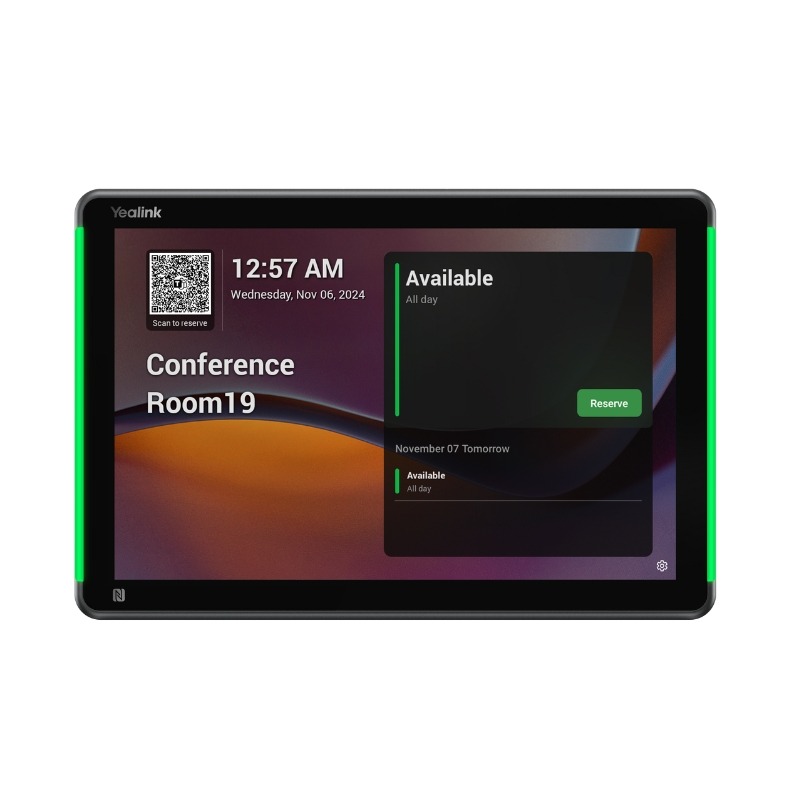
  • Touch Panel Control (CTP18): Manage meetings and settings effortlessly with an optional touch console, compatible with multiple Yealink models.
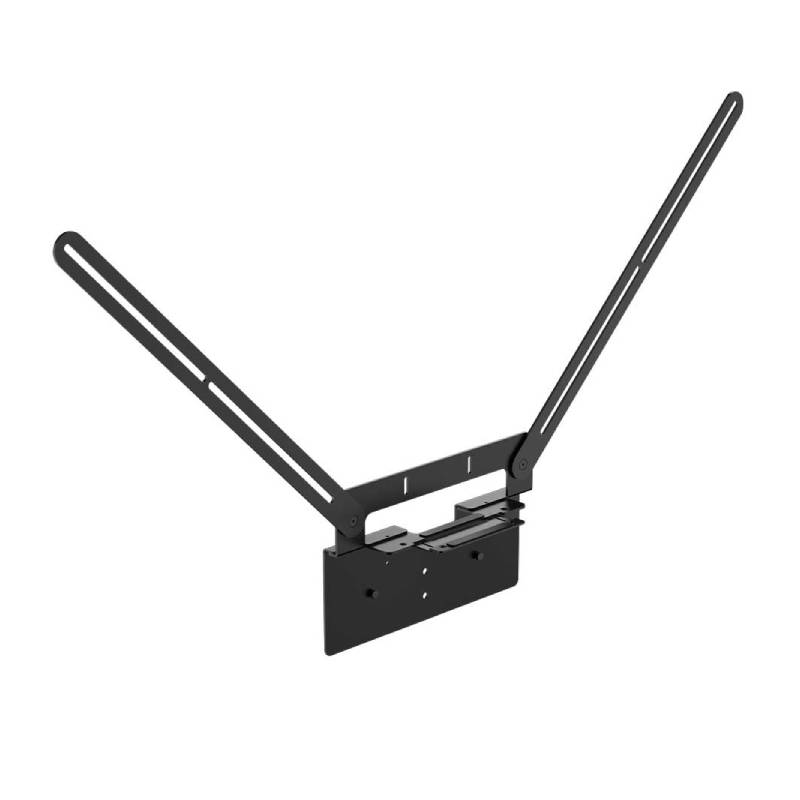
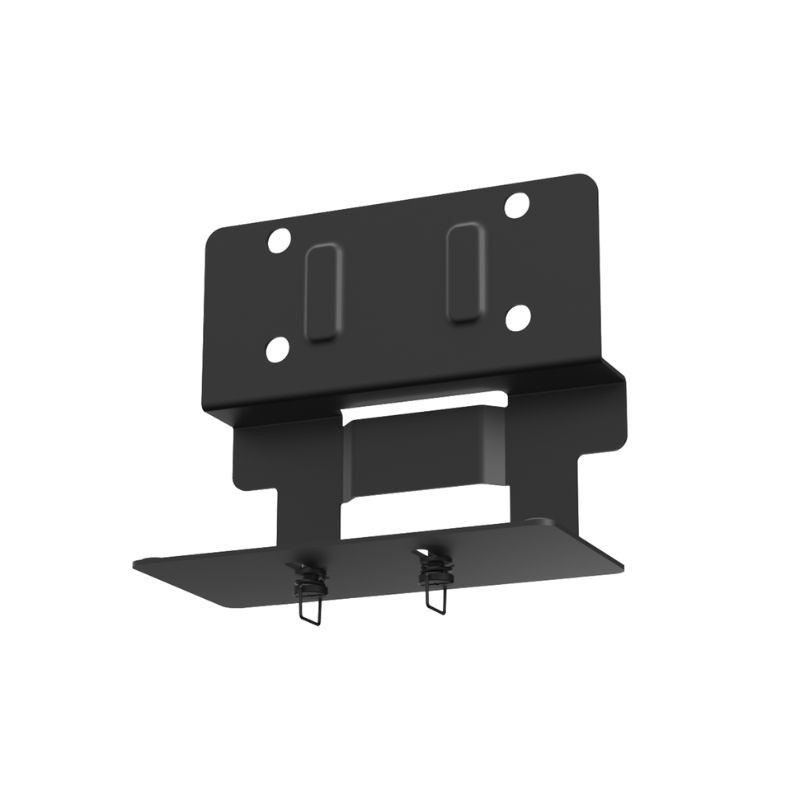
  • Flexible Mounting Options: Wall-mount, TV-mount, or tabletop placement adapts easily to your meeting room setup.

Usage Tips

For best results, install the Yealink Meeting Bar at eye level to optimize camera angles and voice pickup. Position the device in front of participants with minimal obstructions. Pair it with the Yealink CTP18 for easy in-room control or the WPP30 wireless presentation pod for seamless screen sharing.

Keep firmware up to date via Yealink Device Management Platform (YDMP) or Microsoft Teams Admin Center to benefit from the latest AI improvements and security patches. If using a touch console, calibrate settings to your room layout and preferred workflows for a smoother experience.

Conclusion

The Yealink Meeting Bar is the future-ready solution for effortless video conferencing. Explore our models and create a professional meeting space in minutes.


FAQ

Which Meeting Bar models are available?

Yealink offers models like MeetingBar A20 (for small rooms) and A30 (for medium rooms). Both include 4K cameras and integrated AI features.

Can I use the Meeting Bar with Zoom?

Yes, Yealink Meeting Bars are certified for Zoom Rooms and Microsoft Teams Rooms. Select the correct firmware during setup.

Do I need a PC for this setup?

No. Yealink Meeting Bars include a built-in system unit—no need for an external computer.

How is the device controlled?

You can use the optional Yealink CTP18 touch panel, a remote control, or manage it via admin portals like Teams Admin Center or Zoom Dashboard.

Can I add a wireless presentation device?

Yes, the WPP30 is fully compatible with Yealink Meeting Bars and allows wireless screen sharing without software.