Need help?
Professional advice available Monday to Friday, 8.30am-5.30pm Mon. to Fri. 8:30 a.m. – 6:30 p.m. 0333 123 3050 Call us!
attribute_set
subcategory
brand
info
PRICE
  • 0
    ,00 
    5 999
    ,00 

Sound bar


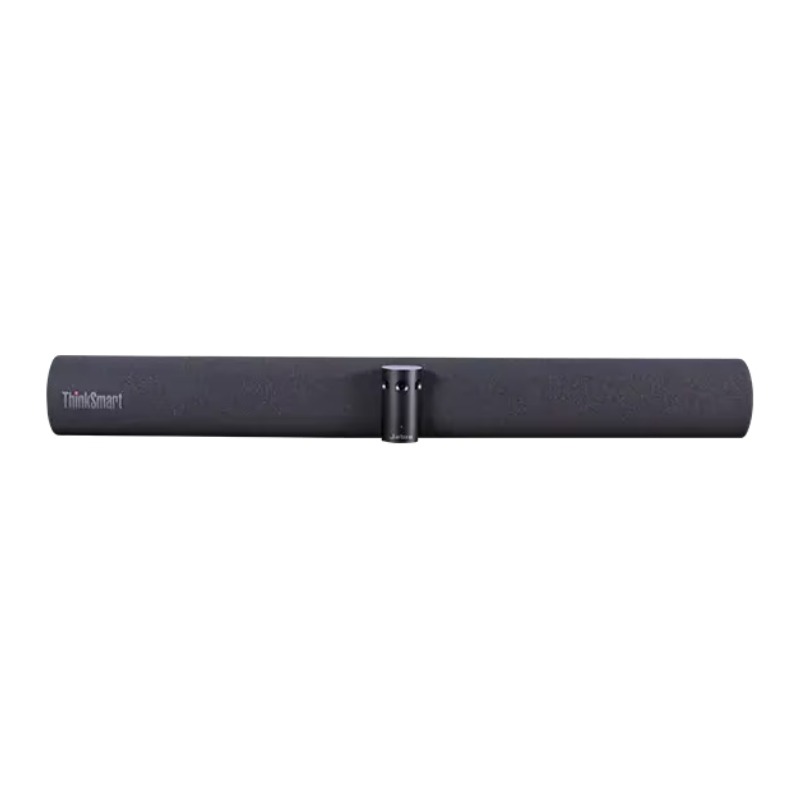
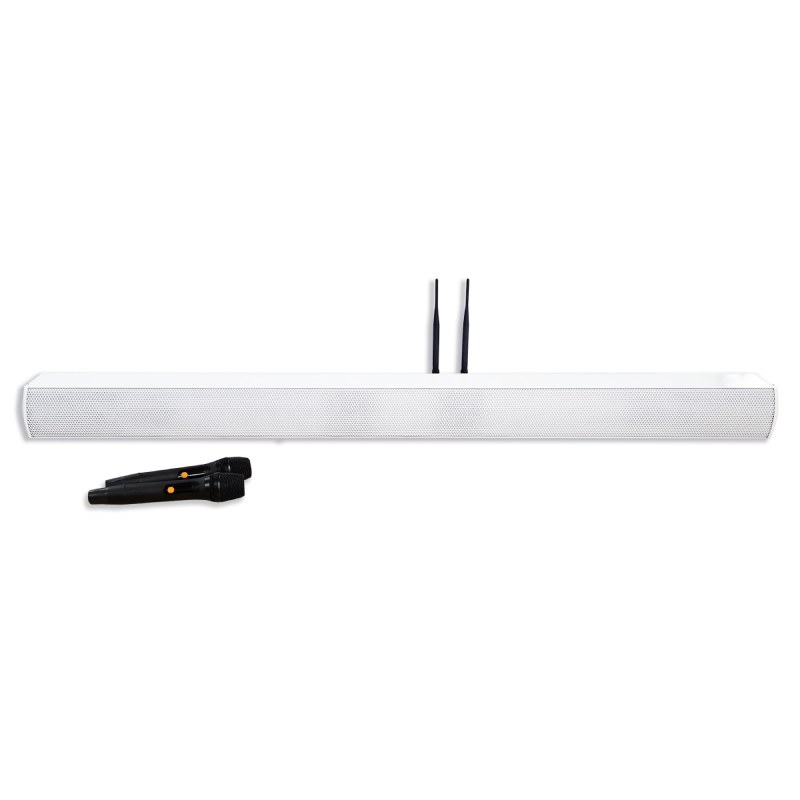
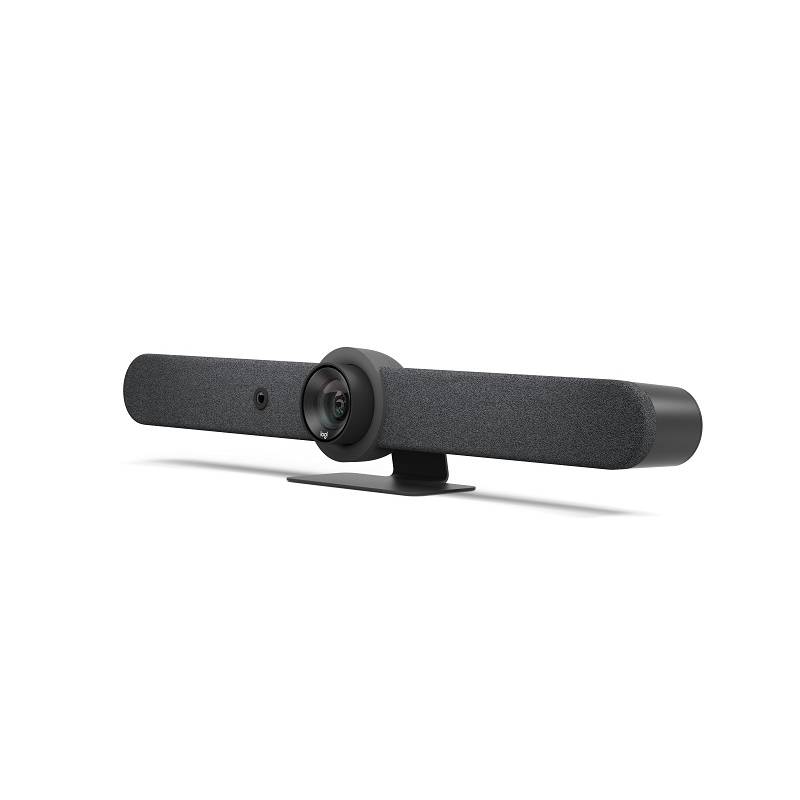
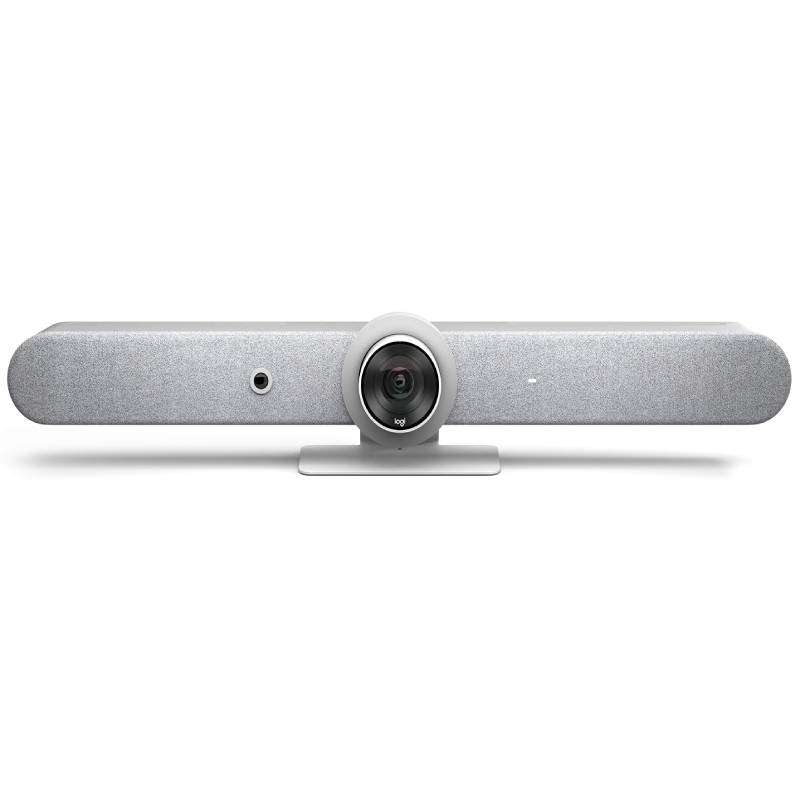
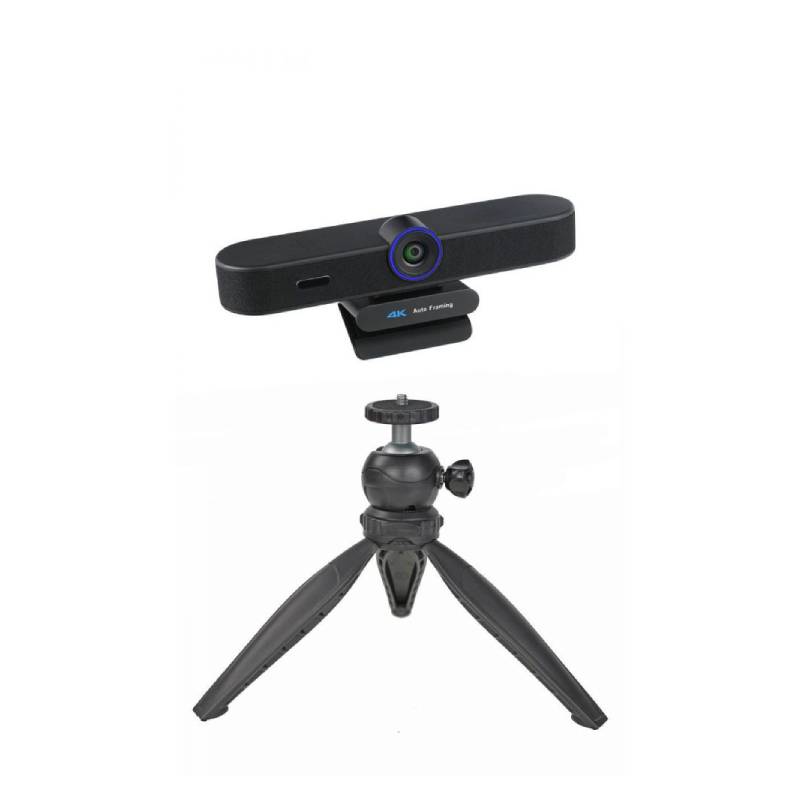
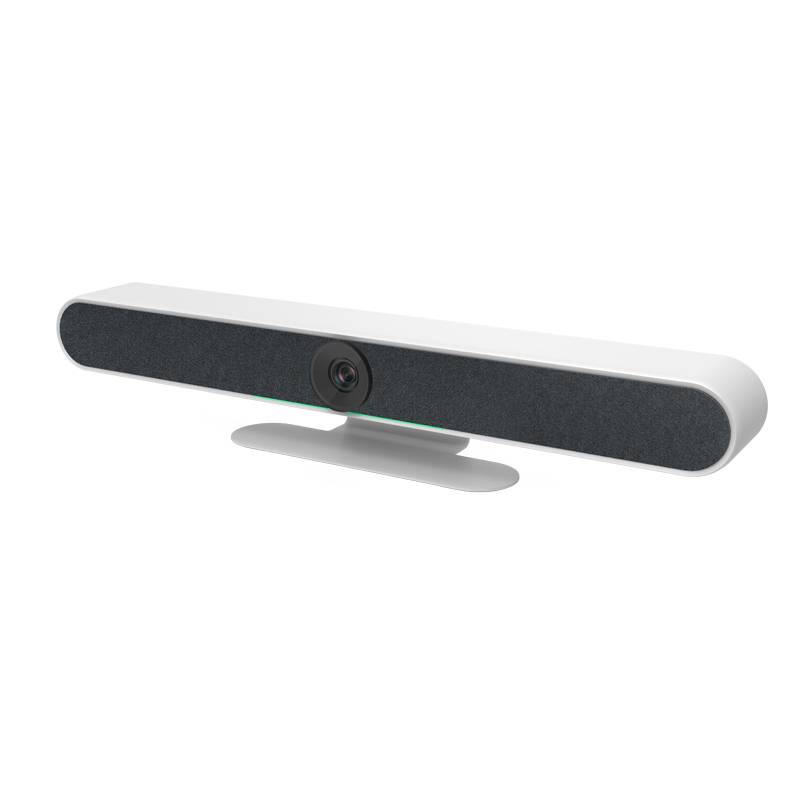
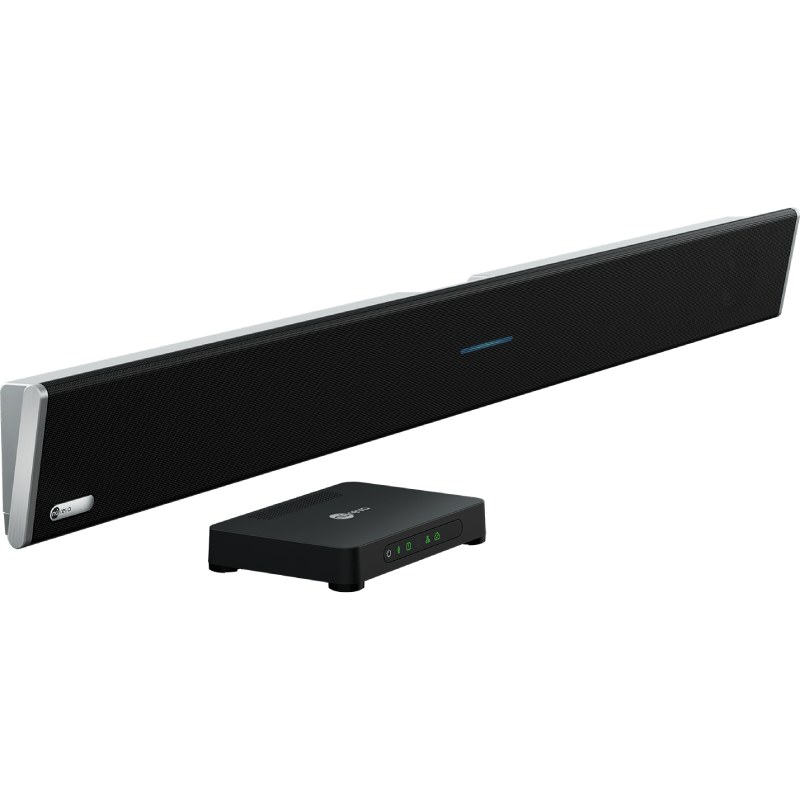
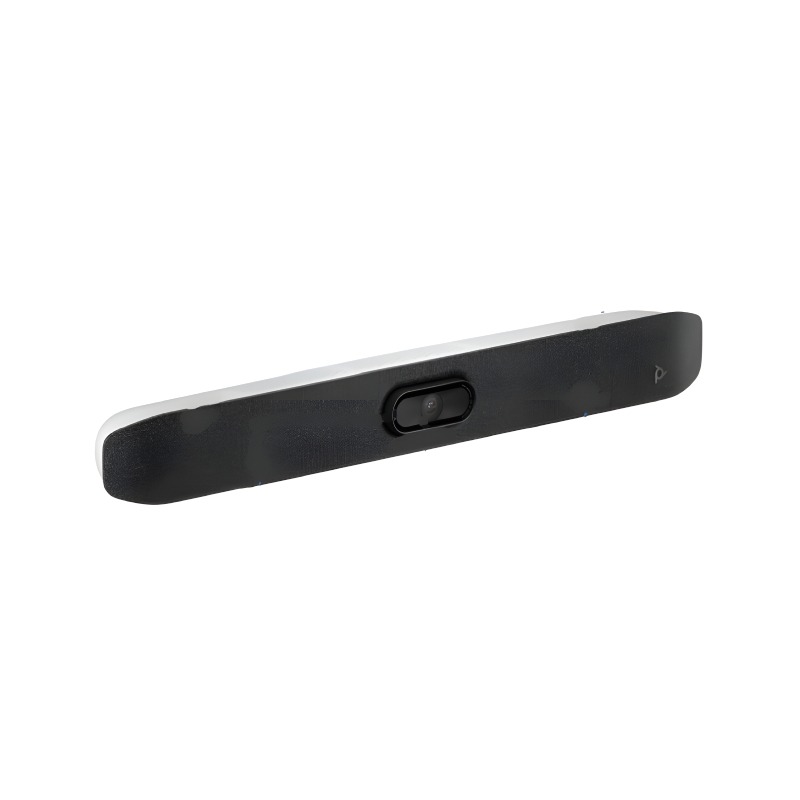
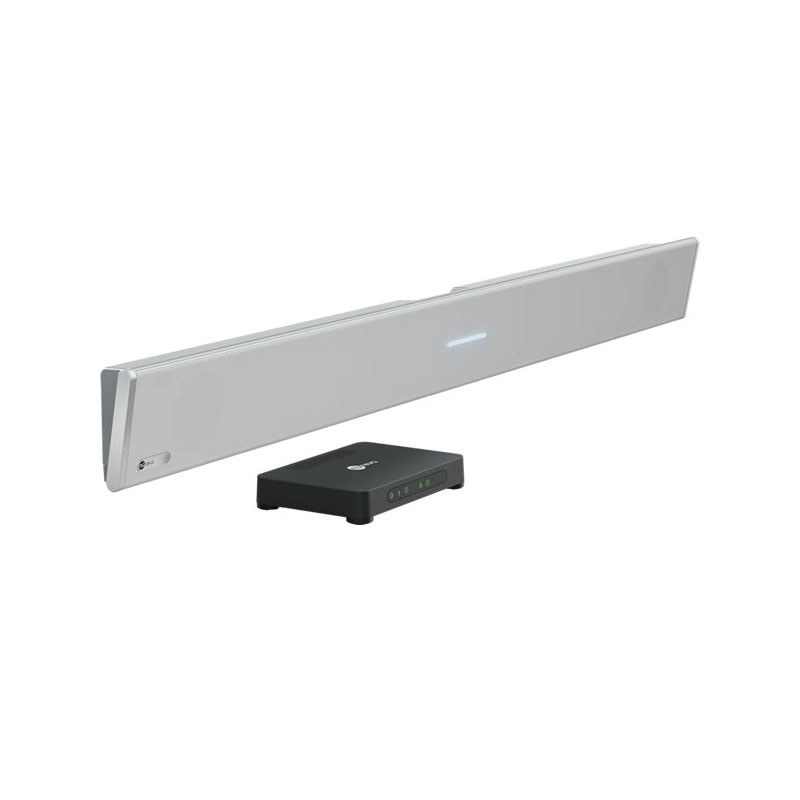
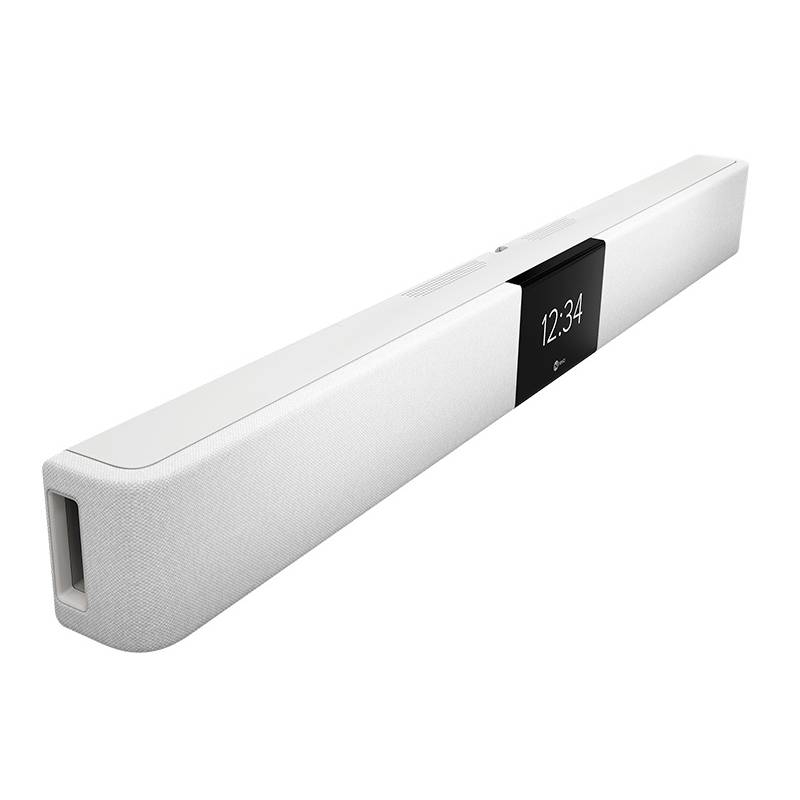
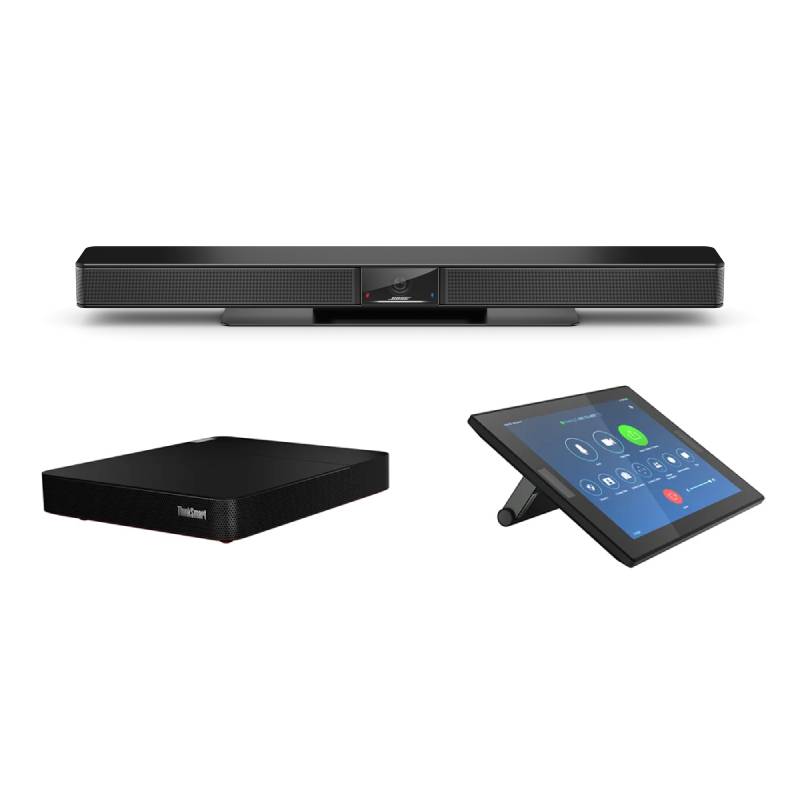
Sound Bar: Immersive Audio for Your Workspace or Home


A sound bar is the perfect solution to upgrade your audio experience without the clutter of multiple speakers. Whether for video conferencing, online meetings, or entertainment, sound bars deliver clear, powerful sound in a sleek, space-saving design.

  • Crystal-clear voice playback – ideal for calls, conferences, and webinars
  • Easy setup – plug-and-play via USB, Bluetooth, or HDMI
  • Compact design – saves desk space while enhancing audio clarity

Discover our range of professional sound bars – designed for productive work and rich sound performance.
1  - 17 of 17 results found

Sound Bars: A Sleek Audio Upgrade for Modern Workspaces

Whether in a home office, meeting room, or open space, a sound bar enhances your audio setup with clean, immersive sound. These devices are specifically engineered to replace weak built-in speakers on monitors, laptops, or small conferencing systems – providing professional-grade performance in a compact form factor.

Advantages of Using a Sound Bar

  • Superior voice clarity: Great for Microsoft Teams, Zoom, and other communication platforms, sound bars are built to enhance voice pickup and reduce echo.
  • All-in-one functionality: Many models include built-in microphones, Bluetooth connectivity, and touch controls – reducing the need for multiple peripherals.
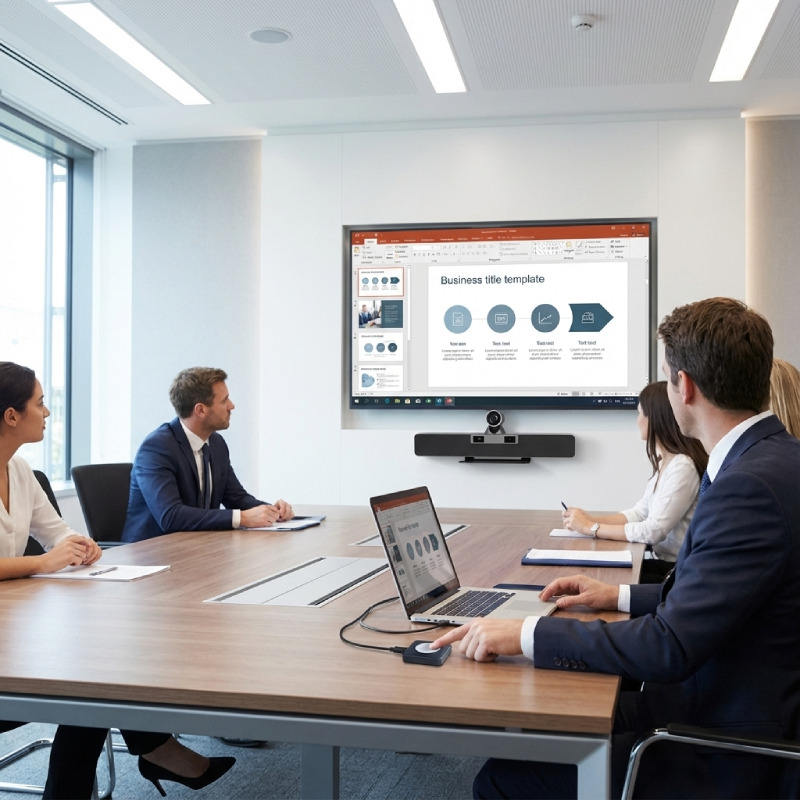
  • Minimal footprint: With their slim profile, sound bars easily fit under monitors or wall-mount under displays without cluttering your workspace.
  • Simple integration: Most sound bars connect via USB, 3.5mm jack, or HDMI ARC, and work instantly with Windows, Mac, and conferencing hardware.
  • Versatile usage: Whether you're on a call or watching a training video, a sound bar delivers richer, more engaging sound than built-in speakers.
  • Modern aesthetics: Designed to match today's minimalist tech setups, they bring both functionality and style to the office or home.

Usage Tips

When installing your sound bar, position it directly under your display for optimal directional audio. If you're using it for conferencing, choose a model with integrated microphones to reduce the number of devices on your desk. Always ensure your firmware and drivers are up to date to benefit from the latest audio enhancements.

For hybrid workers or teams in open spaces, pairing a sound bar with a noise-canceling microphone can significantly improve both input and output clarity. Also, check compatibility with your UC software for the best results in corporate environments.

Conclusion

Upgrade your setup with a sound bar that delivers premium audio in a sleek, user-friendly format. Browse our professional models now and find the one that fits your space and workflow.


FAQ

Can I use a sound bar for video calls?

Absolutely. Many models are optimized for conferencing with enhanced vocal clarity and integrated mics.

Are sound bars compatible with laptops?

Yes – they connect easily via USB, Bluetooth, or aux input and work seamlessly with laptops.

Do sound bars require external power?

Some models are powered via USB, while others may need AC power depending on output strength.

Is a sound bar better than built-in monitor speakers?

Yes – sound bars offer far superior clarity, volume, and bass response, especially in meetings or multimedia playback.

Do they work with TVs and PC monitors?

Many models are versatile enough to be used with TVs, monitors, and UC displays, especially those with HDMI ARC or Bluetooth support.