Professional advice available Monday to Friday, 8.30am-5.30pm
Mon. to Fri. 8:30 a.m. – 6:30 p.m.
0333 123 3050
Call us!
The Polycom Camera enhances remote collaboration by providing high-quality video for virtual meetings. This guide highlights its key features, ensuring your investment meets your business needs.
Explore our full range of Polycom Cameras to find the perfect fit for your business environment.
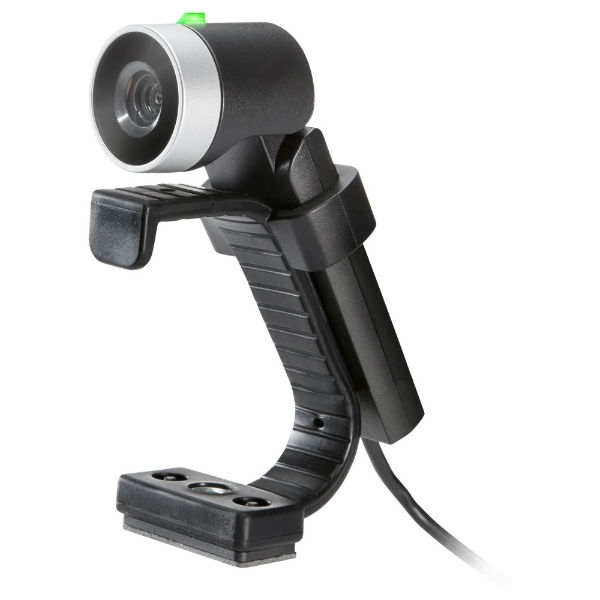
The Polycom Camera, designed for businesses seeking to improve their virtual meeting experience, offers exceptional clarity and versatility. This guide outlines the critical features of Polycom Cameras, aiming to assist IT managers and procurement teams in making informed decisions based on their specific requirements.
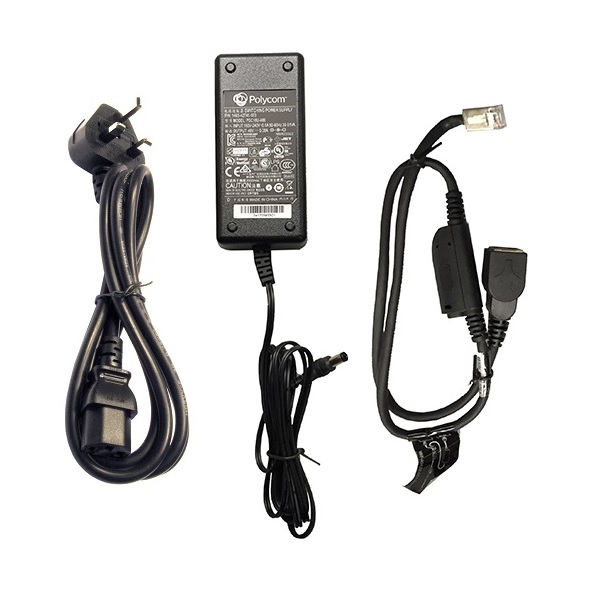
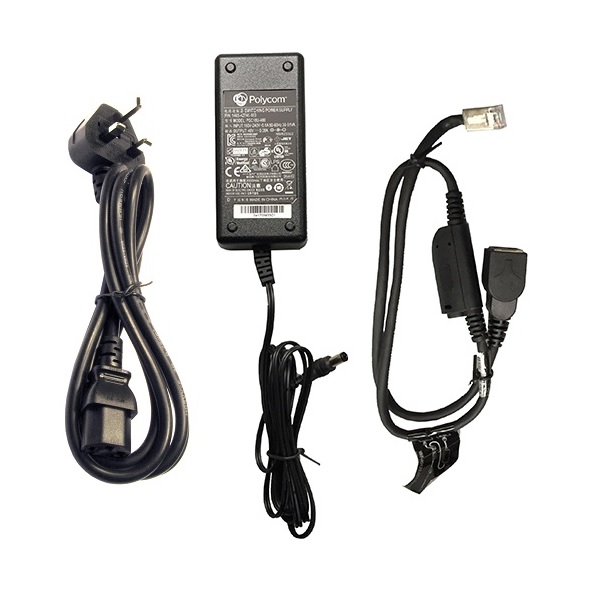
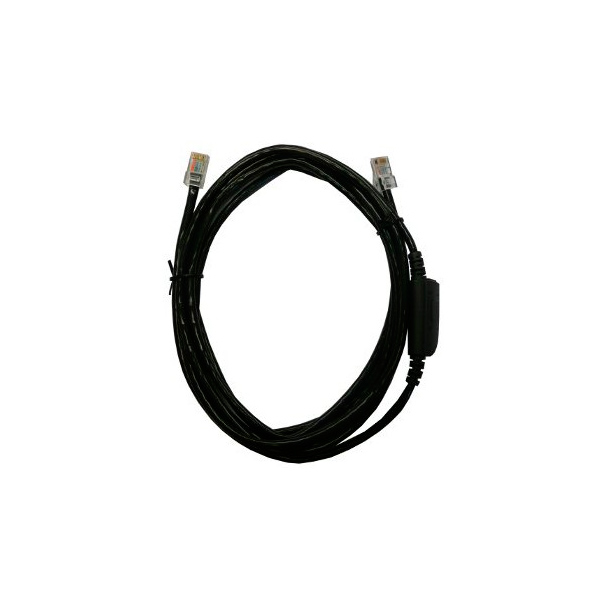
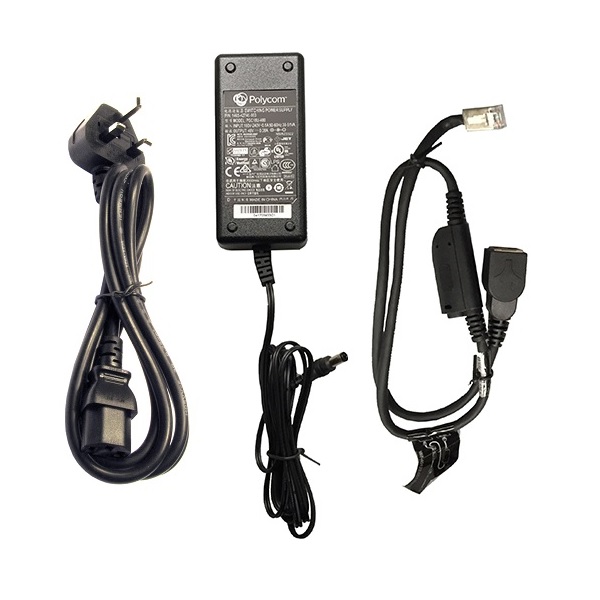
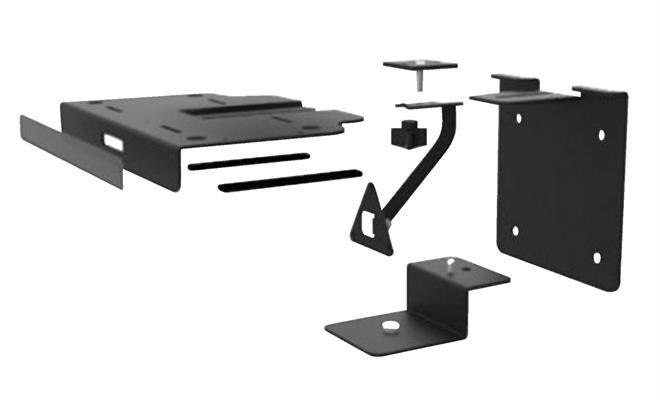
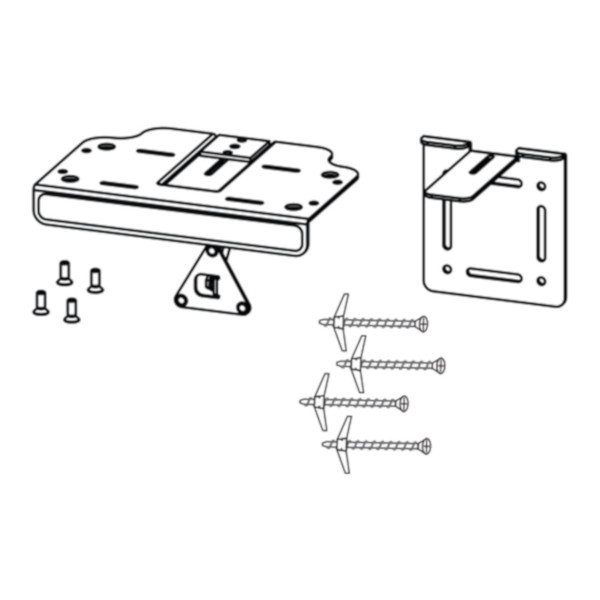
A typical package includes the camera unit itself along with necessary cables (USB/Power), mounting hardware if applicable, and documentation for quick start guidance. Some models may also offer optional accessories such as remote controls or additional lenses separately.
No additional licensing fees are required solely for using a Polycom Camera; however, compatibility with specific software platforms may have associated costs if premium features are accessed through those services (e.g., Zoom Rooms).
The Polycom Camera generally supports both Windows and Mac systems; however, you should verify model-specific compatibility requirements before purchasing to avoid any installation issues related to driver support or software updates.
The installation process is straightforward due largely to its plug-and-play functionality; simply connect via USB or the appropriate connection as per model instructions without needing professional assistance unless particularly complex setups are required.
The versatility of the Polycom Camera makes it suitable for hybrid work settings where some team members join remotely while others meet in person; this adaptability ensures everyone can participate fully regardless of location thanks to high-quality video output and audio integration options available when combined appropriately with other devices.