Professional advice available Monday to Friday, 8.30am-5.30pm
Mon. to Fri. 8:30 a.m. – 6:30 p.m.
0333 123 3050
Call us!
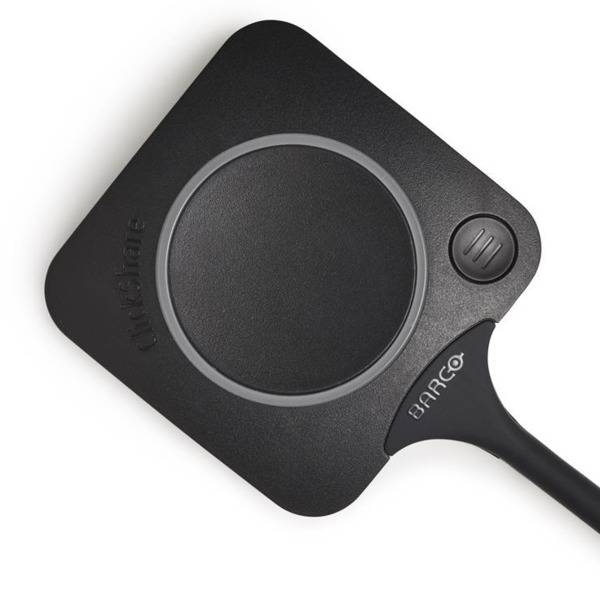
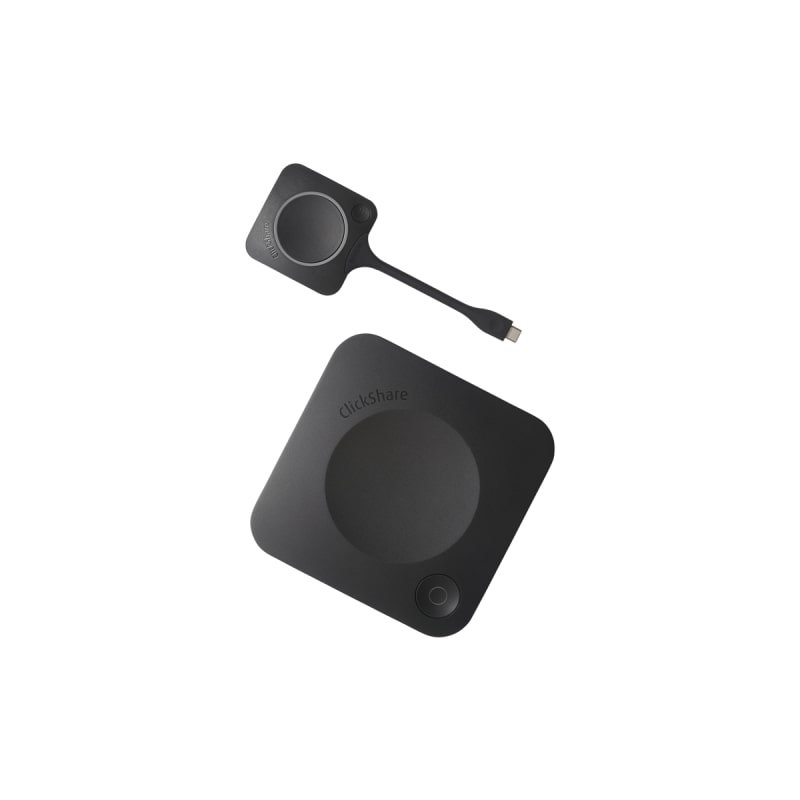
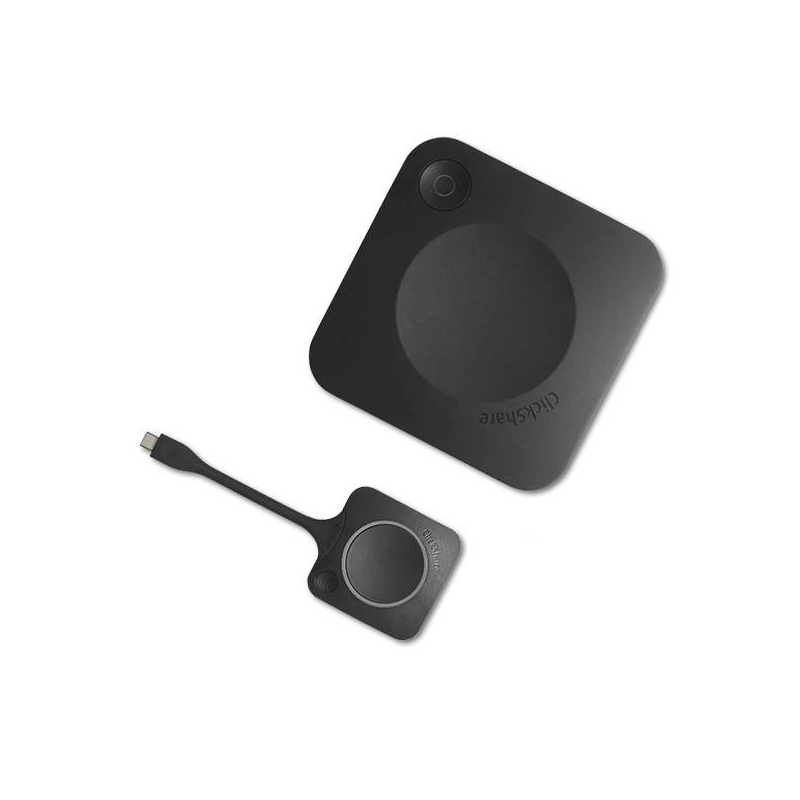
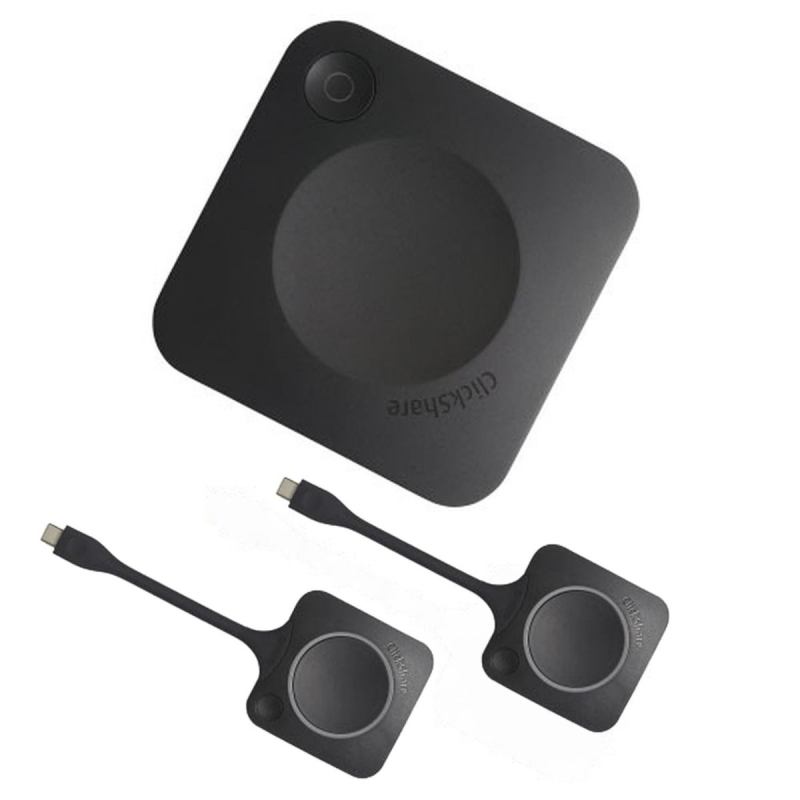
The clickshare button is designed to enhance your meeting experience by enabling effortless content sharing during presentations. This intuitive device streamlines collaboration, making it perfect for businesses looking to improve team communication.
If you're ready to enhance your collaboration tools, explore our full range of clickshare buttons today!
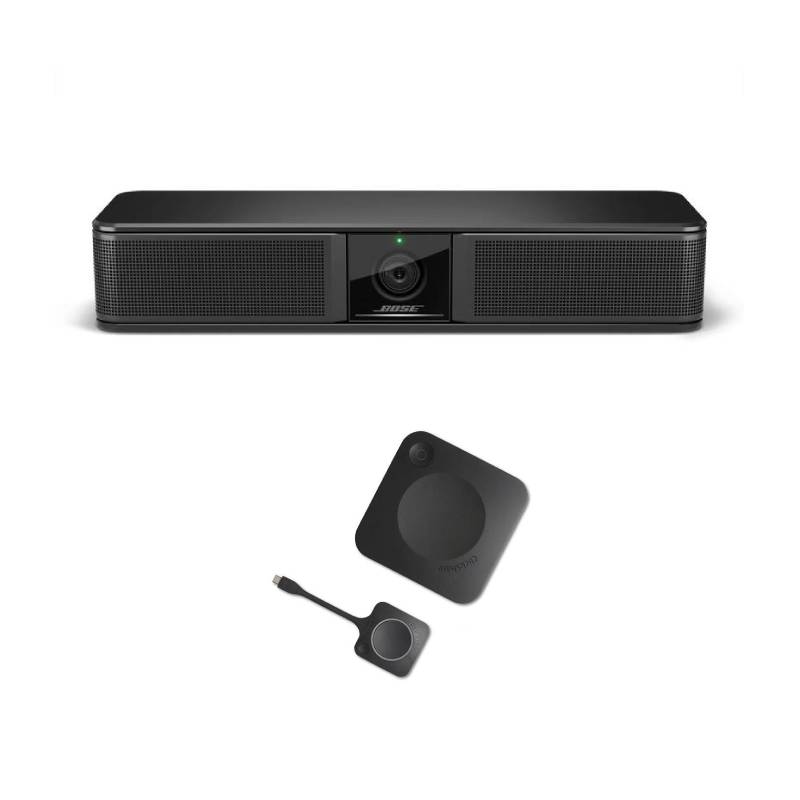
Bose Professional Videobar VB-S
BARCO ClickShare CX-20 GEN2
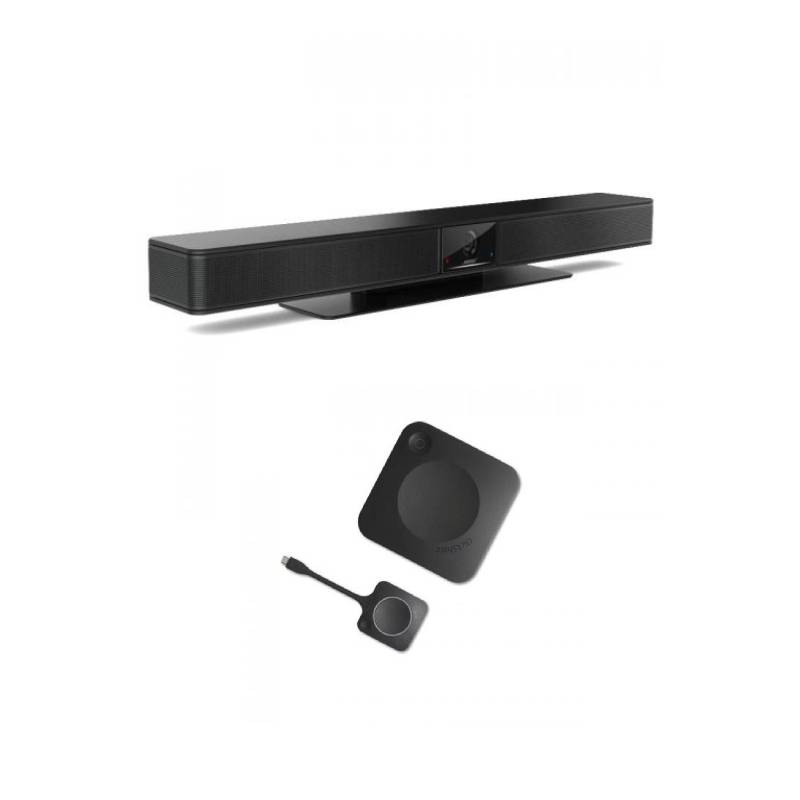
Bose Professional Videobar VB1
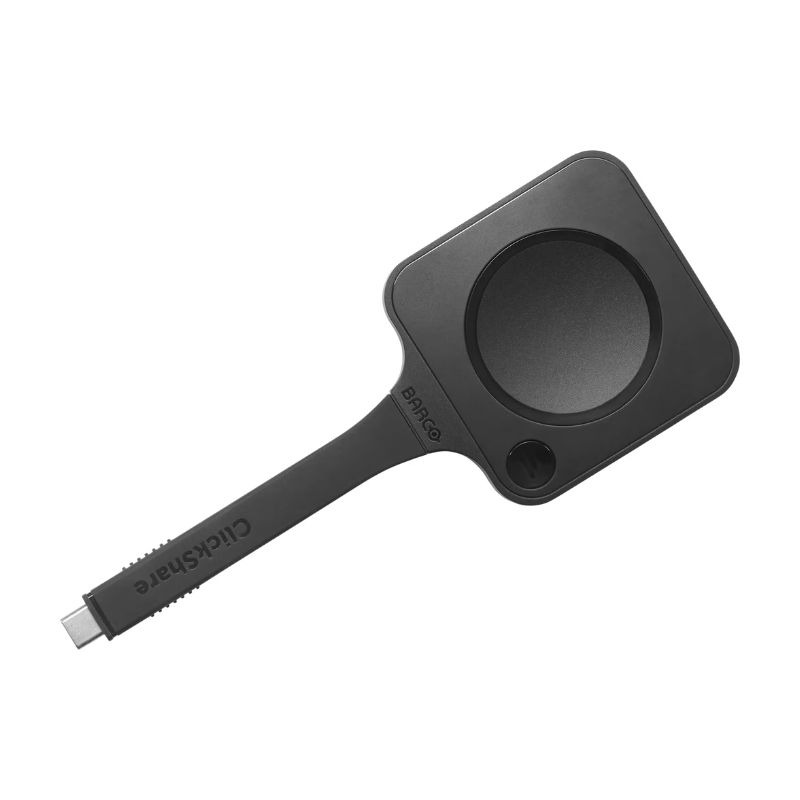
BARCO ClickShare CX-20 GEN2
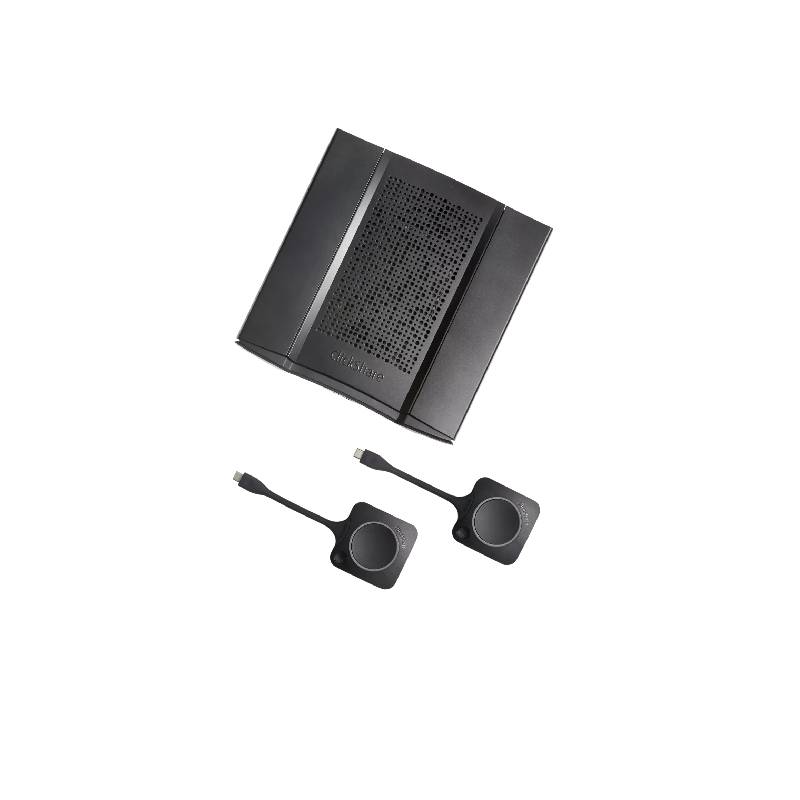
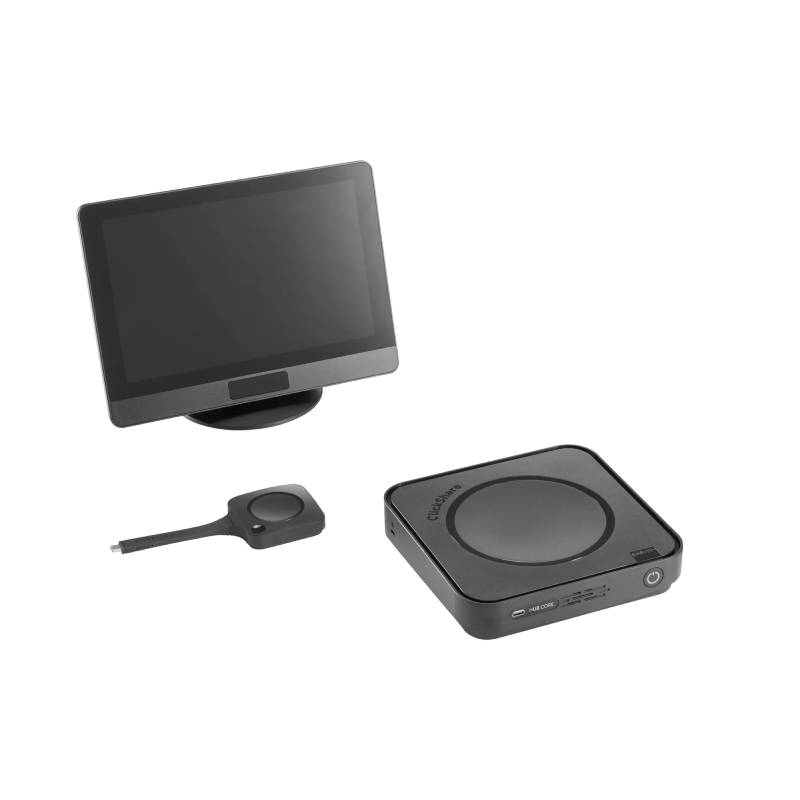
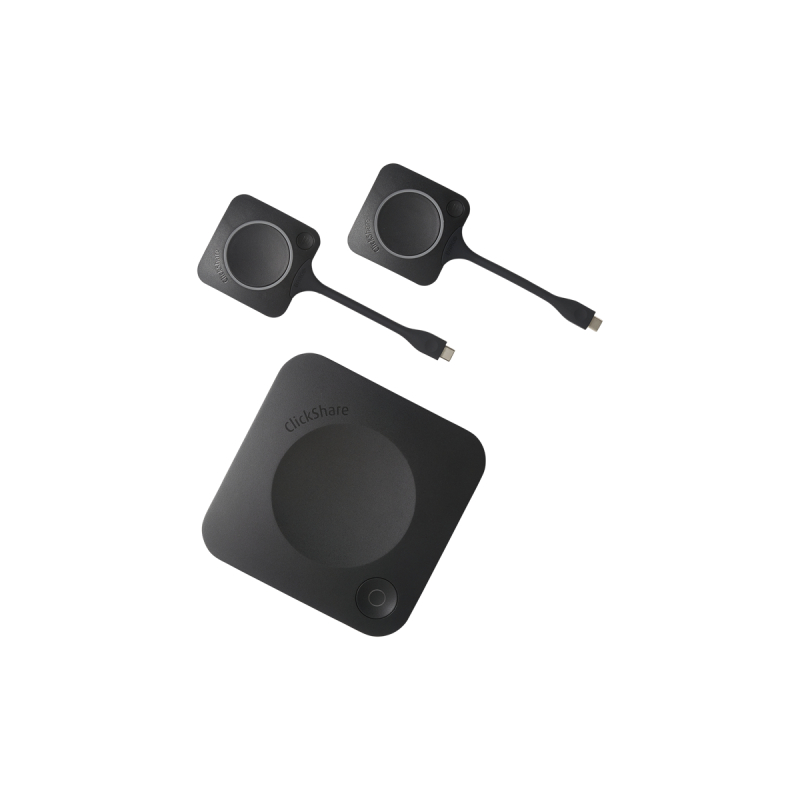
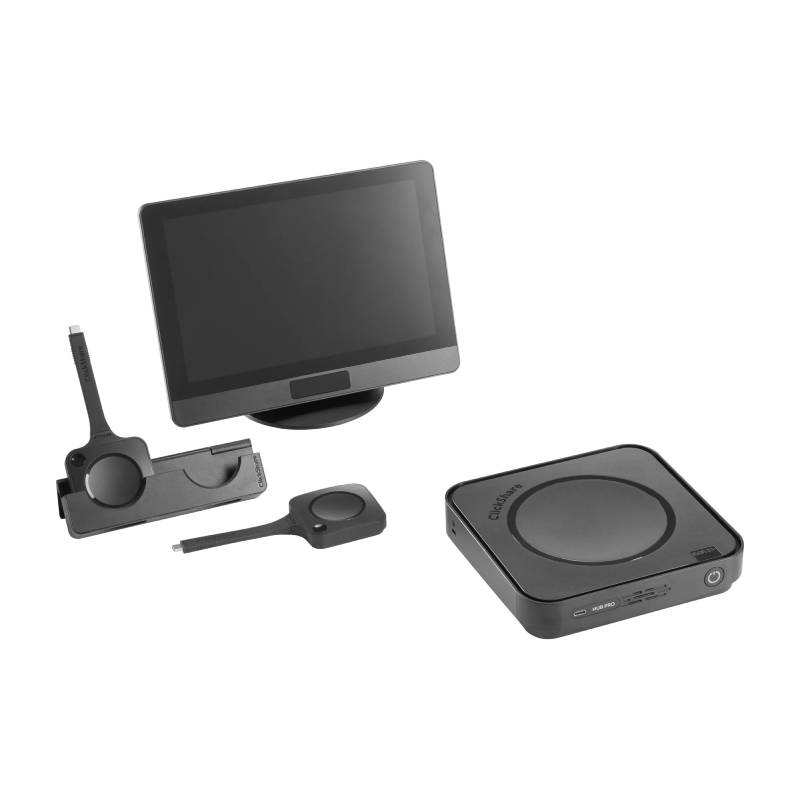
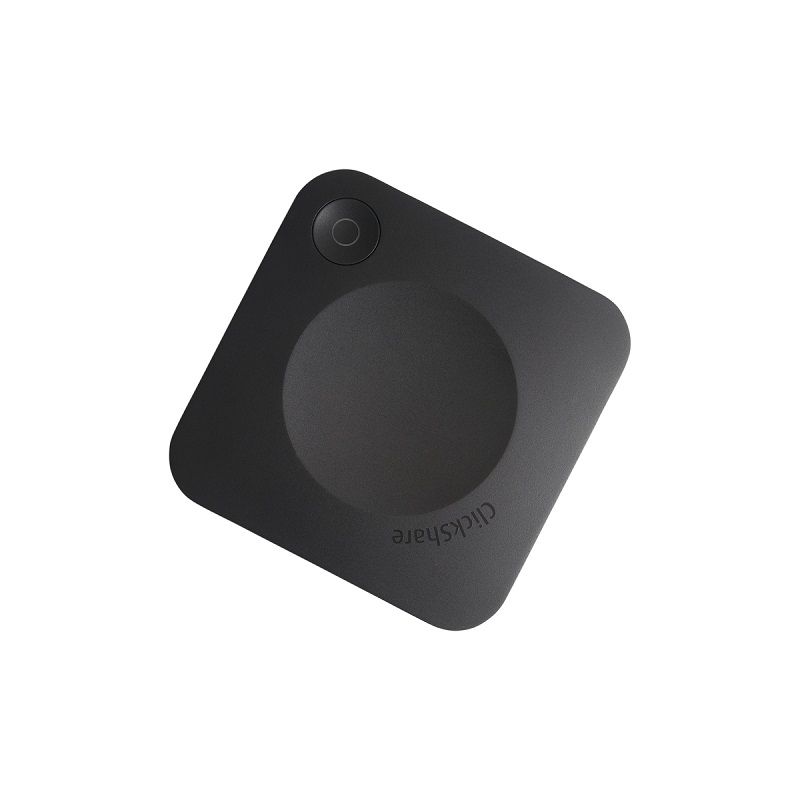
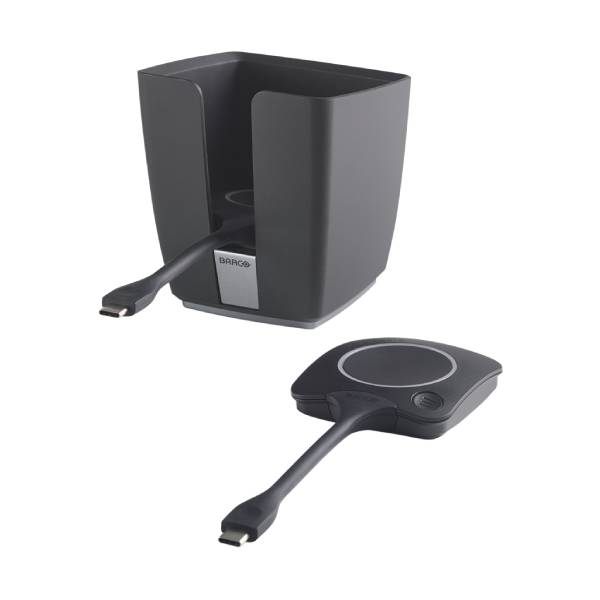
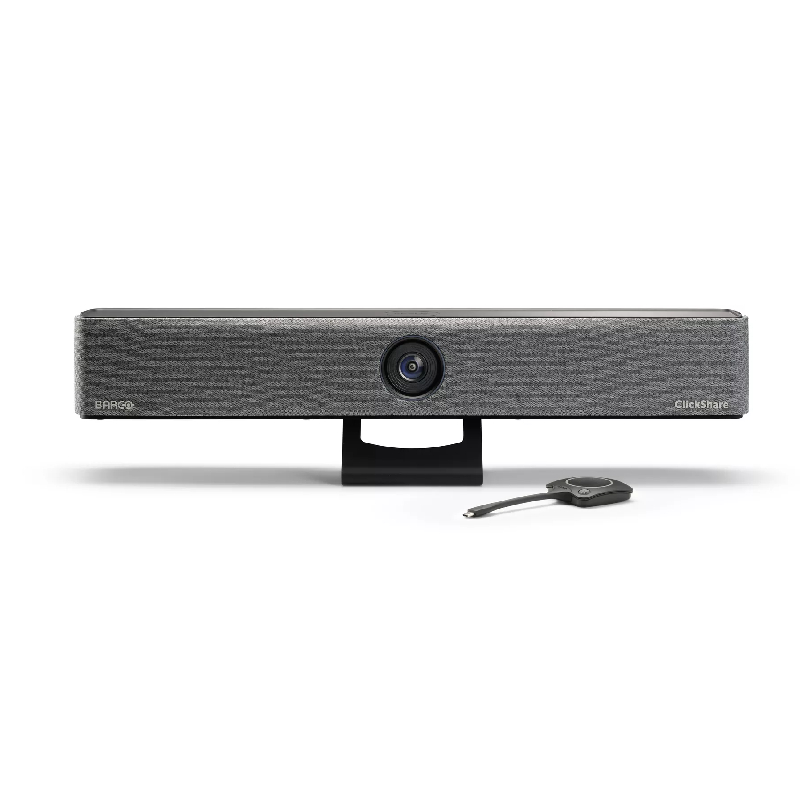
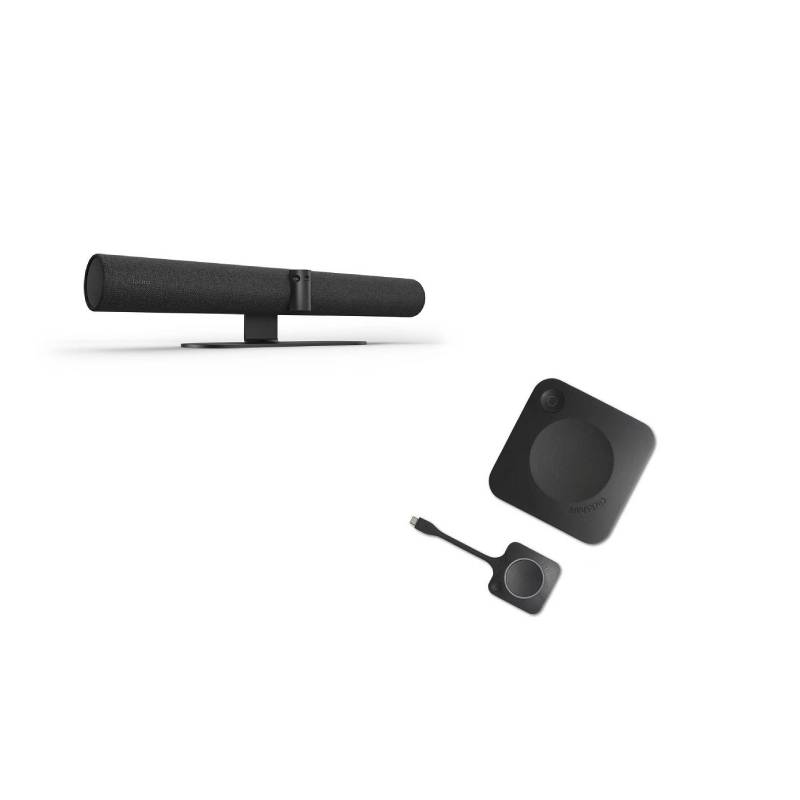
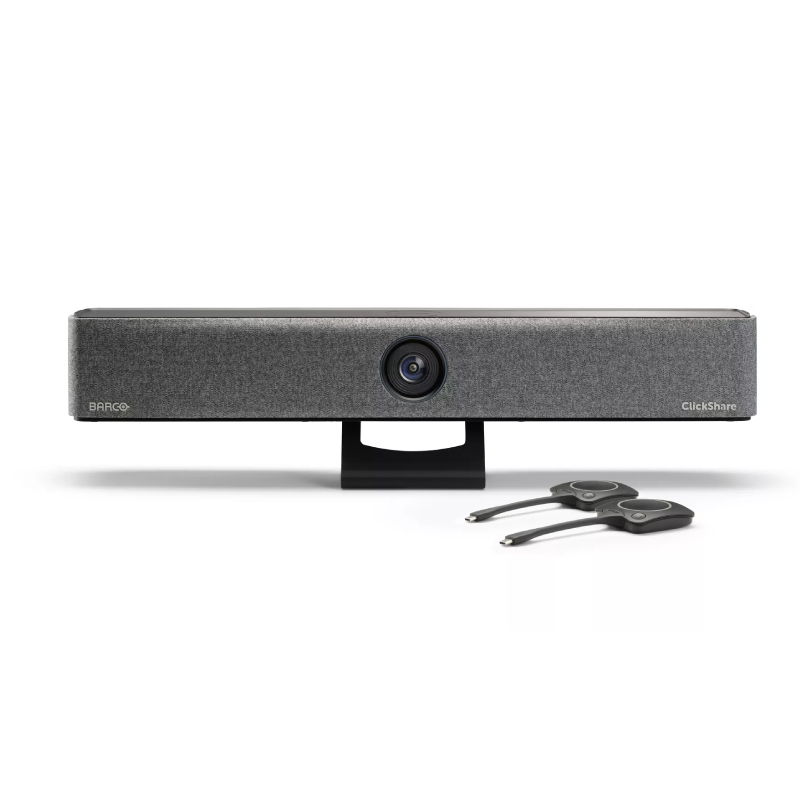
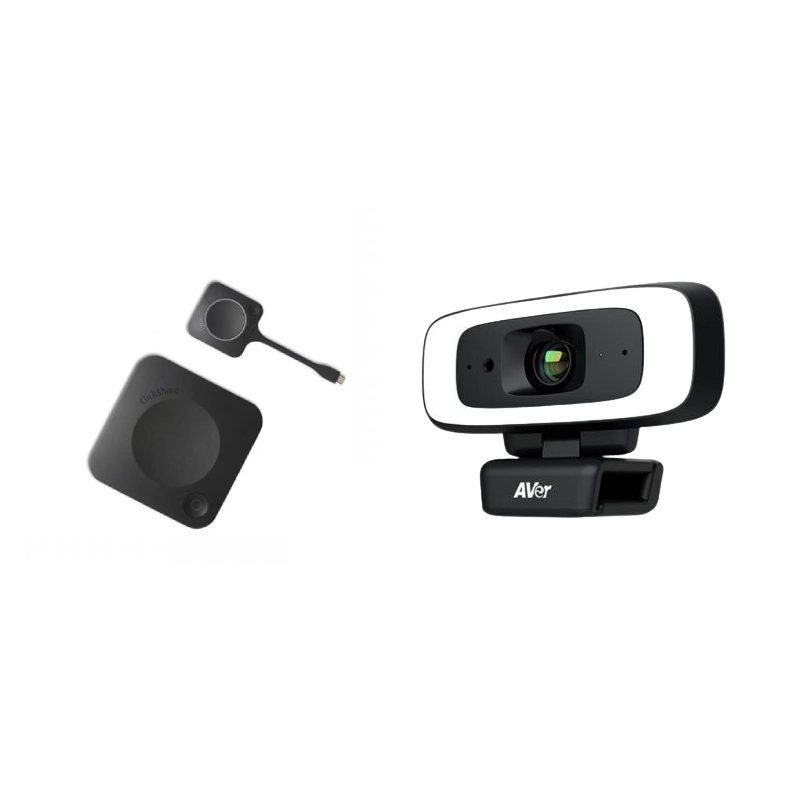
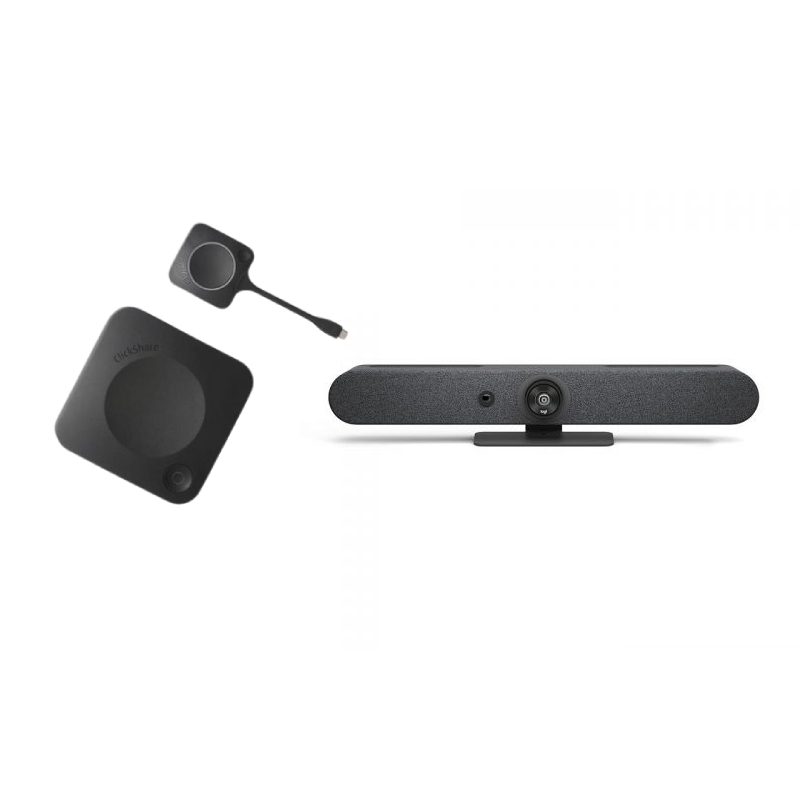

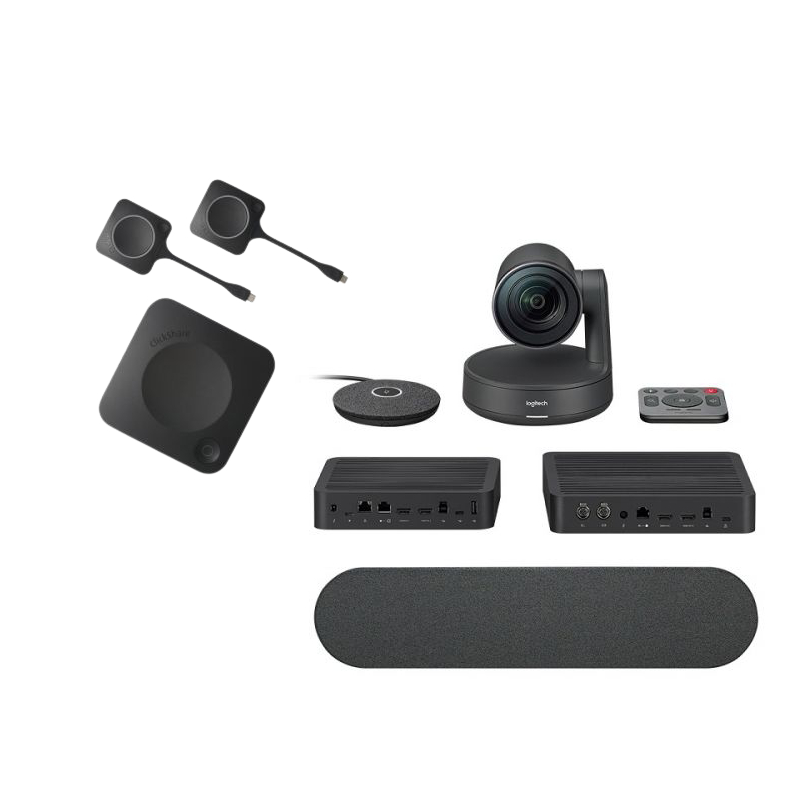
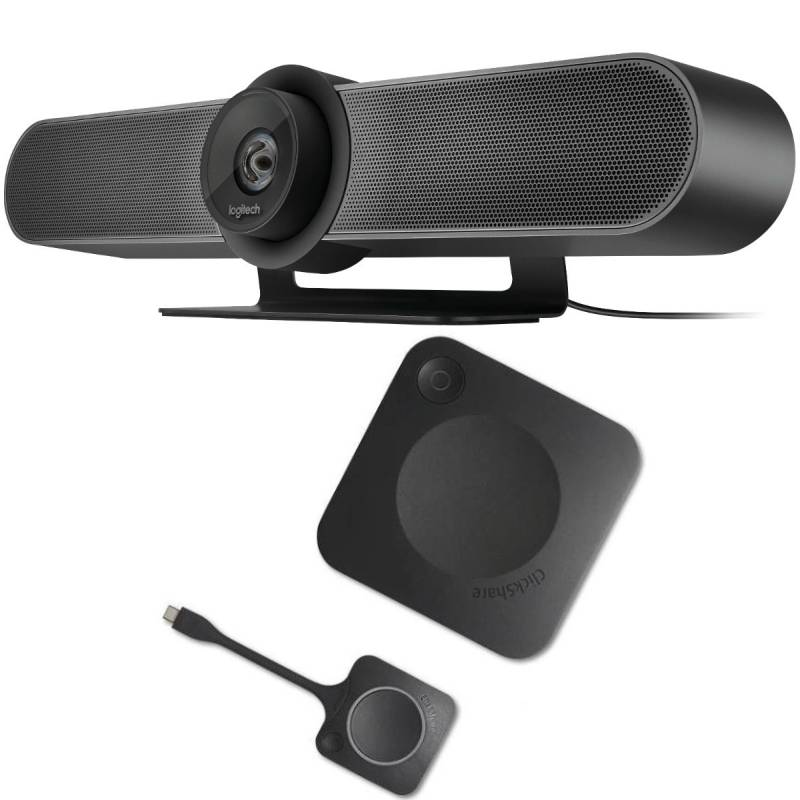
The clickshare button, ideal for meeting rooms and collaborative spaces, allows users to easily share their screens or media during discussions. In this guide, we will cover the key features of these devices and how they cater to modern business environments seeking efficient solutions for teamwork.
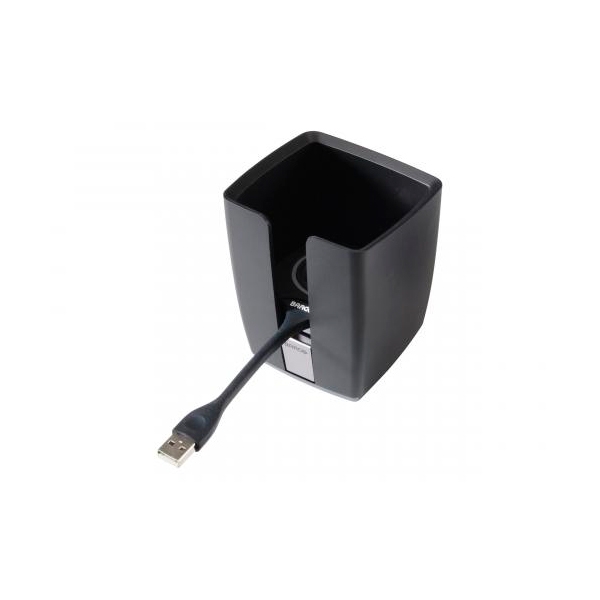
The package typically includes the clickshare button itself along with necessary setup instructions. Some models may also come with USB dongles or docking stations depending on specific requirements.
The clickshare button generally supports both MacOS and Windows environments effectively but confirm compatibility prior as some entry-level models may have limitations when used outside a specific ecosystem.
The installation process is straightforward; simply plug it into your computer’s USB port and follow prompts to set up connectivity options based on your company’s network configuration needs . It typically takes only minutes from unpacking to first use!
Certainly! The flexibility of a wireless clickshare button makes it ideal for hybrid setups where employees may work both onsite or remotely . This versatility ensures everyone can contribute efficiently regardless of their location .
The < strong >clickshare button< / strong > is an efficient solution tailored for businesses aiming at smoother collaborative efforts in diverse working arrangements . Explore our range today!

