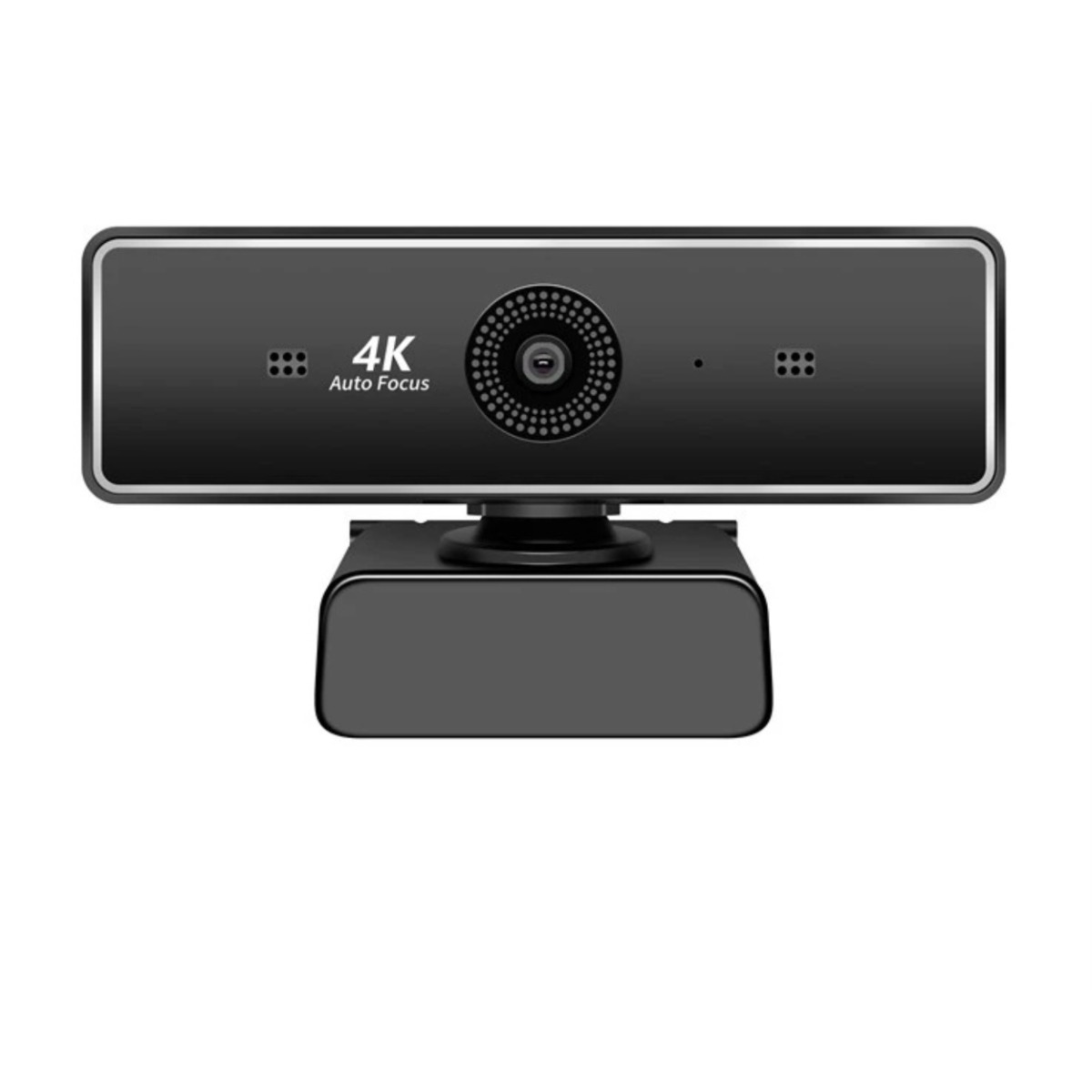
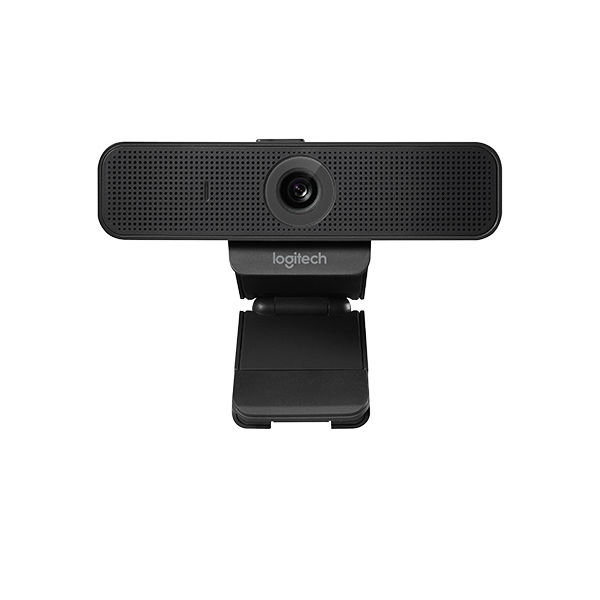
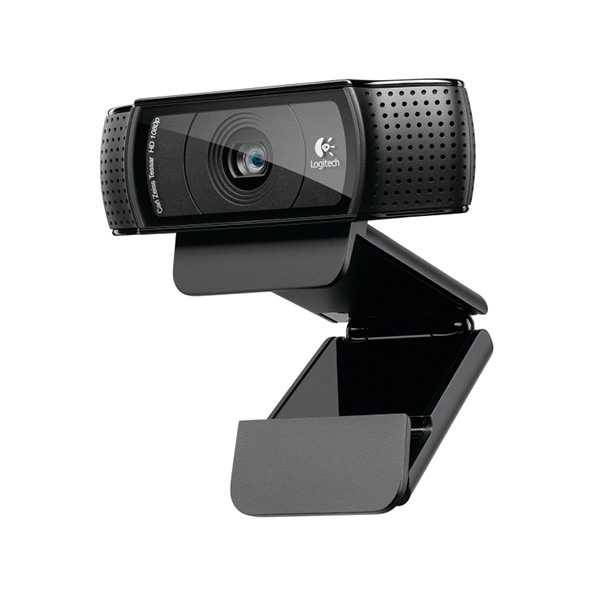
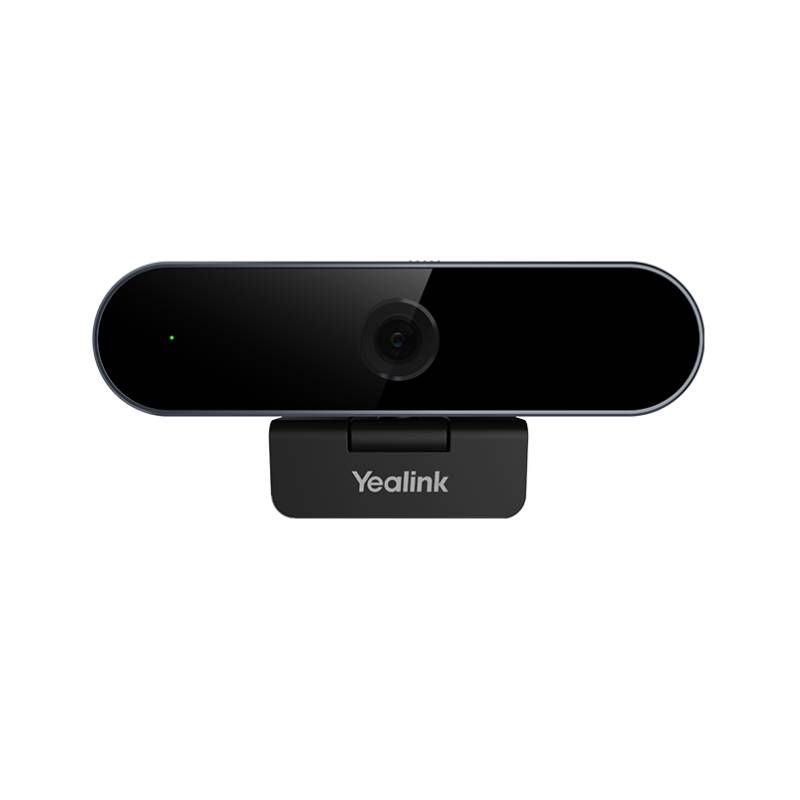
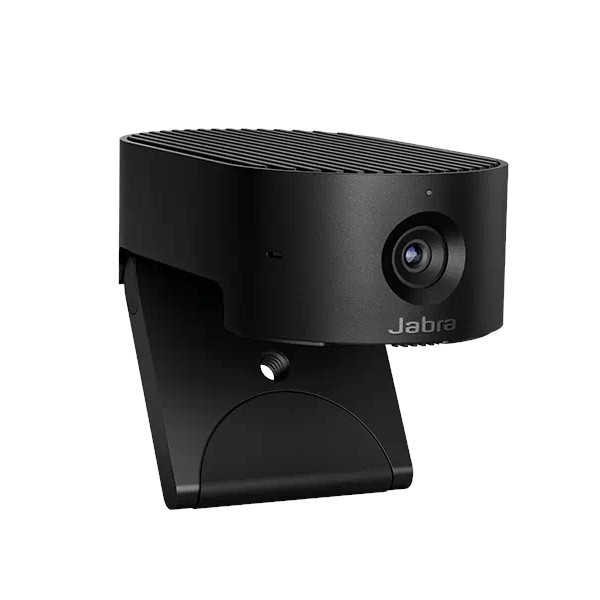
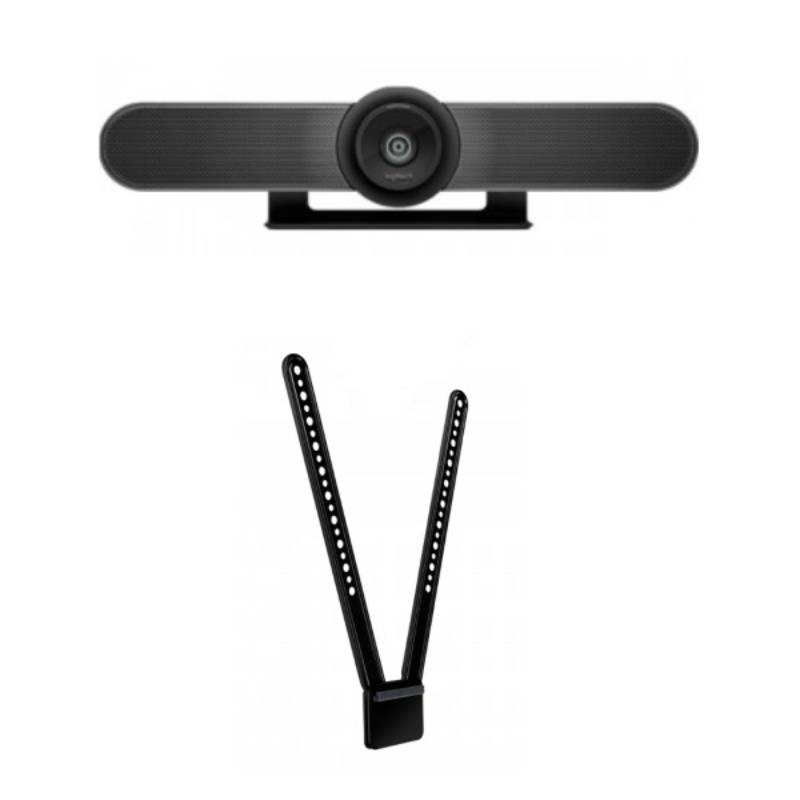
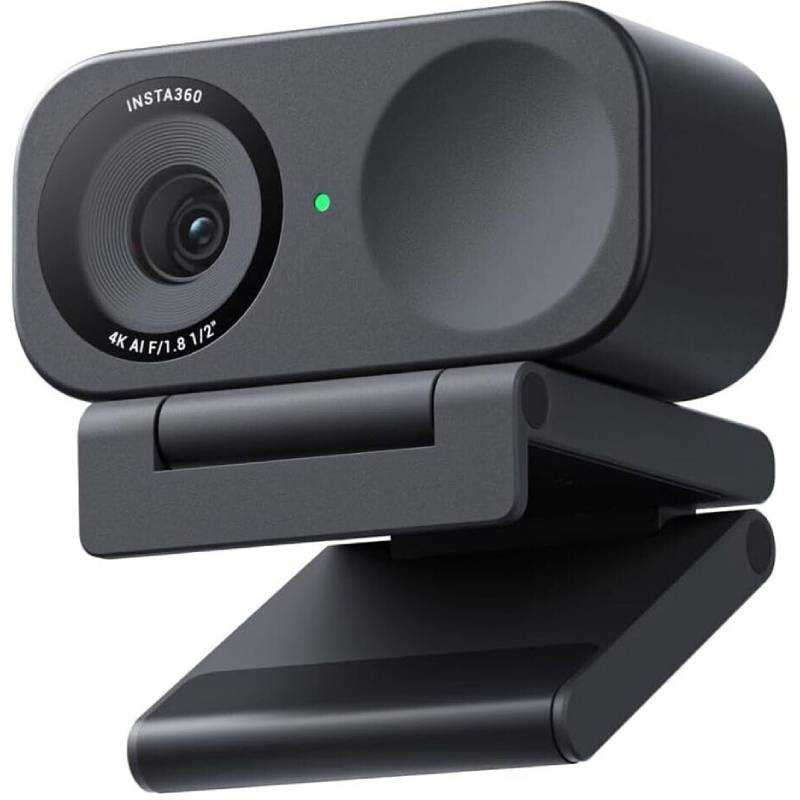
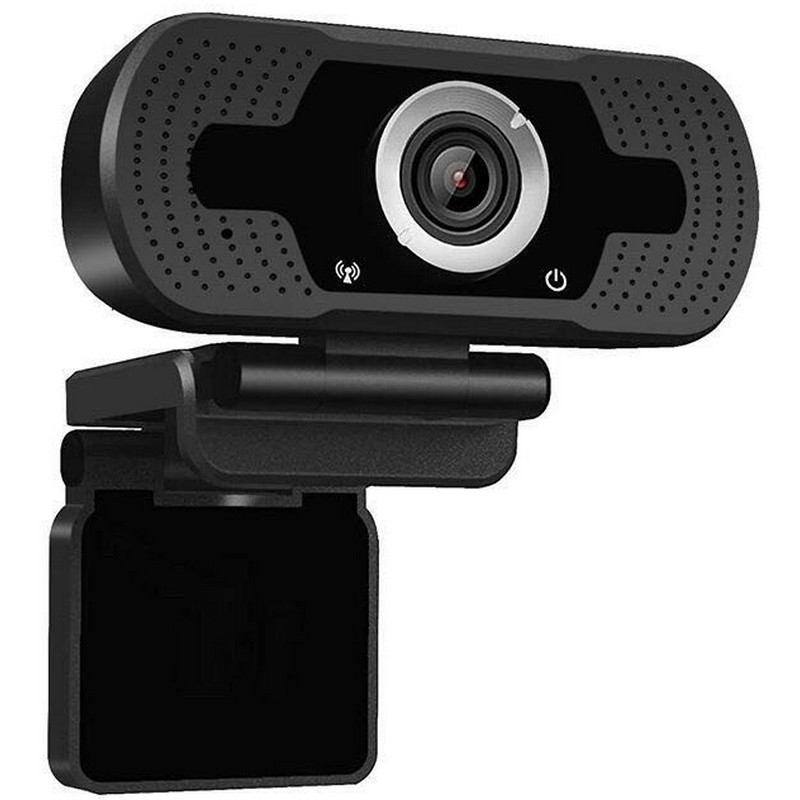
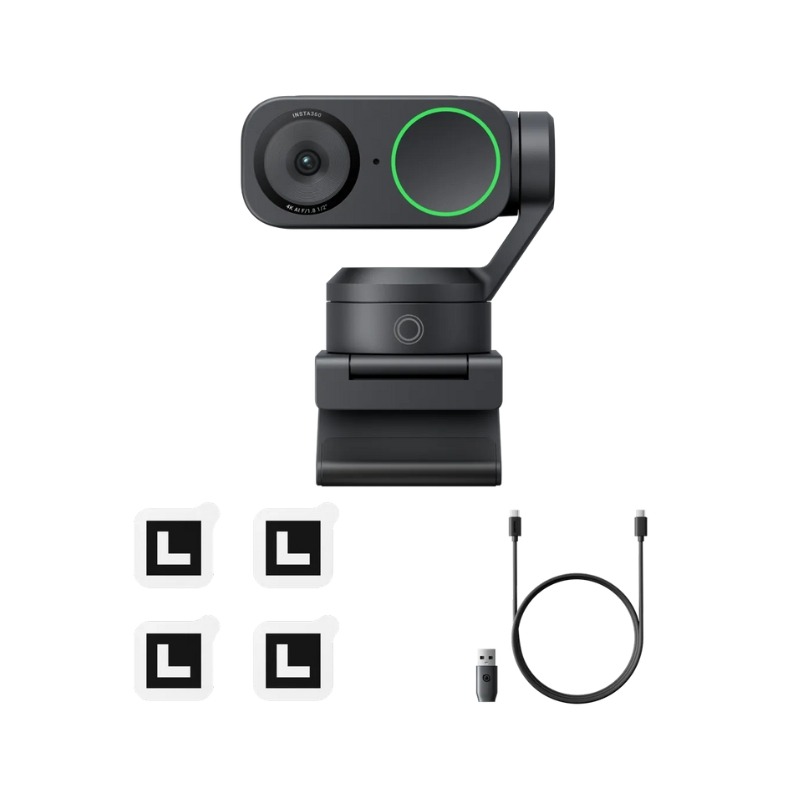
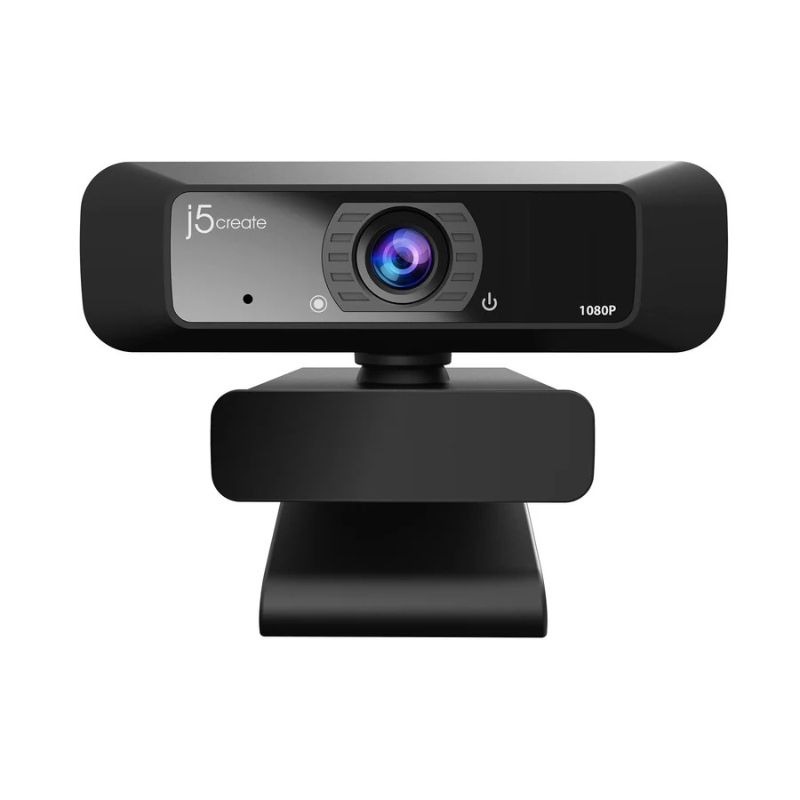
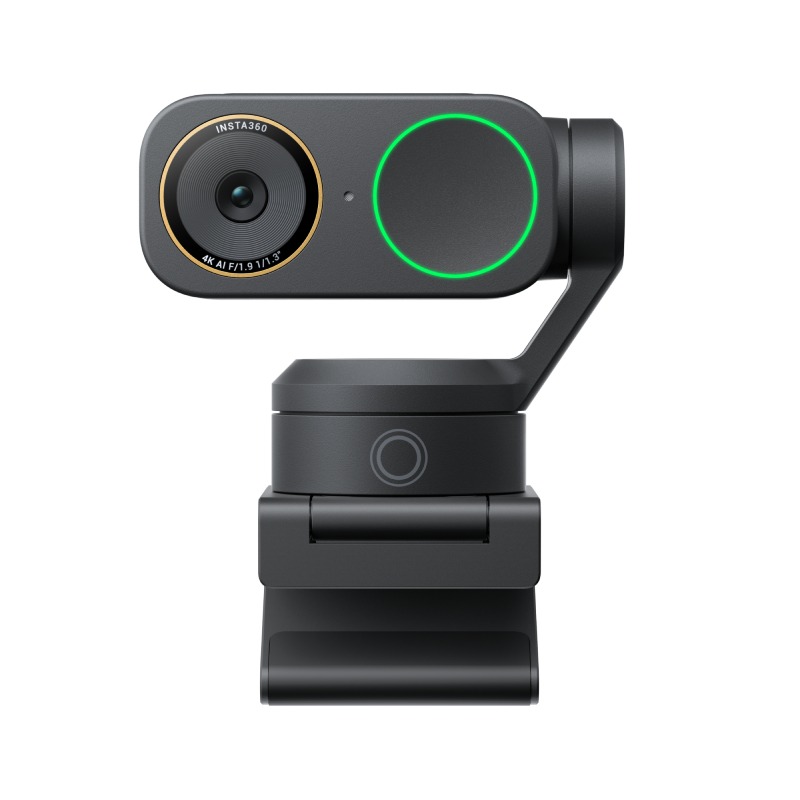
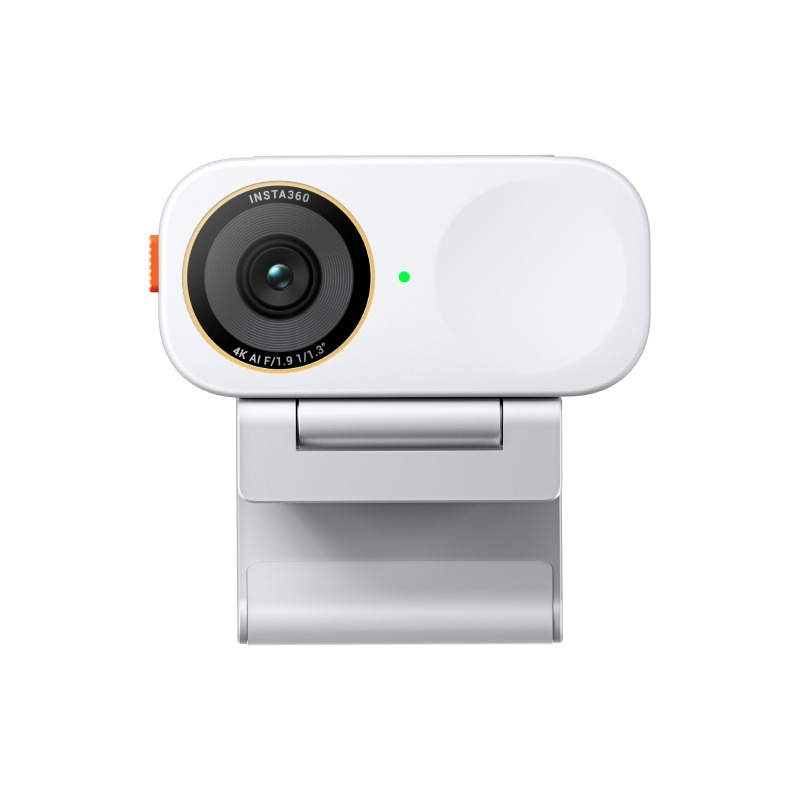
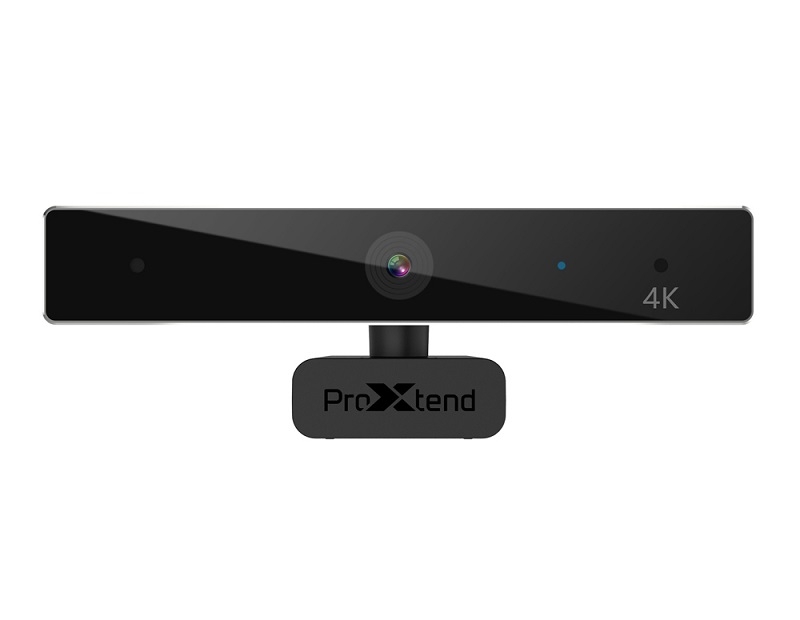
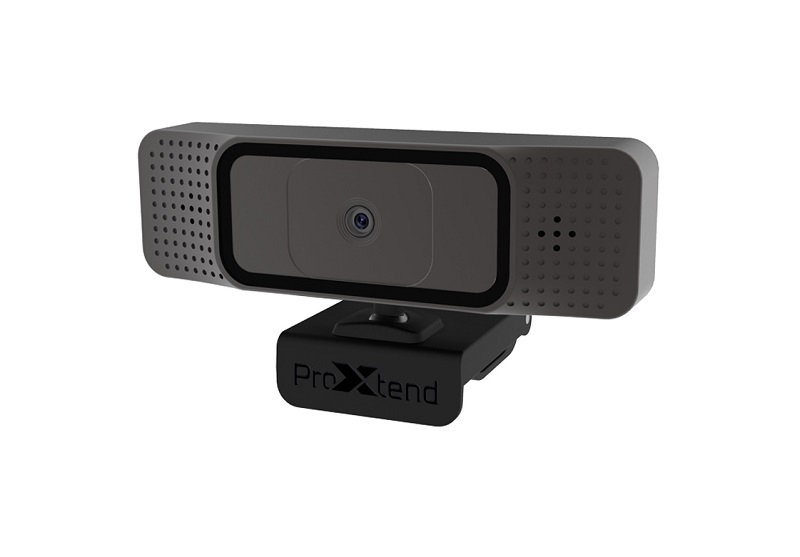
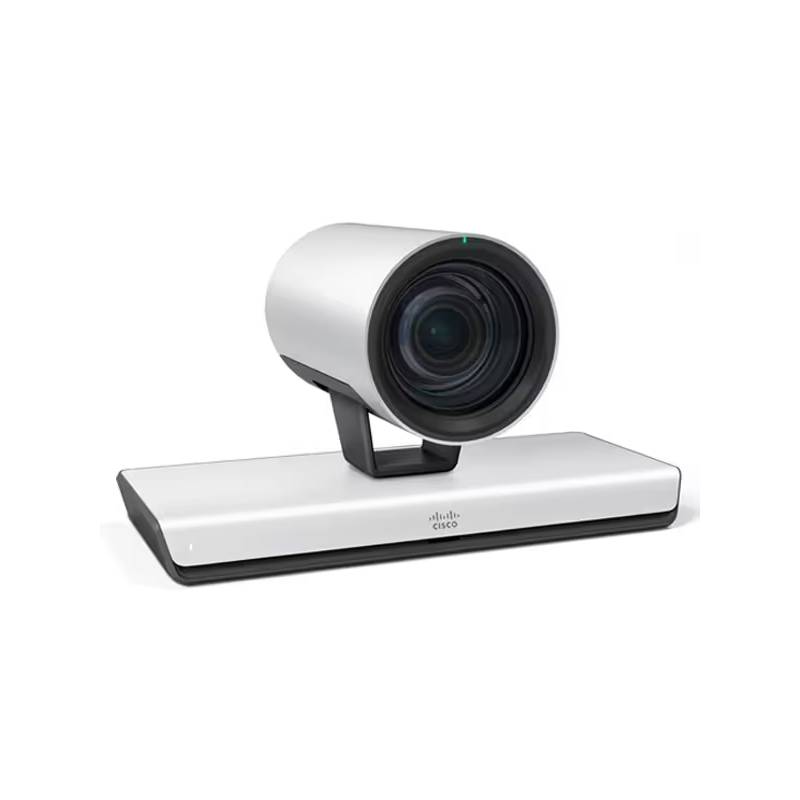
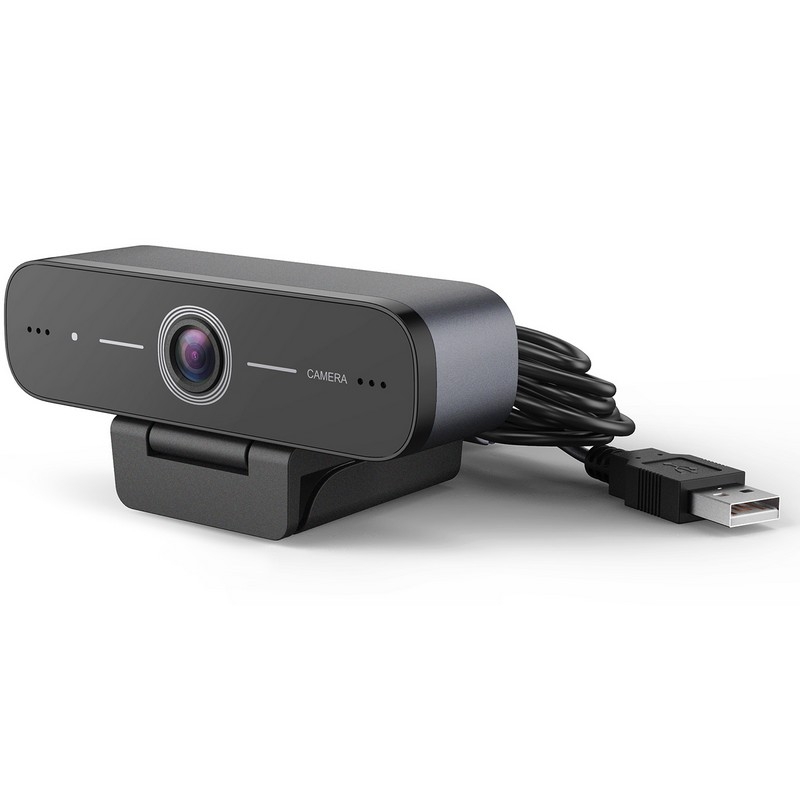
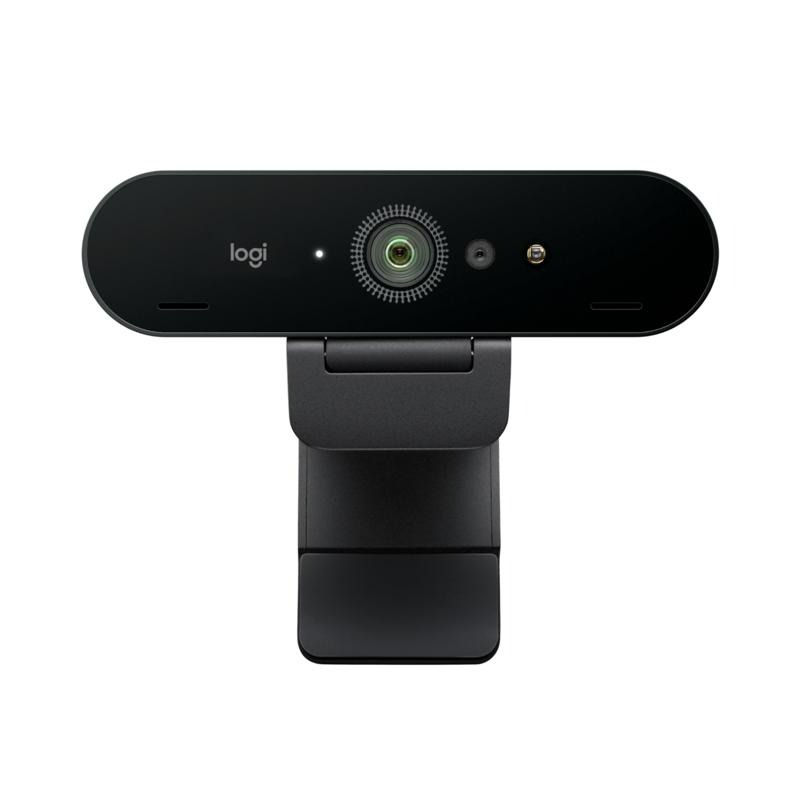
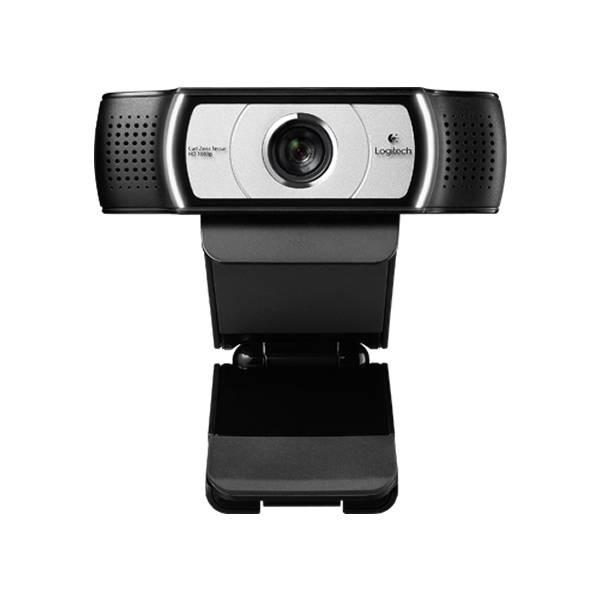
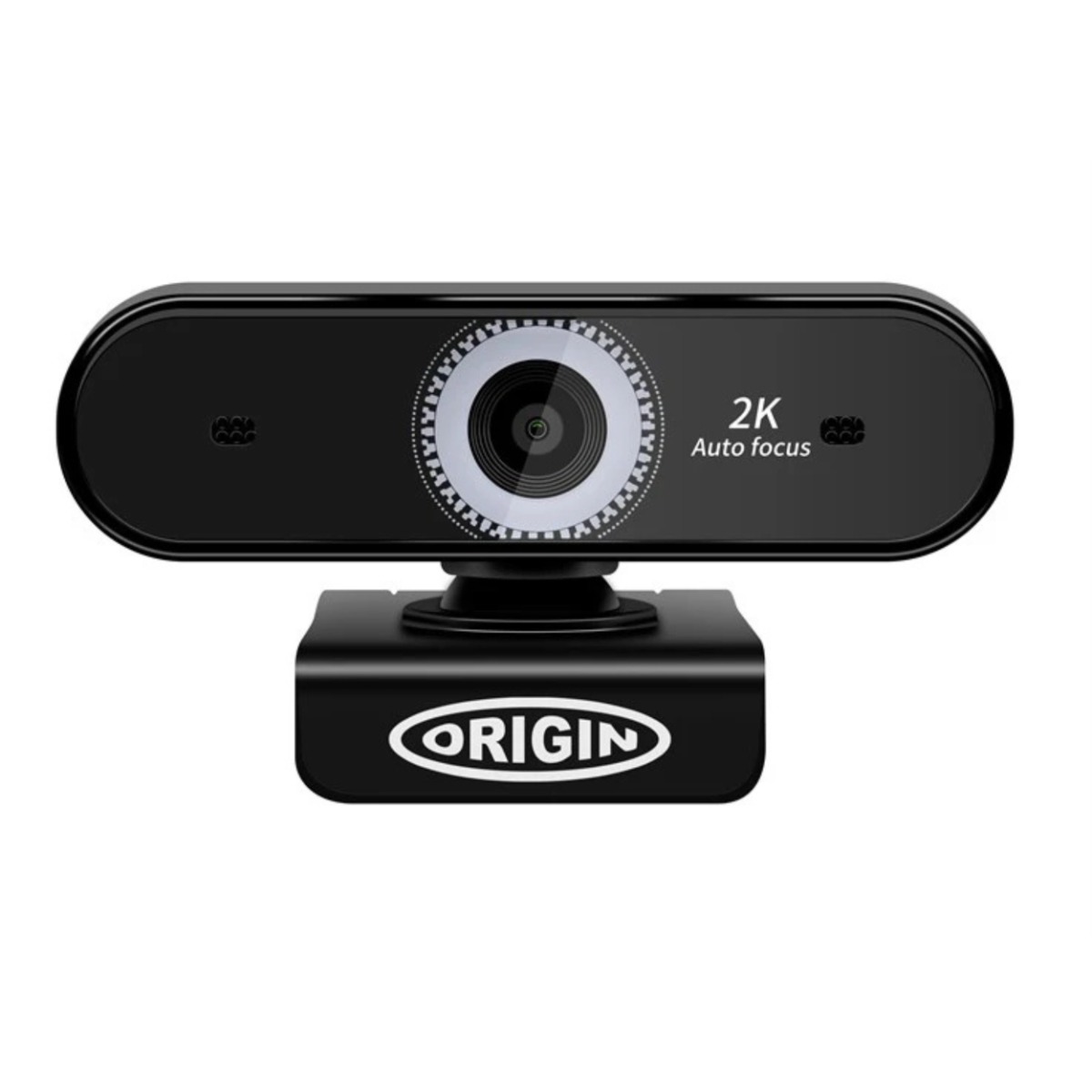
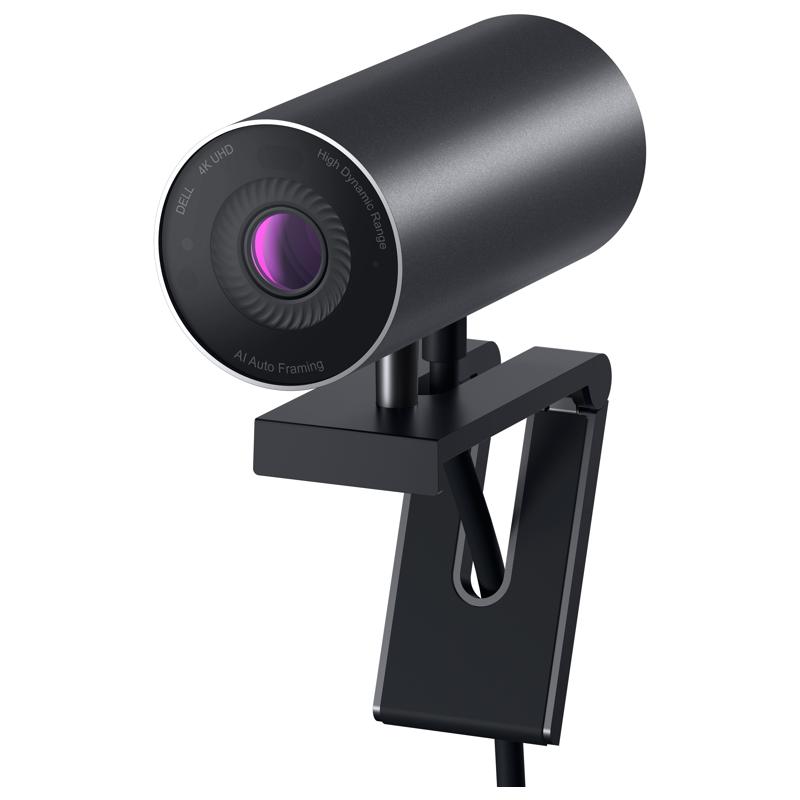
Conference Room Webcam: The Smart Choice for Modern Meetings
Designed to meet the demands of today’s hybrid workspaces, a conference room webcam is an essential tool for efficient and professional video communication. In this guide, we’ll cover the key benefits of using these webcams, share expert usage tips, and answer the most common questions customers ask in-store. Whether you need a webcam for a huddle room or a large boardroom, this content will help you choose the right model based on your setup, platform compatibility, and collaboration goals.
Benefits of Using a Conference Room Webcam
- Wider Field of View – Unlike standard webcams, conference room models offer wide-angle or panoramic lenses, capturing everyone in the room without needing repositioning. This makes them perfect for mid-sized and large meeting spaces.
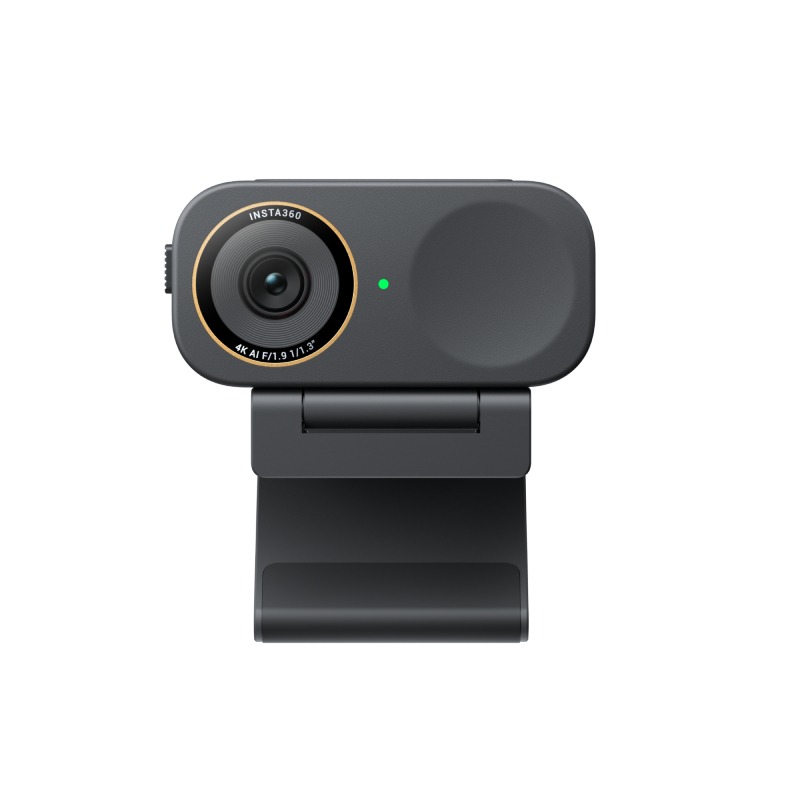
- Superior Audio and Video Quality – Most devices are equipped with full HD or 4K resolution and beamforming microphones to ensure clear sound and image during meetings, even in noisy or spacious environments.
- Seamless Integration with Collaboration Platforms – These webcams are optimised for compatibility with Microsoft Teams, Zoom, Google Meet and other tools, making them easy to integrate into your existing workflow.
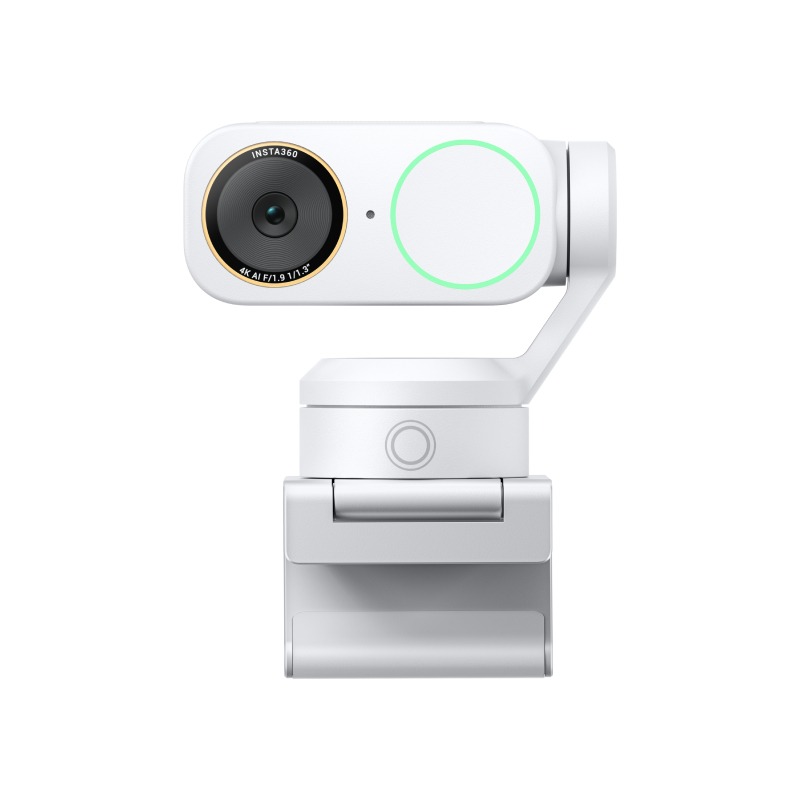
- Smart Tracking & Auto-Framing – Some models use AI to follow the speaker or automatically frame all participants. This makes meetings more dynamic and engaging, especially in hybrid settings.
- Easy Setup and Connectivity – Many conference webcams are plug & play with USB or wireless options. This reduces setup time and IT support needs, especially when switching rooms.
- Built-in Privacy Features – With physical lens covers or remote-off options, users can feel secure knowing their video feed is under control when not in use.
- Improved Collaboration and Productivity – Better communication through high-quality video and sound leads to faster decisions, clearer conversations, and a more professional image with clients or remote teams.
Usage Tips
To get the most out of your conference room webcam, make sure to install it at eye level and centered in front of the meeting area. Proper positioning ensures that participants appear natural and maintain eye contact with remote colleagues. Use the lighting in the room to your advantage—avoid direct sunlight or bright lights behind participants that may create shadows or glares on the video feed.
Pair your webcam with a quality audio solution for the best performance. While many conference webcams include built-in microphones, using external speakerphones or video bars with integrated sound can enhance clarity and reduce background noise. Regular software updates and firmware checks also help keep your device secure and compatible with evolving conferencing software.
Q&A
- What resolution should I choose for a conference webcam? Full HD (1080p) is sufficient for most settings, but 4K webcams are ideal for larger rooms or when fine detail is required.
- Do I need additional equipment for audio? If the webcam doesn’t include beamforming microphones or echo cancellation, pairing it with an external speakerphone is recommended for optimal audio quality.
- Are conference webcams compatible with Microsoft Teams or Zoom? Yes, most models are certified or optimised for use with Teams, Zoom, Webex, and other leading platforms. Always check for official certifications when buying.
- Can these webcams be used in large boardrooms? Absolutely. Just ensure you choose a model with a wide field of view or motorised pan/tilt/zoom capabilities for larger spaces.
- Do these webcams offer privacy controls? Many include built-in privacy shutters or remote-off controls, allowing users to disable the camera when not in use for added peace of mind.
Summary
Investing in a professional conference room webcam is key to enhancing your team's communication and collaboration. Explore our full range today to find the ideal solution for your workspace.