Need help?
Professional advice available Monday to Friday, 8.30am-5.30pm Mon. to Fri. 8:30 a.m. – 6:30 p.m. 0333 123 3050 Call us!
PRICE
  • 0
    ,00 
    5 999
    ,00 

Clickshare devices

Clickshare Devices for Enhanced Collaboration

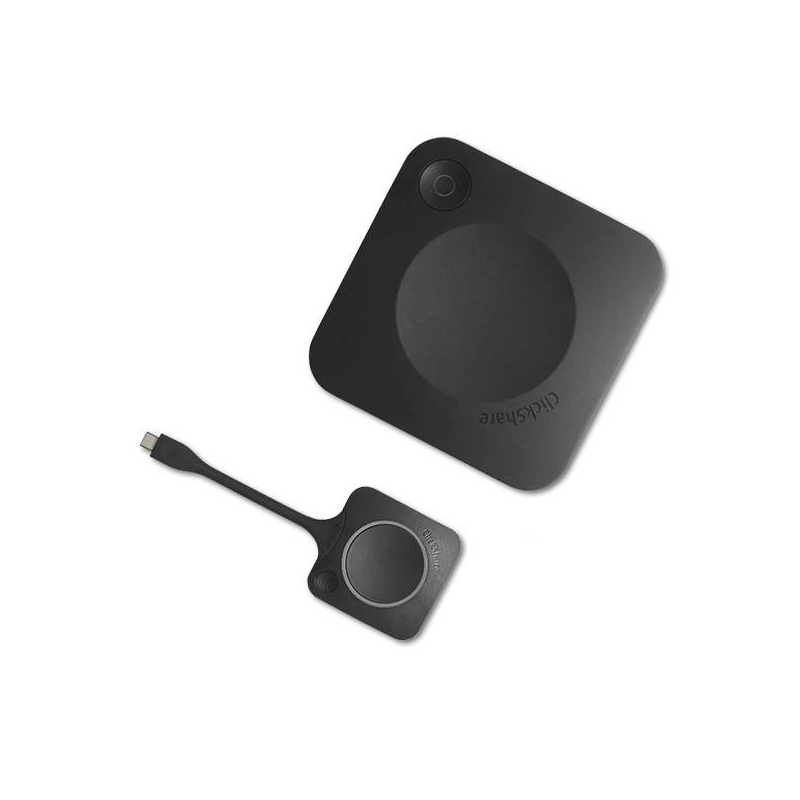
Clickshare devices are essential tools for modern businesses, enabling efficient collaboration and communication. They facilitate smooth presentations and meetings, ensuring everyone can connect easily.

  • Easy connectivity: Quickly connect to displays without complex setups or cables.
  • Wide compatibility: Compatible with various operating systems and conferencing platforms.
  • User-friendly experience: Intuitive controls make it simple for anyone to share content.

Explore our full range of Clickshare devices to enhance your business meetings and presentations.

1  - 10 of 10 results found
Barco CX30 Gen 2 + Logitech Rally Bar

Barco CX30 Gen 2 + Logitech Rally Bar

  • Baseline: Wireless sharing video conferencing solution for small to medium rooms.
  • Short_description:
    • USB-C connection for PC/MAC
    • Full BYOD support
    • Multi-device conferences at the touch of a button
    • No prior installation is required and it is ready to use in 7 seconds


    • Video conferencing bar for medium-sized rooms
    • With USB connection for PC / MAC
    • 4K camera for sharp images 
    • 5x Optical Zoom
£6058.59
£4687.02
-23%
Ref: BARCX30BARG2UK
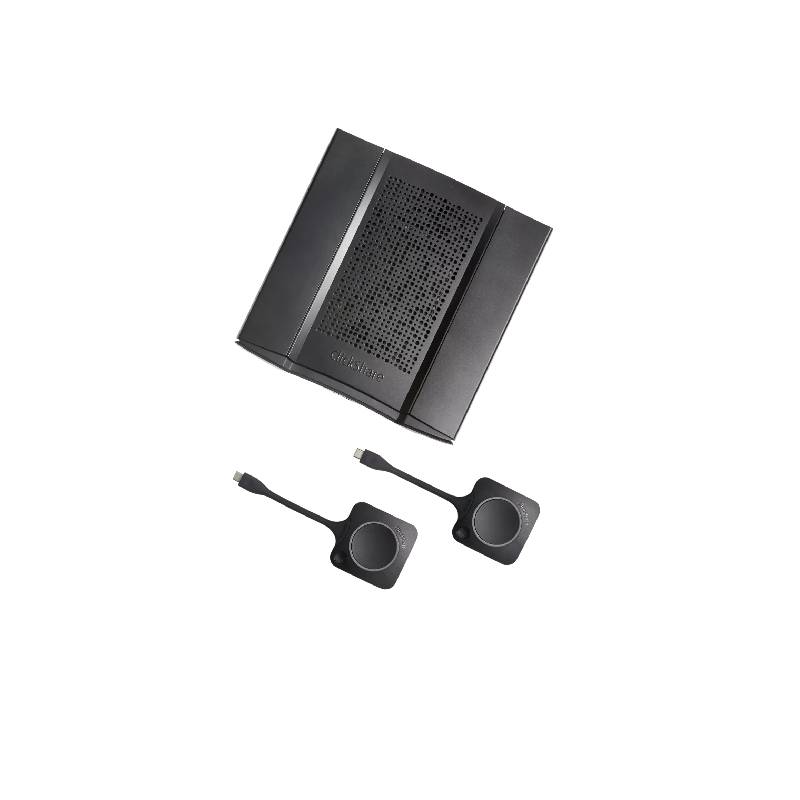
Barco ClickShare CX-20 GEN2

Barco ClickShare CX-20 GEN2

  • Baseline: New generation wireless conference and presentation system for PC/MAC or mobile devices, ideal for small meeting rooms
  • Short_description:
    • Video output resolution: 4K
    • Full BYOD support
    • Generation 4.1 ClickShare button USB-C
    • USB-C connection for PC/MAC
    • Mobile devices can be connected via WiFi with App 
    • Multi-device conferences at the touch of a button
    • No prior installation is required and it is ready to use in 7 seconds
    • Wireless, with all your tools at your fingertips
    • Compatible with all softphones on the market
£2305.00
£1684.99
-27%
Ref: BARCOCX20G2
Barco ClickShare CX-50 GEN2

Barco ClickShare CX-50 GEN2

  • Baseline: New generation premium wireless conferencing and remote collaboration with multiple devices, ideal for large-impact meeting rooms
  • Short_description:
    • Full BYOD support
    • Video output resolution: 4K
    • Wireless presentation system
    • 2x Generation 4.1 ClickShare button USB-C
    • USB-C connection for PC/MAC
    • Mobile devices can be connected via WiFi with an App 
    • Multi-device conferences at the touch of a button
    • No prior installation is required and it is ready to use in 7 seconds
    • HDMI input and high-quality remote collaboration
    • Compatible with all softphones on the market
£3767.00
£2796.99
-26%
Ref: BARCOCX50G2
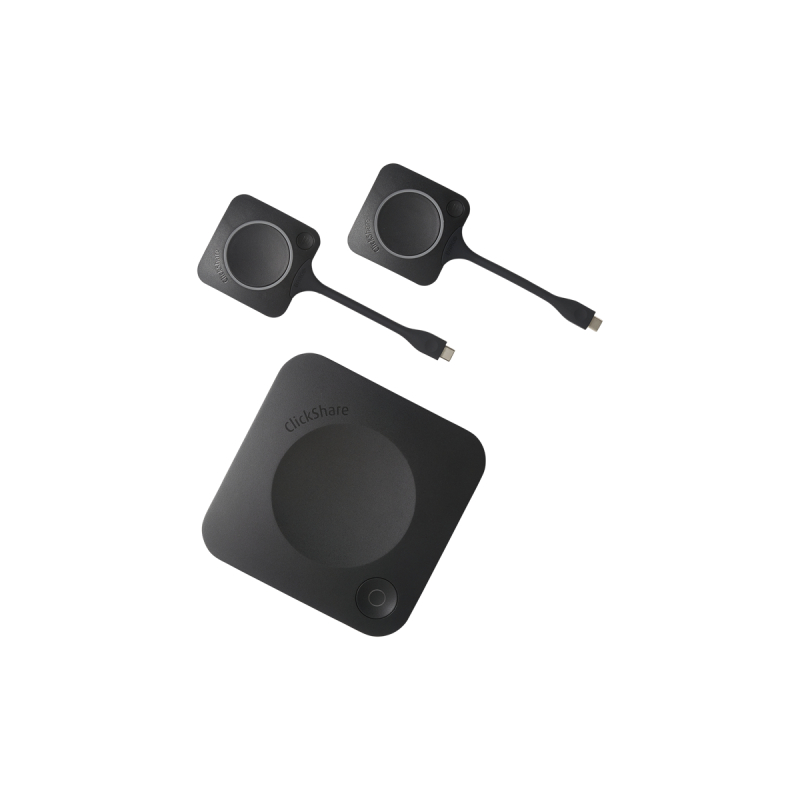
Barco ClickShare CX-30 GEN2

Barco ClickShare CX-30 GEN2

  • Baseline: BYOD wireless video conferencing system for small to medium-sized rooms
  • Short_description:
    • USB-C connection for PC/MAC
    • Full BYOD support
    • Video output resolution: 4K
    • Wireless presentation system
    • 2X Generation 4.1 ClickShare button USB-C
    • Mobile devices can be connected via WiFi with App 
    • Multi-device conferences at the touch of a button
    • No prior installation is required and it is ready to use in 7 seconds
    • Wireless, with two buttons for the speaker and collaborator
    • Compatible with all softphones on the market
£2459.59
£2169.99
-12%
Ref: BARCOCX30G2
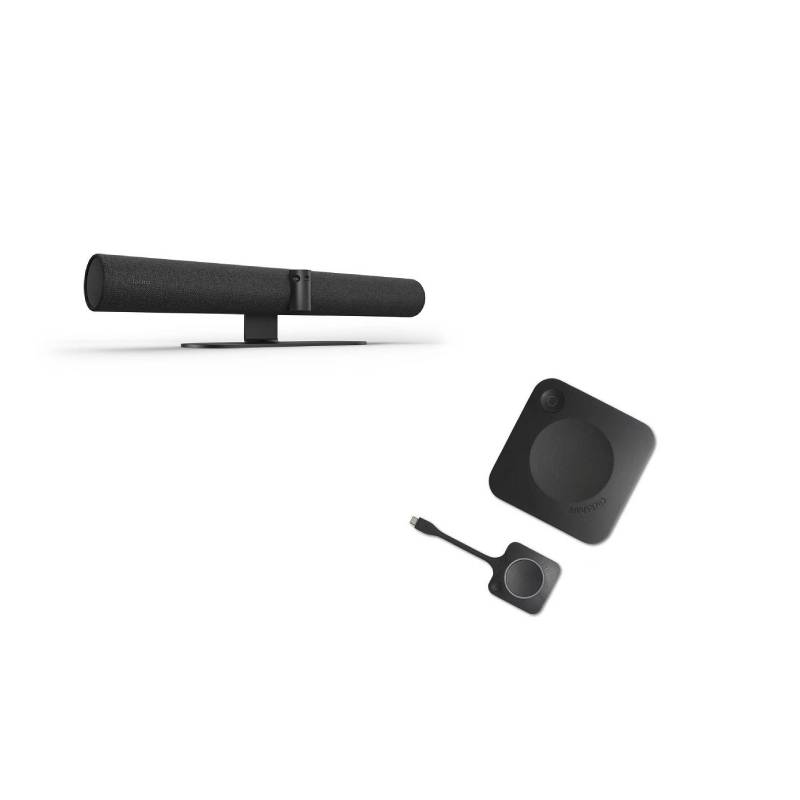
Jabra PanaCast 50 and Barco Clickshare CX-20 Gen2

Jabra PanaCast 50 and Barco Clickshare CX-20 Gen2

  • Baseline: A comprehensive video conferencing solution for small and medium rooms containing a wireless presentation system and a video conferencing bar.
  • Short_description:

    Jabra PanaCast 50

    • Designed for rooms of up to 10 people
    • 4K video quality with 3 cameras
    • Wide 180º field of view
    • 8-microphone array to cover medium-sized rooms
    • 4 stereo speakers with vibration suppression

    Barco ClickShare CX-20

    • Full BYOD support
    • Multi-device conferences at the touch of a button
    • USB-C connection for PC/MAC
    • Compatible with all softphones on the market
    • Wireless, with all your tools at your fingertips
£3406.00
£2496.76
-27%
Ref: PANA50BARCX20UK
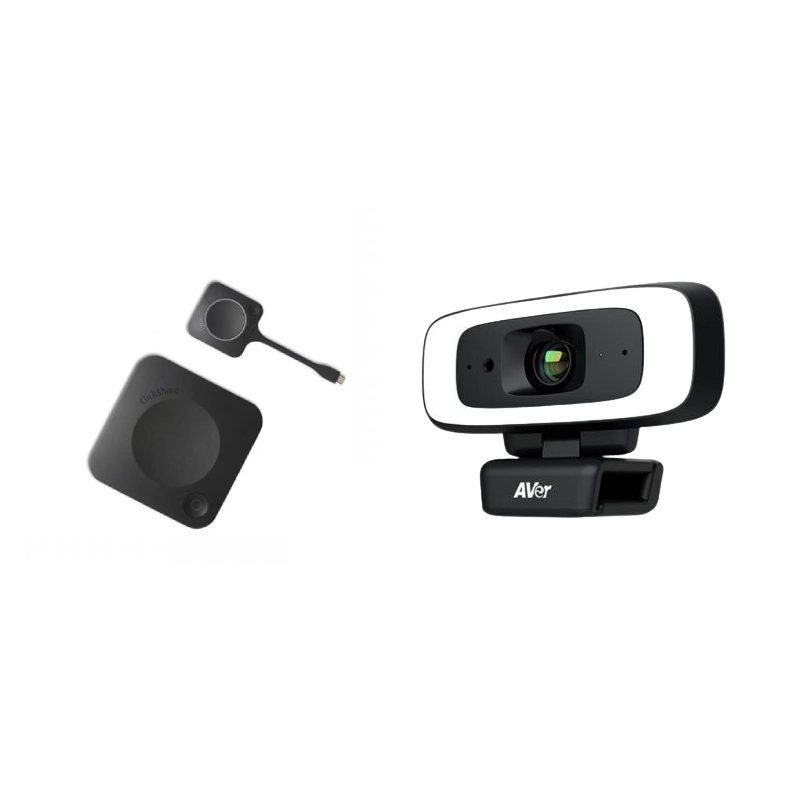
Barco CX20 Gen2 with Aver Cam 130

Barco CX20 Gen2 with Aver Cam 130

  • Baseline: 4K content sharing for hybrid working
  • Short_description:
    • Full BYOD support
    • USB-C connection for PC/MAC
    • Mobile devices can be connected via WiFi with App 
    • Multi-device conferences at the touch of a button
    • No prior installation is required and it is ready to use in 7 seconds
    • Wireless, with all your tools at your fingertips
    • Webcam with intelligent fill-in lighting
    • SmartFrame (AI) technology
    • Sharp image with a Zoom up to 4X
    • 90º or 120º field of view
    • Compatible with all softphones on the market
£2664.99
£1983.63
-26%
Ref: BARCX20CAM130G2
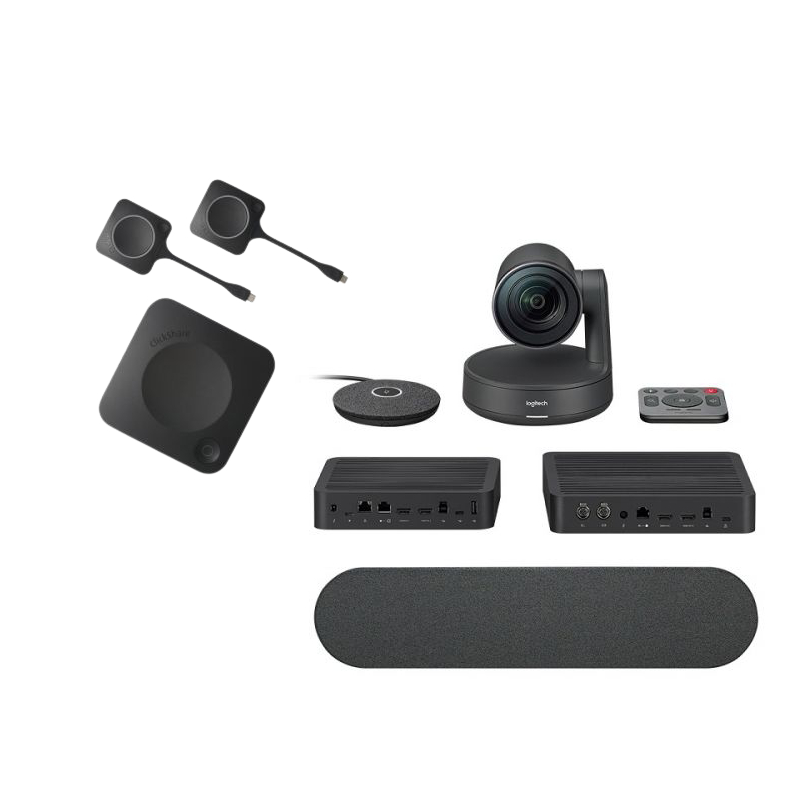
Barco CX30 Gen 2 with Logitech Rally Pack

Barco CX30 Gen 2 with Logitech Rally Pack

  • Baseline: Complete pack for wireless content sharing and collaboration for medium-sized rooms.
  • Short_description:
    • USB-C connection for PC/MAC
    • Full BYOD support
    • Video output resolution: 4K
    • Wireless presentation system
    • Multi-device conferences at the touch of a button
    • No prior installation is required and it is ready to use in 7 seconds
    • Suitable for medium-sized conference rooms
    • PTZ Plug&Play ultra HD camera
    • High-quality audio speaker
    • RightSense technology 
    • Possibility of extending up to 7 mics 
£4758.59
£3705.38
-22%
Ref: BARCX30RALLYG2UK
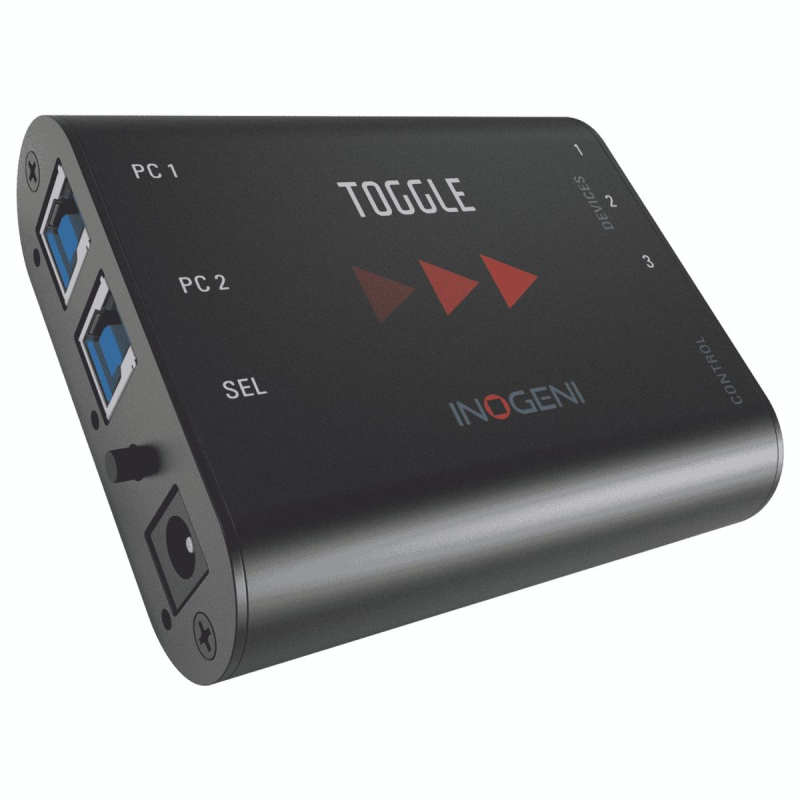
Inogeni Toggle

Inogeni Toggle

  • Baseline: Convenient and easy to use USB 3.0 to 2 PC device switcher.
  • Short_description:
    • Switch 3 USB devices with 2 PC hosts
    • Automatically switch from room PC to notebook
    • Easily BYOM/BYOD enable for greater room versatility
    • Sturdy aluminium casing
    • RSRS-232 and GPI controllable
    • Controllable by RS-232 and GPI
    • Possibility of integration with Lenovo ThinkSmart
    • Compatible with Barco ClickShare (CX-20, CX-30 and CX-50)
£468.95
Ref: INOTOGG
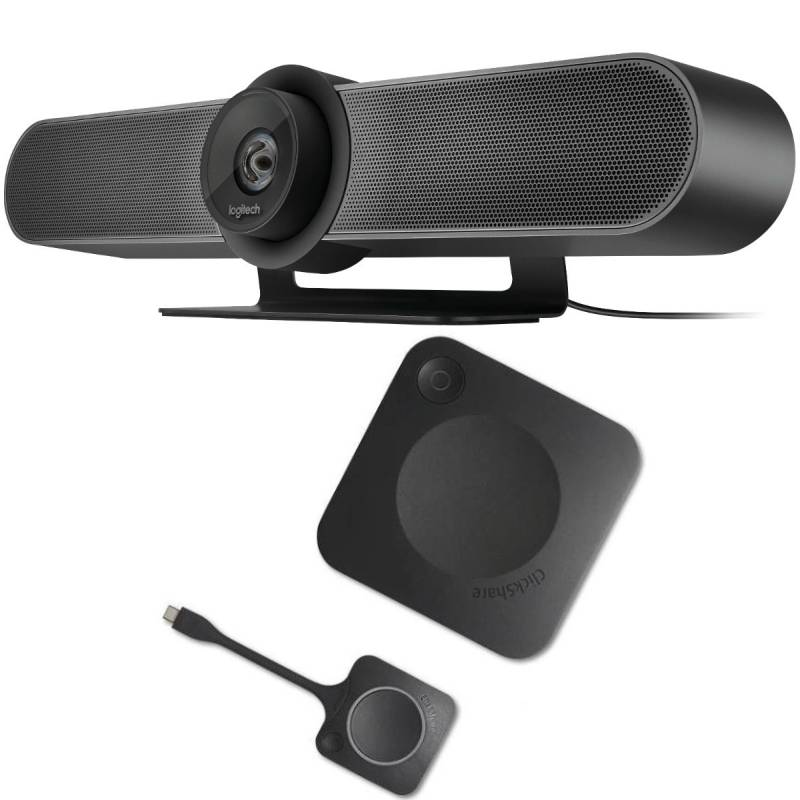
Logitech MeetUp + Barco CX20 Gen2

Logitech MeetUp + Barco CX20 Gen2

  • Baseline: Videoconference set with video bar and content-sharing system, ideal for small venues.
  • Short_description:
    • Videoconference set for small rooms
    • Ultra-wide-angle 4K camera with 120° field of view
    • AI-based visual processing technologies
    • 3 beamforming microphones with noise and echo cancellation
    • ClickShare USB-C Gen 4.1 content sharing
    • Video output resolution: 4K
    • Full BYOD support
    • USB-C connection for PC/Mac and WiFi for mobile devices
    • Multi-device conferencing at the touch of a button
    • Compatible with all softphones + optimized for Teams, Zoom and Google Meet
£3304.99
£1993.33
-40%
Ref: BARCX20MEETG2
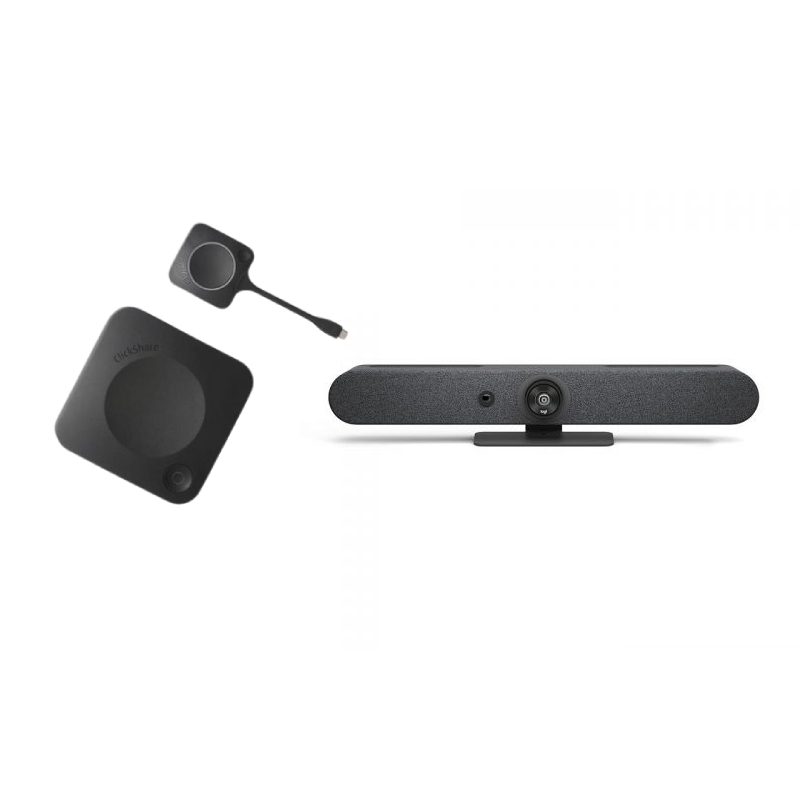
Barco CX20 Gen2 with Logitech Rally Bar Mini Graphite

Barco CX20 Gen2 with Logitech Rally Bar Mini Graphite

  • Baseline: Hassle-free video conferencing collaboration and communication with 4K content sharing
  • Short_description:
    • Full BYOD support
    • Multi-device conferences at the touch of a button
    • No prior installation is required: ready to use in 7 seconds
    • High-end all-in-one video conferencing bar for small to medium meeting rooms
    • Ideal for holding professional-looking conference room
    • Features powerful 4K optics for panoramic-like video meetings
    • Quick and easy to install and set up with a plug&play connection
    • High-precision beamforming mics will concentrate on the busy talker
    • Focus on what matters with background noise suppression
    • Advanced audio engineering ensures that every word spoken is clearly heard
    • With just one touch, easily link to your preferred conferencing platform and start your meeting
£5004.99
£3797.53
-24%
Ref: BARCX20BARMINIG2UK

Clickshare Devices for Streamlined Meeting Environments

Clickshare devices, designed for corporate environments, allow users to share screens wirelessly during meetings. This guide covers the essential features, benefits, and practical tips to optimise their use in various business settings.

Benefits of Using Clickshare Devices

  • Simplified sharing: With just a button click, participants can share their screens with minimal disruption, enhancing meeting flow.
  • Diverse compatibility: Most Clickshare devices support multiple platforms including Windows and MacOS, as well as popular conferencing tools like Teams and Zoom.
  • Able for various room setups: Suitable for different meeting spaces, from small huddle rooms to larger conference areas, ensuring every environment is covered.
  • User-friendly interface: Designed with non-technical users in mind, making it accessible for all team members regardless of tech-savvy levels.
  • Total cost of ownership: Investing in Clickshare devices can reduce the need for extensive cabling and hardware upgrades over time, benefiting the overall budget plan.

Usage Tips

Setting up your Clickshare device is straightforward: place it near your display or projector setup where users will connect. Ensure that power sources are readily available. For wireless sharing capability, ensure the device is connected to the same network as user laptops or tablets. Positioning should allow easy access while being unobtrusive; ideally within reach of all participants during a meeting. Maintenance includes regular firmware updates which keep your system running efficiently and securely. Encourage user training sessions so staff feel confident using these devices in meetings; this will minimise disruptions. Adopting best practices such as labelling inputs clearly can also enhance user experience.

1. What’s included with my Clickshare device?

A standard package typically includes the Clickshare base unit and USB dongle(s) needed for wireless connection. Additional accessories may vary by model.

2. Are there licensing or software requirements?

No specific licences are usually required beyond standard software updates; however, some advanced features may necessitate additional licensing depending on usage needs or organisational policies.

3. Is cross-platform compatibility guaranteed?

MOST CLICKSHARE DEVICES ARE COMPATIBLE WITH WINDOWS AND MACOS; however functionality may be limited outside specific ecosystems like certain operating systems or unique device configurations.

4. How easy is installation?

The installation process is designed to be straightforward—users simply need to plug in the base unit and connect it to power; additional configuration may be necessary depending on network settings or specific environments.

5. Are Clickshare devices suitable for hybrid work setups?

Your setup will benefit from a Clickshare device as they support remote participants seamlessly joining meetings through their applications while also allowing local attendees easy access to share content side by side with remote figures involved in discussions.

Selecting the right, tailored for your business needs can significantly improve collaboration efficiency across teams. Explore our diverse offerings today!